 EdenWeby 3D


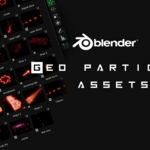
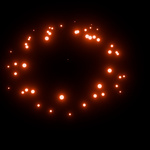
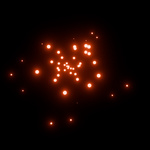
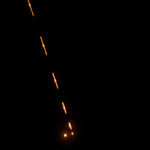
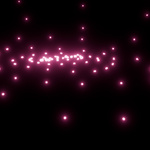
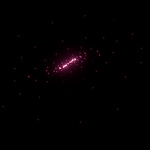
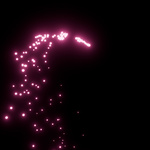
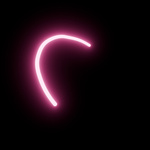
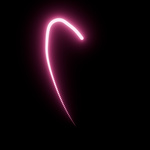
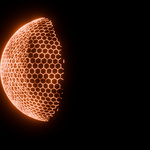
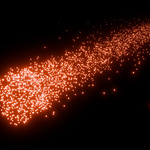
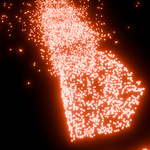
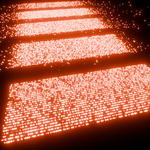
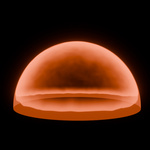
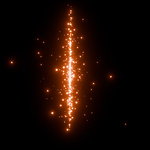
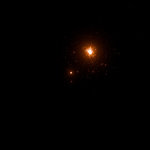
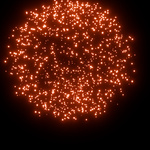
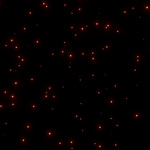
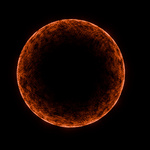
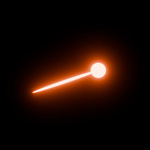
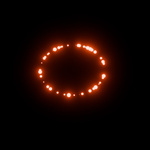
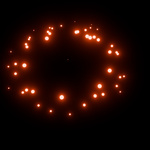
This asset pack contains 36 particle effect presets, designed for fast, visually striking FX work in Blender. These assets include both Geometry Nodes-based effects and Particle System-based effects, offering flexibility for a wide range of use cases in animation
Technical Details:
-
Asset Types:
Geometry Nodes setups: Fully procedural, easily adjustable, minimal baking.
Particle System setups: Classic Blender particles for dynamic simulations.
Real-Time Friendly: Many of the assets are viewport-optimized, making them usable in Eevee and lightweight previsualizations.
-
Preview Thumbnails: Every asset includes a thumbnail for quick visual identification in the Asset Browser.

Asset Categories & Highlights:
💥 Explosions & Impacts:→ Great for explosive impacts, sci-fi hits, or dramatic entrances.
💡 Laser & Energy Effects:
→ Ideal for futuristic weapons, light shows, or cyberpunk scenes.
🌌 Trails & Vortexes:
→ Use these for character movement trails, magic paths, or wormhole visuals.
✨ Sparks & Debris:
→ Adds realism or action to any destruction or impact scene.
🔄 Abstract & Utility FX:
→ Versatile for UI FX, transitions, sci-fi HUDs, or abstract art visuals. and more
Usage Instructions:
-
Enable Asset Browser:
-
In Blender, go to the Asset Browser and navigate to the directory where your
.blendfile with assets is saved. -
Enable the file as an Asset Library from Edit > Preferences > File Paths > Asset Libraries.
-
-
Add to Scene:
-
Drag-and-drop the desired particle effect into your scene from the Asset Browser.

-
-
Customization Tips:
-
🔧 Geometry Nodes FX: Use the modifier panel to tweak emission speed, count, material glow, and seed values.
-
🌀 Particle System FX: Adjust the emitter object’s scale, lifetime, and particle settings to match your scene timing.
-
🎨 Materials: All assets use emission shaders for glow effects. You can modify the emission color/strength in the Shader Editor for style variations.

-
