J'Arrive Art Studio

v2.1 is here. Grab it at the Launch price!
$90 $45
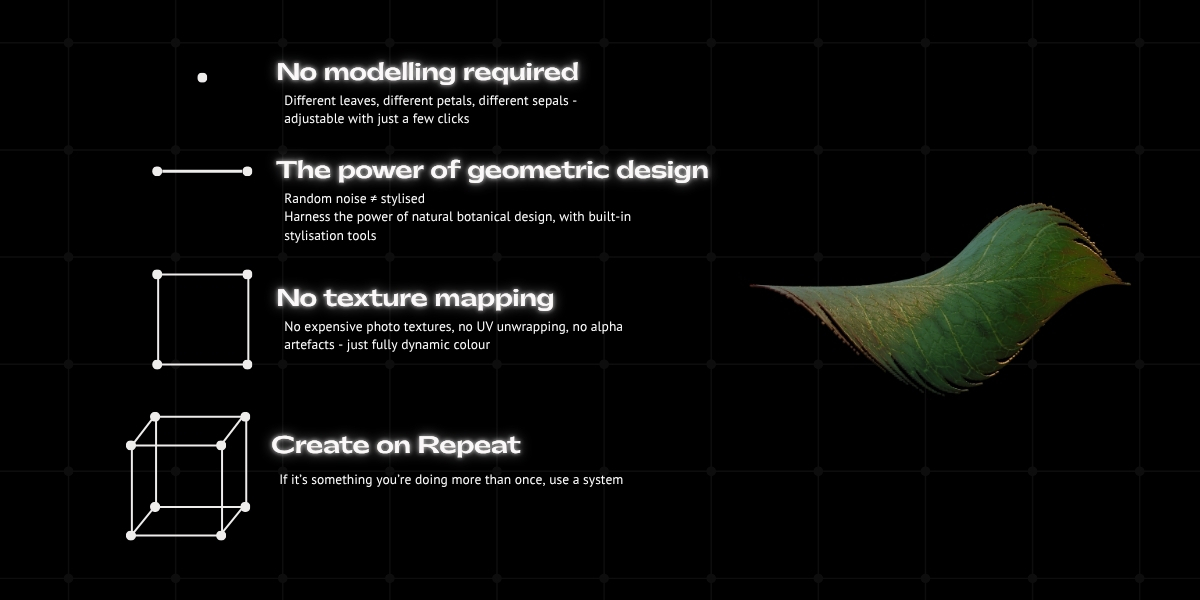
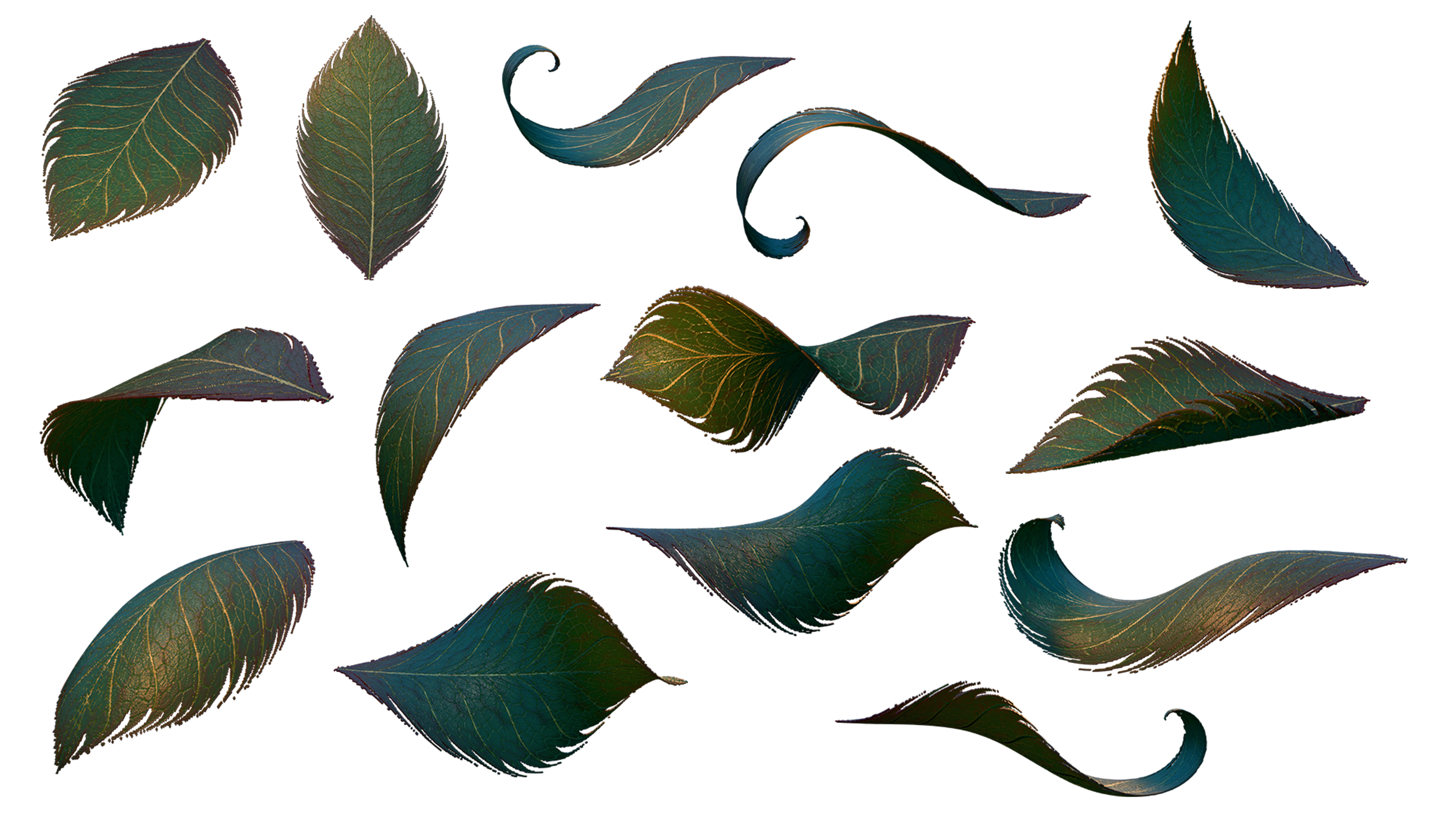
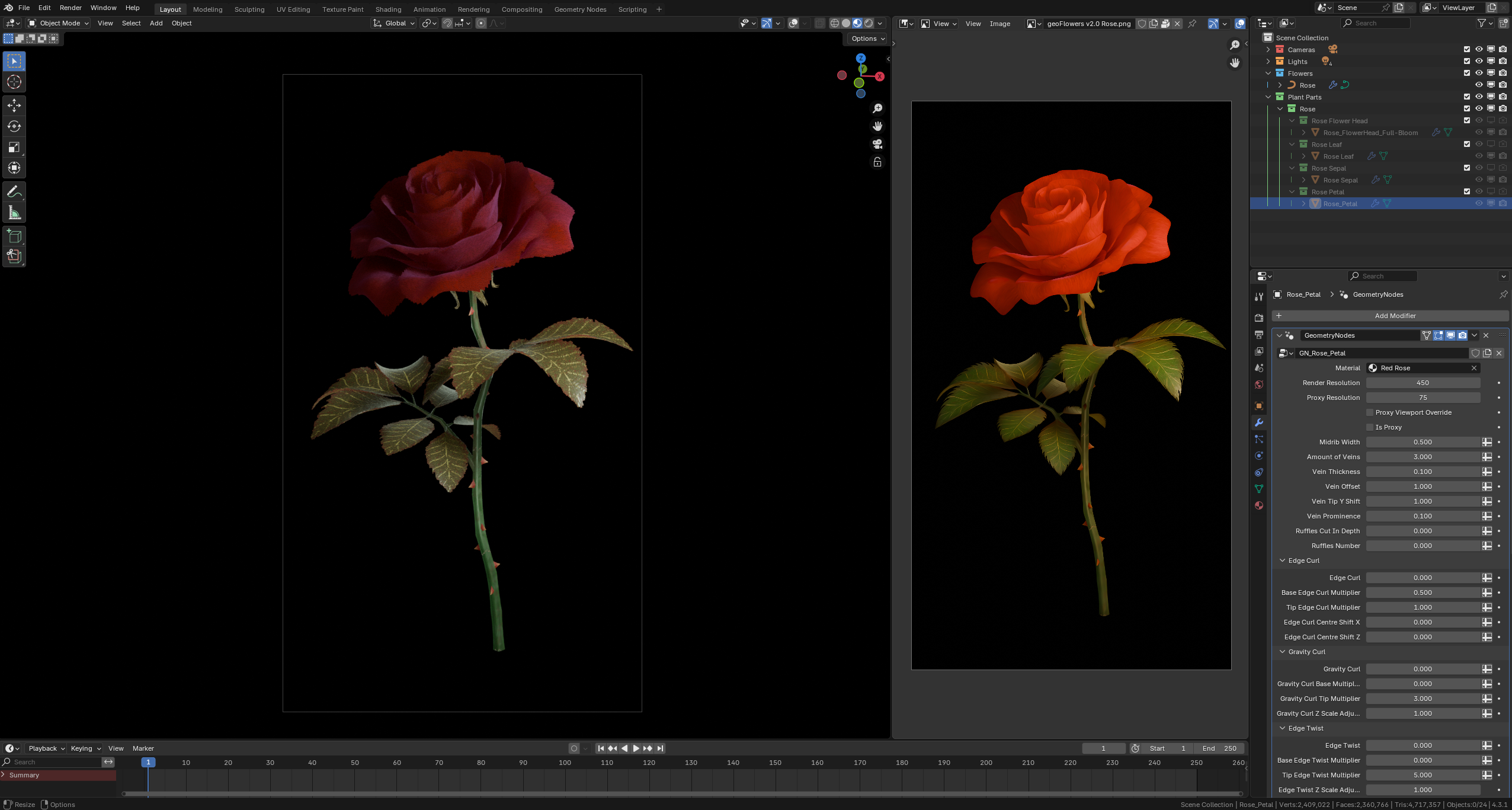
No modelling required. Different leaves, different petals, different sepals - fully customisable with procedural mesh generation.
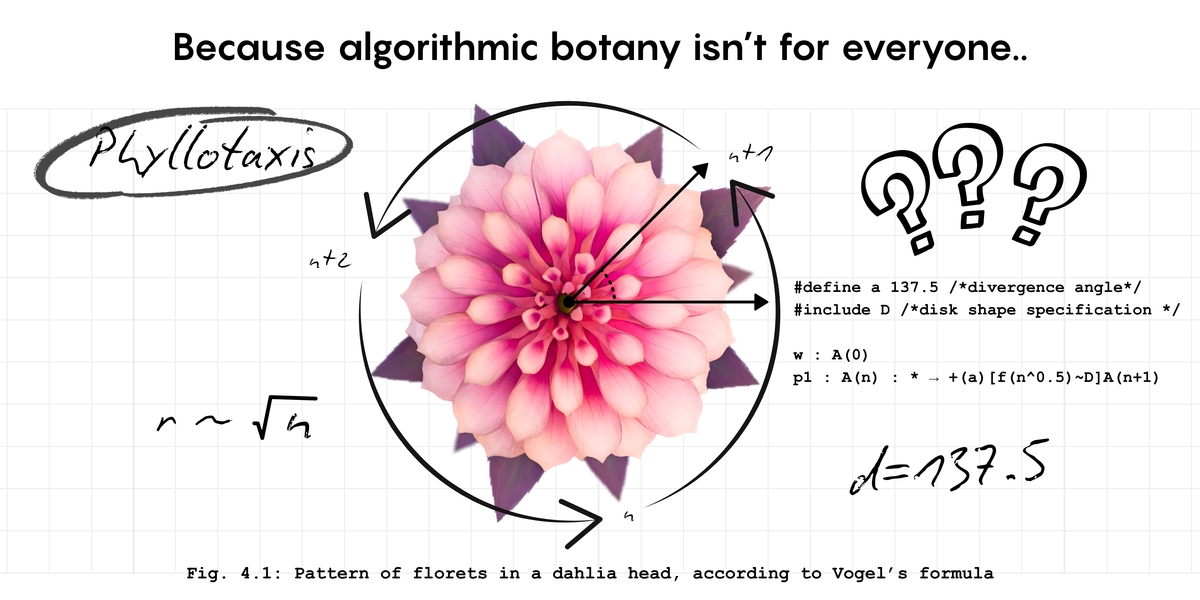
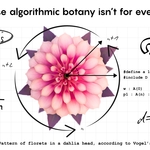
The power of geometric design. Random noise isn't the same as stylisation. Harness the power of botanical mathematics, with built-in stylisation tools to create with artistic freedom.
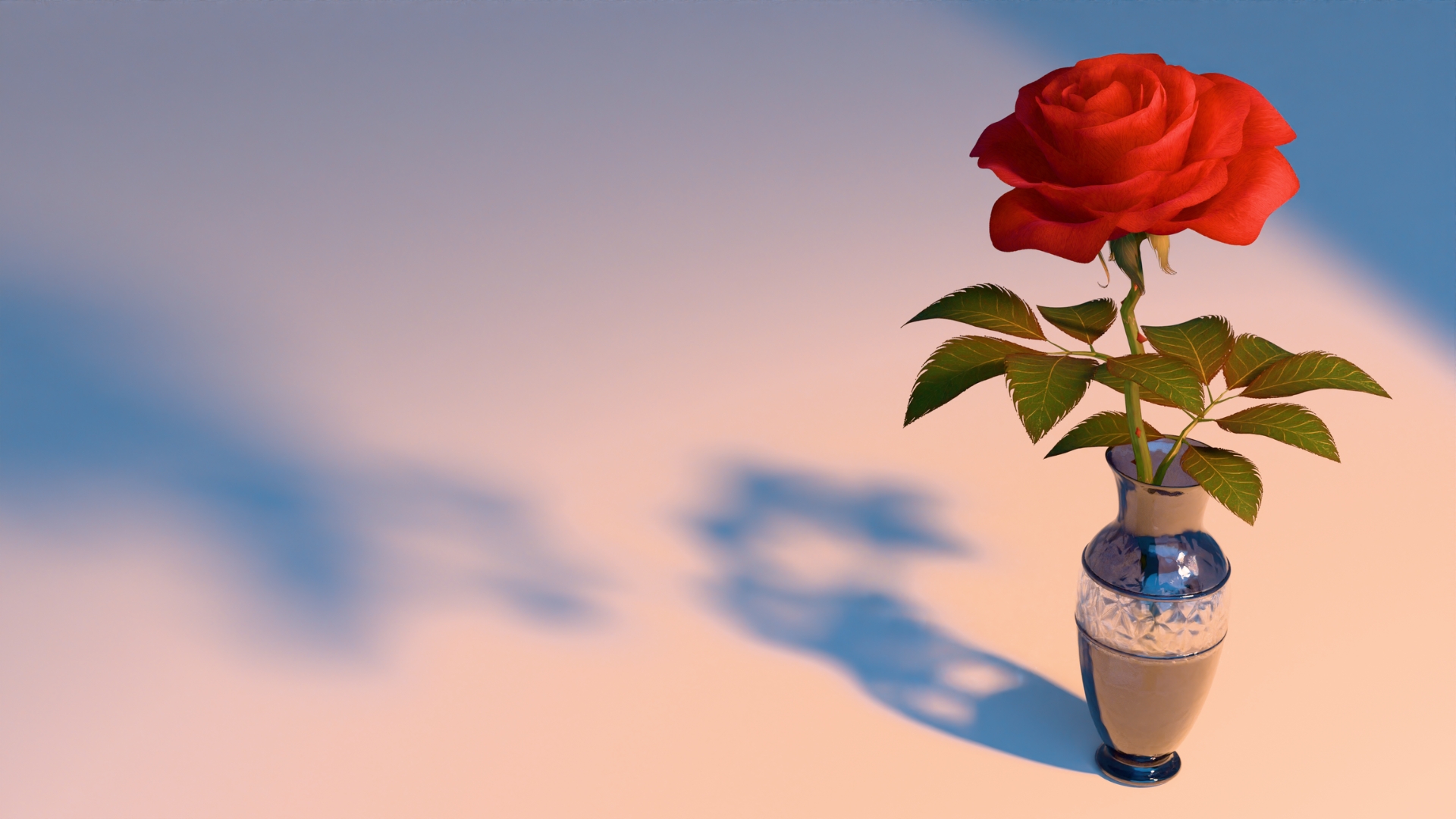
No texture mapping. No expensive photo textures, no UV unwrapping, no alpha artefacts - just fully dynamic colour.
Create on repeat. If it's something you're doing more than once, use a system.
The Build Master:
- Blender 5.2 file with the geoFlower Build Master. Includes two default flowerhead shapes (radial and rosette), and a default petal, sepal, and leaf. Intended for those only looking to build their own flowers.
- Procedural materials including: herbaceous and woody stalk, default petal, leaf, and sepal master materials.
- Royalty-Free license (see Documentation for more details)
- 12 month support period: Dedicated support for at least one year for any issues you may run into, or any help you may need to make your flowers. Similar to a subscription but the price reduces by 50%, and you keep what you pay for even if you decide not to renew.
- Please make sure to allow product emails if you'd like to know when the updates are released!
The Build Master & Flower Library:
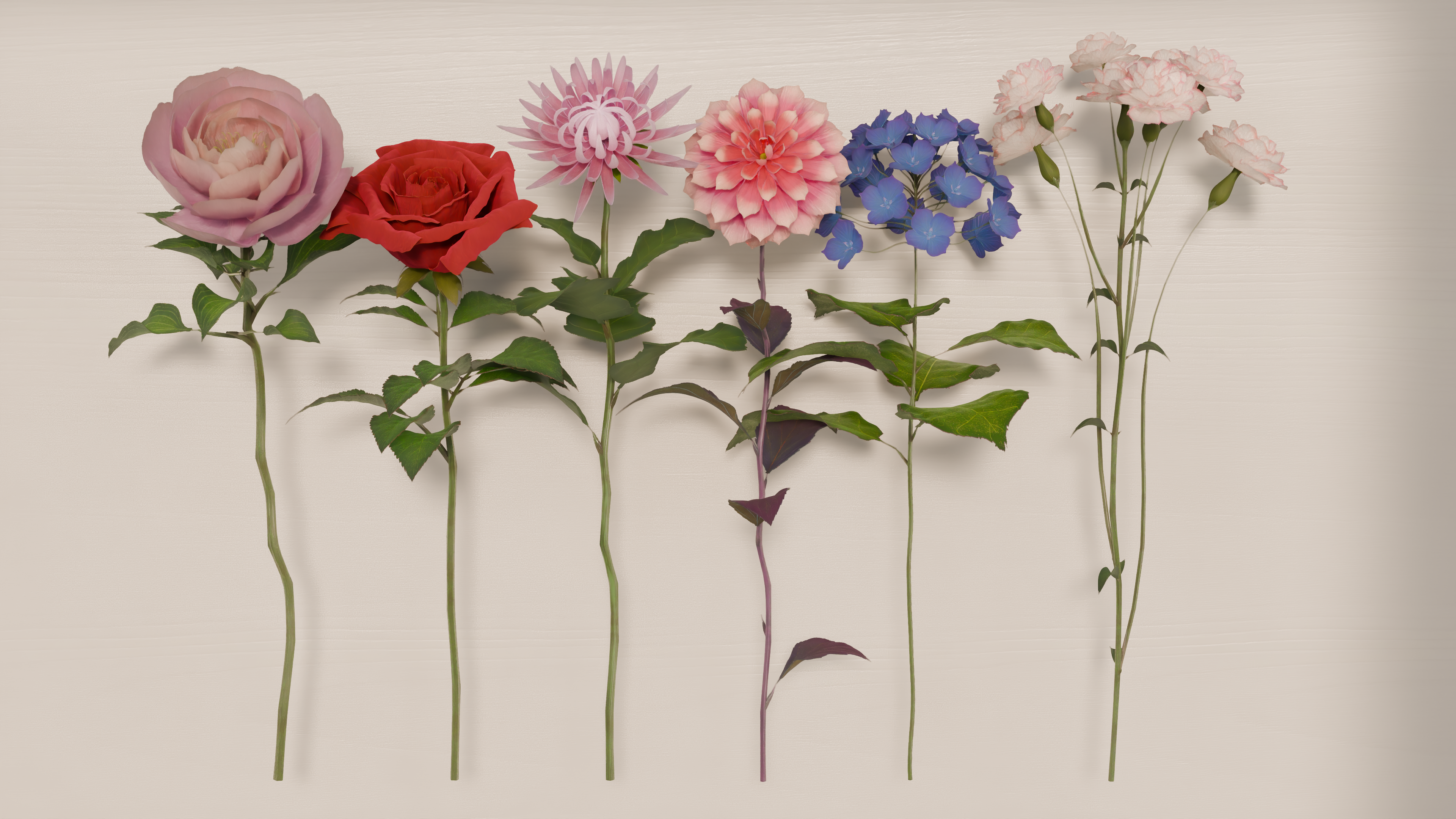
- Blender 5.2 file with the geoFlower Build Master and J'Arrive Flower Library, currently including: hybrid tea roses, peonies, dahlias, carnations, chrysanthemums, and hydrangeas. There will be seasonal updates to the library each year.
- Procedural materials including: herbaceous and woody stalk, default petal, leaf, and sepal master materials, and specific varieties for each flower.
- Royalty-Free license (see Documentation for more details)
- 12 month support period: Dedicated support for at least one year for any issues you may run into, or any help you may need to make your flowers. Similar to a subscription but the price reduces by 50%, and you keep what you pay for even if you decide not to renew.
- Please make sure to allow product emails if you'd like to know when the updates are released!
Things to note:
geoFlowers is 100% Blender - no AI, no vibe coding.
Because it uses only native tools, the interface isn't a developed add-on (yet). Instead, it's what you'd see if you built the system from scratch.
I'm an indie generalist with a special interest in proceduralism and an obsession with flowers - I'm here to answer all your questions and make geoFlowers the tool you want it to be.
geoFlowers has been developed for Blender users. It currently isn't set up for exporting to other software. If you're mainly interested in exporting flowers, have a look at proBouquet https://superhivemarket.com/products/probouquet
Documentation and tutorials are coming! For the moment there is a quick start guide for 2.0 which still has lots of relevant information to check out.
v2.2 is already in the works, and includes built in animations, repeat zone branching, and bud to bloom factors to create complex plants and exciting animations.
Development Log
- v2.1, made in Blender 5.2 LTS. This version is the most up to date geoFlower version, introducing the Build Master as a basis for all plants, plus new flower templates, procedural materials, and improved botanical accuracy.
- v2.0.2, made in Blender 4.5 LTS. This version includes a new way to speed up the viewport and renders with merge by distance proxy settings.
- v2.0.1 version takes advantage of sub-panels in the geometry node modifier - making it even easier to keep your settings manageable and organised.
- General improvements to the node networks for anyone looking for full customisation, and better exposed controls for the leaves.
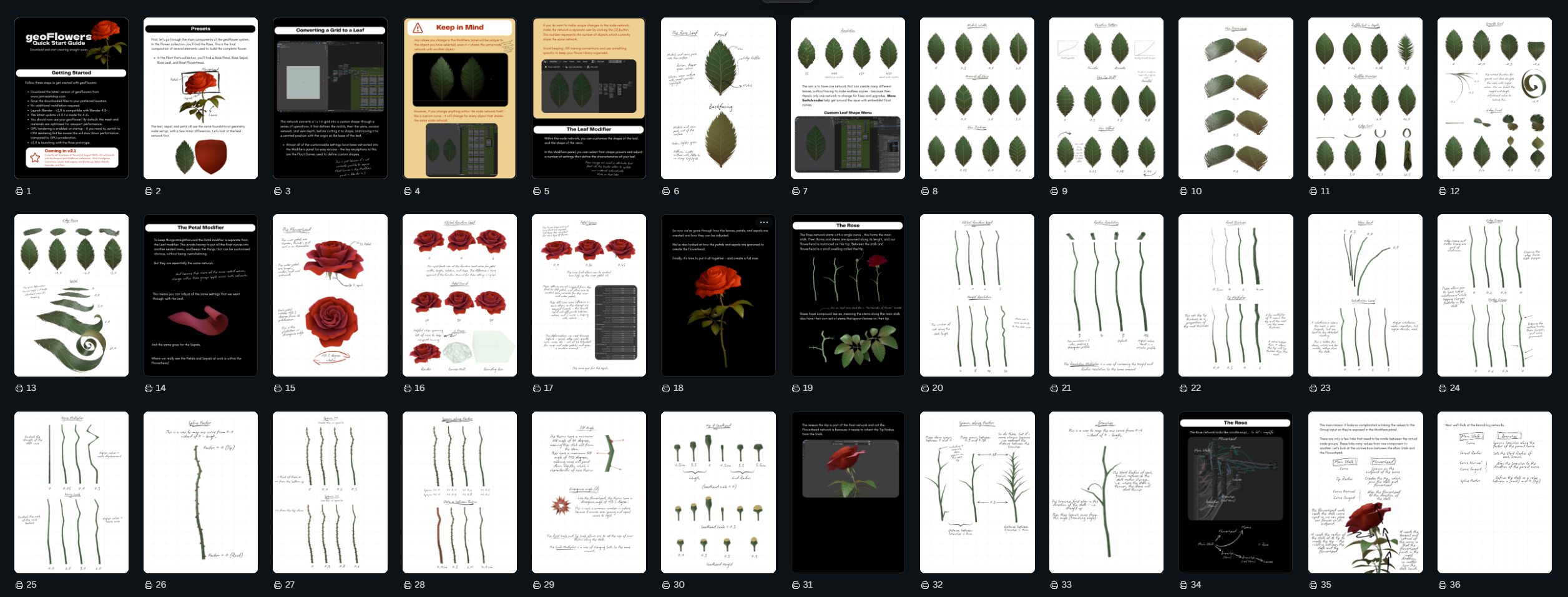
- Live Documentation is currently still for version 2.0, pending update! Along with your Blend files, you'll receive a PDF with the access link. This opens automatically in Canva, but don't worry - you don't need to have a paid account to access it. The Live Documentation includes video demonstrations and goes through the flower settings in extensive detail, with labelled diagrams to help you see exactly what's possible with geoFlowers.
------ LEGACY (Version 2.0.2) ------
------ (Version 1, 'Draw Geometry Node Flowers') ------
CAN I CUSTOMISE IT?
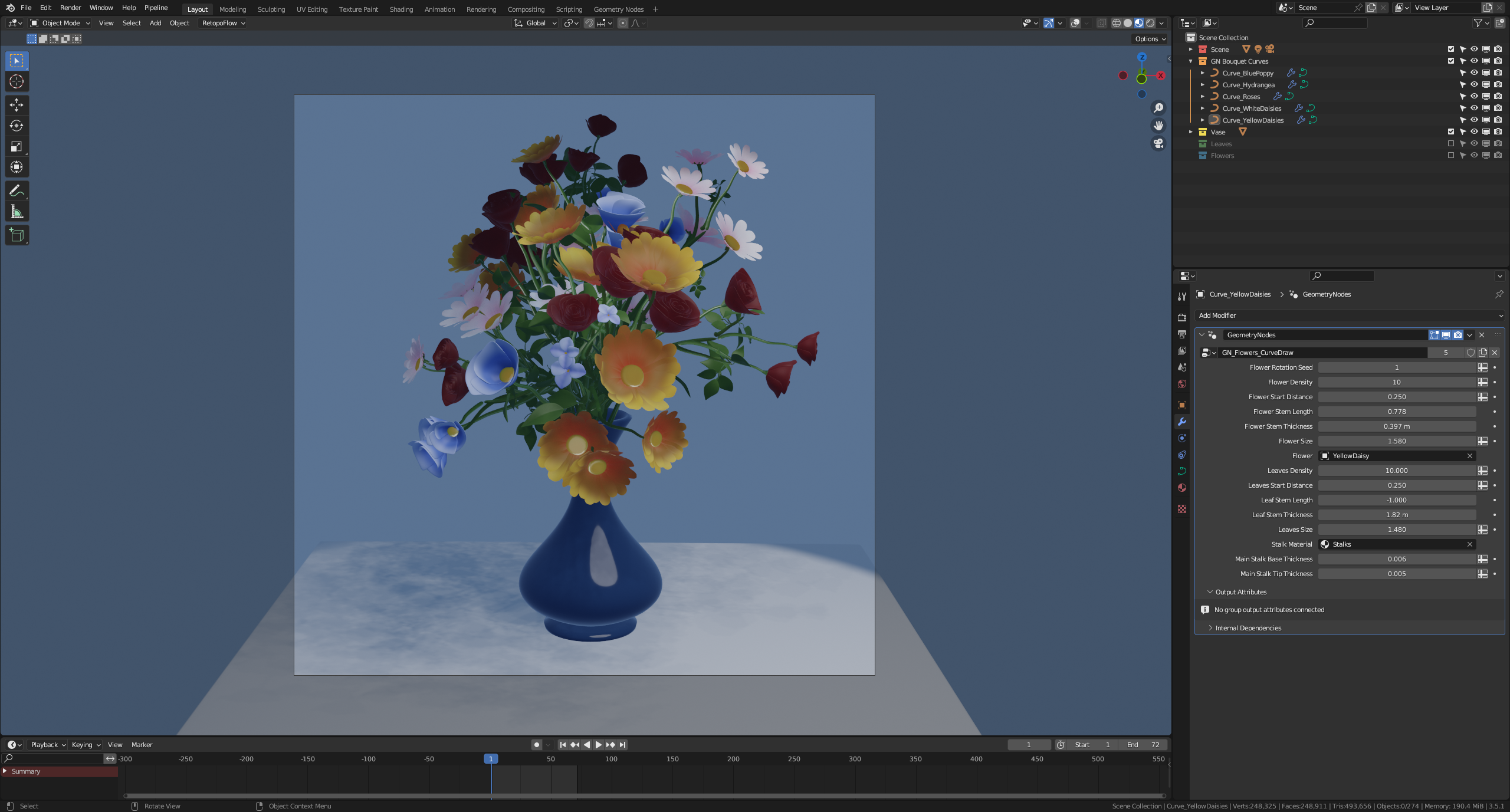
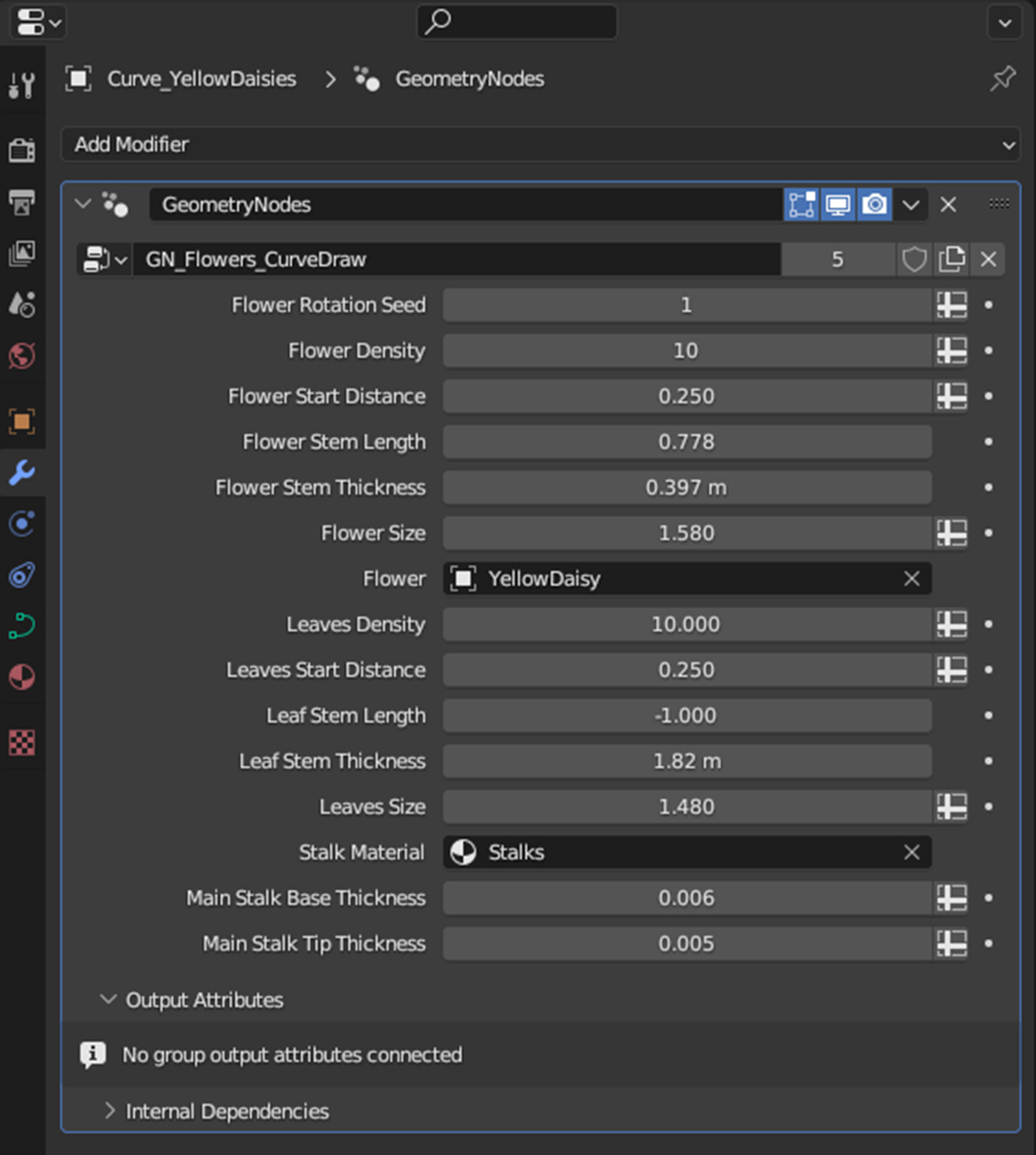
You can easily adjust the size and number of flowers and leaves, the type of flower being drawn, the stem length and thickness and more, to create the perfect look for your scene.
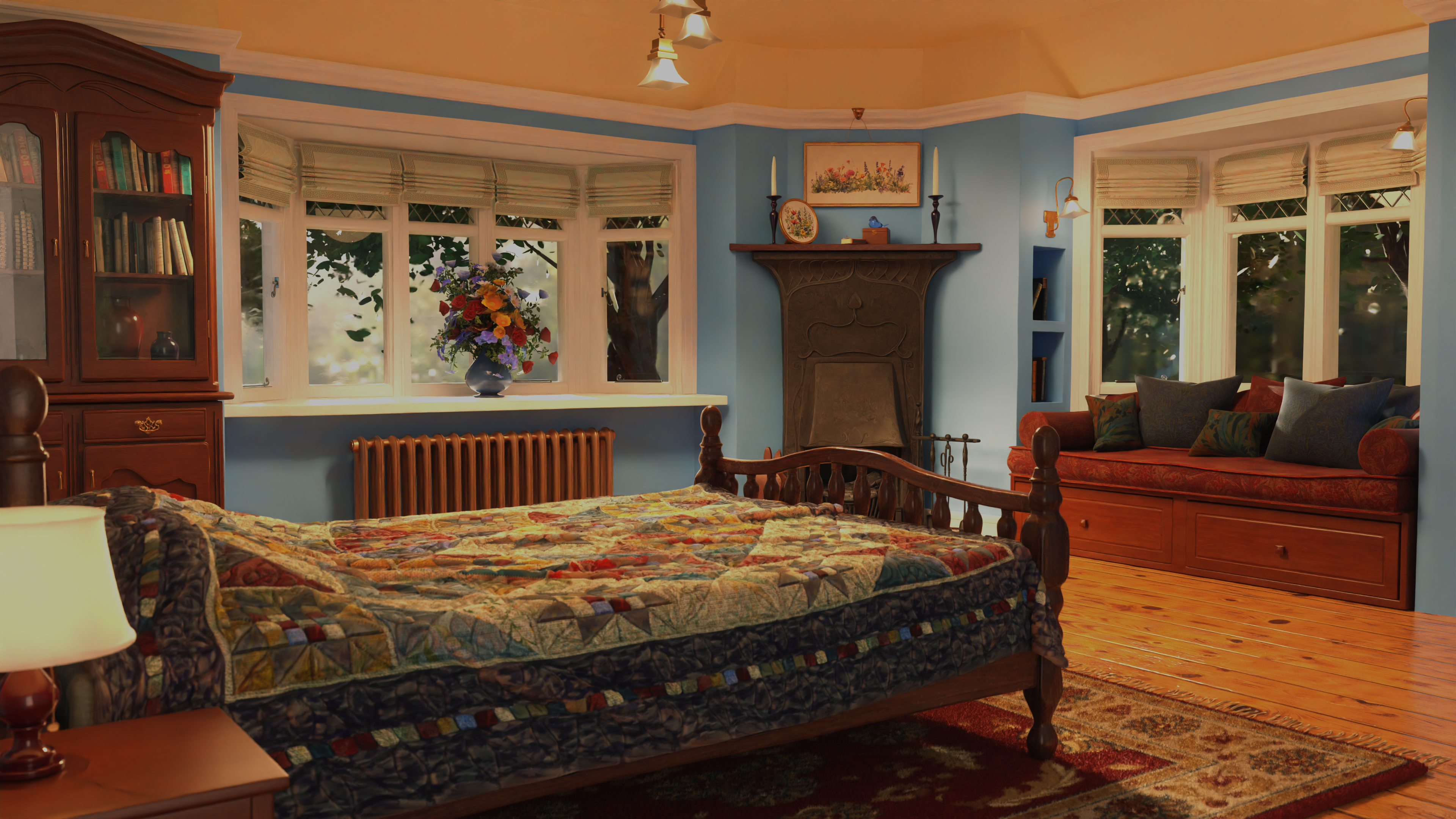
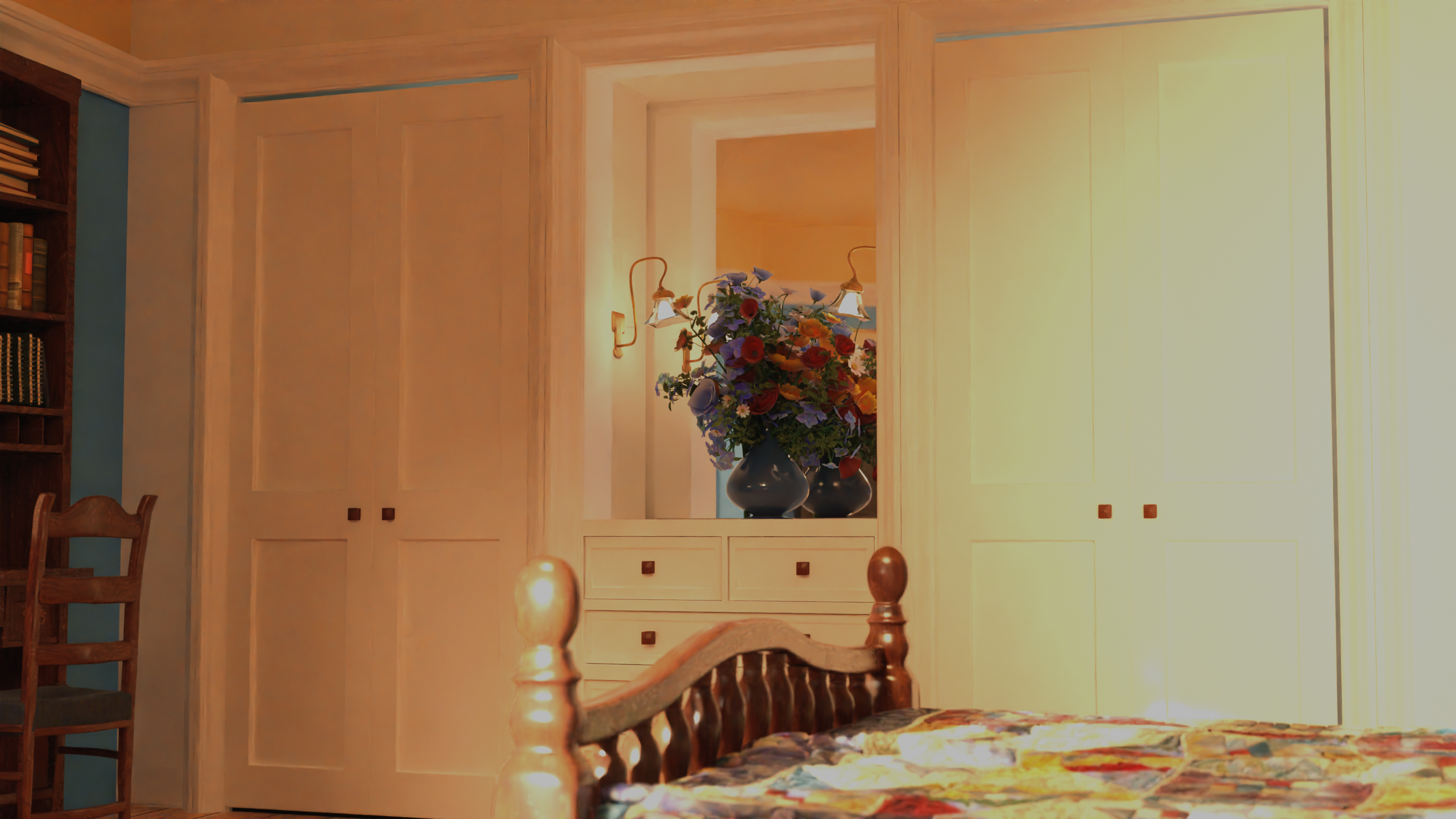
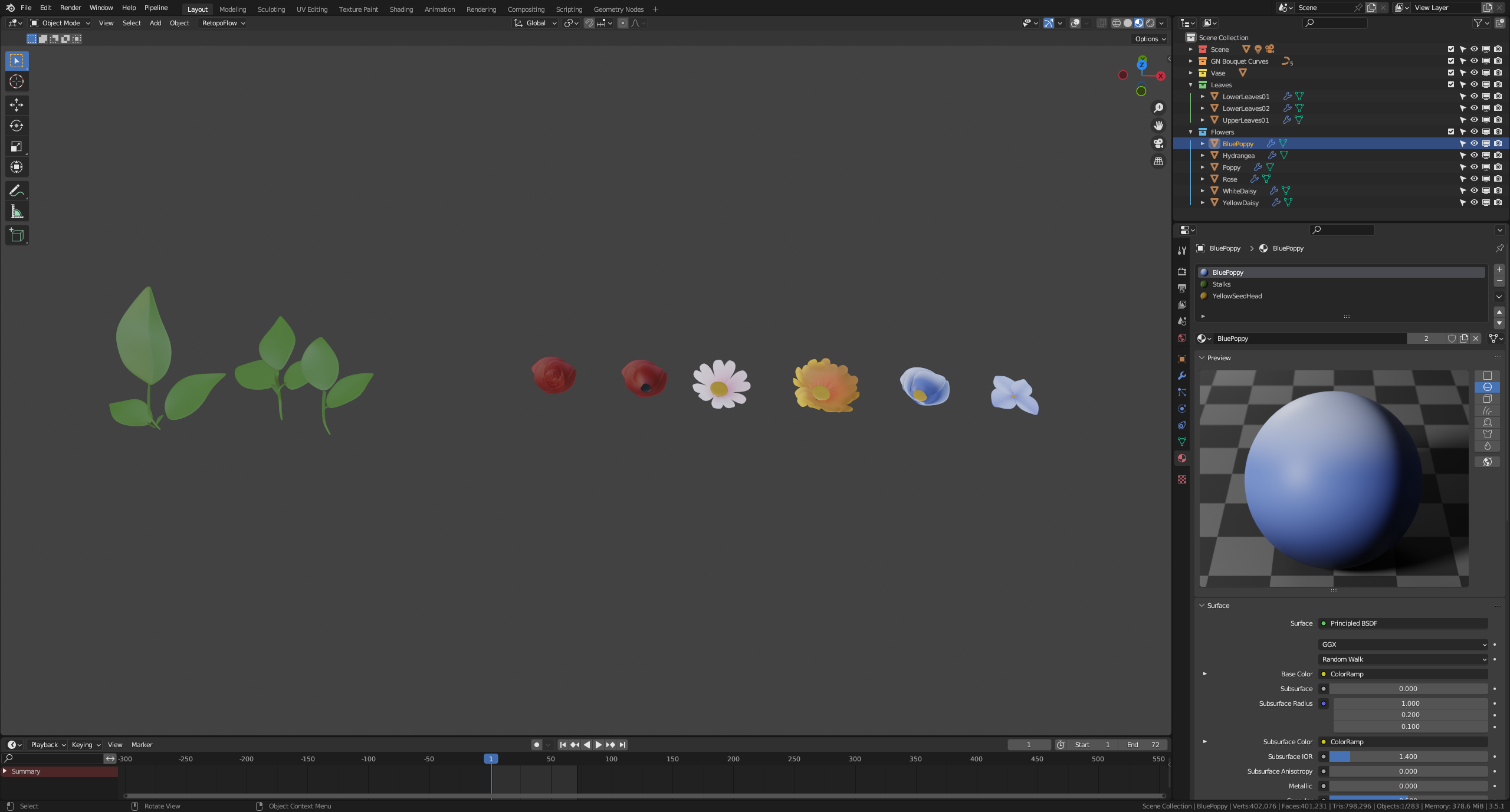
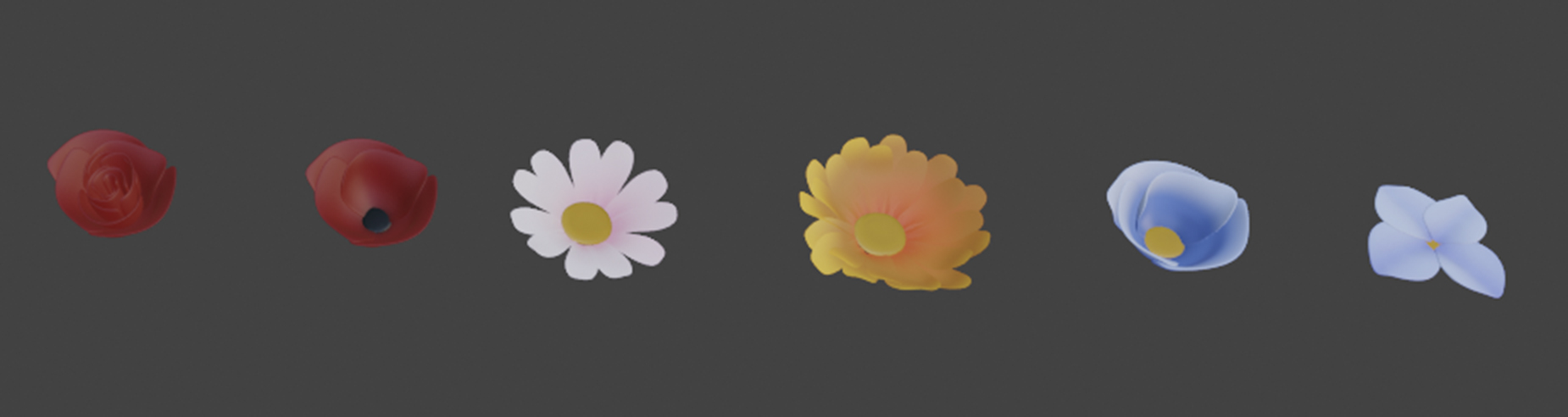
6 Pixar-style flower heads are included (a rose, red and blue poppies, orange and white daisies, and a hydrangea), all of which come with a procedural material already setup.
There's also a set of leaves included, with two variations, as well as a geonode-based vase, which allows you to quickly and non-destructively choose a distinctive silhouette.
The beauty of this system is that you can use your own flower or leaf meshes to create an entirely different look, while still having the same underlying functionality - so you can make it feel truly your own! Simply choose your own mesh object from the drop-down menu in the modifiers panel.
The main variables on the system have been pulled out into the modifier stack to be easily accessible, but pop the hood of the node set up to expose more - to truly customise your flower system.