Geomeasure 3 - A Powerful 3D Measuring Tool
 CheatCode
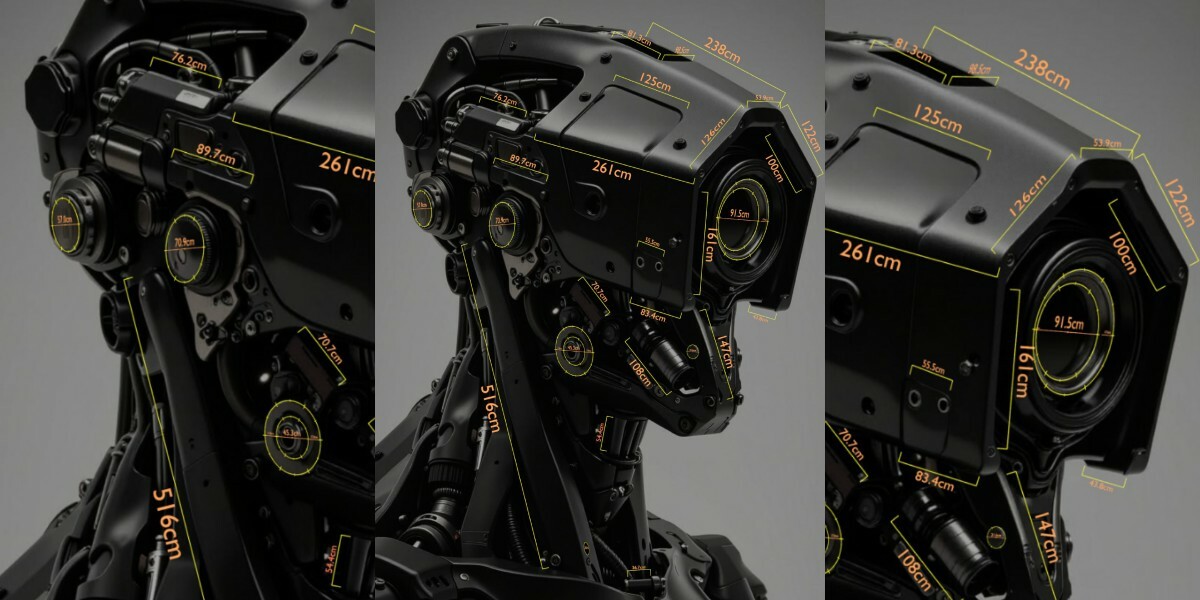

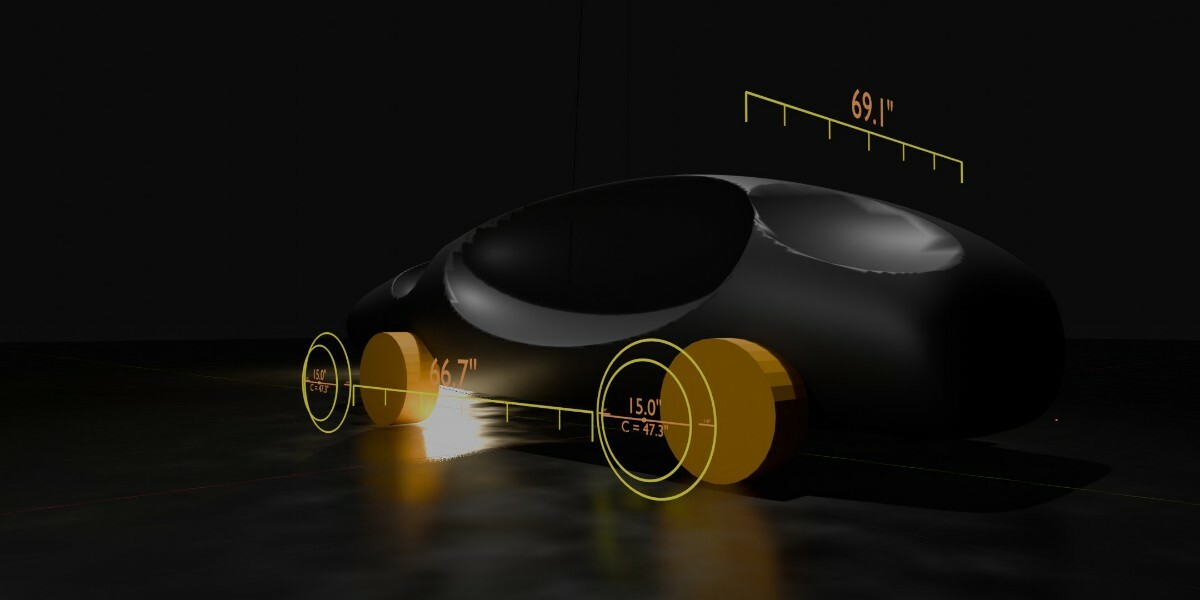
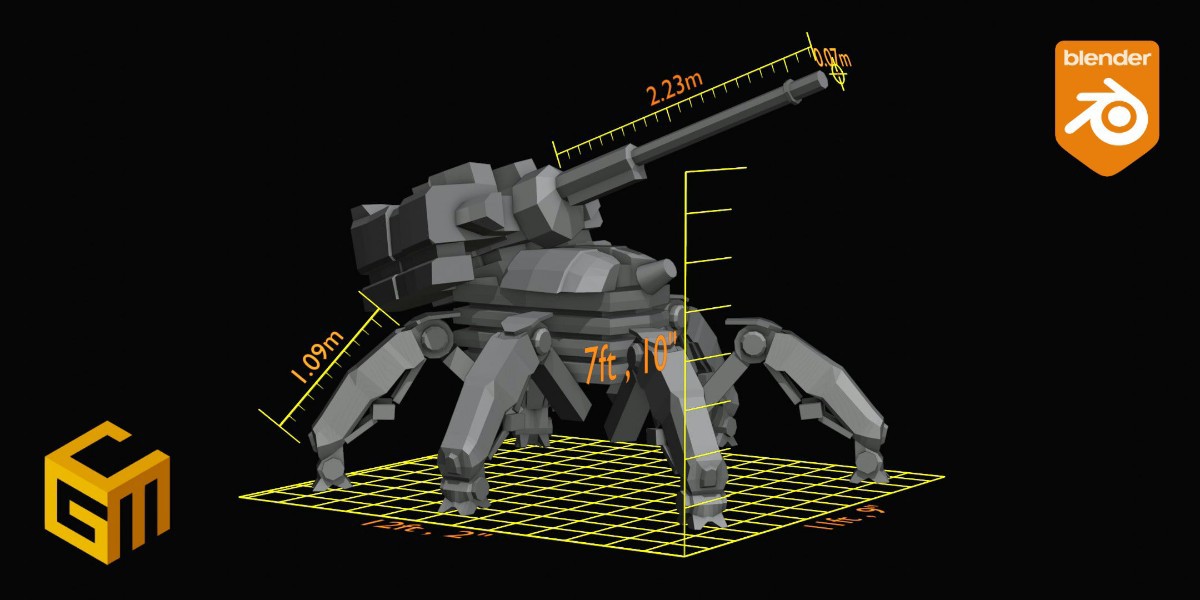
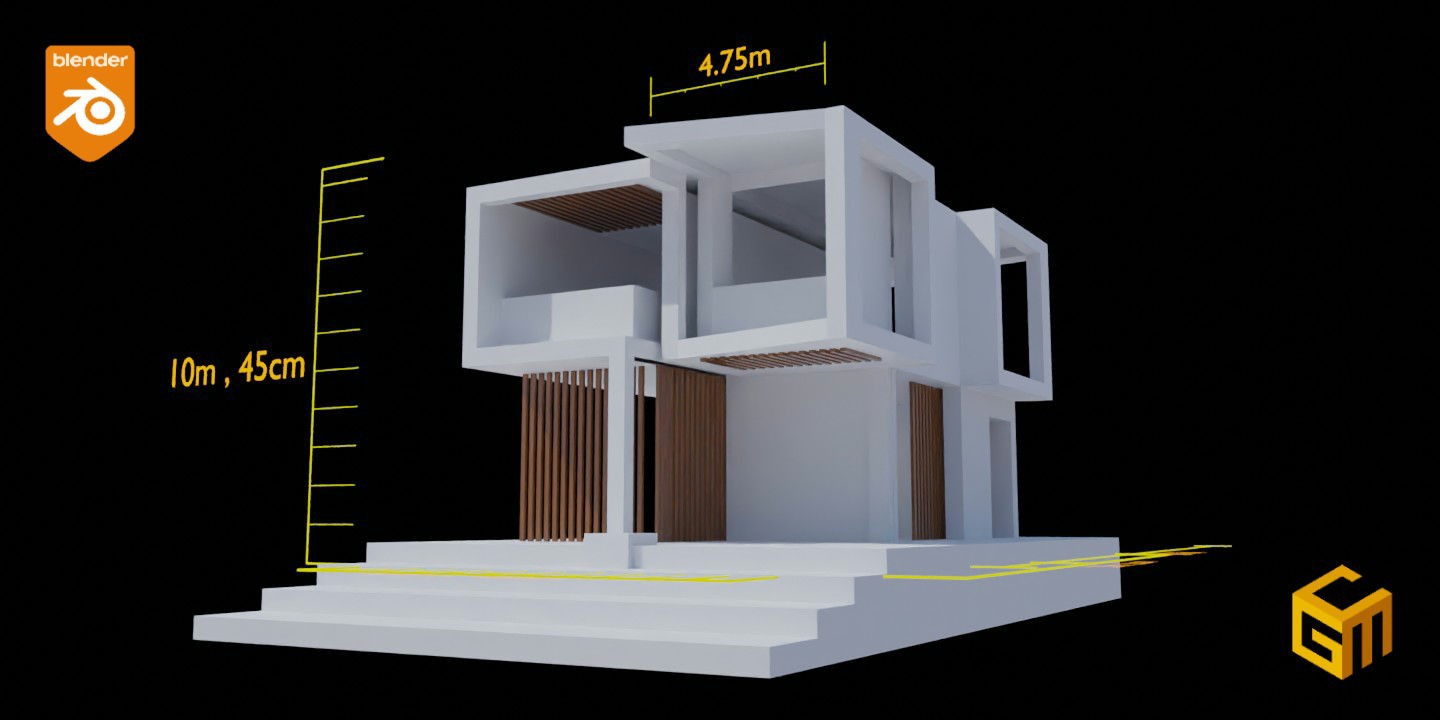
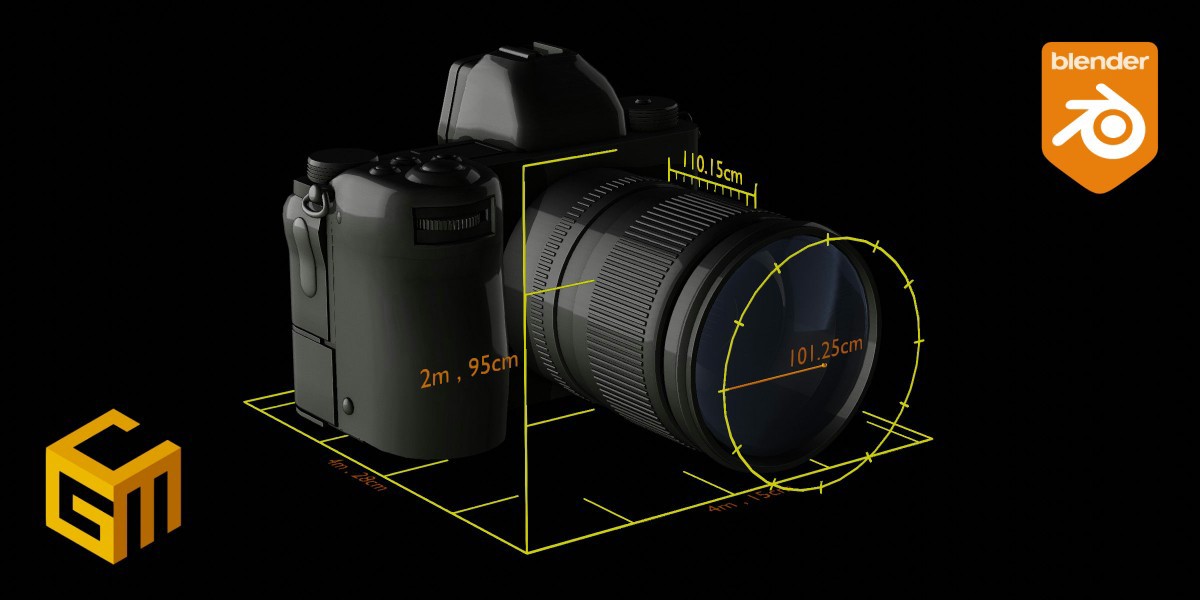
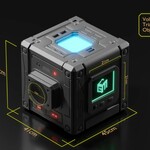

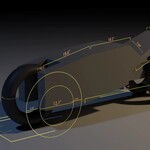

How to install and Use
- Once you've extracted the "GeoMeasure. blend" file from the "GeoMeasure.Zip", make it an Asset Library. If you don't know how to create an asset library, follow this Instruction
- In your blender Project, Drag and Drop "GeoMeasure" from the Asset Browser into your scene
- As the "GeoMeasure" object is selected, click on the Modifier's Tab and choose the object you'd want to see GeoMeasure effects on
- If you are measuring by collection, make sure the newly added "GeoMeasure" object is not in the same collection as the collection of the selected target geometry (meshes, curves etc) object
- Ta-Da! You can now play with the properties in the Modifier's Tab
$6.99
 Included
Includes 12 months of
- Support from CheatCode
- Product updates
Extend this product’s Support Period +12 months: 50% of product price
Have questions before purchasing?
Login to message
| Sales | 300+ |
| Rating | 8 ratings |
| Dev Fund Contributor | |
| Published | over 2 years ago |
| Blender Version | 3.3 - 5.2 |
| Render Engine Used | Cycles, Eevee |
| License | Royalty Free |
Discover more products like this
modeling dimension centimeter meter inches tool millimeter units ruler foot feet measurement