 sgarnier
in
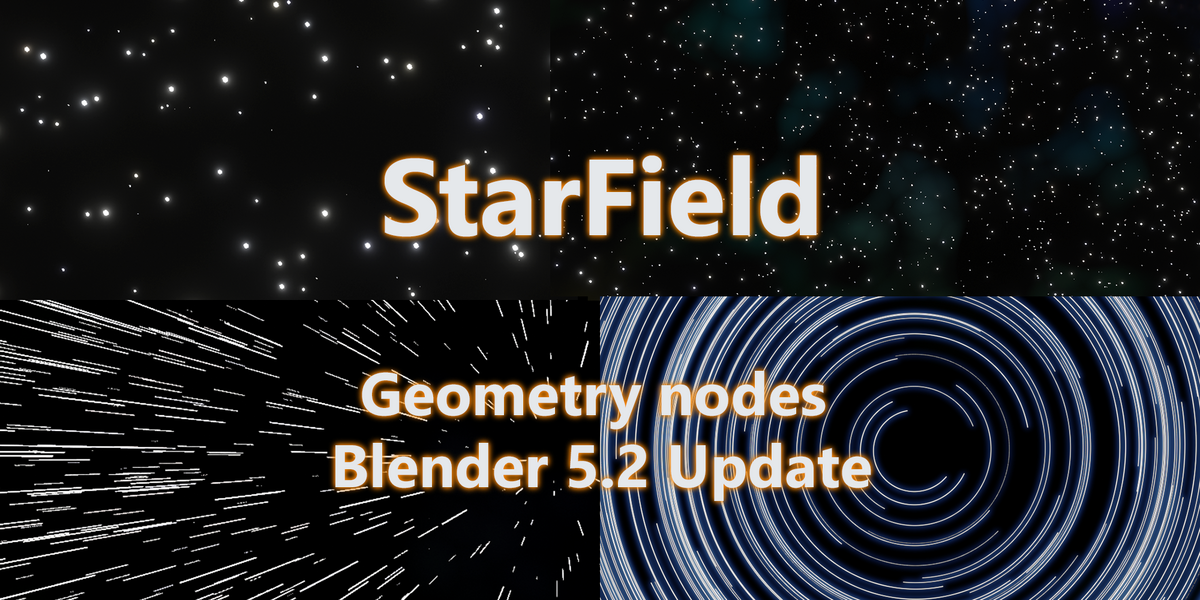


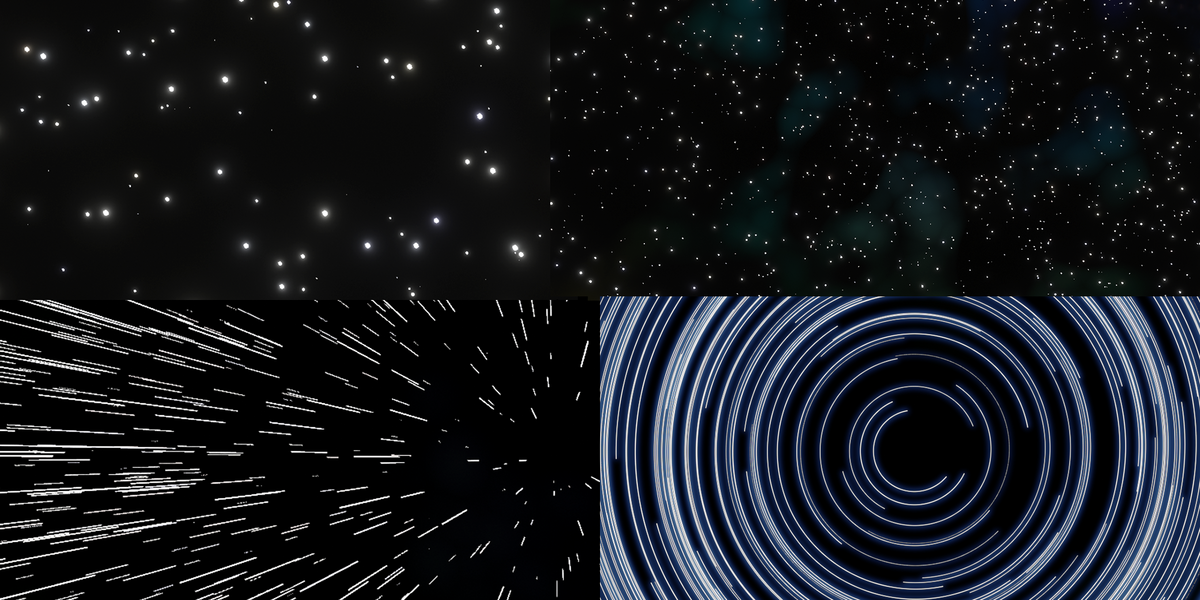

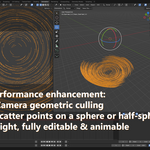
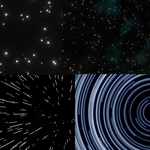
This is a FX setup to create various stars effects. It is light, fully procedural and can be modified and animated at will (no simulation).
I have been using these stars many times for space and sci-fi illustrations. It can be used to achieve animated FX (like star wars light-speed effect) as well.
Blender Version: 5.2 and +
Product version is 2.0, fully rebuilt for 5.2 features such as repeat zones and more.
What's new:
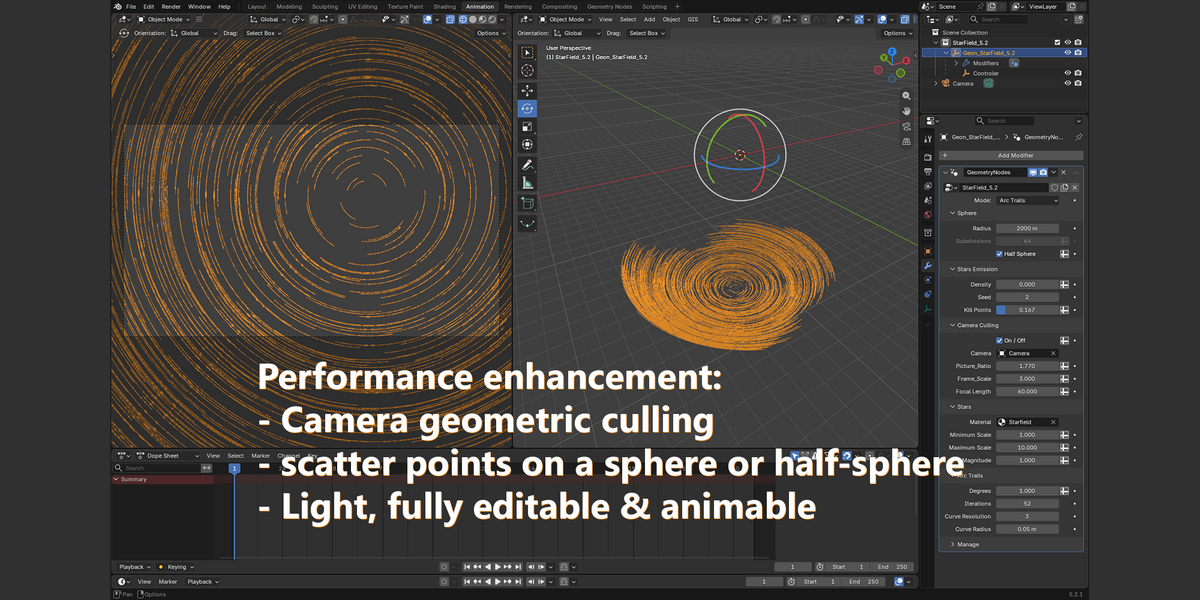
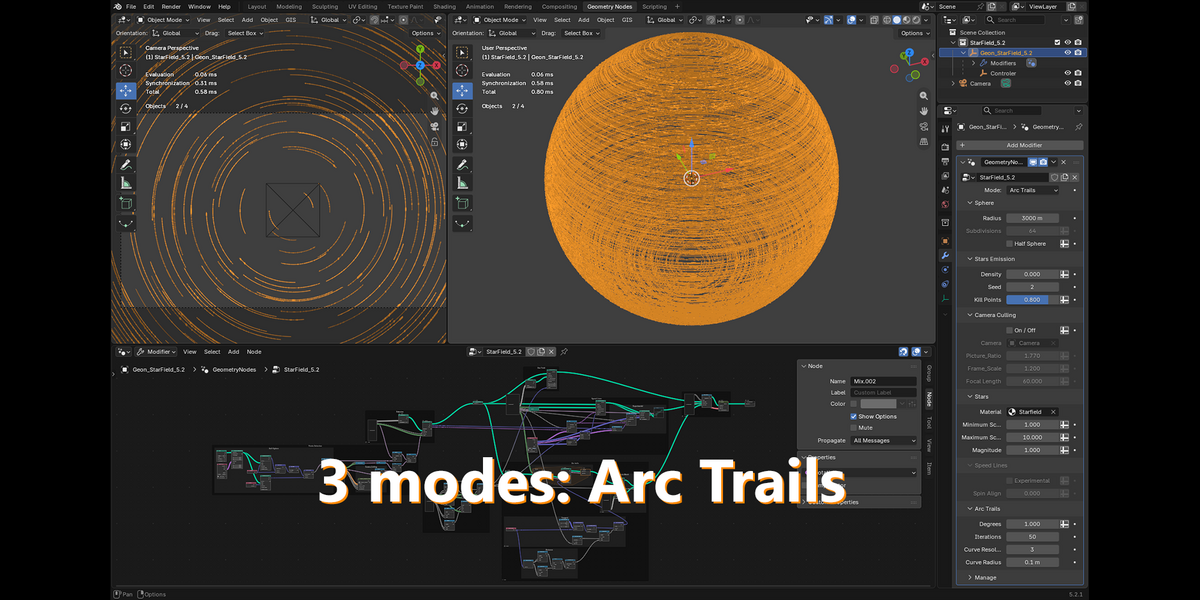
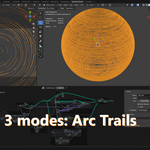
- star arc trails feature, to depict that photographic effect of long pauses induced by earth rotation.
- enhanced parameter presentation and performance.
Content:
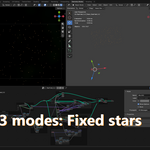
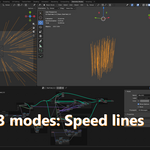
3 specific modes to depict stars:
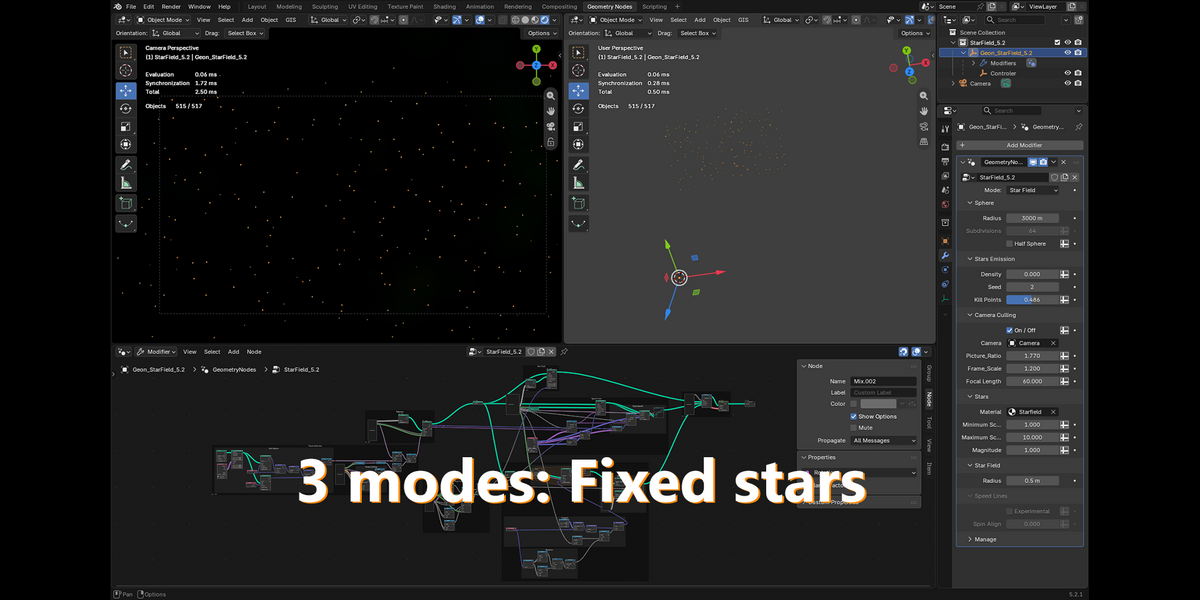
- Starfield, a simple setup for fixed stars
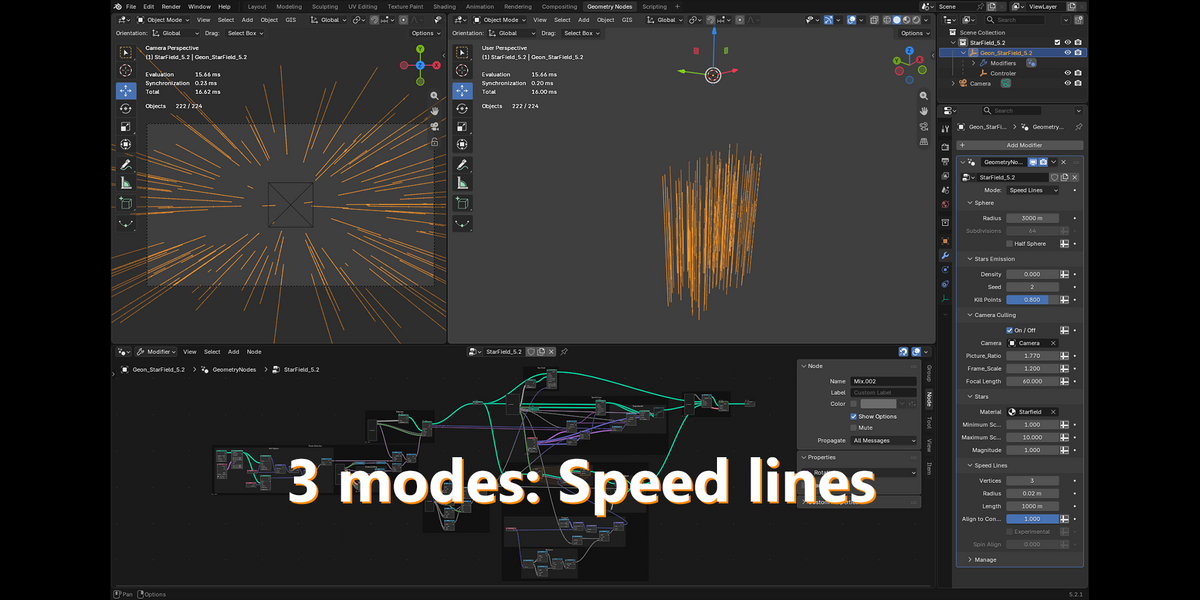
- Speed Lines, for hyperspace, motion effects
- Arc trails
A geometric culling tool. It will delete points outside the camera field.
An empty Controler object to set orientation, position and scale of motion lines, also driving the half-sphere.
3 procedural shaders: Stars, Motion_Lines, World_Space (a world shader).
How to use it:
They are ready to use, just tweak parameters in the modifier tab.
Camera culling needs the camera values as inputs (focal and picture ratio) to work properly. You can use a driver when having an animated focal length. As the position
Note: If you run a slow computer, avoid raising size (or density) too fast to prevent the number of points getting very high. Set the kill points parameter value high first and then decrese it.
Parameters:
Mode: menu selection between Star Field, Speed Lines and Arc Trails
Sphere
Radius: size of the ico sphere emitter surface
Subdivision: raises the number of faces (7 is heavy)
Half-Sphere: switch to an half-sphere emitter.
Stars Emission
Density: point density is relative to the emitter surface size so if you raise or shrink it, the number of point will follow.
Seed: node tree's random values, changing the aspect of the stars.
Kill Points: reduce the number of points randomly. Useful to animate appearance\disappearance effect, or adjuting visible points without changing density.
Camera Culling
On/off: Enables camera culling
Camera: pick your active camera
Picture_Ratio: this value (resolution X / resolution Y) is needed for a good computation of camera culling, the method being geometric here (faster than raycast, it ignores ocludded objects though).
Frame_Scale: raise the value above 1 to prevent instances from poping during animations.
Focal_Length: the length of your focal (default is 50mm). This value is needed for a good computation of camera culling.
Stars
Material: material assigned to the stars.
Minimum Scale: small size will be randomized around this value
Maximum Scale: large size will be randomized around this value
Magnitude: multiply the gap between the largest and smallest sizes.
Star Field
Radius: star size
Speed lines
Vertices: number of vertices of the cylinder instance
Radius: radius of the cylinder instance
Length: length of the cylinder instance
Align to Controler: align lines with the Controler object.
Experimental: allow further rotations with controler object (position, rotation, scale).
Spin align: align lines to a tangential rotation.
Arc trails
Degrees: angle to extrude
Iterations: number of extrusions
Curve resolution: number of vertices of the curve object
Curve Radius: size: of the curve object
License: royalty free, for any use, personal, educational or commercial.
By Sébastien Garnier / Anabase Studio, November 2026
Contact, commissions, feedback: [email protected]
