Geometry Nodes Toolbox – 185 Node Groups: Mesh Processing, Generators, Curves & Math
 blueish
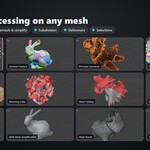
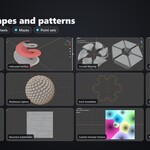
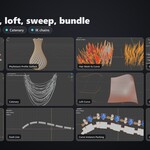
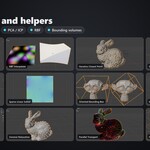
Install
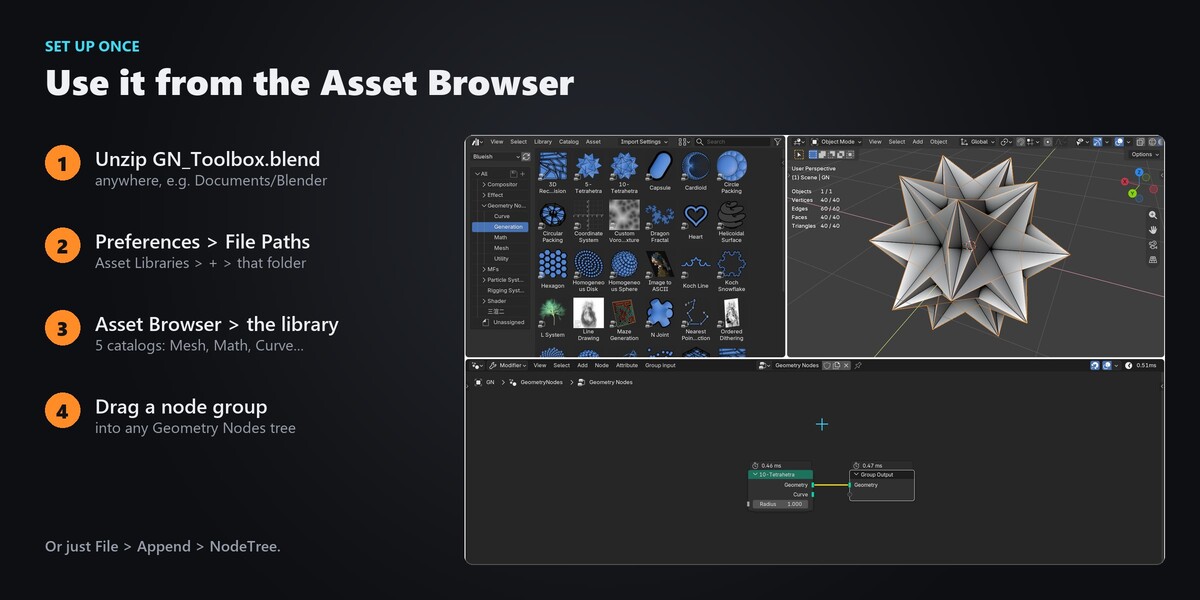
- Unzip GN_Toolbox_Blender5.2.zip somewhere permanent.
- Edit > Preferences > File Paths > Asset Libraries > +, and pick that folder.
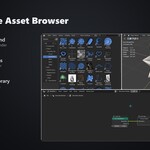
- In a Geometry Nodes editor, open the Add menu > your library, or the Asset Browser, and drag a node group into the tree.
Or open GN_Toolbox.blend and append what you need (File > Append > NodeTree). Import method "Append (Reuse Data)" keeps shared helper groups from being duplicated.
Tips
- Helper groups start with a dot (for example .Fast Fourier Transform); they come in automatically with the group that uses them.
- A few groups use a Simulation or Repeat zone, so they update while the timeline plays or as you raise the iteration count.
- Asset names are English; the hover descriptions in the Asset Browser are in Chinese.
Catalogs
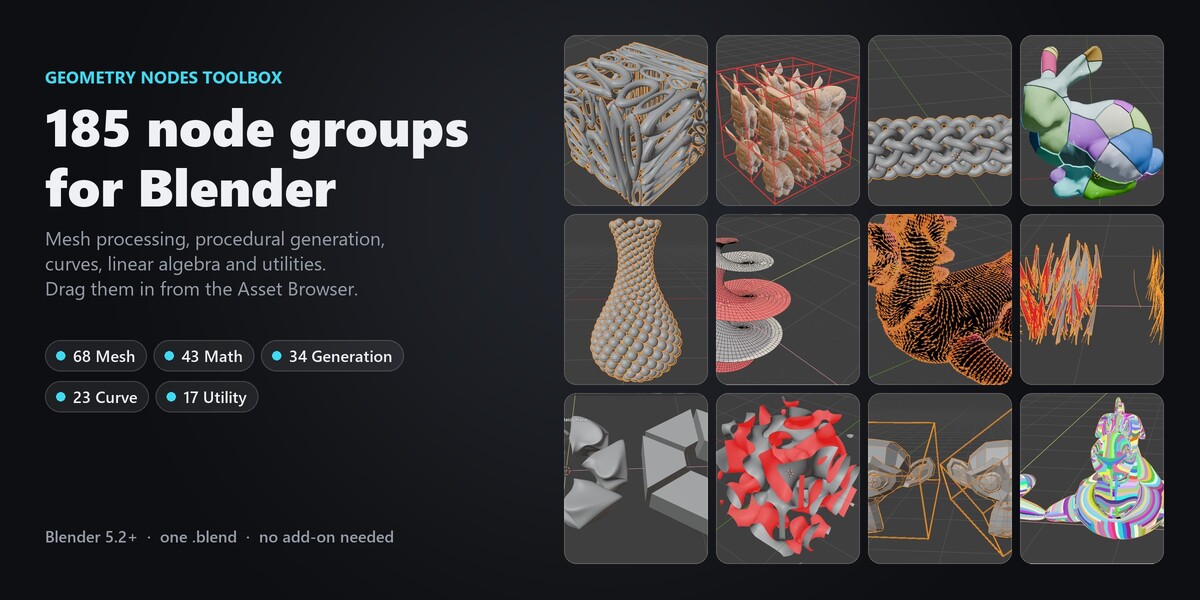
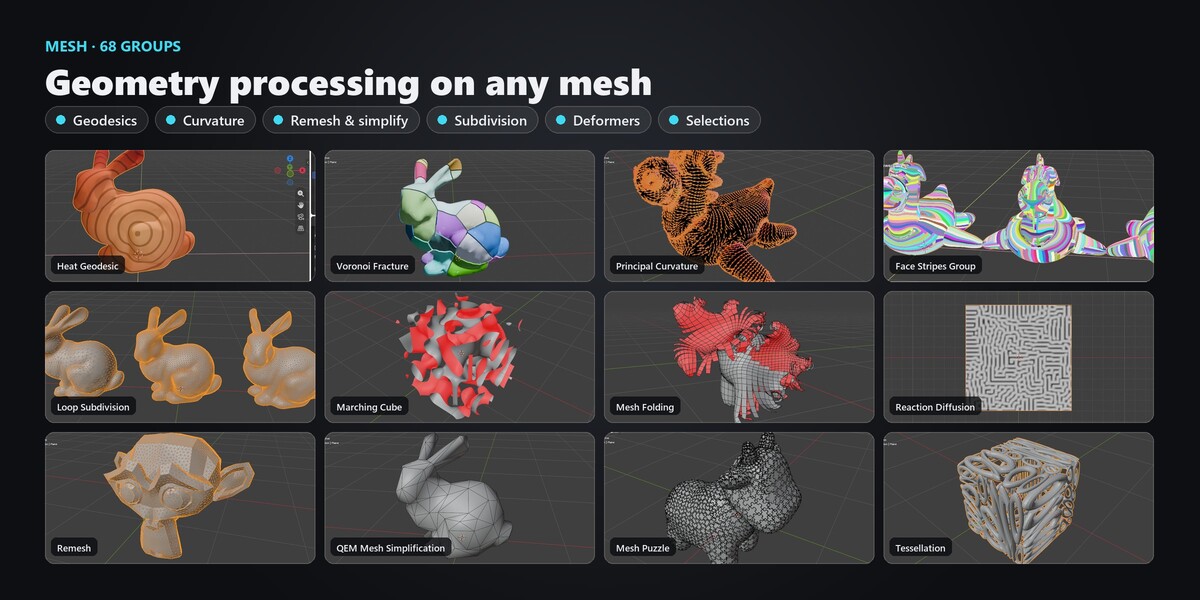
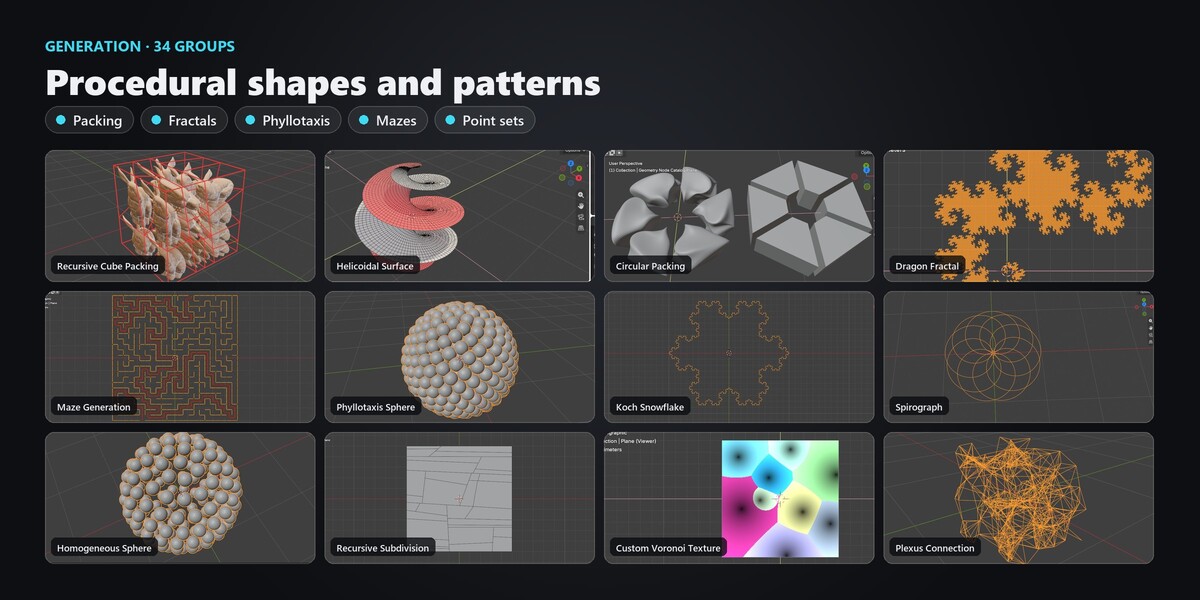
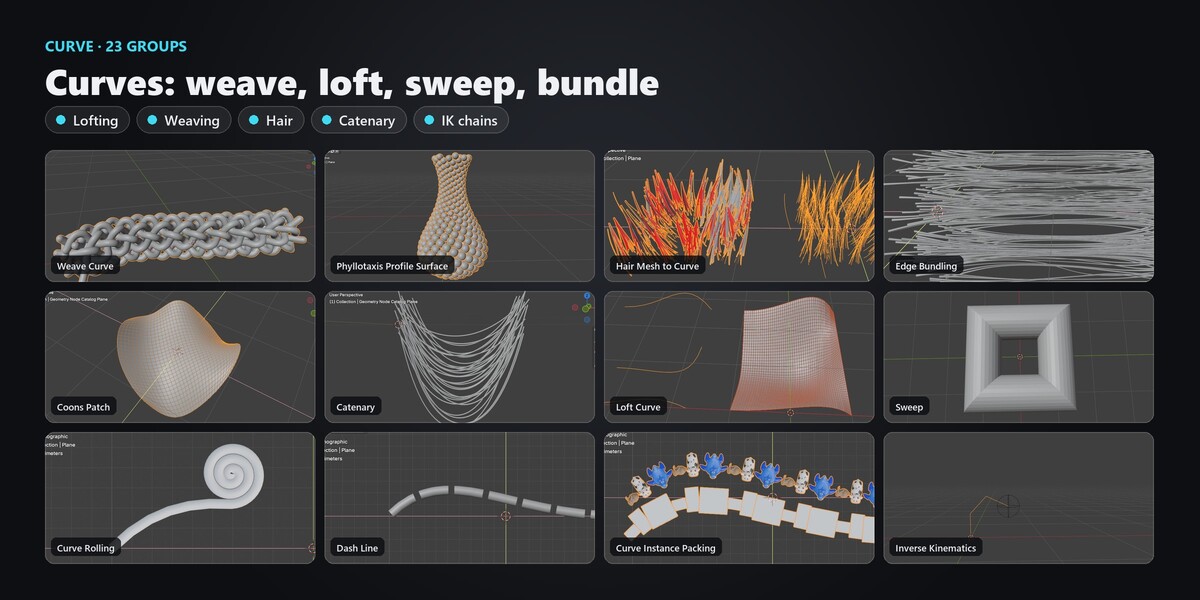
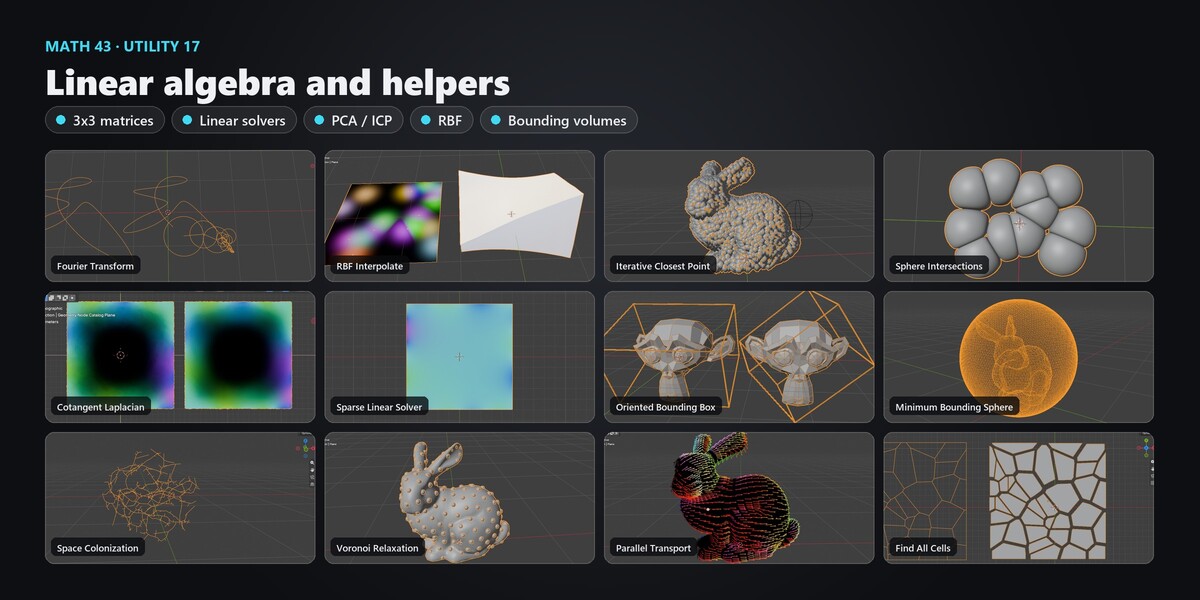
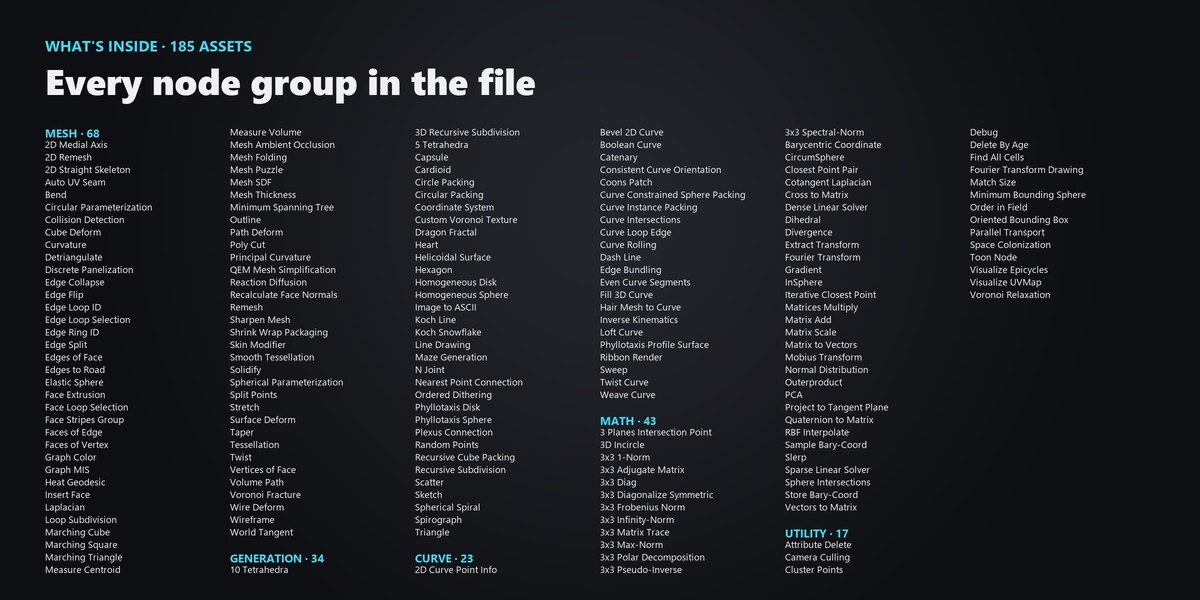
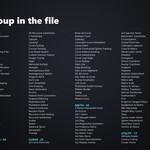
Mesh (68), Math (43), Generation (34), Curve (23), Utility (17).
Have questions about this product?
Login to message
| Published | about 6 hours ago |
| Blender Version | 5.2 - 5.3 |
| Render Engine Used | Cycles, Eevee |
| License | Royalty Free |
Discover more products like this
Mesh Processing linear algebra packing geometry nodes geodesic node groups remesh fractal asset library procedural curvature curves