Introduction To Geometry Nodes Course (Now Only $30)
 CGMatter






Course Structure
Chapter 0 - Meet The Instructor (2 min)
-
Part 1: Introduction (2 min)
- Introduce the instructor and the goals of the course.
Chapter 1 - Building Up To A Fractal (46 min)
-
Part 1: Setting up (5 min)
- Accessing geometry nodes and some quality of life adjustments before diving in.
-
Part 2: What are geometry nodes (7 min)
- Thinking of geometry nodes as a nodegroup in the modifier stack. Creating custom modifiers with nodes.
-
Part 3: Right to the fractal (34 min)
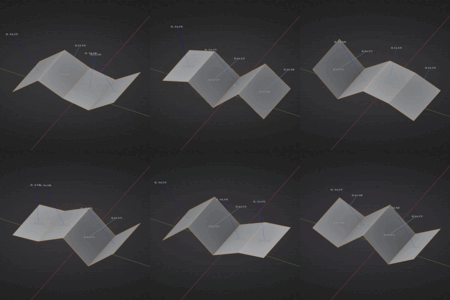
- Creating a Menger Sponge (2D analog) with cube primitive, transform geometry, and join nodes. Complexity arising from chaining instanced node groups.
Chapter 2 - Ditching Keyframes For Proceduralism (1 hour 40 min)
-
Part 1: Introducing time & math (2 min)
- Becoming familiar with the scene time and math nodes.
-
Part 2: Basic animations (26 min)
- Animating by using scene time as a vector component. No keyframes required.
-
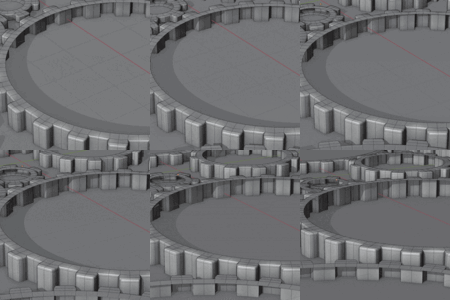
Part 3: Assembling gear systems (20 min)
- Adding complexity to basic animations. Using interpolation functions and custom parameters for accurate gear-to-gear contact.
-
Part 4: Clocks with real-world time (52 min)
- Creating a fully usable clock with custom models and stylized motion. The ultimate test of what we learned in this chapter.
Chapter 3 - Making Snow & Terrains With Fields (1 hour 16 min)
-
Part 1: Terrains via height maps (33 min)
- Treating geometry as a means to store and update field information. Modifying the position field via set position to create procedural terrains.
-
Part 2: Snow via point clouds (43 min)
- Thinking of point clouds as basic position + radius visualizers. Using “Pac-Man portals” for a blazingly efficient neverending snowfall.
Chapter 4 - Points For Fur & FX (1 hour 32 min)
-
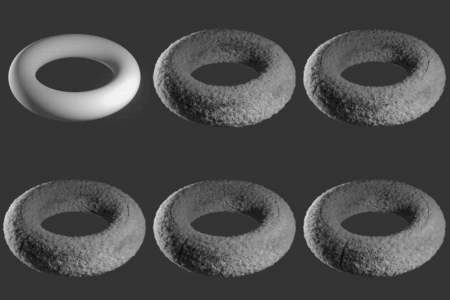
Part 1: Fur and the point-instance workflow (51 min)
- Using distribute points on faces as a means to capture surface information. Instancing objects on points with normal orientations and random attributes.
-
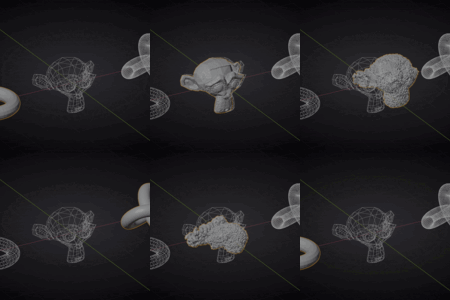
Part 2: Object morphing FX (41 min)
- Sampling a field from one object to apply to another. Sampling corresponding positions from pairs of points to create a seamless morphing effect. Bonus sneak peek into volumes and remeshing.
Chapter 5 - Where To Go From Here (6 min)
-
Part 1: Outro (6 min)
- Overview of what we've covered and tips for going further.
Project Files & Hotkey Cheatsheet
While I believe it's best to work alongside the videos, project files are included anyways. These are highly organized networks (optimized for legibility) and come with some extra goodies :)
If you can't read these networks yet... by the end of the course you will!
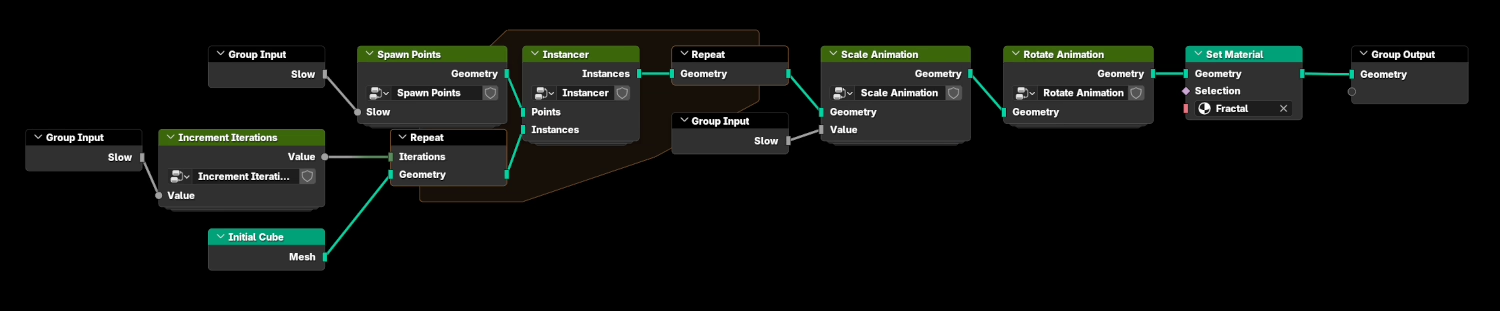 *this is a high-level overview of the fractal network
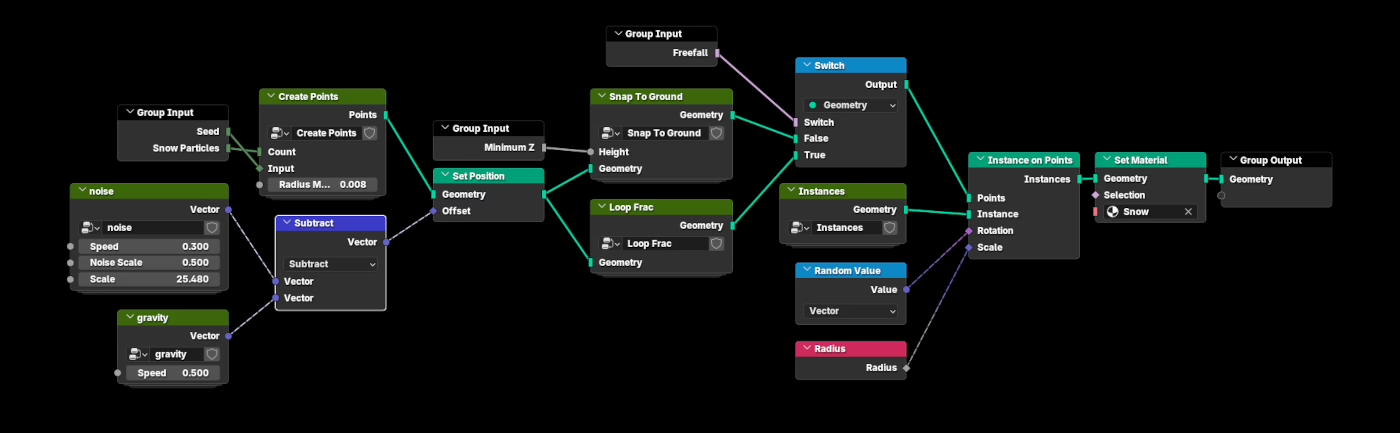 *this is a high-level overview of the snow network
And since I thought of everything - a cheatsheet of all the hotkeys we'll be using is included.
$30
Have questions about this product?
Login to message
| Sales | 100+ |
| Rating | 4 ratings |
| Dev Fund Contributor | |
| Published | 9 months ago |
| Blender Version | 4.5 - 5.0 |
| Render Engine Used | Cycles, Eevee |
| License | Royalty Free |