 ZEG
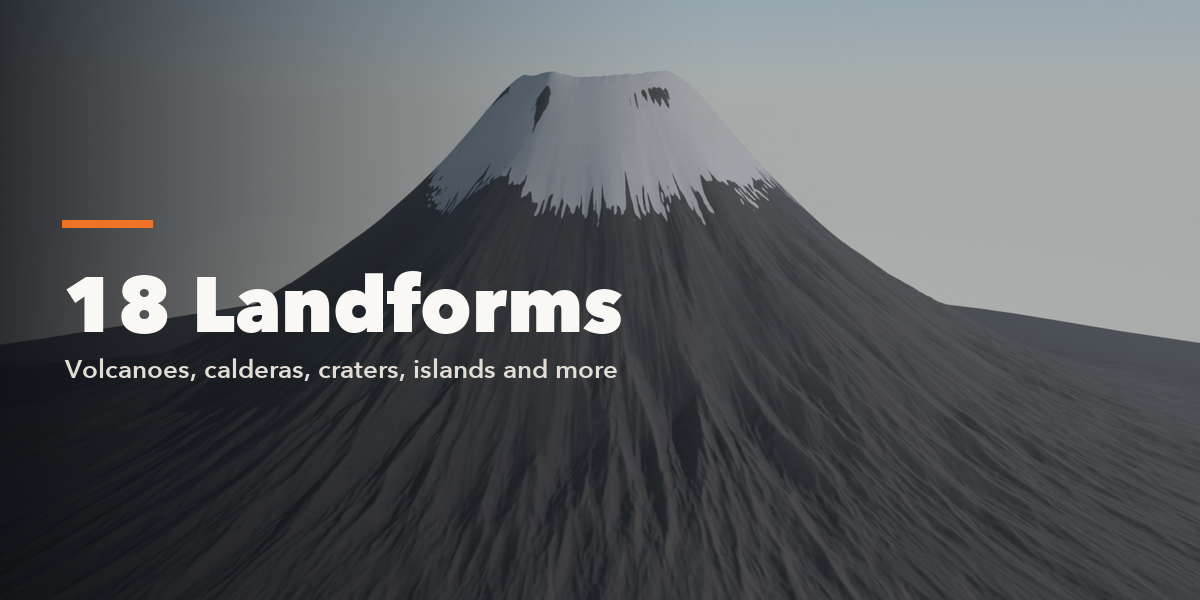
Installation
In Blender open Edit, Preferences, Get Extensions, then use Install from Disk and pick the geomorph_terrain zip for your system. The Rust engine is included; nothing else to install.
Usage
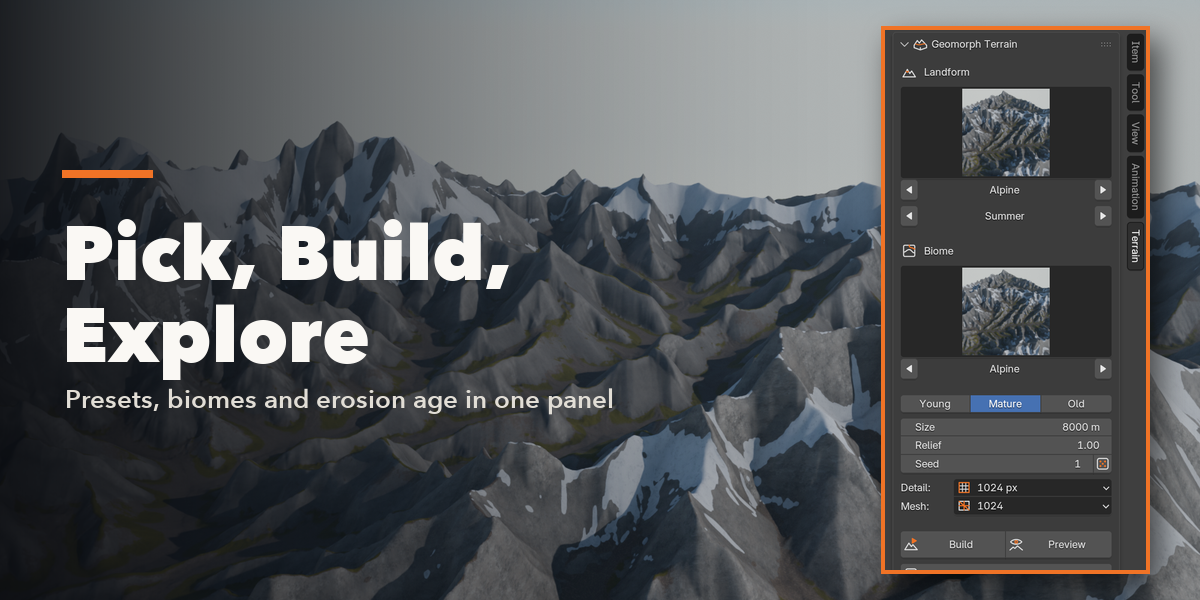
- Open the Terrain tab in the 3D viewport sidebar (N). With no terrain selected, pick a landform family and a preset, choose an erosion age and a resolution, then click Create Terrain. Surprise makes a random one.
- With the terrain selected, change the family, preset arrows, biome, age, size, relief and seed. Build runs the full simulation in the background; Preview runs it at 512 px for quick tuning.
- Simulation Steps lists the stack: open a step to edit it, use the arrows to reorder, duplicate or remove, and Add Step for new shapes, geology, erosion or climate steps.
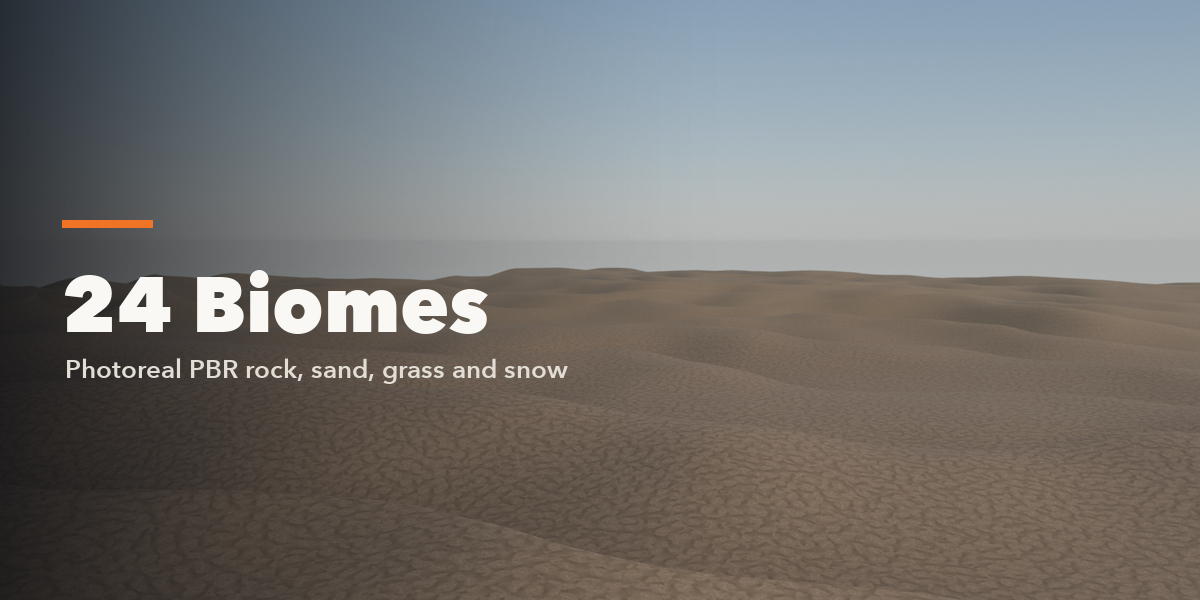
- Surface tunes the material (rock, vegetation, snow, wetness, strata, texture scale and detail). Water sets the water colour. Export writes heightmaps, normal and mask maps and a GLB mesh. Scene adds a matching sky, sun and camera.
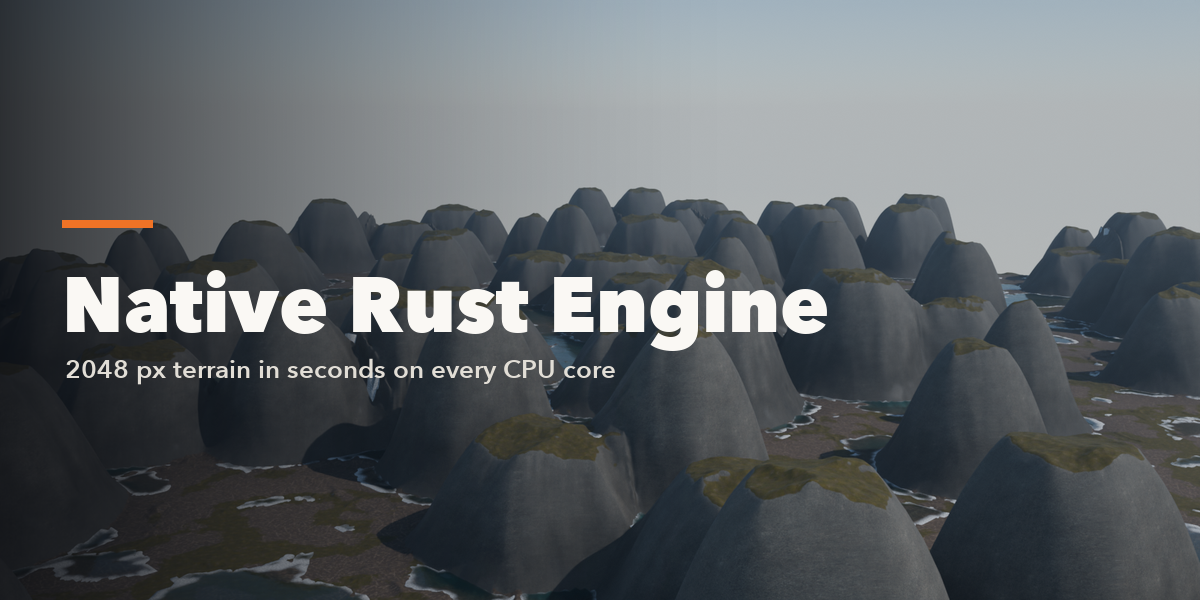
Higher resolutions take longer: 2048 px builds in seconds, 8192 px may take a minute and several GB of memory.
Have questions about this product?
Login to message
| Blender Extension Compatible | Yes |
| Published | about 2 hours ago |
| Blender Version | 4.2 - 5.2 |
| Extension Type | Add-on |
| Render Engine Used | Cycles, Eevee |
| License | GPL |

Discover more products like this
simulation mountains world procedural #nature Generator erosion Heightmap environment terrain Rust landscape