Geonode Procedural Mountain
 Venous_FX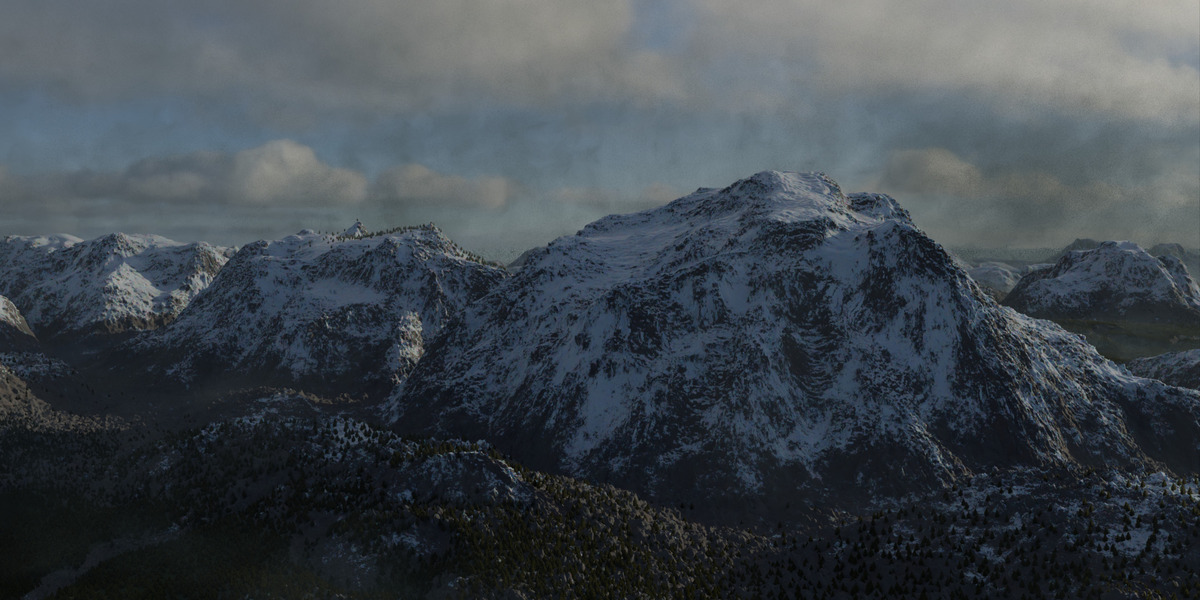
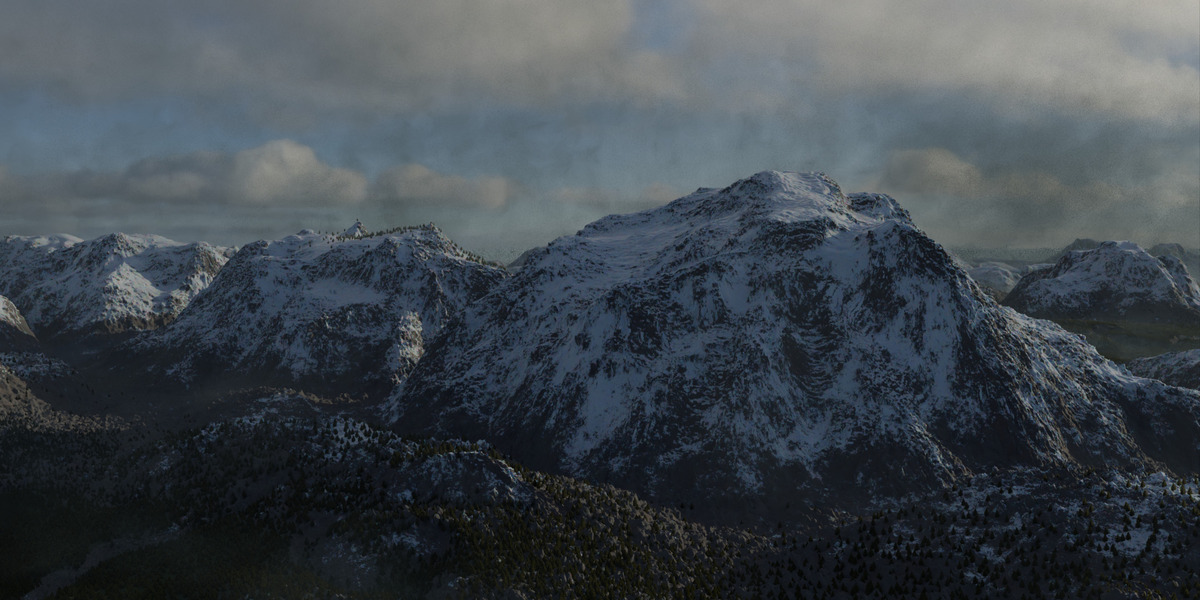
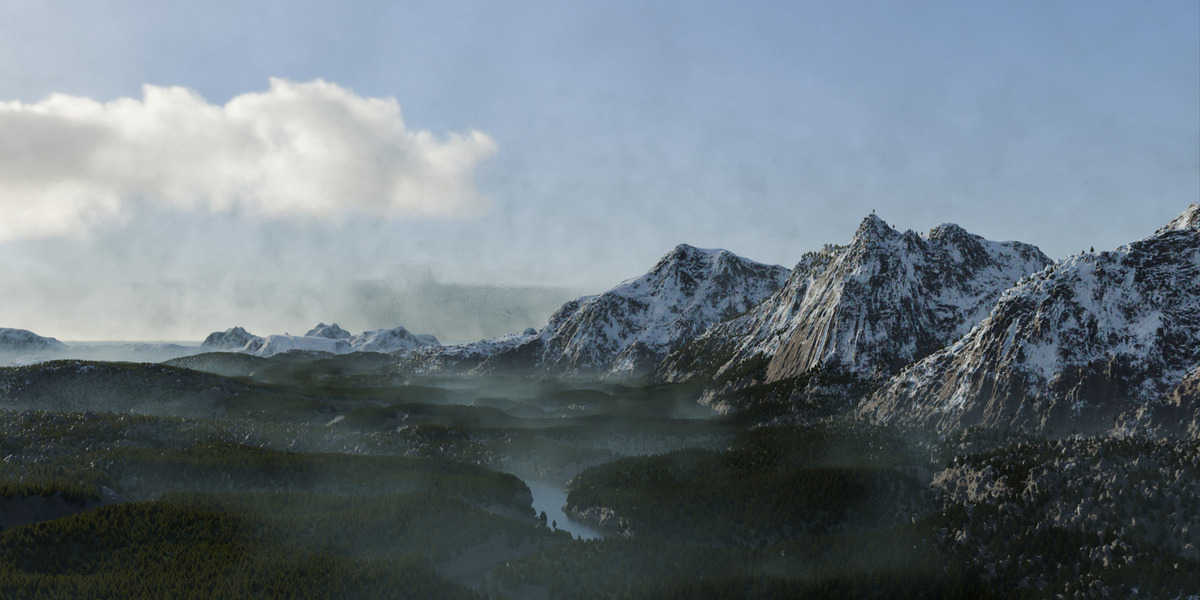
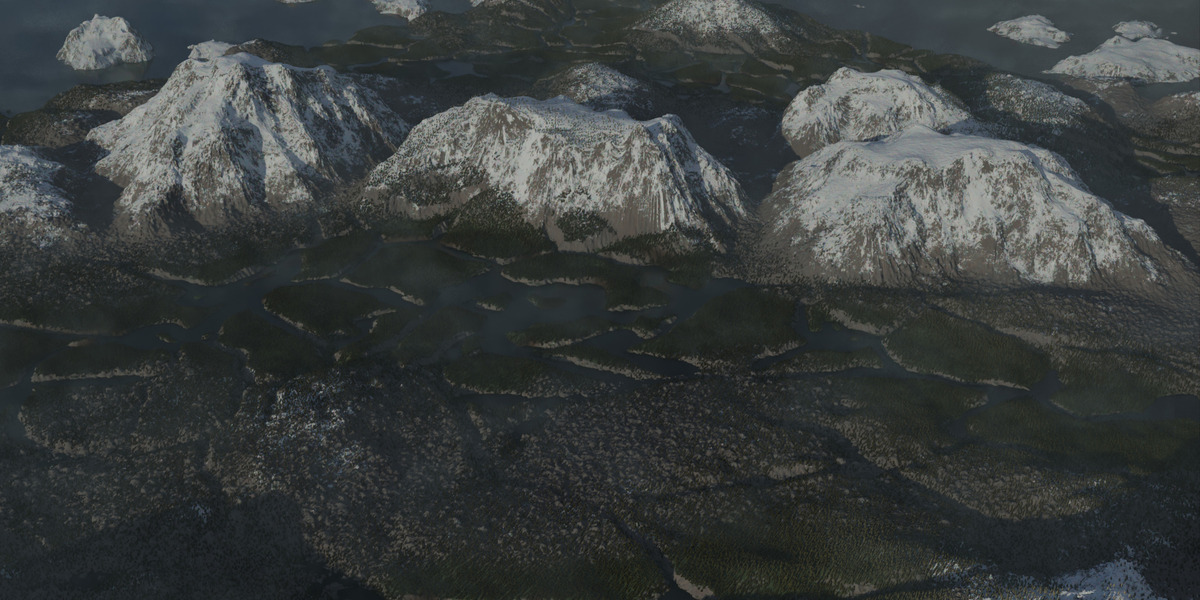
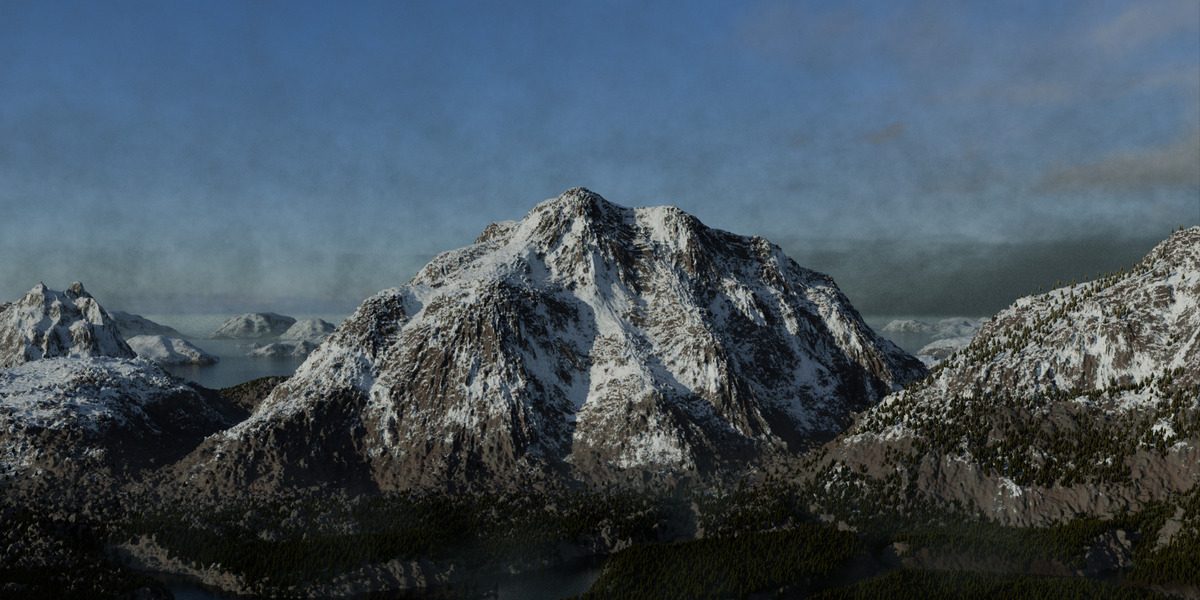
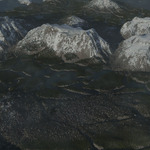
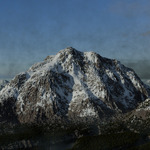
Simple geometry node powered mountain generator.
To use in your own project:
1. Download the mountain.blend file
2. Open the target project
3. File>Append>mountain.blend>Append
The landscape will appear in your scene.
The geometry node group contains two native controls.
W: Controls the seed for the generation. Adjust this value for your own unique procedural generation
Detail: Controls the mesh subdivision. Higher detail uses more resources.
The mountain also includes a native adaptive subdivision modifier applied on top of the base mesh for extreme detail. By default it is only enabled for renders. Beware, this modifier is very resource intensive.
$10
Have questions about this product?
Login to message
| Published | about 1 month ago |
| Blender Version | 4.2 - 5.2 |
| Render Engine Used | Blender-Internal, Cycles, Eevee |
| License | Royalty Free |
