Geonodes Curve Extruder
 Edmund Earle
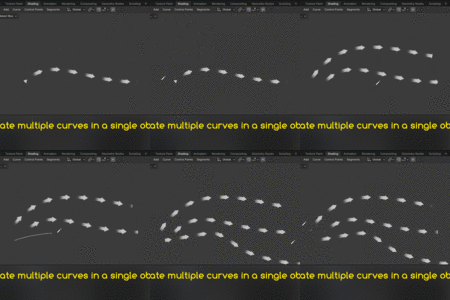
Bringing into scene:
Geonodes Curve Extruder can be linked or appended into your blender file. Go to File\Link or Append and select the Geo-Curve-Extruder.blend file. Select the Nodes subfolder and select the GEO CURVE EXTRUDE node.
Using the Setup:
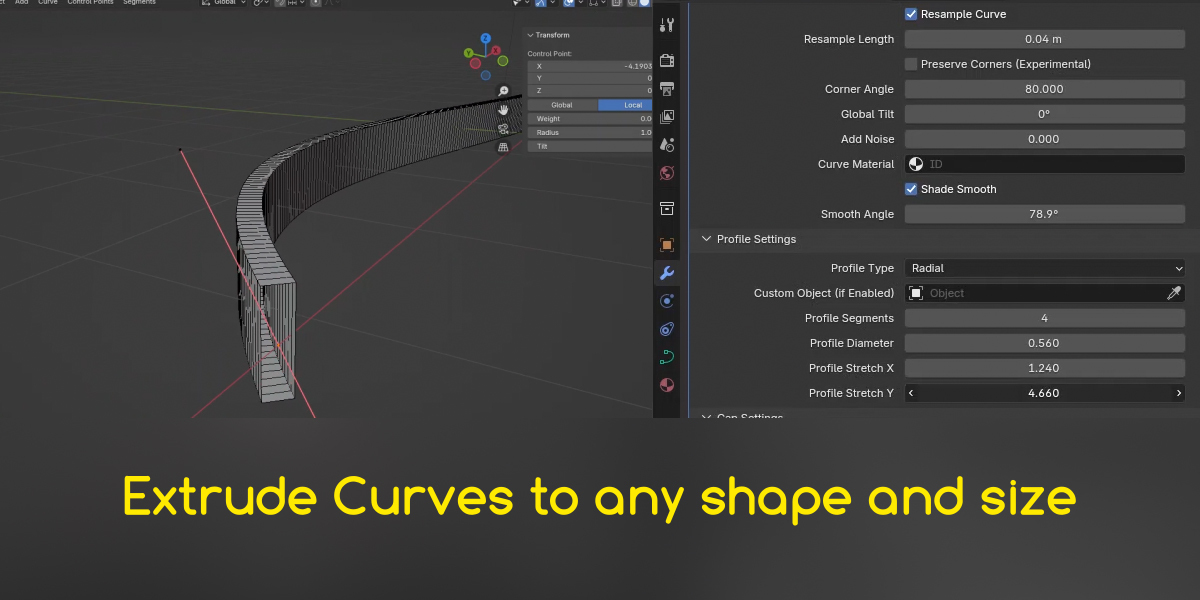
Select a curve in your scene. In the Modifiers tab create a new Geometry Nodes modifier. Next to "NEW" is the "Browse Nodetree" Button. Click this and select the GEO CURVE EXTRUDE option.
Applying UVs:
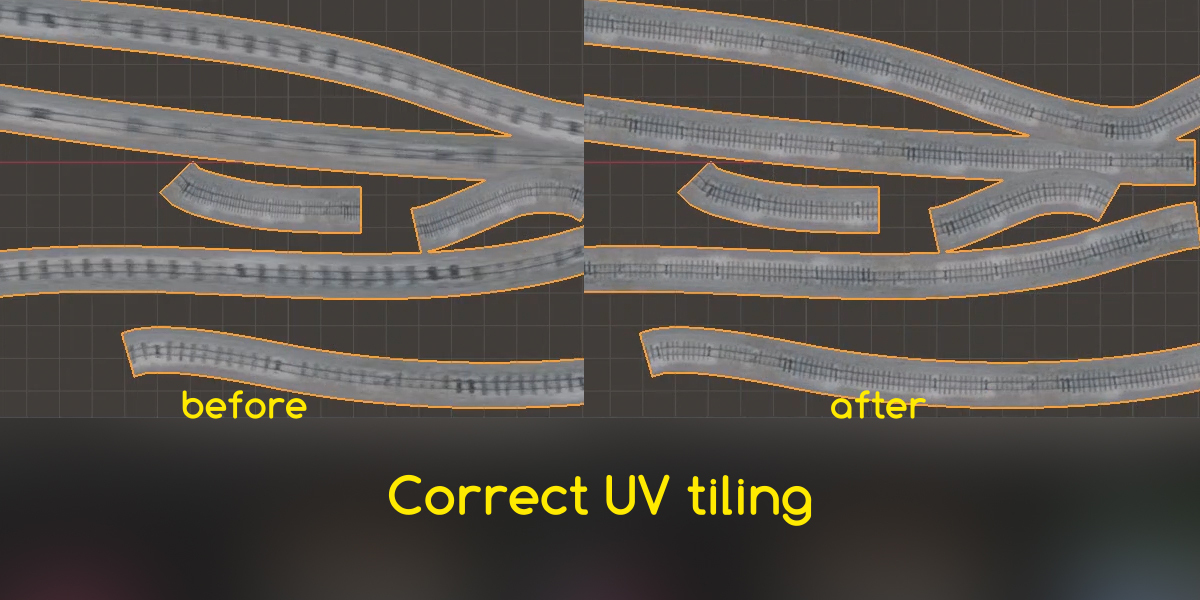
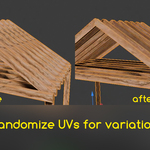
In the Shader window create a UVMap node. In the Text space write "UVMap" or "UVMap Uniform" to get the UVs generated by geonodes.
Plug the output into the vector input of a texture map.
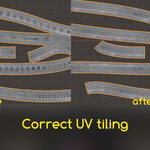
UVMap: tiles a texture based on the UV settings in the Geonodes Modifier.
UVMap Uniform: stretches a texture to fit the length and width of the curve\curves.
Additional variation:
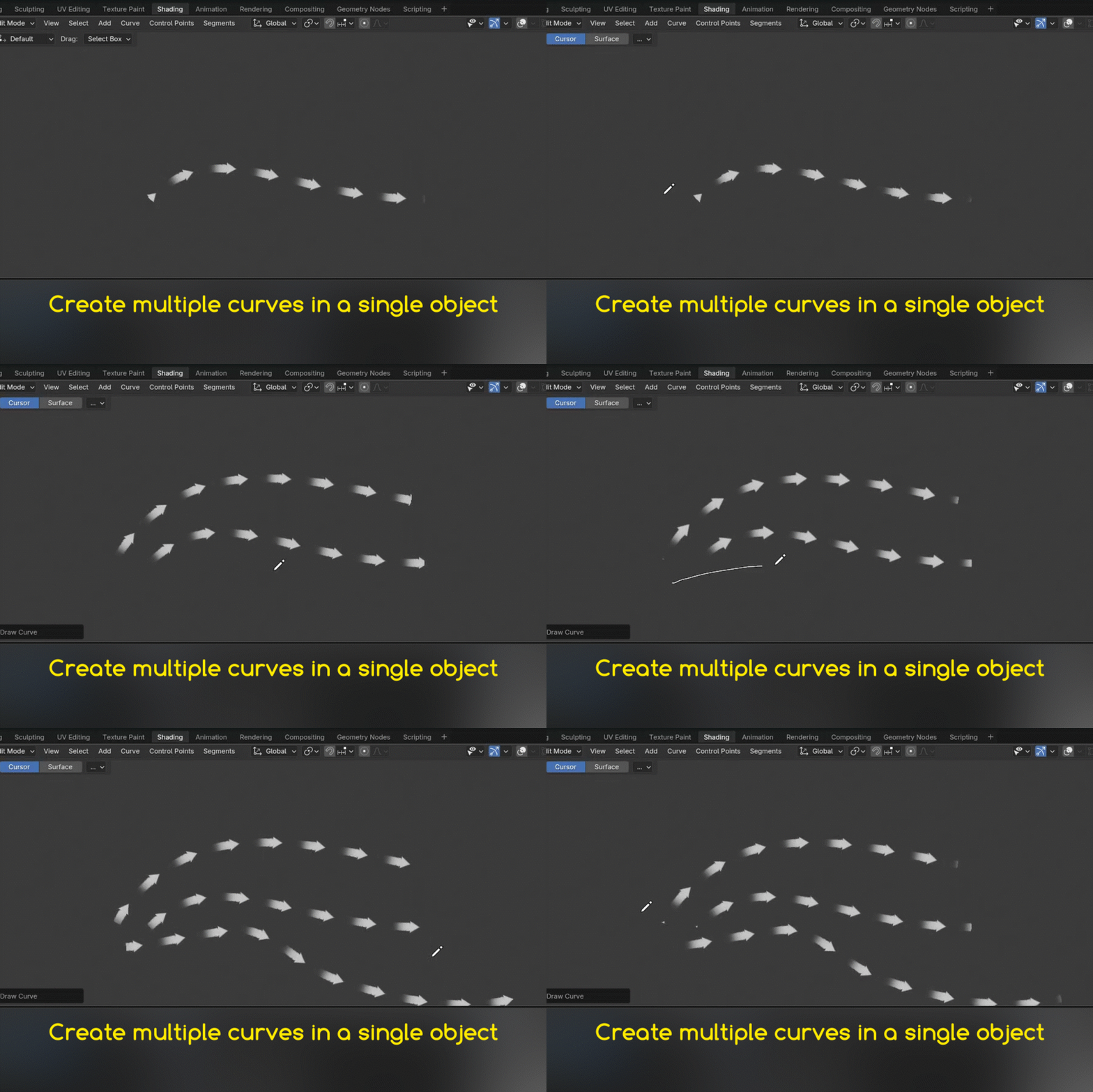
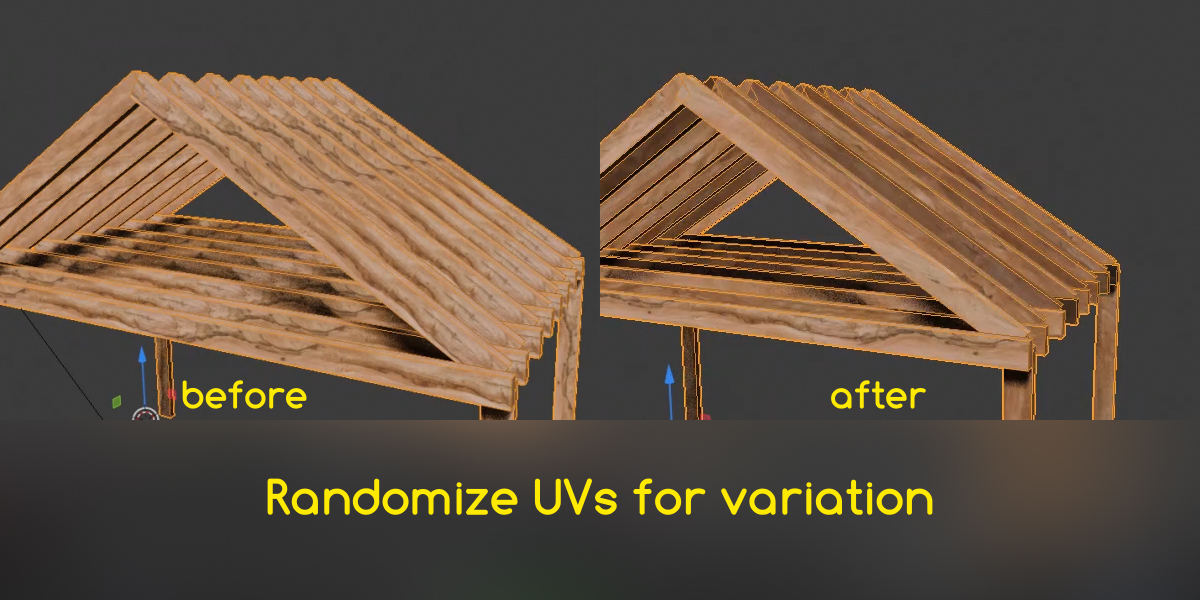
In the Shader window create an Attribute node, and write "CURVE ID" in the text space. This gives a unique value to each curve in the object. This can be mixed with other maps to create unique colors for each curve. If "Randomize" is set to 0 in the modifier's UV Settings, each curve ID gets a progressively brighter color, based on its ID.
Have questions about this product?
Login to message
| Sales | 10+ |
| Published | over 1 year ago |
| Blender Version | 4.3, 4.2 |
| License | Royalty Free |

Discover more products like this
uvs uvs-unwrapped curves geometry nodes orient uvs blender-curves Curves and mesh