 Medicraft


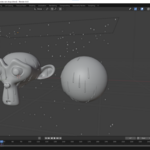
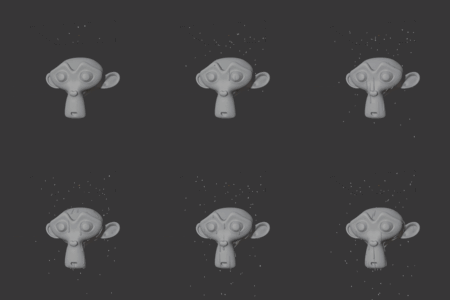
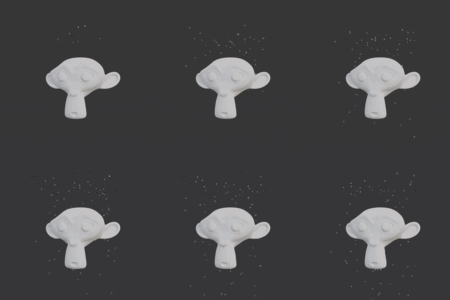
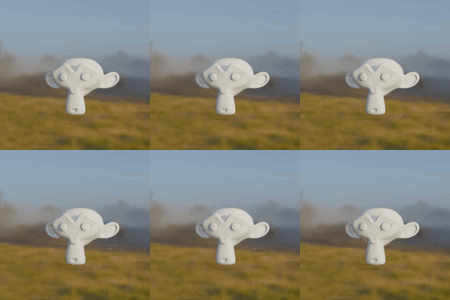
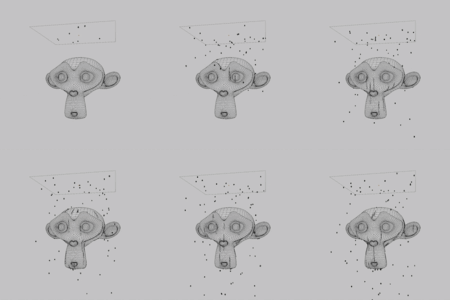
A geometry nodes setup to simulate raindrops falling on object and forming dripping trails.
How to use: append the "Geonodes Raindrops" node tree (or use the asset browser). Apply it to an emitter object (ideally a plane resized to cover the objects you want to drip on - don't forget to apply the scale). Place the objects you want the raindrops to hit in a collection, and select that collection in the first option in the modifier ("Collection").
Options:
- Collection: the collection containing the objects you want the raindrops to hit.
- Density: the amount of raindrops that will spawn on the emitter object each frame.
- Mean raindrop radius: the mean size (radius) of the generated raindrops.
- Max trail radius: the thickness of the raindrop trails at their thickest end.
- Initial velocity: Normal the raindrops are spawned on the emitter with 0 initial velocity, and then start falling by gravity. If you want the drops tostart out with a predetermined initial velocity, set it here.
- Wind velocity: will simulate wind, and affects both falling raindrops and drip trails.
- Drop material: the shader material you want to set for the raindrops and trails. A default raindrop material is included
