 GHOST
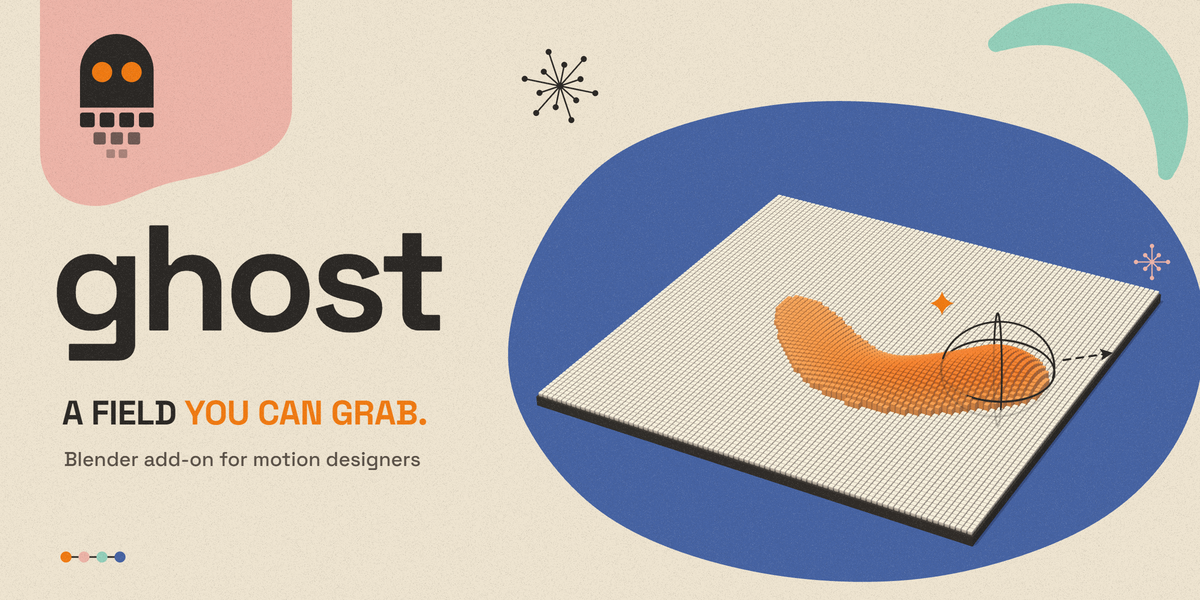

A selection you can grab.
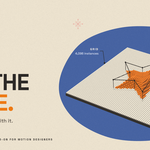
Most effect tools in Blender use attributes or vertex groups to decide where they act. GHOST gives you a better way to make that area: a ghost object.
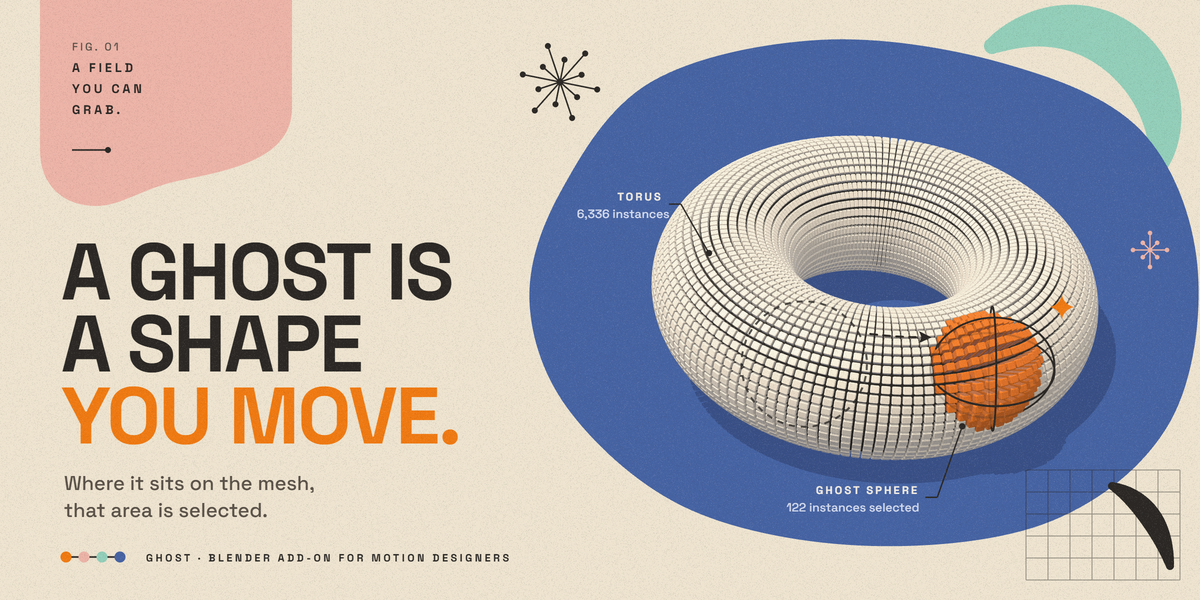
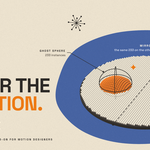
A ghost object (or just a ghost) is a 3D shape that lives on your mesh and selects the part of it that falls inside. You place it, move it, edit it and animate it like any other object in Blender, and the selection follows.
If you know fields in Geometry Nodes (the values Blender computes for each point, like Position or Distance run through Math nodes), a ghost works on the same idea. The difference is that it is a shape you see and move in the viewport, not a chain of nodes.
The selection is saved as a vertex group, so any tool that reads one can use it: color, scale, position, displacement, anything in your own setup. It is hard-edged by default, and the Blur modifier softens it.
Place the ghost. Animate the rest.
What you can do with it
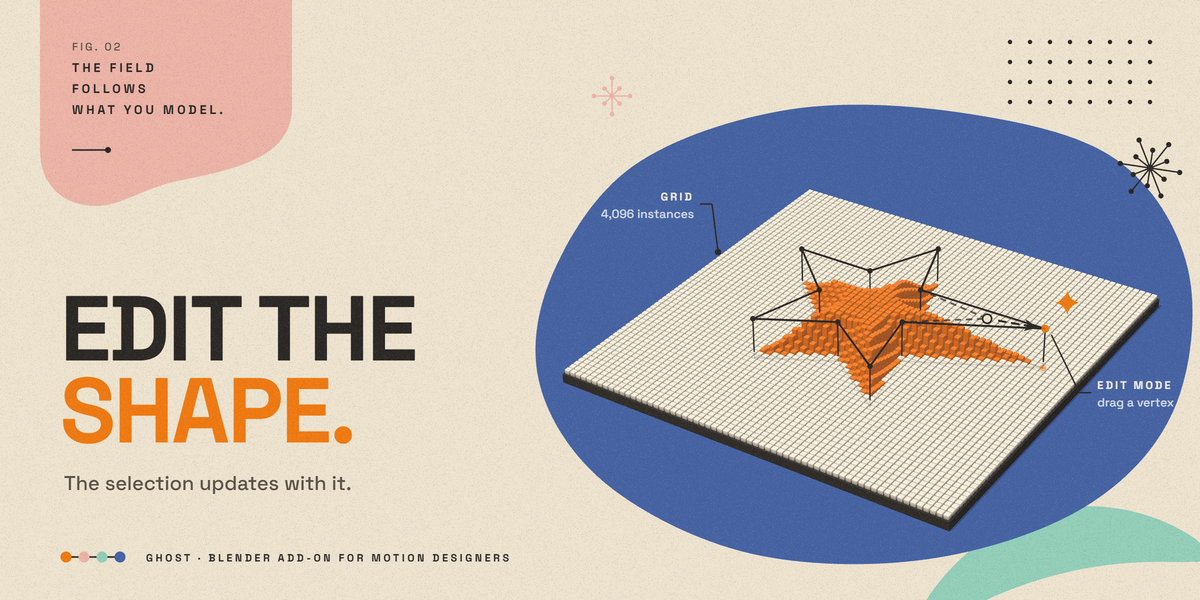
- Model the selection in real time. A ghost is an editable 3D shape.
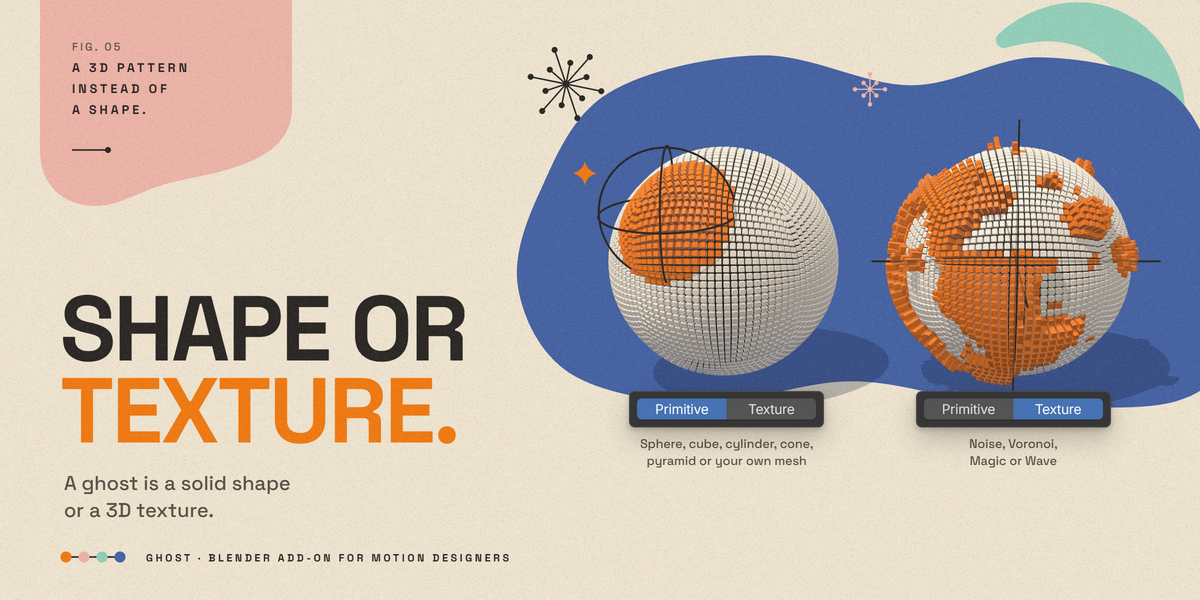
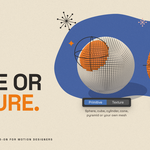
- A ghost has two forms: Shape, which you edit, and Texture, which uses a texture as the selection, with noise as one option.
- Use an external object as a ghost, including an animated one such as a character. A "Detail" option lets you control the cost on performance.
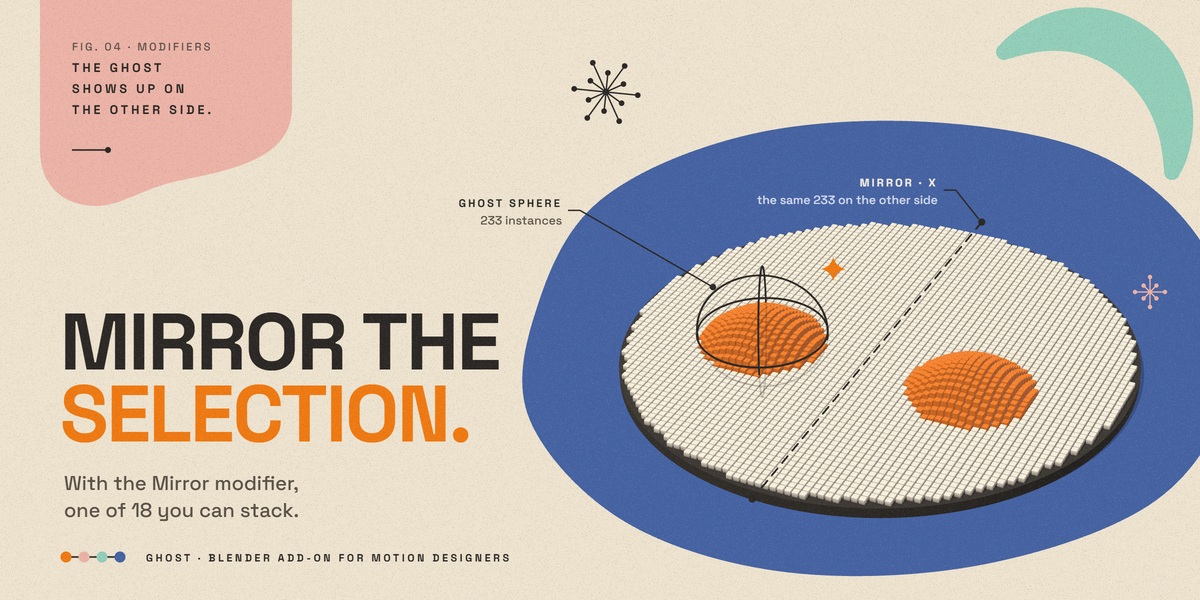
- Stack modifiers on the ghost, such as Blur, which softens the edge, or Mirror, which mirrors it.
- Use Points with Array as an instancer.
Works the way you already work
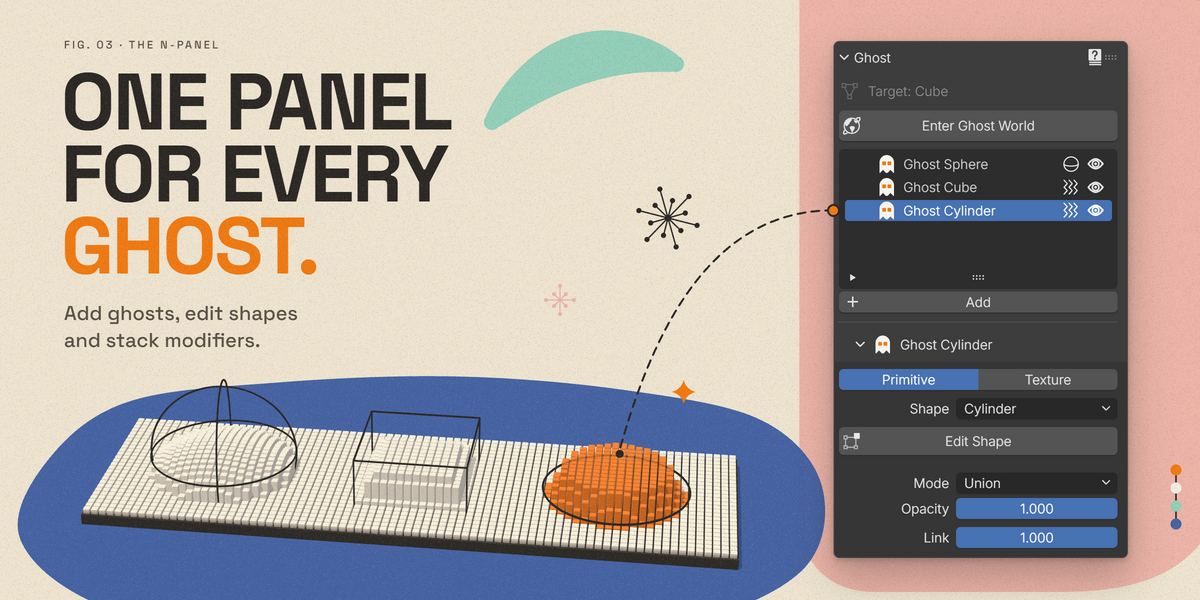
GHOST works in the N-panel and in the modifier stack.
You can run GHOST entirely from the N-panel.
Without the add-on
If you open the file without GHOST installed, your ghosts stay in the modifier stack. You can still change their settings or remove them there, but editing is limited. To create or add new ghosts, you need the add-on.
Good to know
Each ghost lives on one mesh. One mesh can hold several ghosts.
Price and license
One-time payment. No subscription.
Same add-on in both licenses. The only difference is seats. Personal: 1 person, commercial and client work included. Studio: shared by up to 5 people.
Updates and bug fixes for at least 12 months.
Launch price until Dec 11 (23:59 UTC): Personal US$29, Studio US$59. From Dec 12 the price is US$39 (Personal) and US$79 (Studio).
Support
Questions and bug reports: Discord https://discord.gg/GGXDPT6FKc
Email: [email protected]
For bug reports please include your Blender version, your GHOST version and the steps to reproduce.
Features
- Ghost objects: 3D shapes that live on your mesh and select an area of it
- Editable 3D shape as the selection
- Two forms: Shape (editable) and Texture, with noise as one texture option
- The selection is saved as a vertex group, so any tool that reads one can use it
- External objects as ghosts, including animated ones, with a "Detail" option for performance
- Hard-edged selection by default; the Blur modifier softens the edge
- Modifiers you can stack on the ghost, such as Blur (softens the edge) and Mirror (mirrors it)
- Points, used with Array as an instancer
- Works in the N-panel and in the modifier stack
- Without the add-on, ghosts stay in the modifier stack with limited editing
- One-time payment, no subscription
- Each ghost lives on one mesh; one mesh can hold several ghosts
- Updates and bug fixes for at least 12 months
License tiers
| License | Launch price (until Dec 11 (23:59 UTC)) | Price from Dec 12 |
|---|---|---|
| Personal | US$29 | US$39 |
| Studio | US$59 | US$79 |
Tier terms: same add-on in both. The only difference is seats. Personal: 1 person, commercial and client work included. Studio: shared by up to 5 people.
Requirements
- Blender 5.3 only. GHOST 1.0.0.
- Tested on Windows and Linux.
- GHOST is built on Geometry Nodes. Nothing else to install.
FAQ
What is a ghost object?
A 3D shape that lives on your mesh and selects the part of it that falls inside. You place it, move it, edit it and animate it like any other object in Blender, and the selection follows. The selection is saved as a vertex group.
How is a ghost related to fields in Blender?
Fields in Geometry Nodes are values Blender computes for each point, like Position or Distance run through Math nodes. A ghost works on the same idea, but as a shape you see and move in the viewport instead of a chain of nodes.
What is GHOST?
An add-on for Blender that adds ghost objects: editable 3D shapes that select an area of your mesh and save it as a vertex group.
What do I do with the selection?
Use it with any tool that reads a vertex group: color, scale, position, displacement and more.
Which Blender version do I need?
Blender 5.3 only.
Can I use my own character or object as a ghost?
Yes. Any external object can be a ghost, including animated ones. The "Detail" option controls the performance cost.
Can one ghost select two objects?
No. Each ghost lives on one mesh. One mesh can hold several ghosts.
What happens if I open the file without GHOST installed?
Your ghosts stay in the modifier stack. You can still change their settings or remove them there, but editing is limited. To create or add new ghosts, you need the add-on.
Is it a subscription?
No. It is a one-time payment.
How long does the launch price last?
The launch price runs until Dec 11 (23:59 UTC). On Dec 12 the price becomes US$39 (Personal) and US$79 (Studio).
What is the difference between Personal and Studio?
It is the same add-on. The only difference is seats. Personal is for 1 person and includes commercial and client work. Studio is shared by up to 5 people.
What is included after I buy?
Updates and bug fixes for at least 12 months.
Where do I get help?
In the #help forum on Discord (one post per question, with your Blender version) or by email at [email protected]. Discord: https://discord.gg/GGXDPT6FKc.
I found a bug.
Post in #bug-reports on Discord, or email us, with your Blender version, GHOST version and the steps to reproduce.