 STLForge
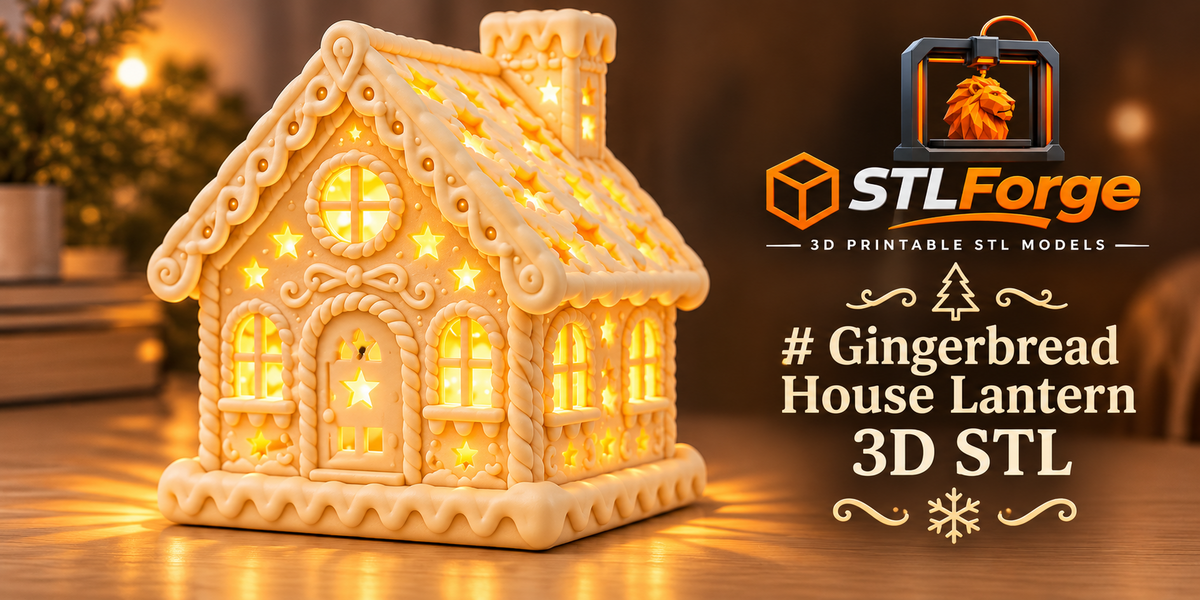
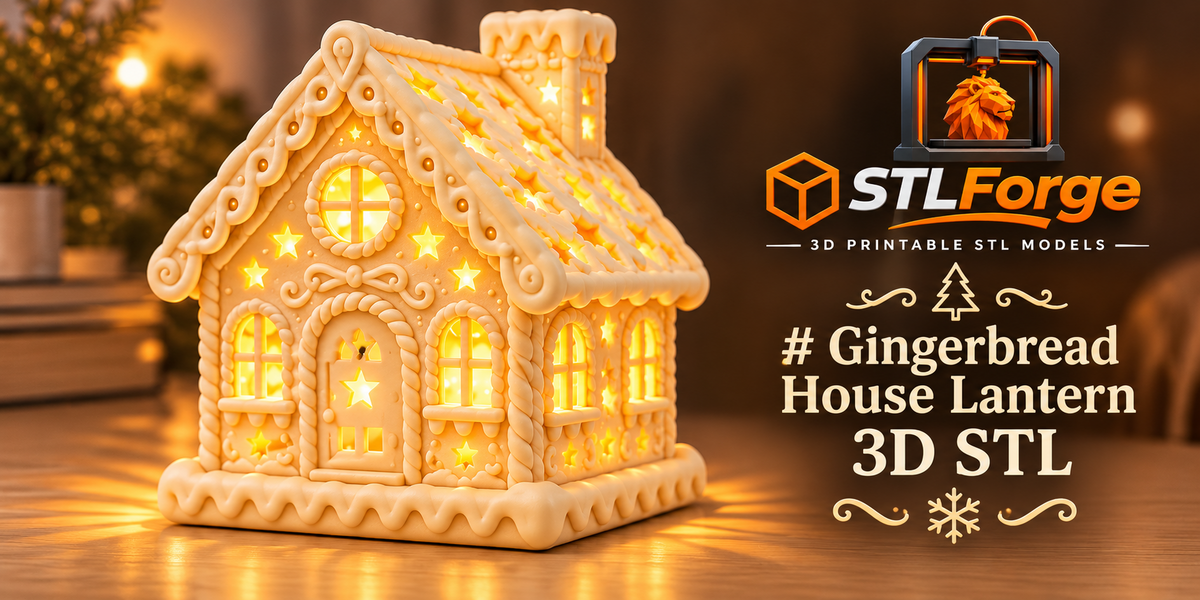
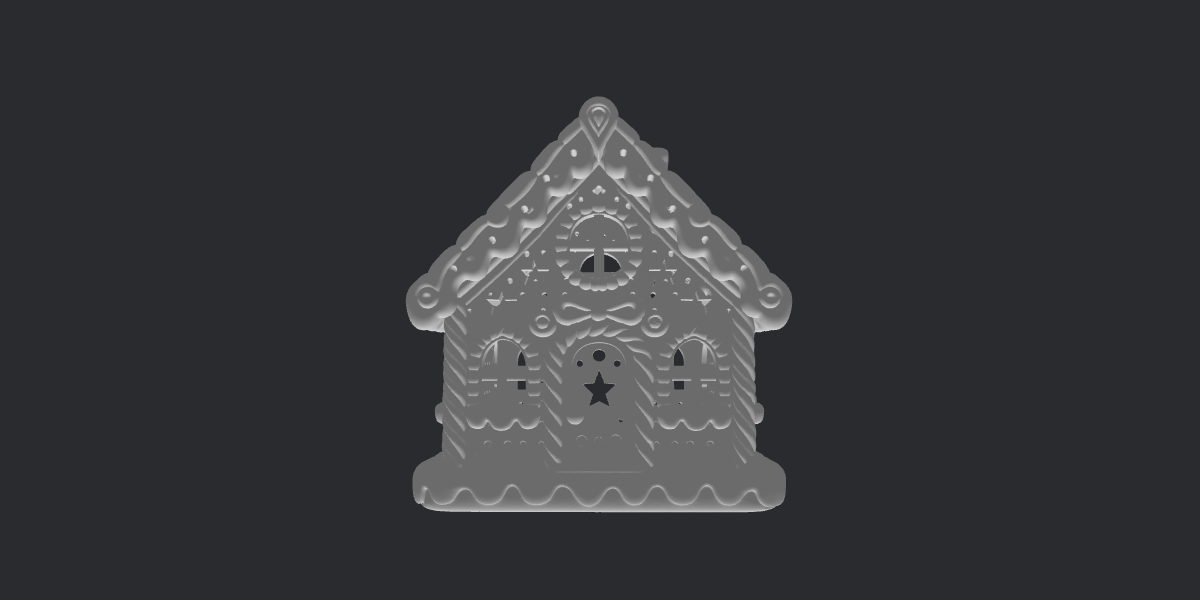
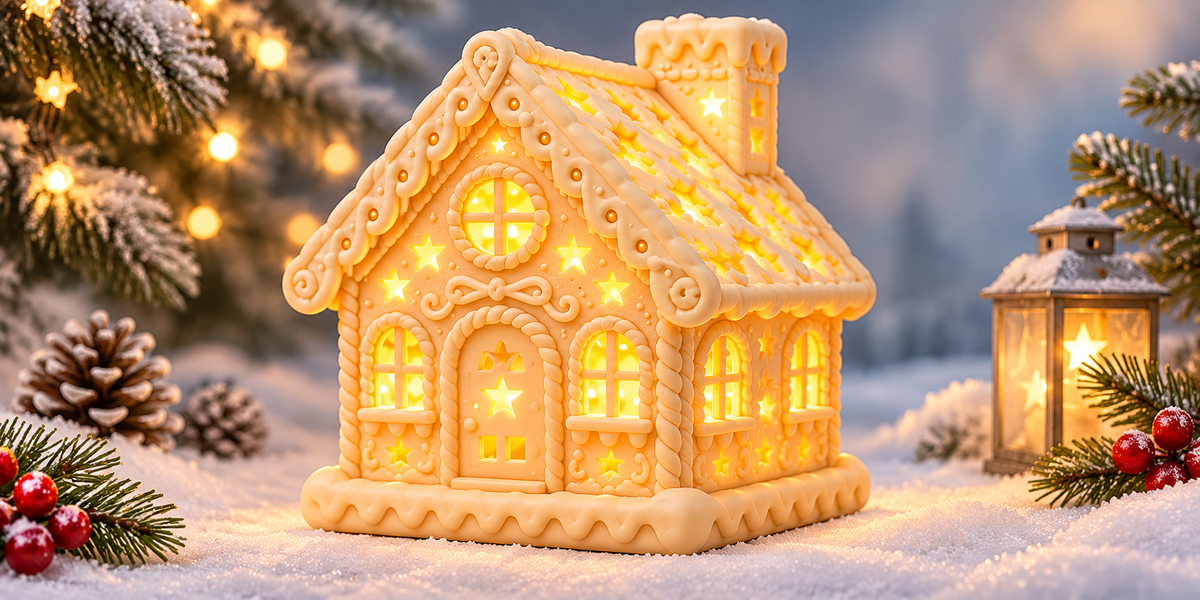
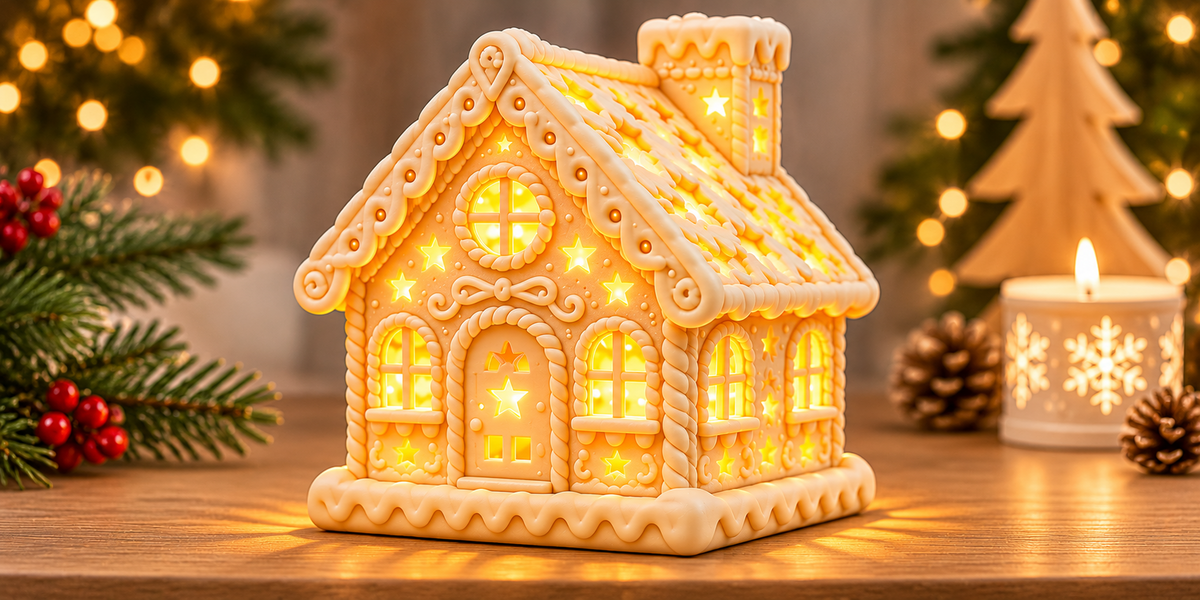
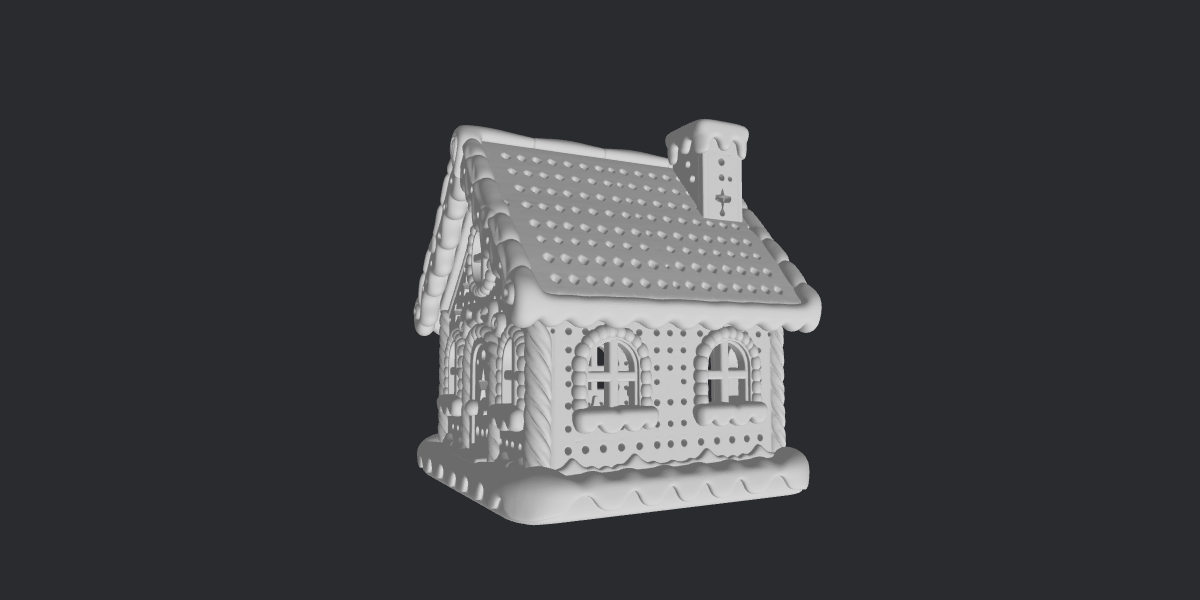
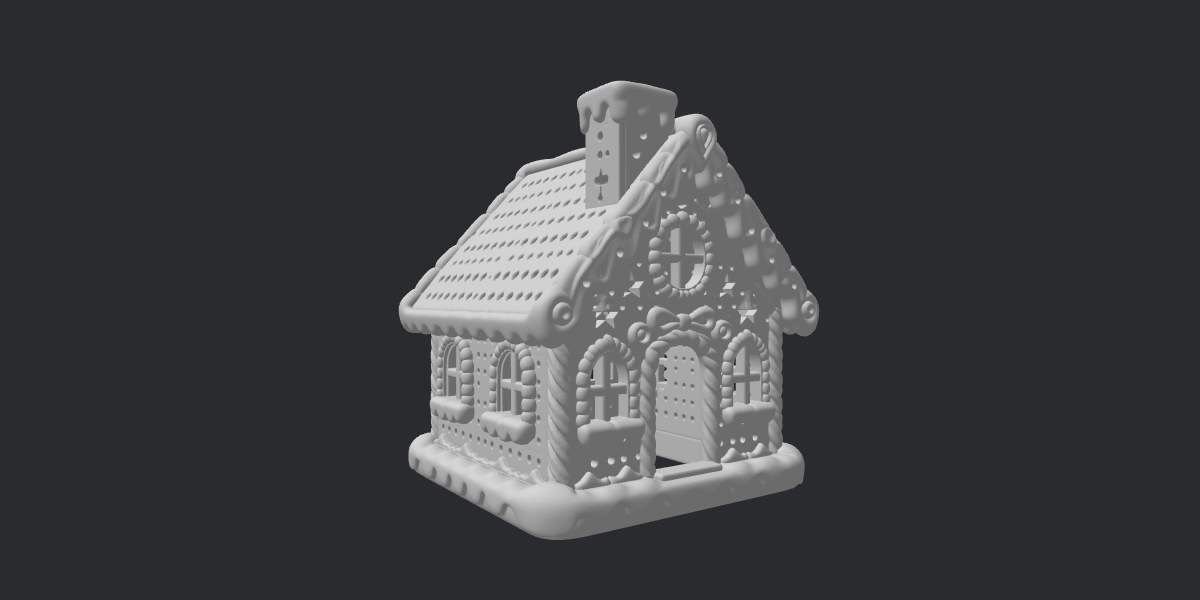
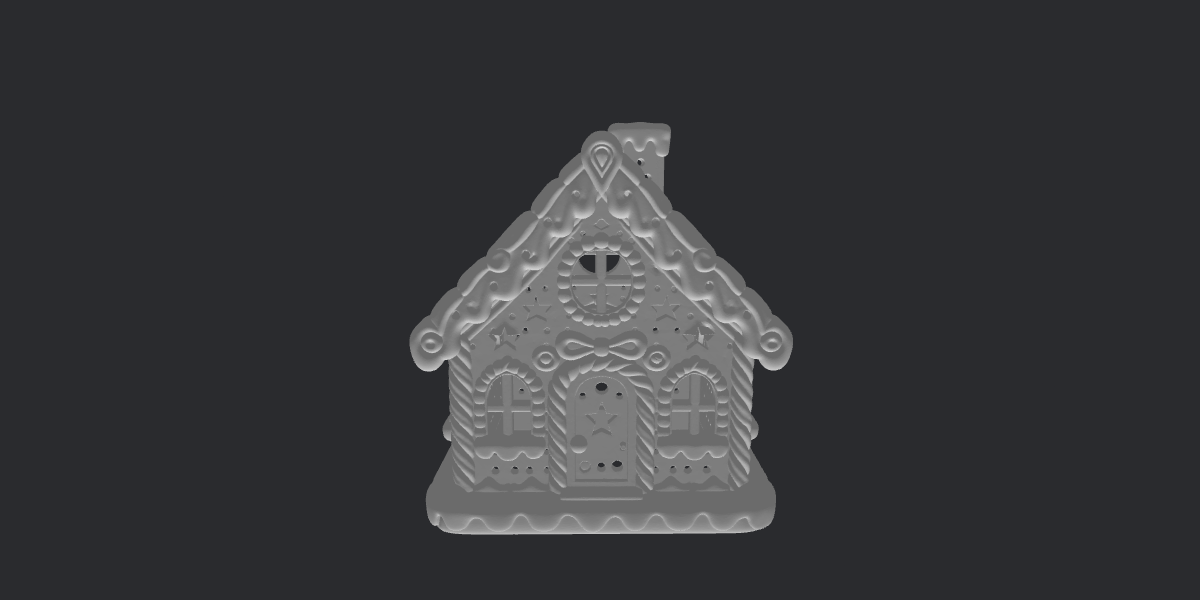
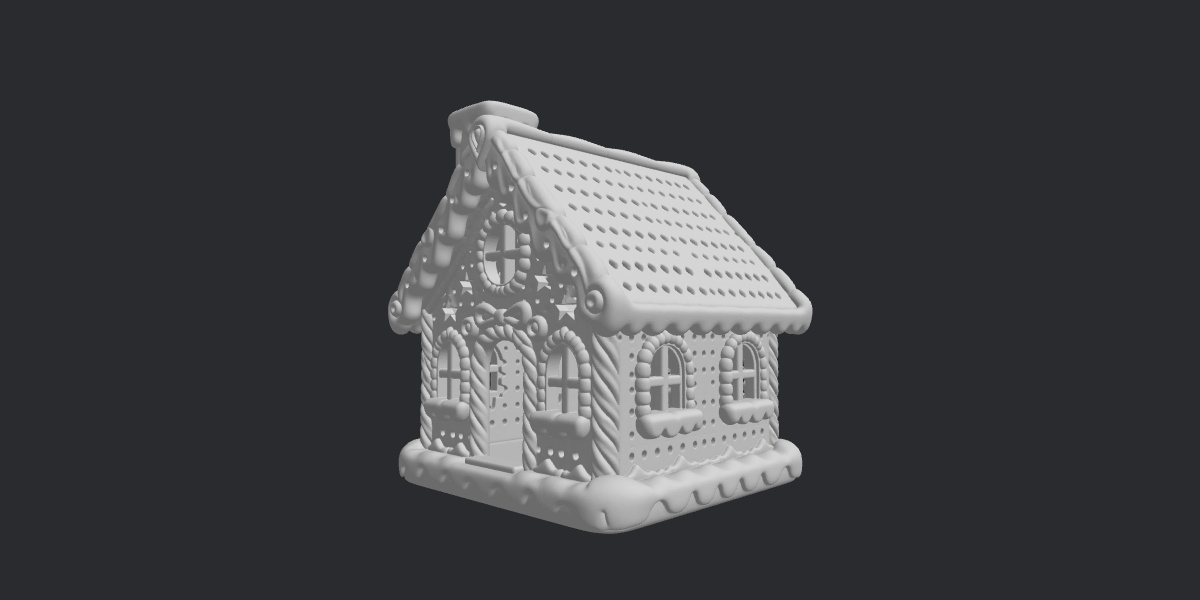
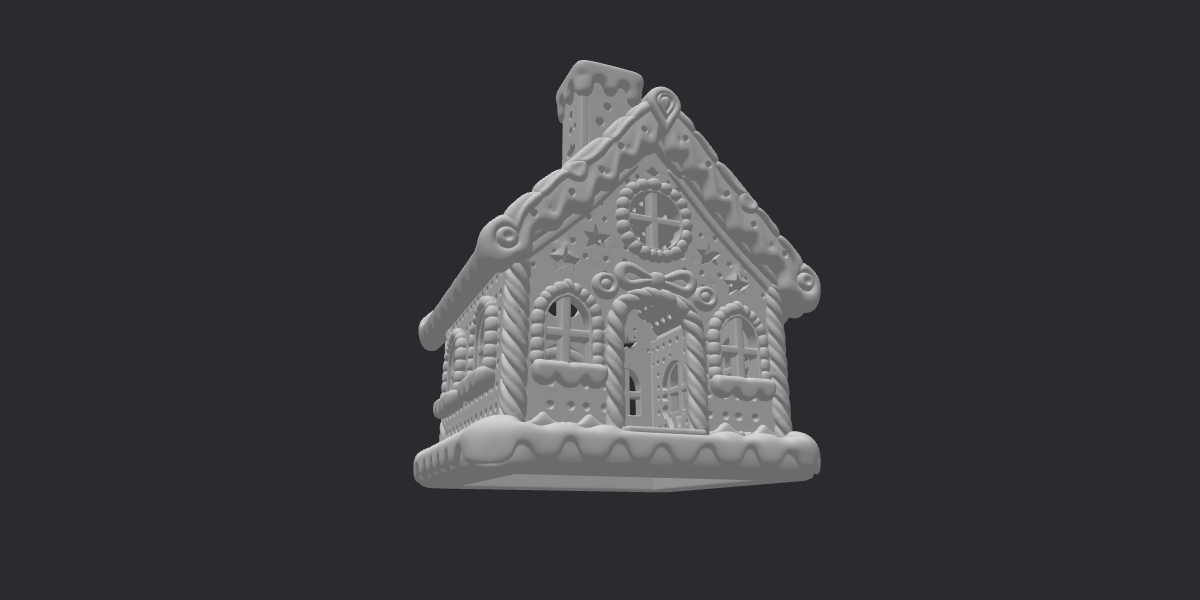
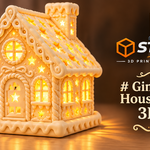
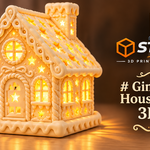
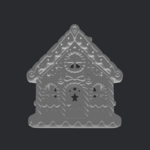
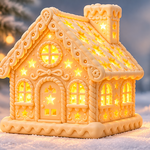
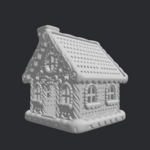
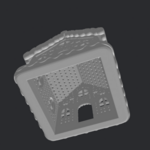
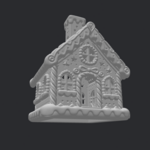
Gingerbread House Lantern STL: Product Documentation
What You Get
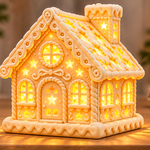
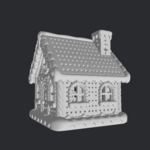
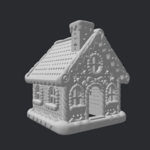
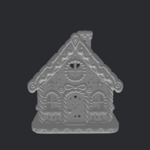
You receive a Gingerbread House Lantern as a digital STL file, ready to slice and print.
The design:
- Gingerbread house-inspired lantern, in the style of classic gingerbread houses and Christmas village decorations
- Made to glow when paired with a suitable battery-operated LED tealight
- Ideal for tabletops, mantels, shelves and miniature winter village scenes
Package contents:
- [1] STL file
- [Fill in: any extra files, such as separate parts, a base or a PDF guide]
File format: STL (digital download). It works with any slicer.
Important: Digital Product Only
This listing is for a digital STL file only.
- No physical gingerbread house, printed lantern or LED light is shipped or included.
- The colors shown in the preview images are for illustration. You choose your own colors.
- You need a compatible 3D printer and slicing software.
- Final results vary with your printer, material, settings and finishing.
⚠️ Safety Information
Use only a battery-operated LED tealight or another cool-running light suitable for the model.
- Never use a real candle, an open flame or an exposed hot bulb inside a 3D-printed lantern. Heat can deform or ignite the plastic.
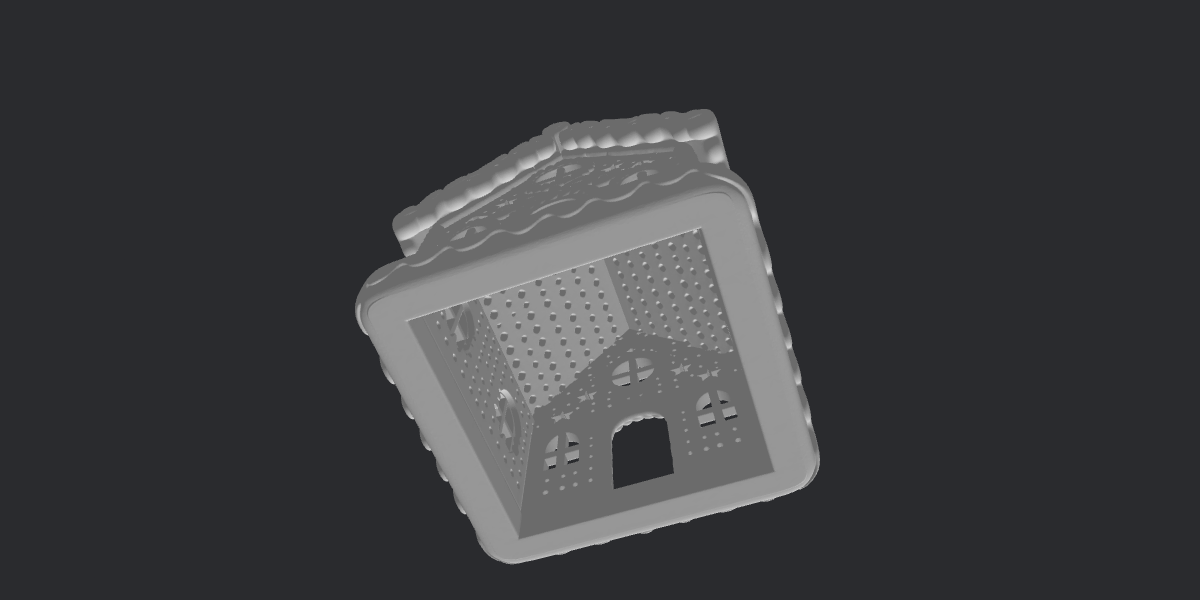
- Check that your light fits the lantern’s opening and doesn’t touch the walls in a way that traps heat.
- Don’t leave any lit decoration unattended near flammable materials.
Model Details
- Default size: [__ mm wide × __ mm deep × __ mm tall]
- Opening for the light: [Fill in: internal size and how the light is placed, for example “fits a standard 38 mm LED tealight” or “open at the bottom”]
- Resizing: You can scale the model in your slicer. If you scale it, check the internal dimensions again before choosing your LED light.
- Mesh: [Fill in: watertight / manifold, checked in your slicer]
Printing Guide
These are general recommendations for decorative lanterns. Adjust them to your printer and filament.
Printer type: Suitable for FDM printers, and for resin printers depending on the model geometry and your setup. [Confirm which you have tested.]
Suggested settings (FDM):
- Layer height: 0.12–0.20 mm to keep the decorative details sharp
- Nozzle: 0.4 mm standard
- Walls: 2–3
- Infill: 10–20%
- Supports: [Fill in: none needed / recommended under roof edges or openings]
- Orientation: [Fill in: print in the supplied orientation]
Tips for the best result:
- Check the slicer preview to choose the best orientation and see whether supports are needed.
- PLA is a popular choice for decorative prints.
- Choose light-colored or translucent filament (cream, white, natural) for a softer glow. Thicker, darker walls let less light through.
- Print the outer walls slowly (about 40–60 mm/s) for cleaner details.
- Do a quick test print at a small scale to check your settings.
Color & Finishing Ideas
- Classic gingerbread: warm brown with cream or white details
- Snowy village: white and cream with pale blue accents
- Candy style: red, green and pink touches
- Hand-painted: print in one color and paint the icing details, windows and door afterwards with suitable paint
Multicolor options: Use filament changes, a multi-color system, or paint after printing. Choose paint suitable for plastic, and keep it away from the inner area close to the light if you are unsure about its heat resistance.
Compatible Software
Any slicer that opens STL files works, including Bambu Studio, OrcaSlicer, Cura, PrusaSlicer and resin slicers.
Where to Display It
Christmas village displays, tabletops, mantels, shelves, windowsills, centerpieces and handmade gift setups.
License & Usage
- Personal use: Print as many as you like for yourself, family and gifts.
- Commercial use: [Fill in clearly: “Allowed for selling printed physical items, with credit to the designer” or “Not allowed”]
- Not allowed: Reselling, sharing or redistributing the STL file, or re-uploading it to other platforms, whether modified or not.
Support & Refunds
Because this is a digital file, refunds are generally [Fill in your policy]. If the file doesn’t open or the model has a problem, contact me and I’ll gladly help or send a corrected file. Please include your slicer name and a screenshot if possible.
Happy printing, and merry Christmas! 🍪🎄
Have questions about this product?
Login to message
| Published | 3 days ago |
| Blender Version | |
| Render Engine Used | Freestyle, Luxrender, Mental-Ray |
| Misc Data | Textured |
| License | Editorial |