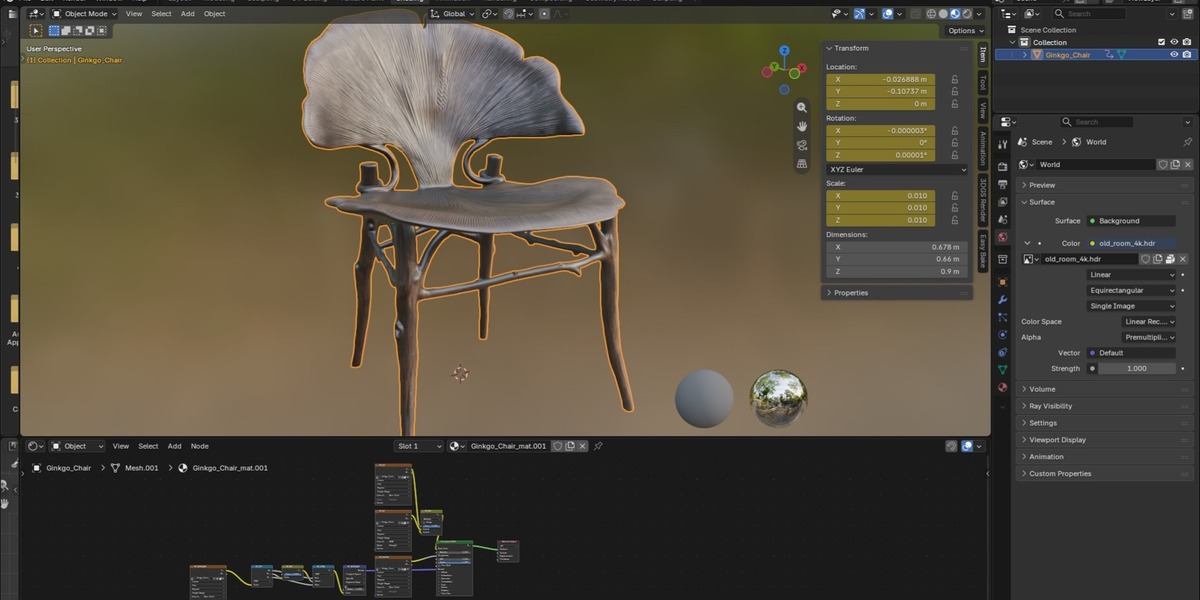
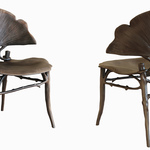
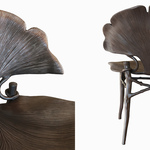
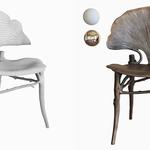
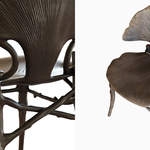
Ginkgo Chair
 3dpaz
in Game Ready
3dpaz
in Game Ready
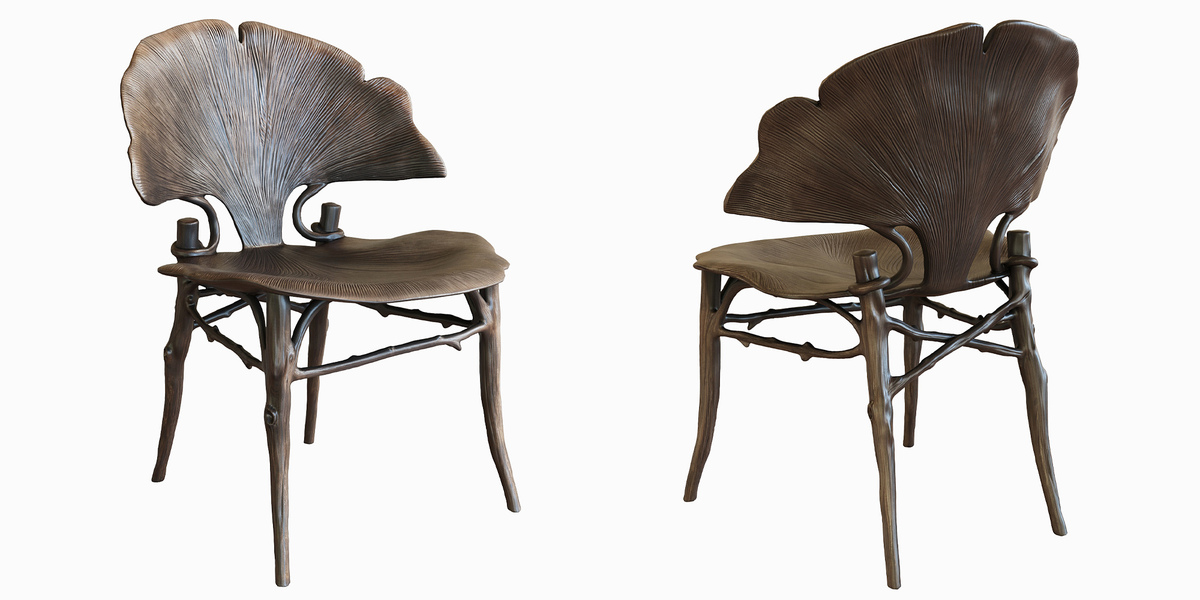
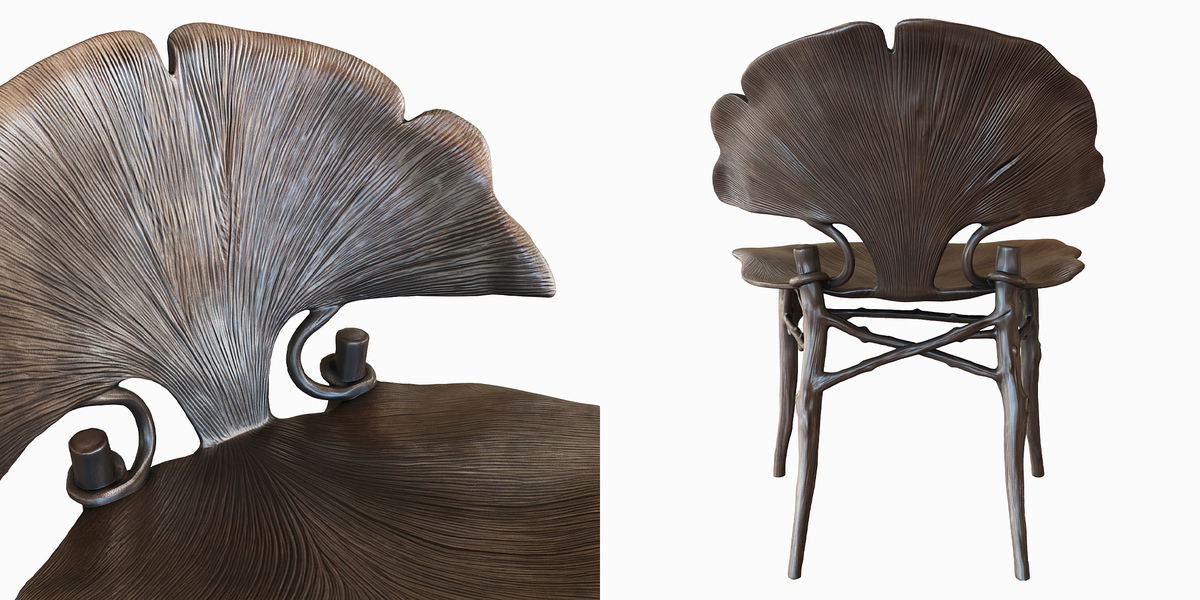
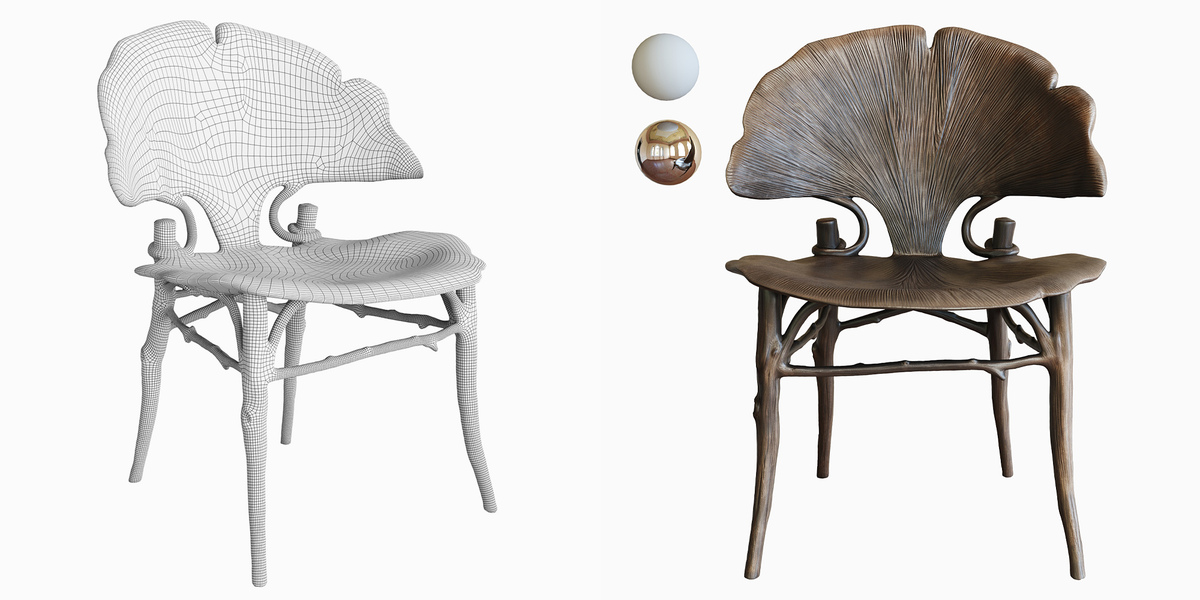
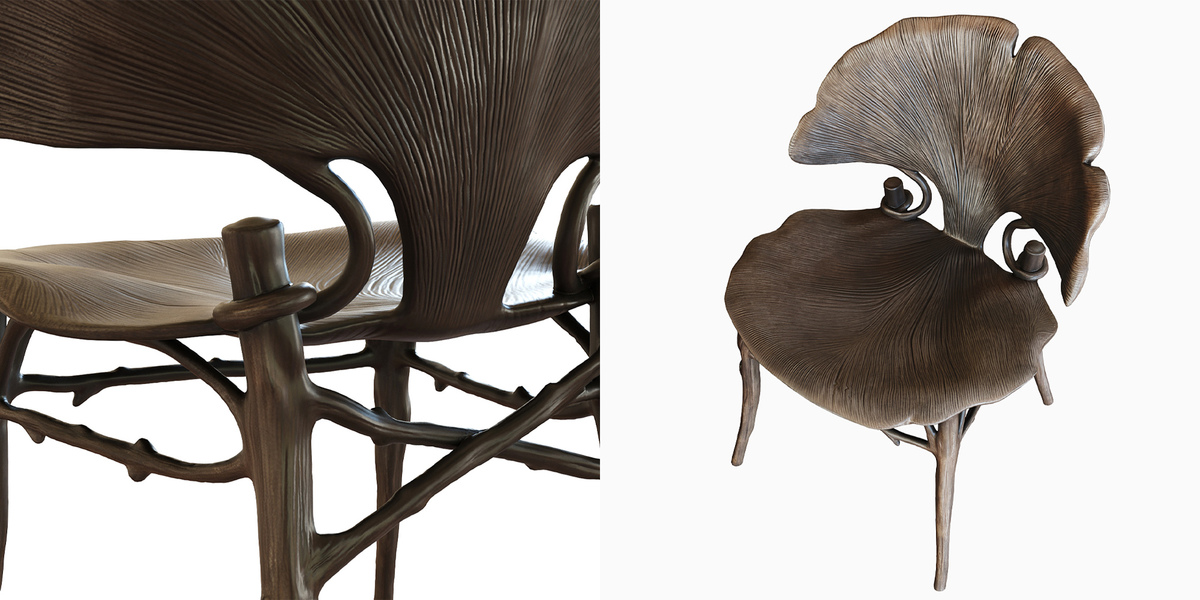
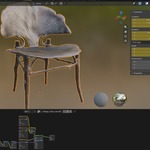
How to use:
1. Open your Blender scene (version 4.5 or newer).
2. Go to File -> Append, locate the downloaded .blend file, open the "Object" folder, and choose the chair object.
3. Alternatively, you can copy and paste the object directly from the file or mark it as an asset for Blender's Asset Browser.
$10
Have questions about this product?
Login to message
| Published | 5 days ago |
| Blender Version | 4.5 |
| Render Engine Used | Cycles, Eevee |
| Misc Data | Uvs-Unwrapped, Normal-Mapped, Textured |
| License | Royalty Free |
