 Pitiwazou




What are the limitations?
- Gizmos are visible in all 3D Views, so it's better to work on a single 3D View.
- Blender icons don't resize when the gizmo is scaled up.
What can I do with this Add-on?
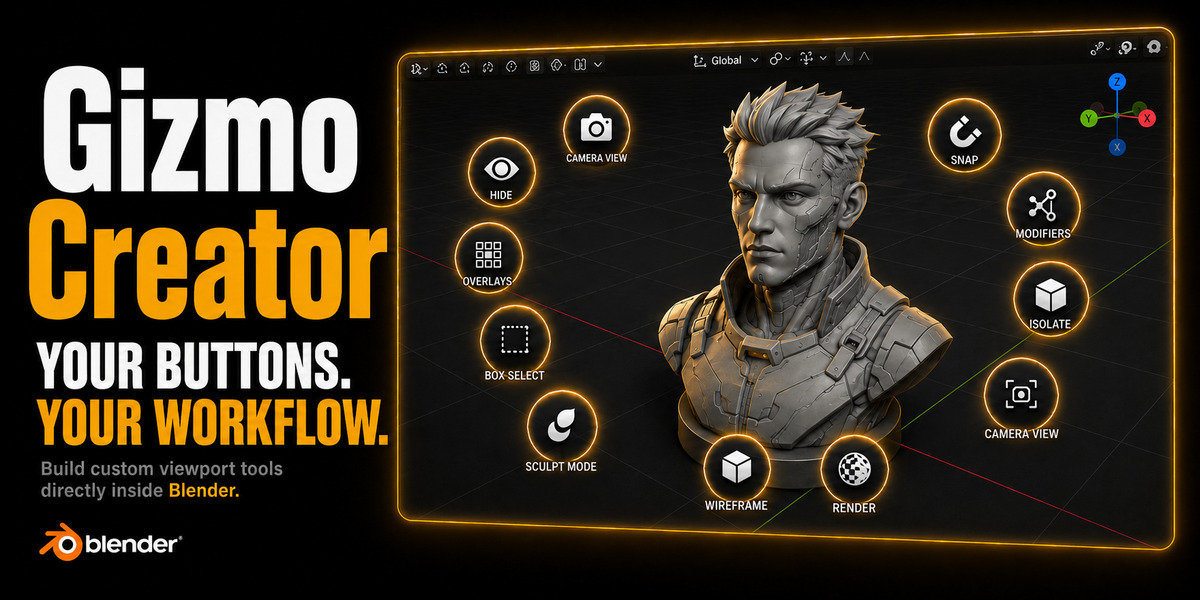
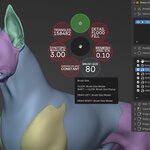
With this addon, you can create gizmos for the 3D view.
You can create Presets with groups, and in each group, you will have gizmos.
For each gizmo, you can add operators, properties, menus, or Python files.
You can also use Macros to add operations (Example: Add Cube > Add Bevel Modifiers > Apply).
Do I need to know how to code to use this add-on?
In the addon, there is a search function and help to guide you in setting the proper codes (operators, properties, menus) and conditions.
You will have to understand what a condition is.
Examples :
bpy.context.object.mode = 'EDIT' < if you are in edit mode
And how an operator works
bpy.ops.mesh.subdivide()
Is composed of bpy.ops - mesh - subdivide - ()
You need to set the proper codes to make the Gizmo work.
Can I customize the Gizmos?
Yes, you can add Icons, Custom Icons, or Text (with or without a Property value).
You can customize the gizmo, color, contour, and opacity.
Are the Gizmos context sensitive?
You, you can add conditions and rule to edit the Gizmos.
Example:
Bleu with text in Object mode > Green with icon in edit mode.
 Included
Includes 12 months of
- Support from Pitiwazou
- Product updates
Extend this product’s Support Period +12 months: 25% of product price
Have questions before purchasing?
Login to message
Discover more products like this
addon presets customize Blender interface tools tool Custom Blender tools blender user interface addon create productivity custom gizmo ui customization Customizable Blender interface presets Blender customization custom operators create gizmos Blender interface improvements gizmo custom tools workflow tool ui blender gizmo maker blender interface 3D Artist Tools Workflow Workflow Automation 3d-user-interface tool creation 3D Artists Toolkit interface blender gizmo advanced customization Blender interface addons