 Max Derksen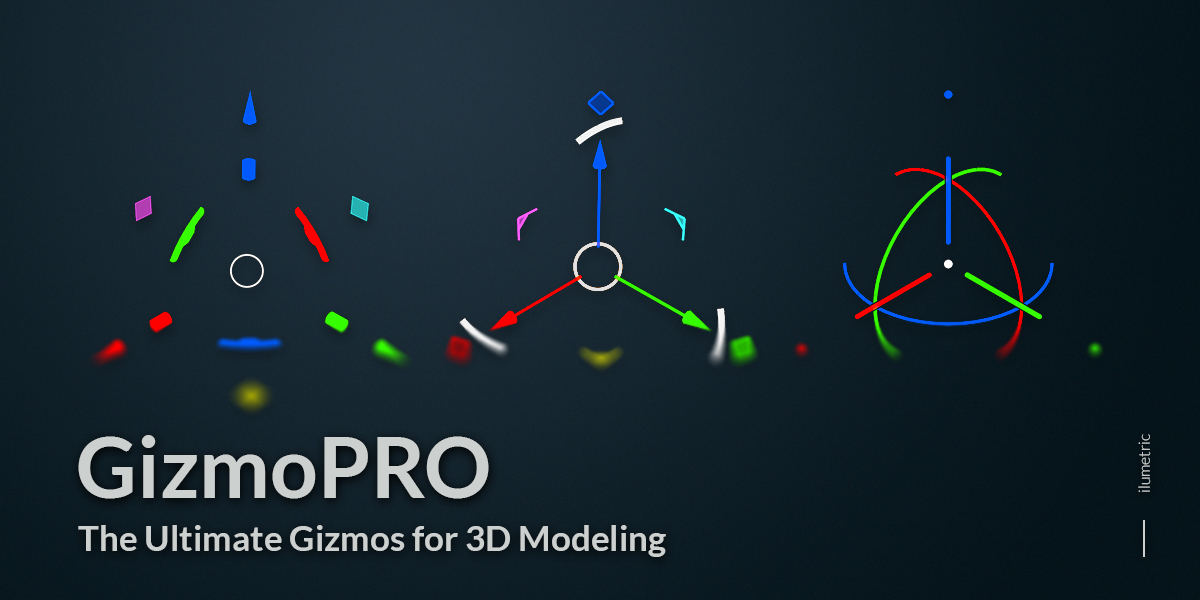
Gizmo PRO is a transform toolkit for the Blender viewport: fast, fully customizable gizmos backed by their own transform operators, snapping engine and modeling tools. Fewer clicks, more control.
Modes: Object, Mesh, Curve, Surface, Armature, Pose, Metaball, Lattice, Hair Curves, Grease Pencil, UV Editor · Blender 5.1+
Documentation: max-derksen.gitbook.io/gizmo-pro
Gizmos
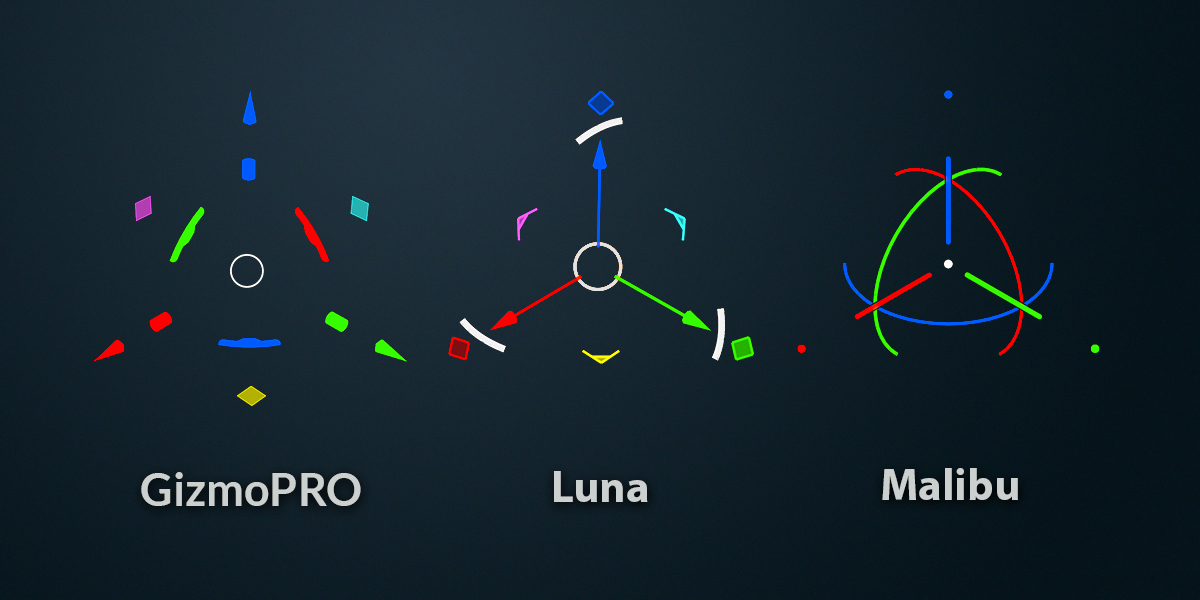
Two types: Luna — clean and classic, ready out of the box; Customizable — procedural, with every element tweakable. Draw shaders, axis color presets, per-element visibility.
Transforms
Native-feeling modal move, rotate and scale with axis constraints, surface projection, exact numeric input and ZBrush-style Duplicate & Array. Can replace the G/R/S hotkeys entirely.
Snapping
A custom snapping engine: vertices, edges, faces, face centers, curve points, bones, origins — including Geometry Nodes instances. Multi-point snap to a median. Fast even in heavy scenes.
Pro Cursor
Drag to place the 3D cursor on any surface — position and orientation snap together. Pivot and orientation follow; one click restores your previous setup.
Proportional Editing
Influence heatmap in the viewport, custom falloff curve, works with Individual Origins and mirror editing.
Drag Actions
Empty-space LMB/RMB drags become tools: box, lasso or paint select, transforms, Pro Cursor and more.
Gizmo Modifiers
Hold Shift or Ctrl on any handle to run a different operator — Extrude, Inset, Duplicate & Move… or bind any Blender operator you like.
Tools & Widgets
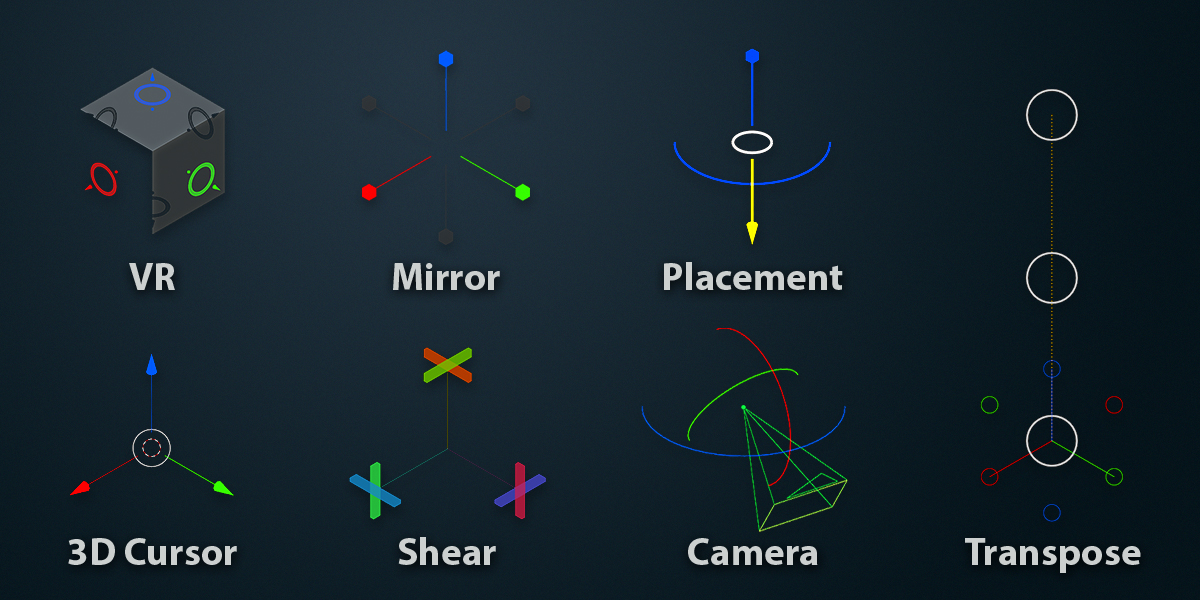
Placement on surfaces · Mirror · Curve editing · Transform UV (viewport and UV Editor) · bounding-box Scale · 3D cursor pie menu · View Cube · screen-edge button bars · Radial Menu · Pomodoro timer & Save Reminder.
Customization
Dark and light themes, detailed gizmo styling, editable keymaps, settings presets — set it up once, carry it everywhere.
