Glass for Eevee & Cycles - V2
 Surrealisium









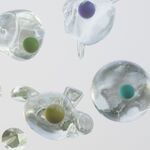
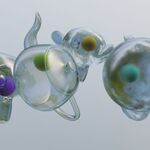
Installation
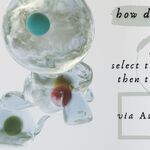
Use Blender's Append function (File > Append), select the .blend file, navigate to Materials, and pick the variant you want.
Alternatively, you can add the file to your Asset Library and access it directly from the Asset Browser.
Usage Tips
Using an HDRi is strongly recommended for best results, as with any reflective or refractive material.
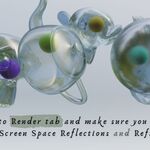
In Eevee, make sure Screen Space Reflections and Refraction are enabled in the Render tab.
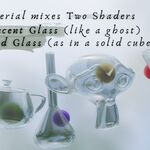
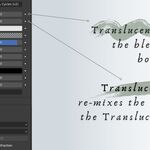
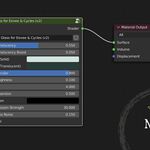
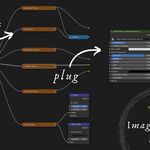
The Translucency slider controls the blend between both shaders, and Translucency Boost re-blends the result with the Translucent Shader one more time (play with the values).
Compatibility
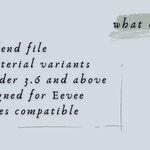
Blender 3.6 and above.
Designed for Eevee, Cycles compatible.
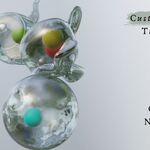
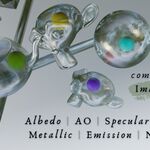
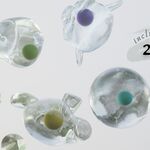
Includes 2 material variants: one simple and one ready for full PBR texture sets.
Have questions about this product?
Login to message
| Dev Fund Contributor | |
| Published | 6 months ago |
| Blender Version | 3.6 |
| Render Engine Used | Cycles, Eevee |
| License | Royalty Free |
Discover more products like this
transparency eevee transparent glass material glass eevee fix glass-material eevee glass for eevee Glass Transparent Shader translucent translucent material translucency eevee Shader