 ZEG
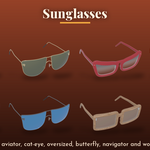
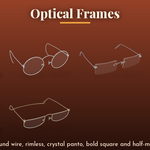
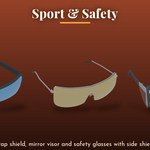
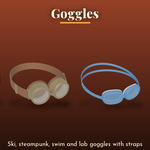
Downloads
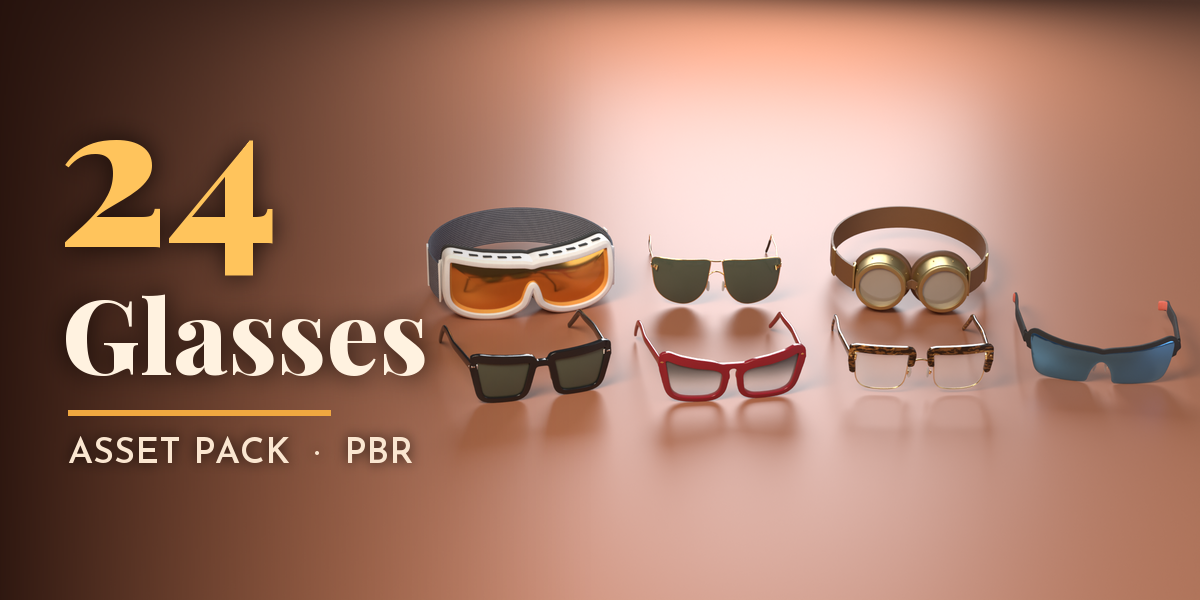
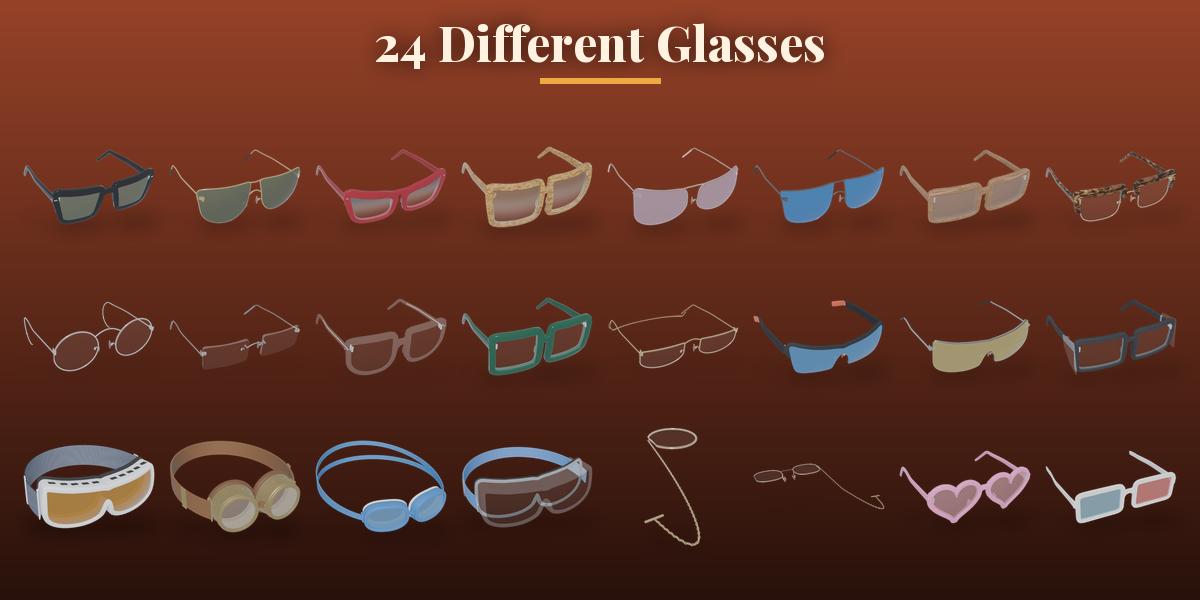
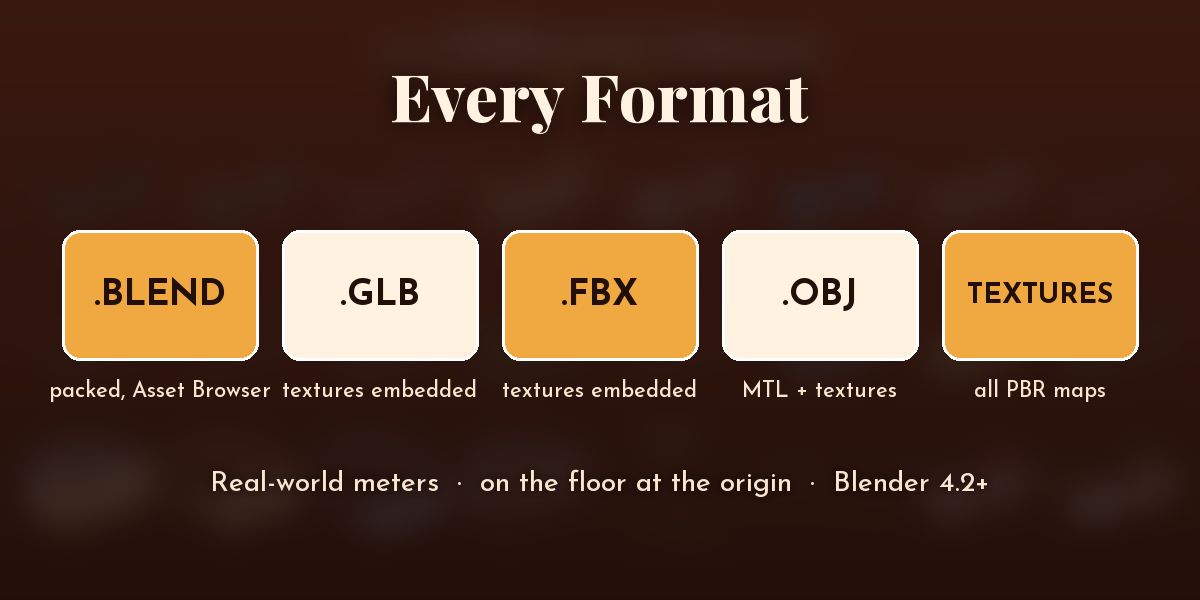
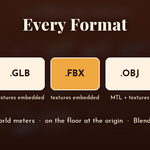
Every format is its own zip: blend (all models, textures packed), glb, fbx (textures embedded), obj (with MTL and textures) and textures (all PBR maps). Download only the ones you need.
Blender
- Open Glasses_Asset_Pack.blend to see the collections, or use File, Append, Glasses_Asset_Pack.blend, Collection and pick a model.
- To use it as an asset library: Edit, Preferences, File Paths, Asset Libraries, add the folder with the .blend. The models show up in the Asset Browser under Eyewear; drag them into any scene.
Game engines
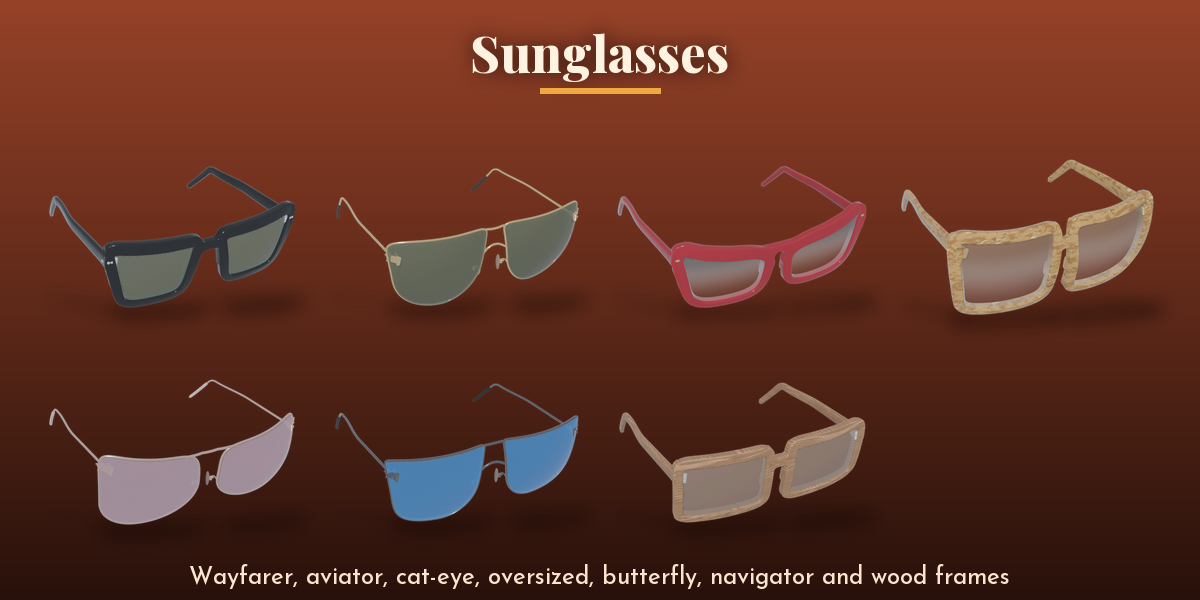
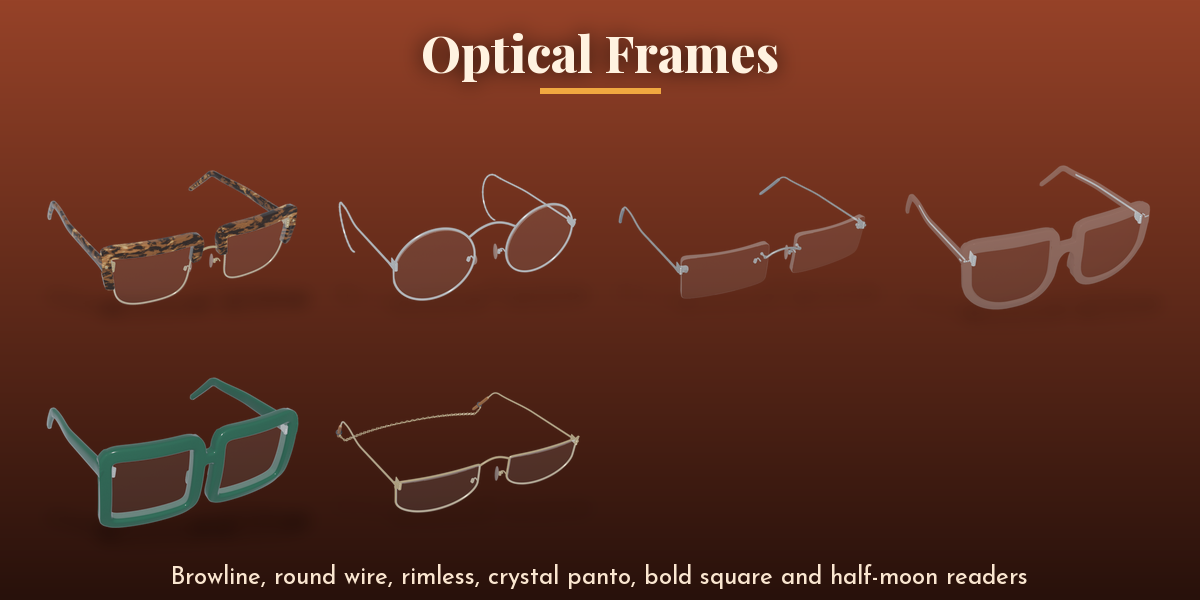
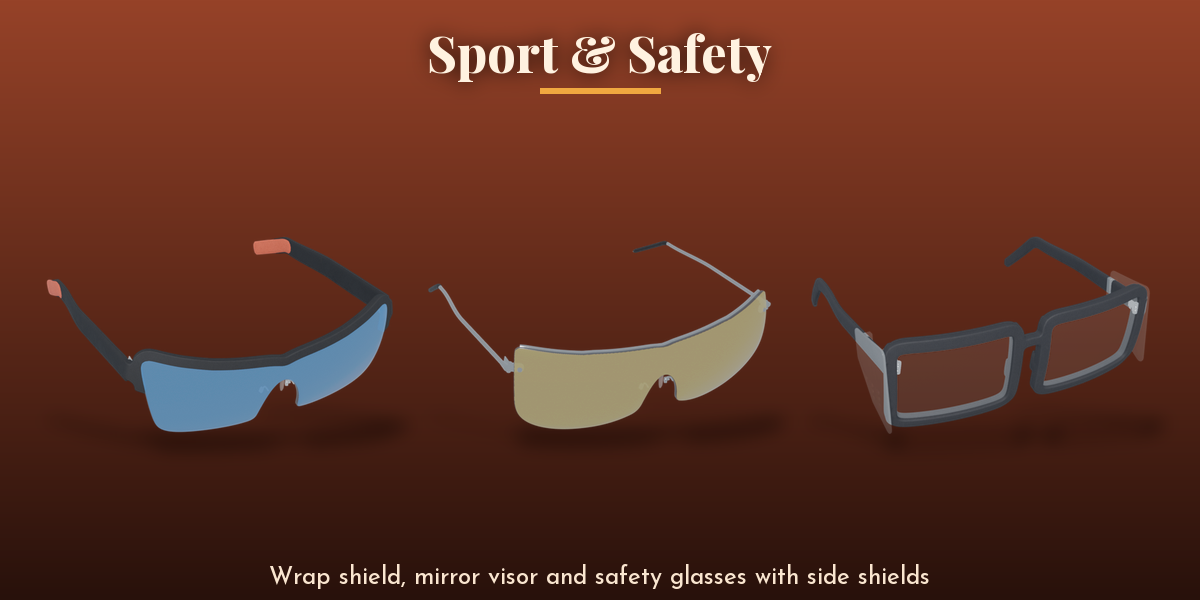
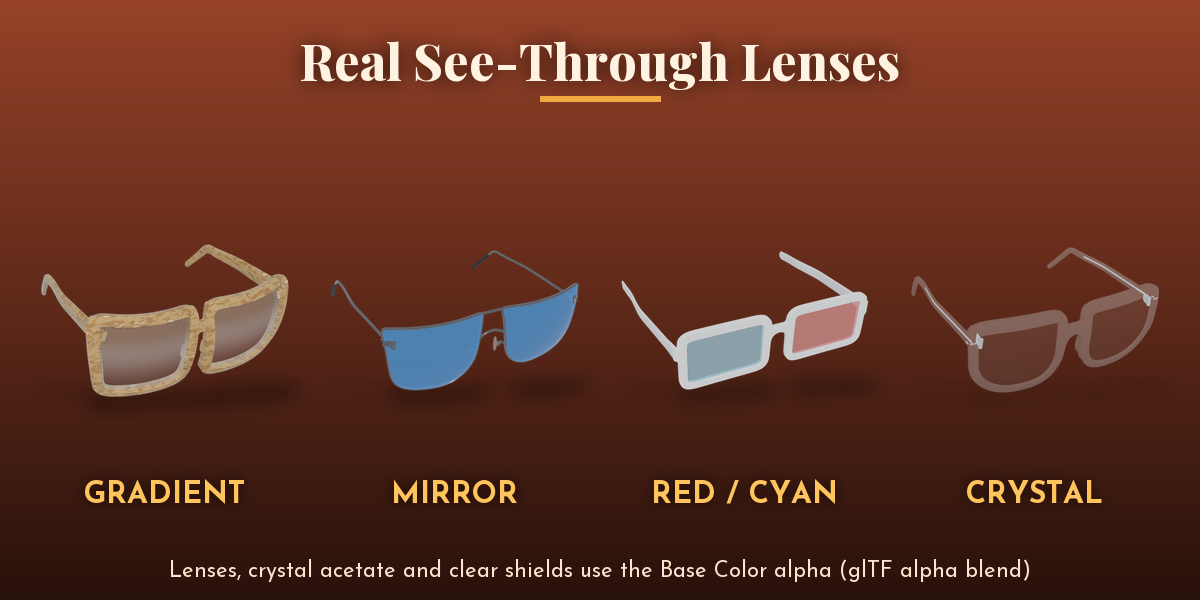
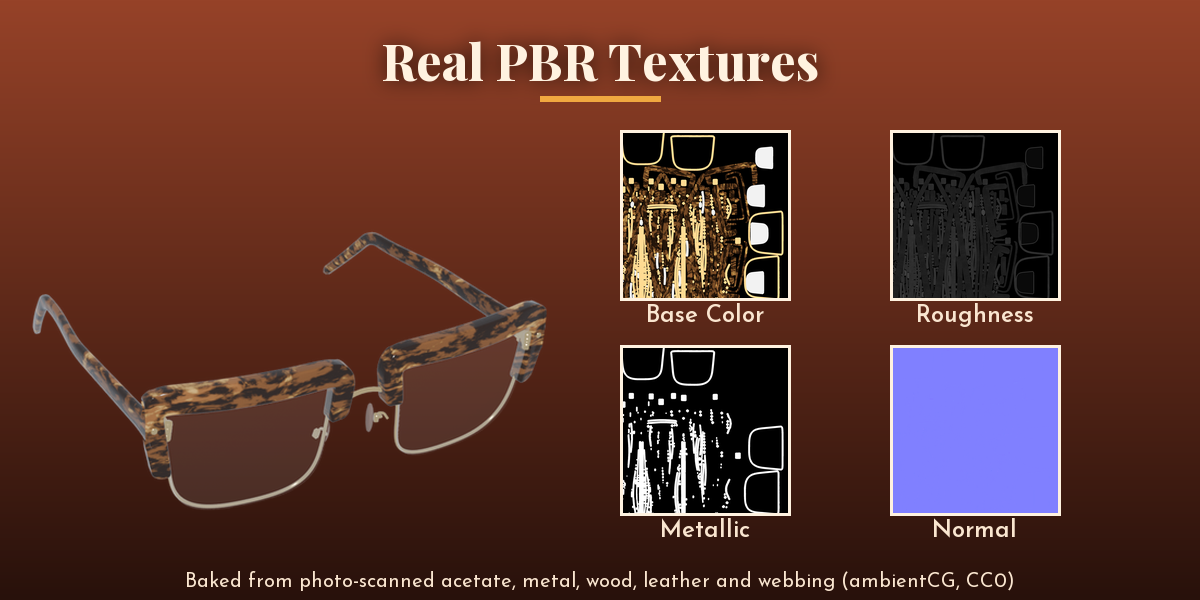
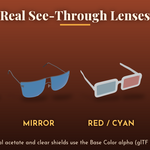
Import the GLB (or FBX) file. Each model has an opaque frame mesh (_Body) and, where it has lenses, a glass mesh (_Glass) whose material takes its opacity from the Base Color alpha (glTF alpha mode Blend). Normal maps are OpenGL (Y+); in Unreal flip the green channel or tick Flip Green Channel.
Scale
Real-world meters. The origin is at the centre of the footprint on the floor, so a floor plane at height 0 is where the glasses rest. To put them on a character, parent them to the head bone and move them onto the nose.
Have questions about this product?
Login to message
| Published | about 21 hours ago |
| Blender Version | 4.2 - 5.2 |
| Render Engine Used | Cycles, Eevee |
| Misc Data | Uvs-Unwrapped, Normal-Mapped, Textured |
| License | Royalty Free |

Discover more products like this
accessories monocle fashion eyewear game ready glasses low poly goggles props sunglasses PBR spectacles