Glassware Add-On
 Mark Peters
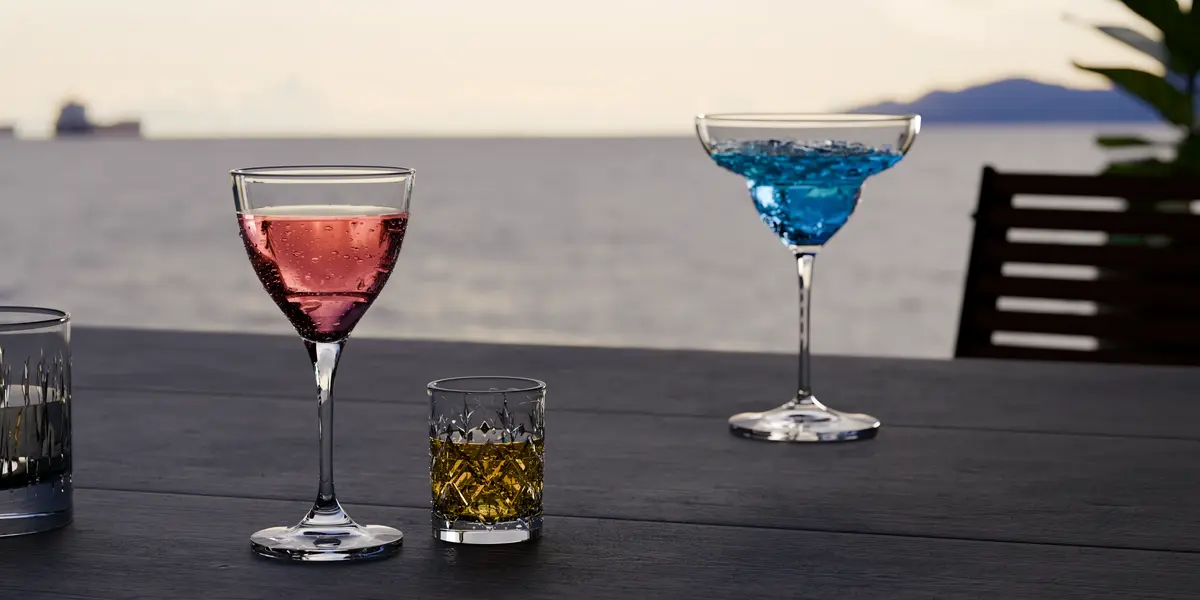
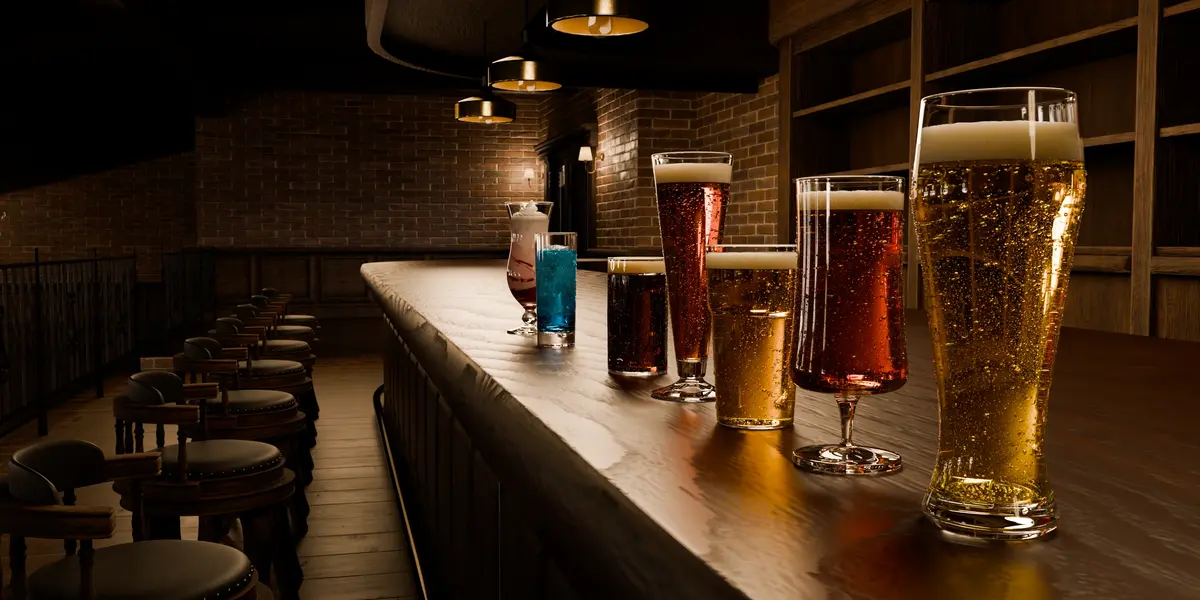
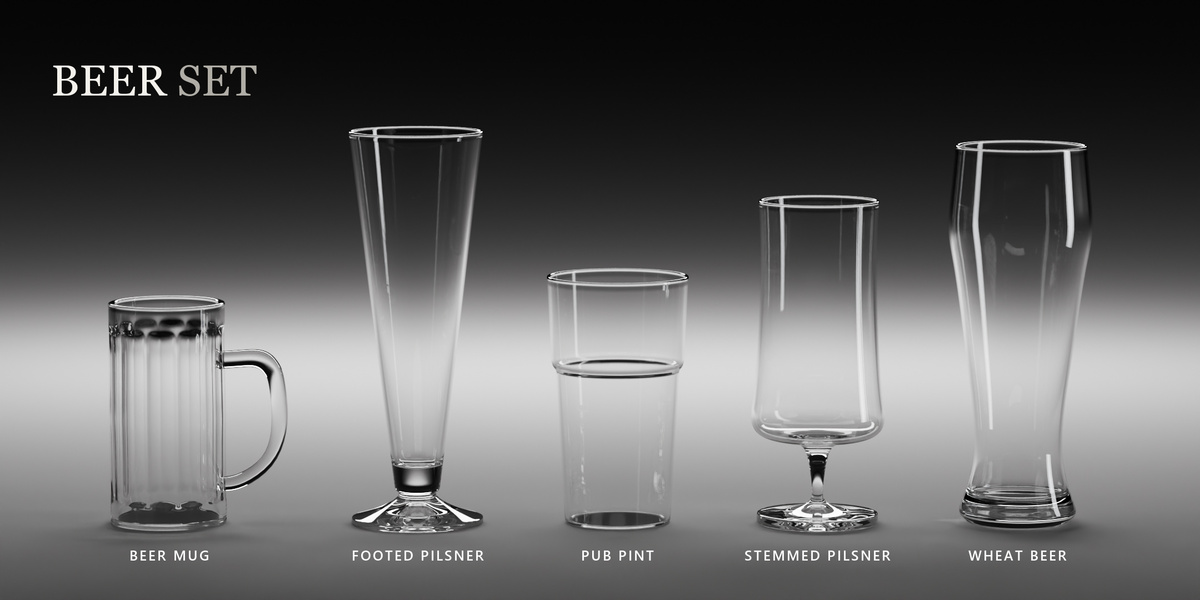
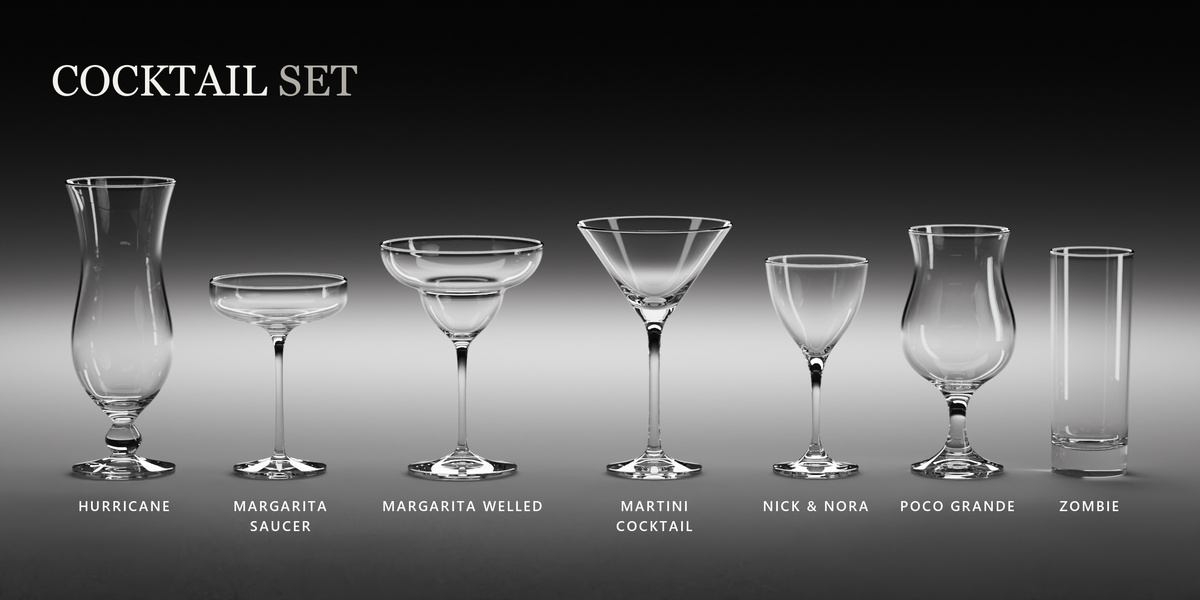
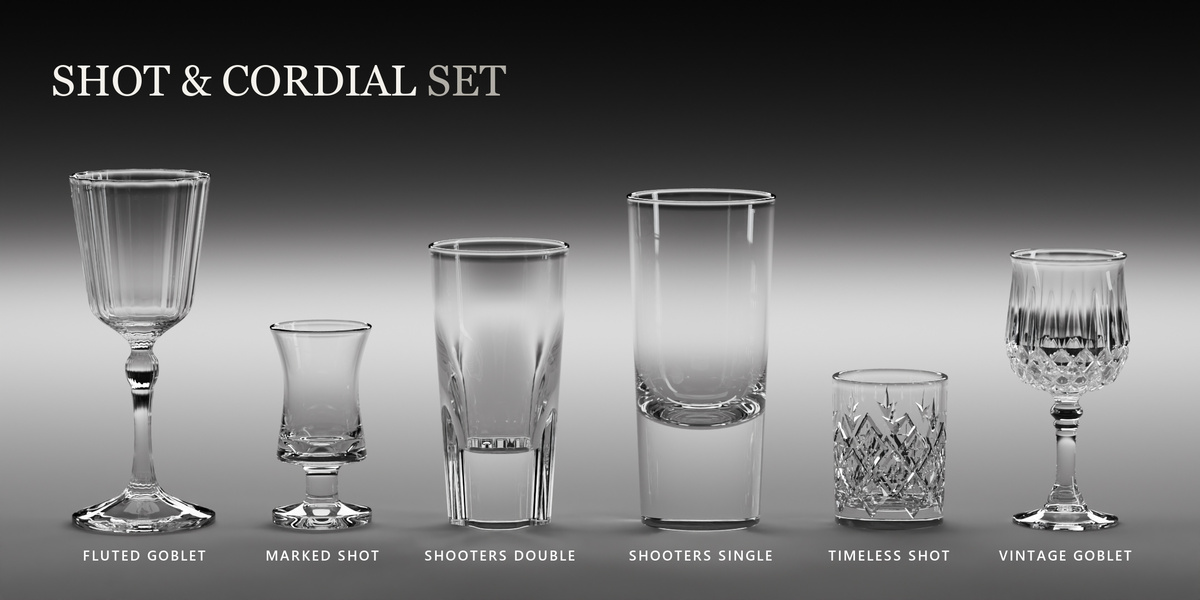
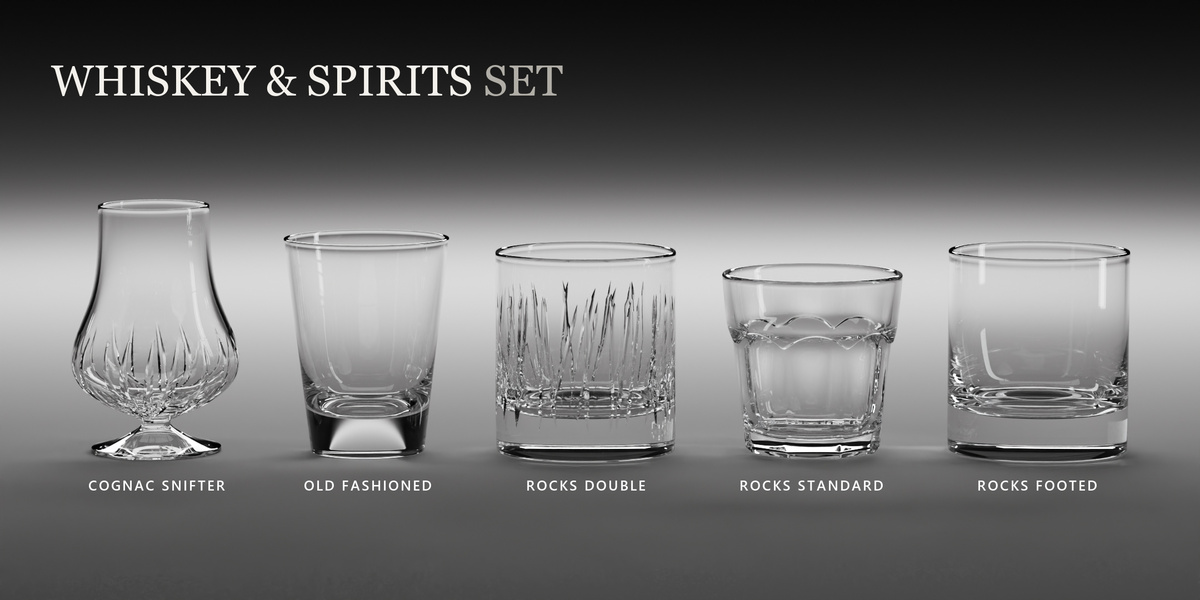
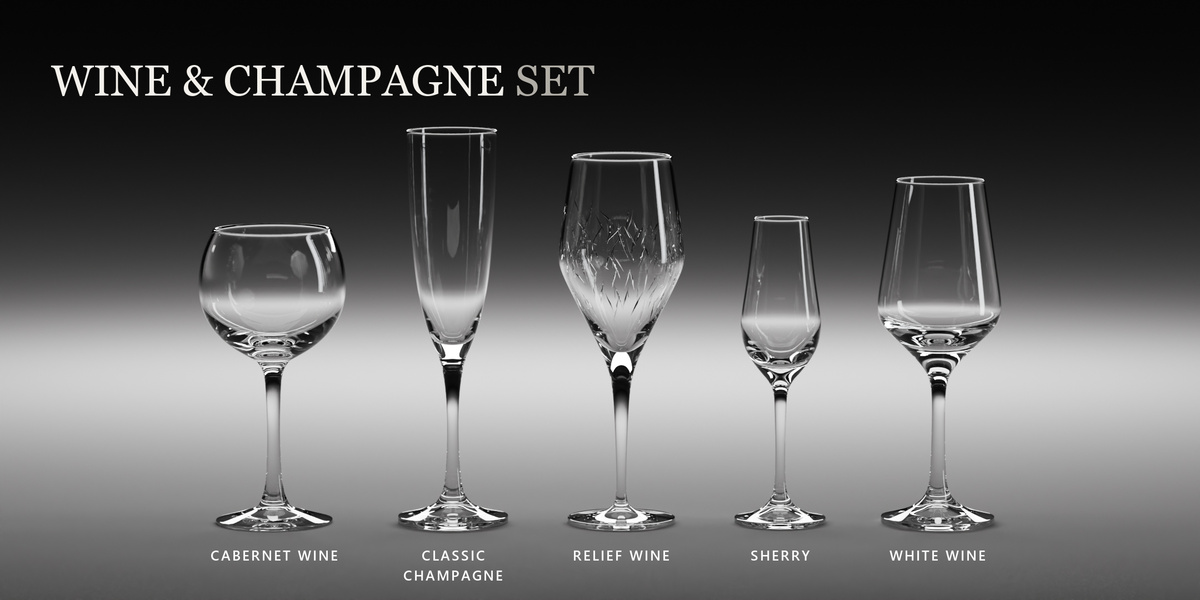
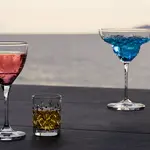
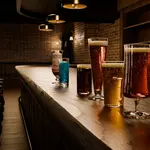
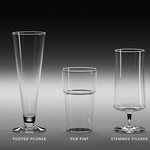
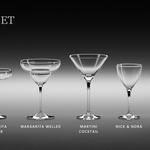
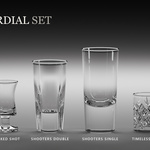
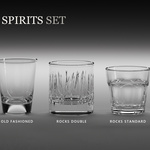
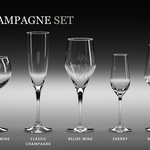
28 glass types, each in Game Ready and Cinematic versions: 56 glass meshes in total. The Blender add-on includes 100 drink presets, fitted liquid meshes, 15 effects and editing tools. You also get both glass tiers as FBX and OBJ, 28 Game Ready normal maps at 2K and an optional Blender Asset Browser library.
Blender 5.0 or newer. Use Cycles for drinks, which rely on volume shading. Empty glasses can preview in EEVEE, but the drink appearance is designed for Cycles.
No. Preset drinks use fitted meshes, shaders and Geometry Nodes. You can edit their fill and appearance without running a fluid bake. Slosh (Beta) can bake gentle waves from an animated glass. GlassWare does not simulate pouring, splashes or liquid escaping from damaged glass.
Yes. Choose a preset, change the fill and tune the liquid look. Save custom drinks and favorites for later scenes. The Layers controls let you build liquid bands by milliliters. Layers and Surface controls are labeled Beta.
Drink effects: Carbonation, Foam, Ice Cubes, Crushed Ice, Condensation, Salt Rim, Wine Legs, Film and Whipped Cream. Glass effects: Fingerprints, Lip Prints, Scratches, Dust, Damage and Iridescence. Each has editable settings.
Beta features are included and usable, with further refinement in progress. Foam, Crushed Ice, Wine Legs, Film, Whipped Cream and the six glass effects are labeled Beta. Layers, Surface and Slosh also carry the Beta label.
Carbonation has an Animate option for moving bubbles. Condensation supplies a static pattern of droplets and streaks. Level When Tilted keeps a drink level while its glass tilts. Slosh (Beta) bakes gentle waves from the glass's own animation. Neither creates pouring or splash animation.
Game Ready uses lighter glass meshes with 2K baked normal detail. Cinematic uses more geometry for close-ups. Hybrid displays Game Ready in the viewport and uses Cinematic for rendering. Changing quality preserves the drink and customization. Liquid and effects add to the base mesh cost.
Yes, you can import the raw glass FBX or OBJ files and Game Ready normal maps. Drink presets, fitted liquid meshes, effects and the glass shader belong to the Blender add-on. Engine plugins, colliders and LOD chains are not included; build the destination material and collision setup in your own software.
The Blender add-on bundles the library and builds the glass material when you add a glass. Choose a drink preset to start with its liquid look and typical effects. You still need to light the scene and render in Cycles. No separate library path is needed.
Extract an outer product ZIP marked EXTRACT ME first. Install GlassWare_Blender_Addon.zip from the Blender Addon folder using Preferences, Add-ons, Install from Disk. Leave that inner ZIP zipped. The Documentation tab has the full steps and a short installation video.
Superhive lists Personal for a single user and Studio for a multi-user studio; both descriptions allow commercial use. Follow the license terms attached to your purchase. Add-on code is GPL-3.0, while models and textures have separate asset terms. The download includes the license files.