 AarchAranya




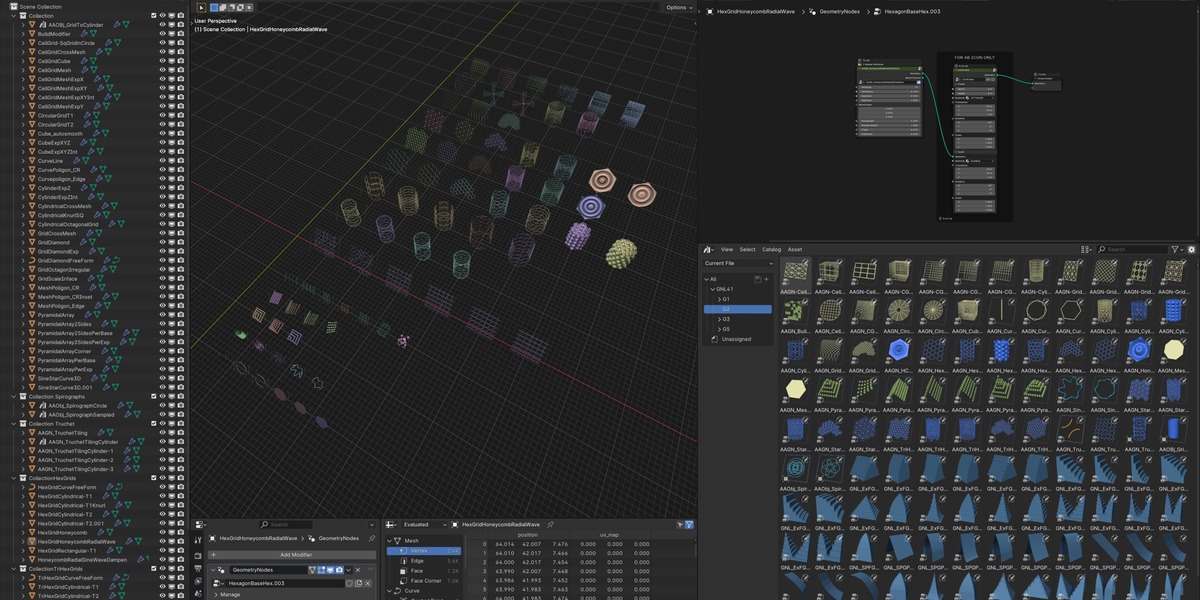





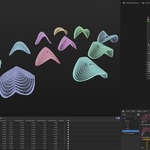

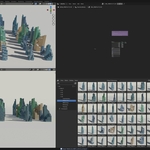
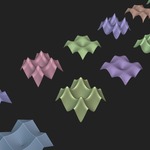
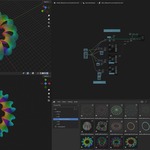
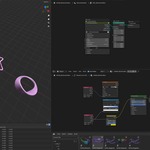
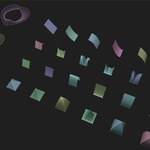
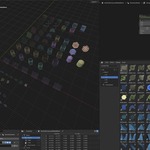
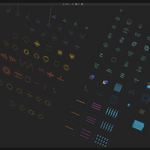
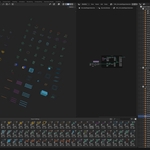
The GeoNodes Library is a continuously growing collection of (currently over 1225) Geometry Nodes Helpers, Visualizers, Utilities, Converters, Modifiers & Generator Nodegroup Assets, primarily useful for Architectural, Interior, Landscape & Urban Design & Visualization. Assets & NodeGroup setups are added on a regular basis.
Currently, there are Five Collections of NodeGroups - G1, G2, G3, G4 & G5, (with over 1225 NodeGroup Assets in all, including presets). G1 & G2 are aimed for beginners, while the higher noted Collections are for intermediate & advance level.
The underlying purpose of the Library is educational & the intent is to Explore, Learn, Create & Utilise. Each node-group is provided with a demo setup to explore & understand their non-destructive, procedural & parametric functionality. Additionally, some node-groups have multiple presets included in the demo setups. These Collections are aimed to help you unpack the underlying mysteries (!!) & make you familiar, friendly & a master of Geometry Nodes modifiers in no time.
All feasible NodeGroups are asset-browser ready. The setups being fully procedural and non-destructive, infinite variations from each of the NodeGroups can be generated. The blend files are updated for ver 5.2, 5.0, 4.5, 4.4, 4.3, 4.2, 4.1 & 4.0
Node Group collections are available on Highest Value basis - you only pay the difference value for the higher value collection.
All subsequent updates/additions to the respective Collections are free.
Product Demo Videos:
Select Product demo vids are available here:
https://www.youtube.com/playlist?list=PLSIxVmgLCJraZYprTQvTKpALkVQYQ0rBi
Follow GeoNodesLibrary on X for latest updates:
NOTE:
Commercial License for Collection G5 is available only for use as Digital Assets. Kindly contact for Commercial License for Real World/Physical applications.
Also, feel at ease to contact for Commercial License for specific collection from Collection G5.
Collection G1 includes over 275 Nodegroup Assets, primarily consisting of converters, helpers, utilities & visualizer setups.
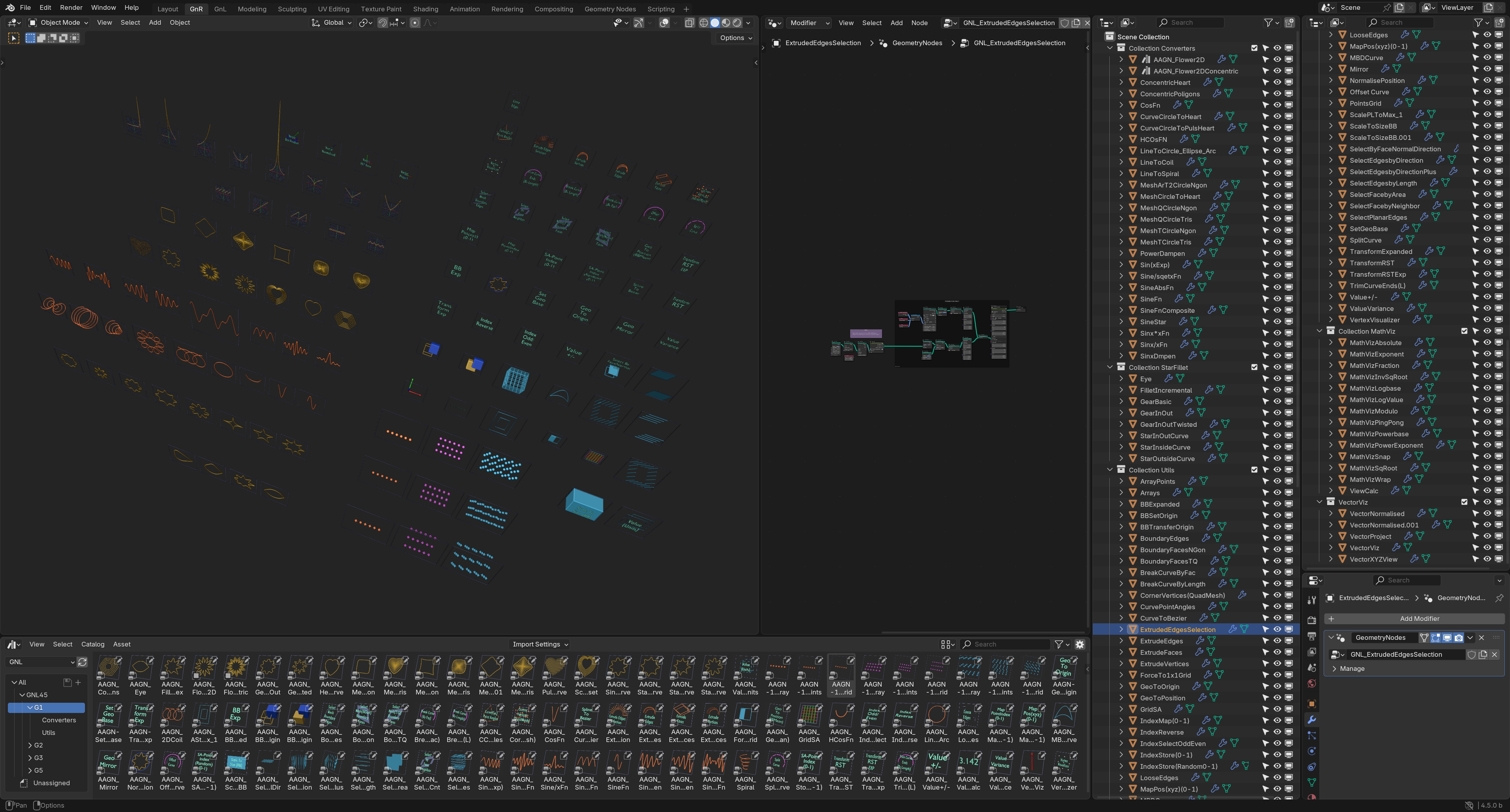
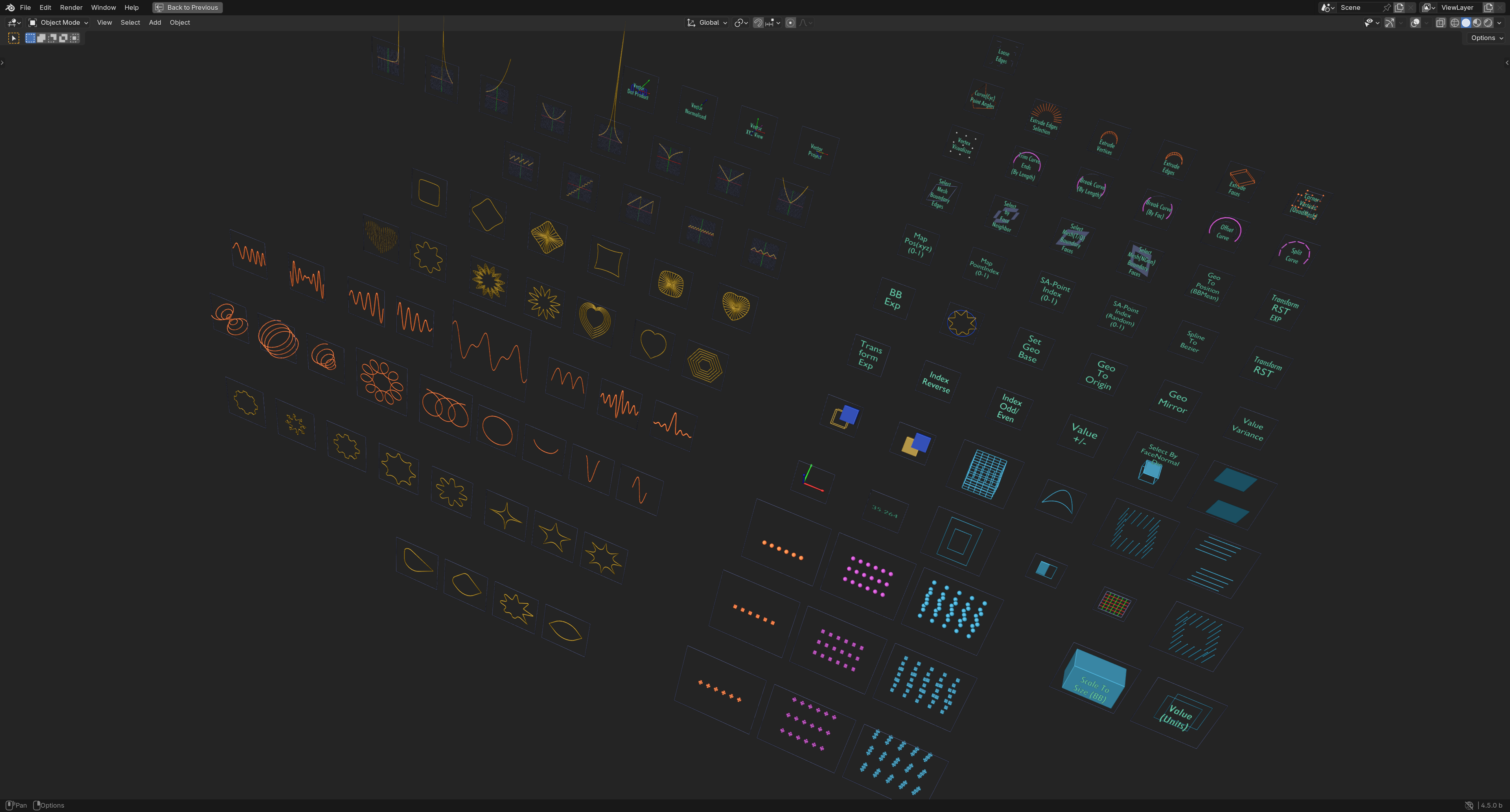
Collection G2 includes over 200 Nodegroup Assets in addition to all the Nodegroups from Collection G1 (Total over 475 setups). The setups primarily consist of generators, helpers and utility node groups.
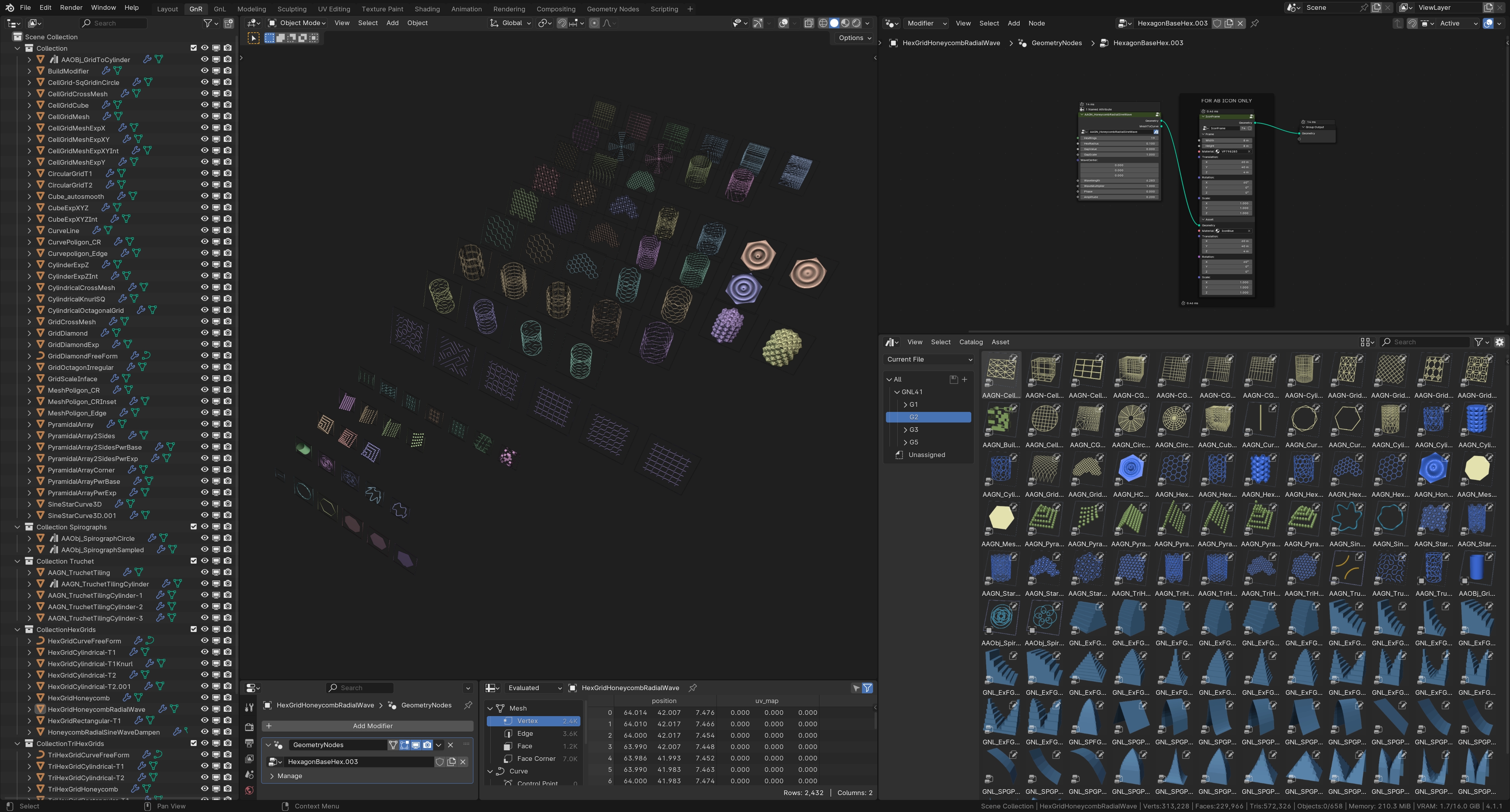
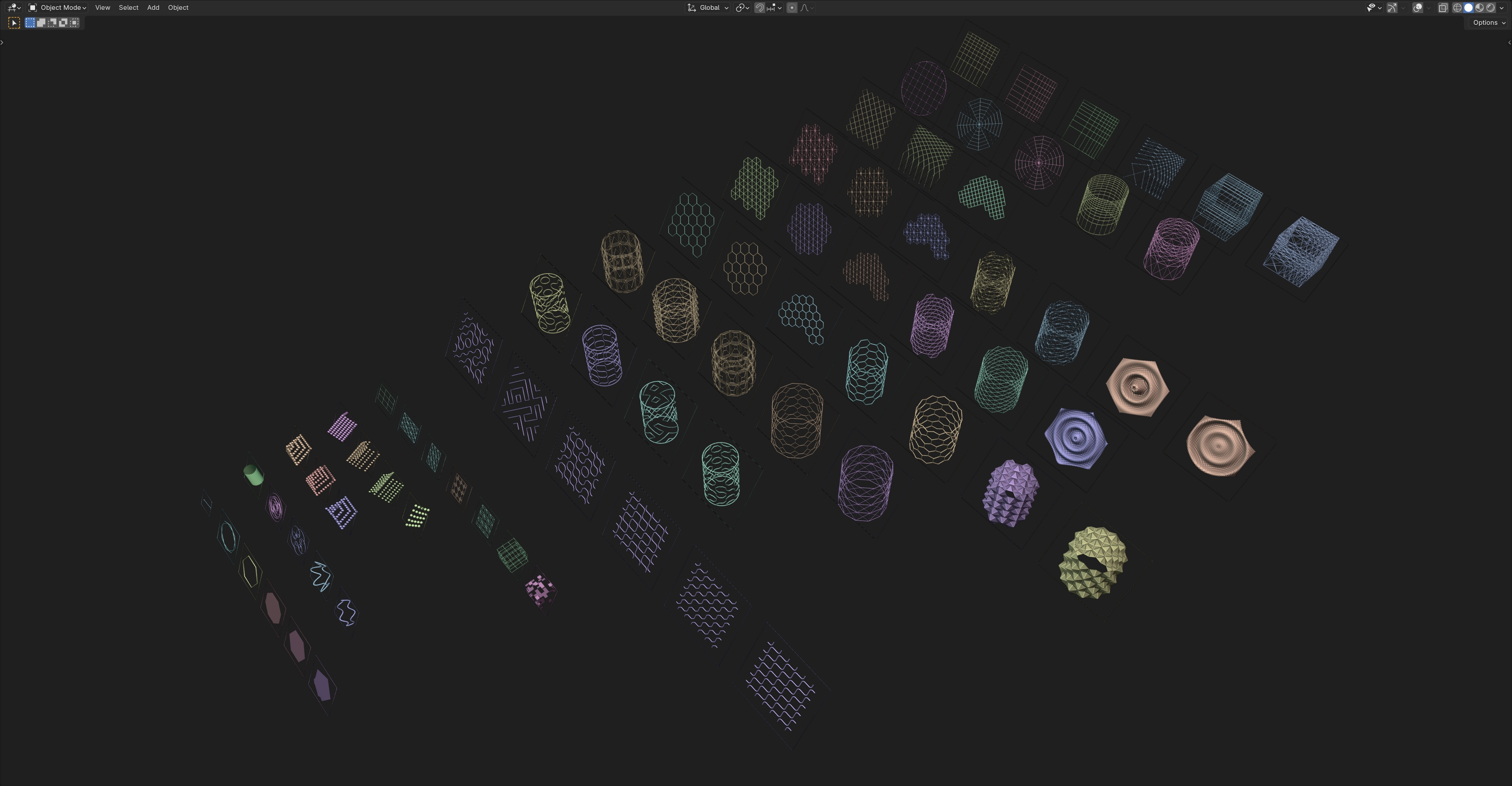
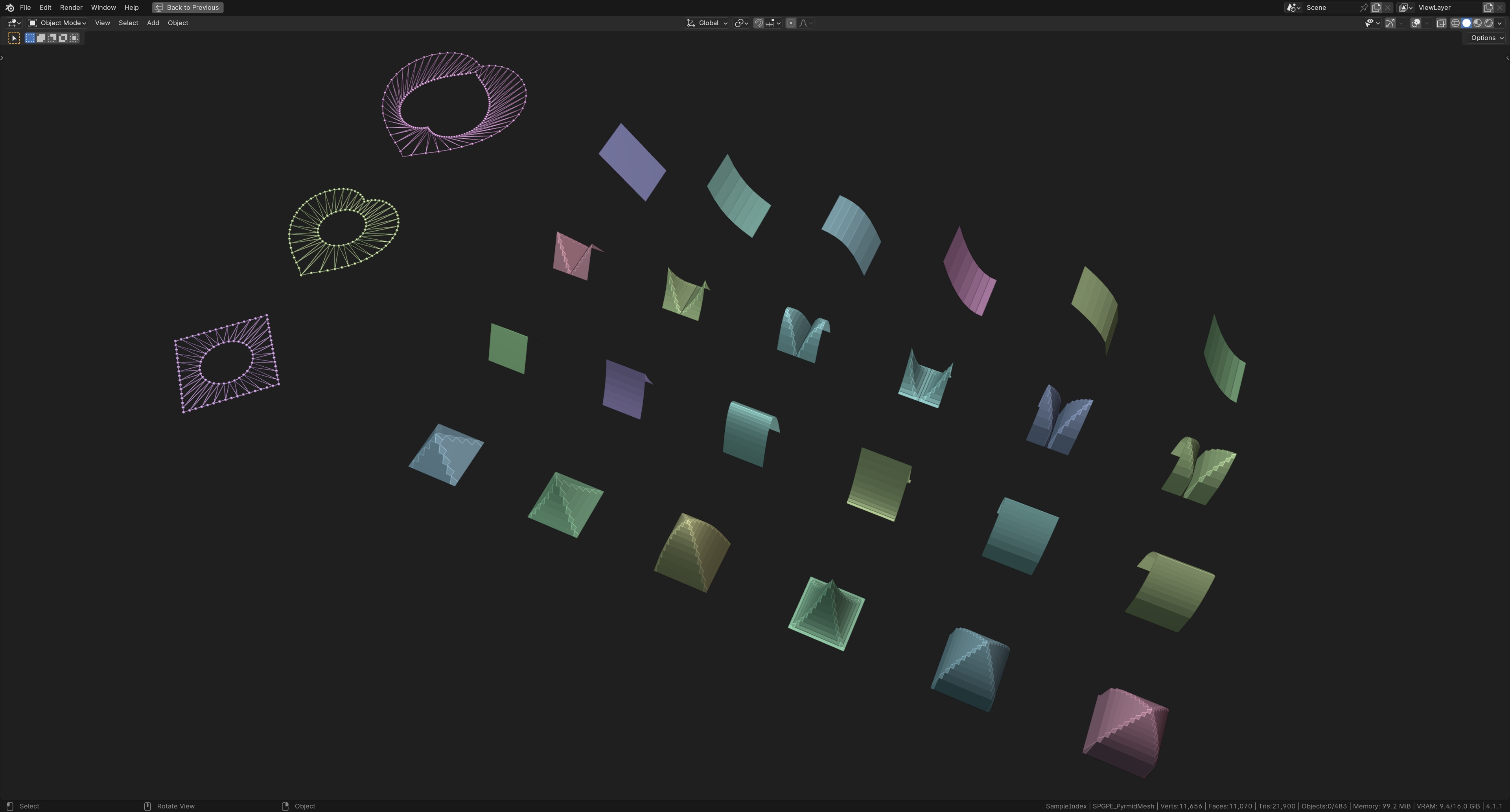
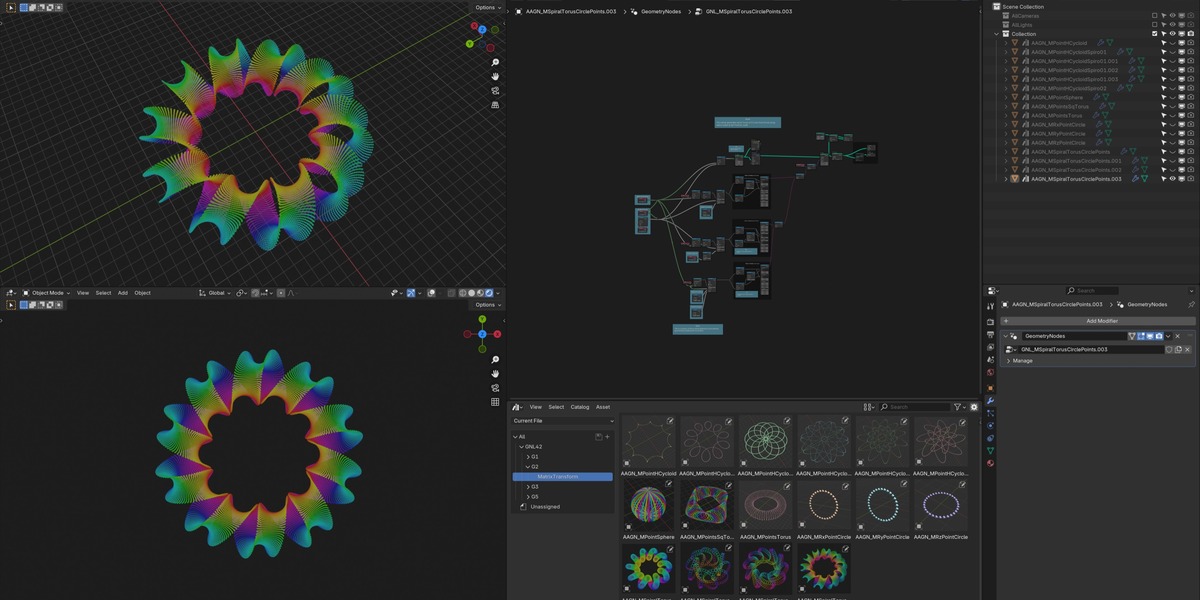
Foundational setups for Matrix Transform nodes used with Set Position Node
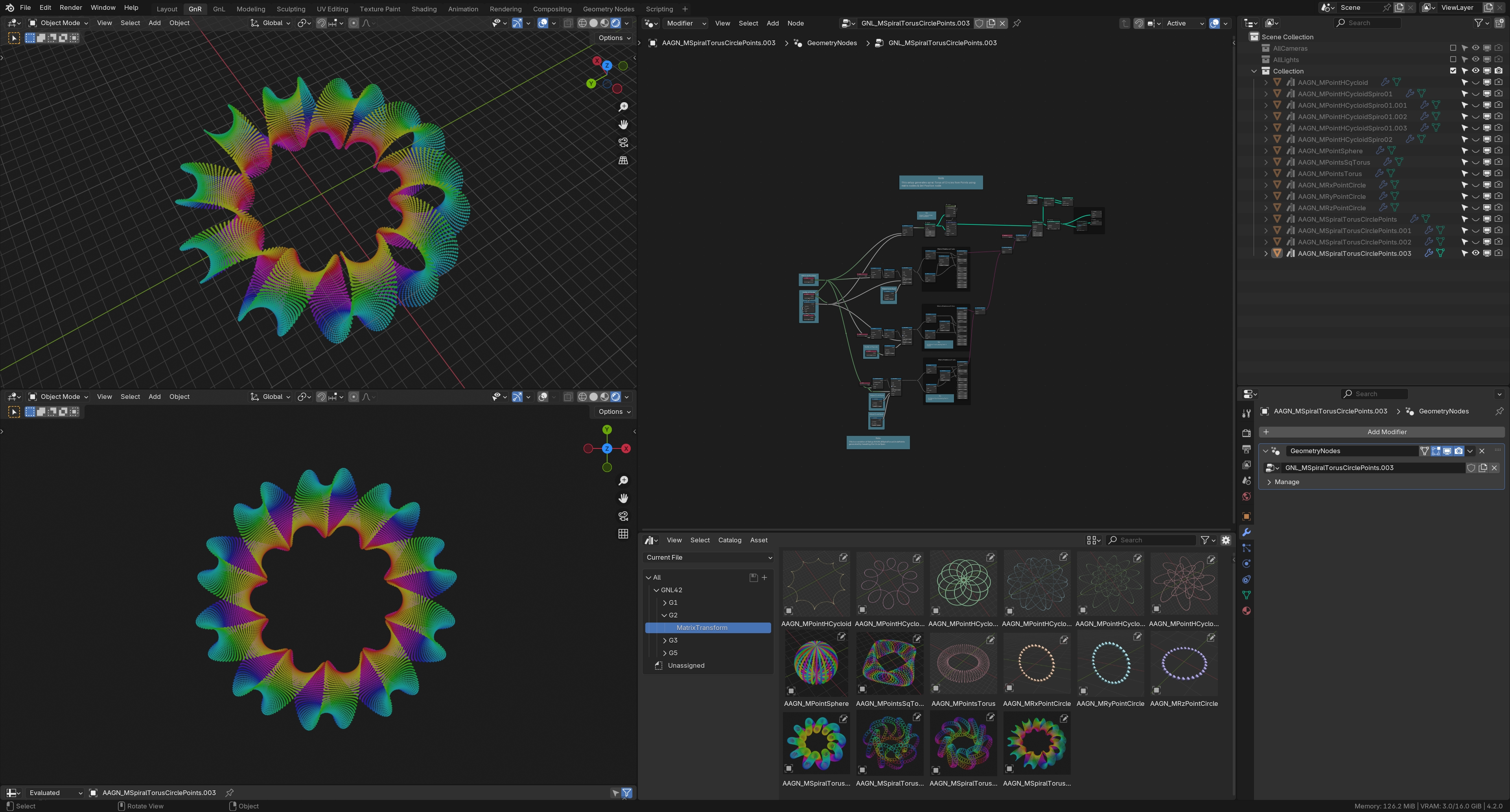
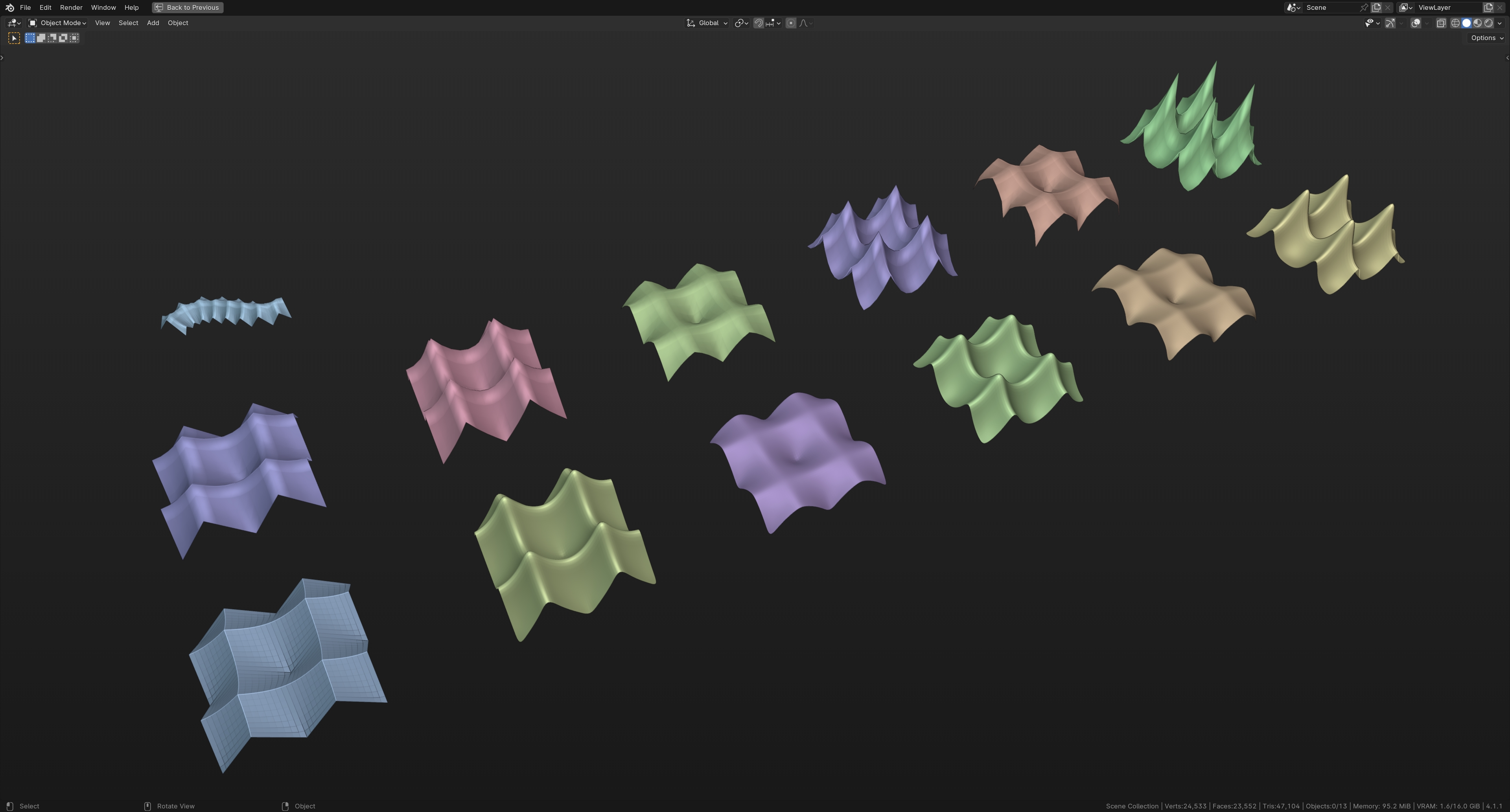
Collection G3 includes over 375 Nodegroup Assets in addition to all the Nodegroups from Collection G1 and G2. (Total over 850 setups). The setups include:
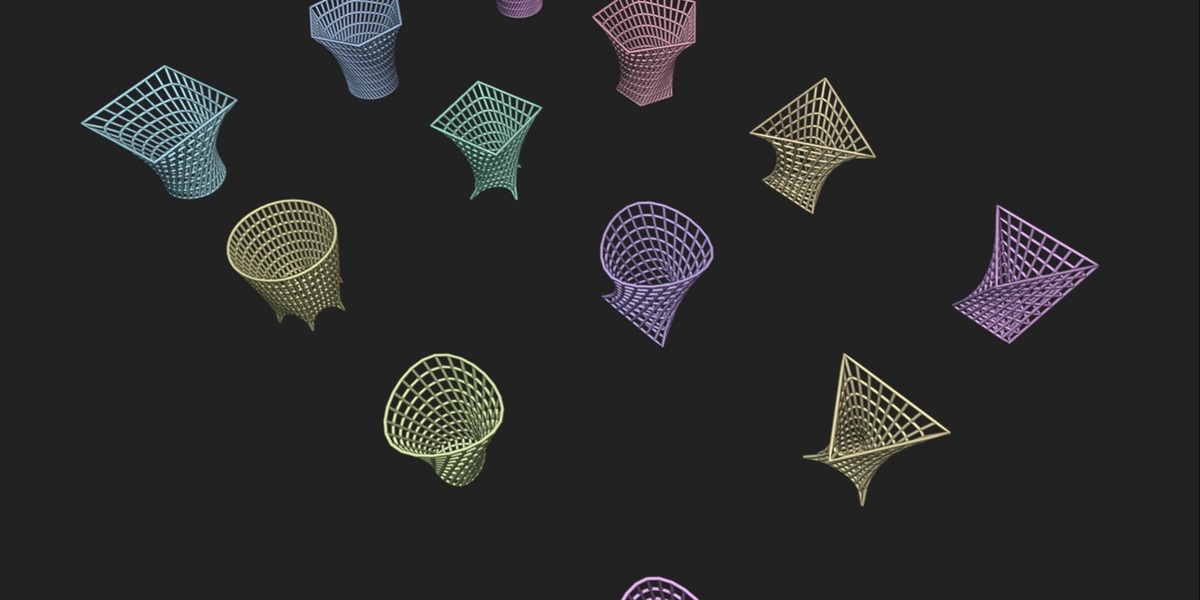
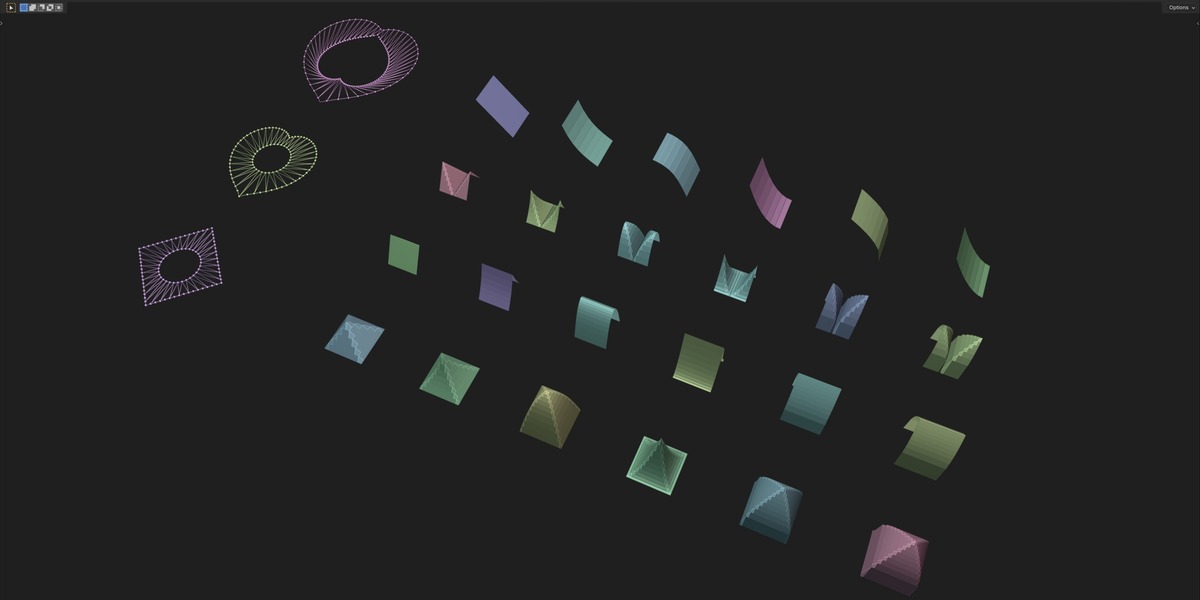
i) a Tensile shapes Base Mesh generators,
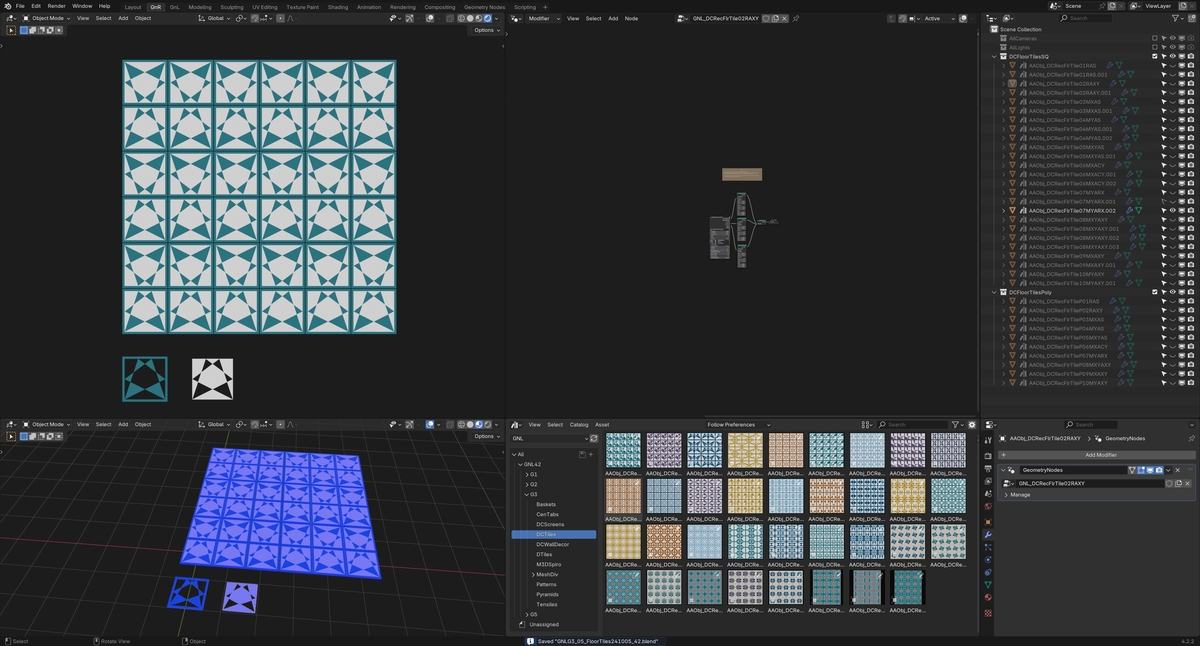
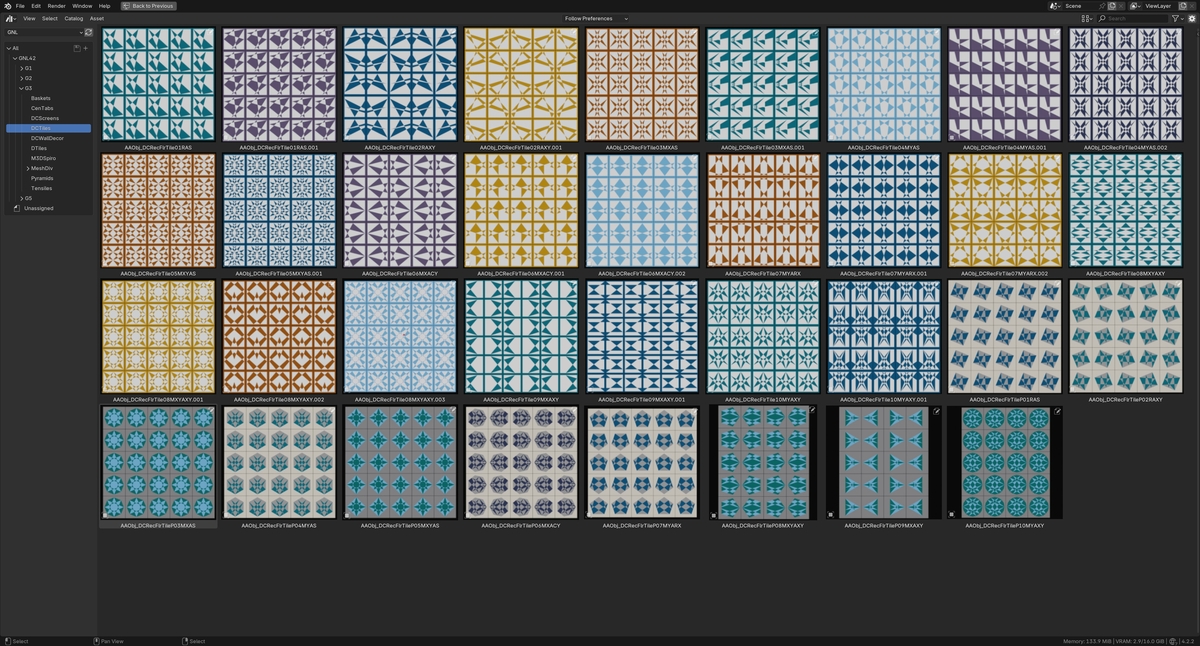
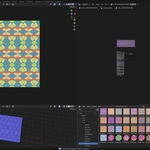
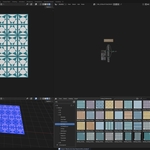
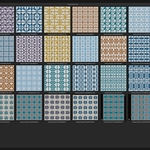
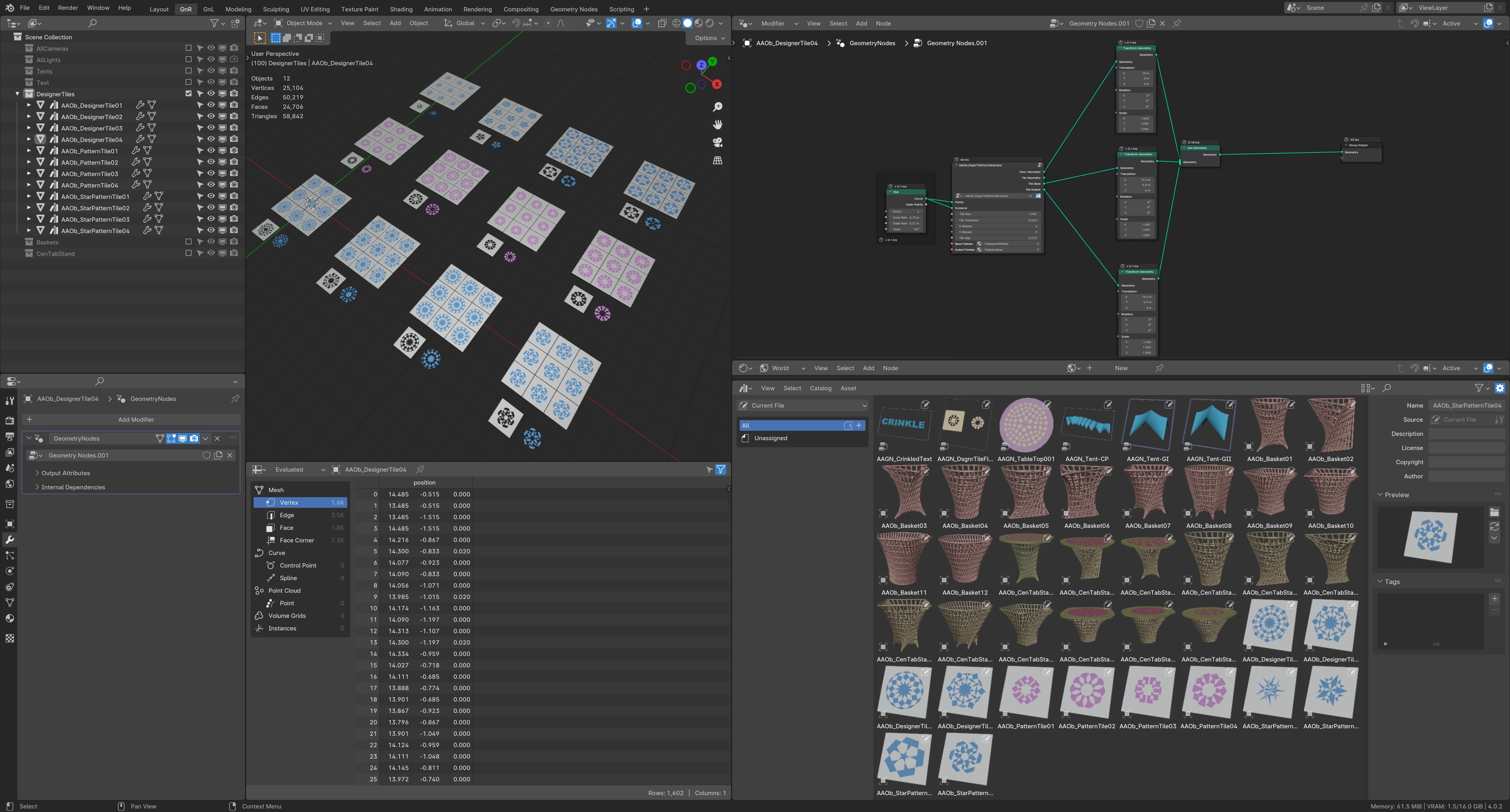
ii) a Designer Pattern Tile creator along with a Tiled Floor Generators,
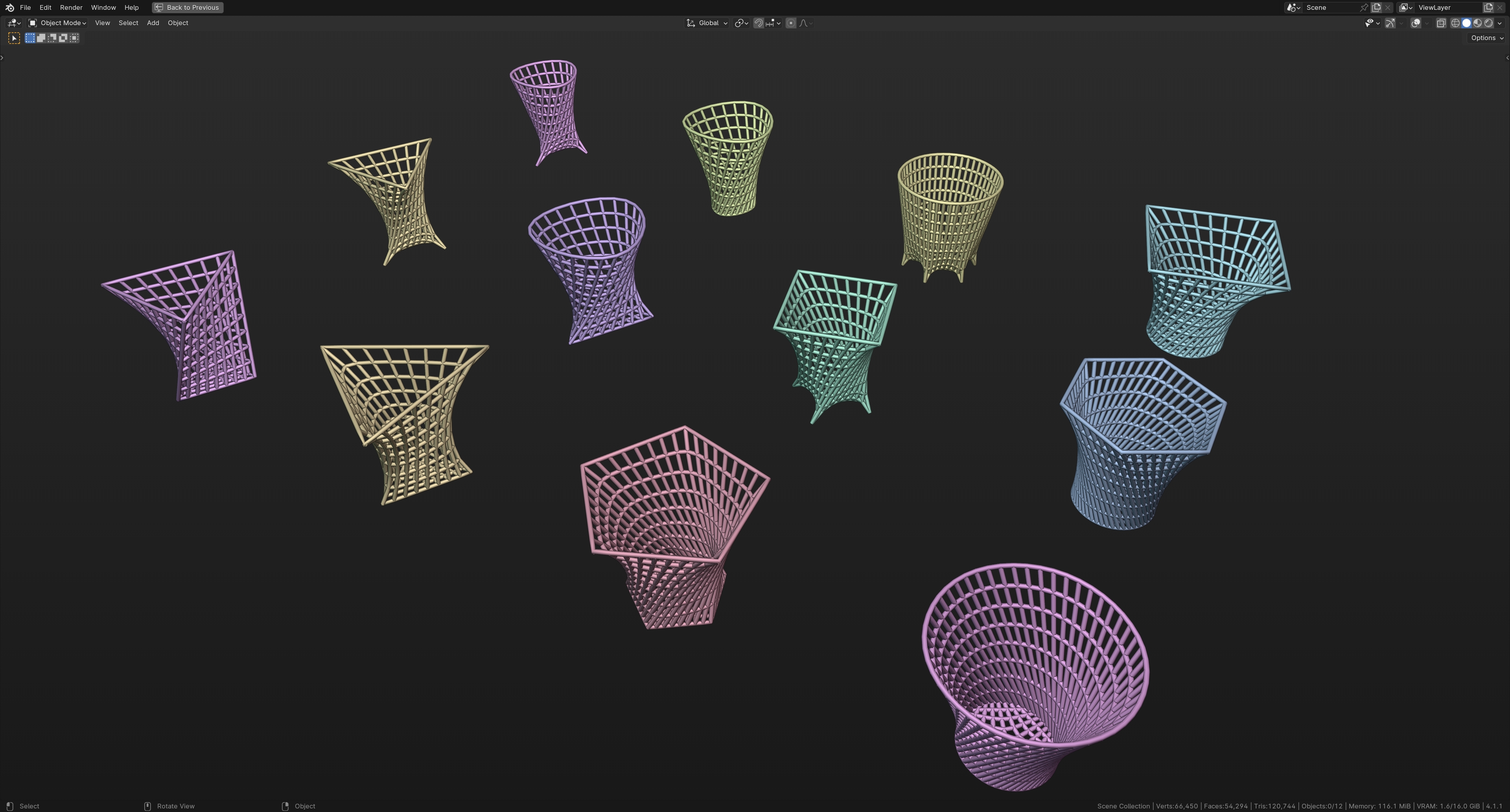
iii) stylized Basket Generators
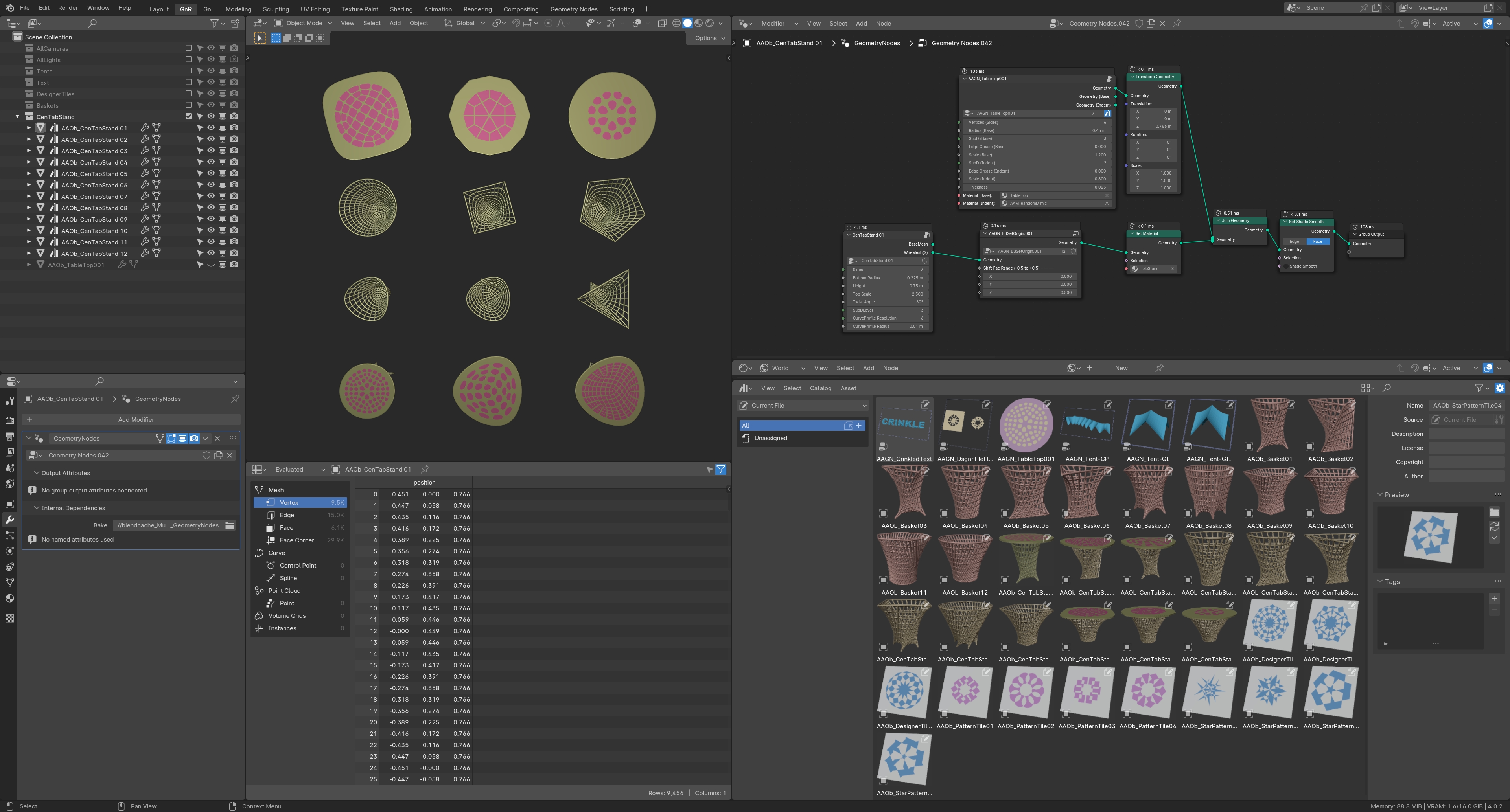
iv) a stylized Table & Table-Top Generators
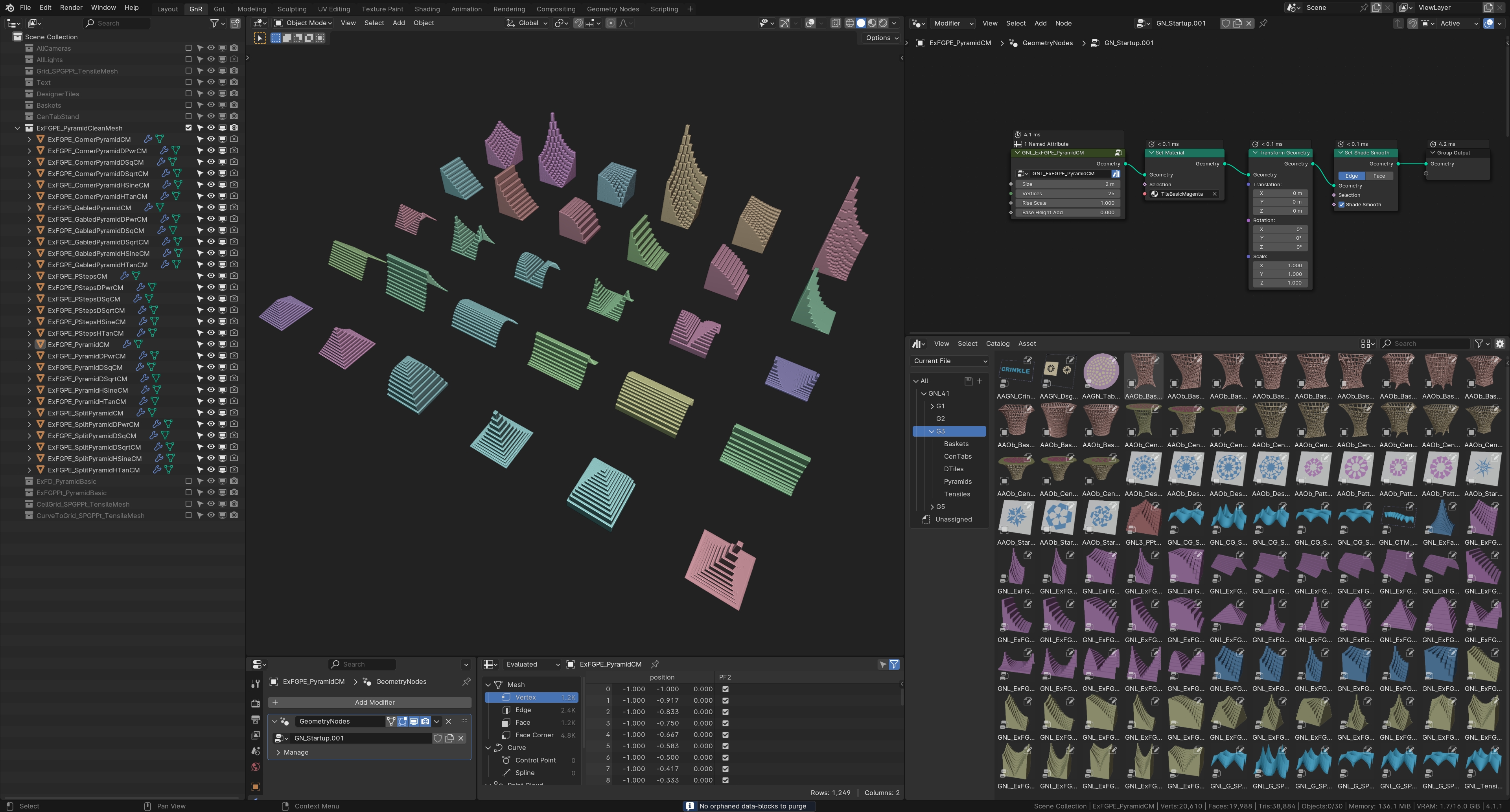
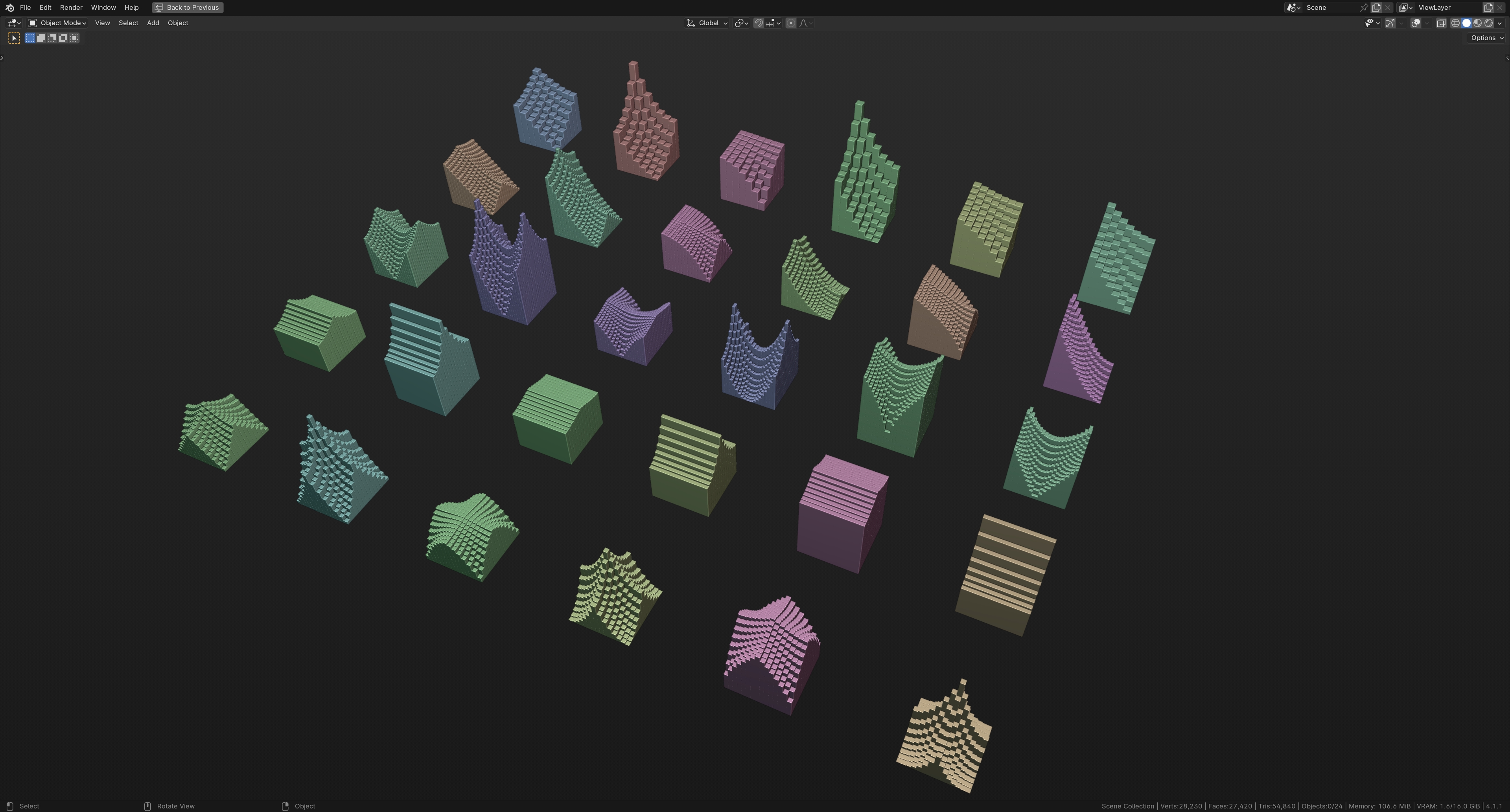
v) pyramids and pagodas base meshes Generators (traditional & contemporary designs)
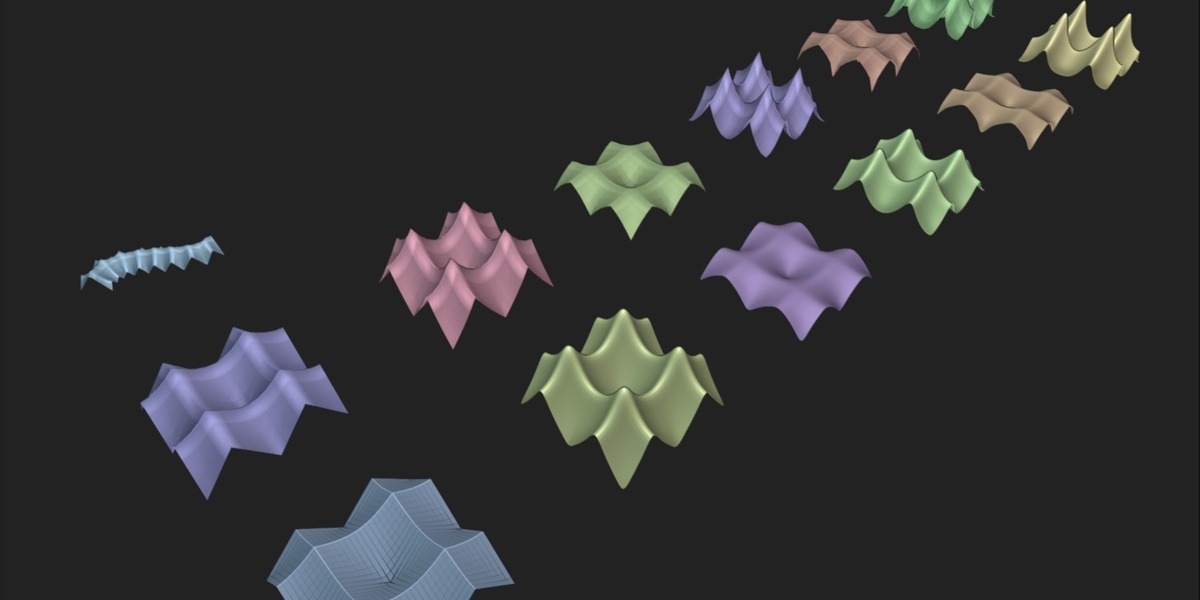
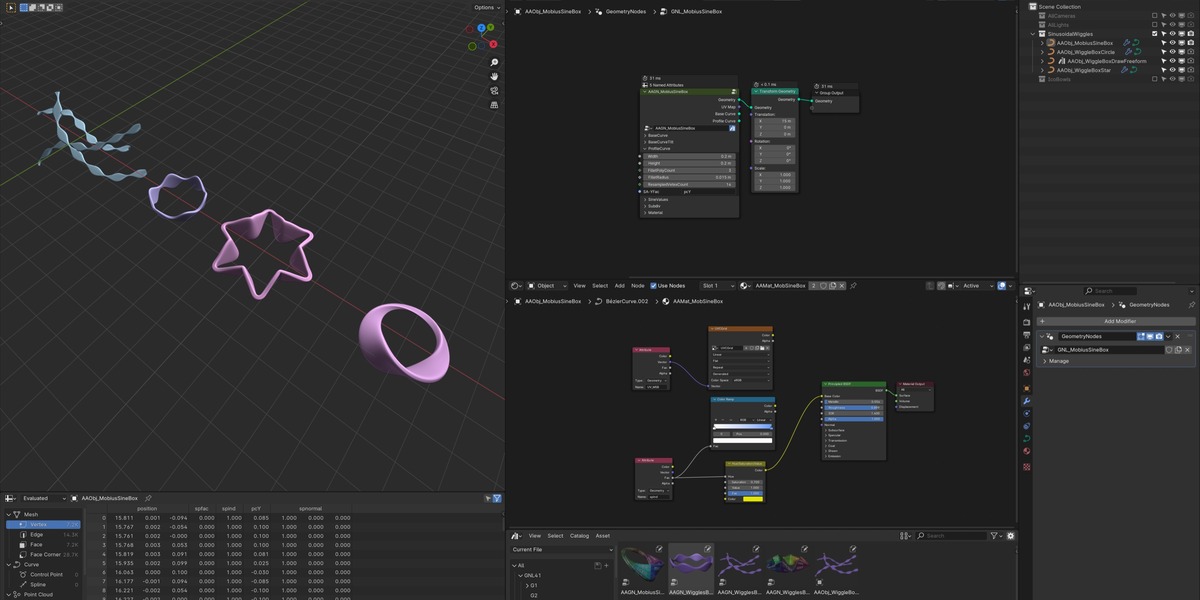
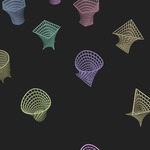
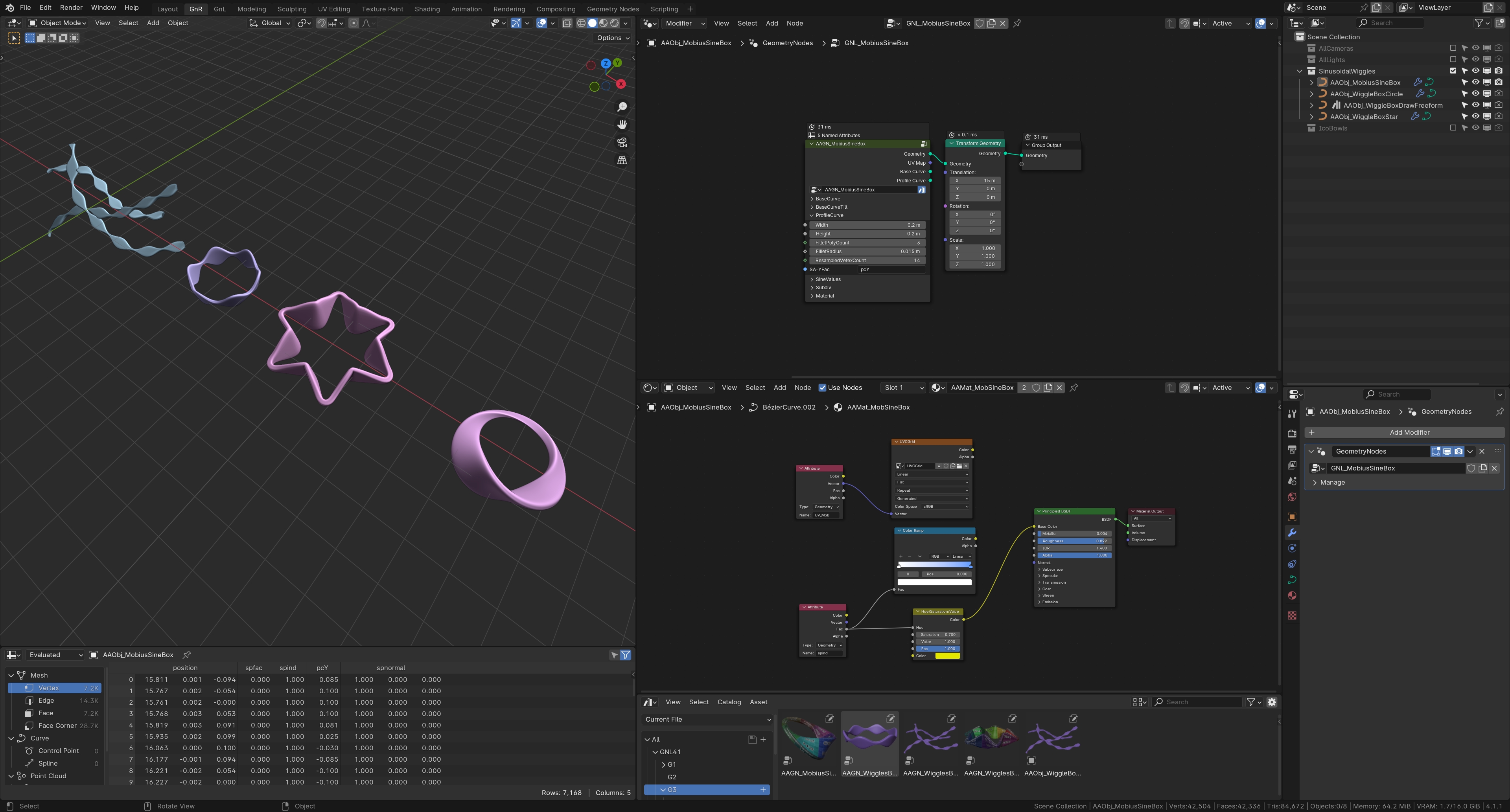
vi) Also includes objects like procedural Bowls, Sinusoidal Wiggles, Sinusoidal Mobius Box Generators
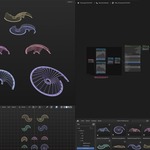
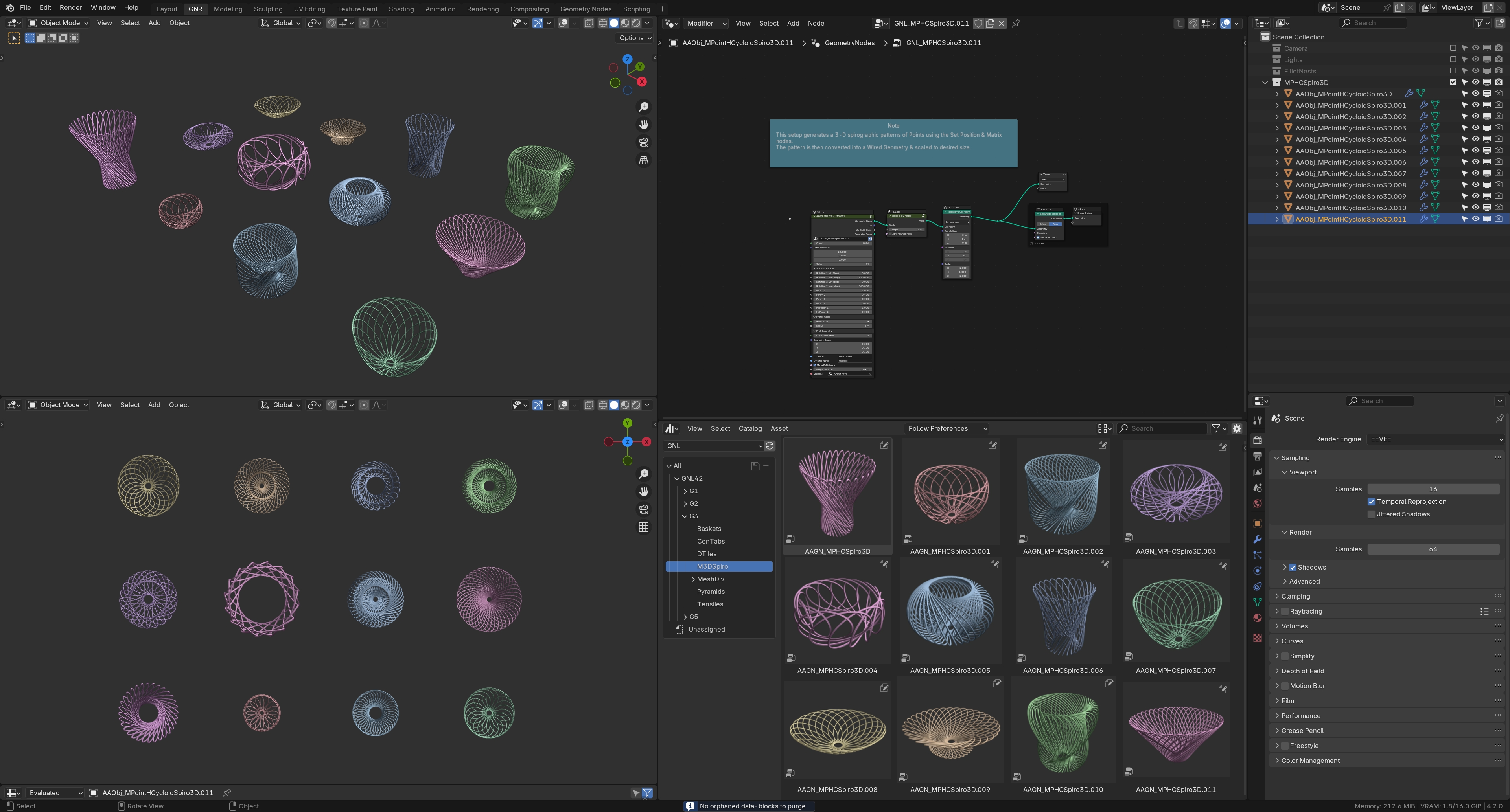
vii) 3D-Spirographic object generators using Matrix multiplication nodes with Set Position node
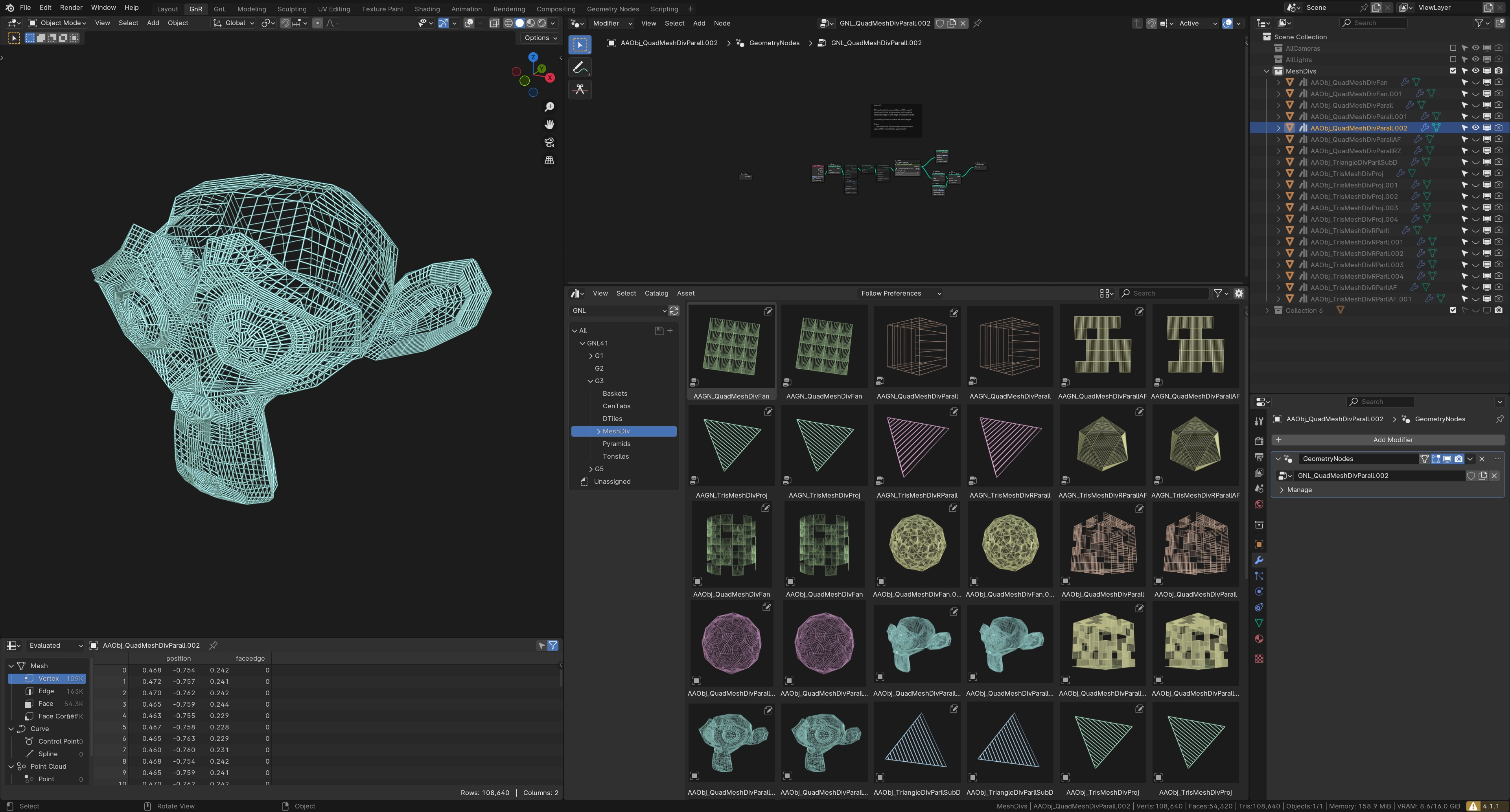
viii) Different methods for Tris & Quad mesh subdivisions
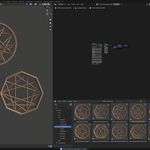
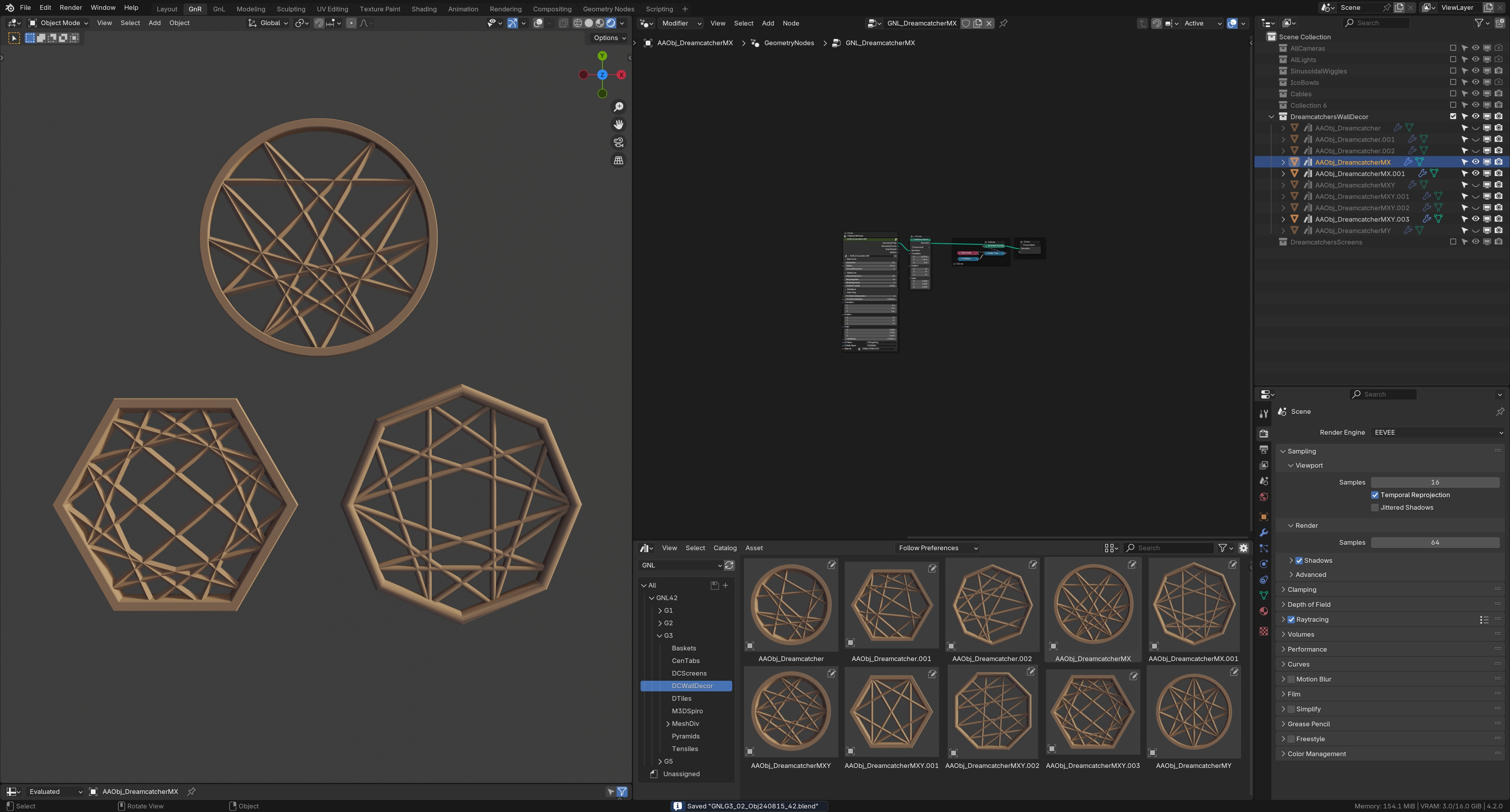
ix) Dreamcatcher Wall Decor (symmetric & non-symmetric patterns)
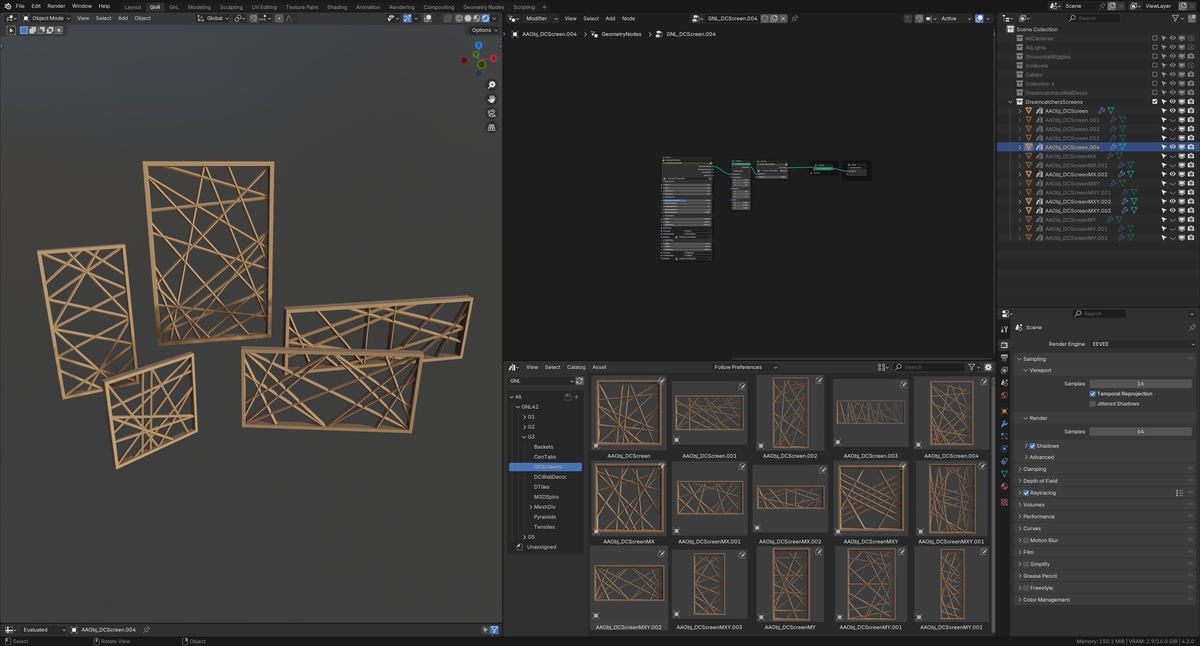
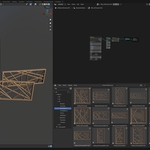
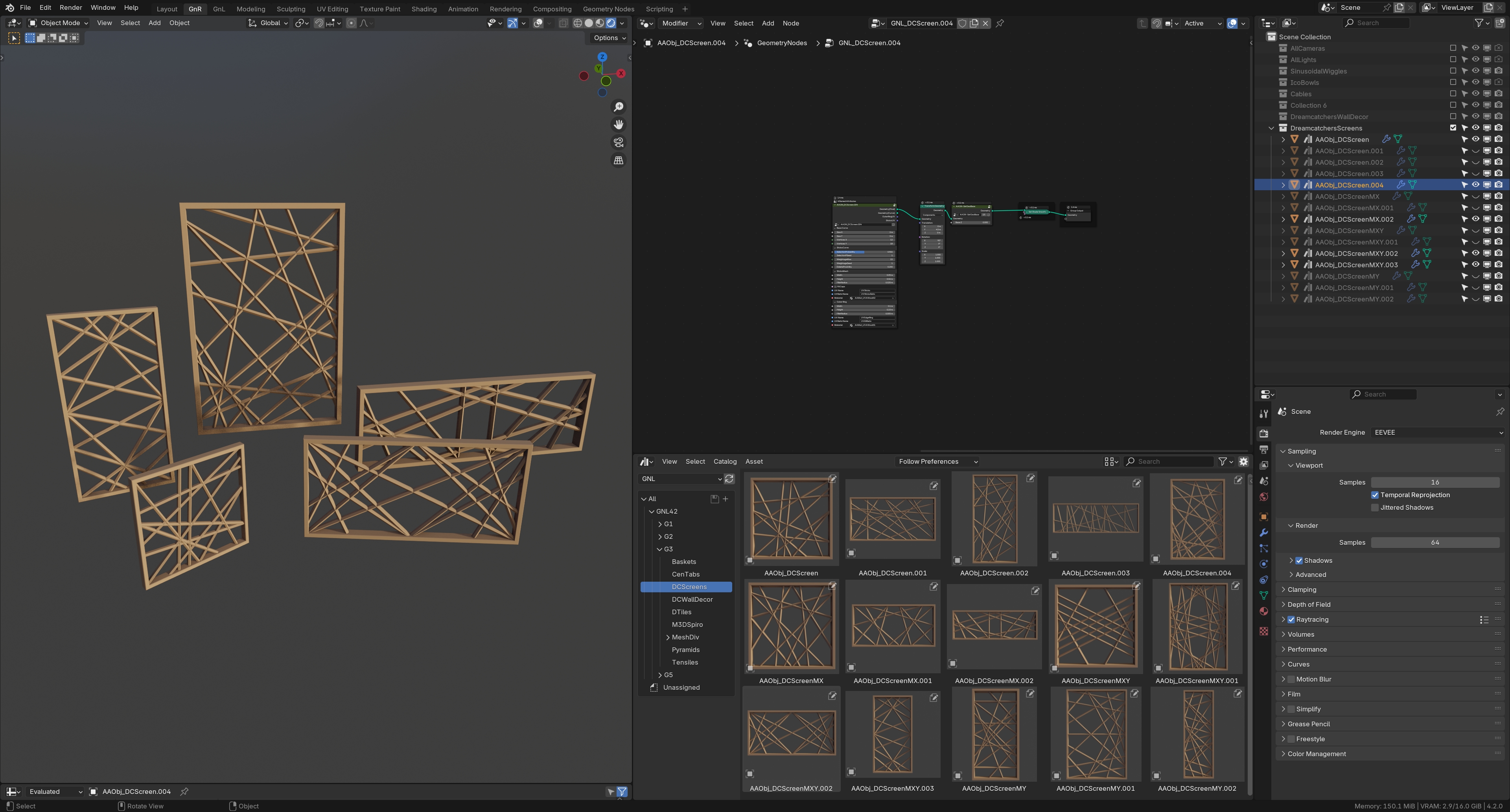
x) Dreamcatcher (Wood) Screens/Jalis (symmetric & non-symmetric patterns)
xi) Designer Tiles - Symmetrical & Asymmetrical Line Patterns in simple & symmetrical arrays ( 20 unique nodegroups with additional 15 presets)
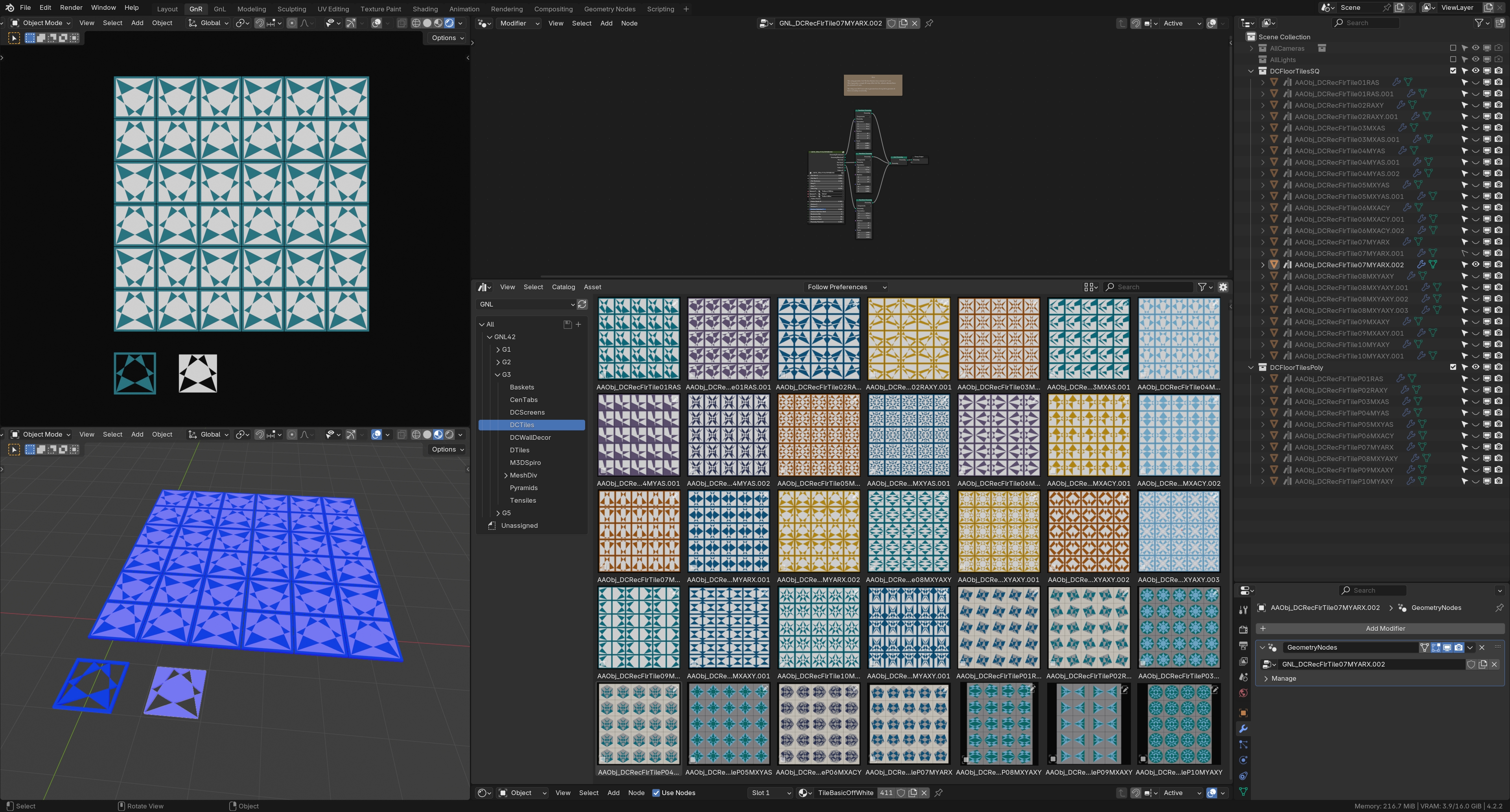
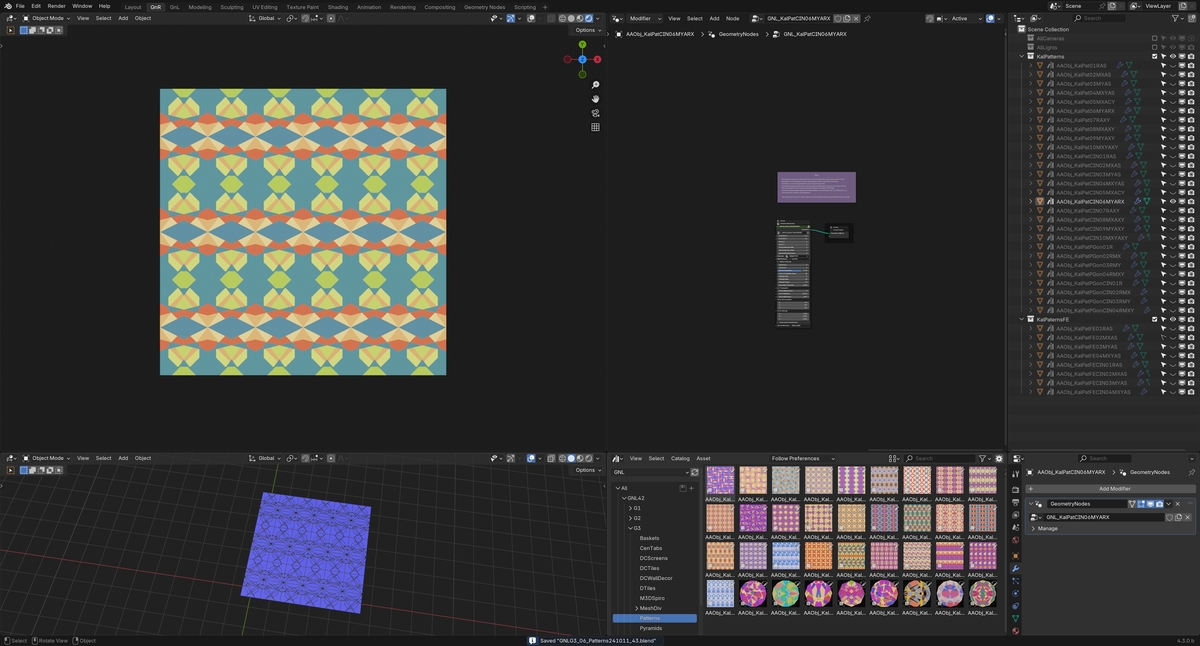
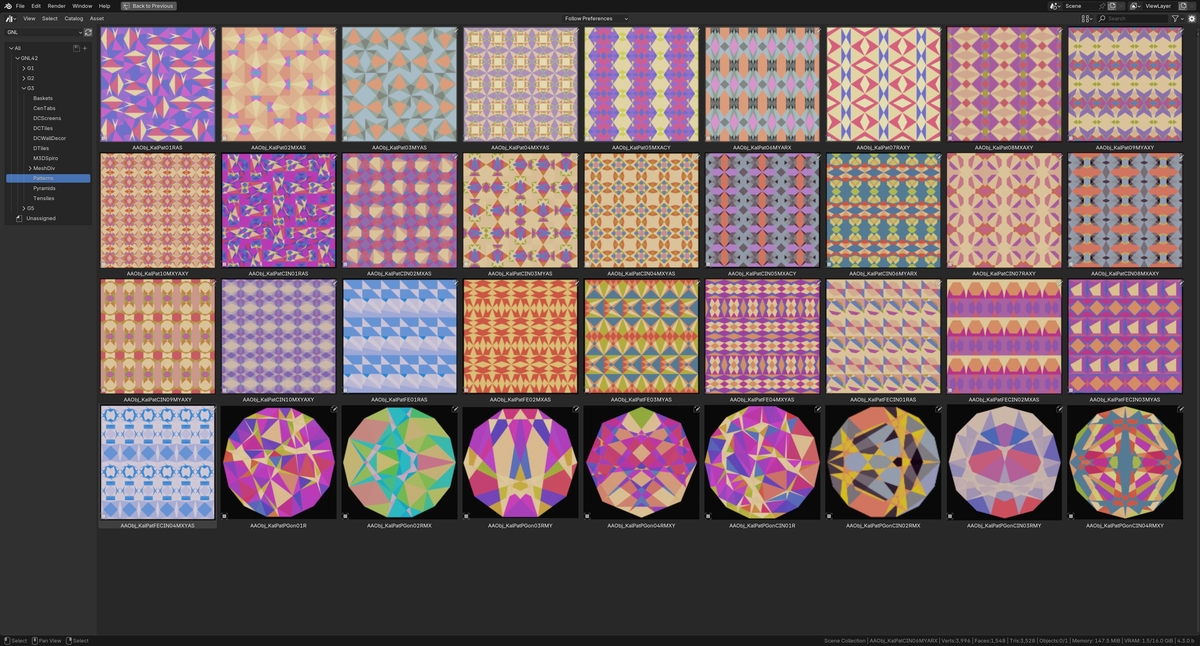
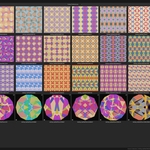
xii) Patterns Generators - a collection of 36 unique generators to generate Symmetrical & Asymmetrical Line Patterns in simple & symmetrical arrays. 8 of these setups use ForEachElements Zone which require ver 4.3. The remaining setups can work in ver 4.2.
View the NodeGroup Demo video here: https://youtu.be/x1t-GHItyPs
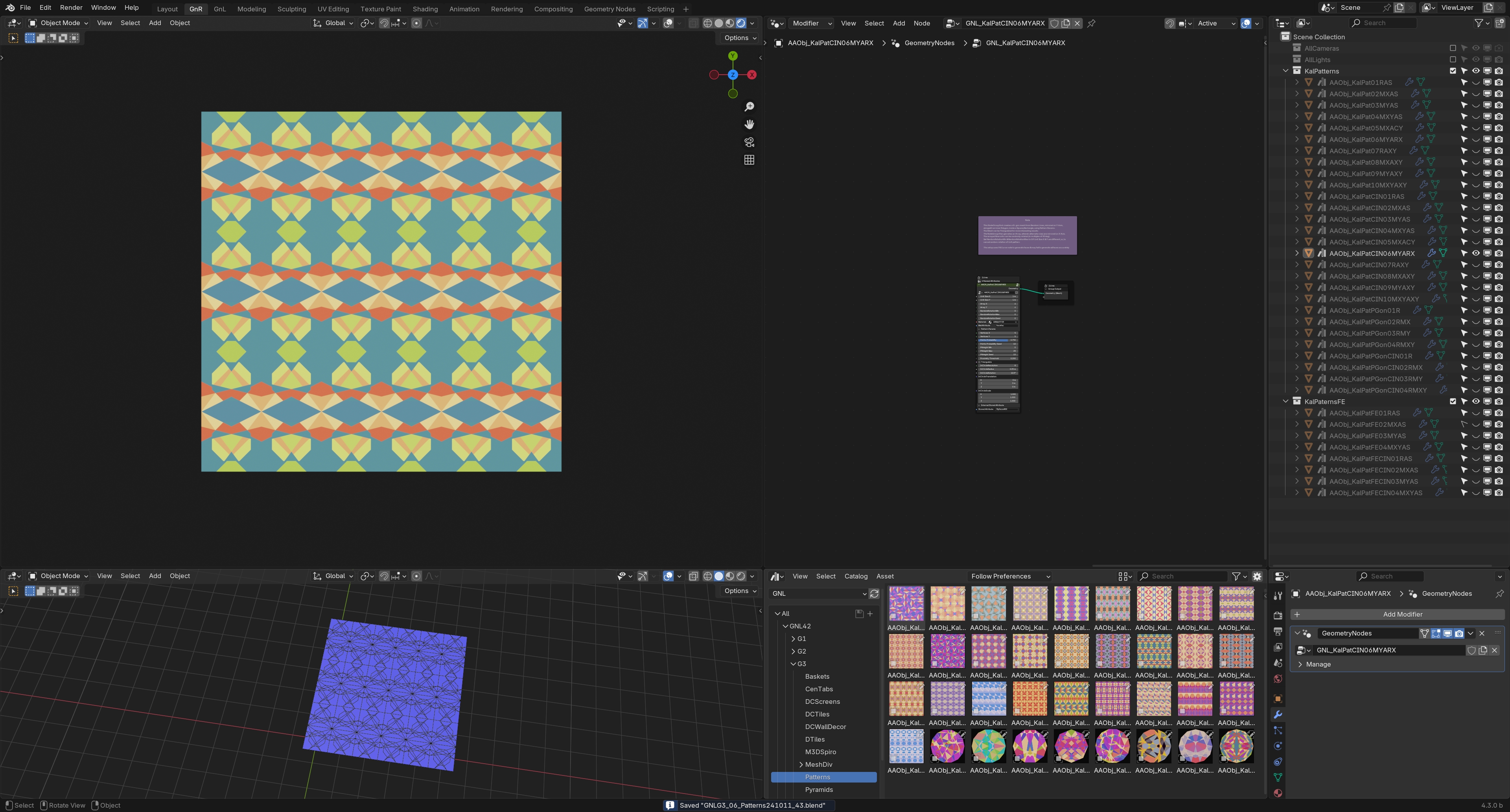
xiii) Pattern Screens/Jaali - a collection of 9 unique Nodegroups (alongwith 3 presets for each Nodegroup) to generate colorful freeform Glass panel Screens/Jaalis

Collection G4 includes 28 setups (primarily animations & simulation related), in addition to all the setups available with Collection G1, G2 & G3 (Total over 875 setups).
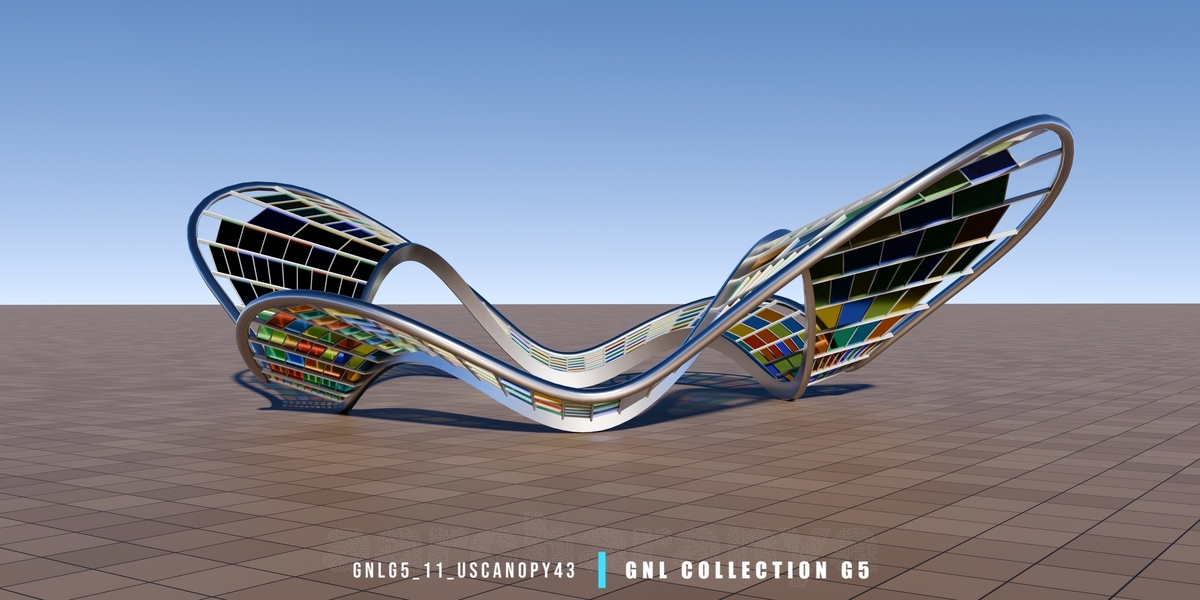
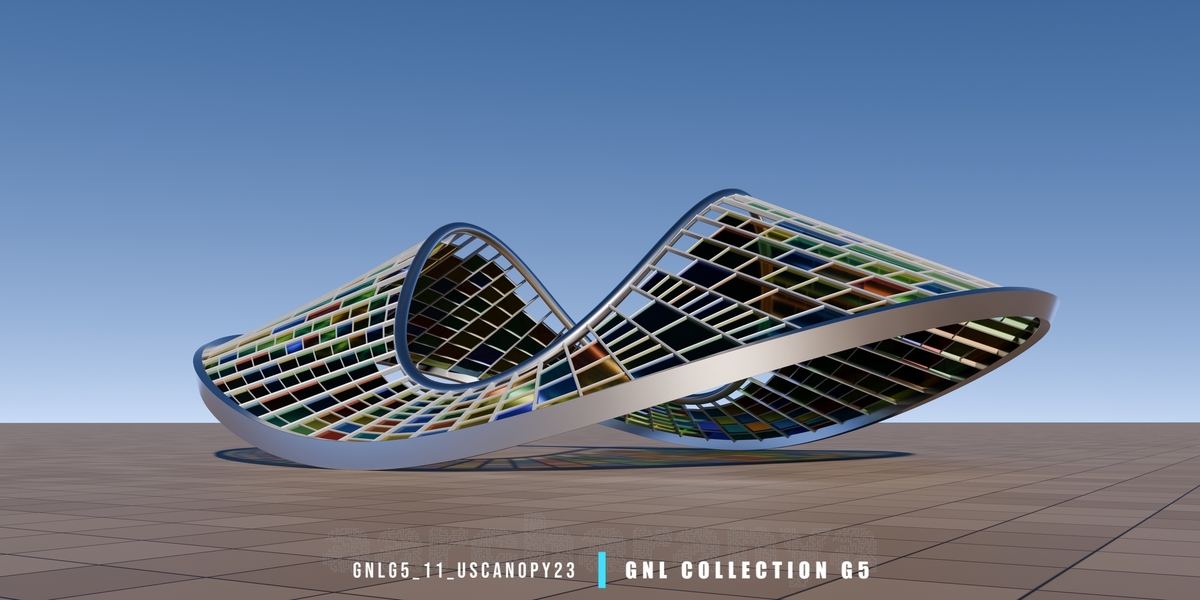
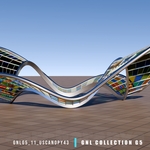
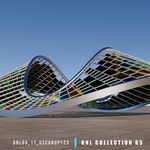
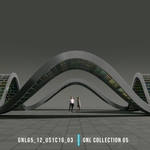
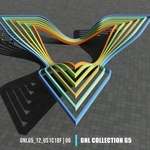
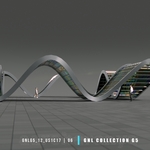
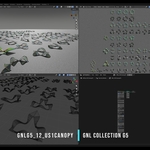
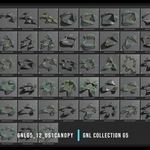
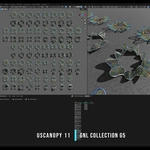
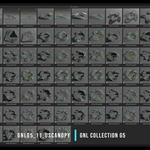
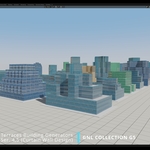
Collection G5 includes 350 setups for generating Parametric Assets including Road Networks, High-Rise Buildings, Installation Artwork, Urban Sculptures & different types of Canopies (including necessary respective UVs), in addition to all the setups available with Collection G1, G2, G3 & G4 (Total over 1225 setups).
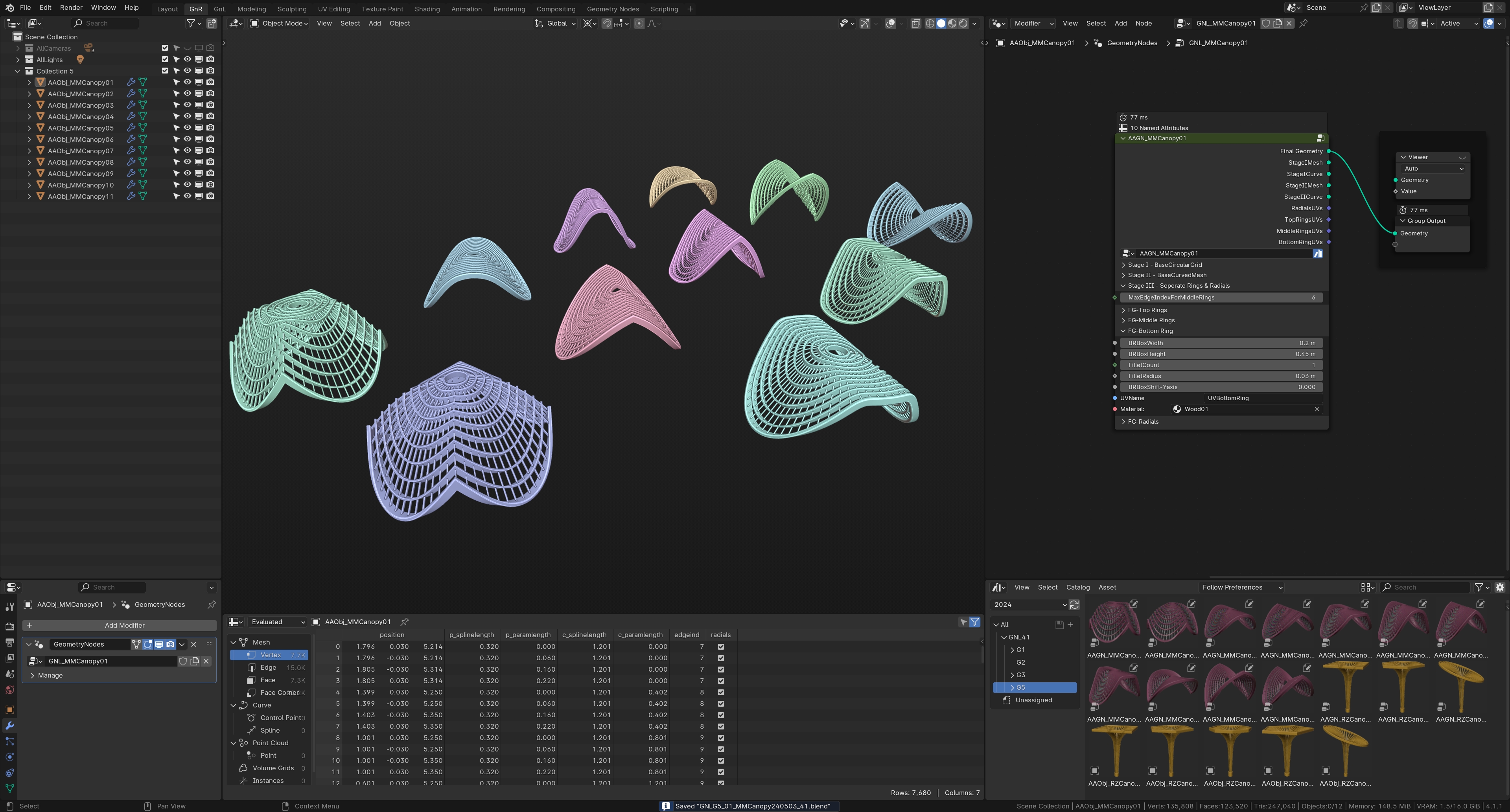
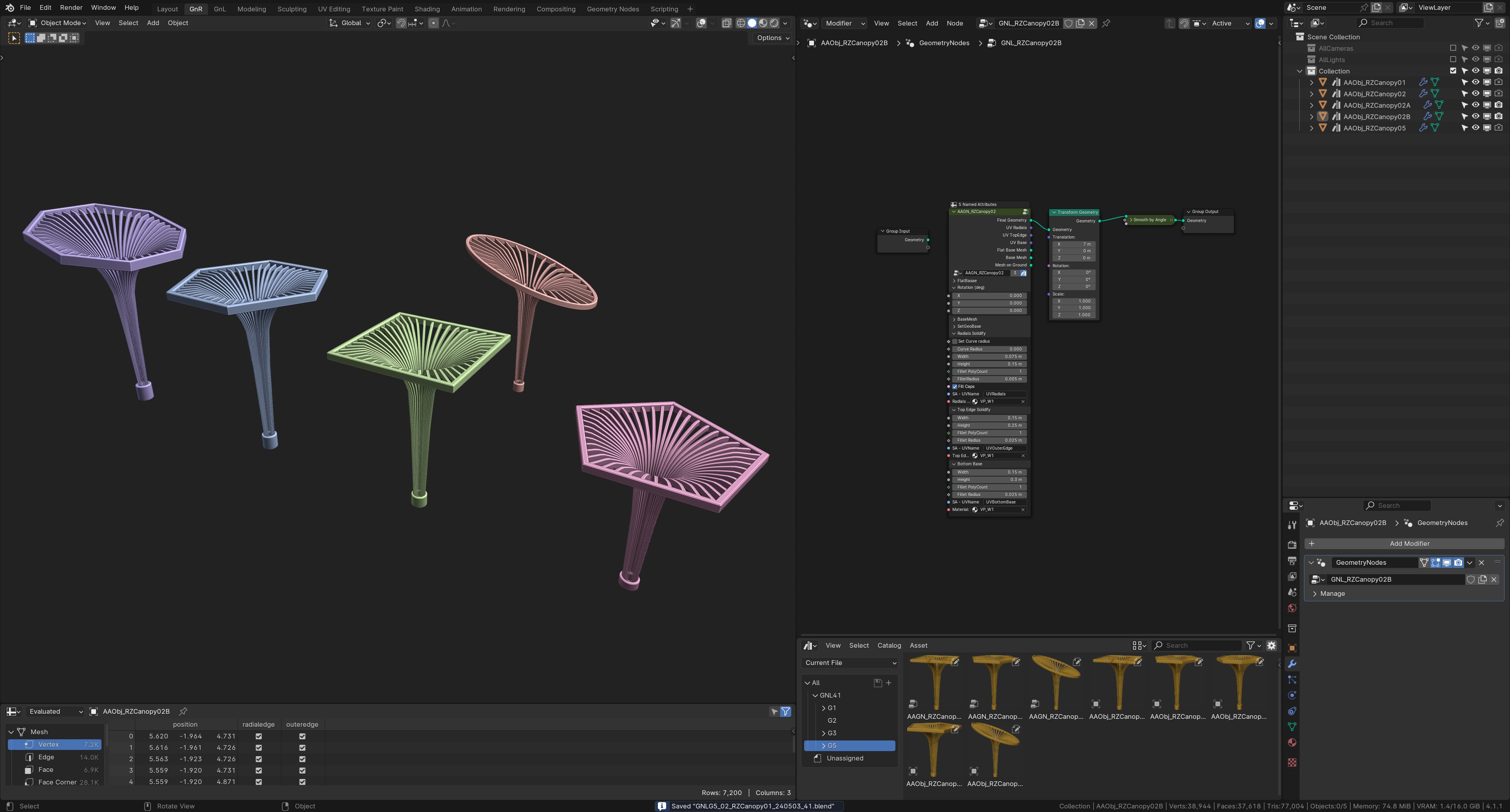
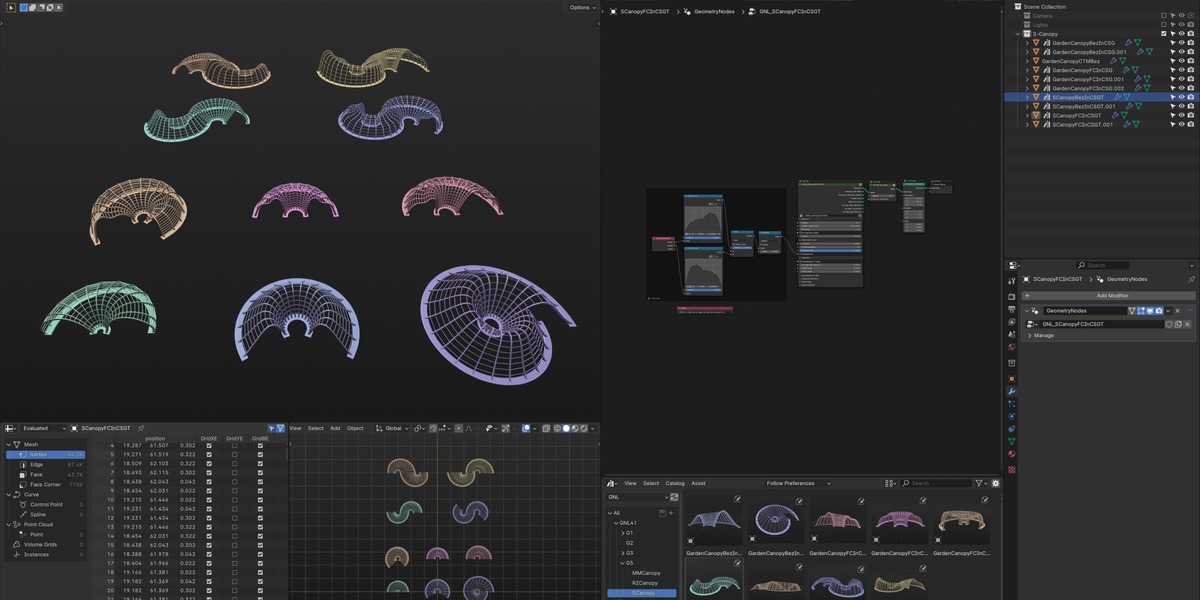
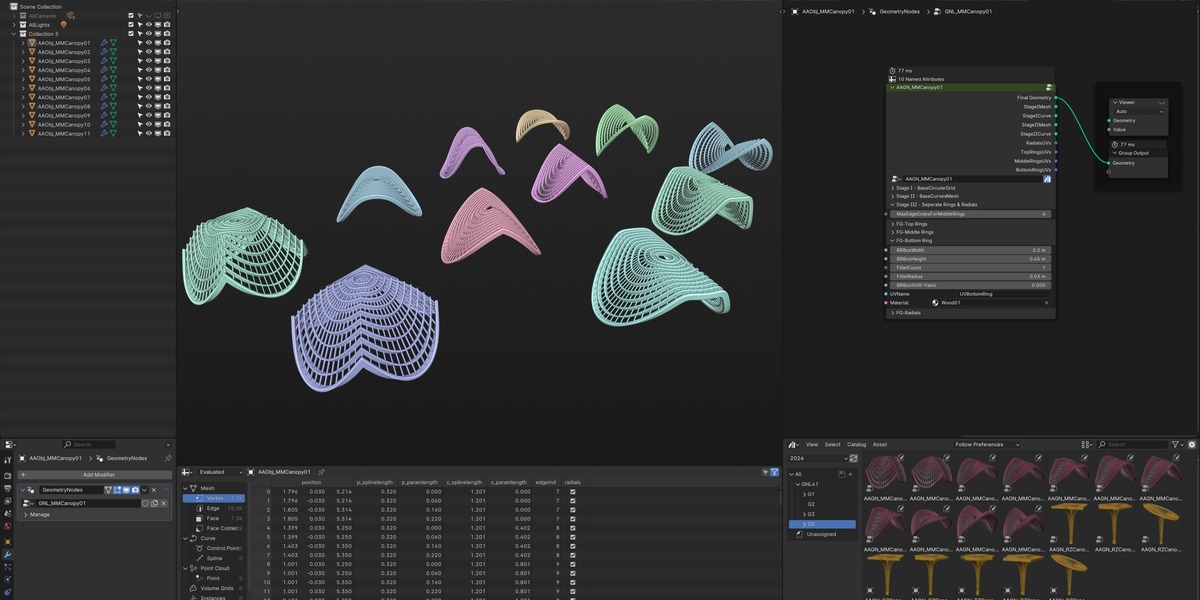
C-Canopy (6 Asset NodeGroup Generators) & S-Mirrored Canopies (4 Asset NodeGroup Generators)
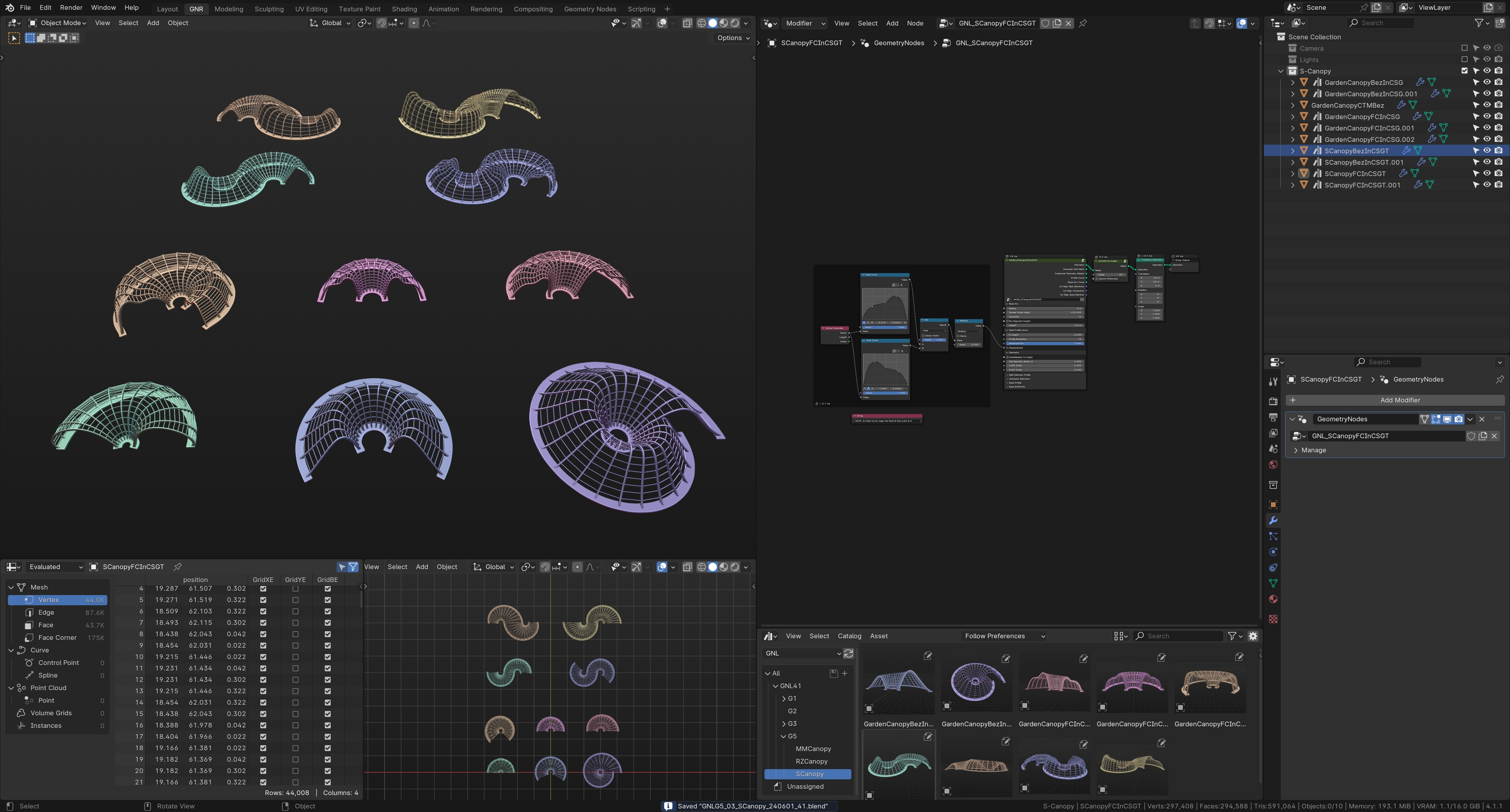
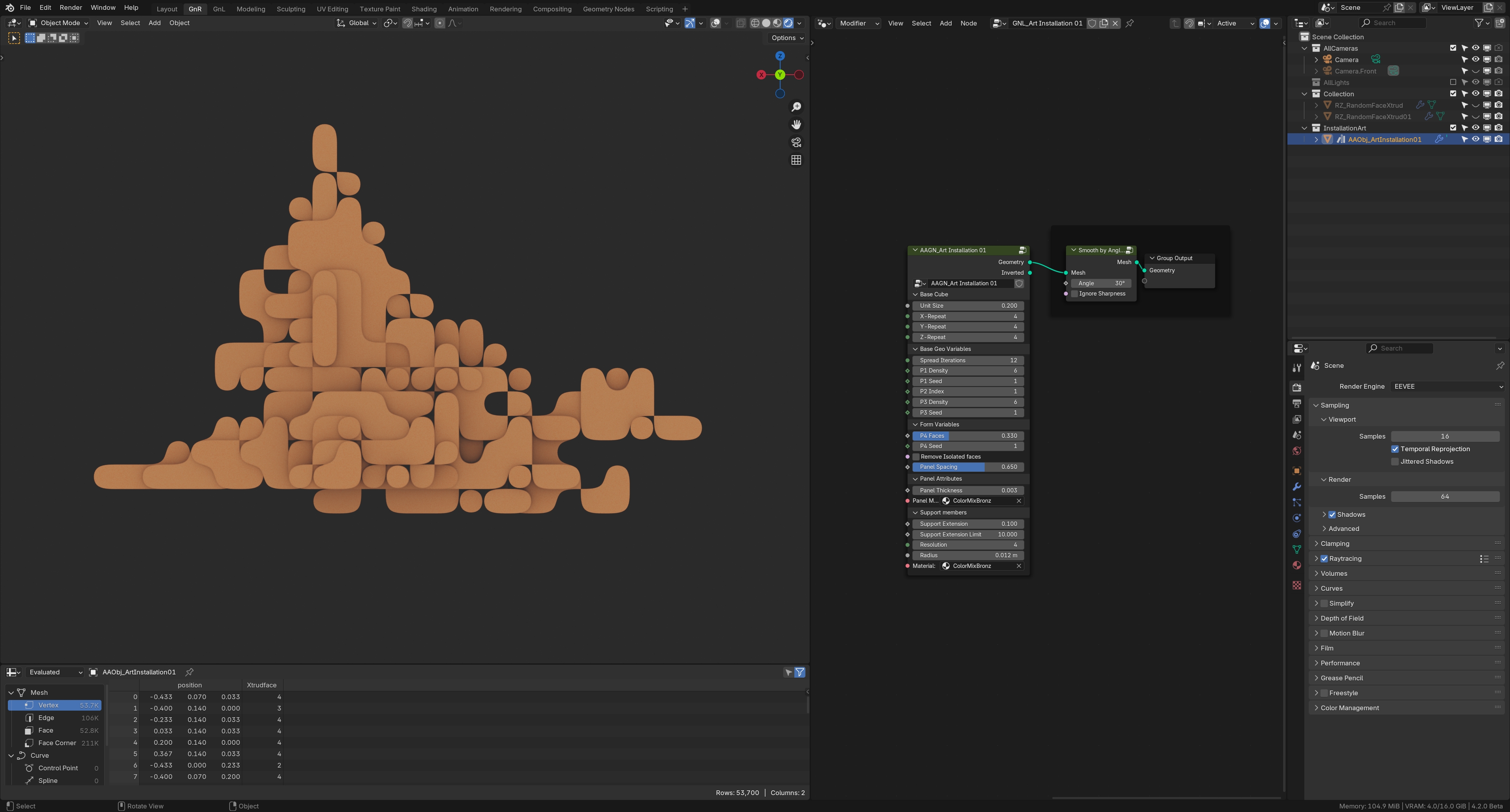
Installation Wall Art Generator.
View the NodeGroup Demo video here: https://youtu.be/0qJVrzm4oY4
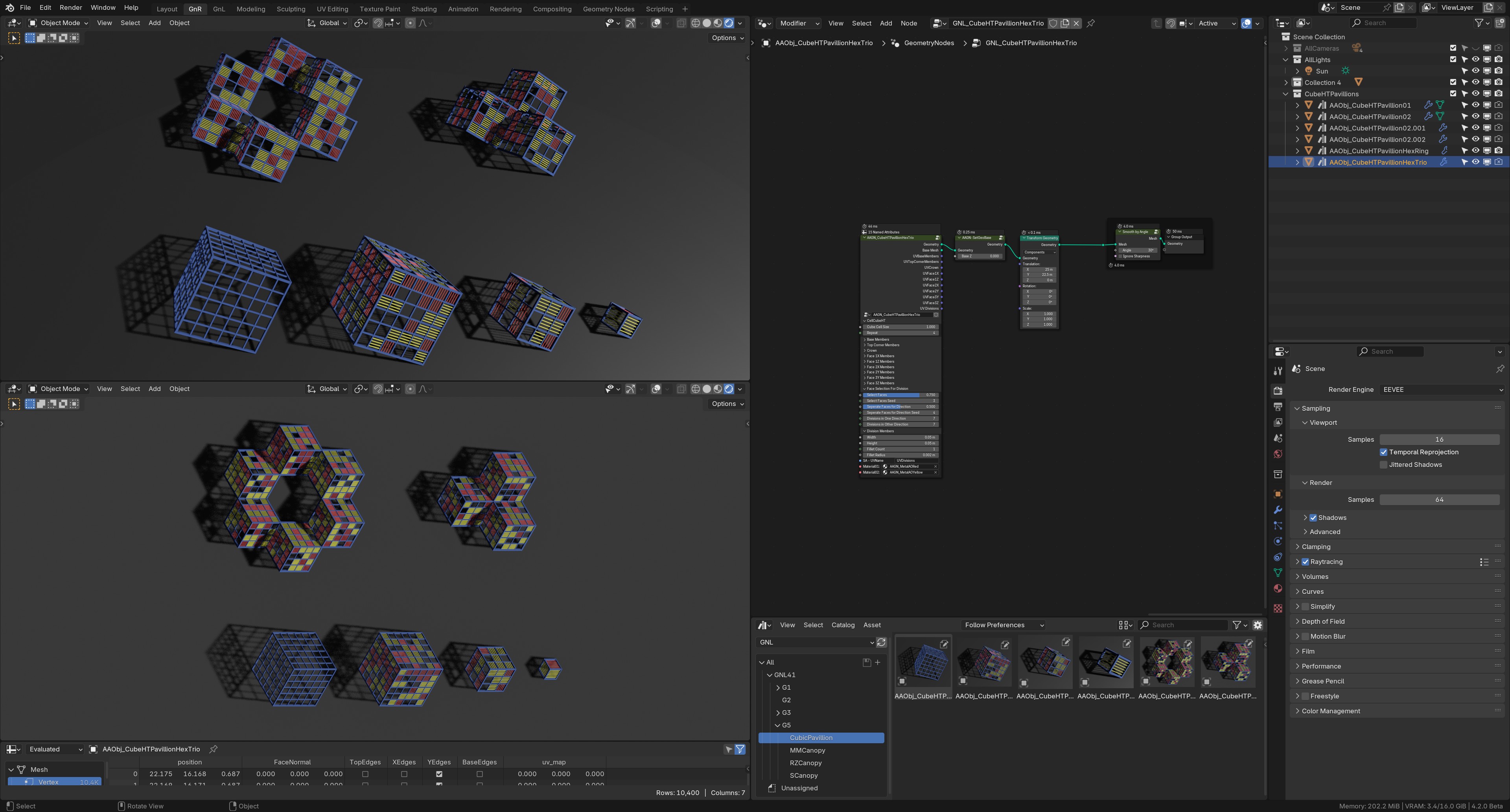
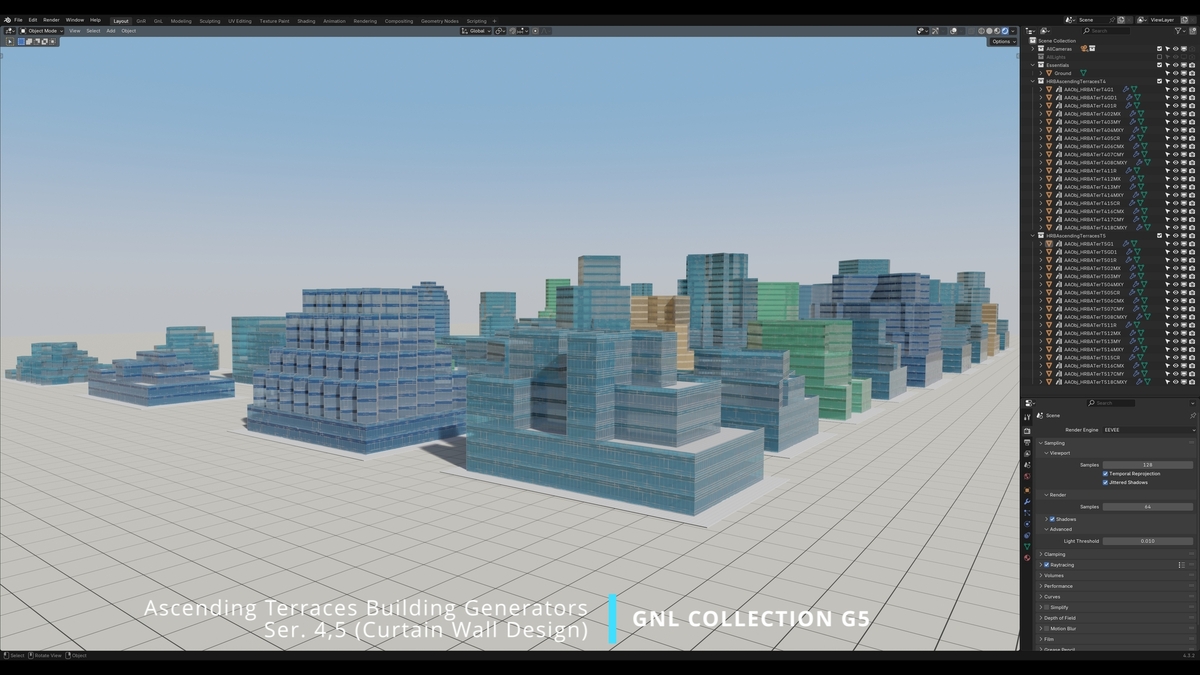
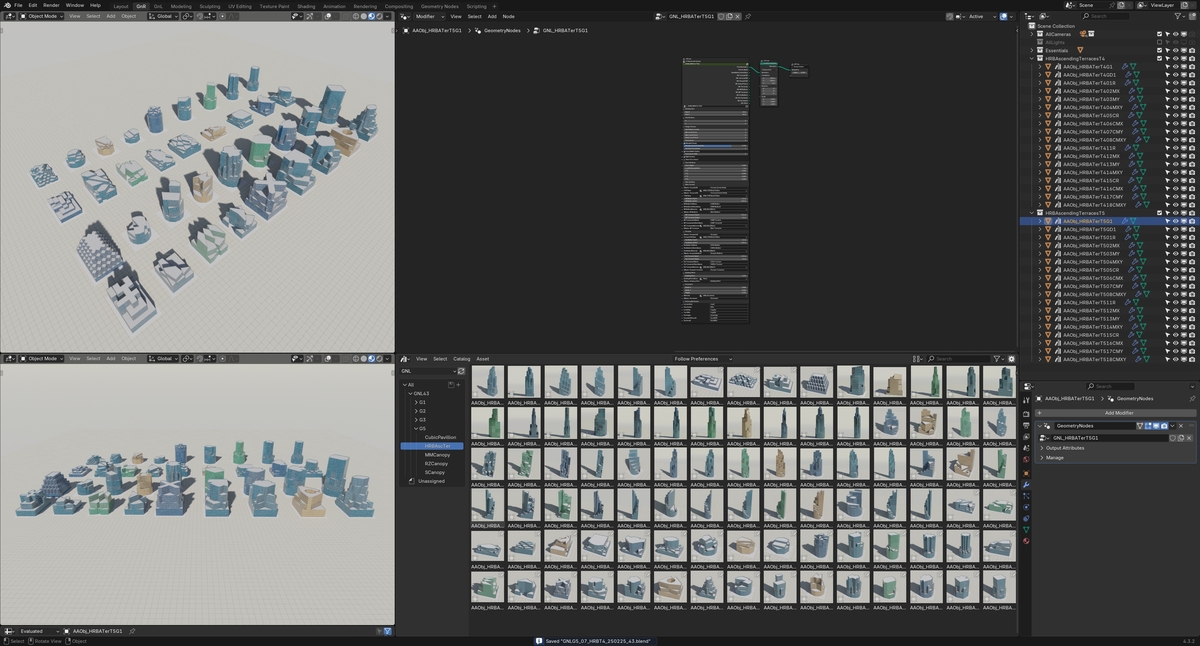
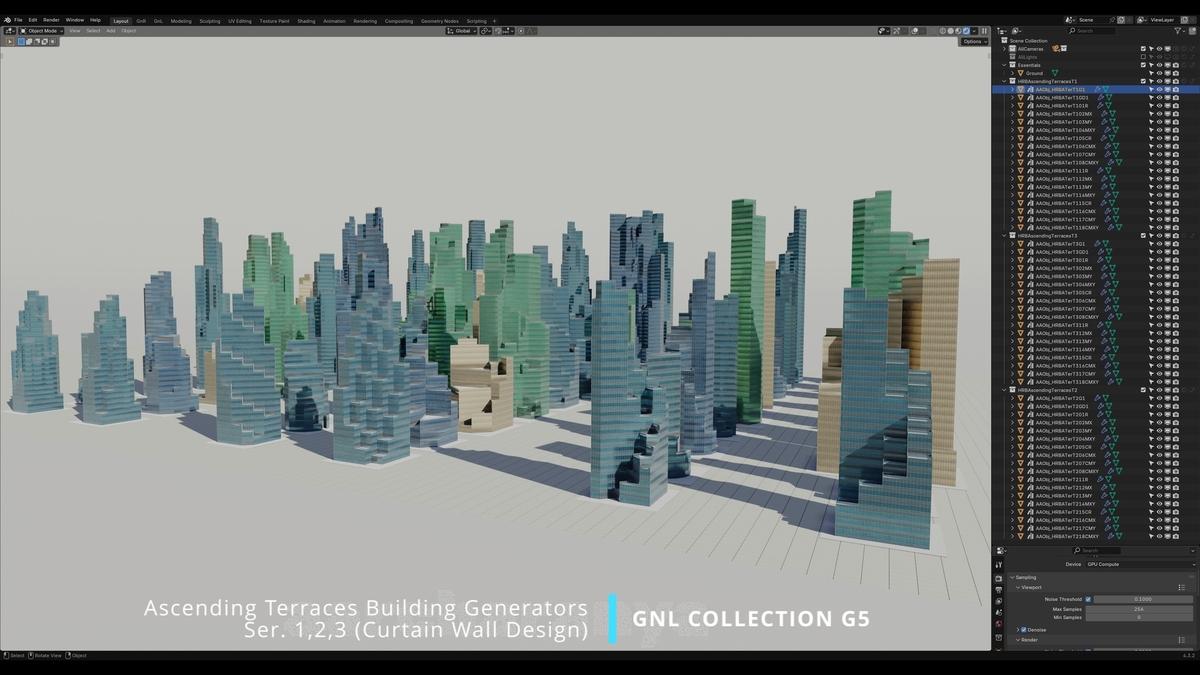
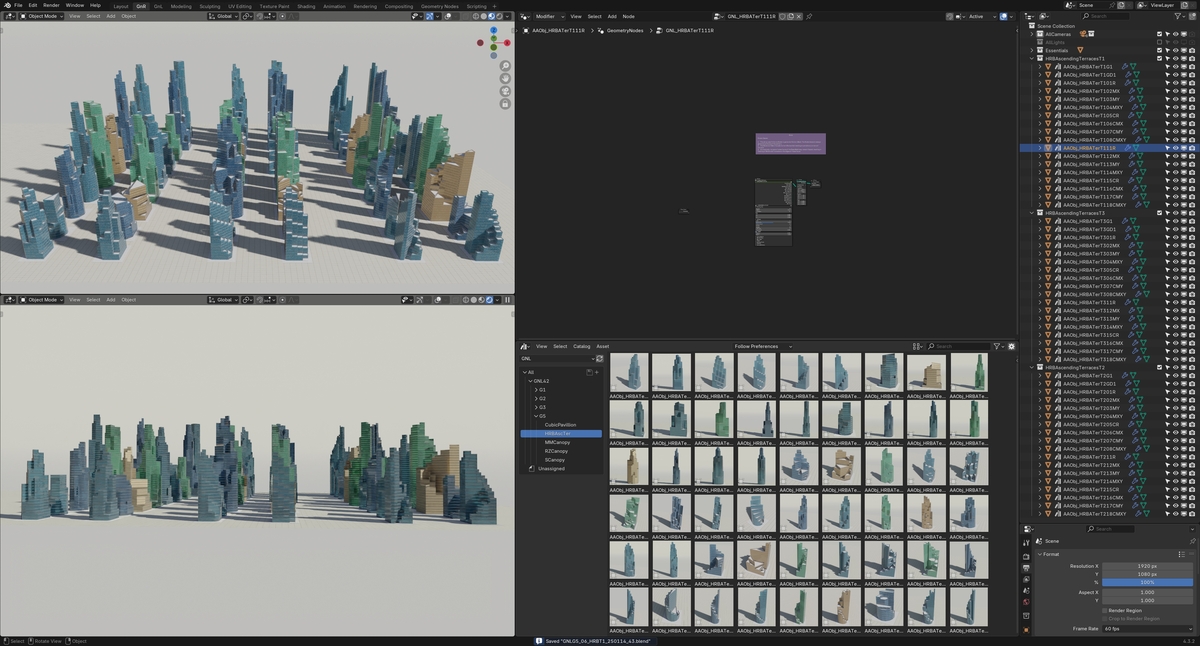
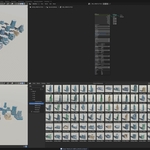
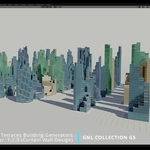
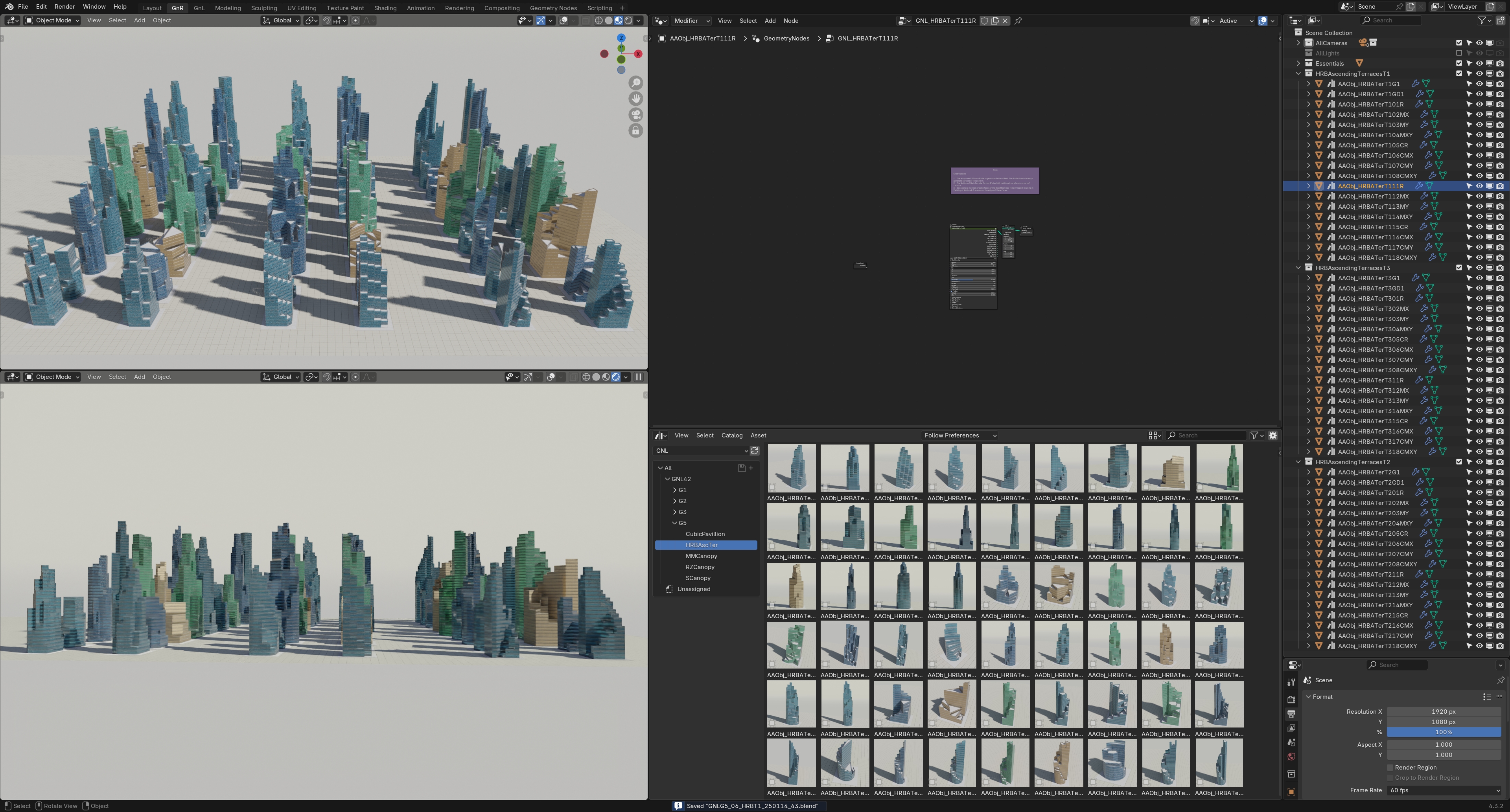
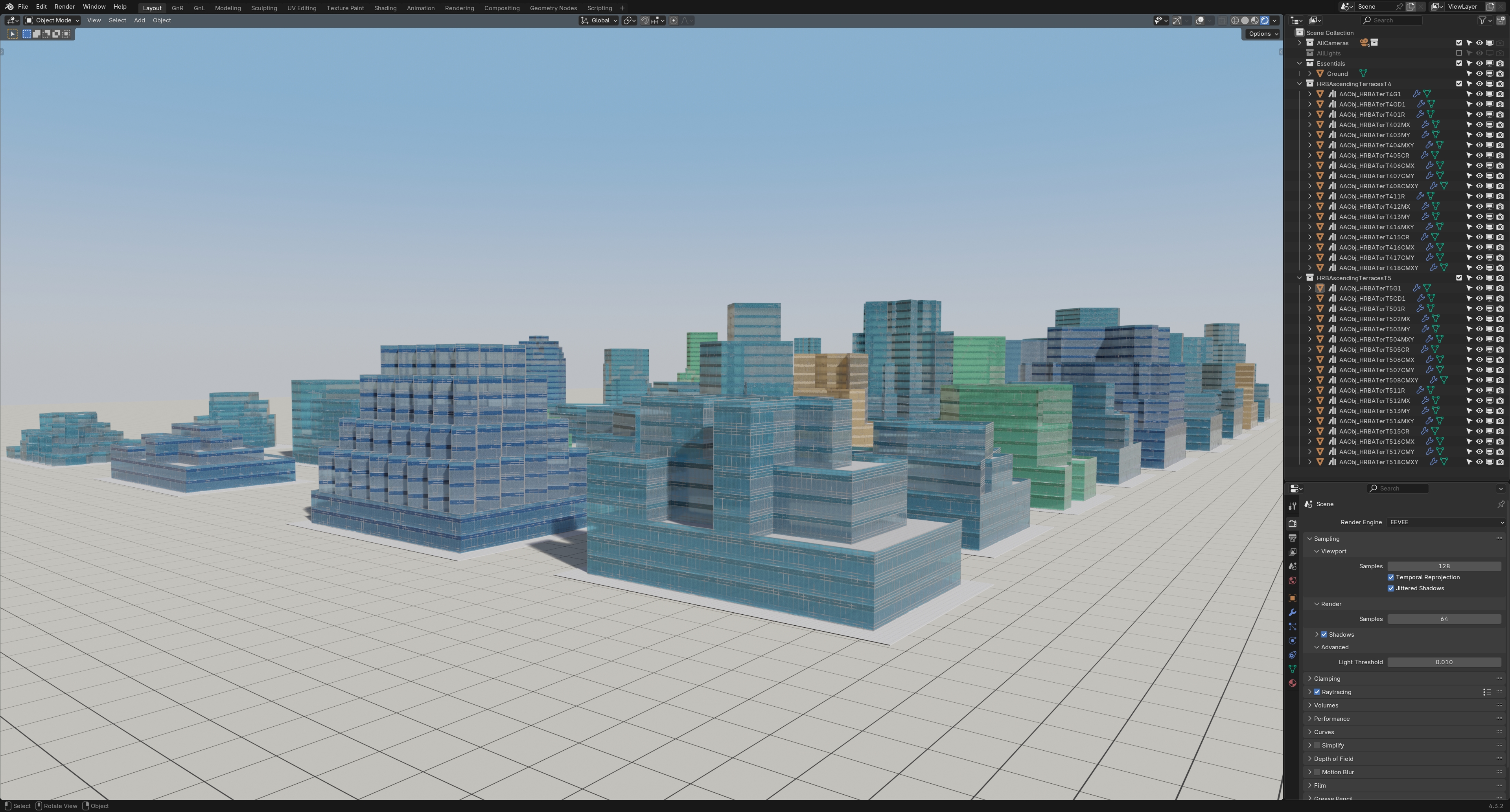
Ascending Terraces High-Rise Building Generators (Curtain Wall Design) - a set of 90 unique Generator Asset NodeGroups to generate infinite variations of Buildings.
View the NodeGroup Demo video here: https://youtu.be/NjVPEQnFySI
Series 1, 2 & 3:
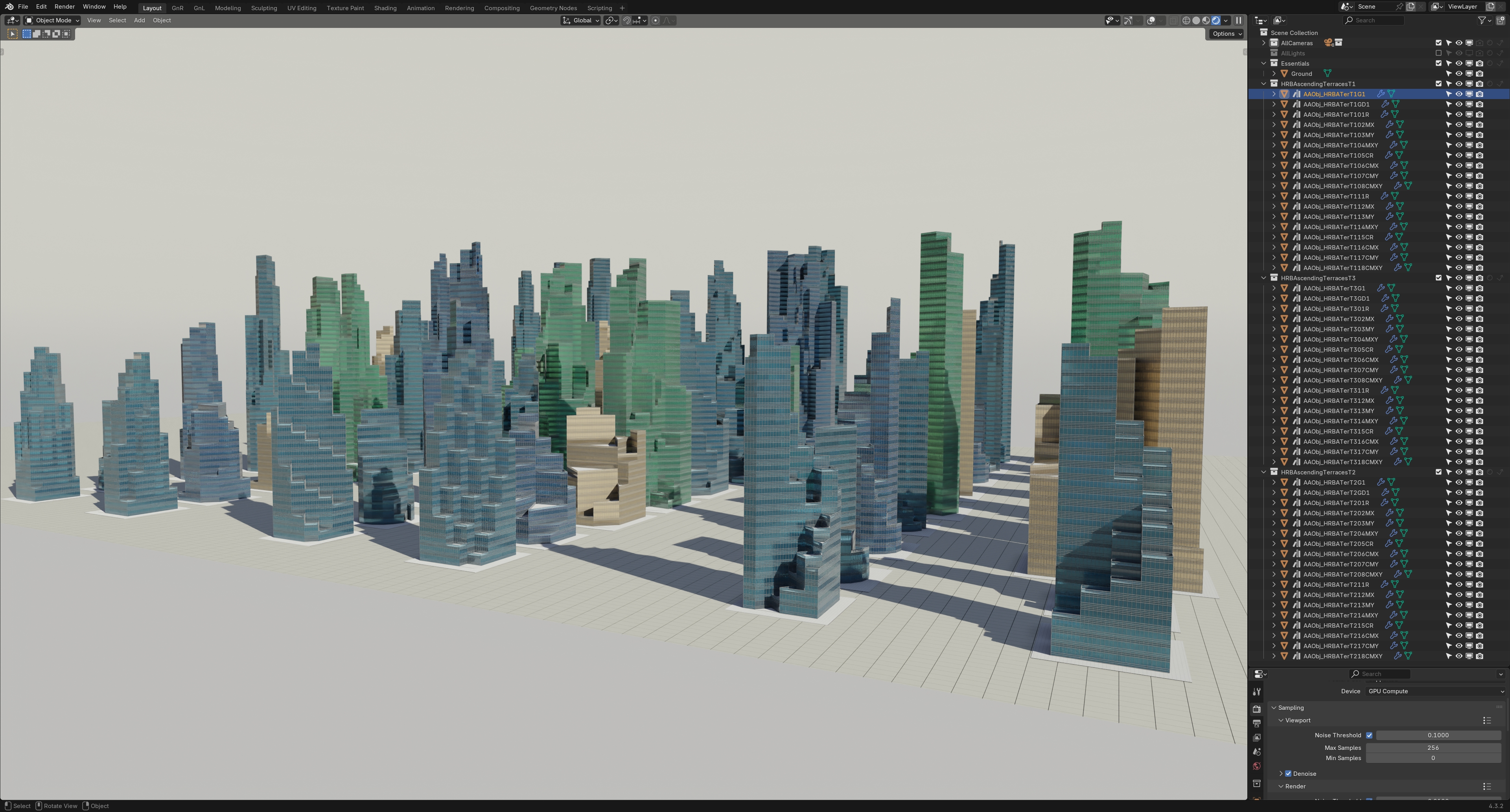
Series 4 & 5:

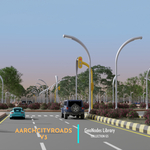
AarchCityRoads V1 - Three setups to generate Road Network Layouts with 3 different Road-widths.
Watch partial Demo here: https://youtu.be/gM0nmPVpdXY
Setup 01 - Generate from Curve drawn in Viewport

Setup 02 - Generate from Quad Mesh created in Viewport.

Setup 03 - Generate from Grid Mesh Primitive within Geometry Nodes Editor.

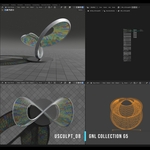
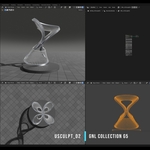
Urban Sculptures - A set of 12 Urban Sculpture & Canopies generators, with procedurally generated UVs. Tweak settings to generate infinite variations.
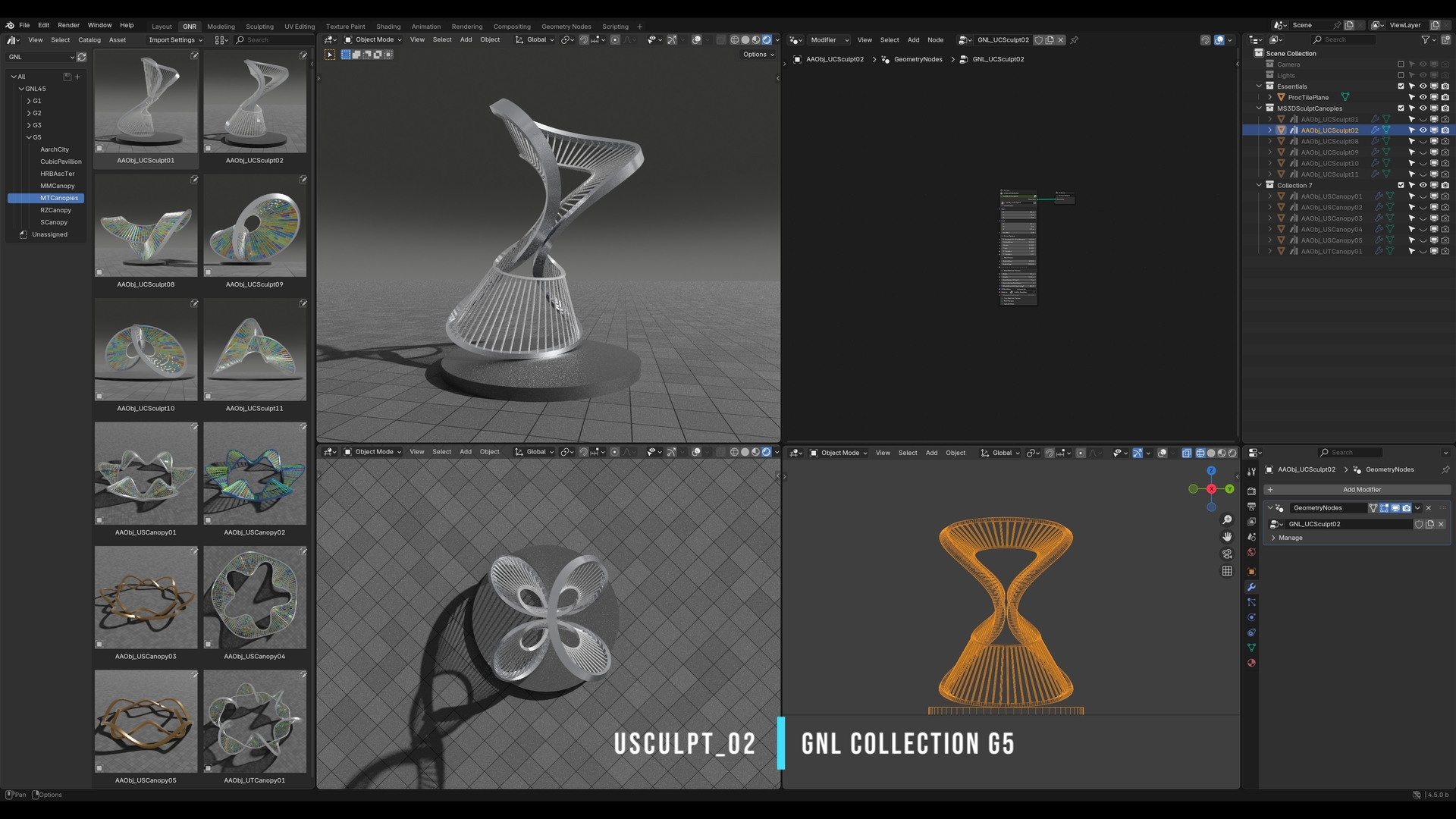
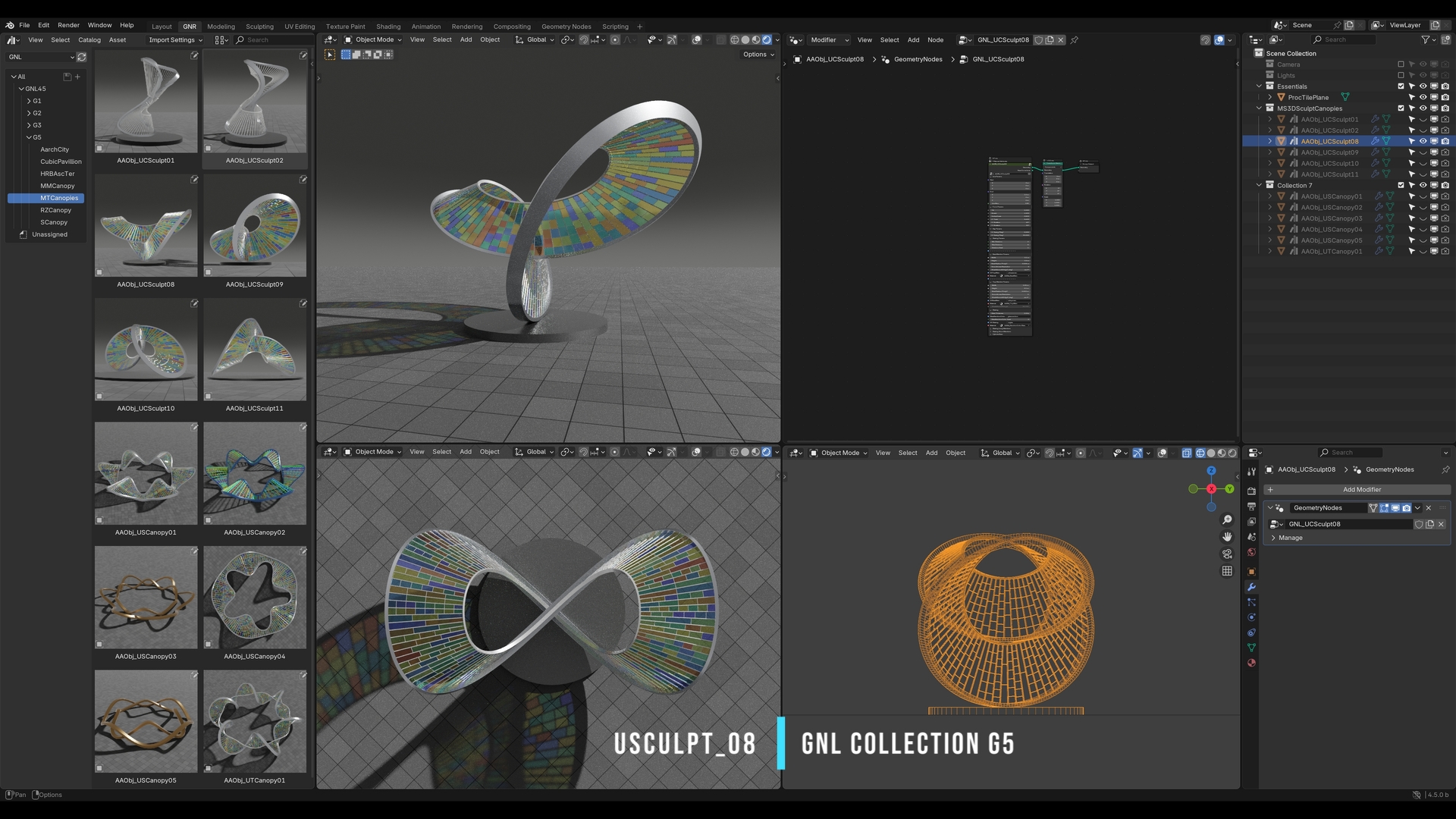
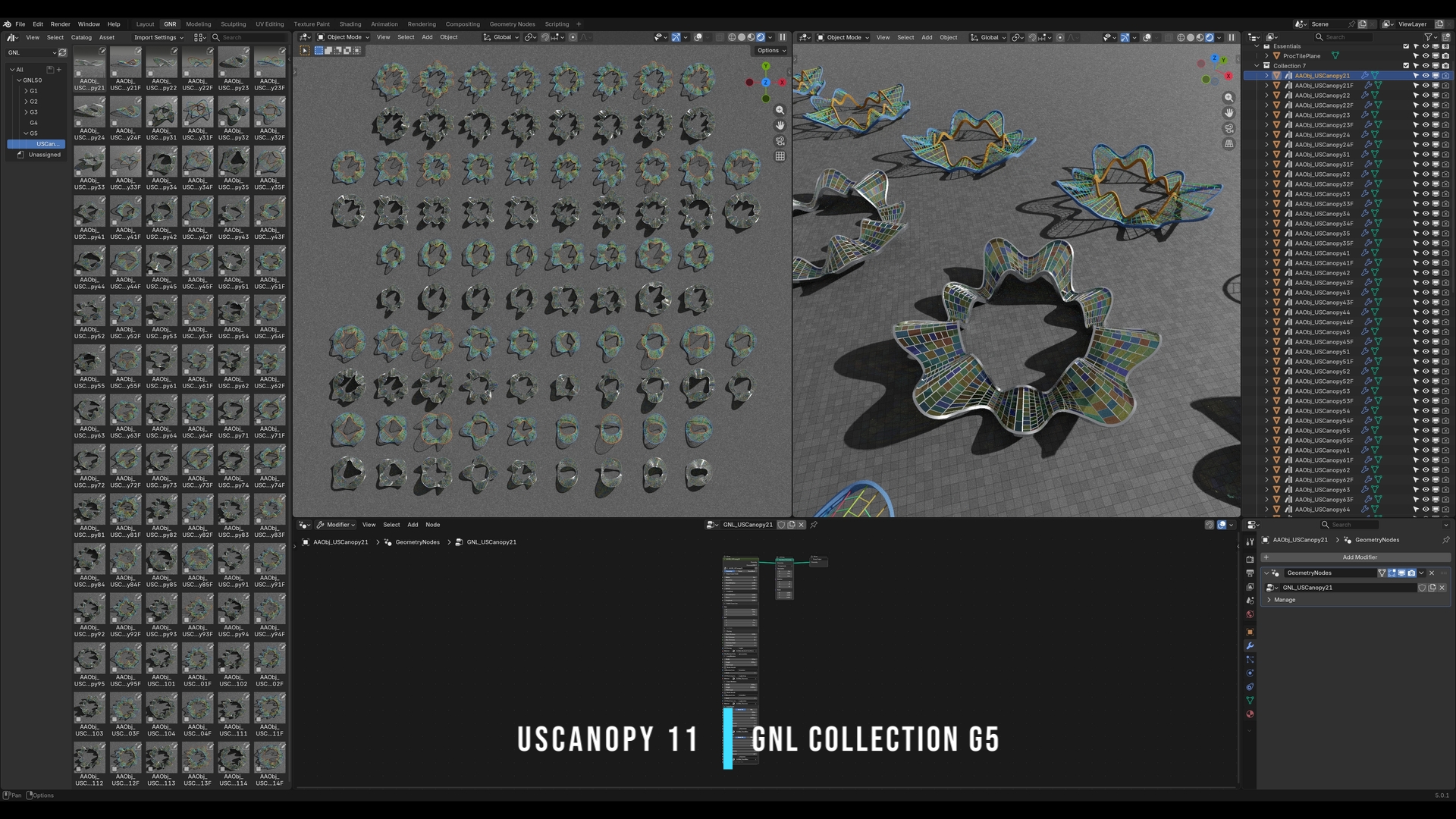
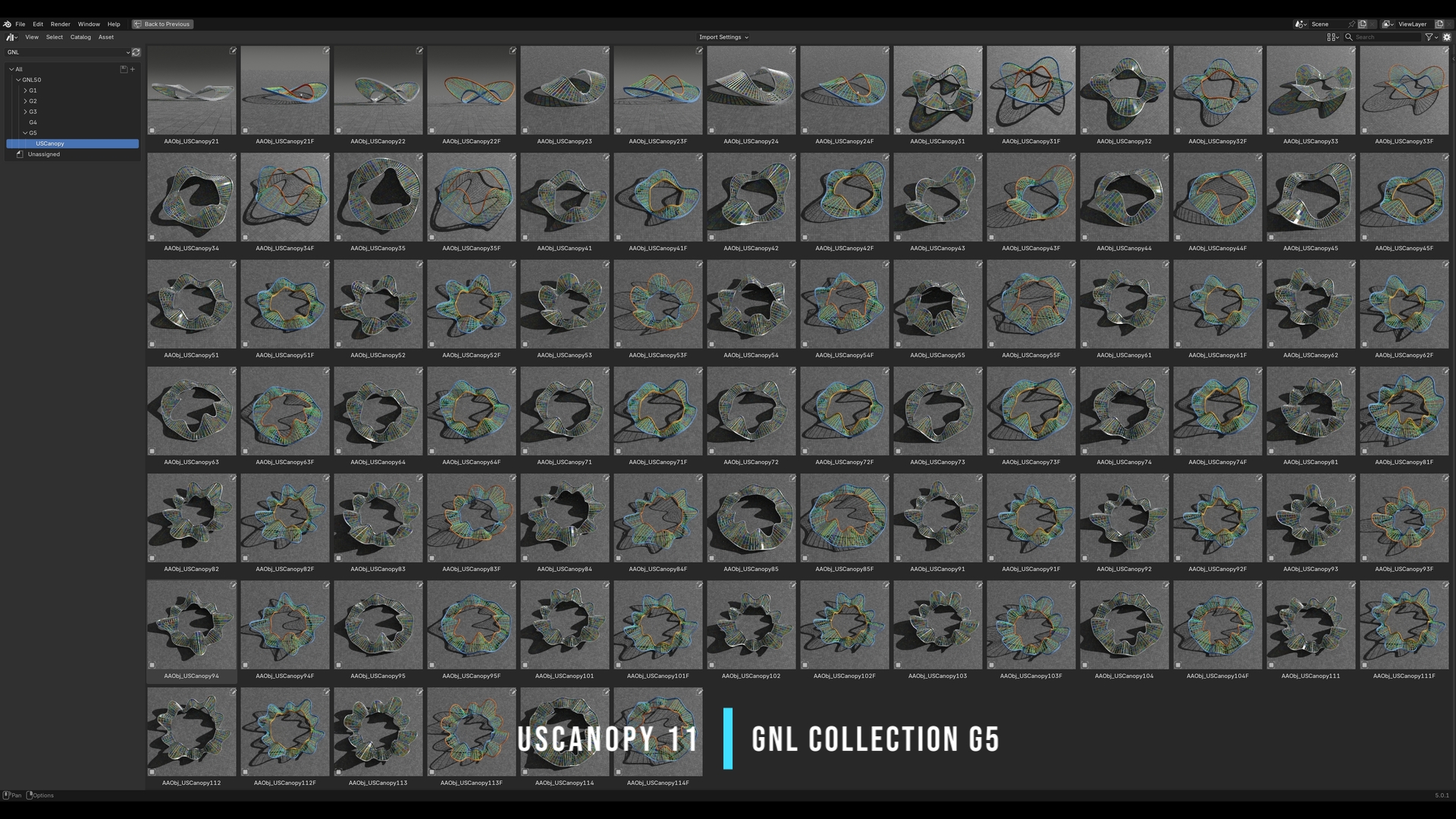
USC Canopies - A set of 90 Canopy Assets - with Glazing & Frame only, with procedurally generated UVs. Tweak settings to generate infinite variations.
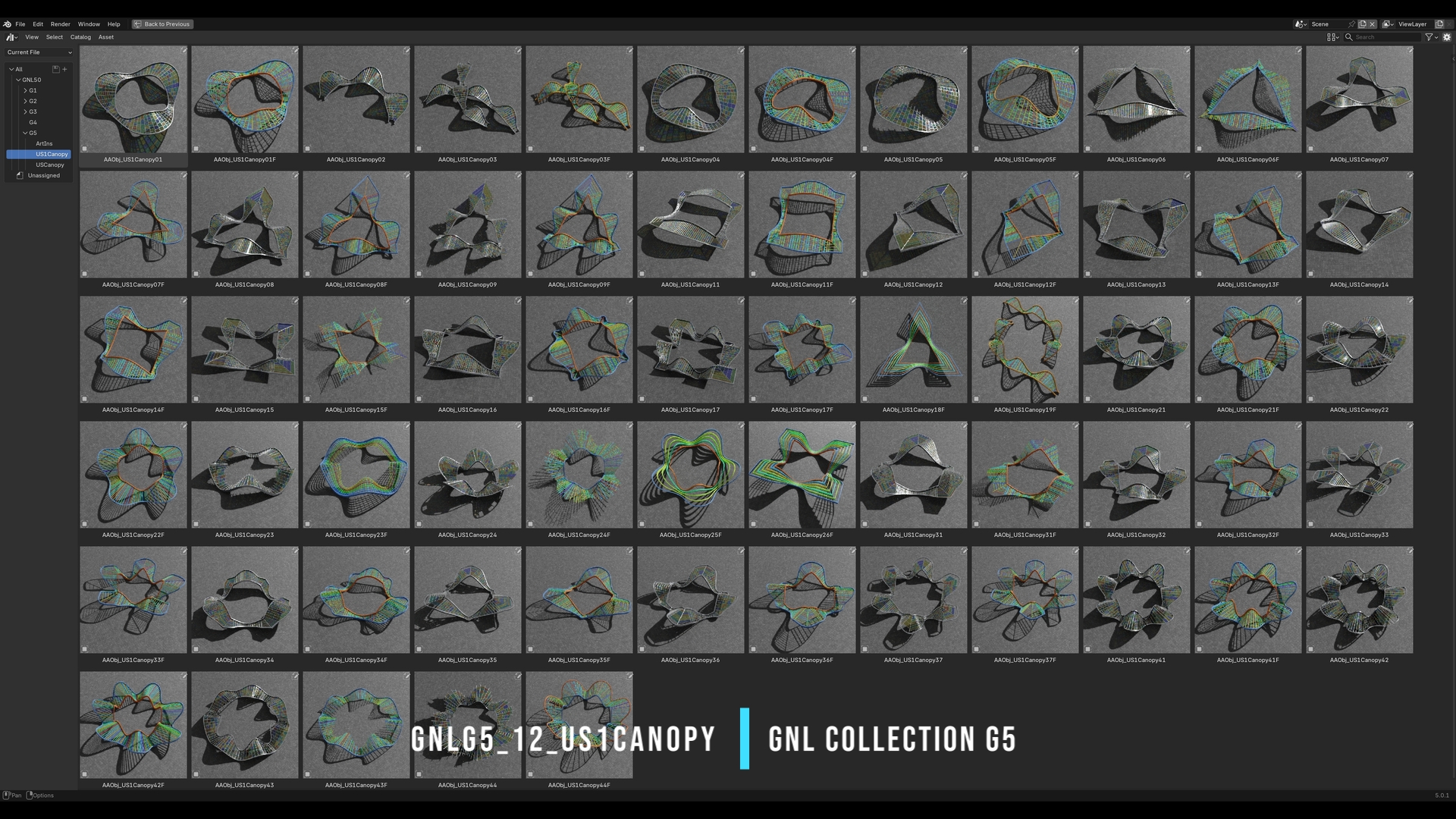
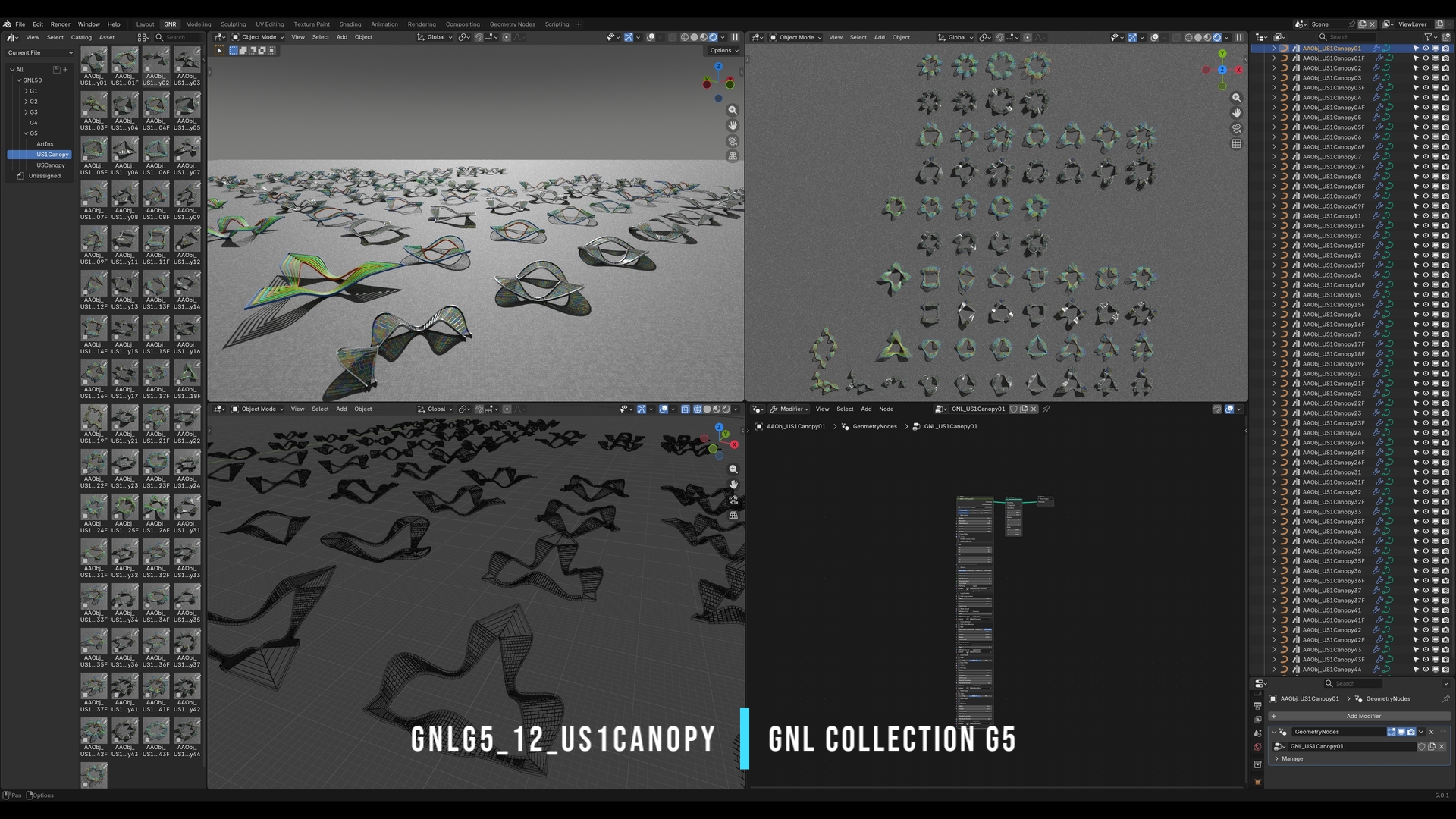
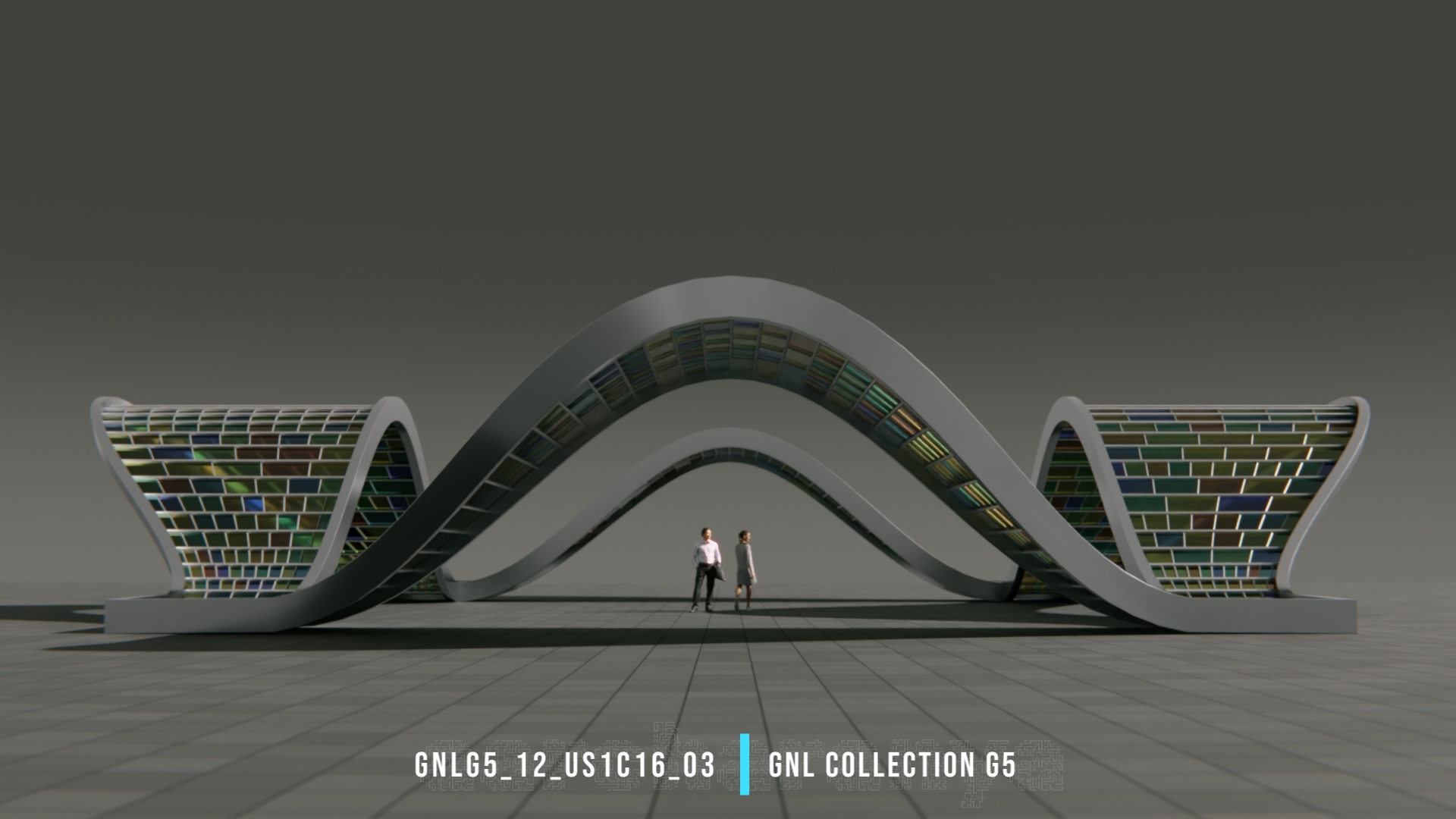
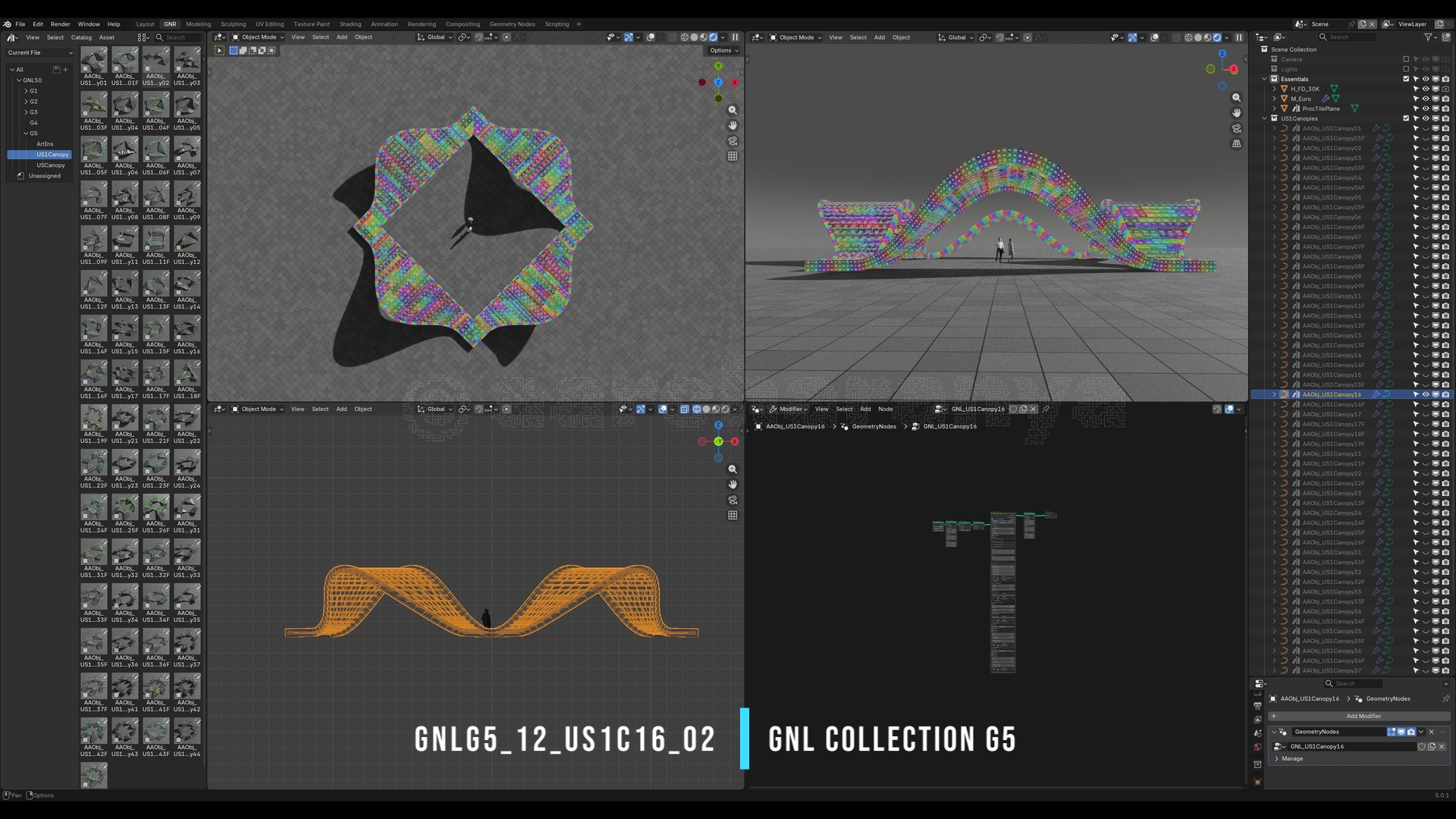
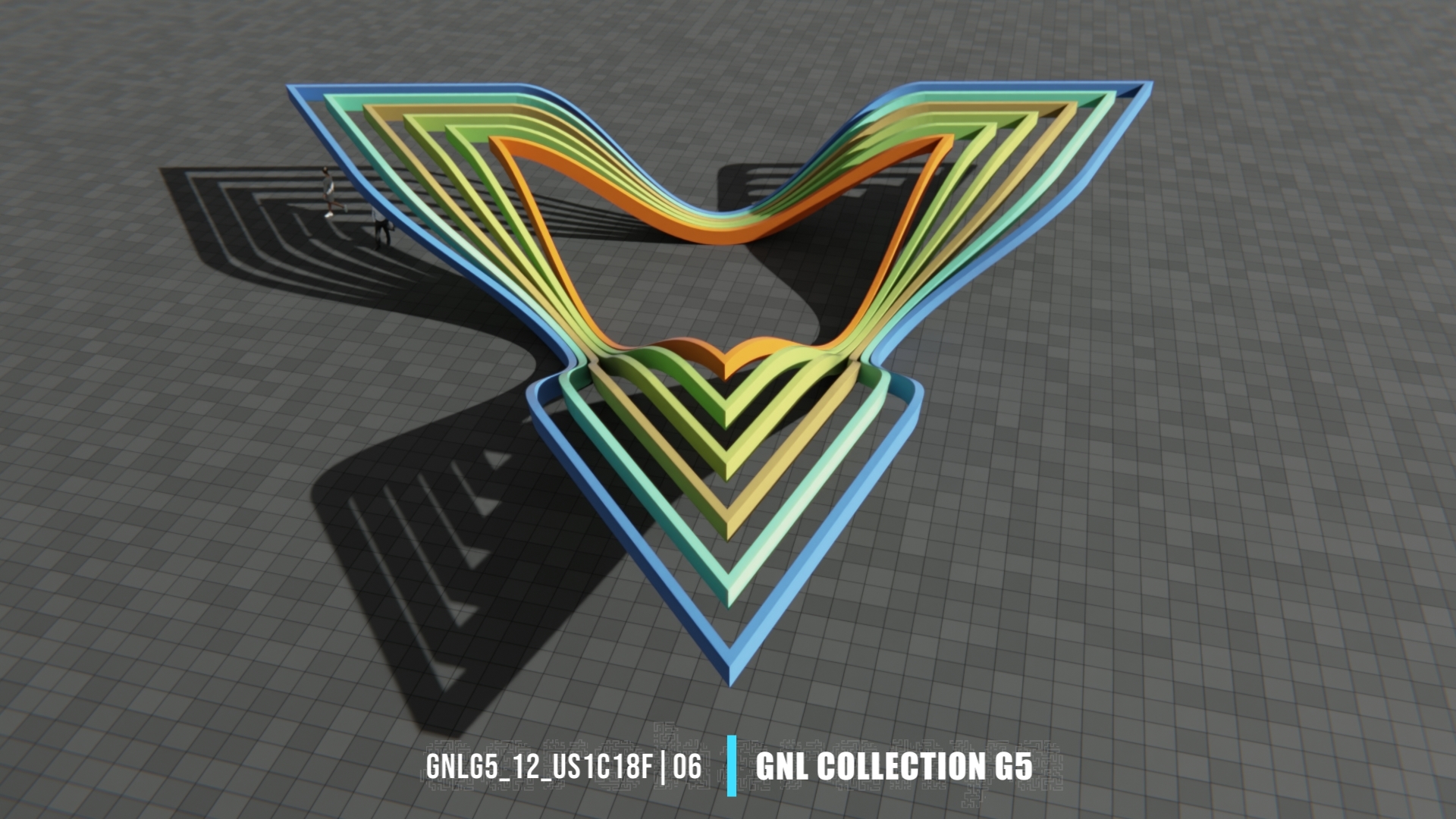
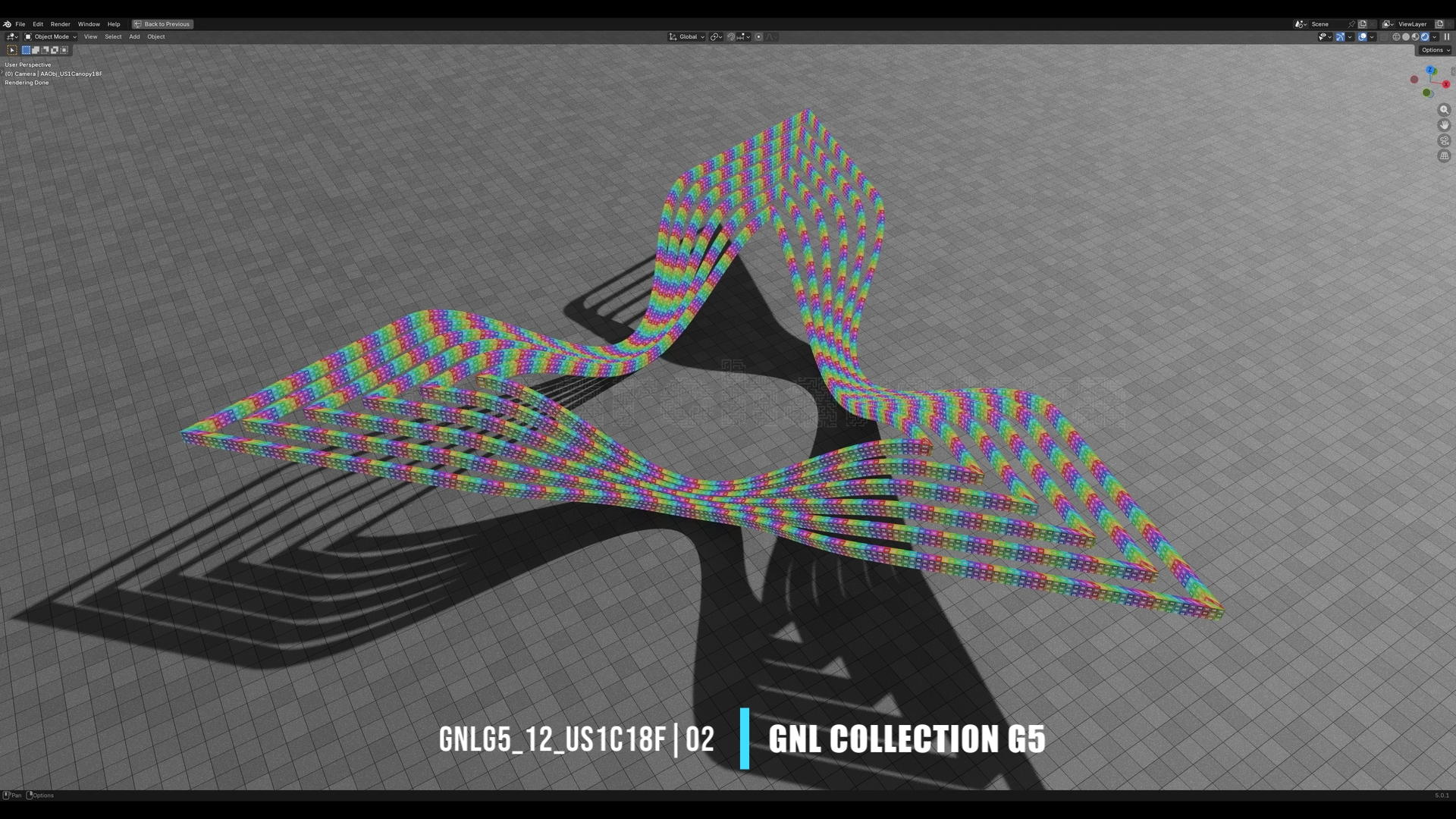
US1C Canopies - A set of 70 Canopy Assets - with Glazing & Frame only, with procedurally generated UVs. Tweak settings to generate infinite variations.
AARCHCITYROADS v3
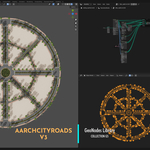
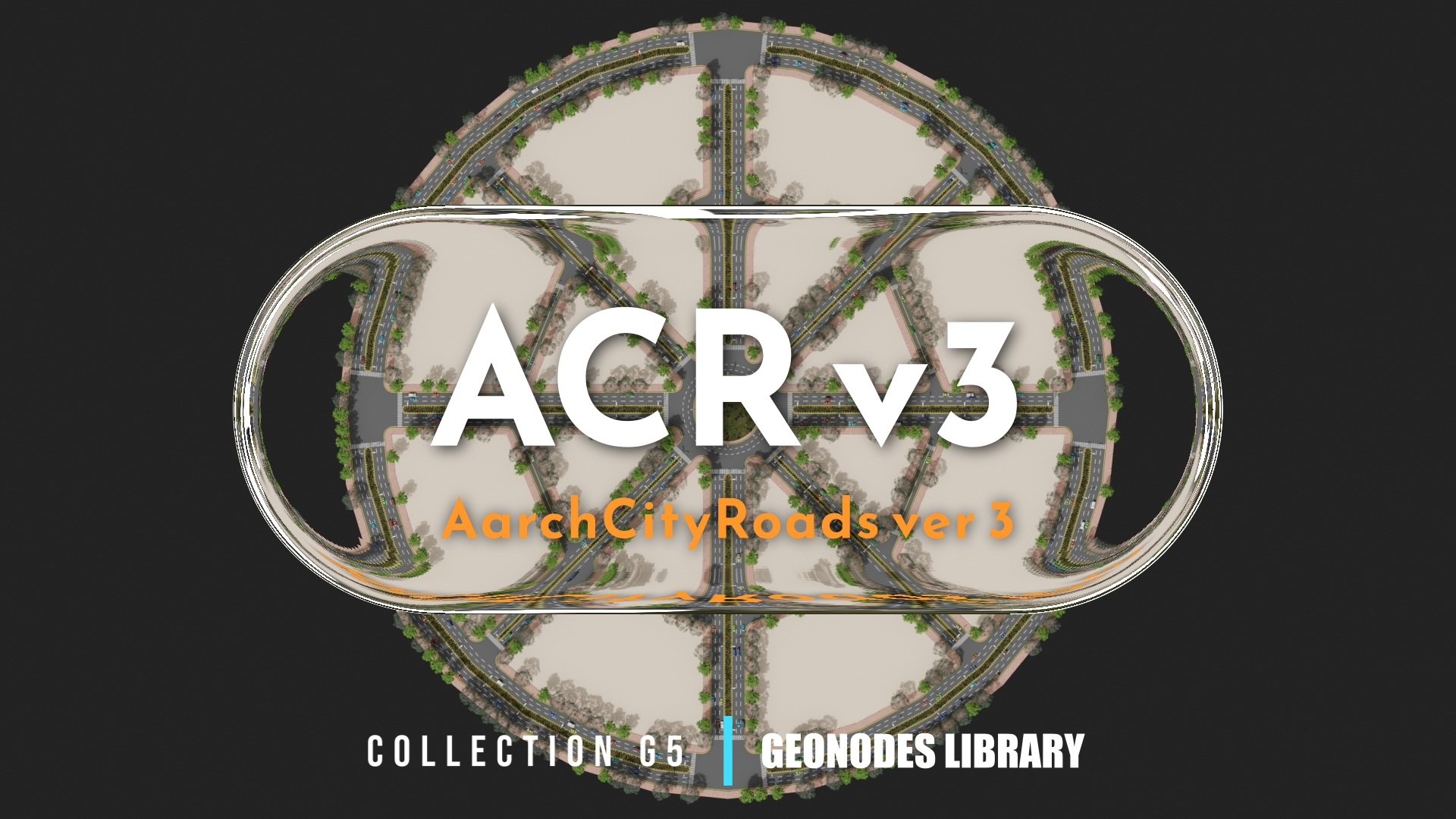
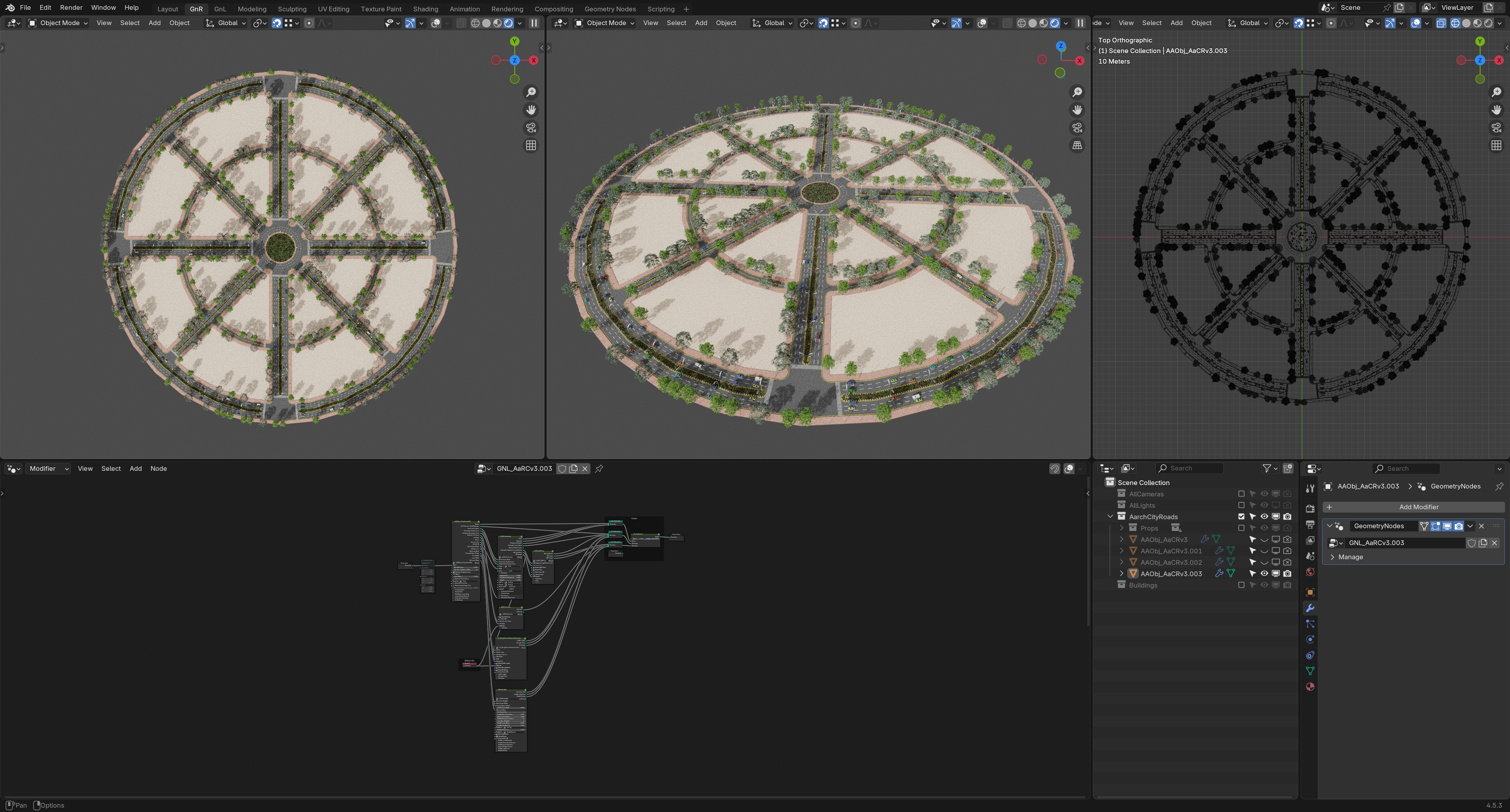
AarchCityRoads ver 3 (ACRv3) is a fully procedural, non-destructive & parametric City Roads Layout Generator, built entirely with Geometry Nodes, Blender 4.5.
ACRv3 is built to meet practical layout design requirements of Concept Design, Development & Visualisation for Architectural & Urban Design applications. It can also be useful for fields like Crowd & Traffic Simulations & GameDev.
ACRv3 generates a featured road layout from a 2D mesh, positioned at ground plane, treating mesh edges as center-lines for the roads. It adds essential design features like lane markings, central kerb/lines, pedestrian crossing & sidewalks alongwith light & traffic signal poles. It has option to add roundabouts. It also adds vehicles, trees, shrubs & peoples to aid design visualisation. Plots generated from the roads layout can be extracted for further design development. The 2D mesh can be generated directly in the viewport or via Geometry Nodes itself.
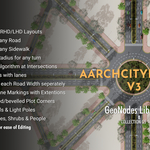
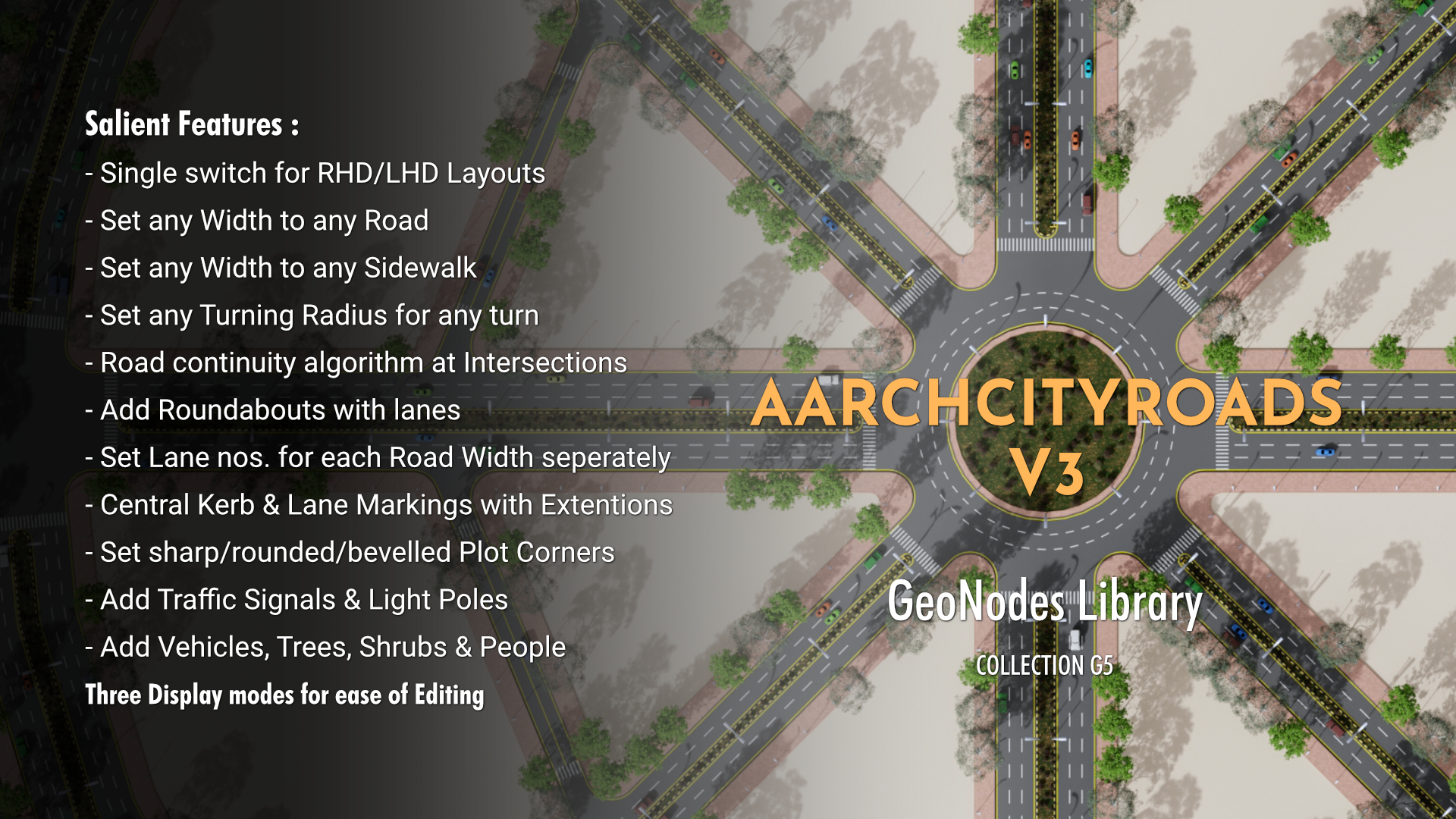
Some of the prominent features & flexibilities of the Nodegroup include:
- Single-click switch between Right-Hand Drive (RHD) & Left-Hand Drive (LHD) Layouts.
- Set any Width for any Road.
- Set Lane nos. for each Road Width independently.
- Built-in algorithm to decide continuity of road at Interesections. Additional options to break continuity wherever required.
- Built-in option for Central Kerb & Lane Markings Extentions at Intersections.
- Set any width to any Sidewalk.Multiple options to set Sidewalk widths - individually & collectively.
- Options to set Plot Corners to sharp/rounded/bevelled - individually or collectively.
- Set any Turning Radius for any turn.Multiple options to set Turning Radius - individually & collectively.
- Provision to add Roundabouts.Built-in fuction to set Roundabout radius. Option to adjust Radius & Position subsequently.
ACRv3 comes with three built-in Display modes - Basic, Lite & Full - to assist with mesh & GN editing.
HAPPY EXPLORING, LEARNING & CREATING.
Your feedback is appreciated & welcome.
Lookout for regular updates to the Library.
Happy Noodling & Happy Blending.
__________________________
CAUTION:
Irrespective of anything written anywhere else, this product is not permitted to be used for any training purpose for any software or AI or AI related usecase, under any circumstances, unless explicit permission for the same is obtained directly from the creator of this product.
__________________________
If you find the Node setup useful, please rate it.
You can also follow & give feedback at:
Twitter: https://twitter.com/AlokAhluwalia
Youtube: https://www.youtube.com/@aarcharanya
Instagram: https://www.instagram.com/aarcharanya/
