 blueish



Rebuild, reduce and clean up meshes
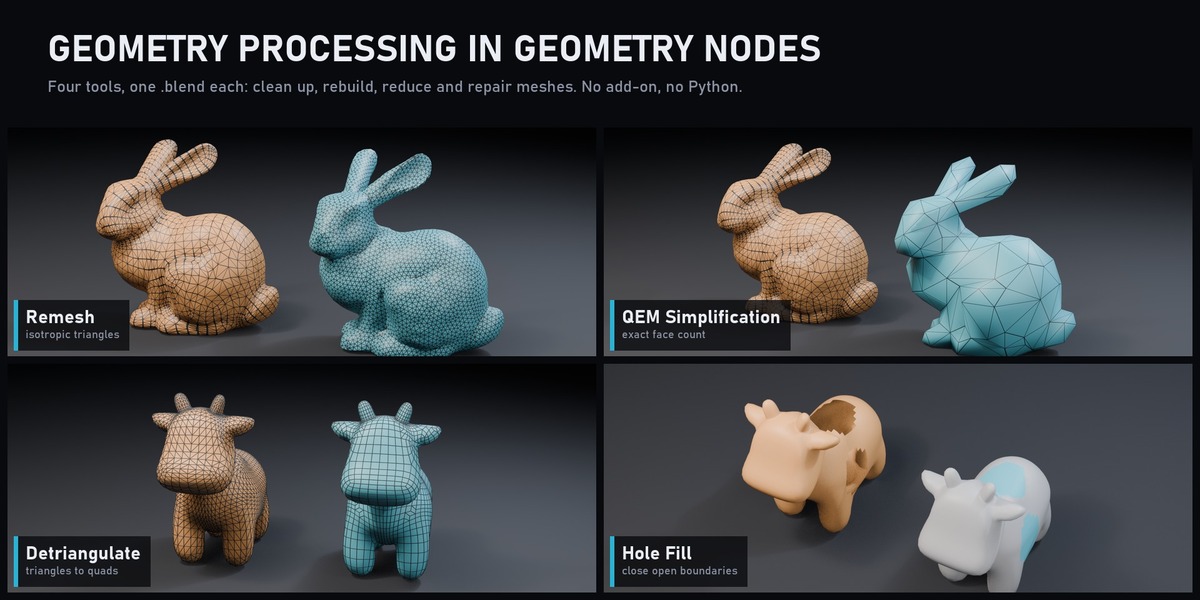
Geometry Processing Toolkits brings four classic mesh algorithms into Geometry Nodes: isotropic remeshing, QEM simplification, detriangulation and hole filling. Each one is an open node group in its own .blend file, so you can use it as a tool or read it step by step.
What's inside
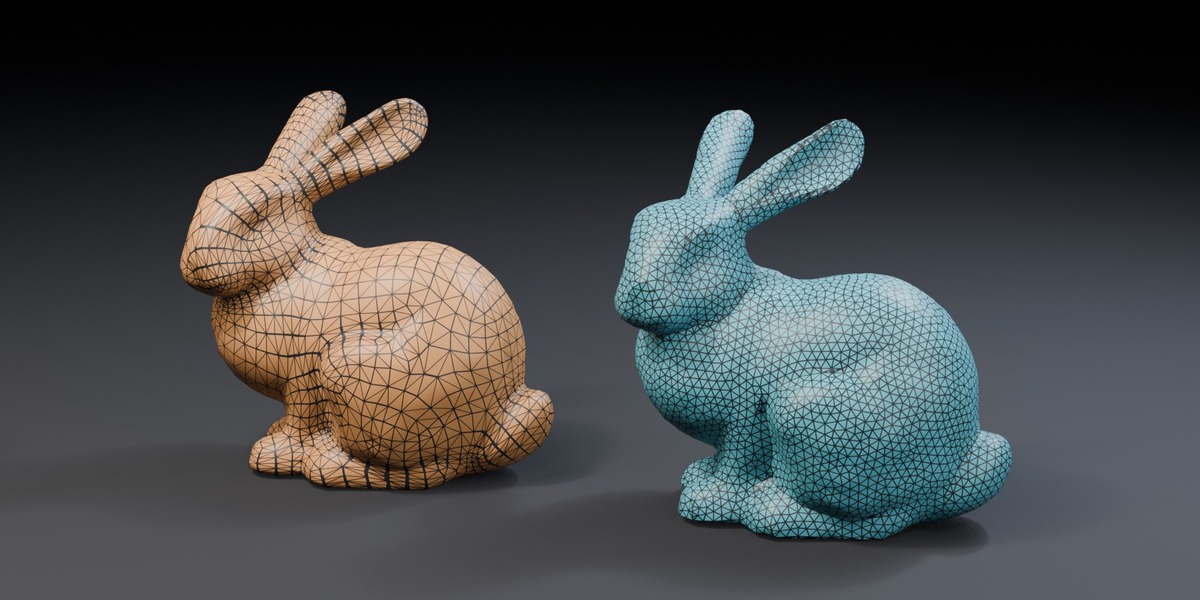
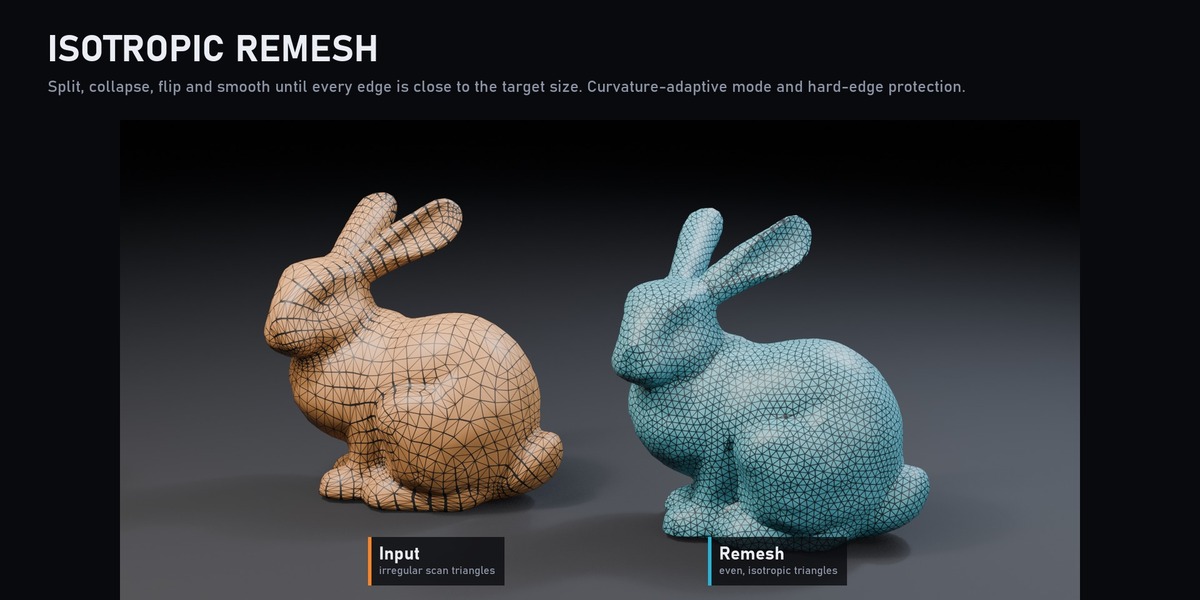
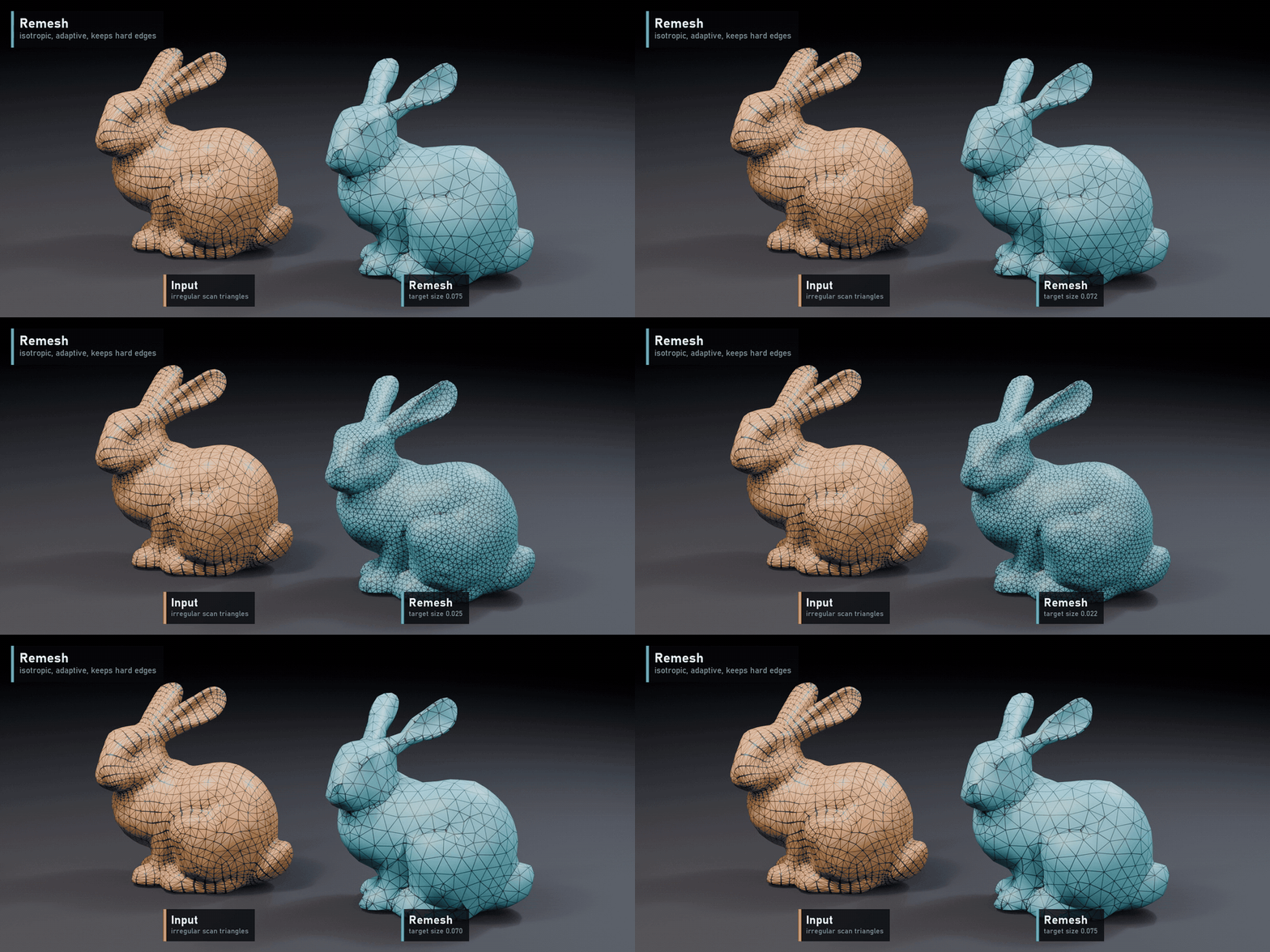
- Remesh: turns uneven scan or boolean triangles into even, isotropic triangles. Split long edges, collapse short ones, flip and smooth, repeated until edges match the target size. Optional curvature-adaptive sizing (smaller triangles where the surface bends) and hard-edge protection by angle.
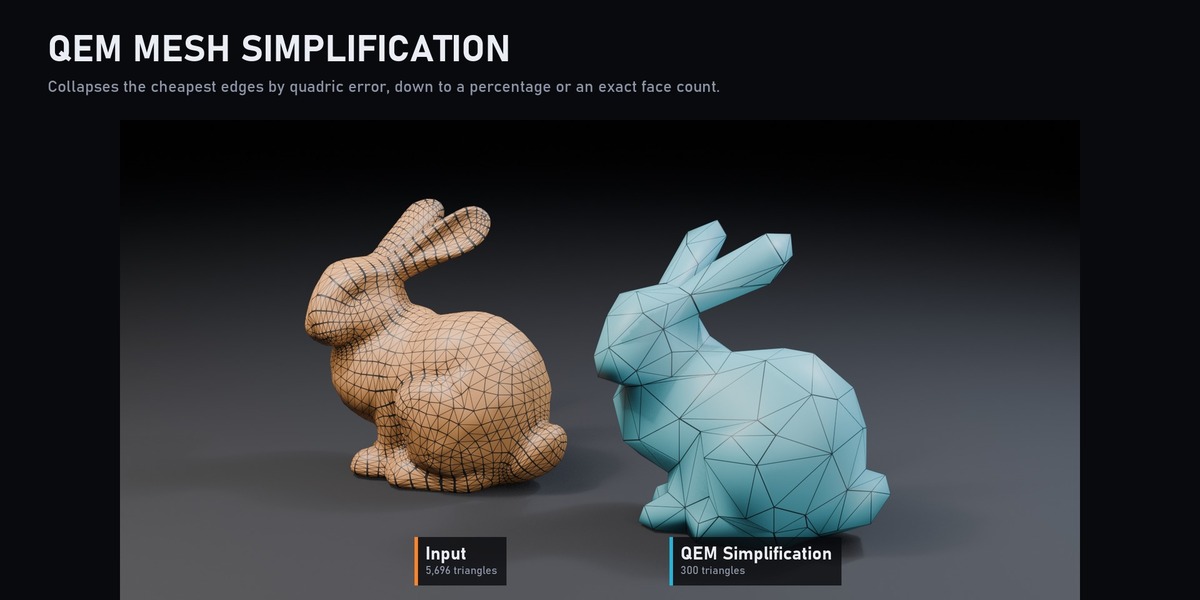
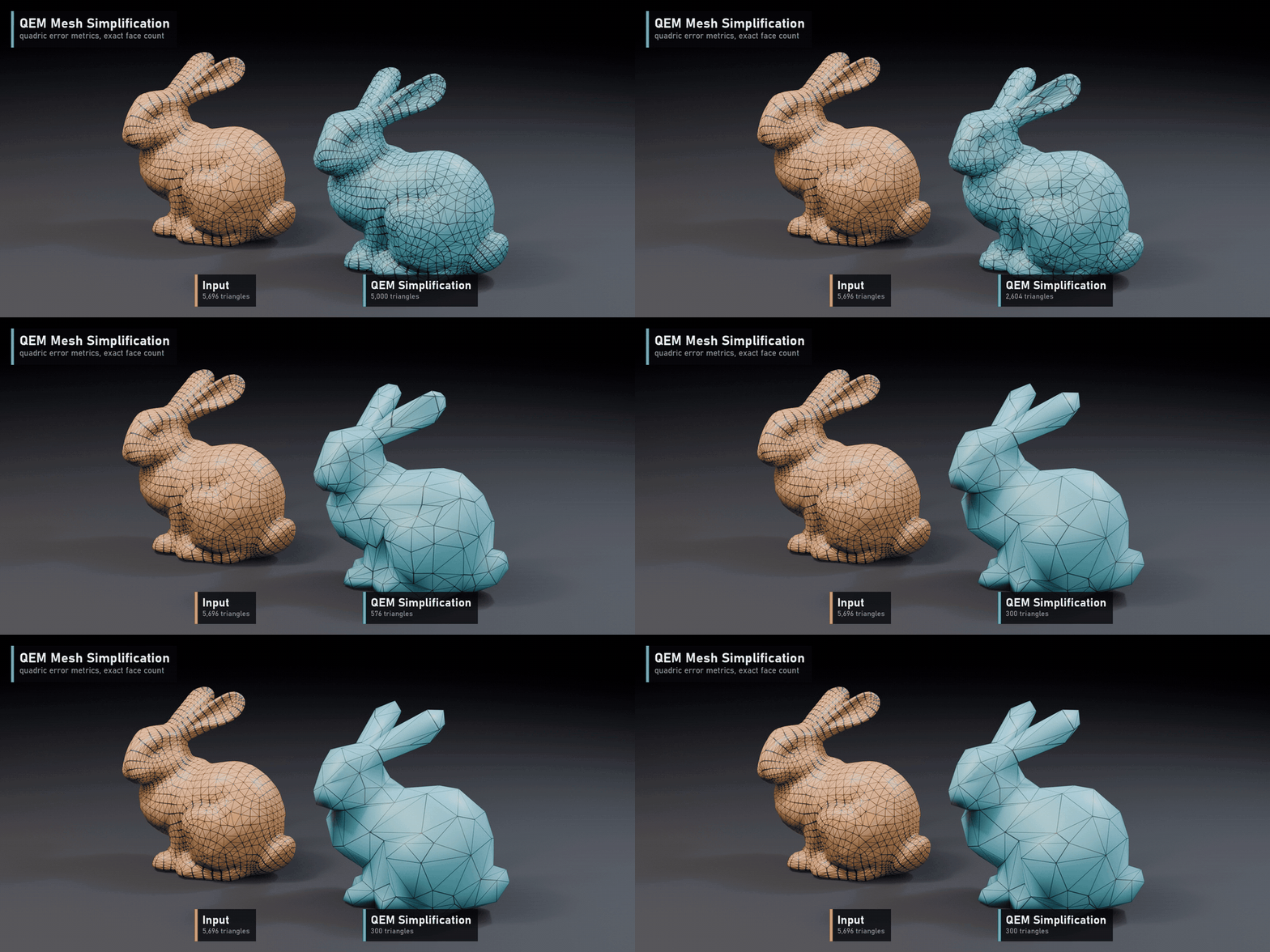
- QEM Mesh Simplification: reduces a mesh by collapsing the edges with the lowest quadric error (Garland and Heckbert). Target a percentage or an exact face count; optional hard-edge preservation.
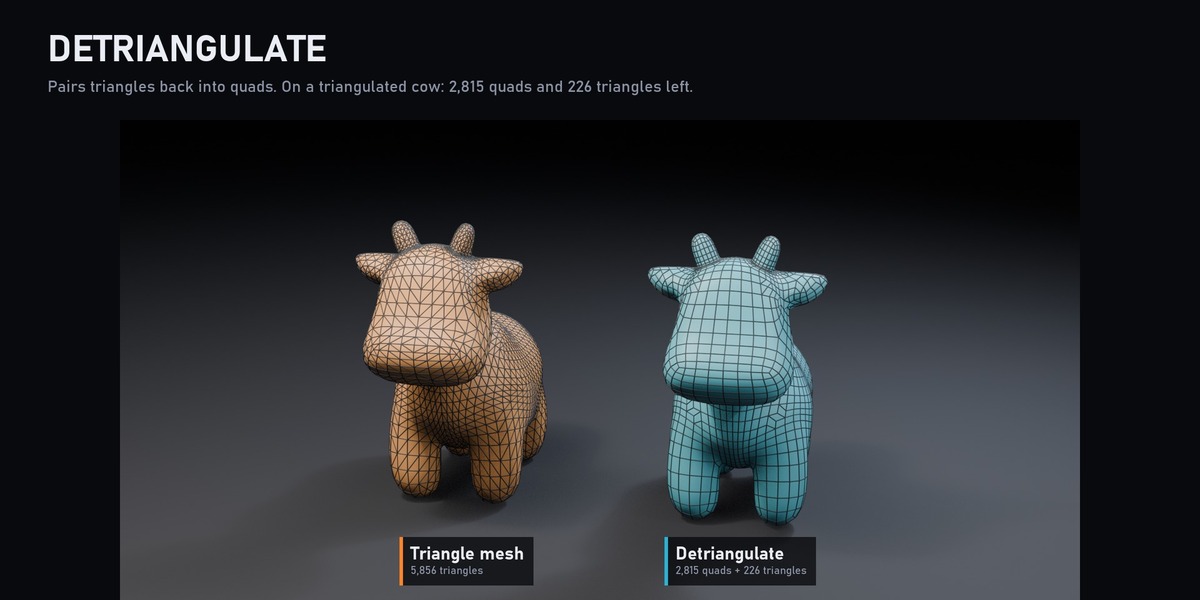
- Detriangulate: pairs triangles back into quads. On a triangulated test cow it rebuilds 2,815 quads and leaves 226 triangles.
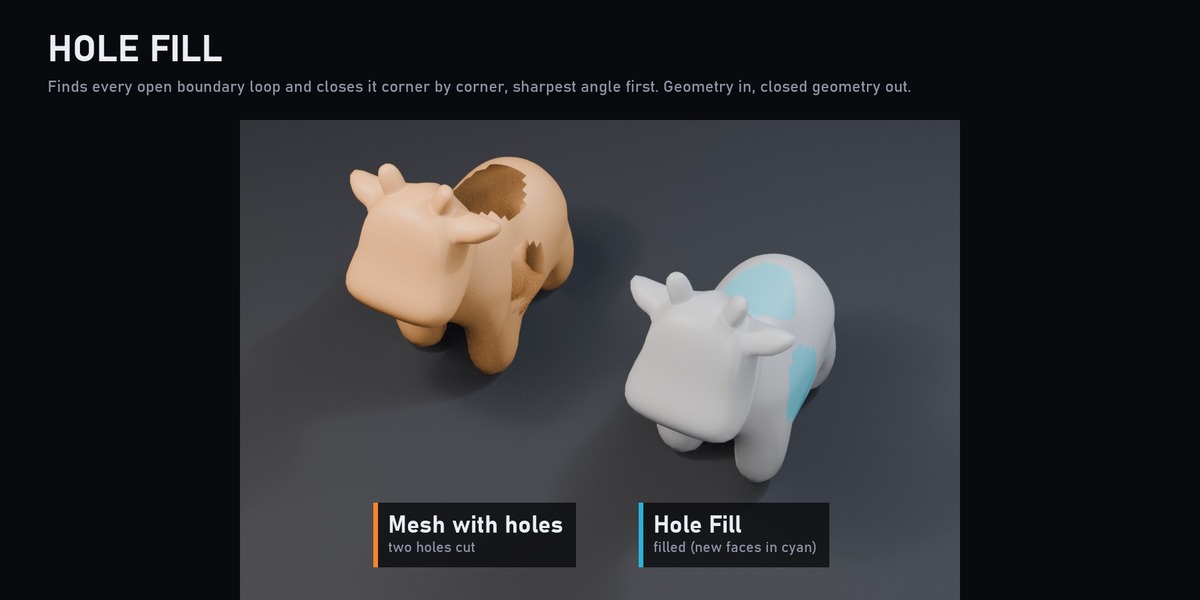
- Hole Fill: finds every open boundary loop and closes it corner by corner, sharpest angle first, until the hole is sealed. No settings: geometry in, closed geometry out. Useful before remeshing, simplifying or 3D printing a scan.
Great for
Cleaning up scans, sculpts and boolean results, making game-ready LODs, preparing meshes for simulation or further Geometry Nodes work, and learning how these algorithms work.
What's included
- Four .blend files, one per tool: Remesh.blend, QEM.blend, Detriangulate.blend and fill_hole.blend
- Each node group comes with its helpers (curvature, edge length, boundary and manifold tests)
- Demo setups on test meshes
Requirements
Blender 5.2 or newer.