 Blastframe
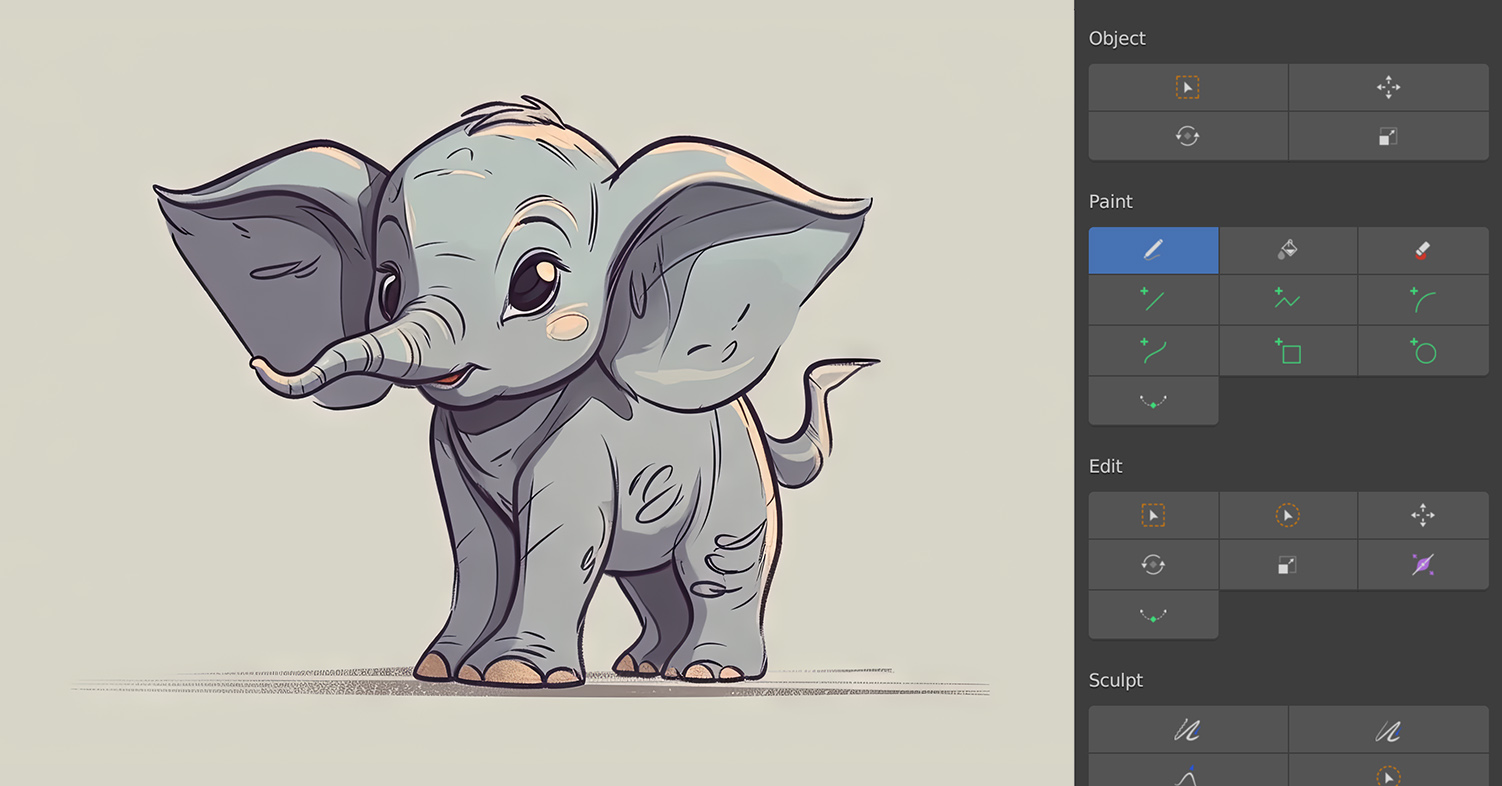
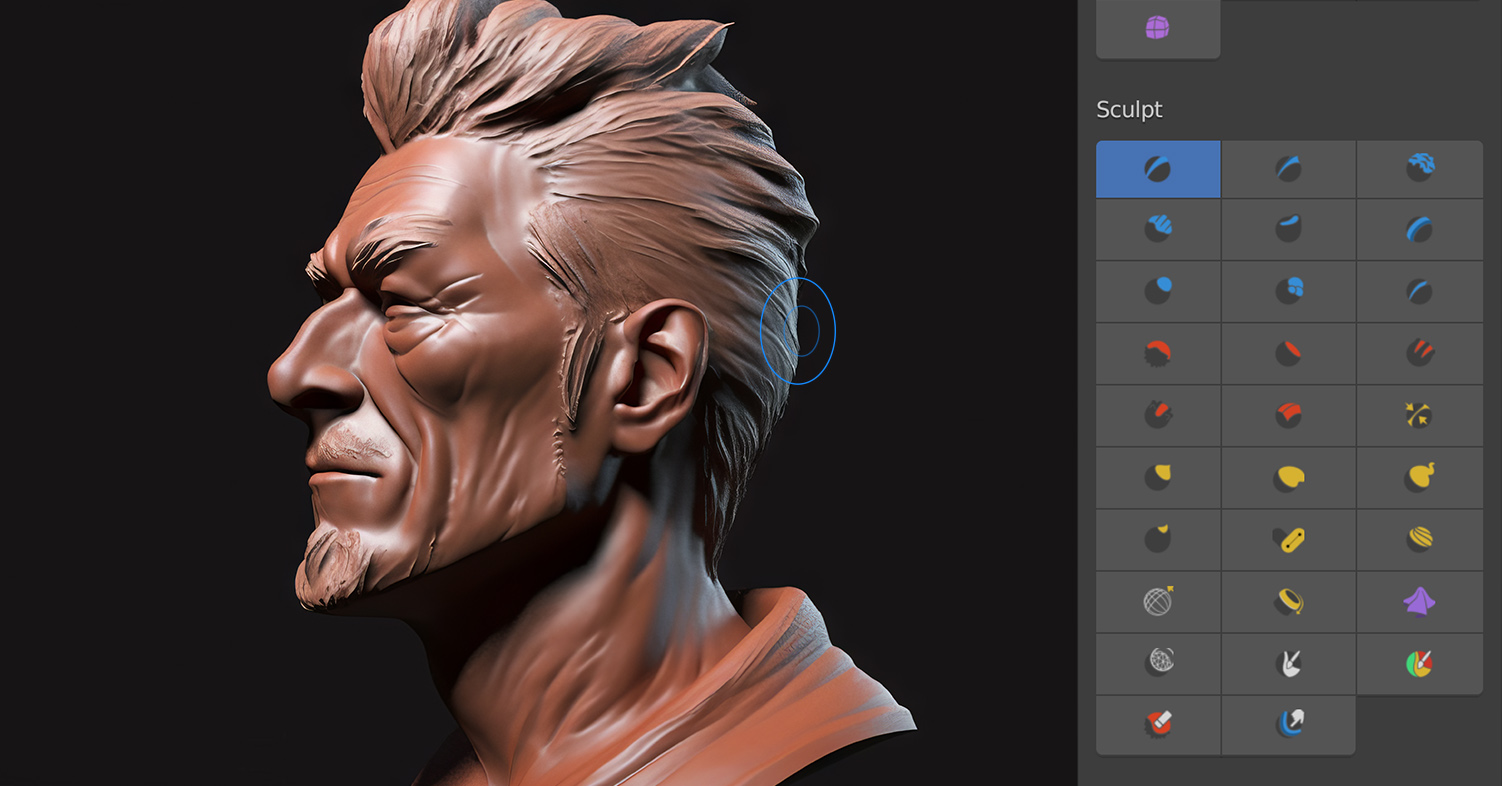
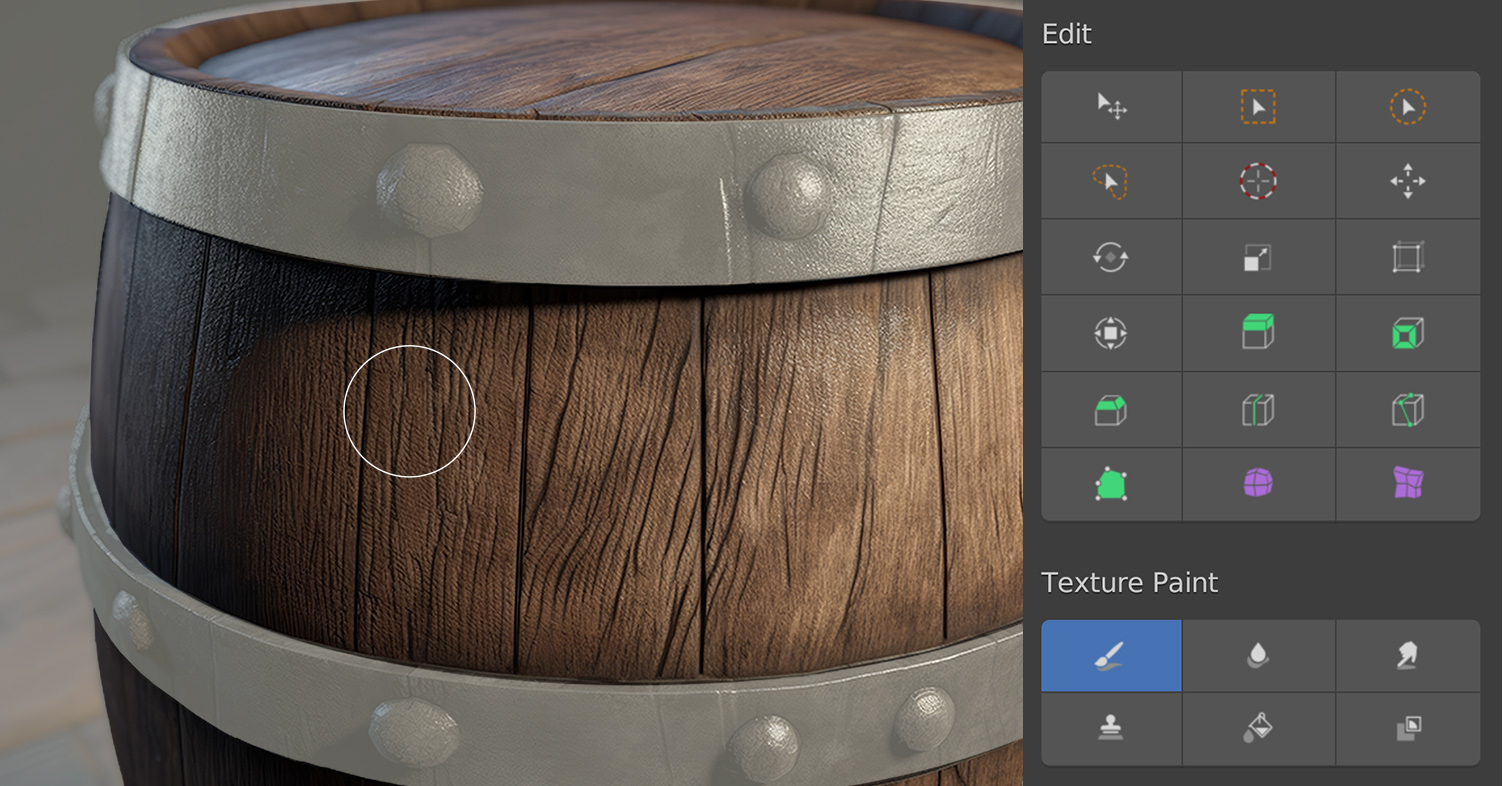
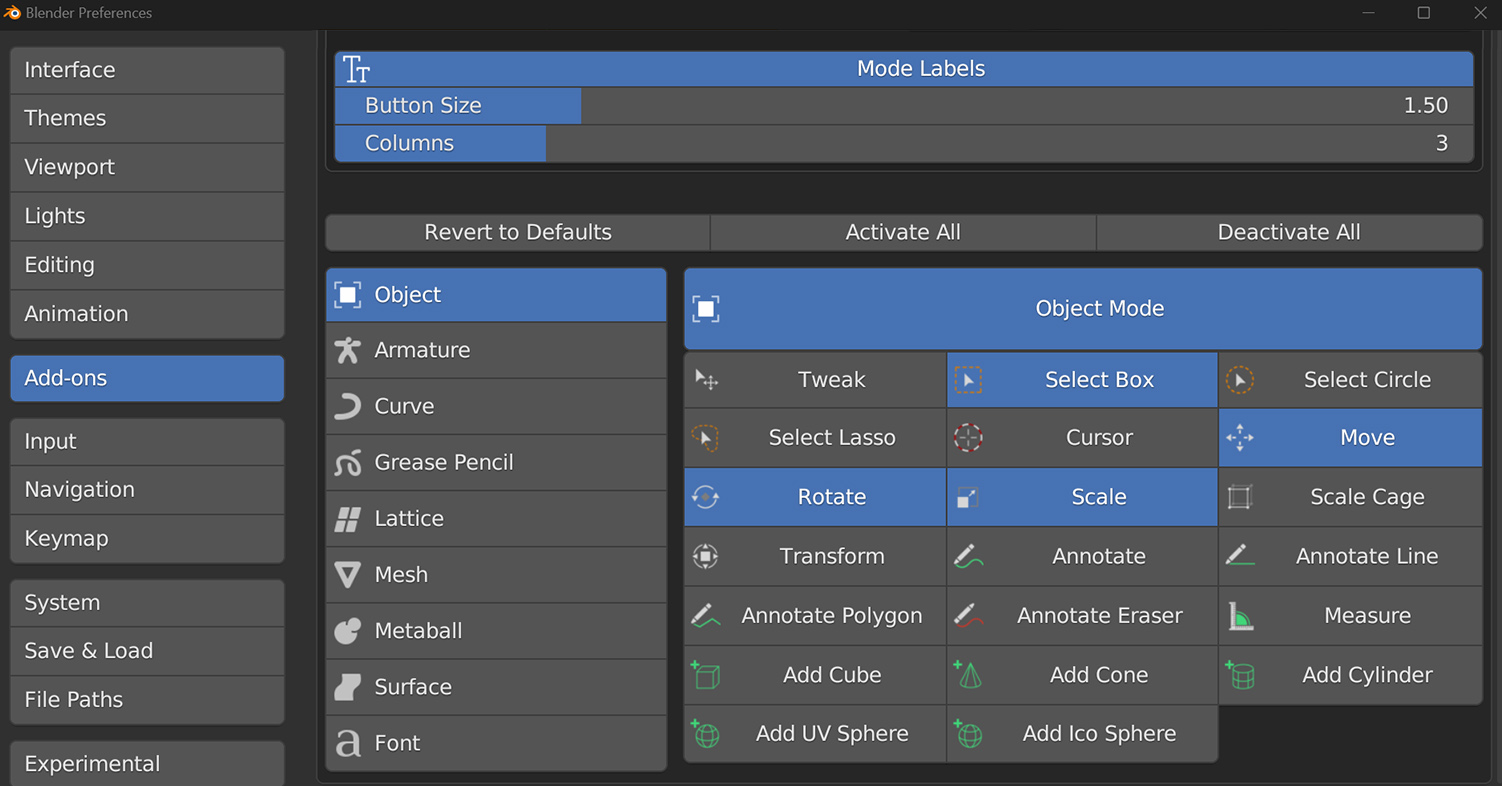
Introducing Go Panel, the revolutionary add-on for Blender that transforms the user experience: particularly for tablets. With Go Panel, you can finally say goodbye to the hassle of memorizing keyboard shortcuts for different modes and tools.Blender has long been known for its emphasis on keyboard shortcuts, making it challenging for beginners and those using tablets for sculpting, texture painting, or 2D animation in Grease Pencil. Go Panel changes all that, providing a one-click solution for switching both modes and tools.This innovative add-on allows you to customize your panel by adding or removing buttons by mode or individual tool, saving valuable screen space and only showing the tools you actually use. You can also change the panel's name, button size, and the number of columns to further simplify the interface.Go Panel also lets you assign keyboard shortcuts to its buttons, eliminating the mode switching step altogether. Whether you're a beginner or seasoned veteran, you'll find convenience in this new add-on.So if you're looking to boost your productivity in Blender, Go Panel is the perfect solution. Save time and customize your workflow with this essential add-on. Try it out today and experience the difference!
New in v2.0.0
Go Panel v2.0 is a complete rewrite from the ground up, modernized for Blender's Asset Library system and packed with powerful new features based on user requests!
Major New Features:
- Custom Tray for Any Operator: Add buttons for any Blender operator, including those from your add-ons and extensions. Simply right-click any button or add from preferences to build your perfect workflow. Operators can automatically switch modes and filter by object type.
- Asset Library Integration: The new "Brushes" section lets you add any brush asset directly from your Asset Library to the panel. Right-click any brush in the Asset Browser (or Asset Shelf) and choose "Add to Go Panel" — the add-on will activate the asset to load its brush preview and make it available in the panel. Previews are loaded dynamically (persisting for the current Blender session) and are shown in both Preferences and the Go Panel when available. The panel falls back to a default brush icon if a preview cannot be loaded.
- Smart Context Menus: Right-click any operator or brush asset (in the Asset Browser / Asset Shelf or on existing buttons) to quickly add or remove it from Go Panel. The context menu intelligently detects if an item is already present and offers Add/Remove accordingly. Adding a brush from the Asset Browser will silently activate the asset so its preview image becomes available; removing a brush can be done from the panel or via the same context menu.
- Enhanced Icon Browser: Beautiful searchable icon grid with filtering, making it easy to find the perfect icon for your custom buttons.
- Large Icon Support: Toggle between standard and large icons to suit your workspace and display size.
- Intelligent Filtering: Custom tray operators can be set to appear only for specific object types (e.g., Pose Mode operators only show for Armatures).
- Dynamic mode mapping ensures compatibility across all Blender versions
- Catalog-based asset filtering matches Asset Browser behavior
- Comprehensive debug logging for troubleshooting
- Context-aware prepopulation of settings
- Active brush visual feedback
- Add/Subtract Weight Buttons: Create Weight Painting Brush Assets with Add/Subtract blend modes and add them to Go Panel instead.
- Collapsible Sub-Panels: Simply disable unused modes in preferences to achieve a similar workflow.
