 DanilGOE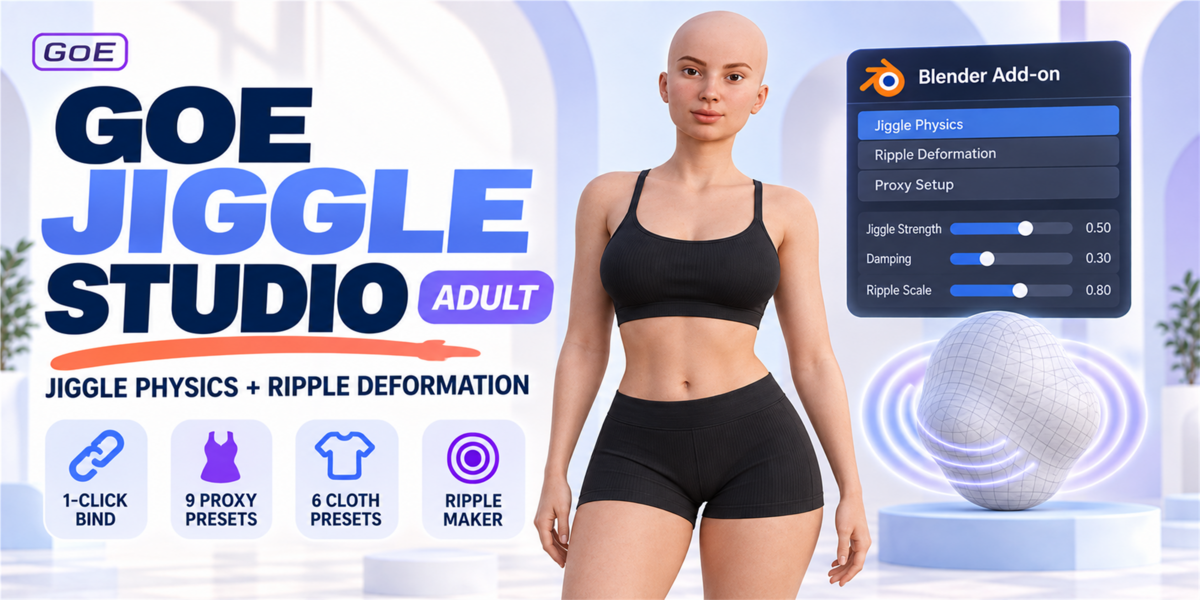



Installation
- Download the add-on .zip file.
- Open Blender.
- Go to Edit → Preferences → Add-ons.
- Click Install.
- Select the GOE Jiggle Studio Adult .zip file.
- Enable the add-on.
- Open the 3D Viewport Sidebar.
- Go to the GOE Jiggle panel.
For Blender 4.2 and newer, you can also install it as an extension from disk.
-
$19.99
For 1 individual user. Includes all features and content.
-
$39.98
For 1 user working for a business or client. Includes all features and content.
-
$79.96
For up to 10 users in one studio or company. Includes all features and content.
Have questions about this product?
Login to message
| Blender Extension Compatible | Yes |
| Sales | 30+ |
| Dev Fund Contributor | |
| Published | 4 months ago |
| Blender Version | 3.6 - 5.2 |
| Extension Type | Add-on |
| Render Engine Used | Cycles |
| License | GPL |
Discover more products like this
breast physics ripple deformation adult character secondary-motion belly jiggle nsfw body physics glute physics jiggle physics character animation blender addon