 DanilGOE


Documentation
Installation
- Open Blender.
- Go to Edit → Preferences → Add-ons.
- Click Install and select the addon ZIP file.
- Enable GoE PSX Overdrive Toolkit.
- Open the 3D Viewport and press N.
- Find the GoE PS1 tab in the sidebar.
Quick Start
- Select your mesh objects or prepare your full scene.
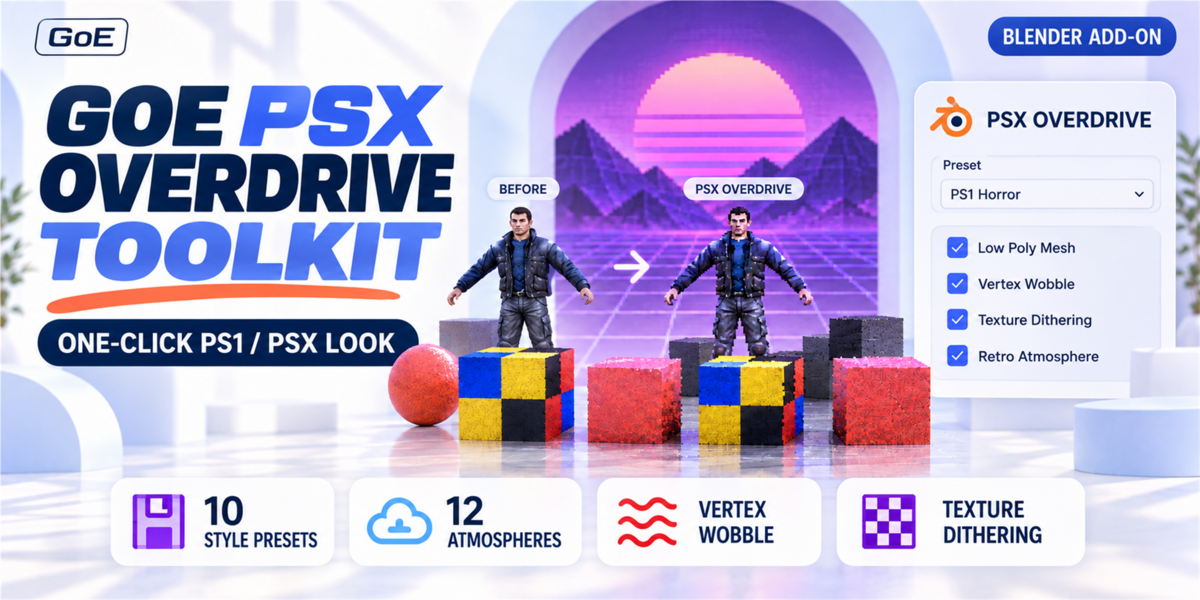
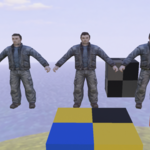
- Choose a PSX style preset.
- Adjust the Clean → Dirty PSX slider.
- Click Apply to Selected or Apply to Whole Scene.
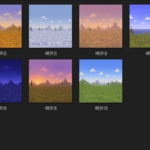
- Add a PSX Sky, Atmosphere preset, Texture Dithering, or Render FX if needed.
- Use Before / After Toggle to compare the original and generated version.
Notes
- Duplicate Before Applying is enabled by default to keep your original objects safe.
- Texture Dithering requires Pillow and NumPy. These can be installed from the Dependencies section inside the addon.
- Works with Blender 4.2+ and Blender 5.x.
- For more details, use the included PDF Quick Start Guide.
Have questions about this product?
Login to message
| Blender Extension Compatible | Yes |
| Dev Fund Contributor | |
| Published | 5 months ago |
| Blender Version | 3.6 - 5.1 |
| Extension Type | Add-on |
| Render Engine Used | Cycles, Eevee |
| License | GPL |
Discover more products like this
ps1 graphics vertex wobble retro 3d playstation stylized blender addon ps1 lowpoly psx graphics vertex jitter psx retro