pullup


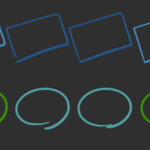
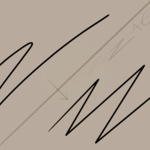

GP shaper convert single strokes to a shape in draw mode simply by hovering over and pressing a shortcut.
Compatibility: Blender 4.3 -> latest.
> Note: the 3D pencil in the video/gifs and the shortcut label are for demo purpose, not part of the addon.
List of available target shapes to convert to:
- - Ellipse / Circle
- - Arcs (partial ellipse, not parabolic)
- - Rectangle / Square
- - Polyline
- - Line
2 Sets of shortcuts:
- -
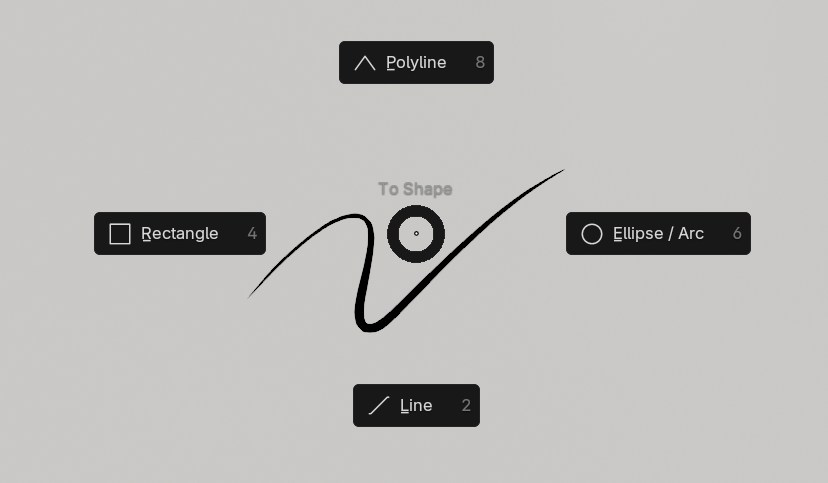
C: Convert to target shape -Alt + C: Pie menu to select the target shape - -
V: Convert to target shape, snapping to a 15° angle --Alt + V: Pie menu to select the target shape, snapping to a 15° angle
Alt + C/V pie menu:
Extra shortcut:
To get a square from a Rectangle or a Circle from an ellipse, Press quickly C/V twice over the same stroke to equalize its axis.
In the Redo panel (bottom right corner of the screen or popup using F9 key), you will be able to tweak the resulting shape (see demo video above and gifs below)
Demos:
Ellipse / Circle
Arc (partial ellipse):

Rectangle:

Polyline:

Line:

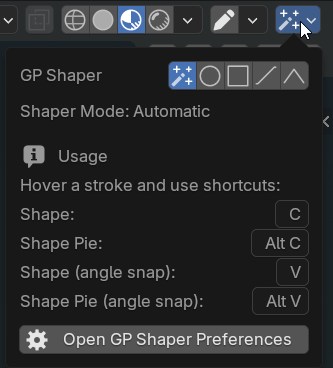
In the popover panel (upper right corner of the 3D viewport in Draw mode), you'll find:
- options to change the behavior of the single "to Shape" shortcut (C/V), default to auto-detect.
- a summary of the available shortcuts.
- a button to open preferences to customize the keymap.