 blueish
BLENDER GPU TEXTURE NODES
Procedural textures, ShaderToy shaders and image processing, live inside Blender
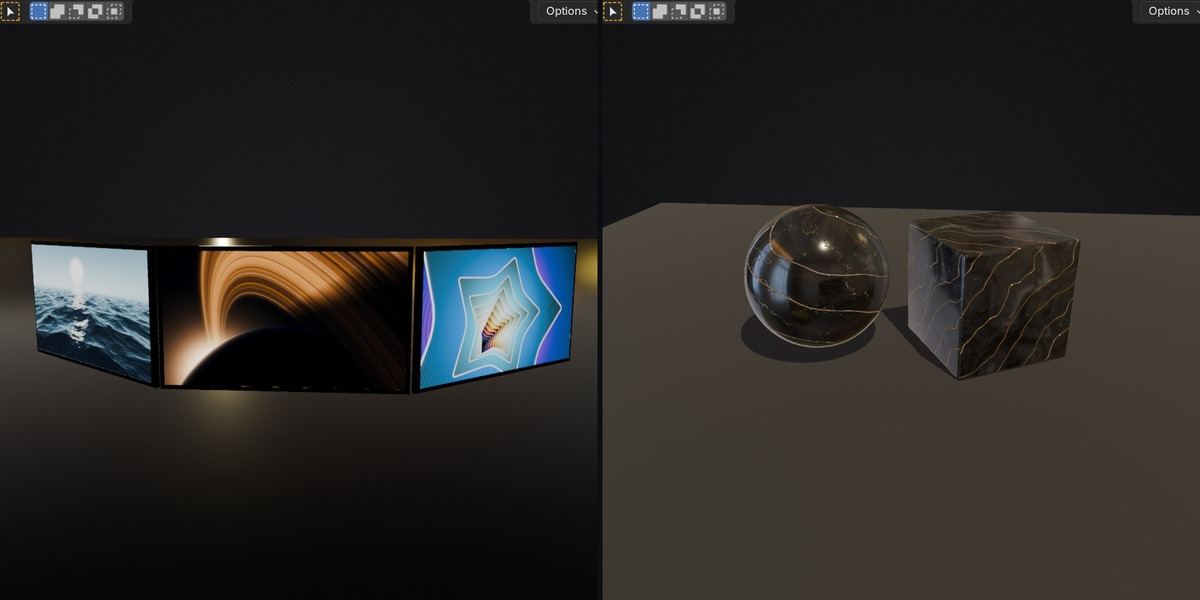
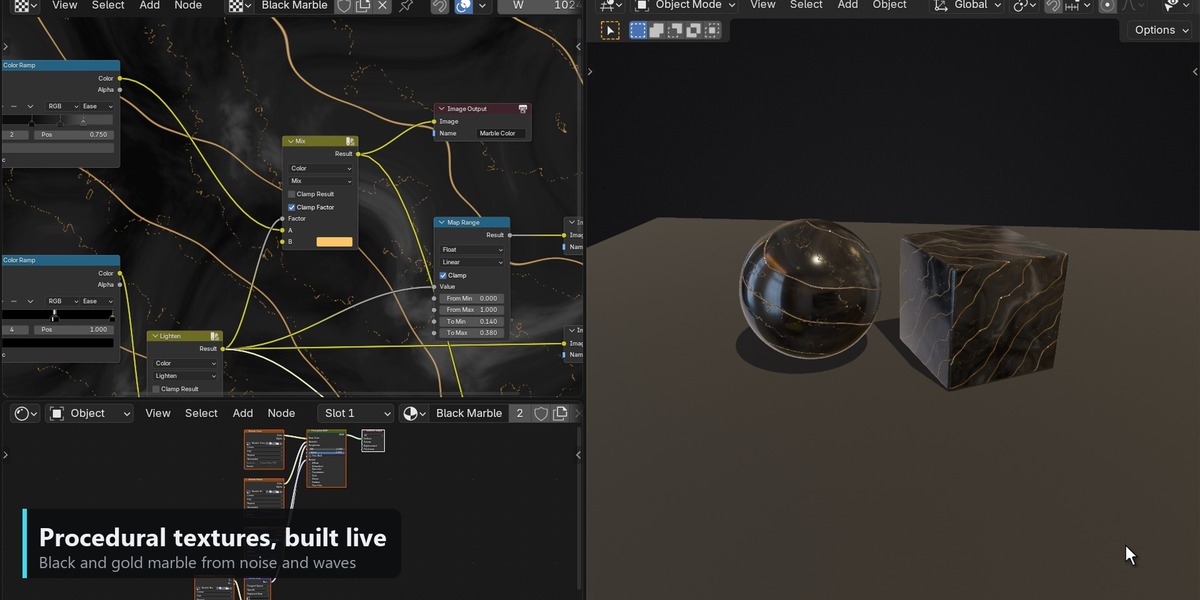
GPU Texture Editor adds a node editor that cooks images on the GPU. Paste a ShaderToy shader, build a procedural material from noise and ramps, or grade a photo. The result is a normal Blender image you can use in any material, and you can bake it to disk. No round trip to another app.
Quick start
- Open the editor. In any area, open the Editor Type menu (top-left) and pick GPU Texture Editor. Press New in the header. Set the output size with W and H in the header.
- Add nodes. Shift A or the Add menu, the same as any Blender node editor. Ctrl Shift Click a node to send it to the Viewer; the result shows on the backdrop. The header has Evaluate (cook now) and Auto Evaluate (cook on every change).
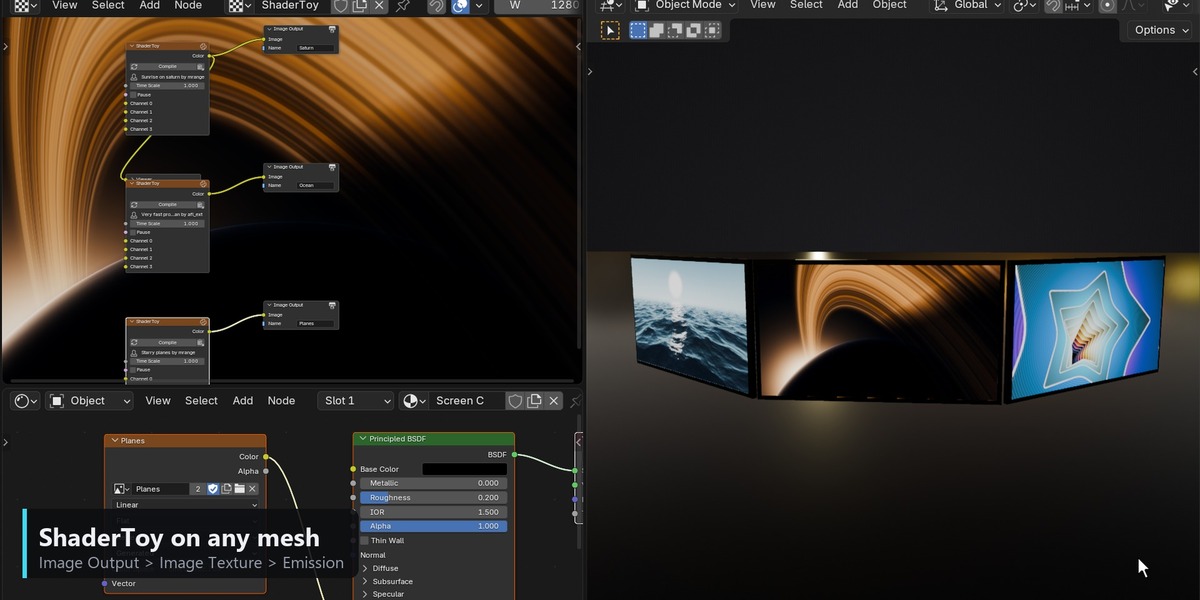
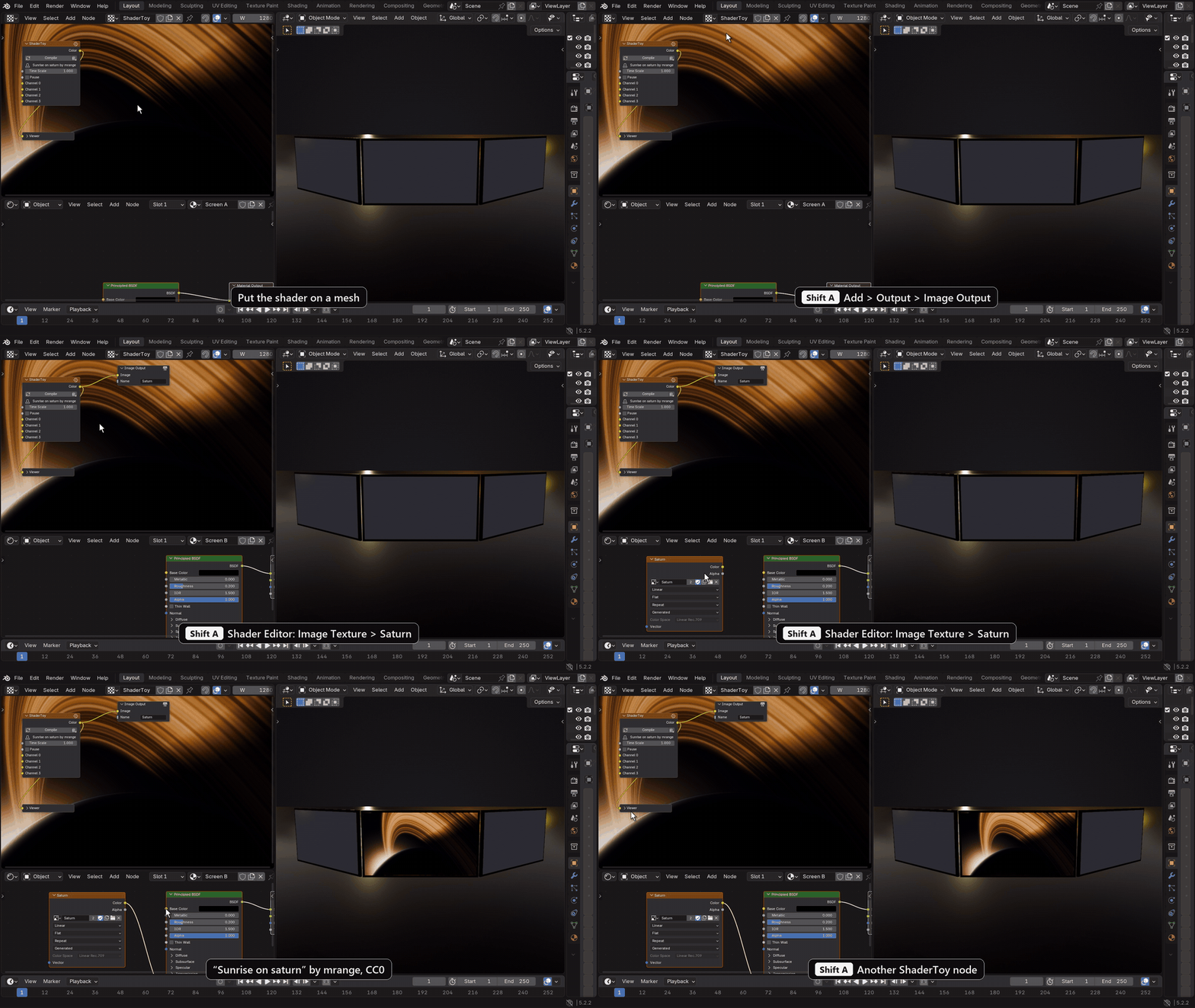
- Output an image. Add Output > Image Output, plug your result into it and type a Name. That name becomes a Blender image datablock. You can add as many Image Outputs as you need: color, roughness, normal and so on.
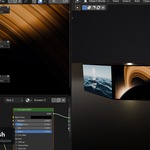
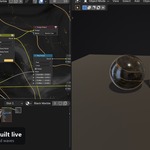
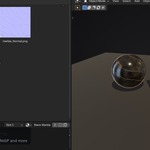
- Use it anywhere. In the Shader Editor add an Image Texture node and pick the image by its name (set its Color Space to Non-Color for normal, roughness and other data maps). It updates live while the graph cooks. The same image works in Geometry Nodes (press Evaluate to refresh it there) and in the Compositor.
-
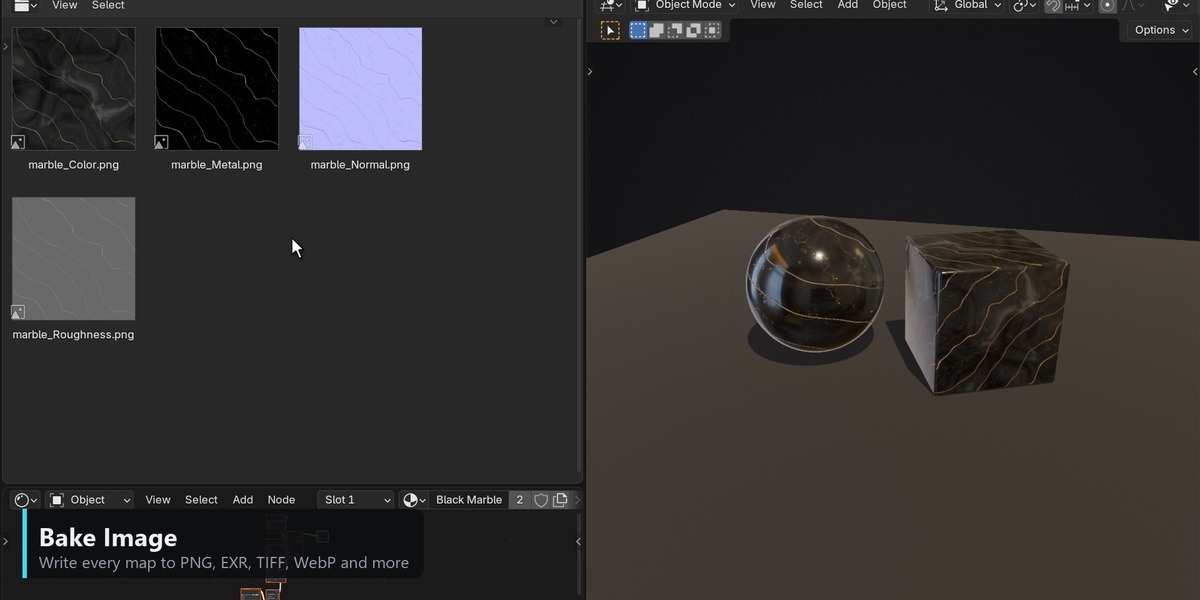
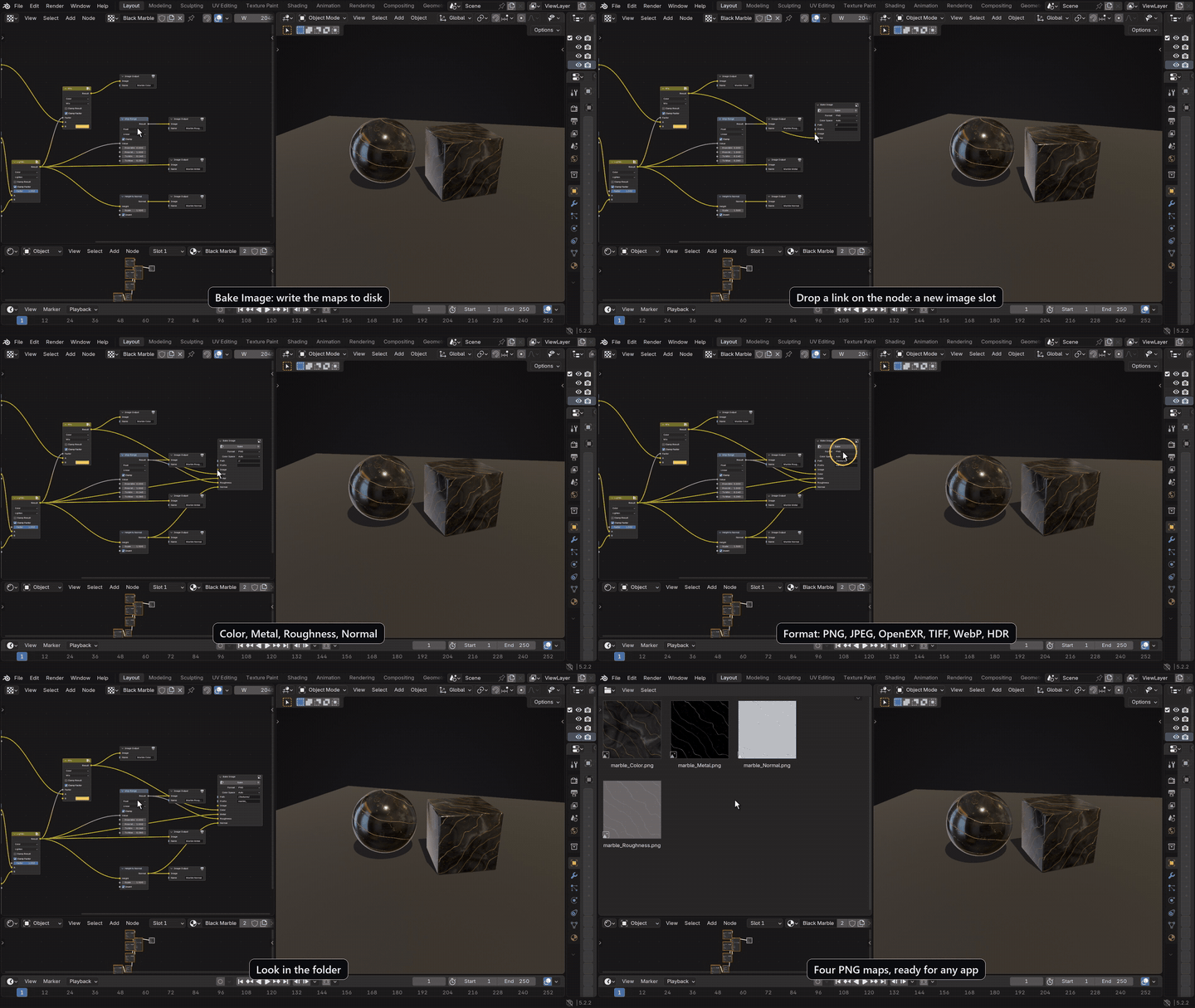
Bake to disk. Add Output > Bake Image. Drop links on it: every link adds an image slot named after it. Set Path (for example
//textures/, next to the saved .blend) and Prefix, pick a Format (PNG, JPEG, OpenEXR, TIFF, WebP, HDR, ...) and press Bake.
ShaderToy, including multipass shaders
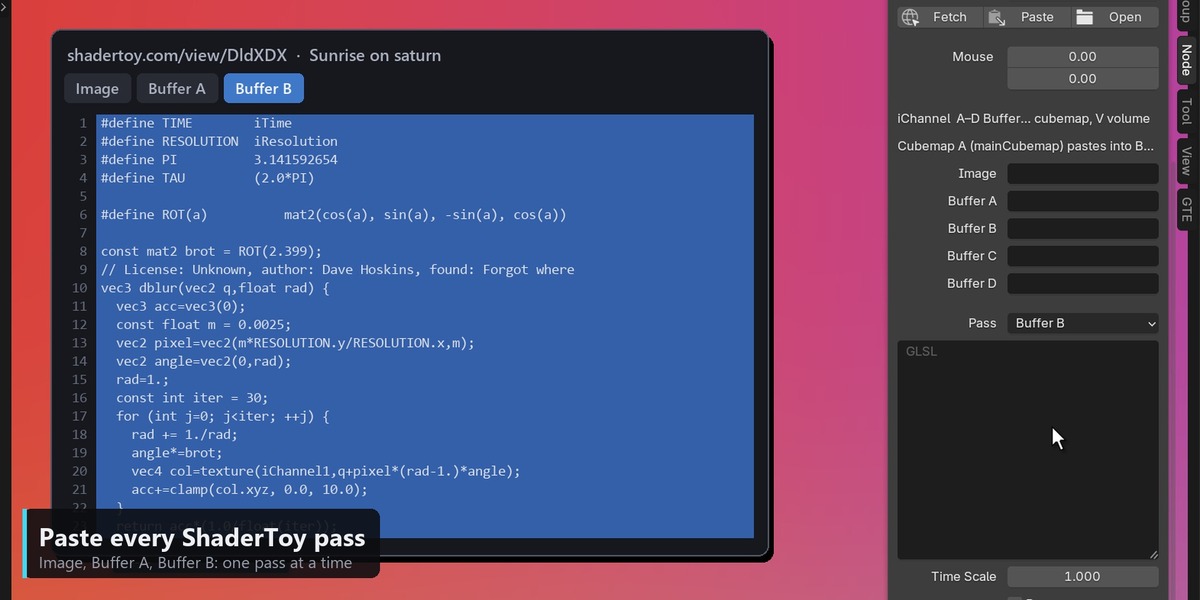
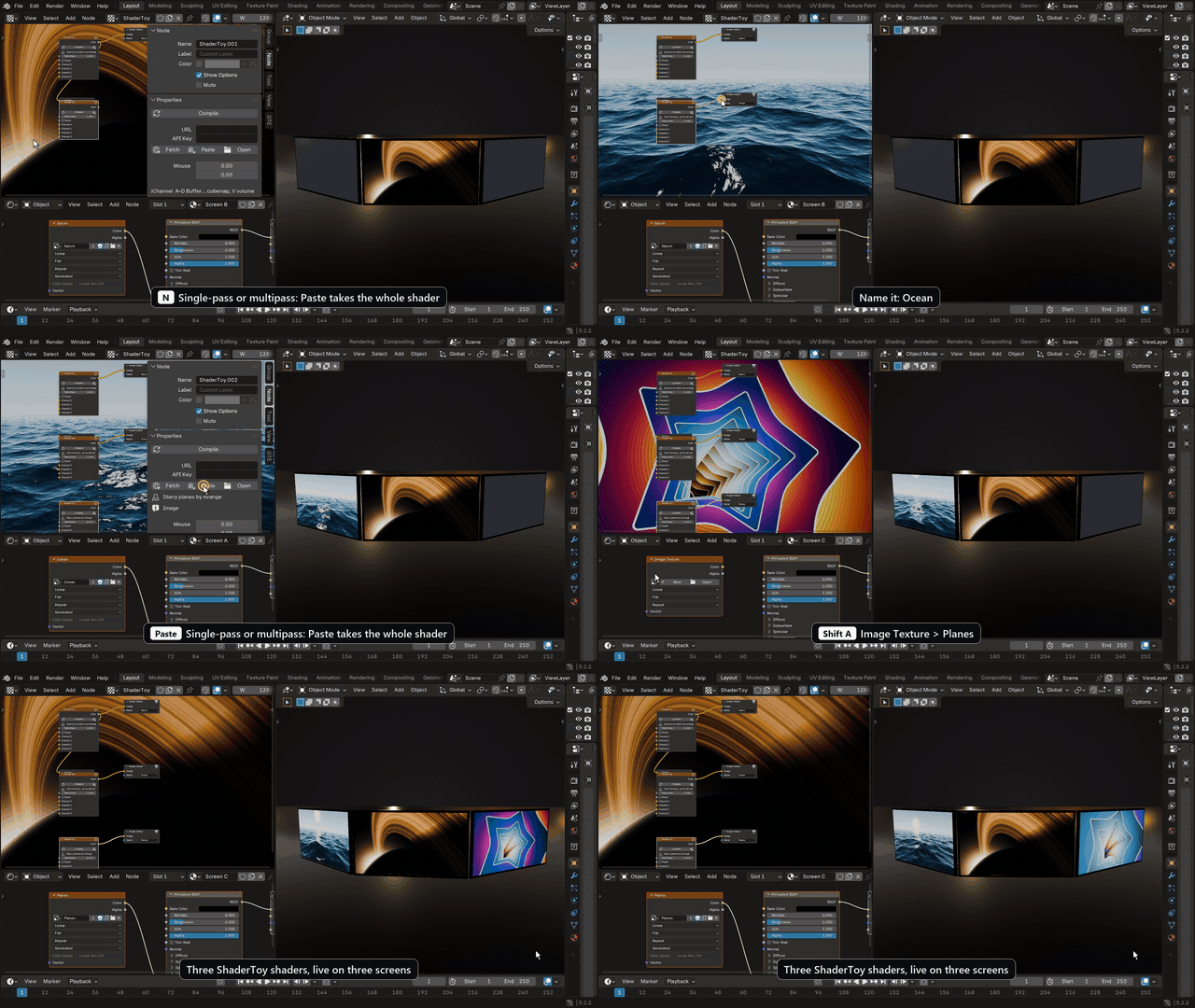
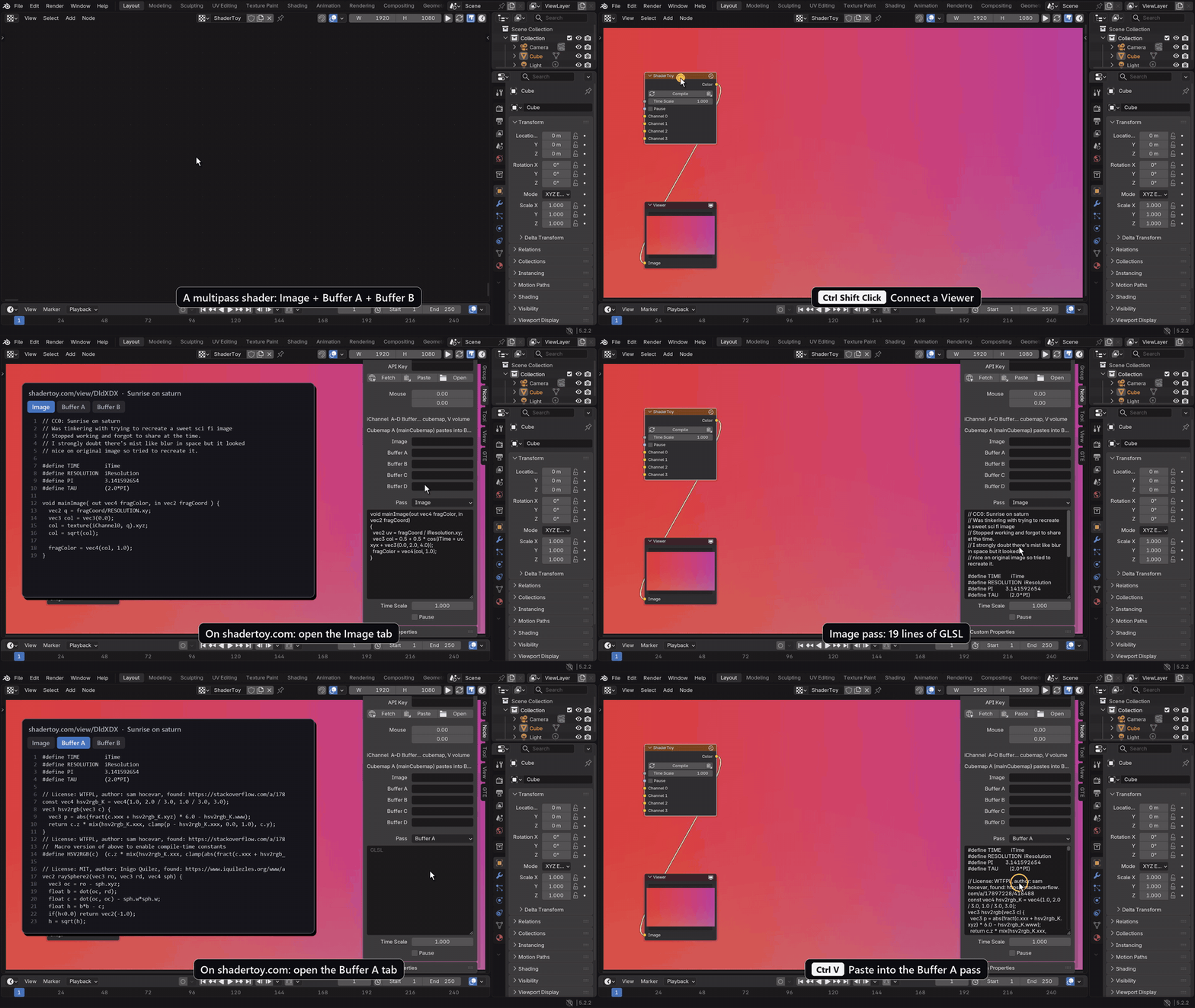
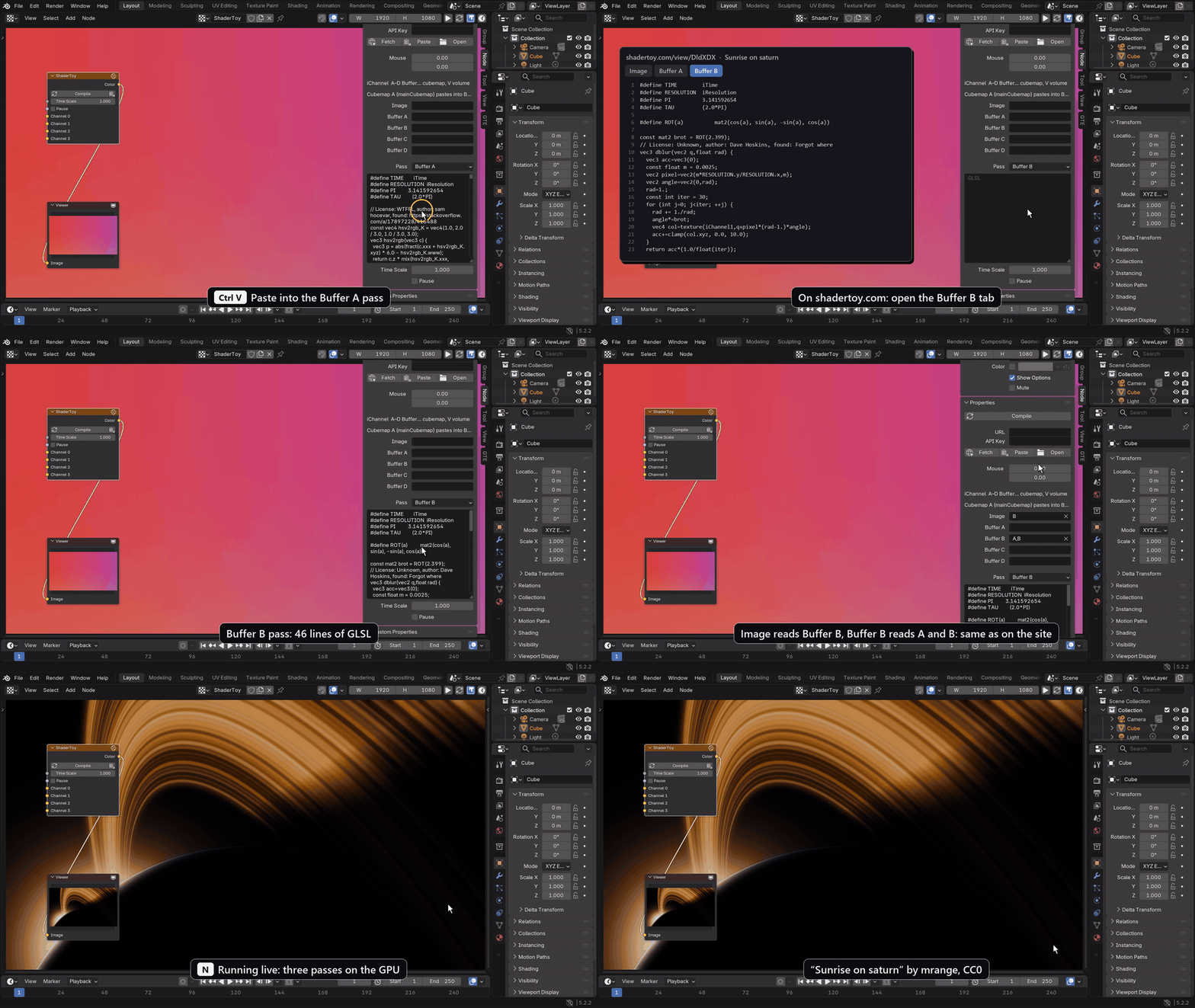
Add Texture > ShaderToy and open the sidebar (N), Node tab.
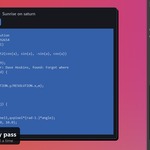
- Single pass: on shadertoy.com open the Image tab, copy the code, press Paste in the panel. It compiles straight away.
-
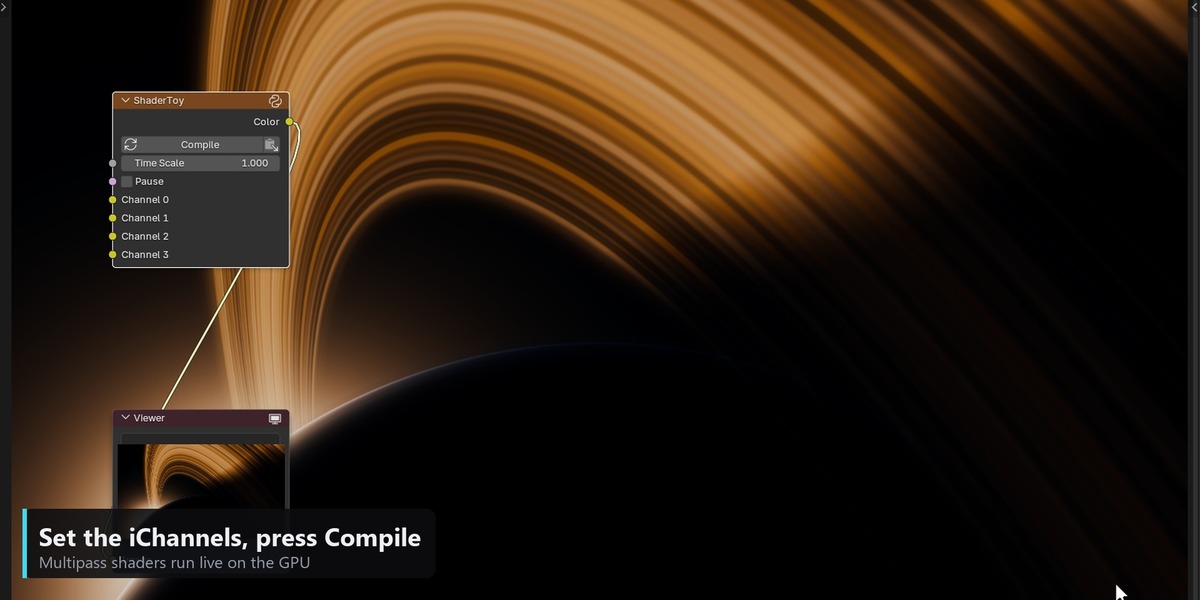
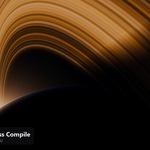
Multipass: choose the Pass (Image, Common, Buffer A to D), paste that tab's code into the box, then type each pass's iChannels:
AtoDfor buffers, for example ImageB, Buffer BA,B. Press Compile. - A ShaderToy JSON export pastes every pass and every channel in one go. Fetch loads a shader by URL.
Procedural textures
Noise, Voronoi, Wave, Brick, Gradient, SDF shapes, Color Ramp, curves, math, Height to Normal and 100 more nodes. Build the color, roughness, metal and normal maps from one graph and tweak any value: the mesh updates while you drag.
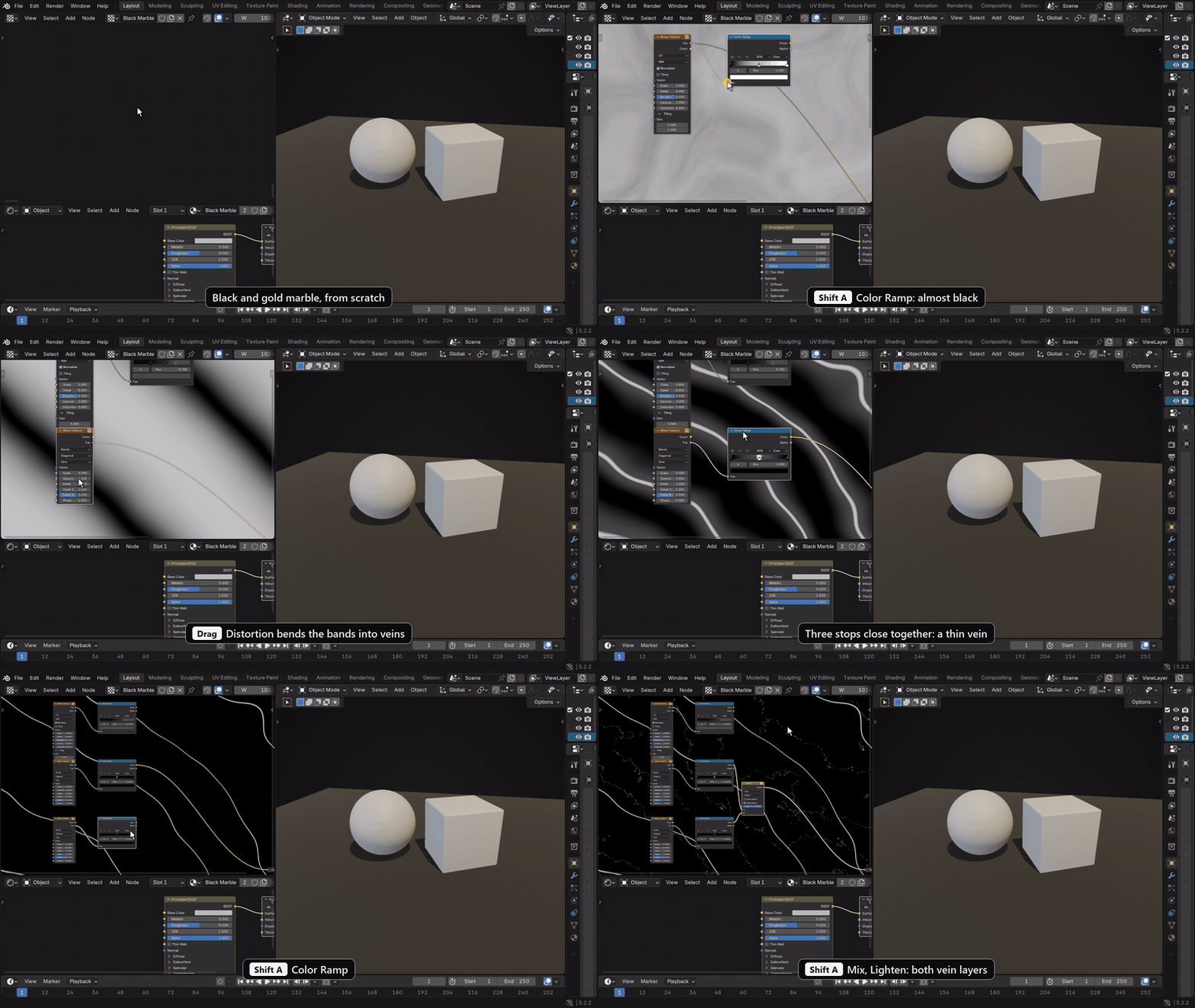
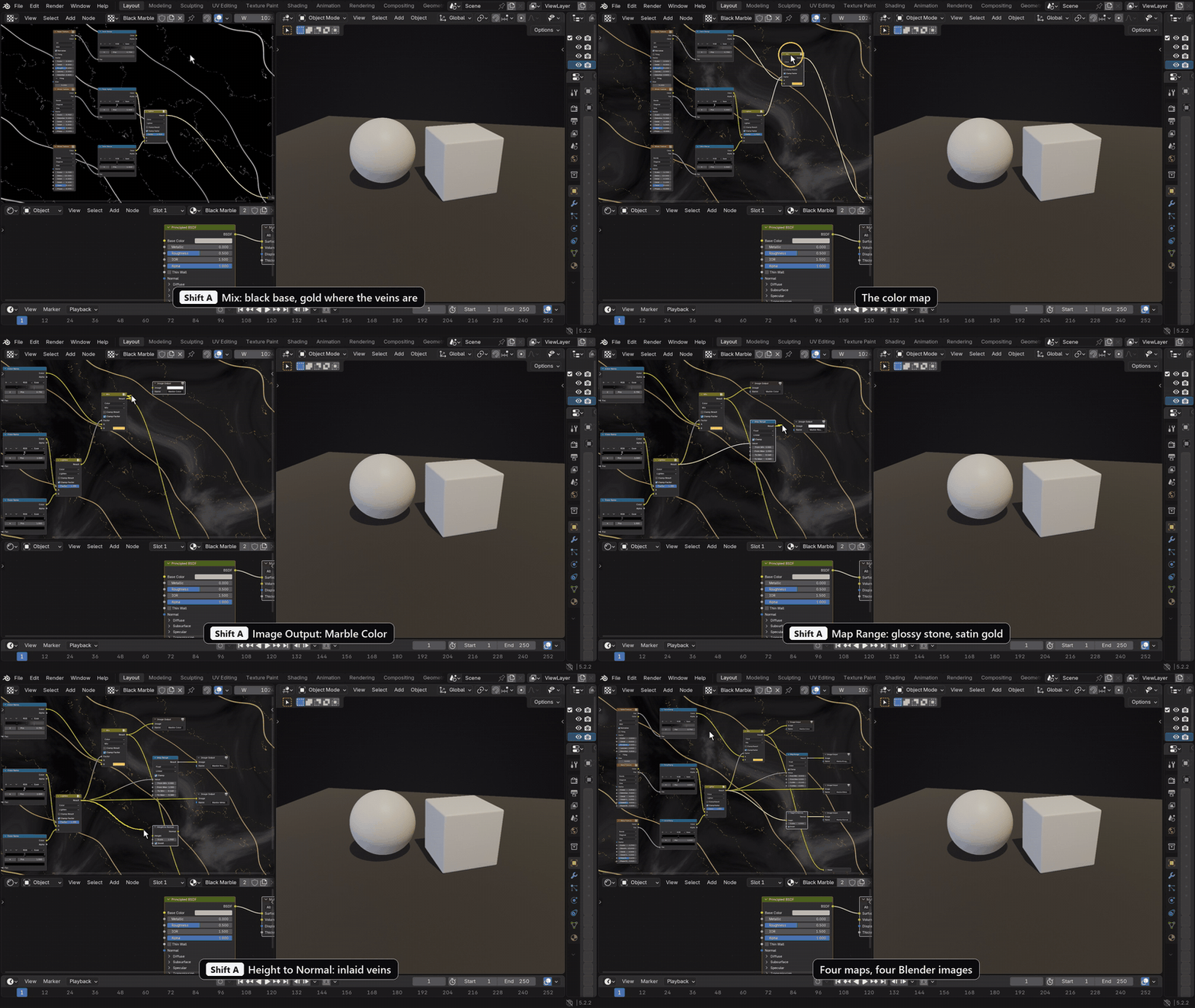
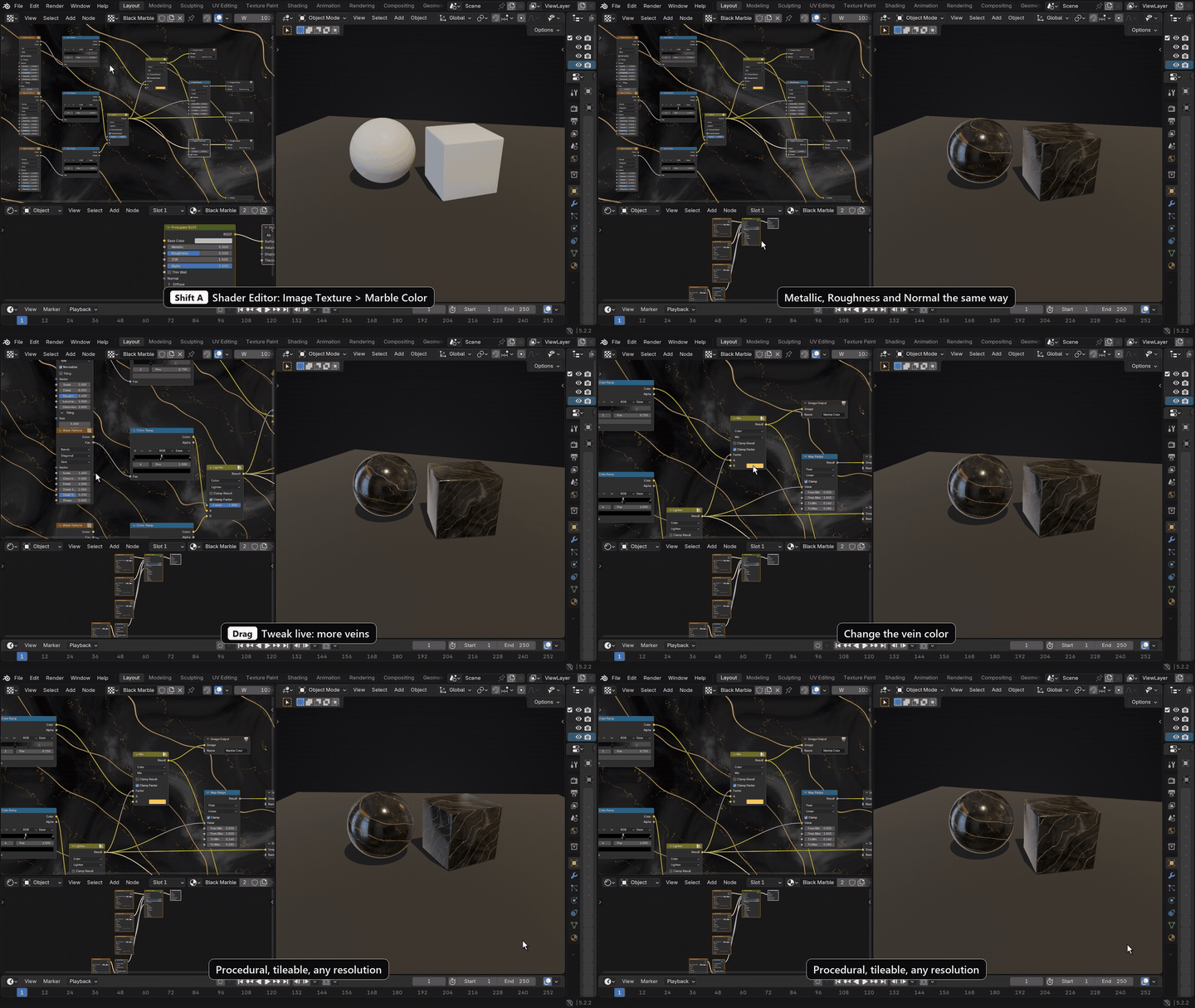
Image processing
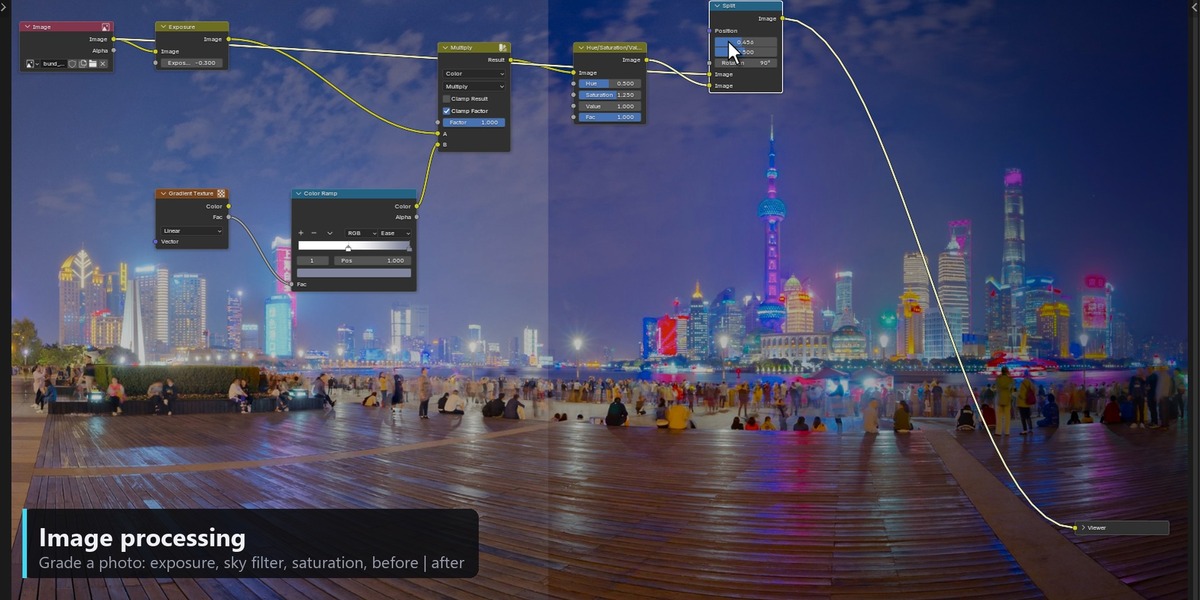
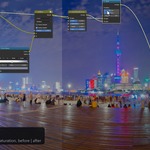
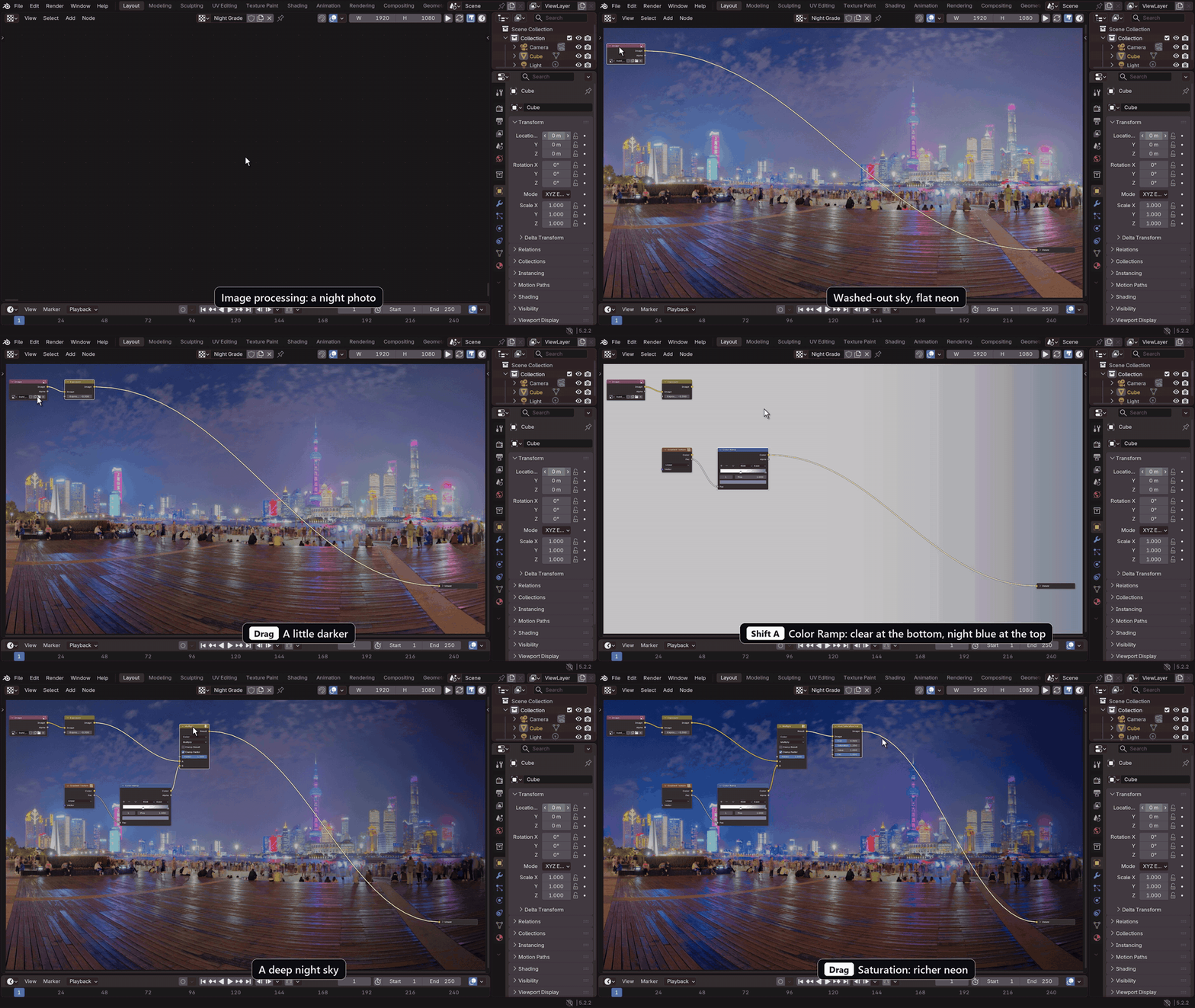
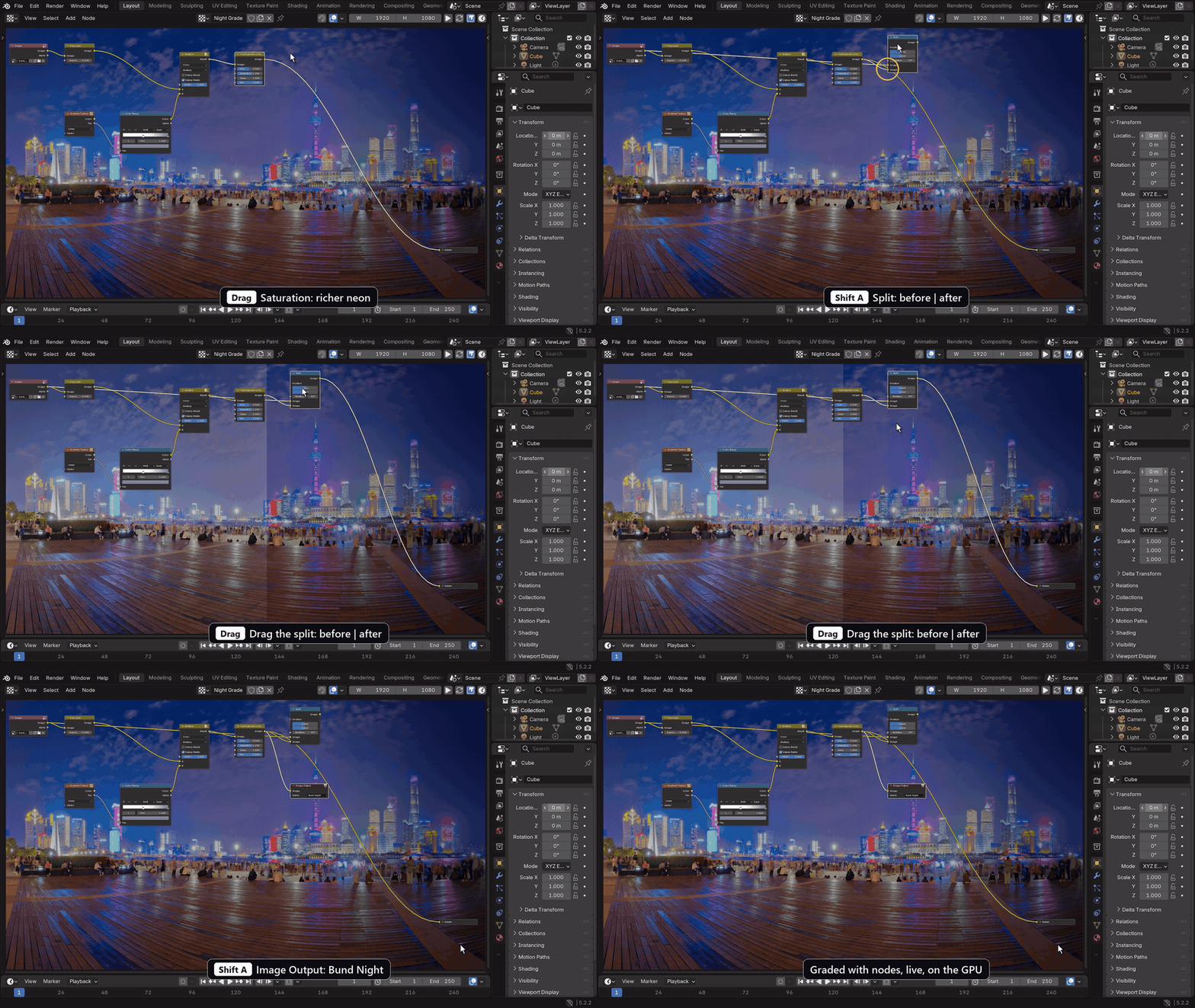
Load any image with Input > Image, then grade and filter it: Exposure, Color Balance, Hue/Saturation, curves, blurs, glare, lens distortion. Split shows before and after side by side.
Bake Image
Requirements
- Blender 5.2 or newer
- Everything is cooked on the GPU, so a graphics card that runs Blender's viewport well helps with large images and heavy shaders
Shaders shown: "Sunrise on saturn" and "Starry planes" by mrange (CC0), "Very fast procedural ocean" by afl_ext (MIT). Night photo: Shanghai Bund by Greg Zaal, Poly Haven (CC0).