Gradient Flow
 duchen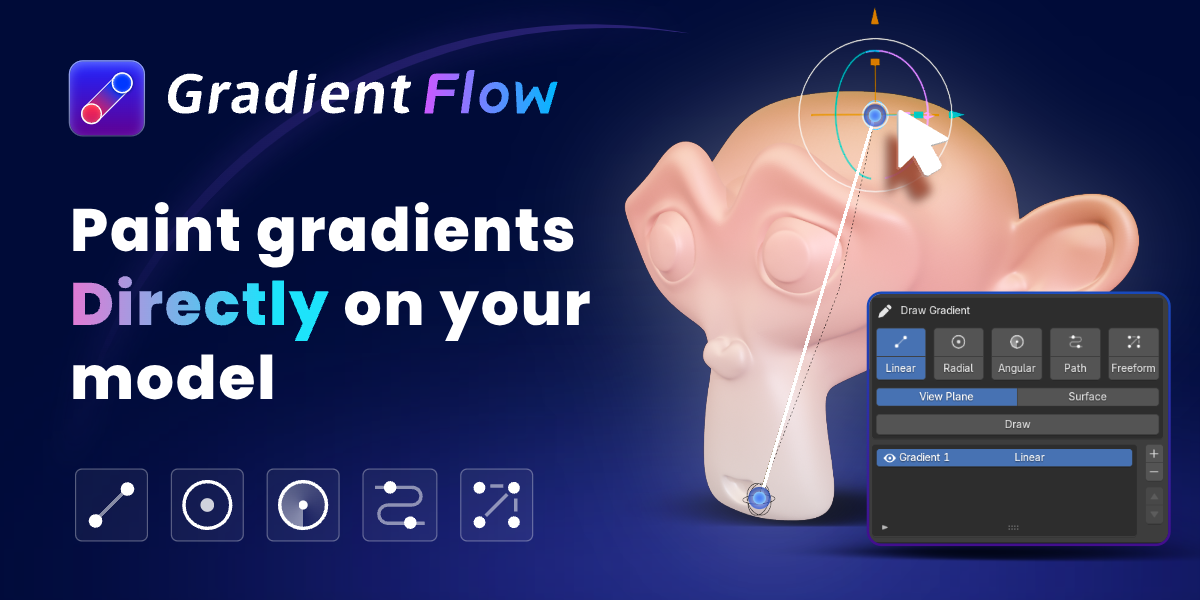

GradientFlow Documentation
Overview
GradientFlow is a Blender add-on for creating editable gradients directly on mesh surfaces.
It supports four gradient modes:

• Linear Gradient

• Radial Gradient

• Path Gradient

• Freeform Gradient
GradientFlow also includes reusable color palettes, image color sampling, layered blending, cross-model transfer, and non-destructive baking to mesh color attributes.
Installation
1. Download the GradientFlow ZIP package.
2. Open Blender and go to Edit > Preferences > Add-ons.
3. Click Install and select the GradientFlow ZIP file.
4. Enable the GradientFlow add-on.
5. Select a mesh object and open the GradientFlow panel.
Quick Start
1. Select a mesh object.
2. Create a new gradient layer.
3. Choose a gradient mode.
4. Draw or place the gradient controls directly on the model.
5. Adjust colors, color stops, opacity, and blend mode.
6. Add additional gradient layers when needed.
7. Continue editing until the result is ready.
Gradient Modes
Linear Gradient creates a clear directional color transition between two points.
Radial Gradient creates circular or elliptical color falloffs from a center point.
Path Gradient follows an editable curve and is useful for curved or complex forms.
Freeform Gradient lets you place multiple color points on the model. Each point can have its own color, position, and influence area.
Image Color Sampling
GradientFlow supports Point Mode and Path Mode for extracting colors from reference images.
Point Mode extracts individual colors from selected areas. Path Mode samples a color transition along a drawn path. Sampling points can be moved, added, removed, or cleared at any time.
Layered Gradients
Multiple gradient layers can be used on the same model. Each layer has its own controls, colors, opacity, blend mode, and parameters.
Copying Gradients
A complete gradient setup can be copied from one source model to one or more target models. GradientFlow automatically maps control points according to the proportions of each model.
Bake and Output
GradientFlow uses a non-destructive workflow. You can keep editing live gradient nodes while working, then bake the final result directly into mesh color attributes.
UV unwrapping and additional color textures are not required. The baked result can be cleared when you want to return to the live gradient setup.
Support
For support, please include your Blender version, GradientFlow version, operating system, a description of the issue, and screenshots or a sample blend file when possible.
-
$1 $1.66
Create Linear gradients with up to 2 layers, preset palettes, Auto Motion, and basic distortion. Upgrade to Pro anytime.
-
$9.99 $16.65
Full GradientFlow toolkit with all 5 gradient types, complete features, ongoing updates, and technical support.
Have questions about this product?
Login to message