Grass and Plants Asset Pack
 GraphicCompressor
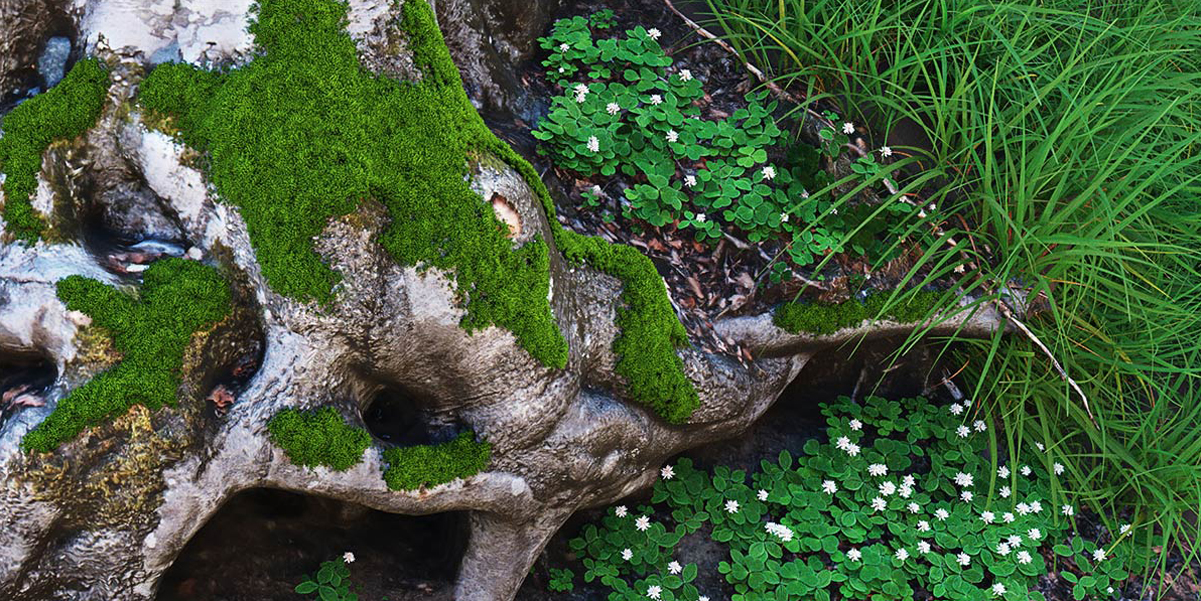
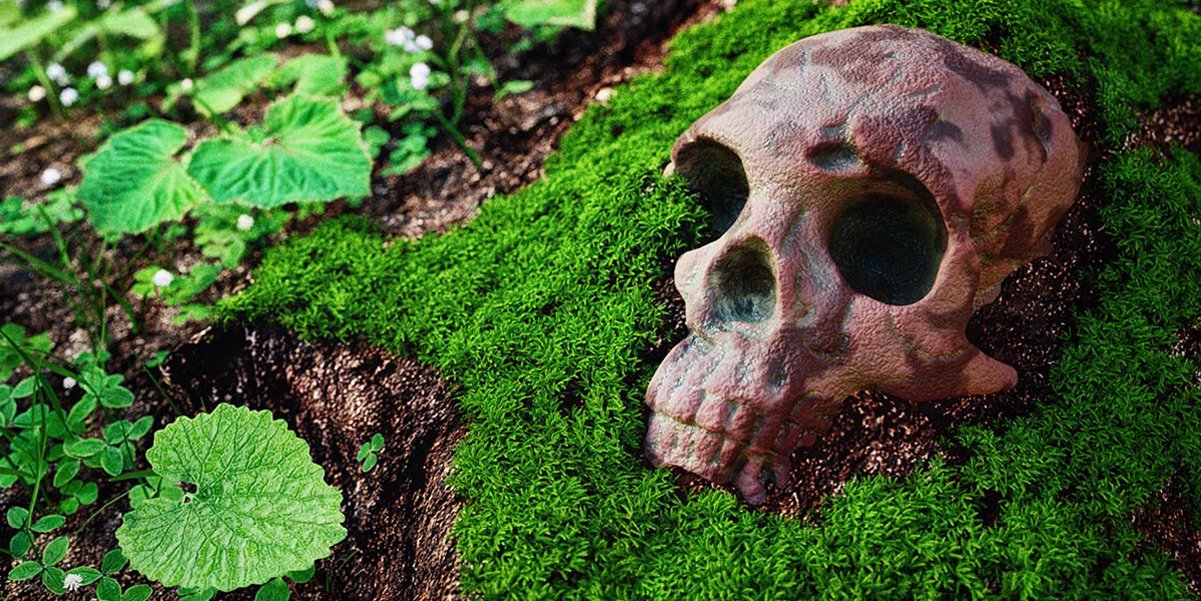

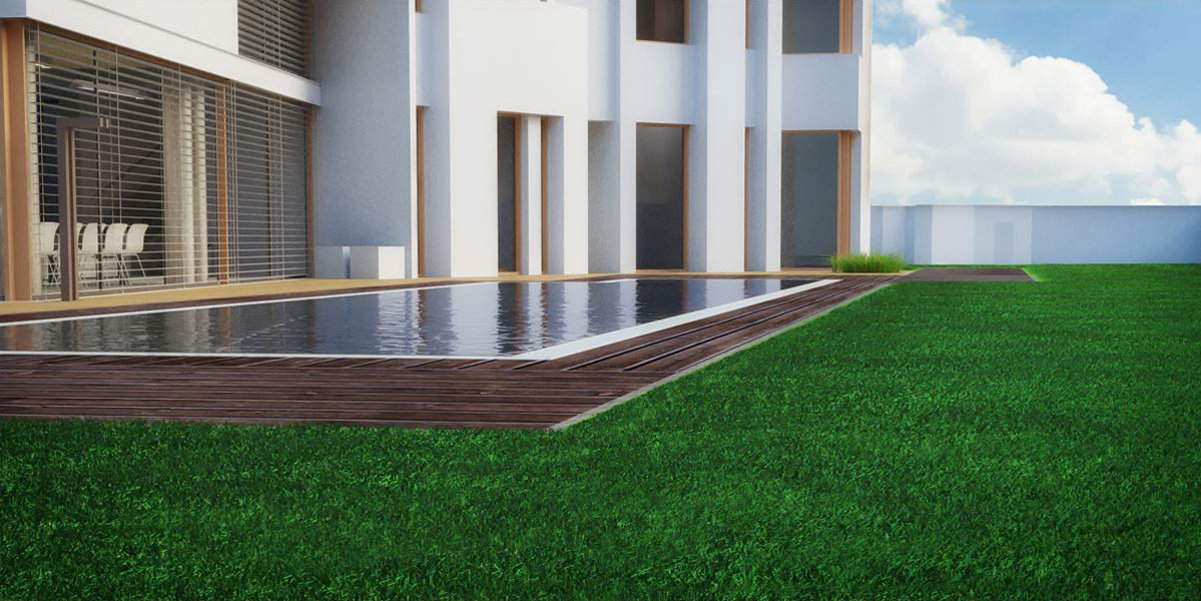

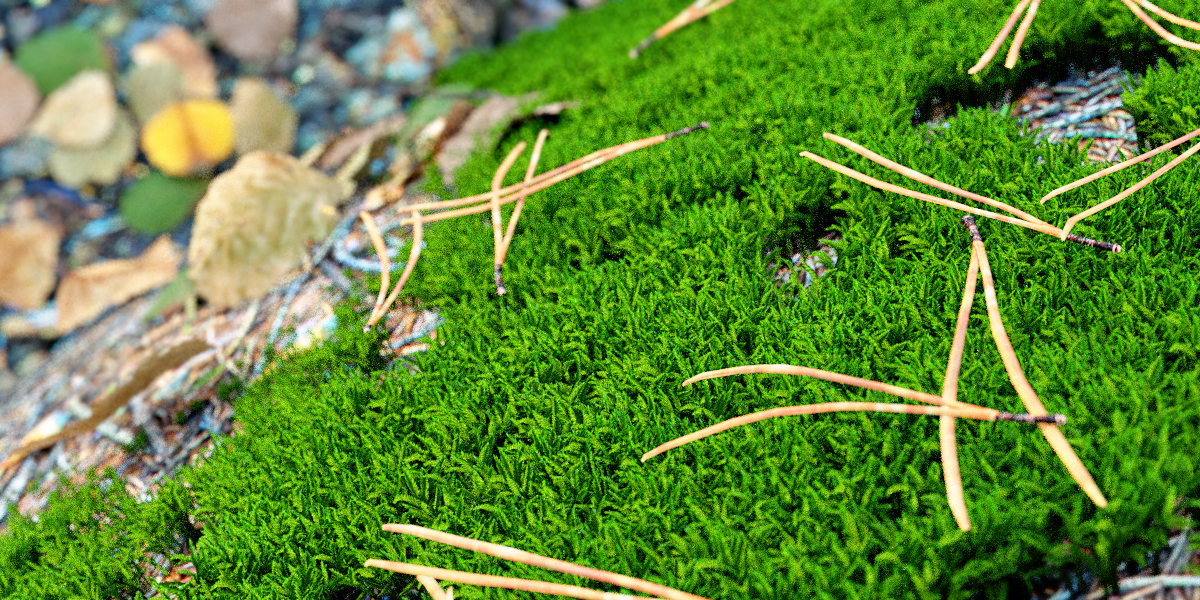
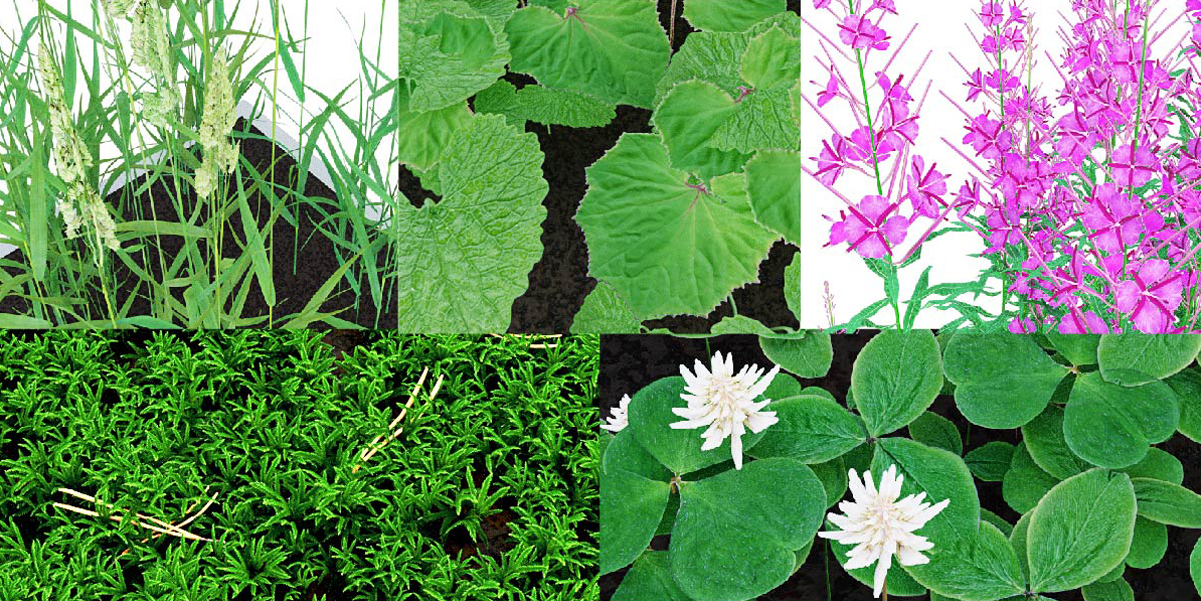
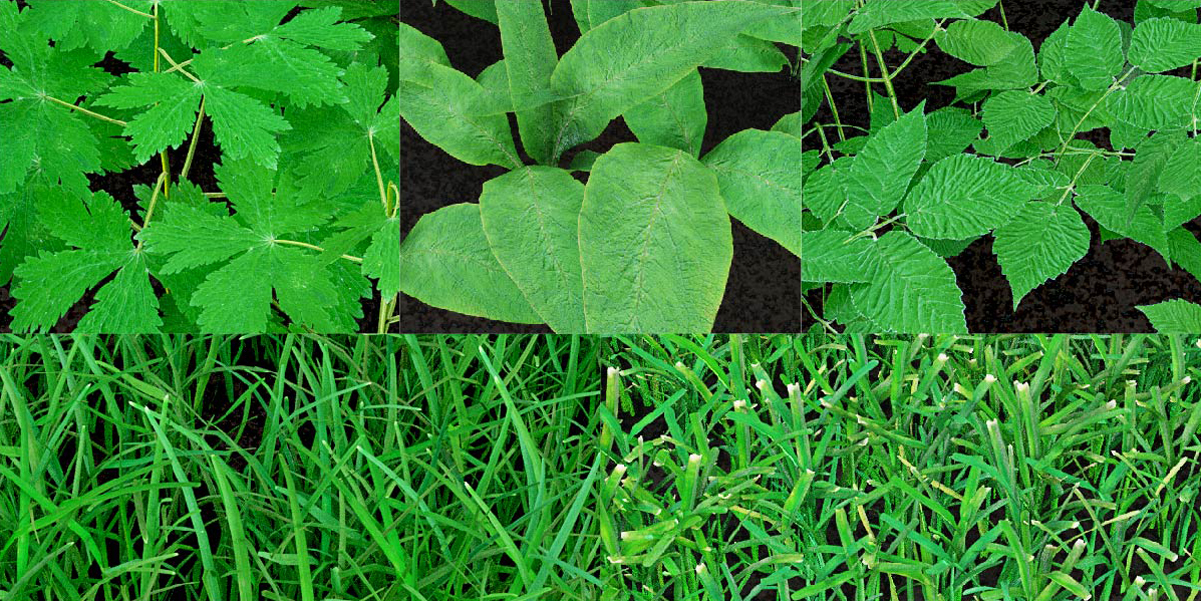
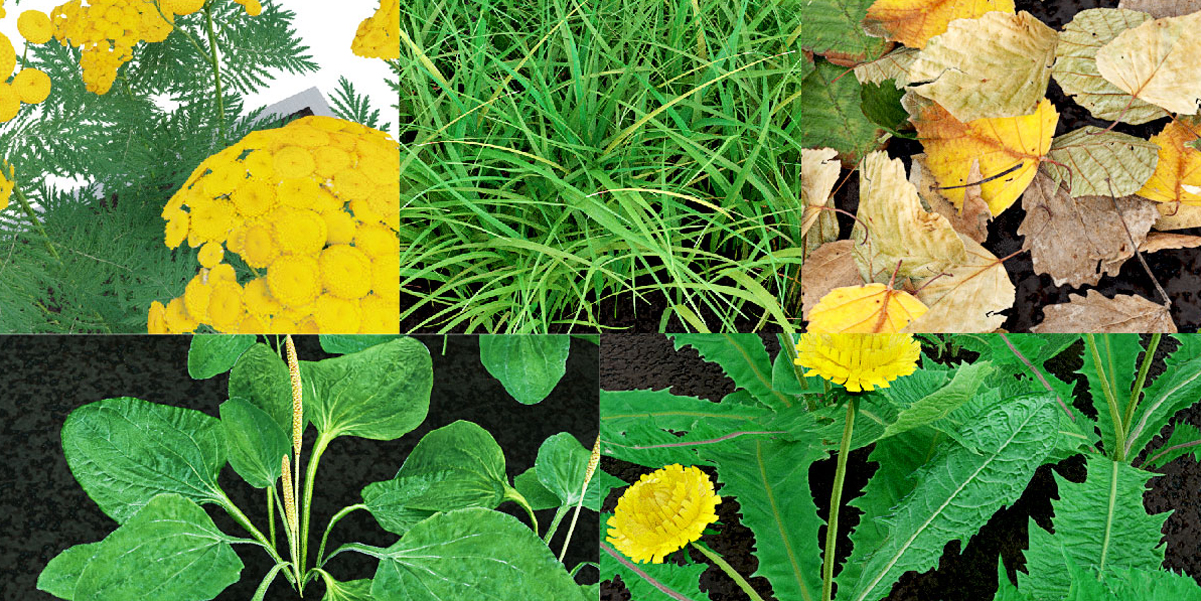

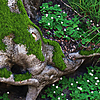
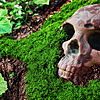
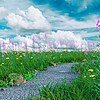

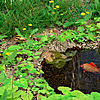
How to use:
To bring assets into your scene, just append or link them as a group (in Blender 2,80 - as a collection).
I suggest use append Particle System into your scene (because it's bring object group and its particle settings already in Blender 2,79)
Check this settings before you bring stuff to the scene. Then grass and plant sizes is synchronized with you scene.
in Blender 2.79
in Blender 2.80
If you using Blender 2,79:
Go: File --> Append -->Grass_and_plants_assets_pack_279 --> All_in_one_grass_and_plants_279.blend --> ParticleSettings --> buffalo grass --> Append from Library
Then select your object for the grass (for example plain ) and Go --> Particles --> add particle system

Then choose Browse Particle Settings to be linked
And then choose buffalo grass
If you using Blender 2,80:
Go: File --> Append -->Grass_and_plants_assets_pack_280 --> All_in_one_grass_and_plants_280.blend --> Collection --> buffalo grass --> Append from Library
Then Go: File --> Append -->Grass_and_plants_assets_pack_280 --> All_in_one_grass_and_plants_280.blend --> ParticleSetings --> buffalo grass --> Append from Library
Then select your object for the grass and Go --> Particles --> add particle system
Then choose Browse Particle Settings to be linked
Then select buffalo_grass in Collection -- Instance Collection
Almost every grass or plant texture has an orange node with which you can change the green color to a drier color.

I hope this help you and good luck!
Have questions about this product?
Login to message
| Sales | 40+ |
| Dev Fund Contributor | |
| Published | about 7 years ago |
| Blender Version | 4.3, 4.2, 4.1, 4.0, 3.6, 3.5, 3.4, 3.3, 3.2, 3.1, 3.0, 2.93, 2.8, 2.79 |
| License | Royalty Free |
Discover more products like this
turf blade burdock ground elder dandelion land zoysia grass meadow quack grass phalaris grass lawn winter24 great willow closeup loveblender foliage moss green asset oxalis broadleaf plantain plant pine needle dry foliage pack common tansy garden pack edge environment fresh field leaf clover texture buffalo grass grass spring24