 slavik_dsgn
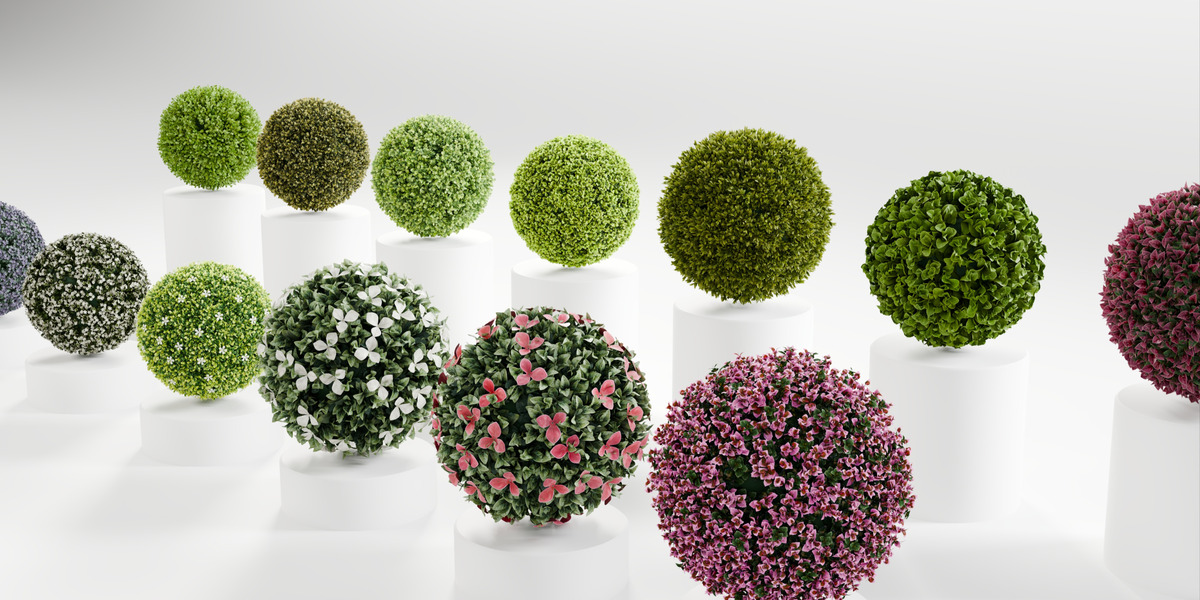
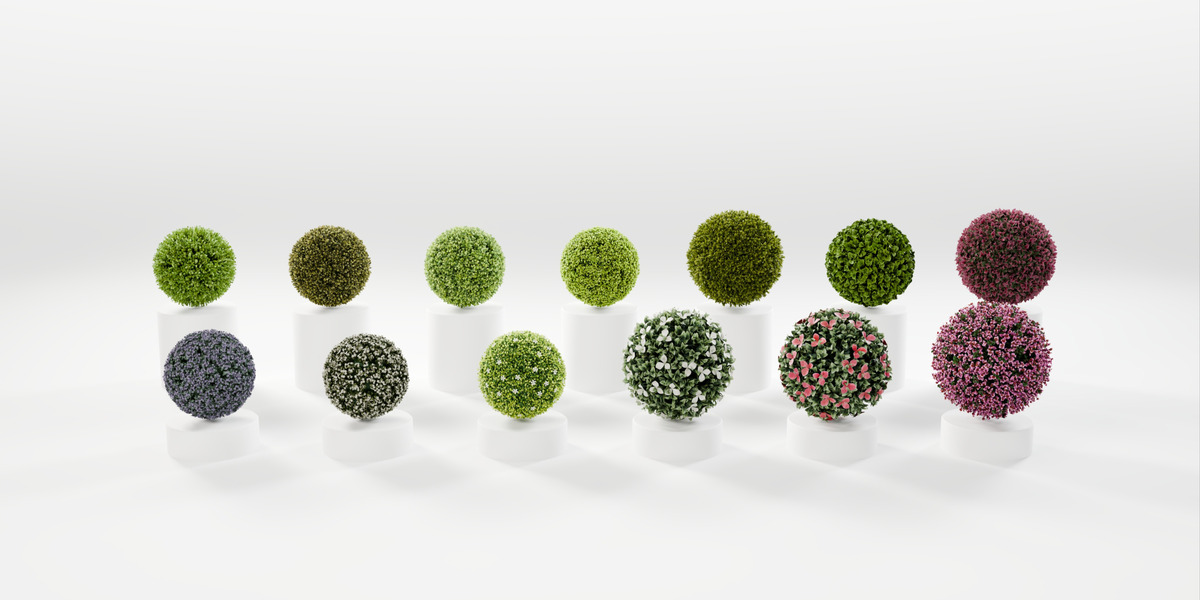
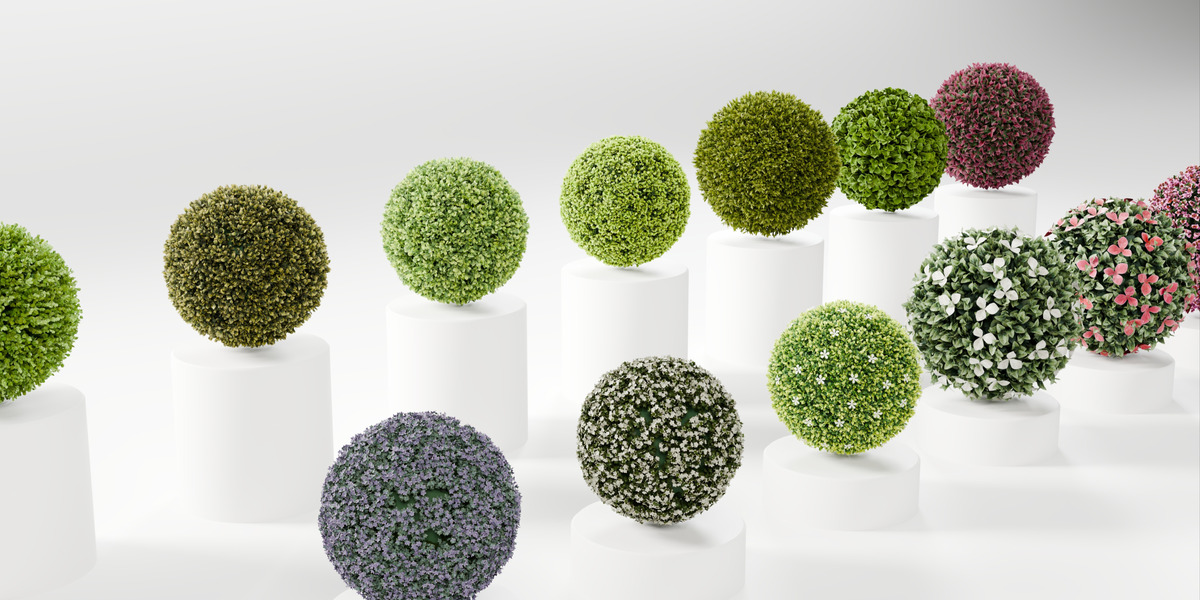
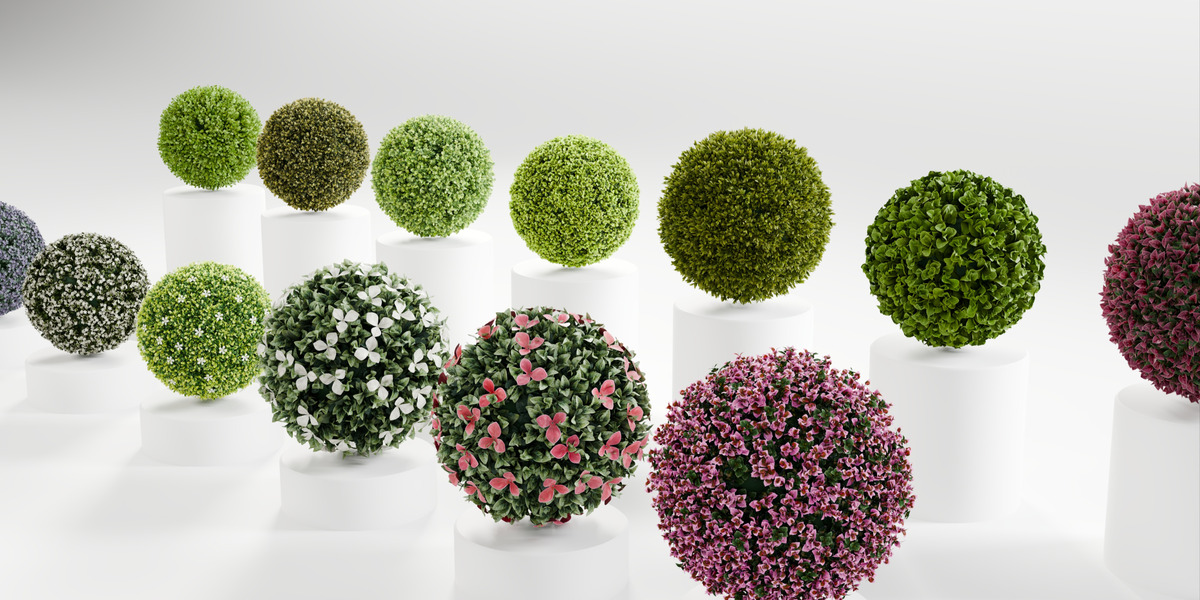
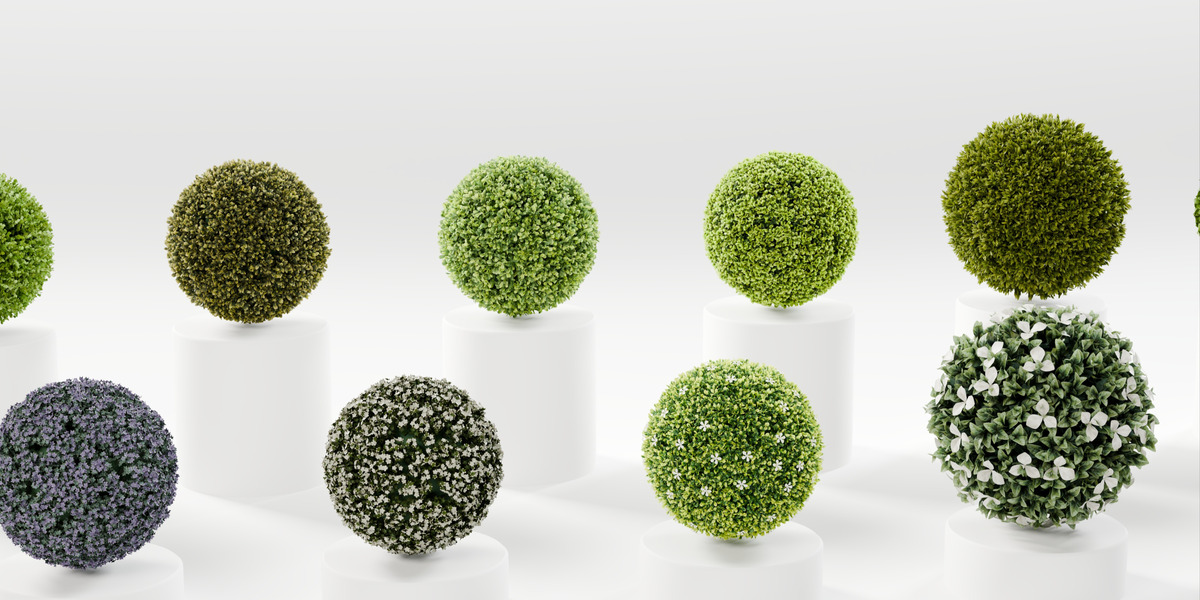
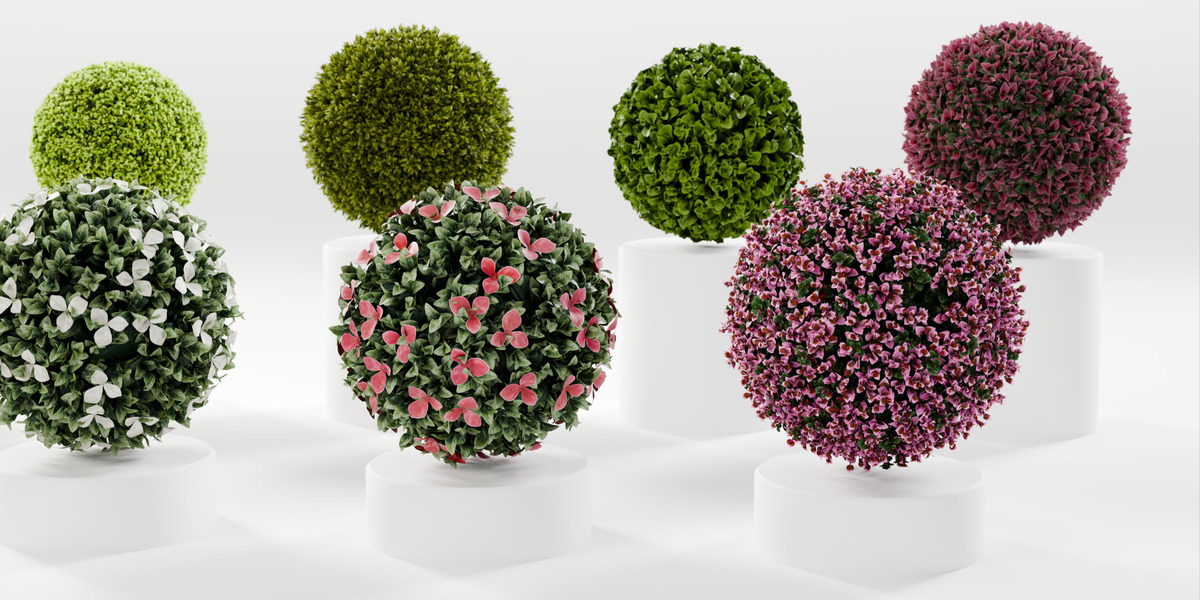
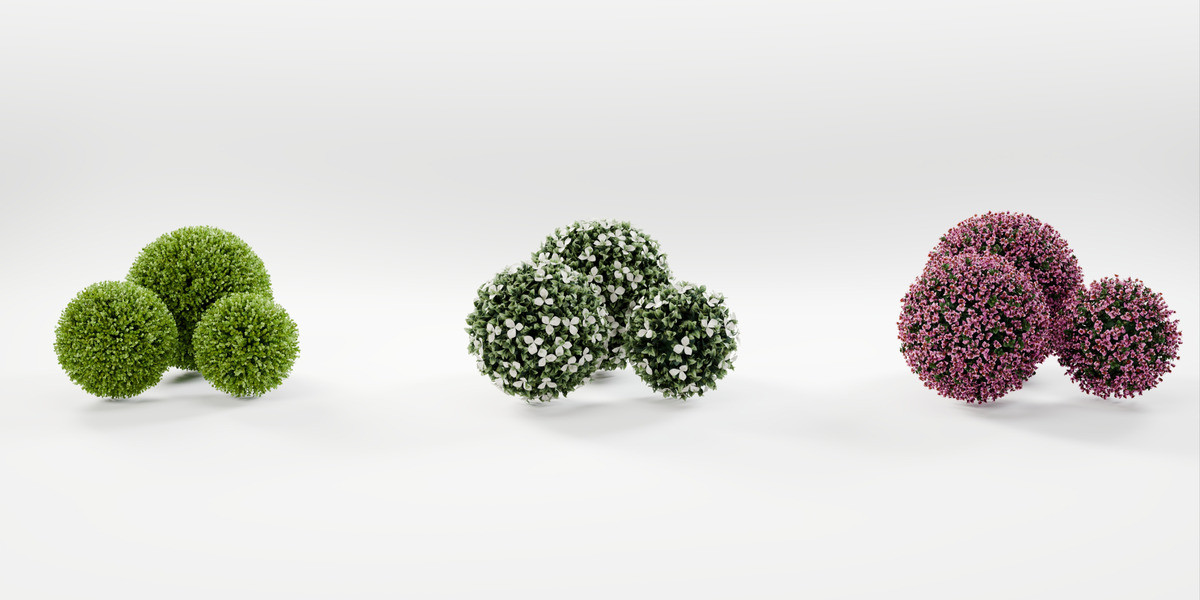
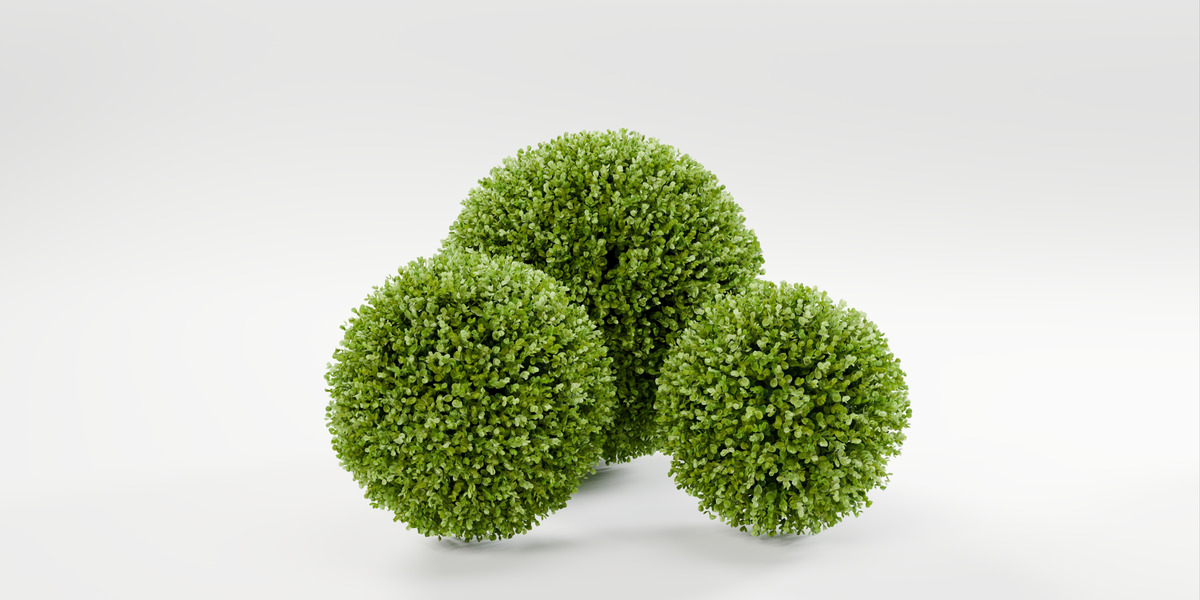
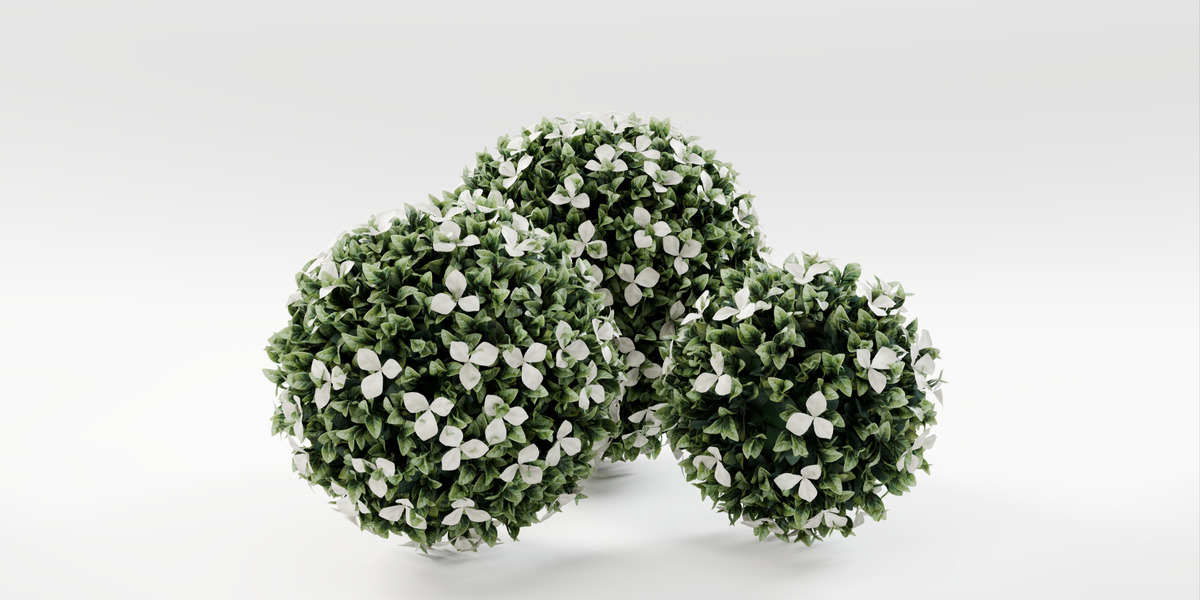
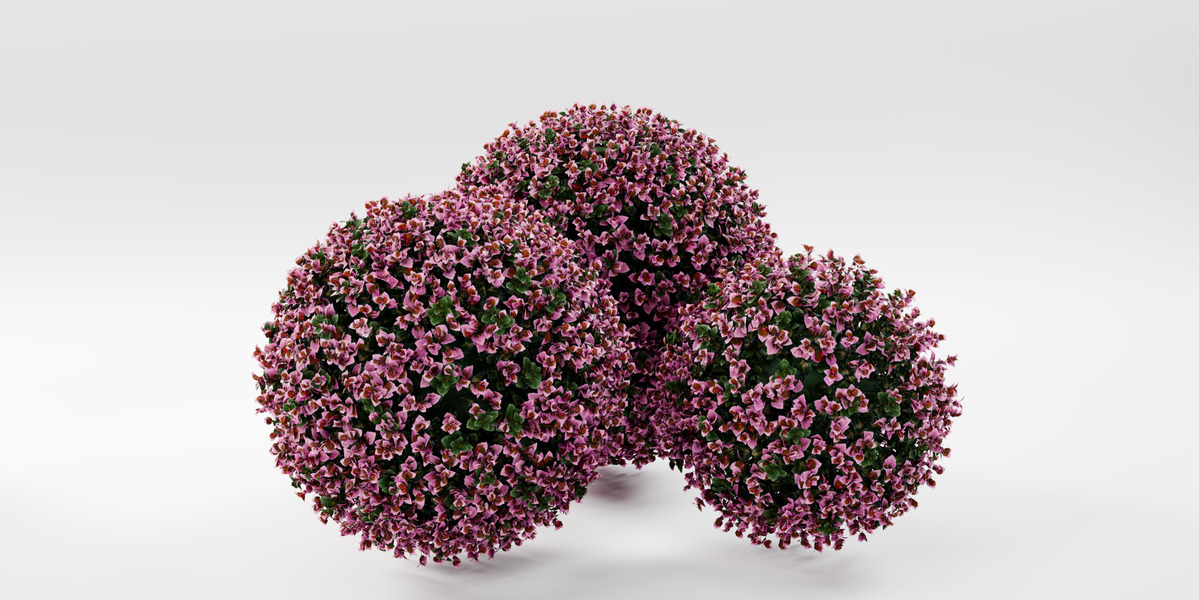
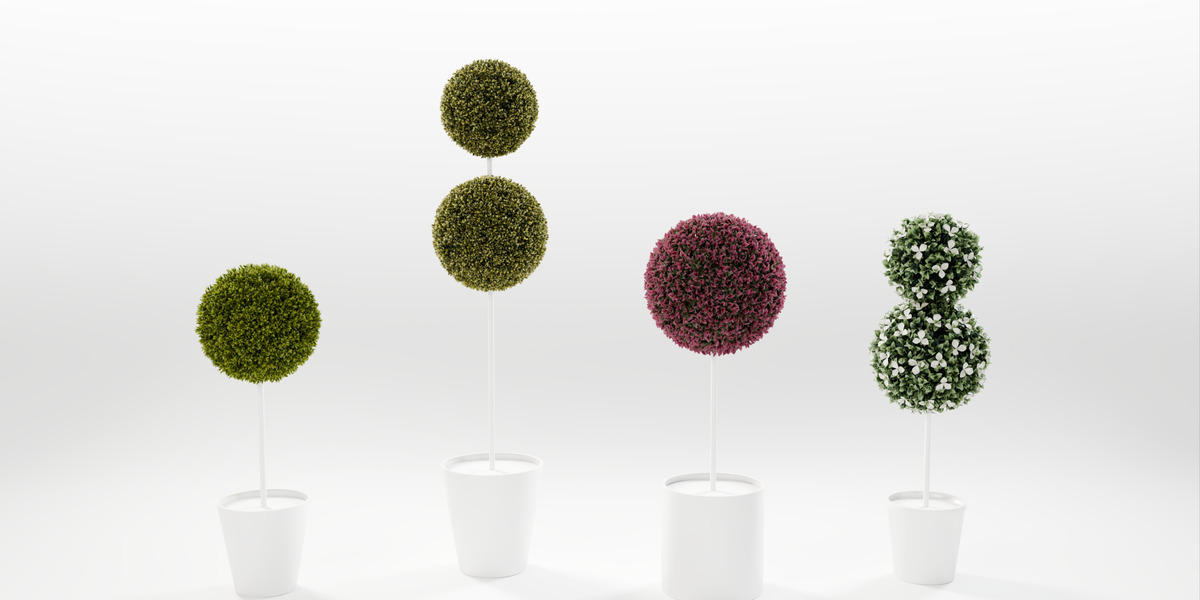
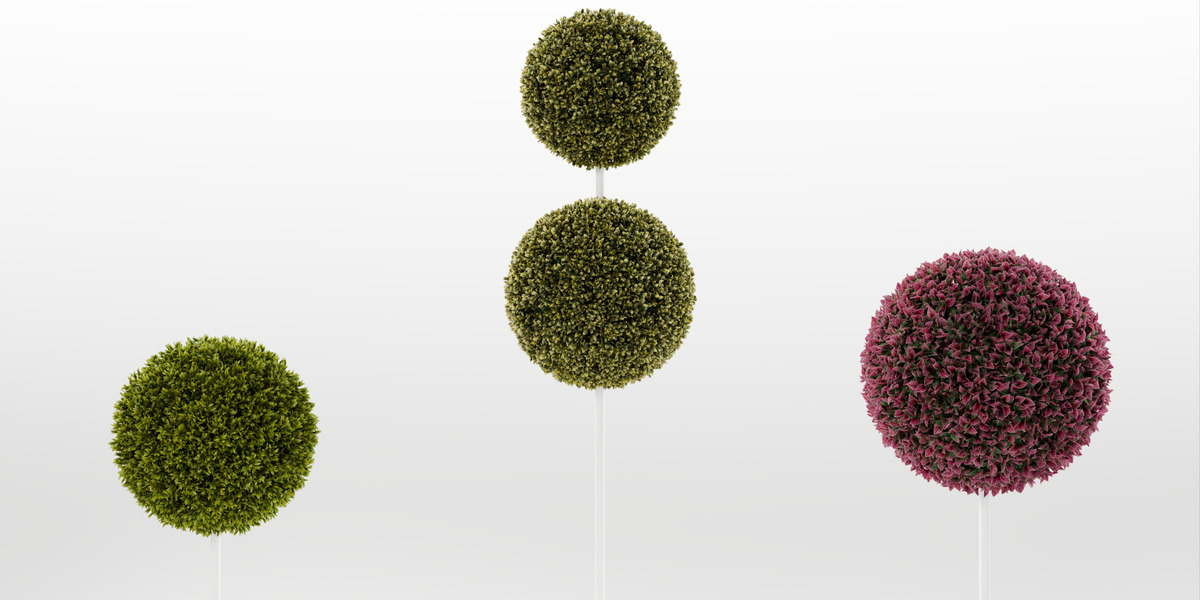
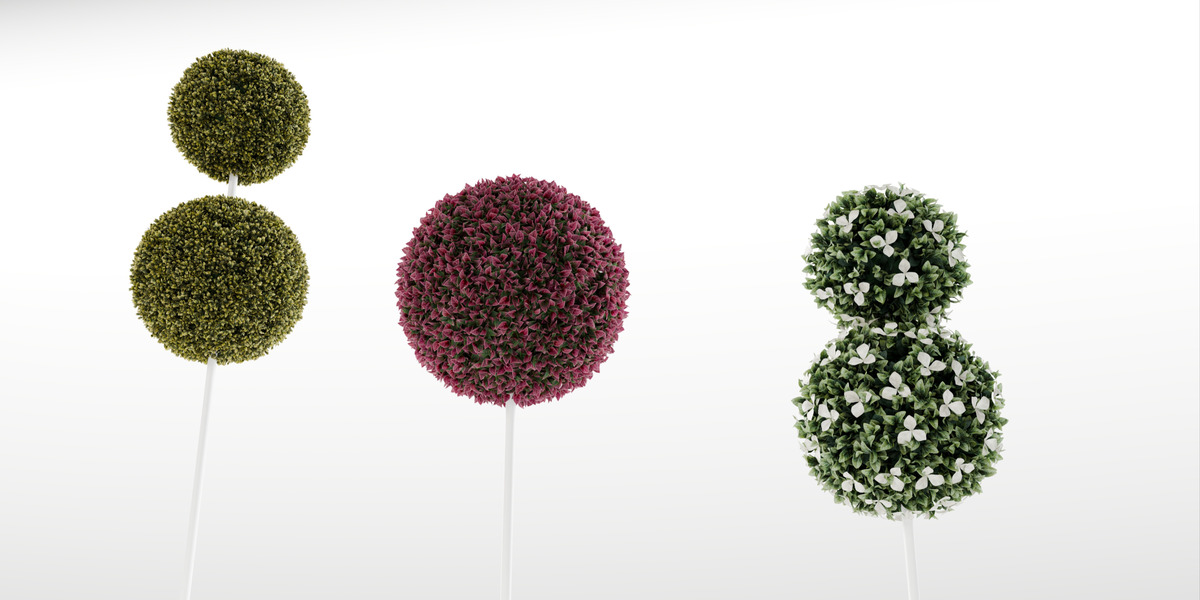
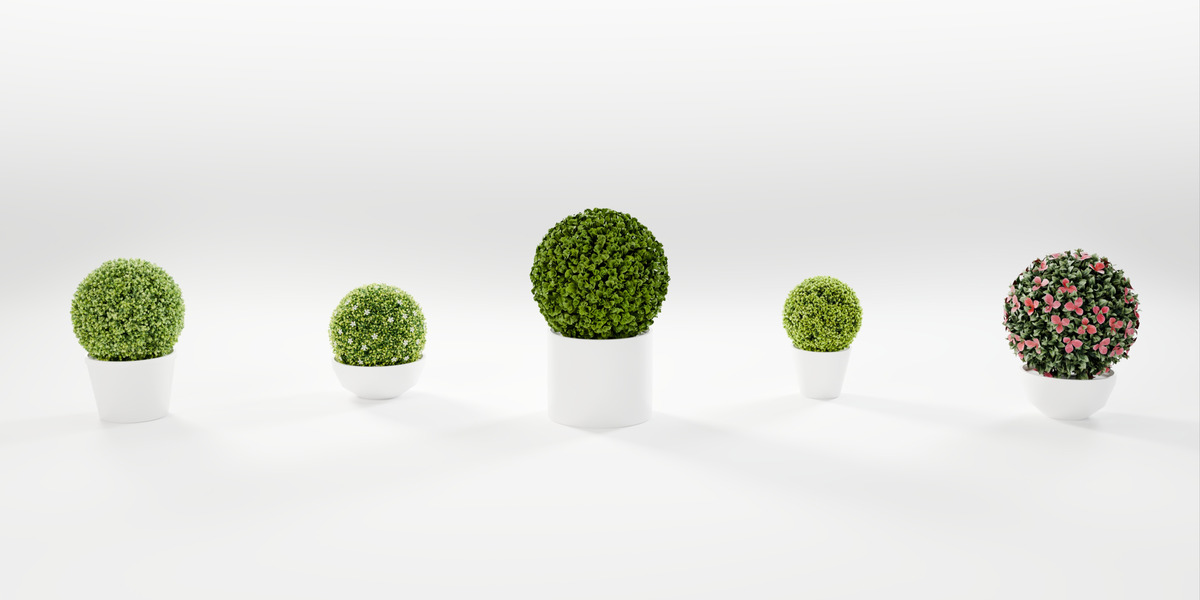
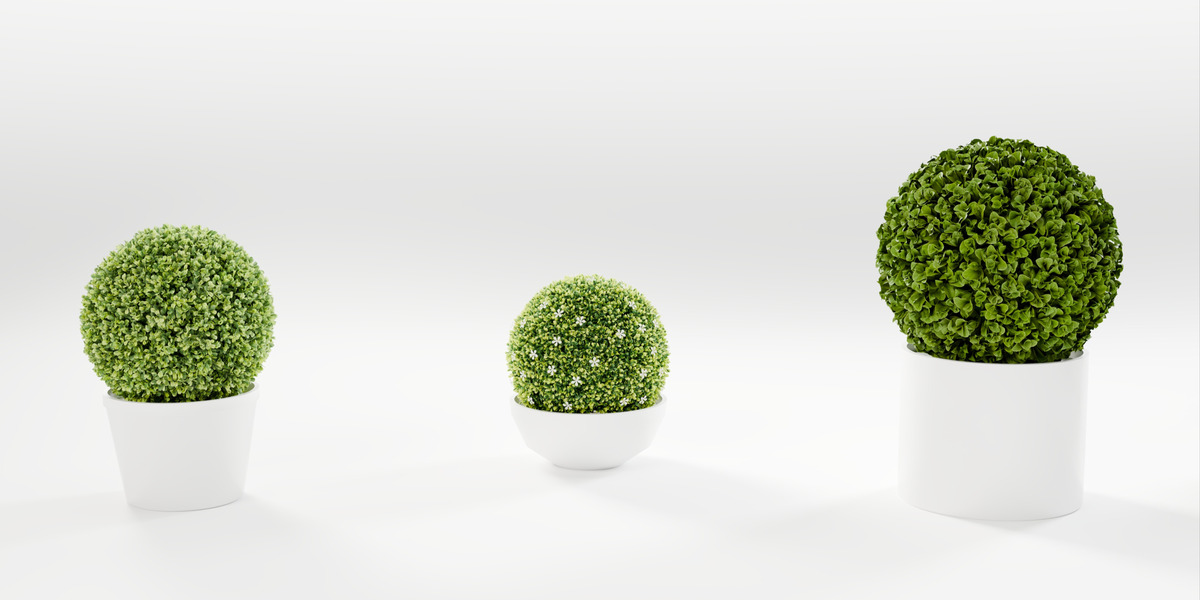
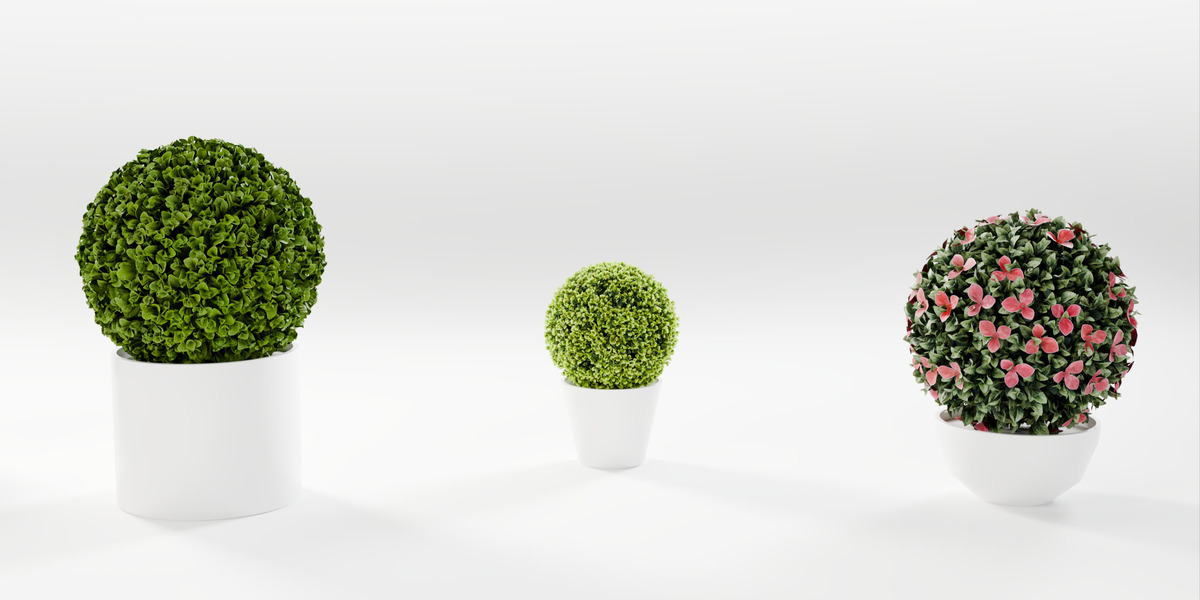
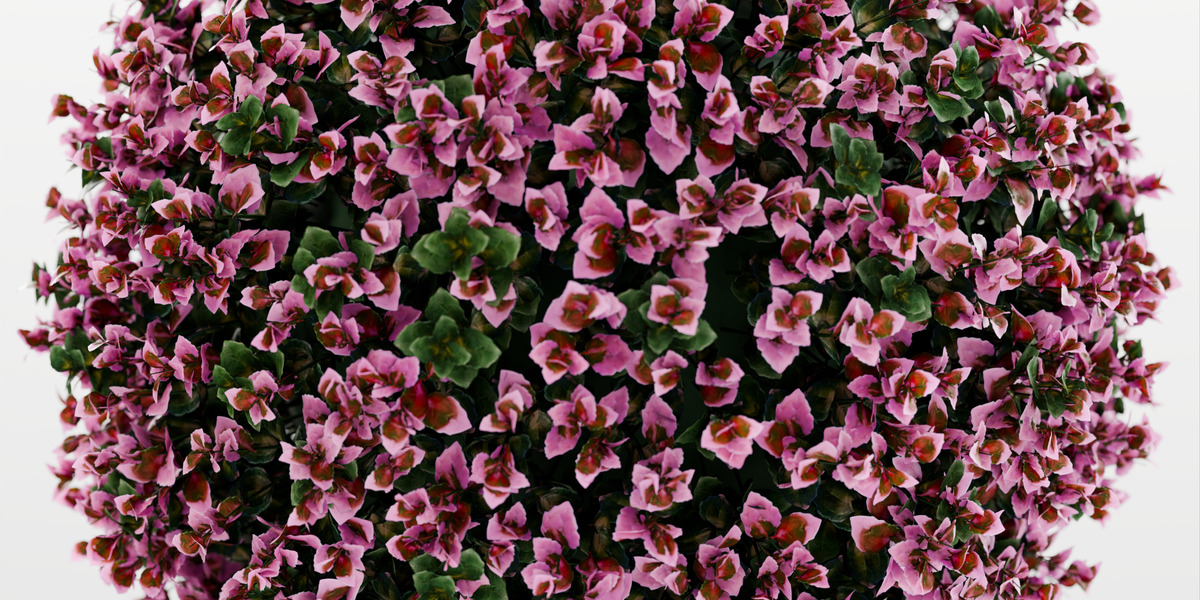
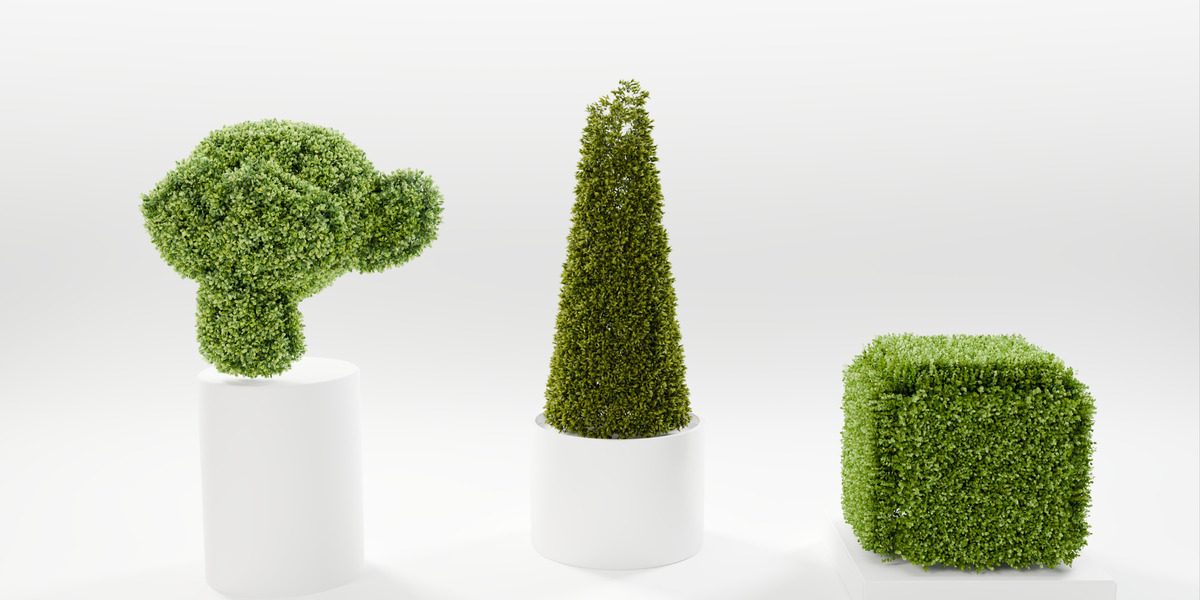
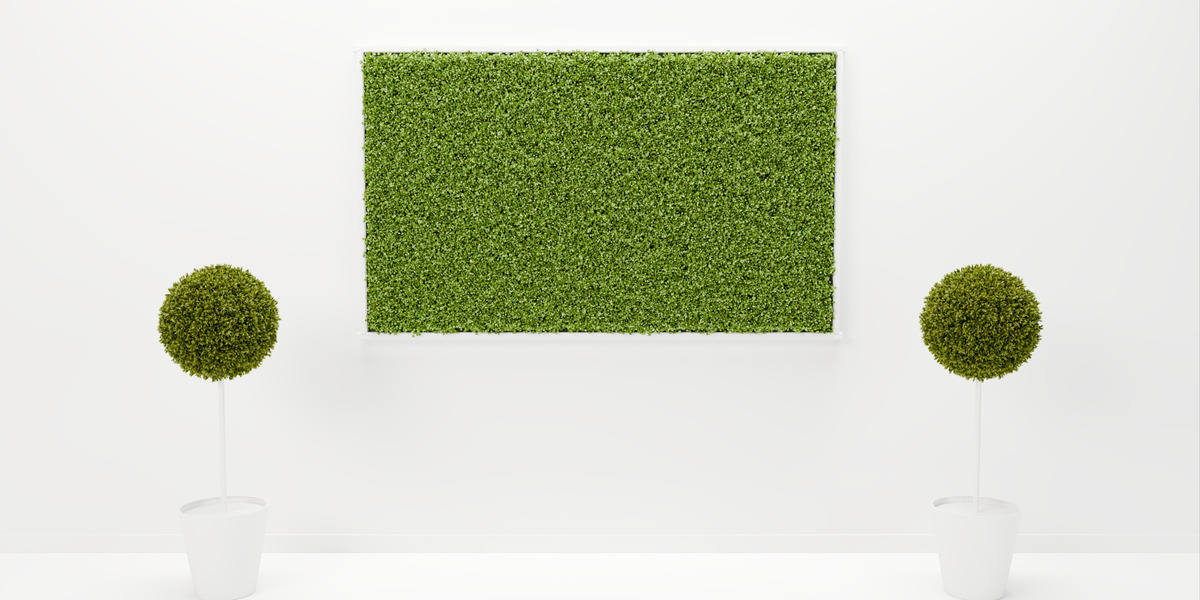
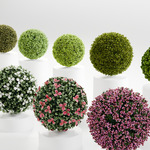
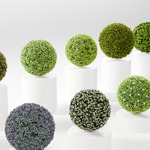
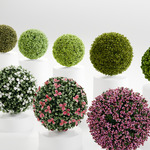
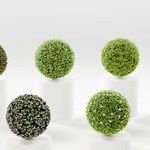
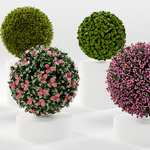
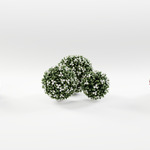
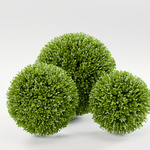
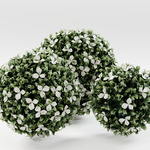
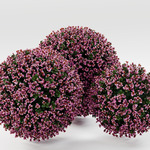
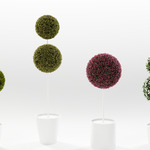
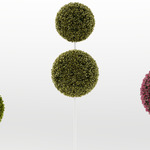
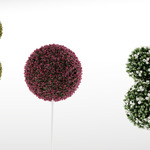
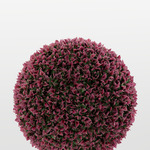
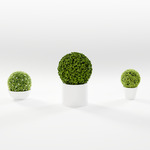
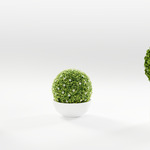
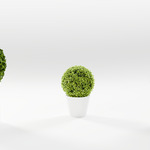
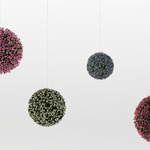
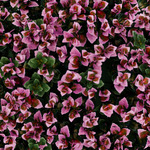
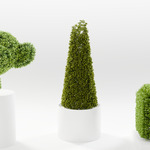
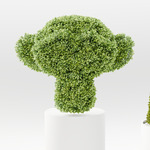
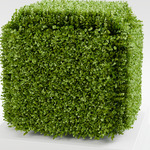
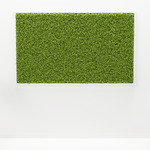
Green Ball brings artificial topiary balls into Blender. Pick a variant and a size, click Add Ball, and a finished ball sits in your scene at its real size. Everything is procedural (Geometry Nodes): every slider updates live and nothing is placed by hand.
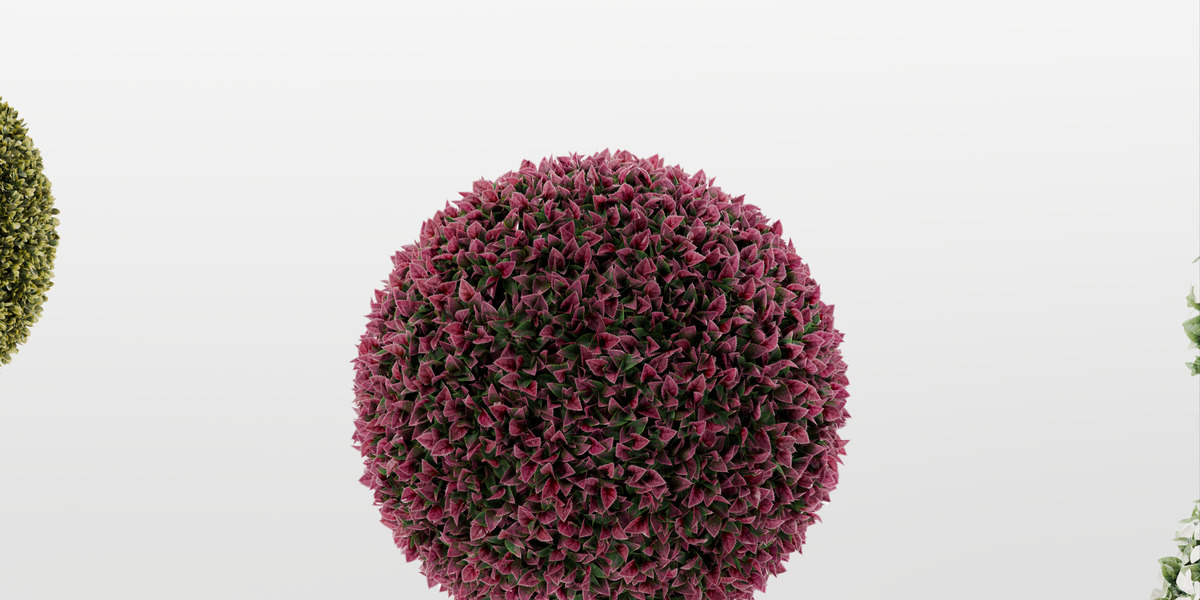
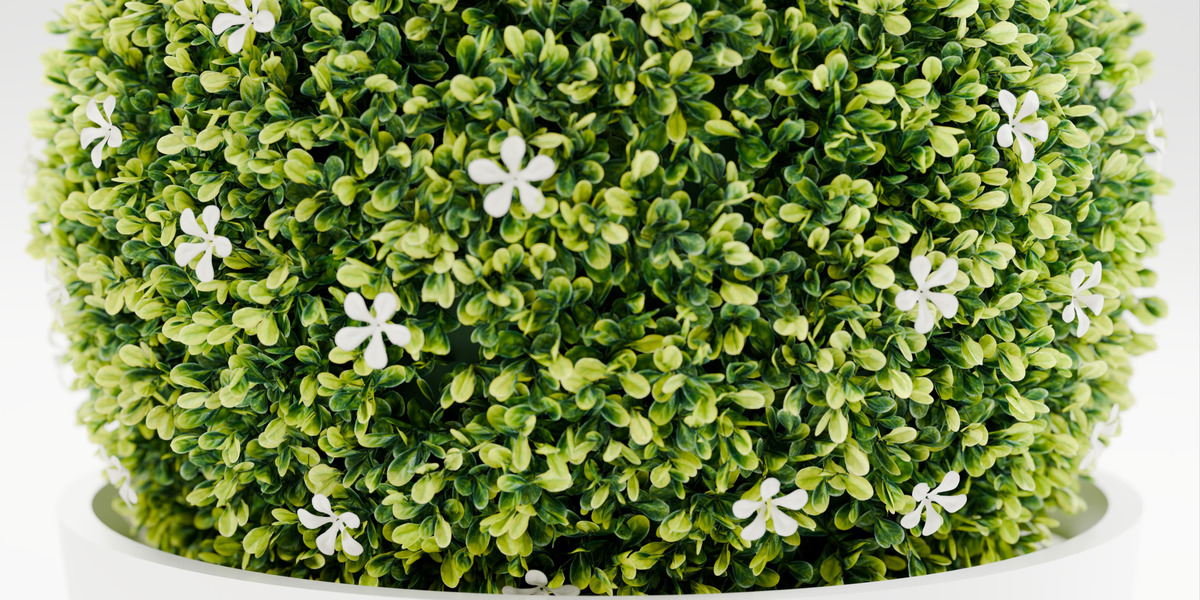
Every variant is modelled on a real artificial topiary ball – the product code is part of its name. Each twig was rebuilt leaf by leaf with its original textures, and the balls are assembled the way the real ones are: the same number of twigs, the same spacing, the same three sizes.
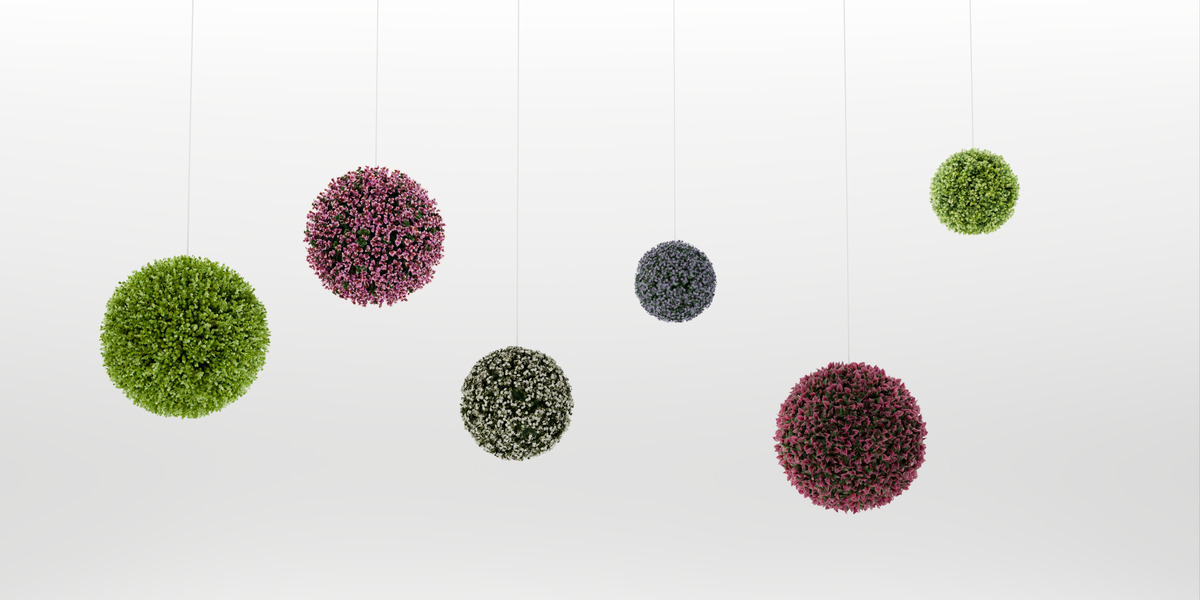
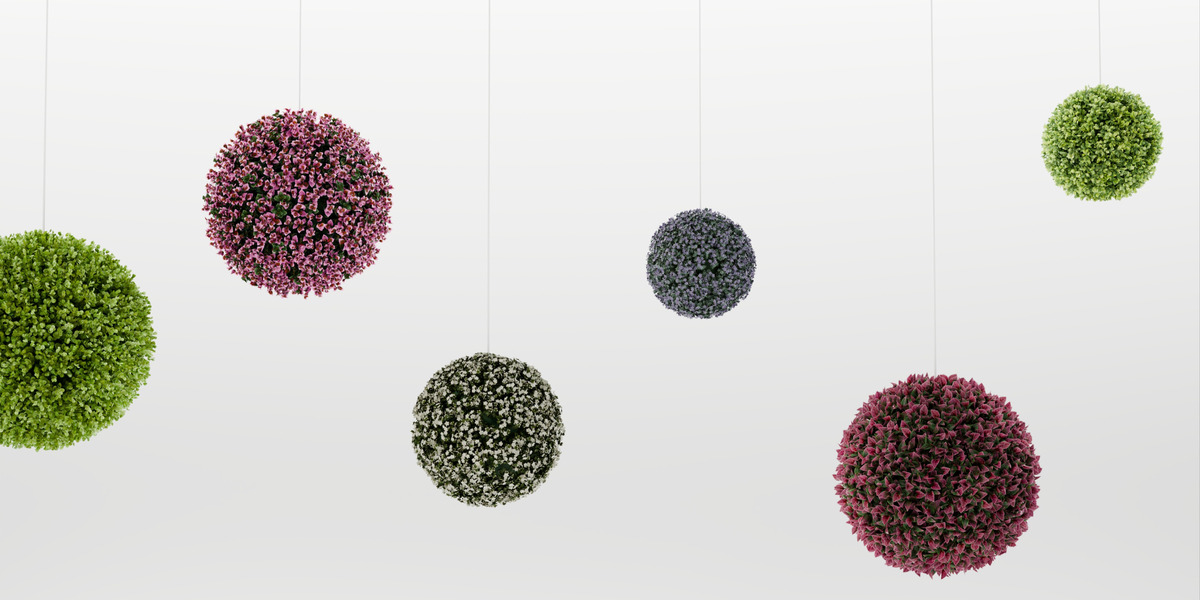
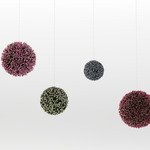
13 variants
Boxwood · Olive Boxwood · Lime Boxwood · Spring Boxwood · Myrtle · Laurel · Lavender · White Blossom · Red Photinia · White Jasmine · White Gardenia · Pink Gardenia · Bougainvillea
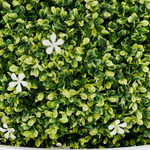
Four of them flower (White Jasmine, White Gardenia, Pink Gardenia, Bougainvillea), with their own flower meshes. All leaves use full 2K textures with translucency, opacity, specular, normal and height maps.
Three sizes, or any size
- S, M, L match the real products, roughly Ø 27–56 cm depending on the variant.
- Type any Core Radius and the number of twigs grows with the surface.
- The panel shows the outer diameter and the twig count of the current ball.
Grow it on anything
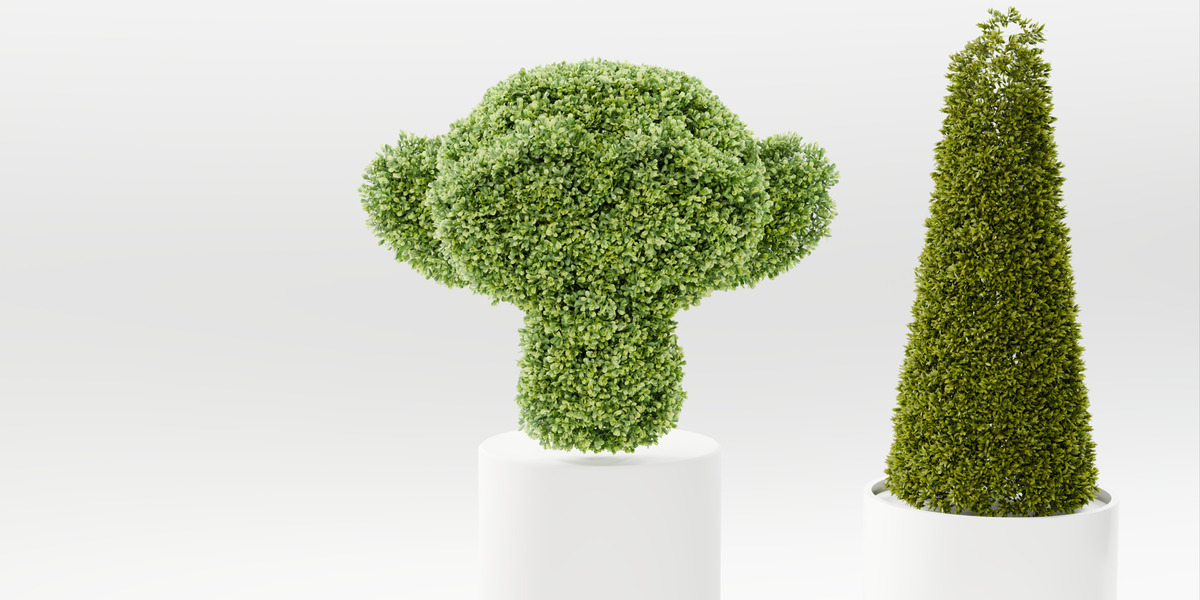
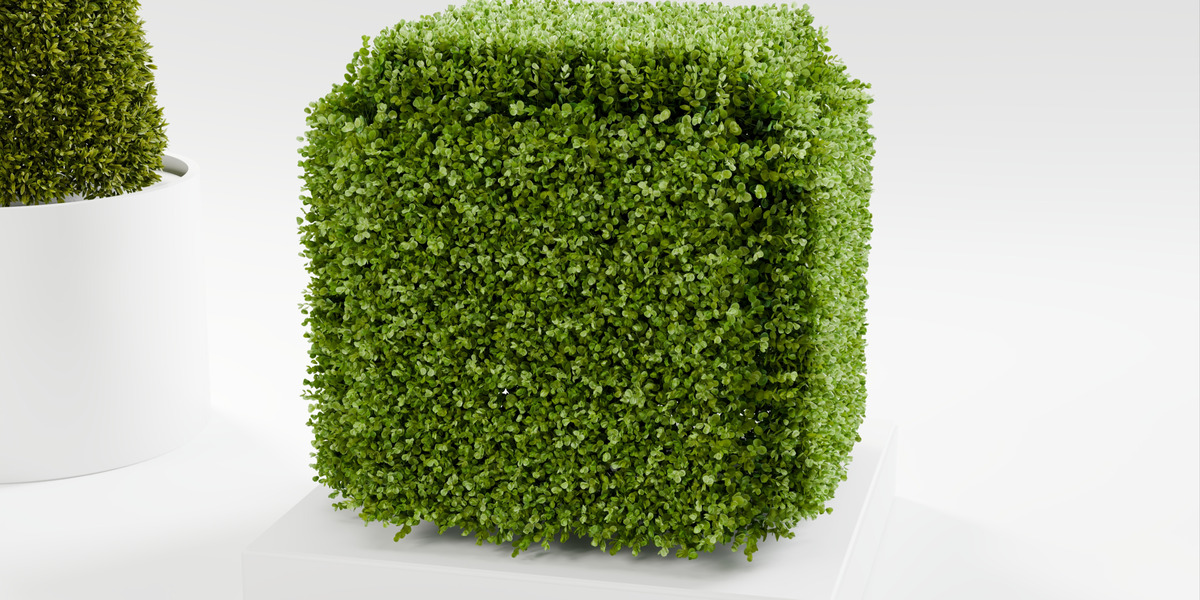
Cover Active Object puts the same foliage on any mesh – a cone, a hedge block, a letter, Suzanne – with exactly the twigs per square metre of the ball. The foliage follows the object when you move or edit it.
Full control
- Twigs – tilt, spin and scale, each with its own randomness.
- Leaves – open or twist every leaf around its stem; several twig variations per ball, so no two twigs look copied.
- Colour – hue, saturation and brightness, with a little variation from twig to twig. Flowers keep their colour unless you tint them too.
- Flowers – fewer, none, or a ball in full bloom.
- Leaf collisions – optional: leaves of neighbouring twigs turn away from each other, for clean close-ups.
- Seed – a new arrangement with one click.
Light in the viewport
- New balls preview with low-poly twigs; renders always use full geometry. Switch to Full or to light Dummy cones per ball or for all balls at once.
- Optional low-poly in renders for balls far from the camera. It is decided when the render starts, so moving the camera never recalculates a ball.
- A new ball appears instantly, and all twigs are instances, so thousands of them stay light in memory.
What you get
- The add-on with 13 variants, thumbnails and all textures in one installable zip (about 176 MB)
- Works in Blender 4.2 and newer (tested in 4.2, 4.5 and 5.2)
- Balls are ordinary objects with one Geometry Nodes modifier: move, rotate, duplicate and link them like anything else