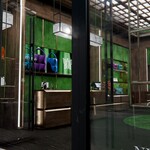
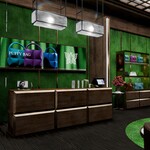
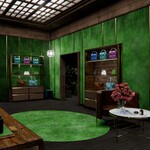
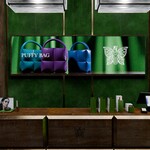
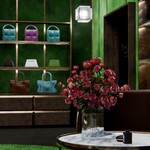
Green Luxury Boutique Scene
 Media Brennt GmbH


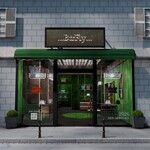
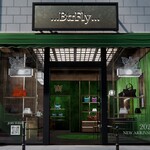
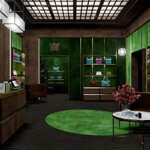
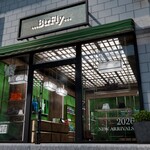
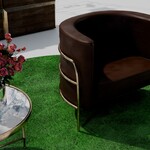
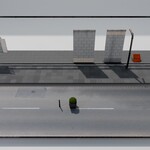
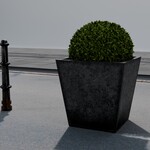

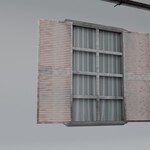
## Retail Store Pack 2 – Blender/Cycles Documentation
Thank you for purchasing **Green Luxury Boutique Scene**.
This documentation explains the scene structure, material workflow, customization options, signage setup, cameras, and important usage notes.
---
## 1. Product Overview
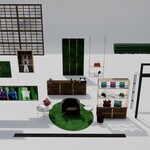
**Green Luxury Boutique Scene** is a complete Blender/Cycles retail environment designed as a premium fashion boutique.
The scene includes:
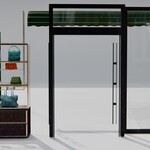
- A full storefront
- Boutique interior showroom
- Urban street section
- Retail furniture
- Handbag product props
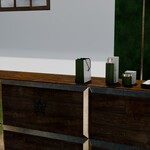
- Shopping bags
- Signage elements
- POS / cashier electronics
- Plants and flowers
- Lighting setup
- Prepared cameras
- Modular scene collections
- Advanced shader-based procedural materials
The asset is designed for:
- Blender portfolio renders
- Architectural visualization
- Retail design concepts
- Product presentation
- Fashion boutique visualization
- Commercial interior design
- Cinematic rendering
- Scene studies
- Custom storefront concepts
---
## 2. System Requirements
Recommended software:
- Blender 5.1 or higher
- Cycles renderer
No external plugins are required.
This product is built natively for Blender and Cycles. Other render engines or exported formats may require manual material and lighting adjustments.
---
## 3. Opening the File
1. Open Blender.
2. Open the included `MB-Retail_Store-02-BLENDPACK.blend` file.
3. Wait for textures and shaders to load.
4. Select one of the prepared cameras from the Cinematics collection.
5. Render with Cycles.
The scene is already prepared as a ready-to-render demo environment.
 Included
Includes 12 months of
- Support from Media Brennt GmbH
- Product updates
Extend this product’s Support Period +12 months: 50% of product price
Have questions before purchasing?
Login to message
| Published | 4 months ago |
| Blender Version | 5.1 |
| Render Engine Used | Cycles |
| Misc Data | Uvs-Unwrapped, Manifold-Mesh, Low-High-Resolution, Normal-Mapped, Textured |
| License | Royalty Free |
Discover more products like this
boutique storefront procedural variation procedural materials fashion boutique ArchViz handbag store luxury boutique material randomization retail store modular scene