Gridsnap Pro — Precision Tools For Blender
 Contrast 3D Design Studio



## v2.1.4
### Added
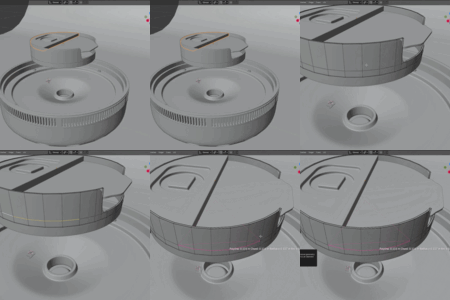
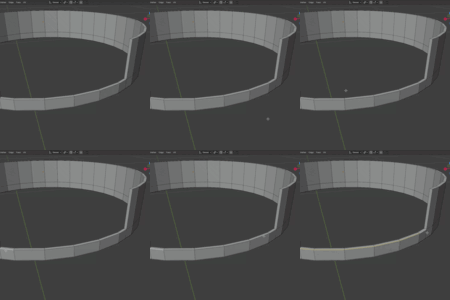
- Snap to Surface live preview. Hovering a surface draws the object's own
wireframe at the target transform, with a marker on the contact point. The
object is placed on click.
- Align Axis. When Align to Surface is enabled, choose which local axis points
out along the face normal: +Z, -Z, +Y, -Y, +X or -X. Default is +Z.
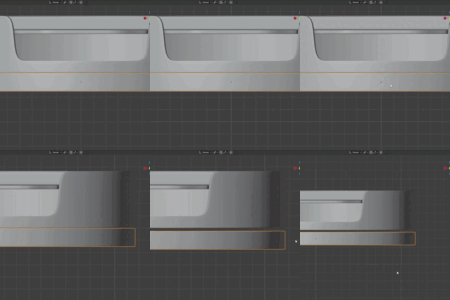
- Dimension values on exported SVG blueprints. Each saved dimension prints its
value next to its own line, offset clear of the outline and with a white halo
so it stays readable over the drawing.
### Improved
- Contact = Base now accounts for the aligned rotation, so a rotated object
still rests flush against the surface instead of sinking into it.
- The preview wireframe is built once in local space and transformed on the GPU
each frame, instead of being rebuilt per frame. On meshes above roughly
120,000 edges it falls back to the bounding box, so placement stays responsive
on heavy objects.
### Fixed
- Flicker while hovering during Snap to Surface. The object is no longer moved
on every mouse event, only on click.
---
## v2.1.3
### Added
- Scene units throughout: measurements, target radius and snap presets follow
the scene's Length unit and Unit Scale.
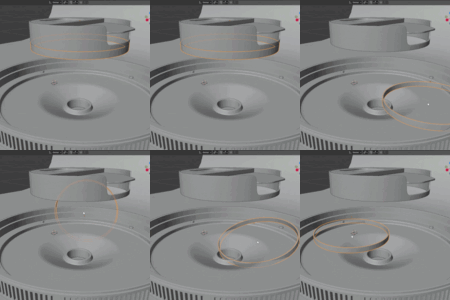
- Plane selector for corrections. Follow Shape (Best Fit) keeps arcs, circles
and corners true to tilted geometry, or force XY, XZ or YZ.
- Fit Circle to Radius: resize any circle or arc to an exact radius around its
own centre.
### Improved
- Shape analysis on tilted loops.
- Saved dimensions re-format when the scene units change.
### Fixed
- Stability and performance fixes across the add-on.
What's new in v2.1.3
- Scene units everywhere — measurements, target radius and snap presets now follow your scene's Length unit and Unit Scale. Millimeter workflows read correctly out of the box
- New Plane selector for corrections — Follow Shape (Best Fit) keeps arcs, circles and corners true to tilted geometry; or force the XY, XZ or YZ plane
- New Fit Circle to Radius — resize a selected circle or arc to an exact radius around its own center
- Shape analysis now follows tilted loops automatically
- Saved dimension labels re-format when you change units or precision
- Stability and performance fixes across the board
Have questions about this product?
Login to message
| Blender Extension Compatible | Yes |
| Published | 3 months ago |
| Blender Version | 4.2 - 5.2 |
| Extension Type | Add-on |
| License | GPL |
Discover more products like this
grid snap cad tools dimensions hard surface shape correction Modeling tools hard surface modeling blender addon snapping precision modeling Measure Tool product-visualization