 Grim Edge Studio
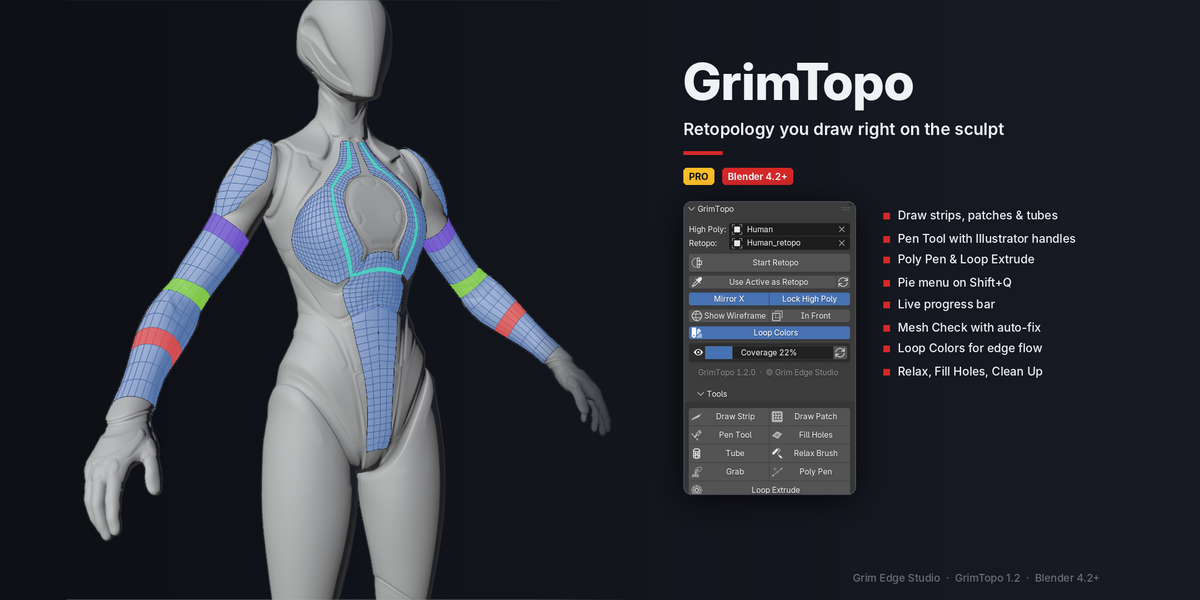
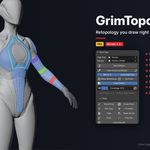
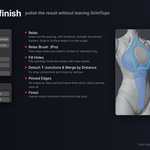

GrimTopo Pro turns retopology into drawing. Sketch on your sculpt and get clean, animation-ready quads that snap to the surface. Strips, patches, curves and tubes, a pie menu for every tool, a live progress bar and a Mesh Check that finds and fixes problems for you.
⚡ NEED A DISCOUNT? ⚡
Buy direct from our studio and pay less than on the stores.
👉 Visit us: Grim Edge Studio
Start in one click
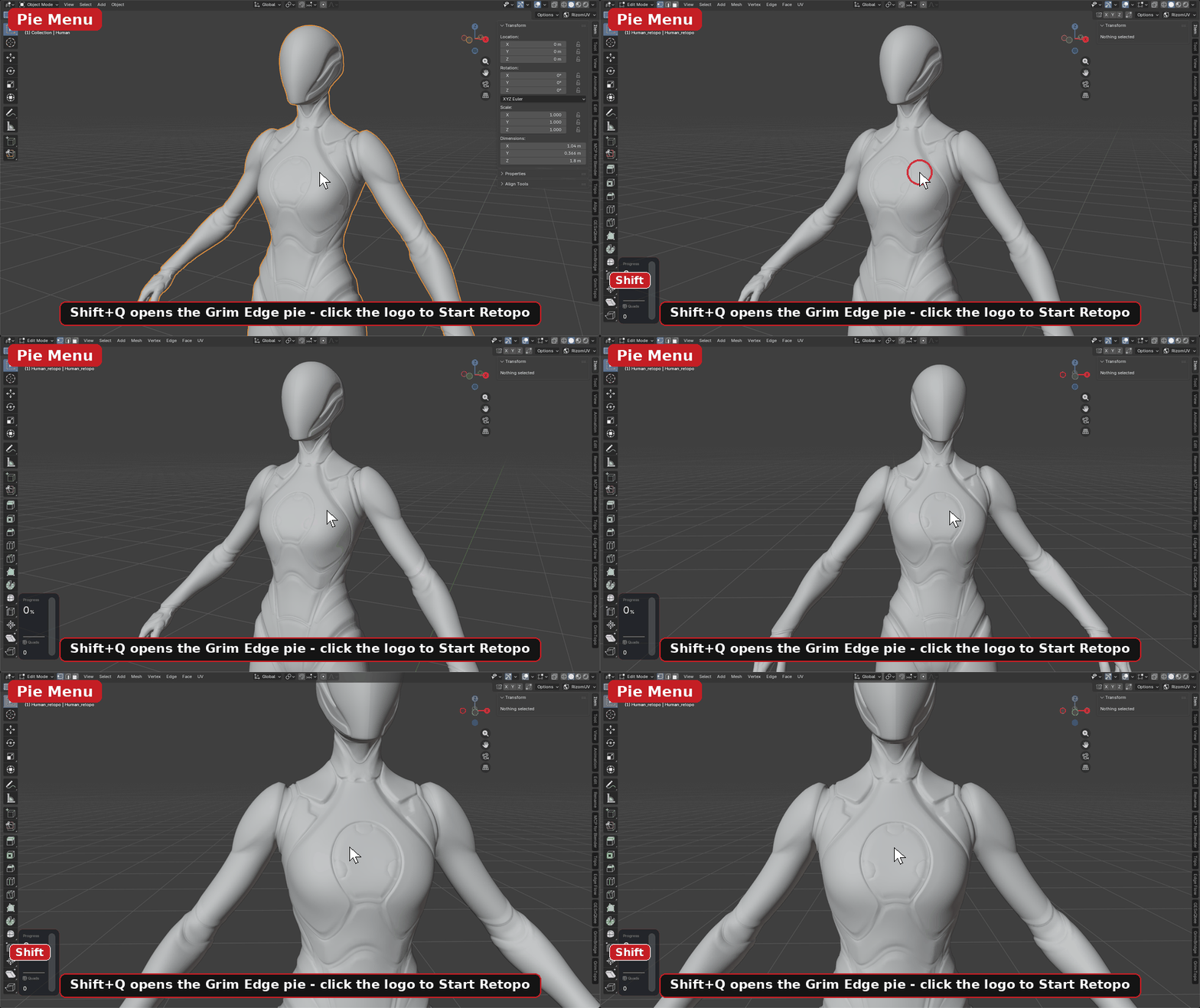
Select your sculpt and press Start Retopo (or Shift+Q, then the logo). GrimTopo creates the retopo mesh, locks the high poly and sets up Mirror X on the model's centre.
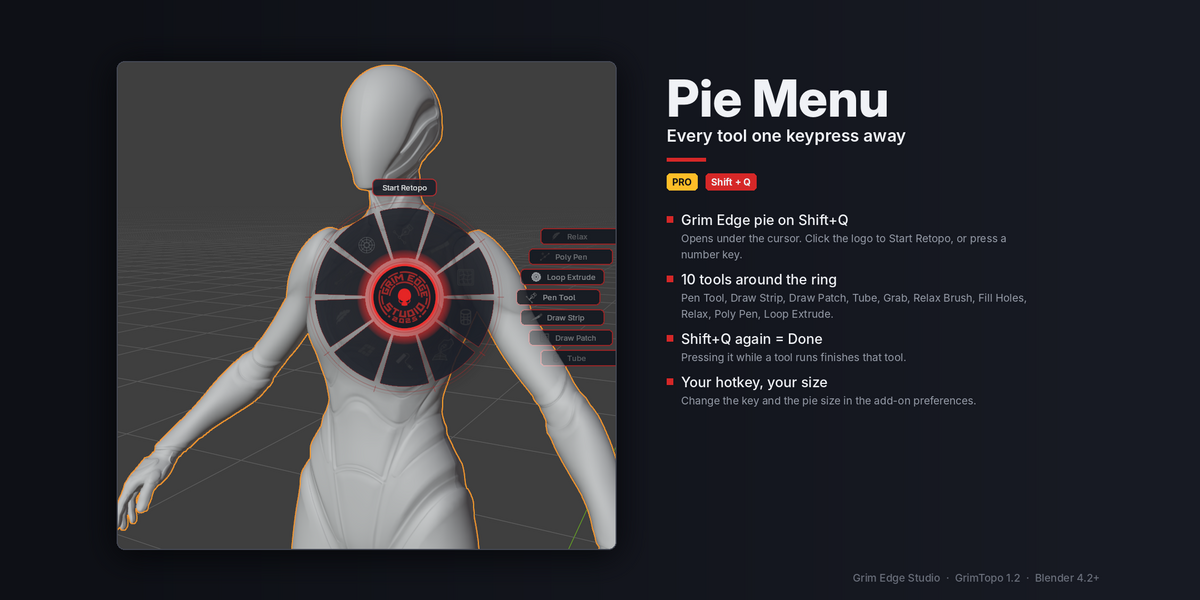
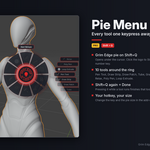
Pie Menu (Shift+Q)
Every tool one keypress away: Pen Tool, Draw Strip, Draw Patch, Tube, Grab, Relax Brush, Fill Holes, Relax, Poly Pen and Loop Extrude. Press Shift+Q again to finish a tool. Change the key and the pie size in the add-on preferences.
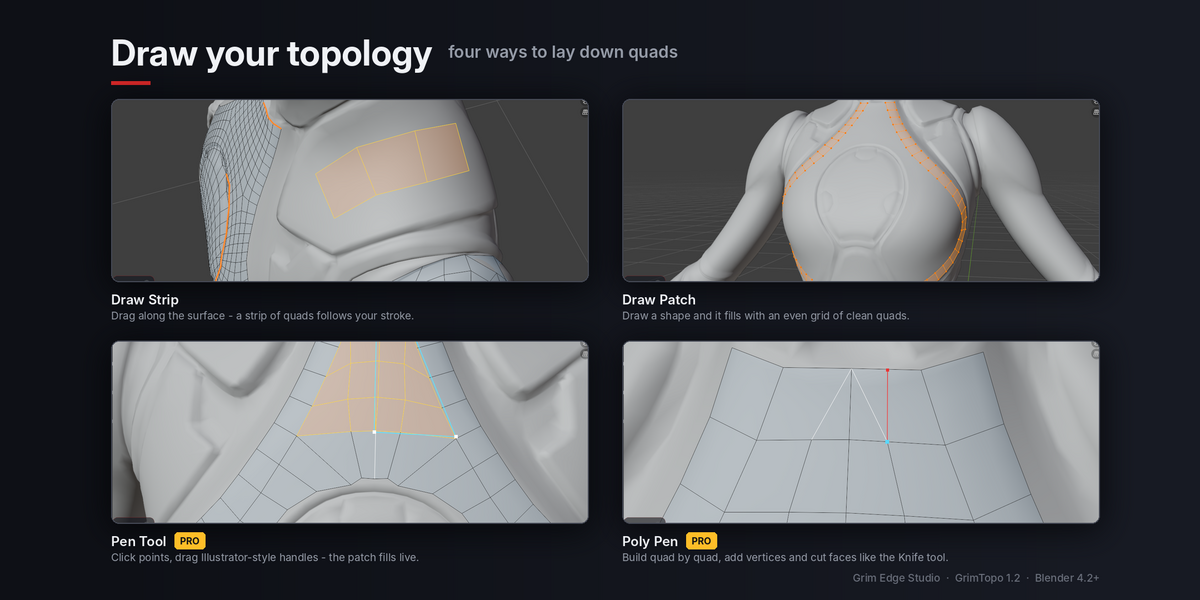
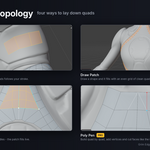
Draw your topology
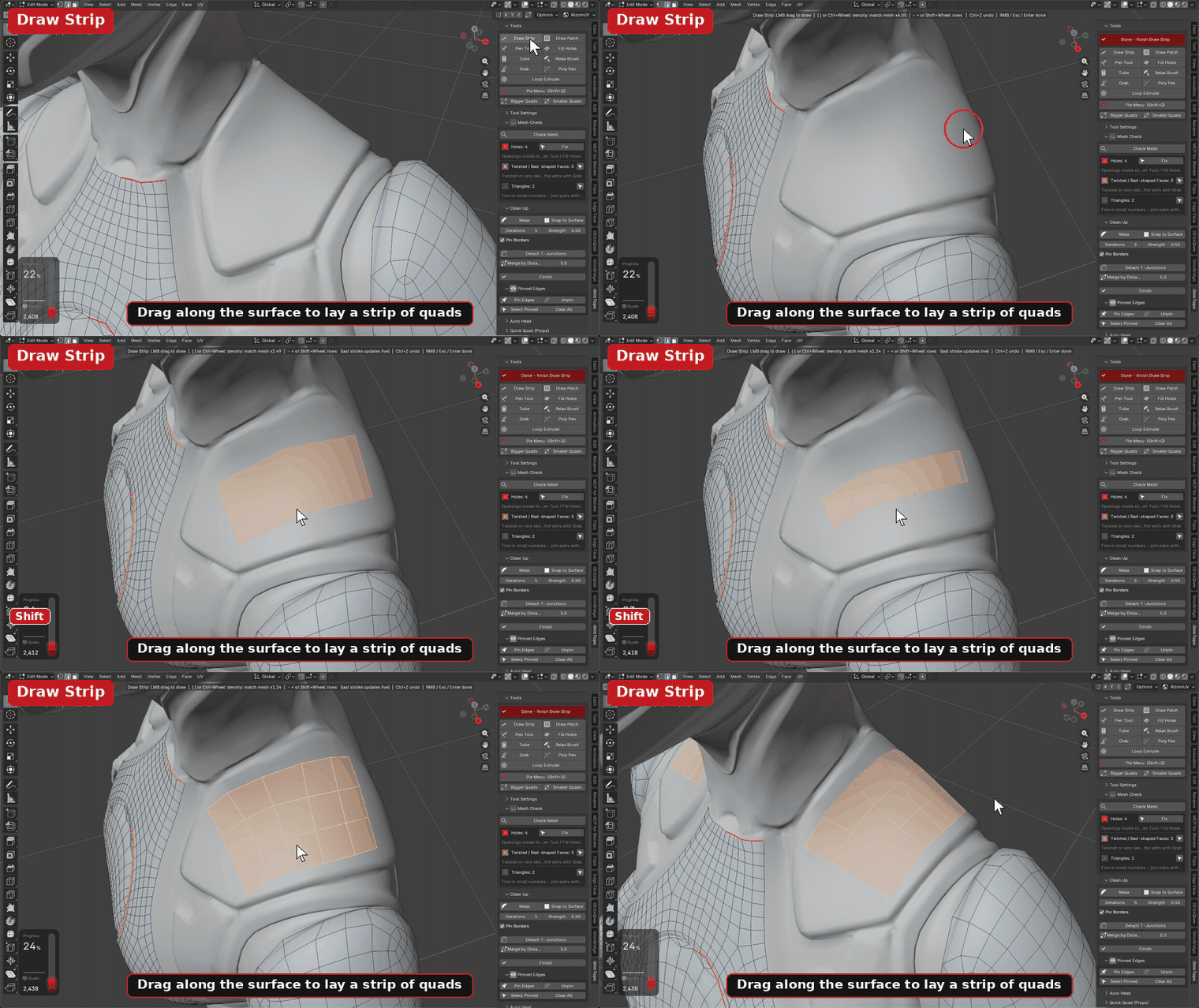
- Draw Strip - drag along the surface for a strip of quads. Start next to an open edge and it extends that edge with matching vertex counts.
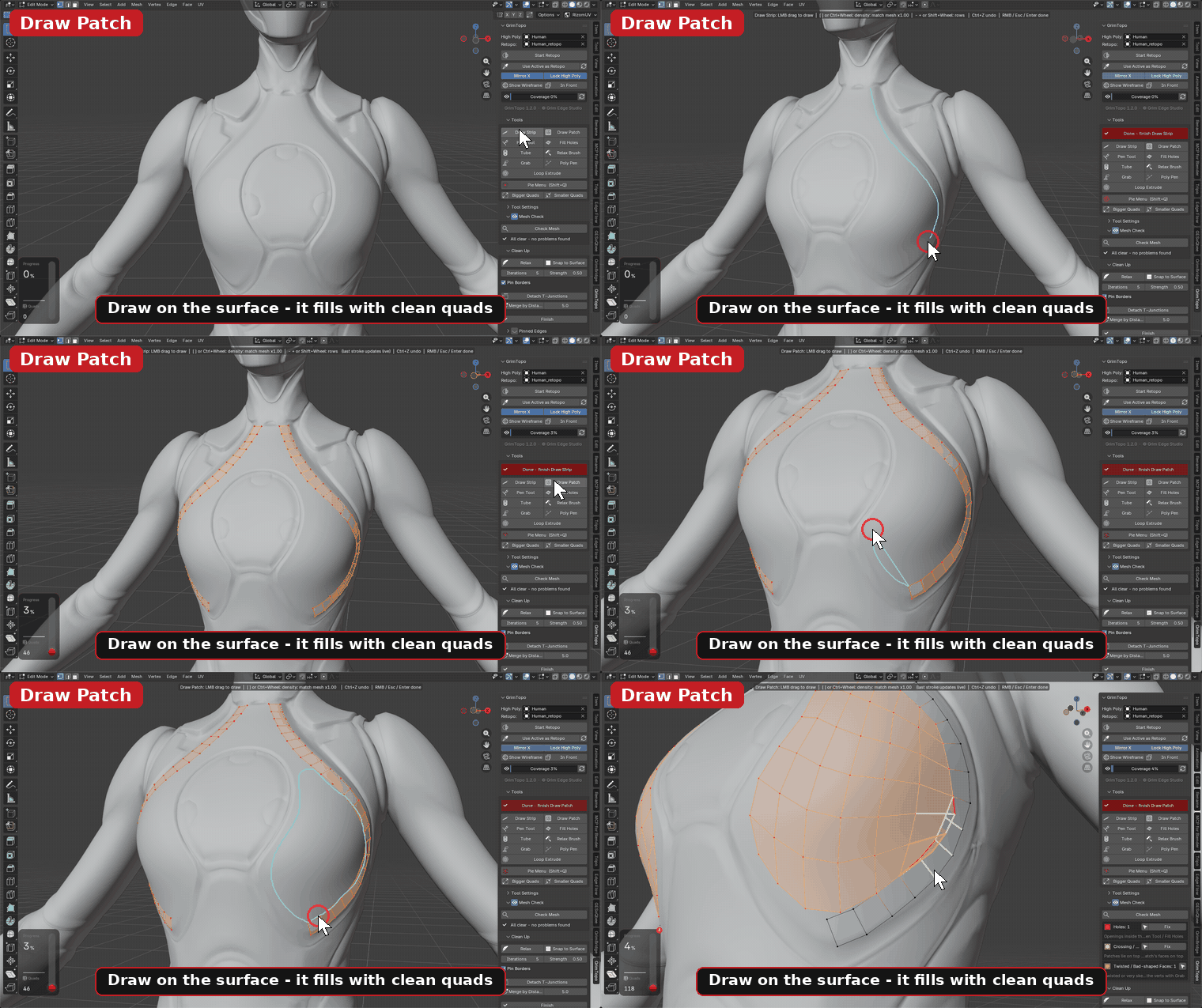
- Draw Patch - draw a shape and it fills with an even grid of quads. Corners are found for you.
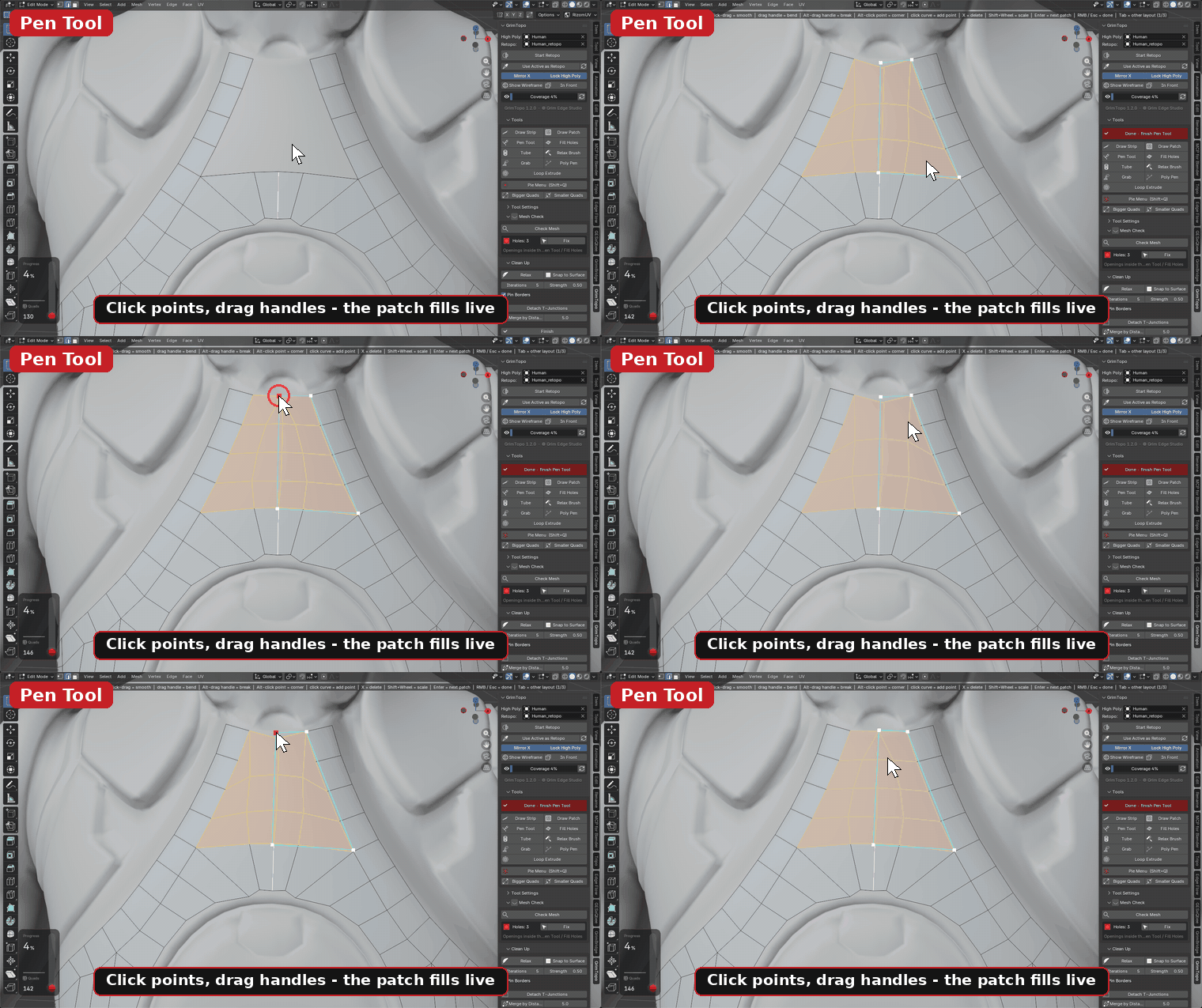
- Pen Tool (new in 1.2) - works like the pen in Illustrator. Click to place points, drag to pull out handles, Alt for a sharp corner, click the curve to add a point, X to delete. The patch fills live.
- Poly Pen (new in 1.2) - build quad by quad. Snaps to vertices and open edges, bridges to borders, and cuts faces like the Knife tool.
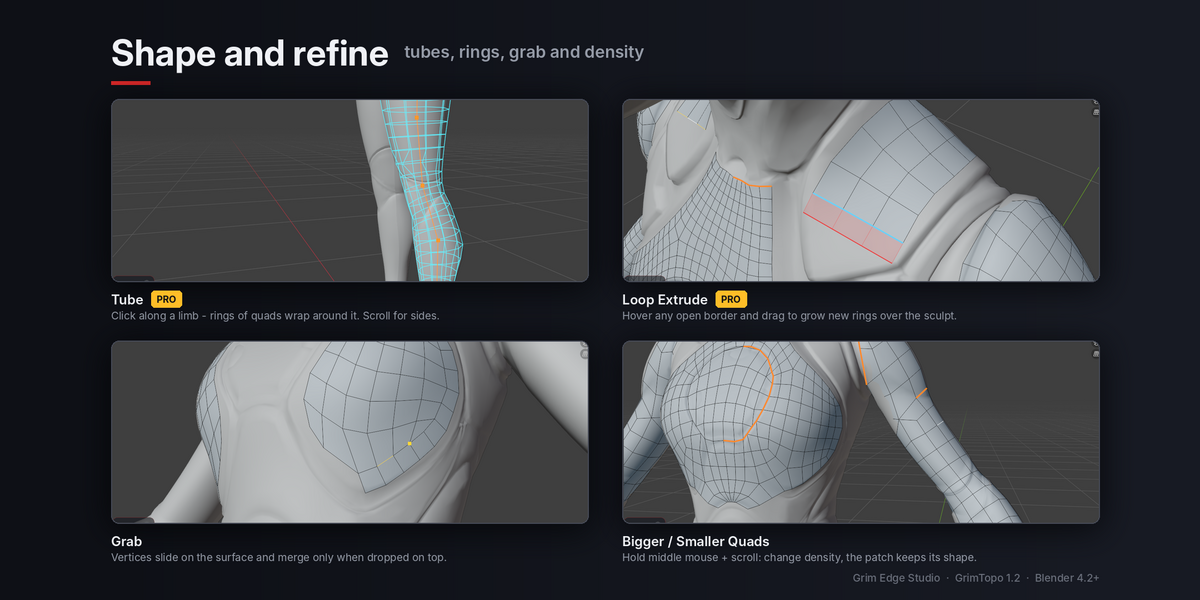
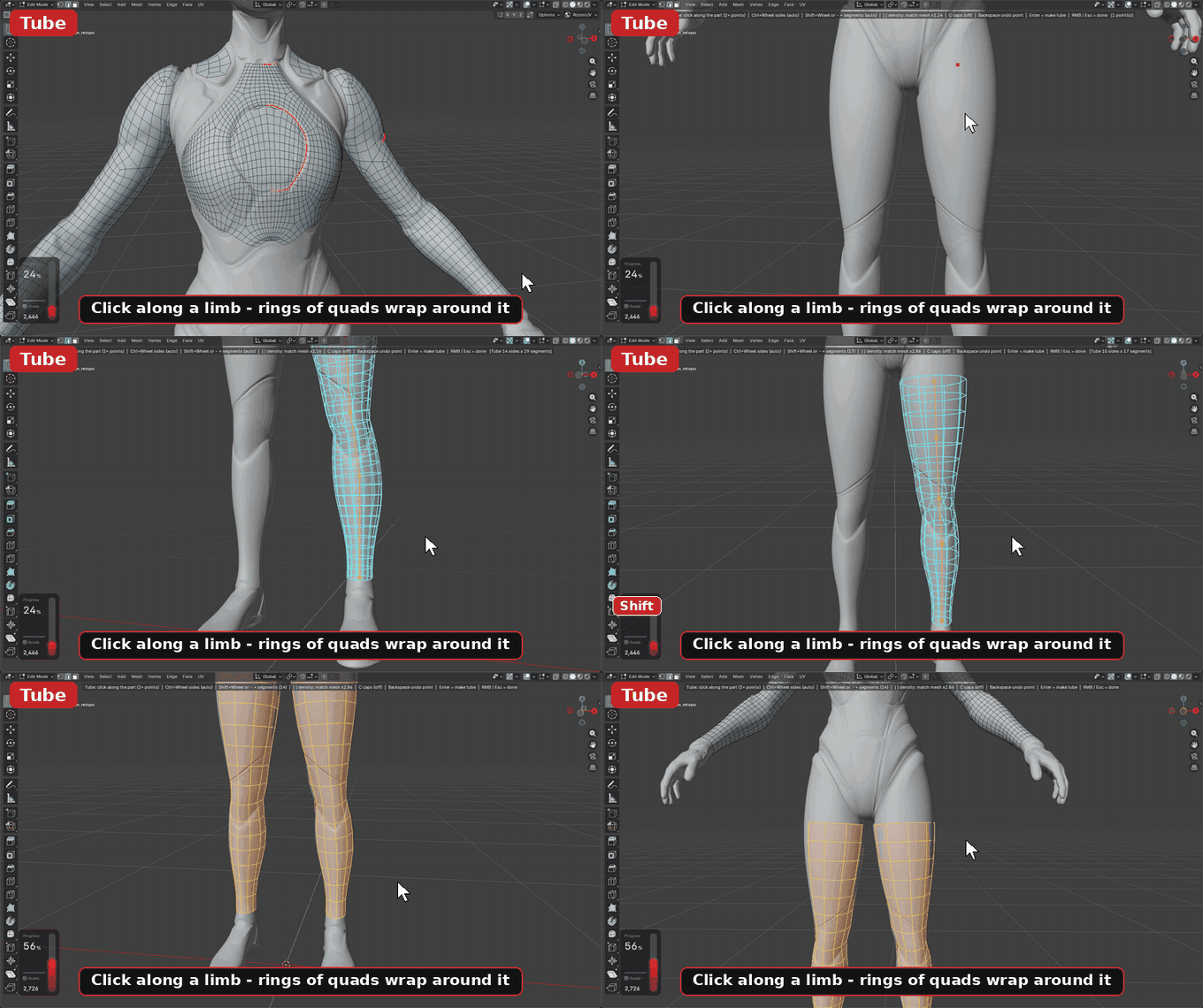
- Tube - click along an arm, leg or finger and rings of quads wrap around it. Scroll for the number of sides.
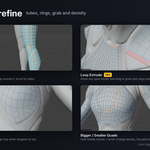
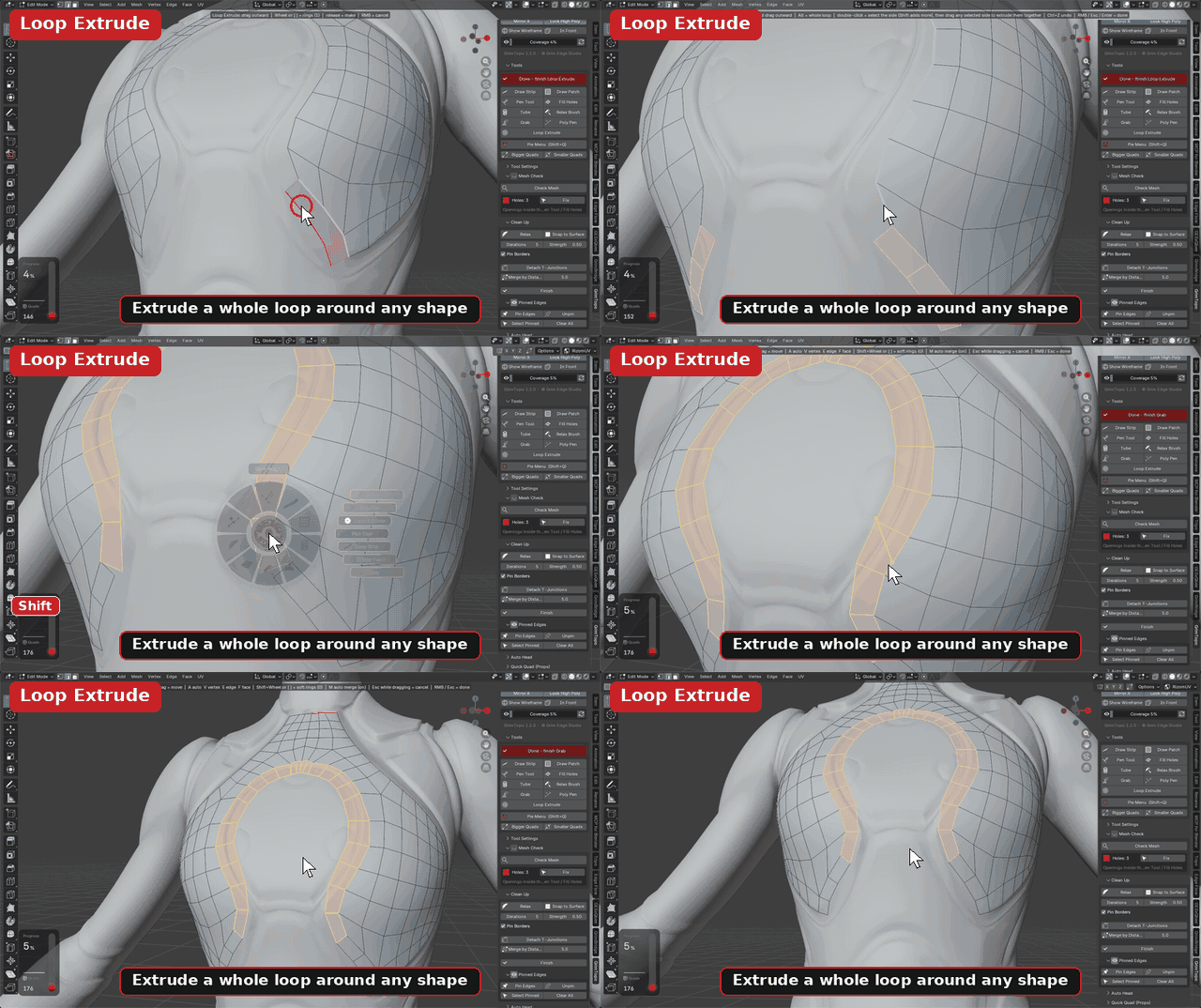
- Loop Extrude (new in 1.2) - hover any open border and drag to grow new rings over the high poly. Alt for the whole loop.
Refine
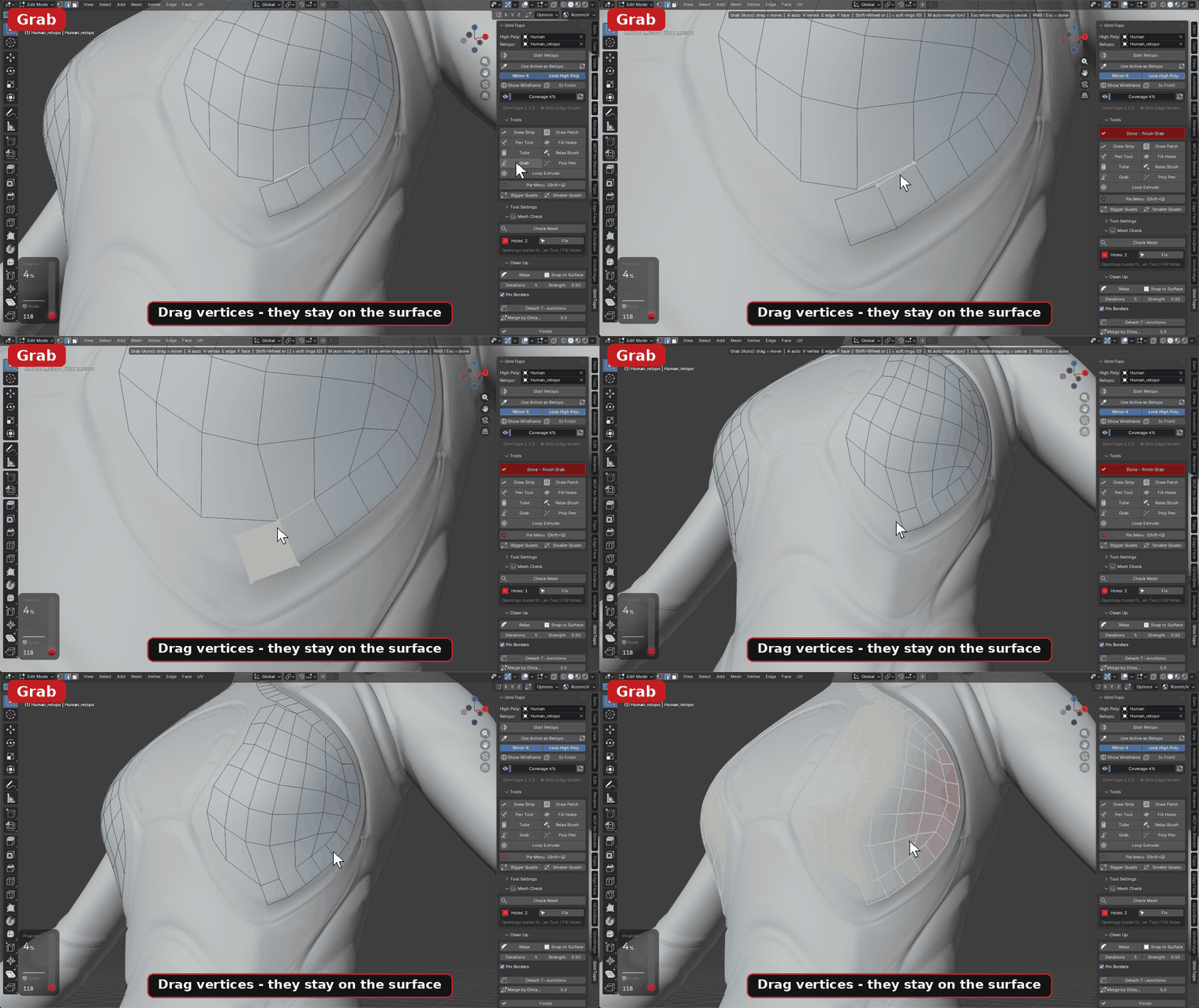
- Grab - vertices slide over the sculpt and only merge when you drop one right on top of another.
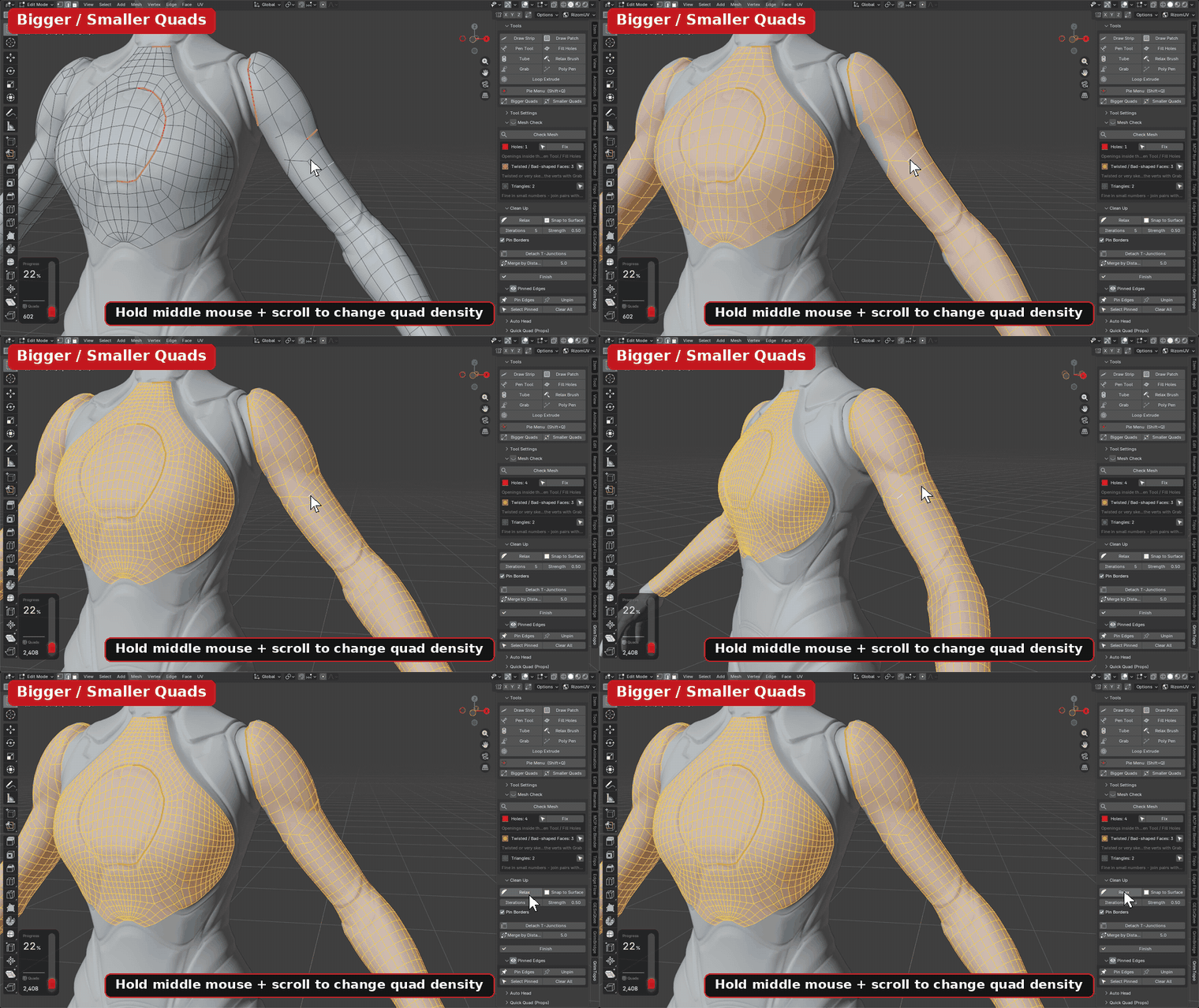
- Bigger / Smaller Quads - hold the middle mouse button and scroll, or use the buttons. The patch keeps its shape.
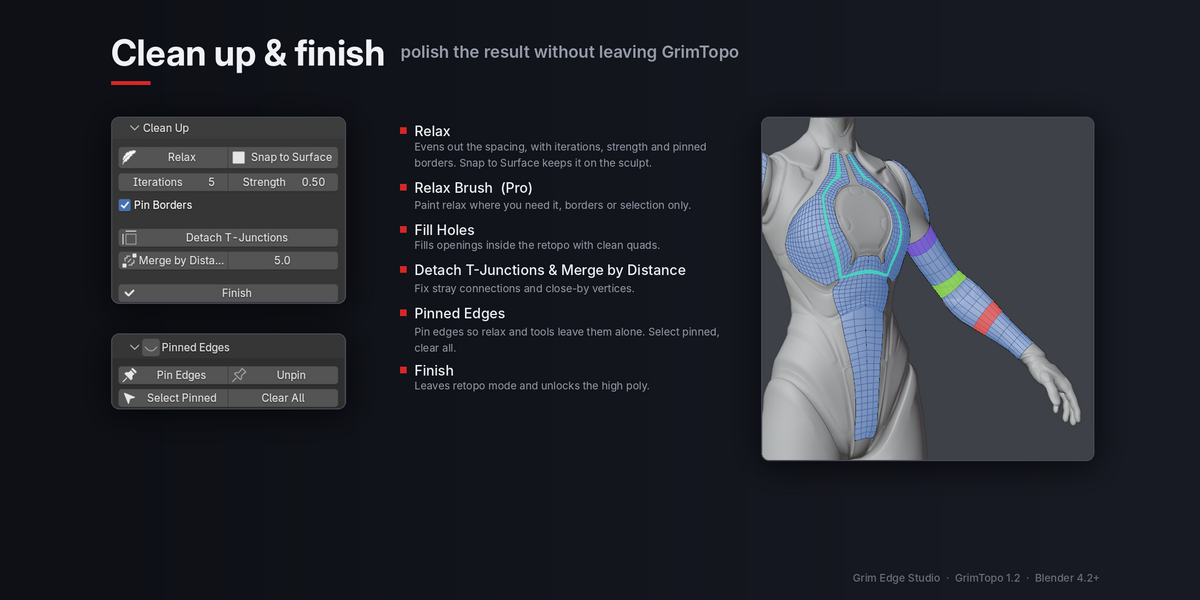
- Relax and Relax Brush - even out the spacing on the surface, with pinned borders.
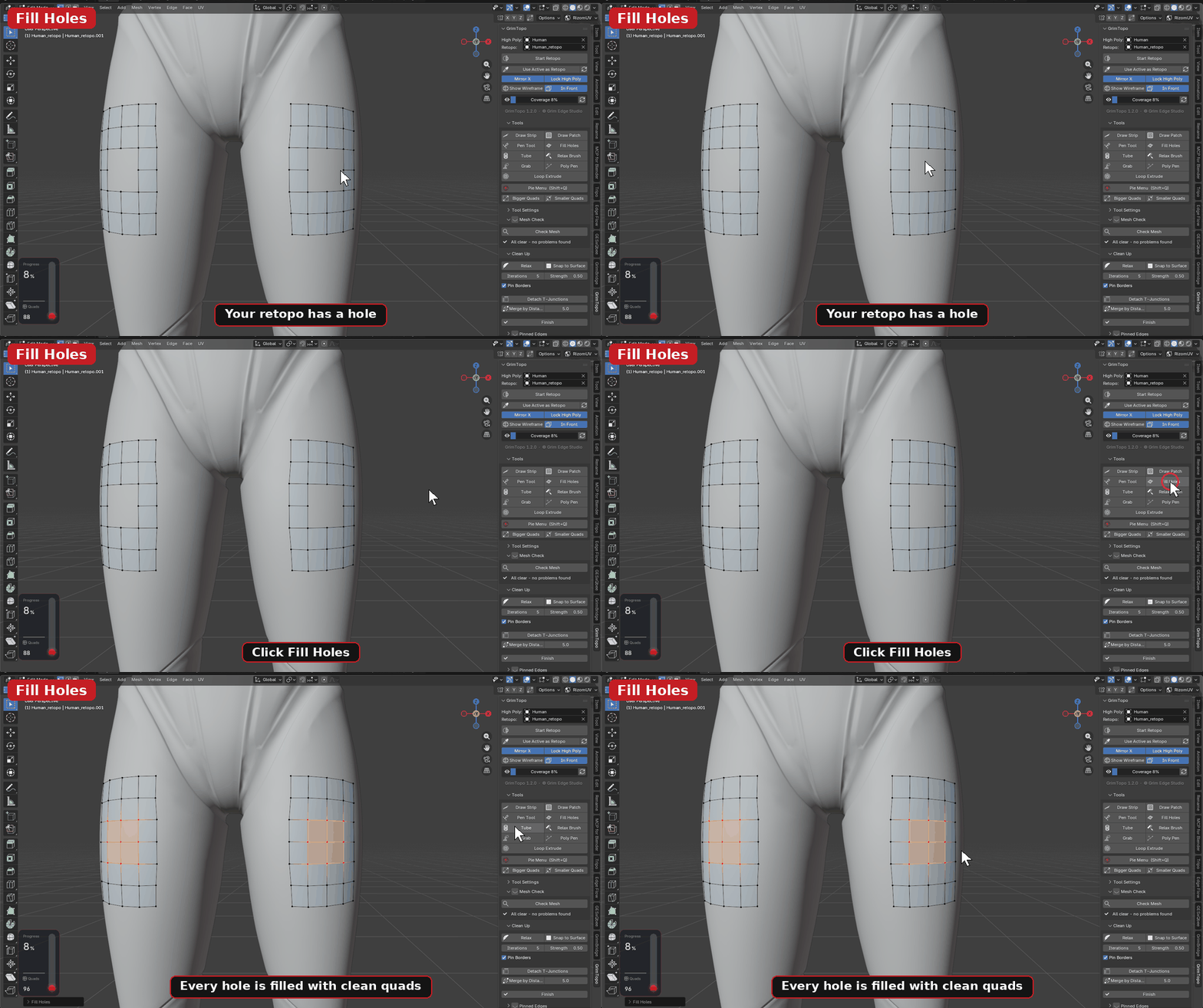
- Fill Holes - fill openings inside the retopo with clean quads.
- Clean Up - Snap to Surface, Detach T-Junctions, Merge by Distance and Finish.
- Pinned Edges - lock important loops so relax and tools leave them alone.
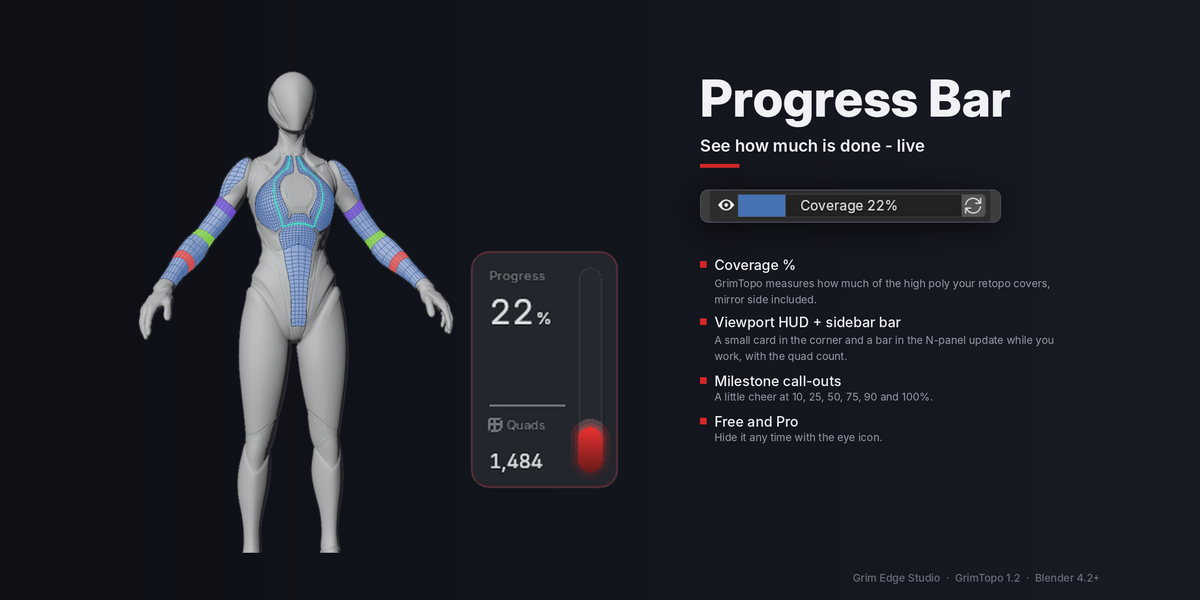
Progress Bar
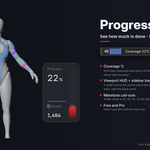
See how much of the high poly your retopo already covers, mirror side included. A small card in the viewport and a bar in the N-panel update live with the quad count, with a call-out at 10, 25, 50, 75, 90 and 100%. Hide it with the eye icon.
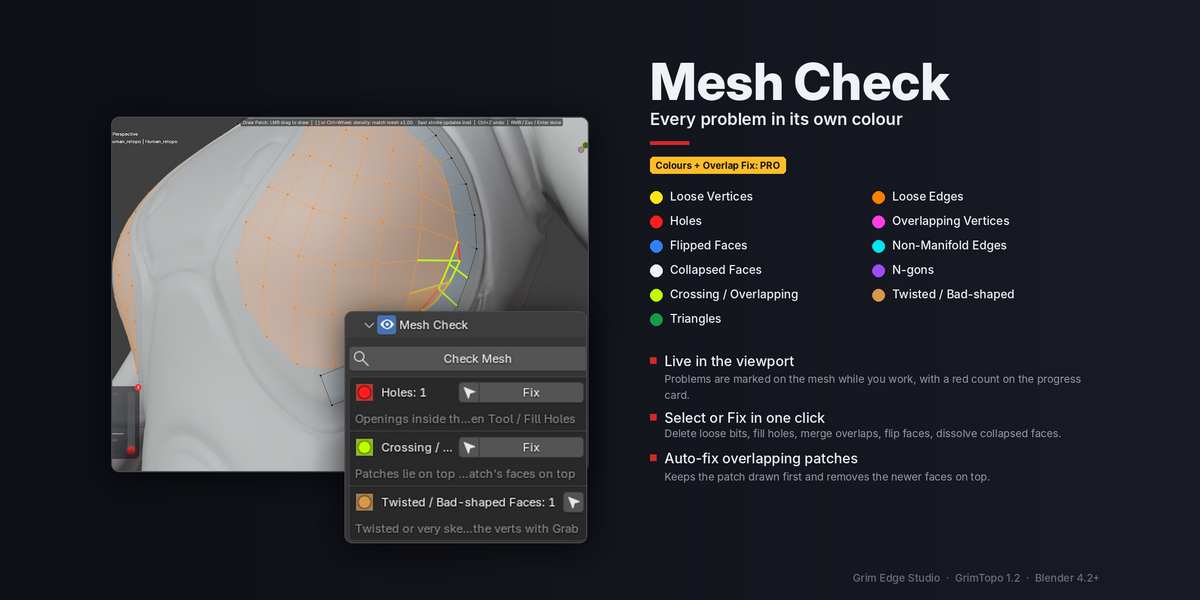
Mesh Check
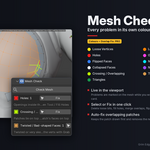
Finds loose vertices and edges, holes, overlapping vertices, flipped faces, non-manifold edges, collapsed faces, n-gons, crossing edges, twisted faces and triangles. Each problem gets its own colour, in the panel and on the mesh, with Select and one-click Fix. Overlapping patches can be fixed automatically, and marks disappear as soon as a problem is fixed.
Loop Colors
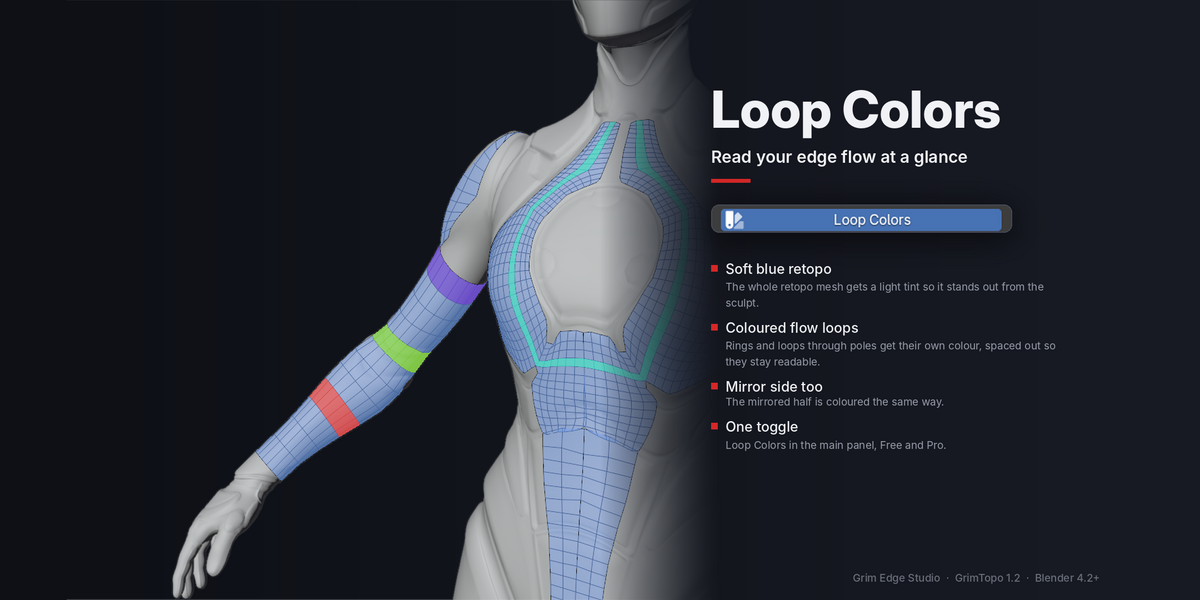
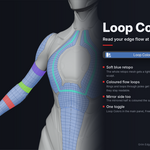
One toggle tints your retopo soft blue and colours the main flow loops (mirror side included), so you can read the edge flow at a glance.
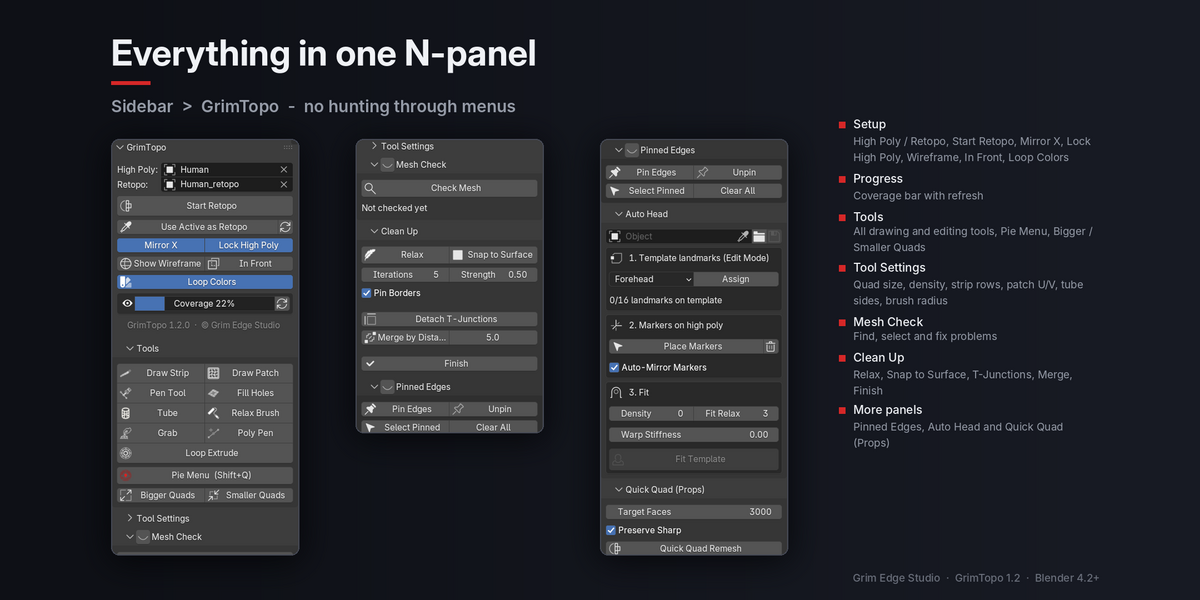
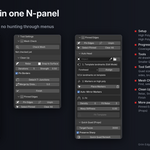
Everything in one N-panel
Sidebar > GrimTopo: setup, progress, all tools, tool settings, Mesh Check, Clean Up, Pinned Edges, Auto Head and Quick Quad in one place.
More
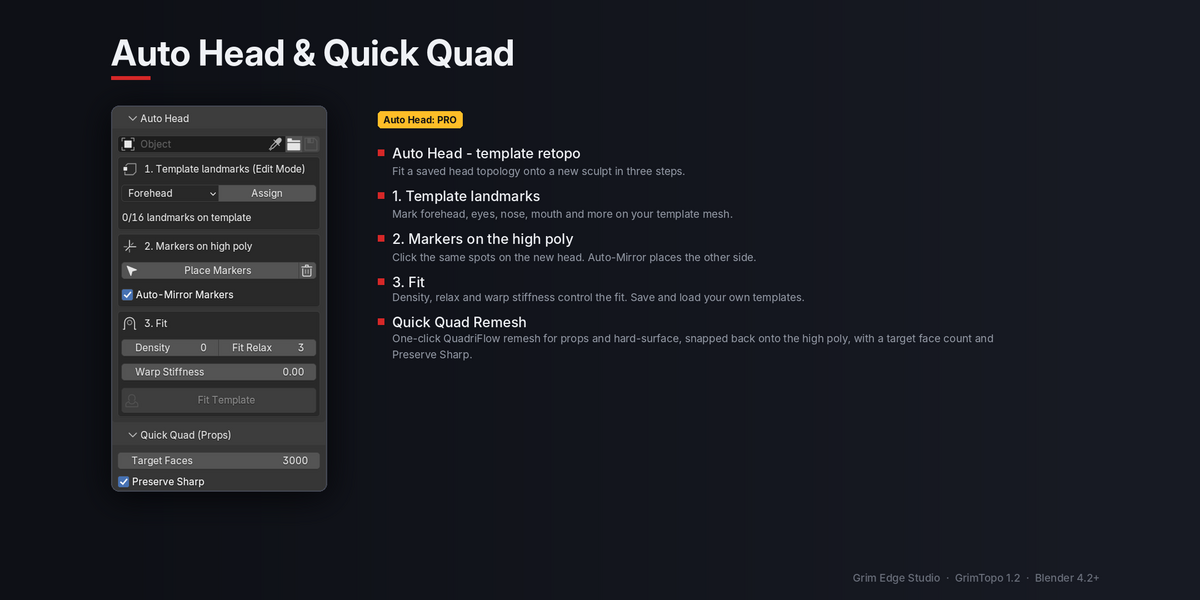
- Auto Head - fit a saved template head onto a new sculpt: mark landmarks on the template, place markers on the high poly, then Fit.
- Quick Quad - one-click quad remesh for props and hard-surface, snapped back onto the high poly.
Free or Pro
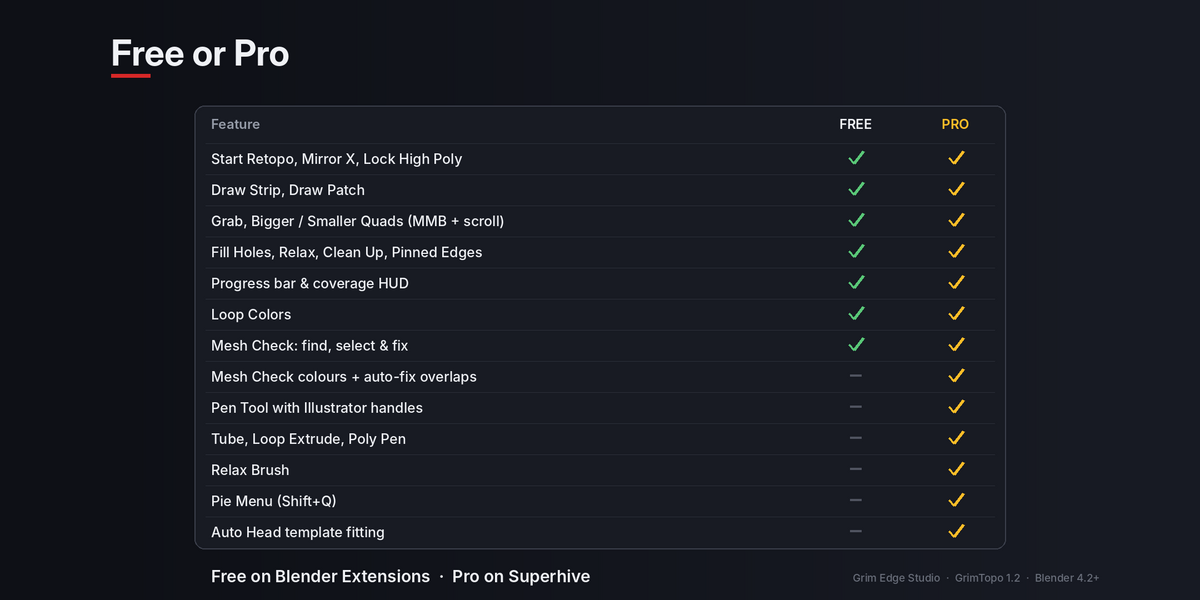
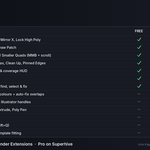
GrimTopo Free (on Blender Extensions) has Start Retopo, Draw Strip, Draw Patch, Grab, Bigger/Smaller Quads, Fill Holes, Relax, Clean Up, Pinned Edges, Mesh Check, the Progress Bar and Loop Colors.
GrimTopo Pro adds the Pen Tool, Poly Pen, Tube, Loop Extrude, Relax Brush, Auto Head, the Shift+Q pie menu, and Mesh Check colours with auto-fix.
Details
- Blender 4.2 and newer (tested on 5.1)
- Install: Edit > Preferences > Get Extensions > Install from Disk, then choose the .zip
- Panel: 3D View > Sidebar (N) > GrimTopo. Pie menu: Shift+Q
- GPL-3.0-or-later, by Grim Edge Studio
- Support and updates: Grim Edge Studio Discord - https://discord.gg/Fp9c88BSXV
Thank you for supporting GrimTopo! Want to support it even more? https://paypal.me/Grimedge