 Meshwright
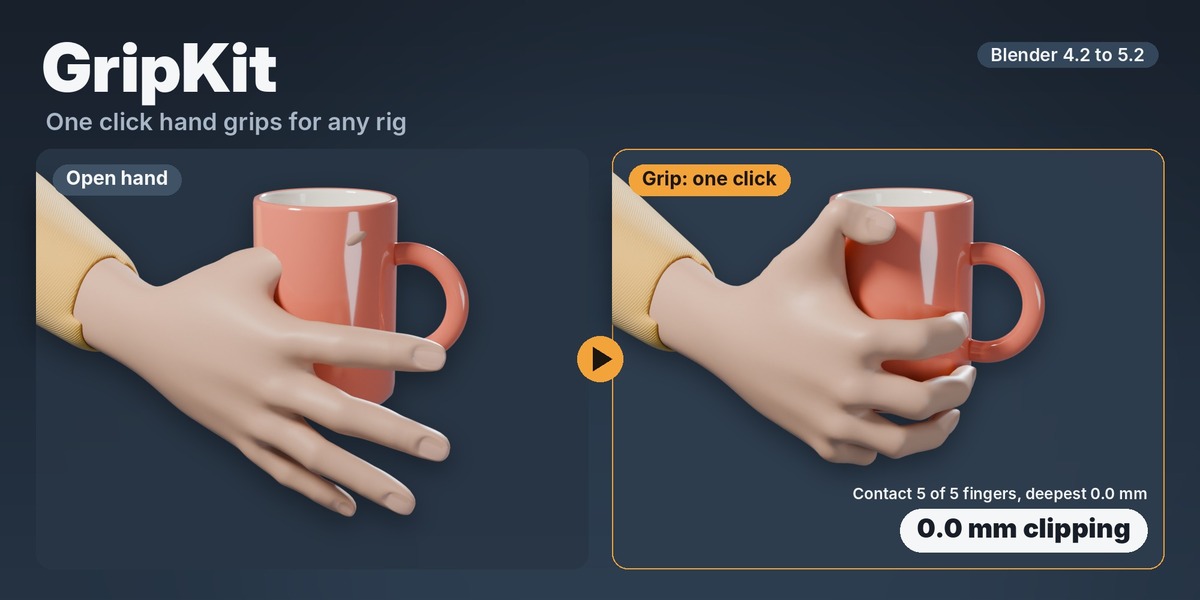
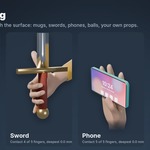
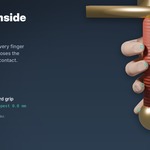
Posing a hand around a mug or a sword grip means 15 finger bones, many minutes, and fingers that still sink into the object. GripKit does it in one click.
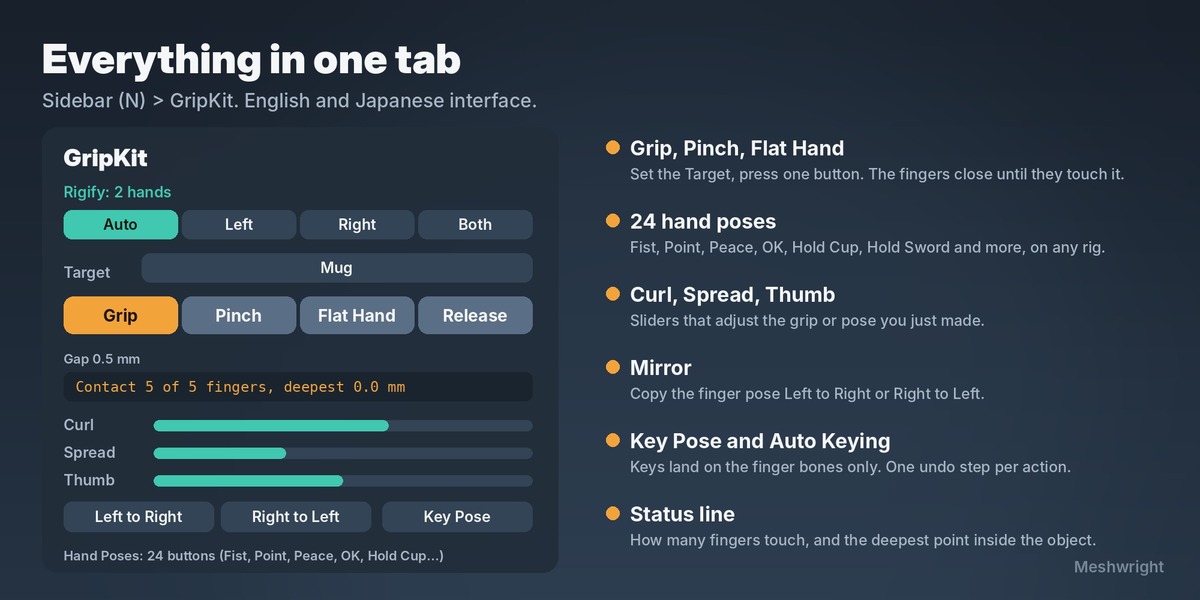
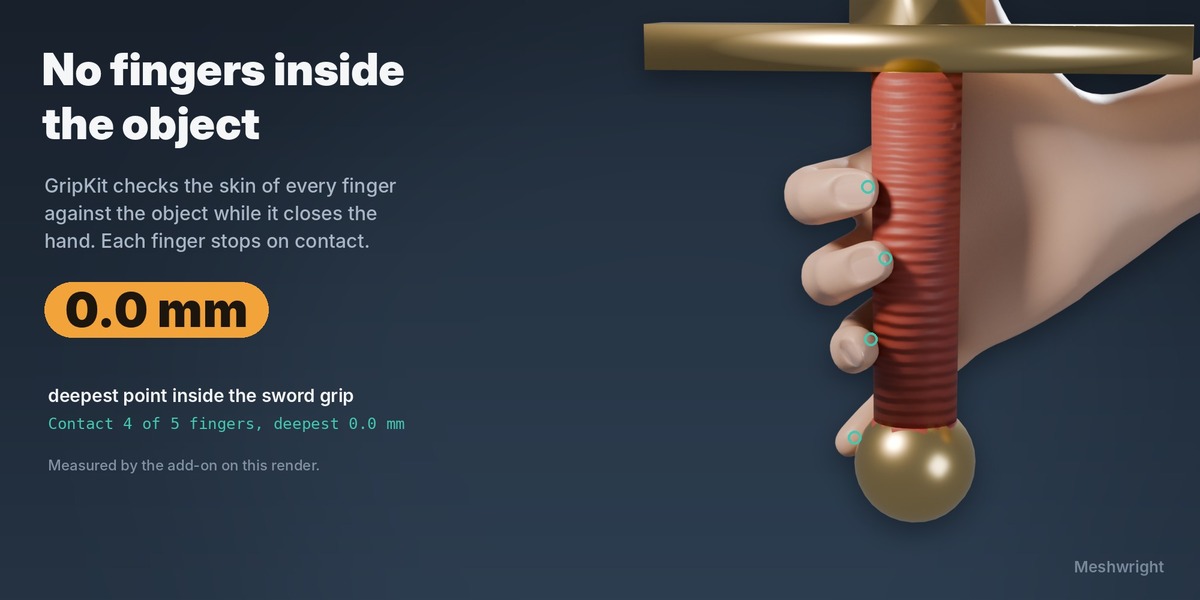
Pick the object, press Grip. Each finger closes until its skin touches the surface and stops there. The status line tells you what happened: "Contact 5 of 5 fingers, deepest 0.0 mm".
How it works
- Select your character. GripKit finds the fingers of both hands by itself.
- Move the object against the open hand (or the hand to the object).
- Set it as the Target in the GripKit tab and press Grip, Pinch or Flat Hand.
- Adjust with the Curl, Spread and Thumb sliders, mirror it to the other hand, key it.
What it does
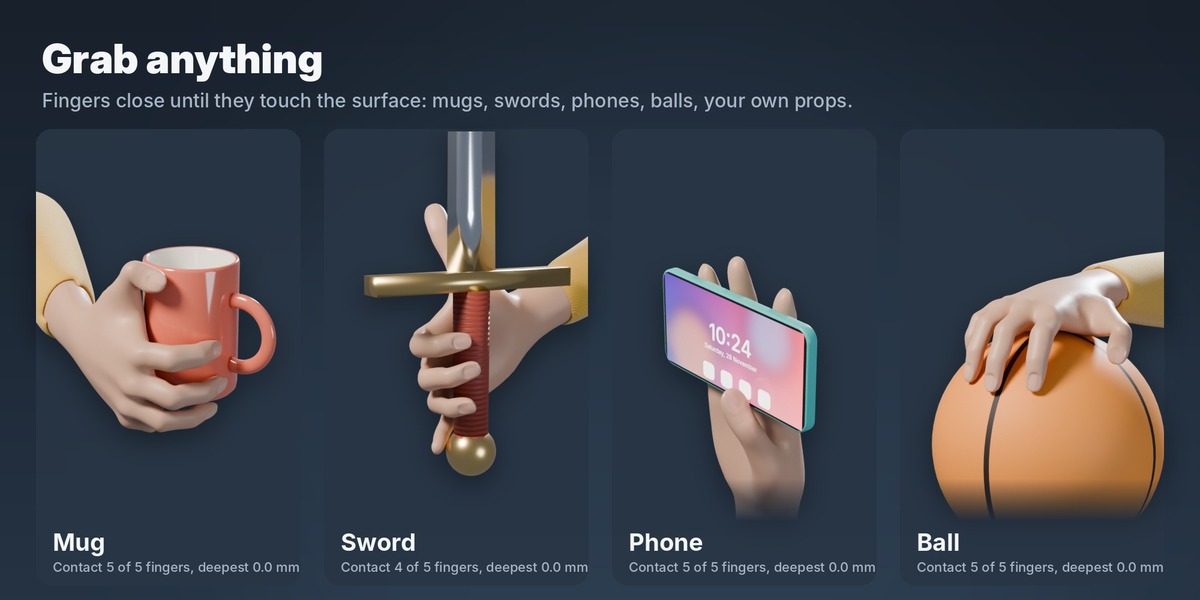
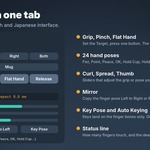
- Grip, Pinch, Flat Hand, Release. Grip wraps the hand around cups, bottles, handles, sword grips, phones and balls. Pinch closes thumb and index finger on small things like pens. Flat Hand lays the hand on a table or a wall. Release opens it again.
- No clipping. Contact is measured on the hand's real skin, the mesh your rig deforms, not on bone lengths. In our tests the deepest point inside an object was 0.00 mm on every rig and prop.
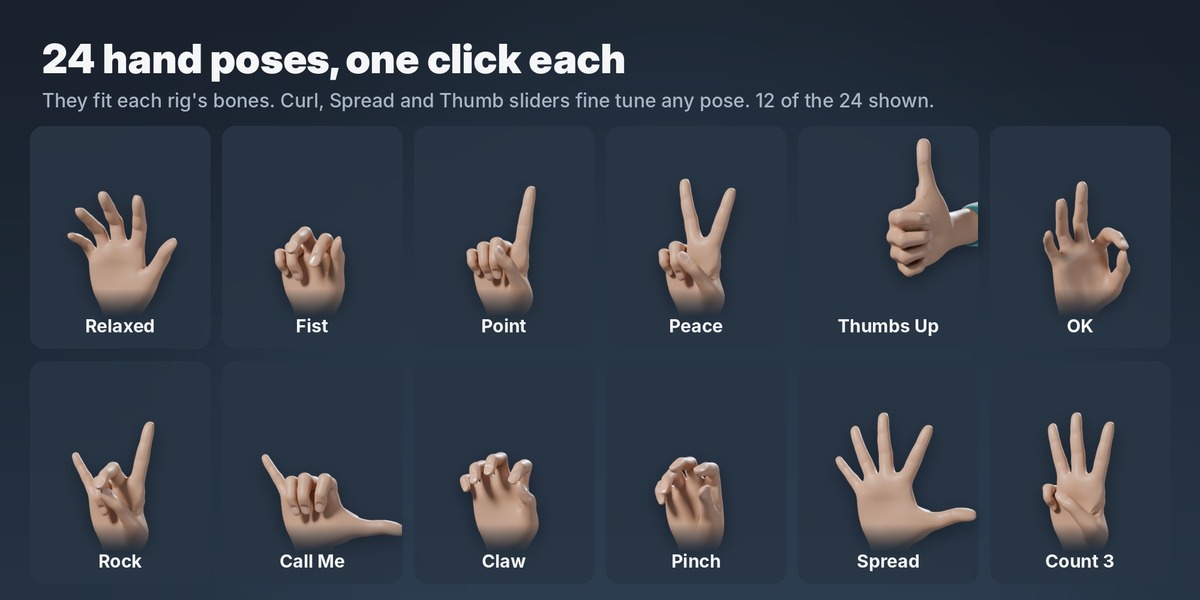
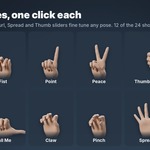
- 24 hand poses. Relaxed, Fist, Point, Peace, Thumbs Up, OK, Rock, Claw, Open, Spread, Pinch, Hold Cup, Hold Phone, Hold Pen, Hold Sword, Hold Ball, Wave, Salute, Call Me and Count 1 to 5. They adapt to each rig's bones, and pressed fingers settle so they do not sink into each other.
- Curl, Spread and Thumb sliders on top of any grip or pose.
- Mirror to other hand. Copy the finger pose from Left to Right or Right to Left.
- Key Pose and Auto Keying. Keys land on the finger bones only. Each action is one undo step.
- Fast. A Grip takes 1 to 1.6 seconds on a 50,000 vertex hand.
- English and Japanese interface. Sidebar (N) > GripKit tab.
The rigs it finds
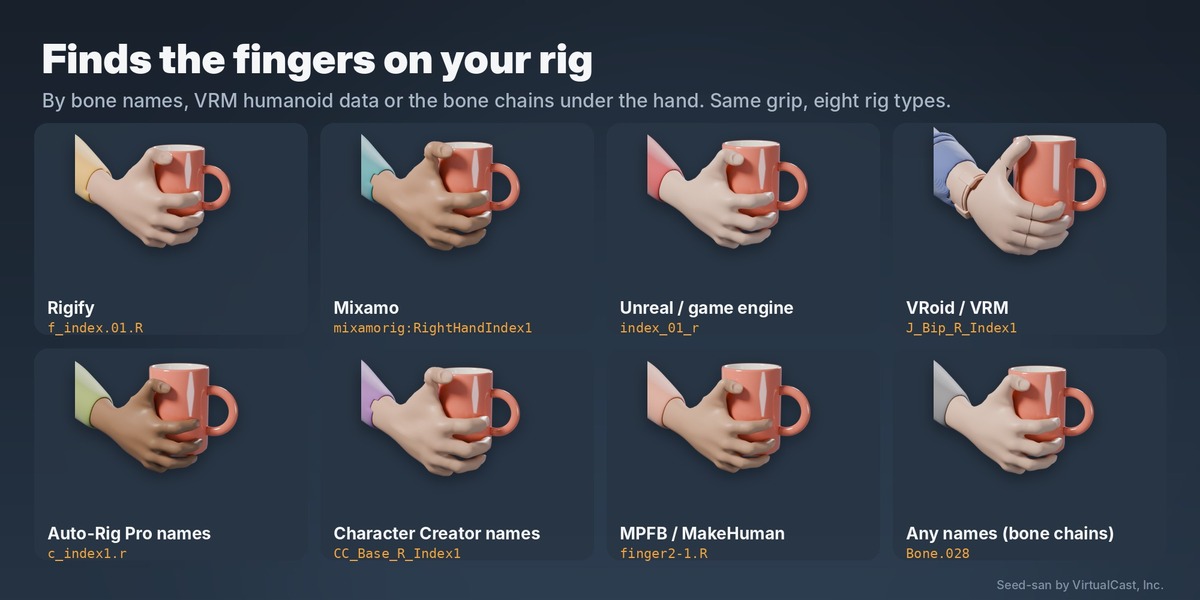
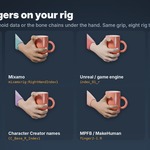
- By bone names: Rigify (the FK finger controls), Mixamo, Unreal and other game engine skeletons, VRoid, MakeHuman and MPFB, Auto-Rig Pro names, Character Creator names, Daz names, 3ds Max Biped names and MMD Japanese names.
- VRM humanoid data (from the VRM add-on).
- No known names? It follows the bone chains under the hand. Or pick the hand bone yourself in Rig Setup.
- Both hands, any bone roll, any rotation mode.
What it does not do
- It poses FK finger bones. It does not drive IK finger rigs (on Rigify it poses the FK finger controls, not the master or IK controls).
- It does not move the hand or pose the arm. You put the hand next to the object, then GripKit closes the fingers.
- The object must be a separate mesh object, resting against the open hand. If the palm starts inside it, the status line says so.
- Skin with Preserve Volume or bone envelopes is measured approximately.
Tested
Blender 4.2 LTS and 5.2 LTS, in six automated test suites: 11 rig types found and named right; 8 rig types times 2 hands times 9 props (cylinders from 1.5 to 3.5 cm, a phone, two balls, a pen, a table) with the deepest point 0.00 mm everywhere; the 24 poses on 8 rig types and both hands; one undo restores; keys only on finger bones; the zip installs, disables and enables cleanly as an extension.
Install
Edit > Preferences > Get Extensions, the arrow menu at the top right, Install from Disk, pick gripkit-1.0.0.zip. Or drag the zip into Blender. The GripKit tab appears in the 3D Viewport sidebar (press N).
Hands in the pictures: our own renders of the add-on's real results, on MakeHuman / MPFB characters (CC0) and Seed-san by VirtualCast, Inc.