 chamiseul

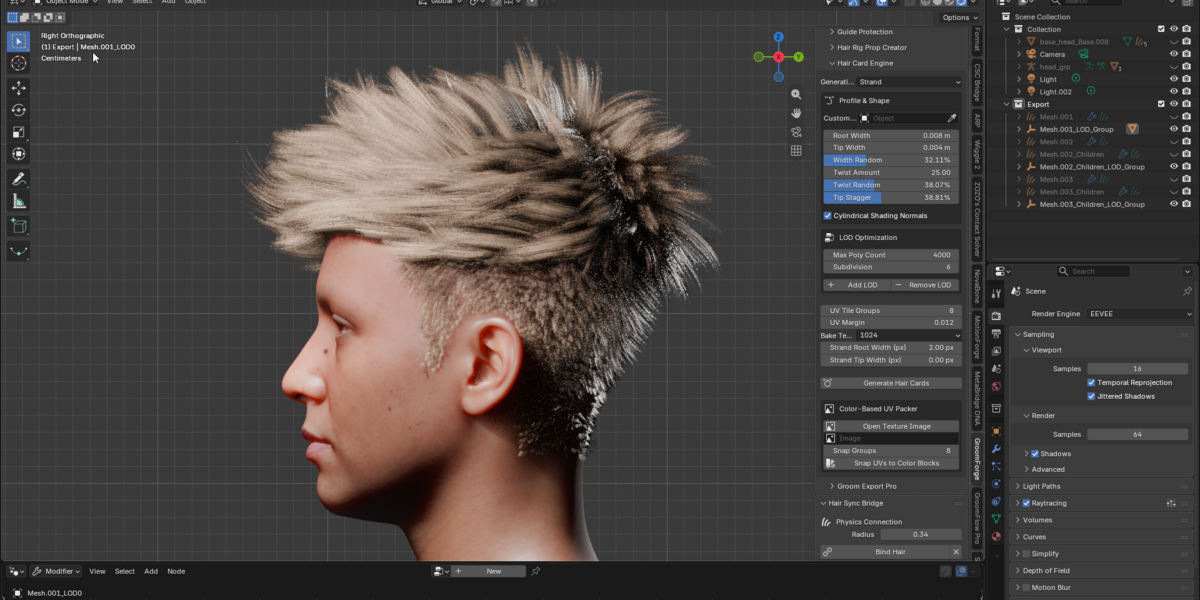



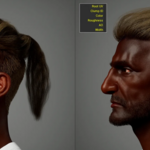
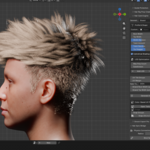
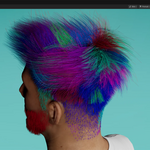
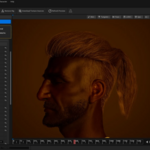
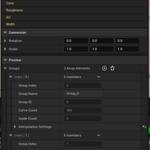
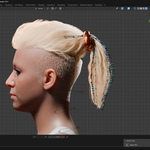
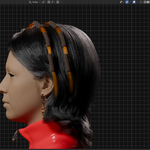
GroomForge PRO — Blender hair to Unreal Engine, without the guesswork
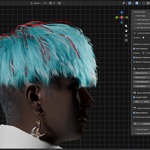
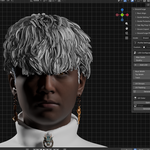
Blender can grow beautiful hair. Getting it into Unreal Engine with the attributes, guides and rigs intact is where the day goes. GroomForge PRO does that part.
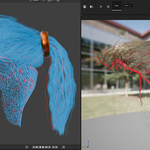
It exports Hair Curves as Alembic grooms Unreal reads correctly, builds hair cards straight from your groom, rigs guide curves into a real bone hierarchy, and sends the result to a running Unreal editor in one click.
📖 GroomForge Official Wiki & User Guide
🔔 New in v1.6.0 — the Hair Card Engine, rebuilt
This release is almost entirely about hair cards. Every item below is a fix or a control you can see in the viewport.
- Cycles renders correctly. Hair used to come out as a solid black mass in Cycles while EEVEE looked fine. That is gone.
- Hair ends taper away. Card tips fade to nothing instead of stopping on a blunt cut edge. Two new sliders — Strand Root Width and Strand Tip Width — set the baked strand thickness at each end in pixels, so you shape the falloff directly rather than fighting the mesh.
- Cards sit on the scalp. No more cards floating above the head or sunk into it.
- Root and tip stay the right way round. No more cards generated upside down.
- Cards are named after the hair curve. Every groom keeps its own cards, atlas and materials. Generating from a second groom used to delete the first one's.
- Max Poly Count is respected. You get the number of cards you ask for, instead of being capped at however many clumps the groom happens to have.
- More control over the bake: resolution up to 4096, a Tip Stagger slider for how much card ends scatter, Cylindrical Shading Normals so flat cards shade like rounded bundles, and depth-aware shading that darkens strands sitting deeper inside a bundle.
- macOS supports Blender 5.2 and newer. Alembic export did not work there before.
What it does
Export Unreal actually understands
Writes Alembic grooms with the attributes UE's Groom system and the 5.7+ Hair Dataflow expect: Guide, Root UV (groom_root_uv), ClumpID, AO, Radius, Color and custom flow maps. Guide (1) and Strand (0) are kept distinct, so Unreal binds and simulates what you intended.
A one-click protection pass stops Geometry Nodes attributes bleeding into the export — the usual cause of a groom that imports but behaves strangely.
Hair Card Engine
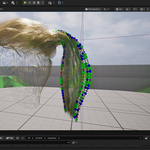
Generates cards directly from your groom and bakes their textures and materials at the same time. Cards are built from real clumps of neighbouring strands rather than one random strand each, so fewer cards still read as full hair.
- Baked mask and flow maps, plus ready-to-use EEVEE and Cycles materials
- Tiered LOD generation compatible with MetaHuman LOD levels
- Length-based UV packing, and colour-guide images to place card UVs
- Per-card randomisation: width, twist, tip stagger
Rigging and physics
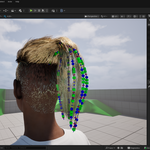
- Guide-based rigging turns guide curves into a bone hierarchy automatically
- Target specific bones; works with MetaHuman and general armatures
- Root Align snaps thousands of curve roots to the scalp normals for stable binding
- Hair accessory / prop rig generation
Send to Unreal
Exports and hands the groom to an Unreal editor running on your own machine, so you skip the file round trip while iterating.
Works with NovaBone Dynamics
NovaBone Dynamics is a bone-chain physics add-on from the same developer — scale-independent CPU physics for hair, tails, skirts, accessories and jiggle bones.
Point it at the bone chains GroomForge generates from your guide curves and the hair simulates in the viewport, collides with the head and body, and bakes to keyframes that carry over to Unreal. GroomForge works fully without it — this is a companion, not a dependency.
Requirements
| Blender | 4.5 – 5.2. Installs as an Extension (Edit ▸ Preferences ▸ Get Extensions ▸ Install from Disk, or drag the .zip into Blender) and appears under the Extensions tab. |
| Platforms | Windows (x64) and macOS (Apple Silicon). Intel Macs are not supported. |
| Unreal Engine | 5.7 / 5.8 |
| Permissions | File access, to write Alembic grooms and read UV colour guide images. Network access, only to reach an Unreal editor on your own computer. |
Upgrading from a pre-Extension install: remove the old add-on first (Edit ▸ Preferences ▸ Add-ons). Running both at once will conflict.
