 Mrs Eliza
1. INTRODUCTION
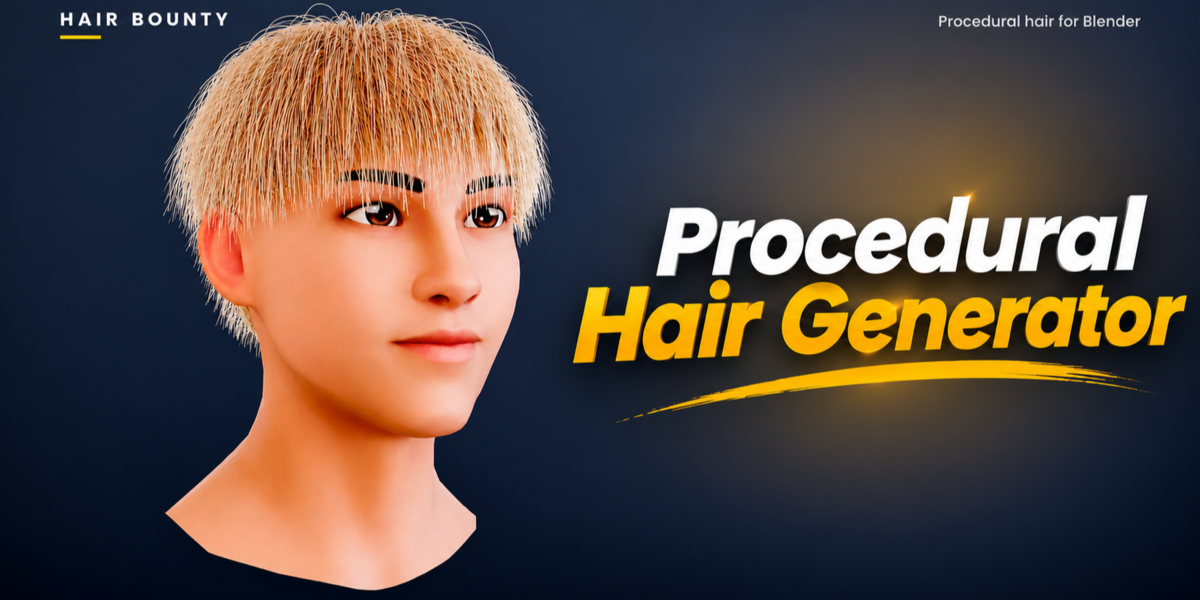
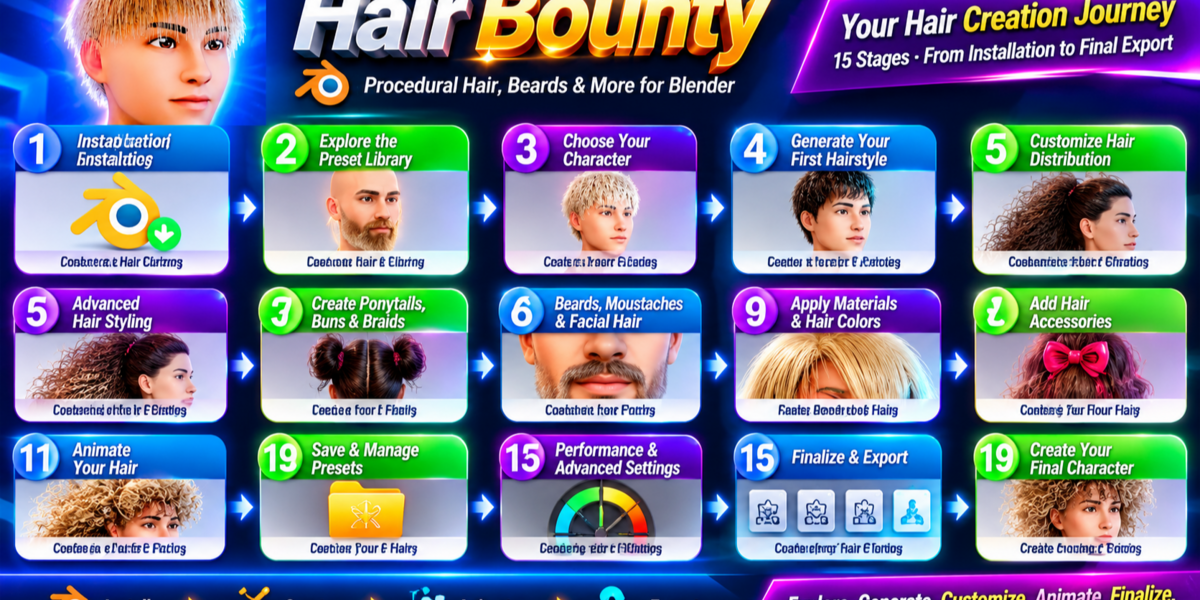
💇 Hair Bounty is a powerful procedural hair generation and animation addon for Blender. Create stunning hairstyles, beards, moustaches, eyebrows, and eyelashes using an extensive visual preset library. Easily customize hair length, density, curls, waves, volume, and styling details with intuitive controls. Generate native Blender Hair Curves, apply procedural animations, and prepare your creations for rendering or export.
✨ Create, customize, animate, and bring your characters to life with Hair Bounty! 🚀
2. Description
Hair Bounty is a powerful procedural hair creation and styling addon for Blender that makes creating realistic and stylized hairstyles faster and easier.
Choose from an extensive visual preset library featuring men's hairstyles, women's hairstyles, beards, moustaches, eyebrows, and eyelashes. With just a few clicks, Hair Bounty generates native Blender Hair Curves directly on your character, head, or animal.
Customize every detail using intuitive controls for length, density, curls, waves, volume, clumping, frizz, flyaways, baby hairs, and more.
Whether you're creating character designs, animations, game assets, or professional 3D renders, Hair Bounty gives you an efficient workflow for creating and customizing hair.
Pick a style. Customize it. Generate. Animate. Render. 🚀
🎯 3. Overview
Hair creation can be one of the most time-consuming parts of character production. Hair Bounty simplifies this process with a convenient Pick-and-Tweak workflow.
Instead of manually creating every strand, simply browse the thumbnail-based hairstyle library, select your preferred look, and generate the hair directly on your selected mesh.
Hair Bounty uses native Blender Hair Curves, allowing you to groom, shade, animate, and render your hairstyles using standard Blender tools.
The addon is built entirely in Python with NumPy, which is already included with Blender. No additional Python packages are required.
It is designed for:
🎨 Character Artists
🎬 3D Animators
🧑🎤 Character Designers
🎮 Game Asset Creators
🐾 Creature and Animal Artists
🏭 3D Production Studios
Create beautiful hairstyles without the need to sculpt every strand manually!
🔥 4. Key Features
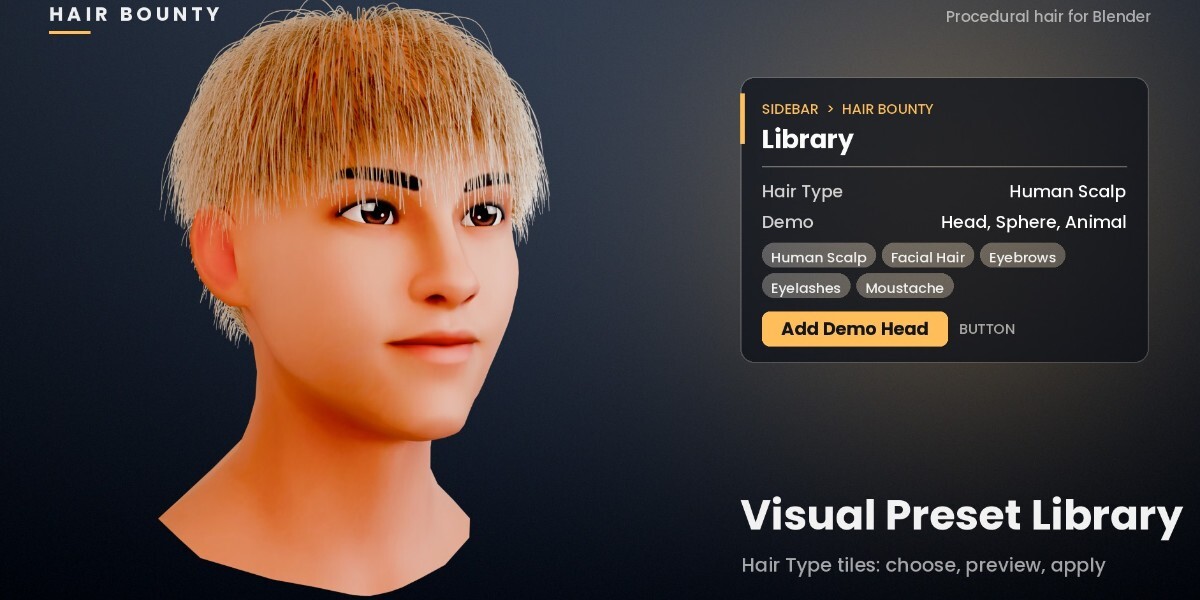
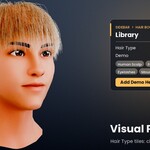
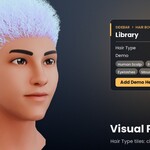
📚 Visual Hairstyle Preset Library
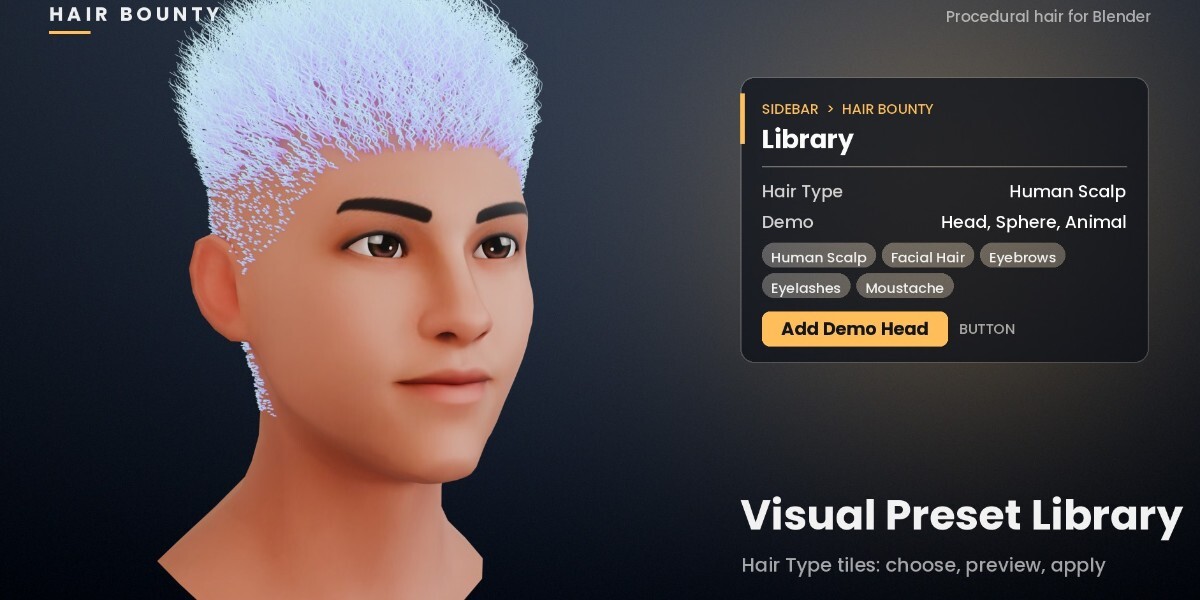
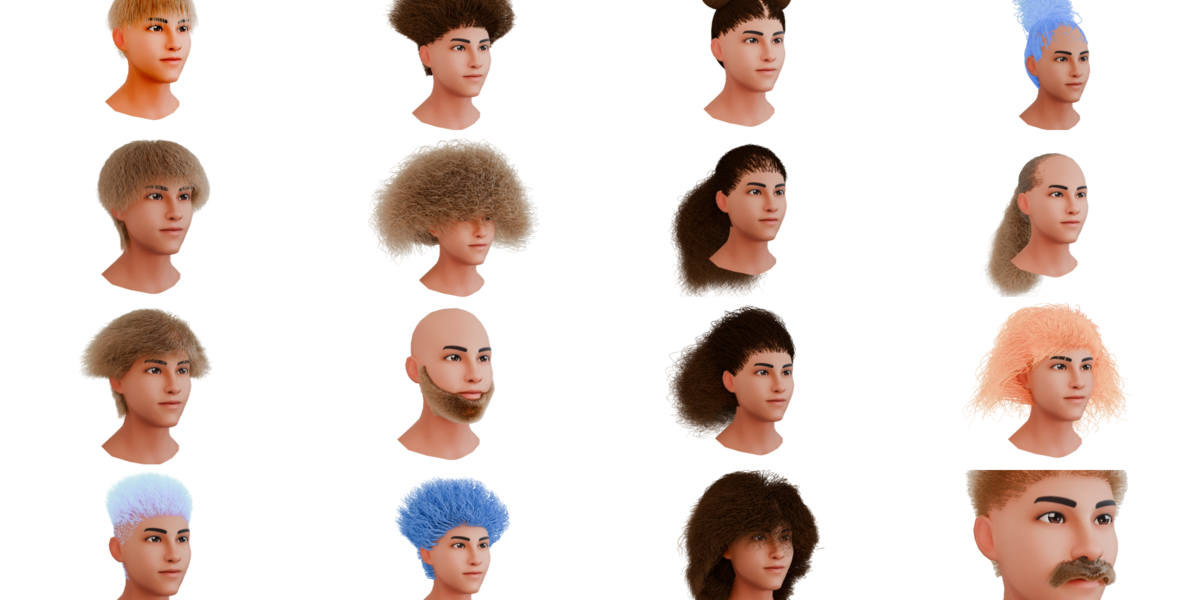
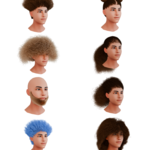
Browse a thumbnail-based visual library to quickly discover and apply different hairstyles.
Hair Type and Look thumbnail tiles.
Click-to-apply hairstyle presets.
Reusable PNG preview images.
Visual previews generated using the same engine that creates the hair.
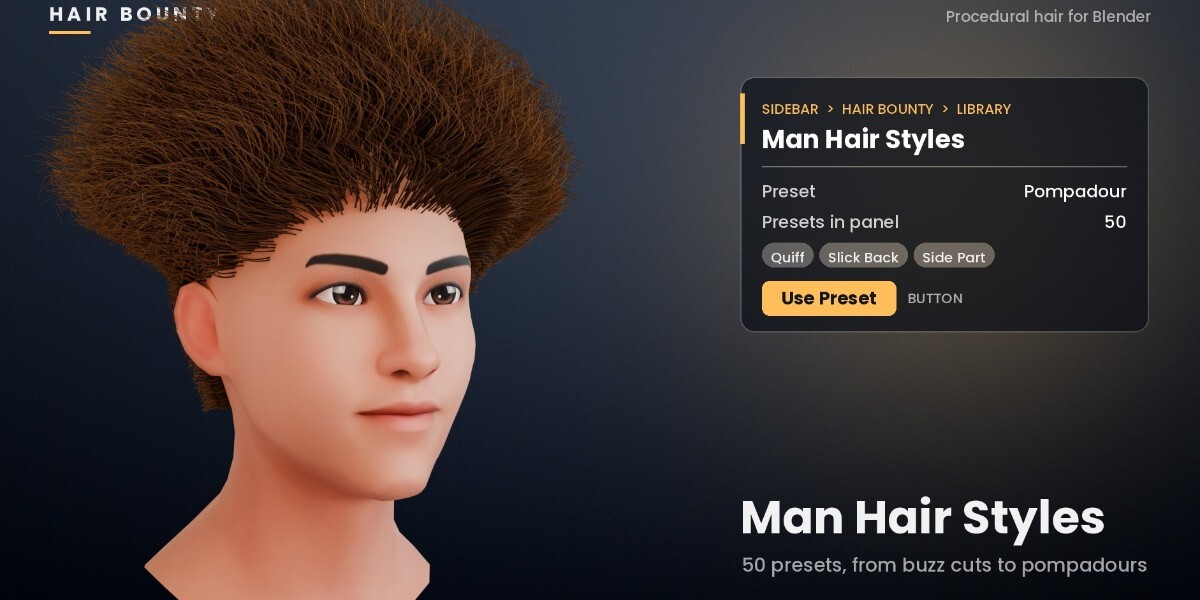
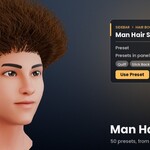
👨 50 Men's Hairstyle Presets
A dedicated library featuring 50 men's hairstyle presets for creating different masculine hairstyles and character appearances.
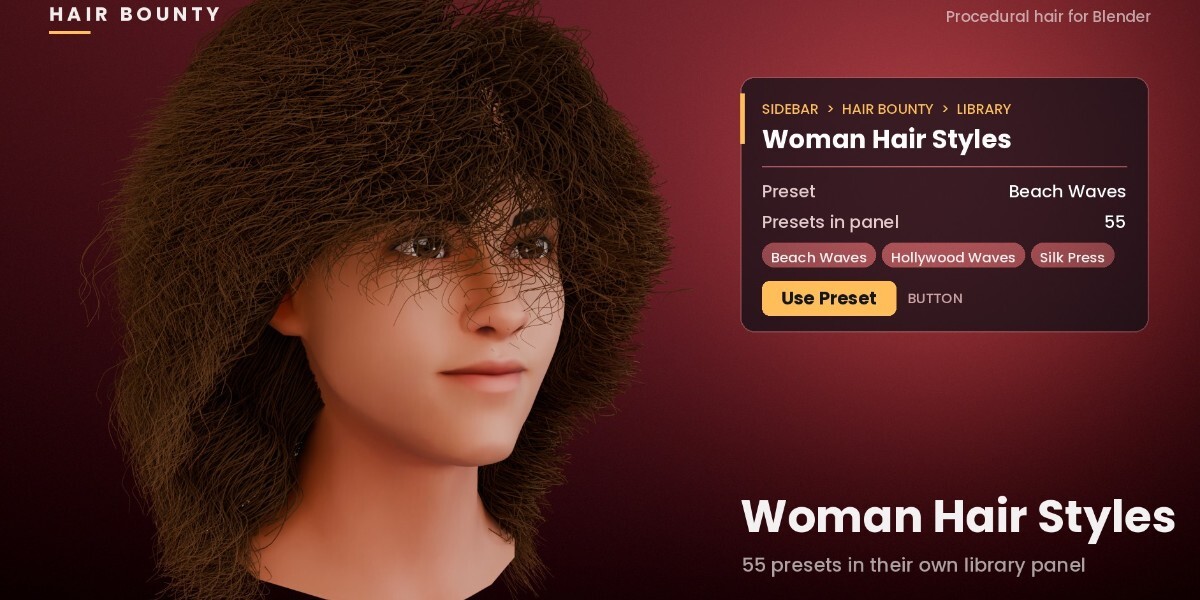
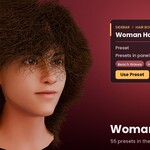
👩 55 Women's Hairstyle Presets
Explore 55 women's hairstyle presets designed to provide a variety of looks for your characters.
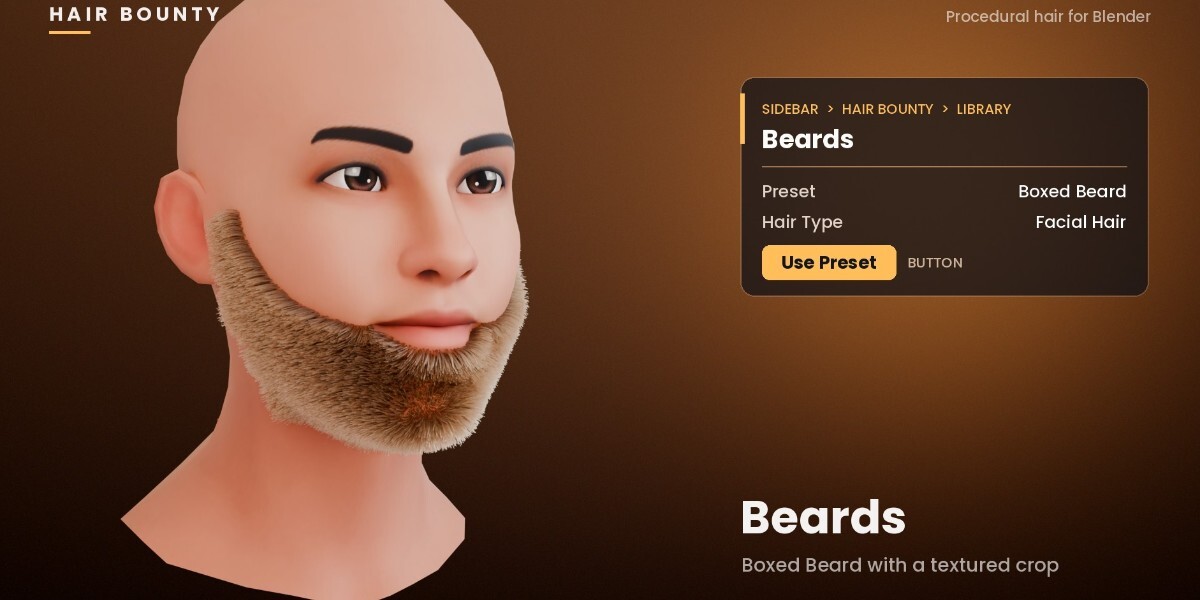
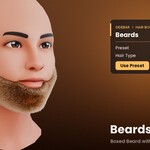
🧔 Beard Generator
Create and customize facial hair using a dedicated Beards panel with separate beard presets.
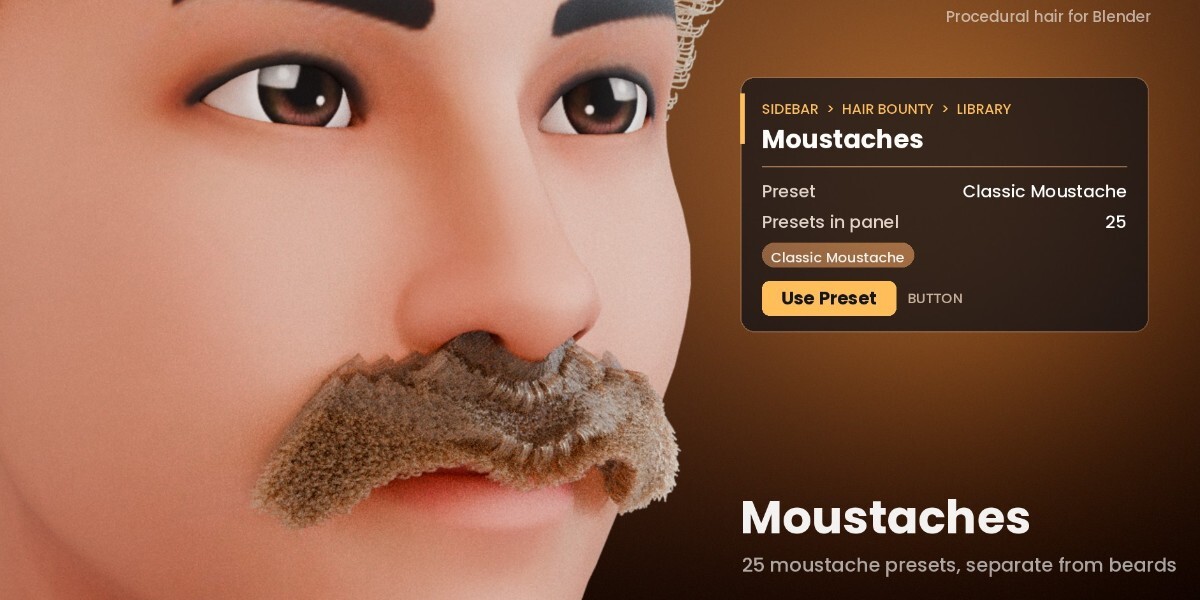
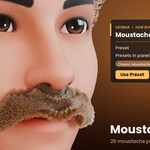
👨🦱 25 Moustache Presets
A dedicated moustache library containing 25 moustache styles, kept separate from the beard collection for easier selection and customization.
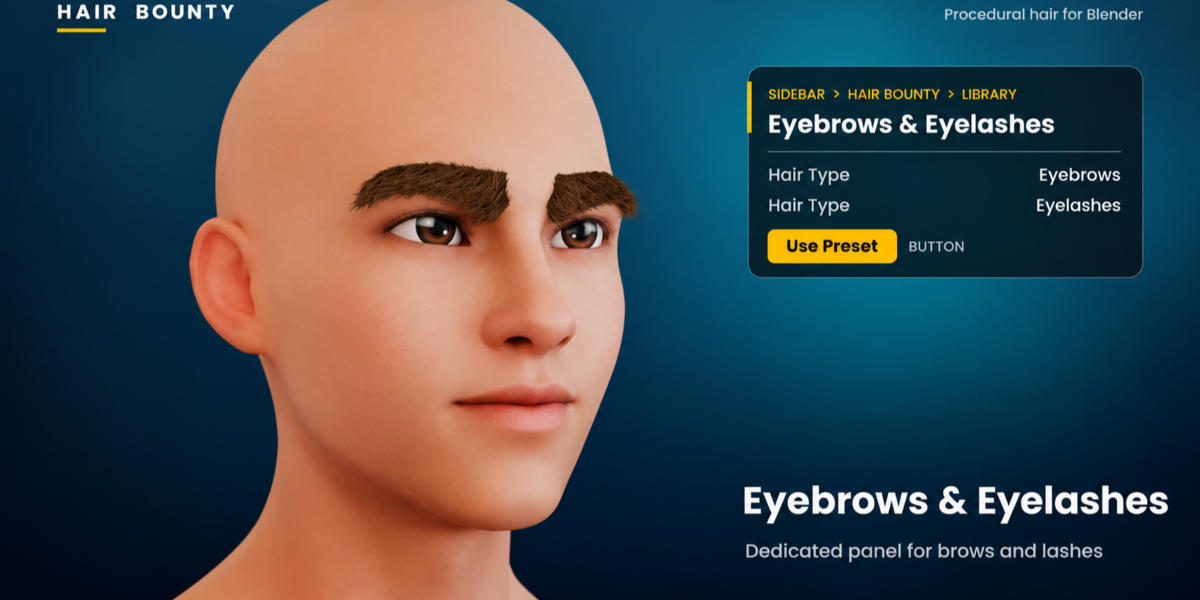
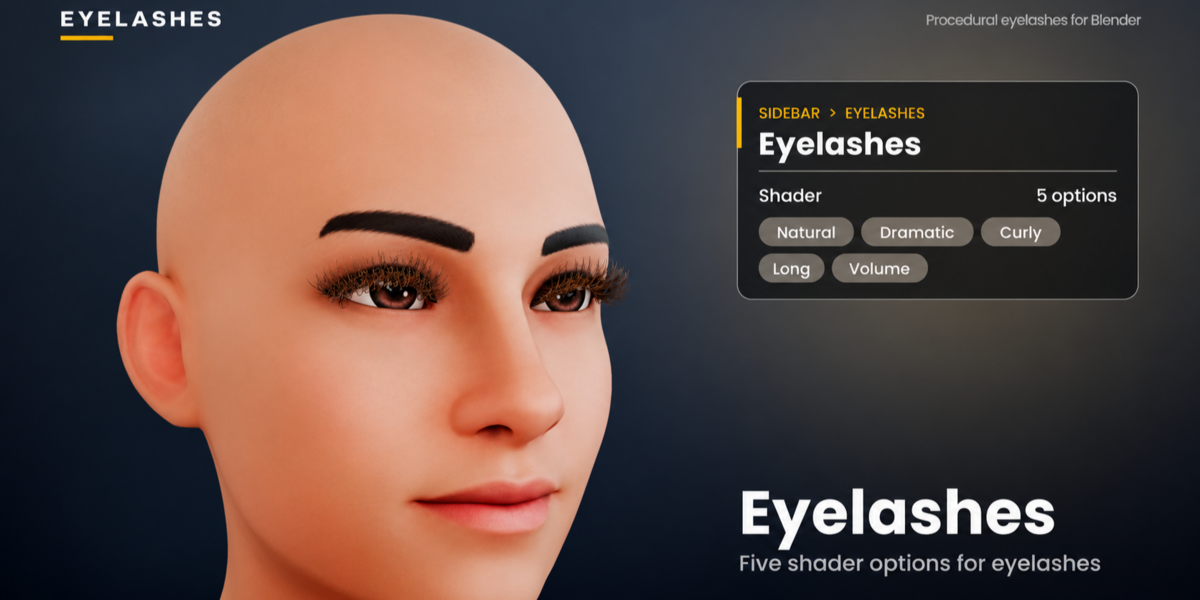
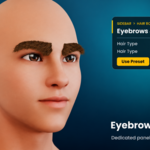
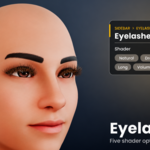
👁️ Eyebrows & Eyelashes
Create matching eyebrows and eyelashes using their own dedicated panel and presets.
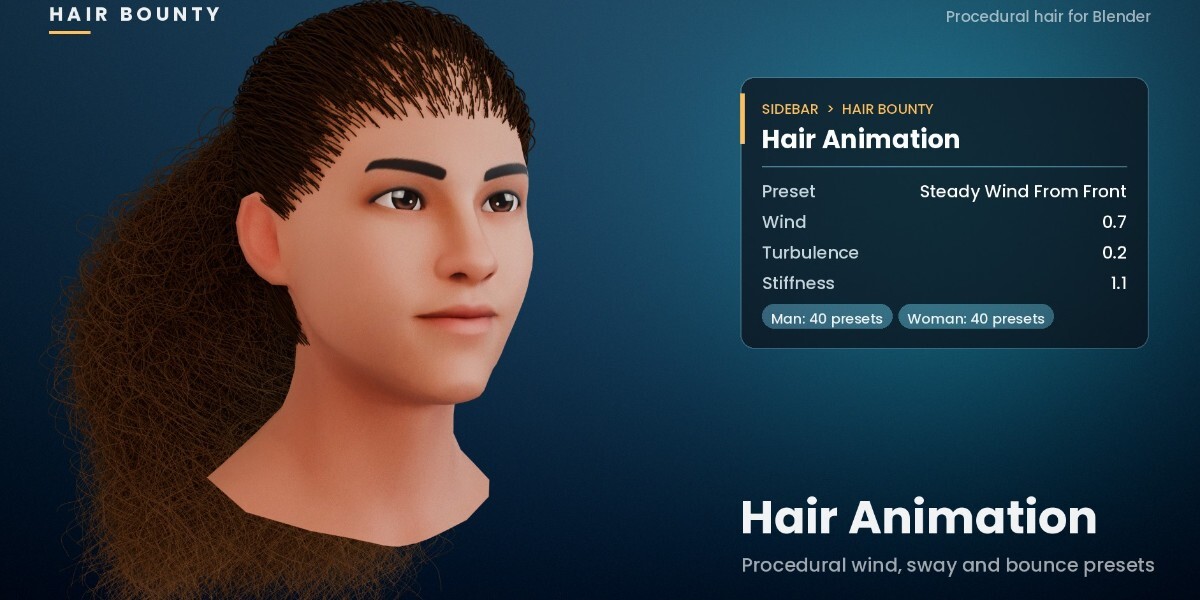
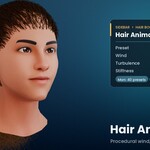
🌬️ Procedural Hair Animation
Bring your hairstyles to life with 80 animation presets:
40 Men's Hair Animation Presets.
40 Women's Hair Animation Presets.
Available motion styles include:
Wind 🌬️
Sway
Bounce
Swing
Head Turn
Nod
Flutter
Float
🎨 Advanced Hair Styling Controls
Fine-tune your hairstyles using a collection of adjustable controls:
Hair Length
Hair Density
Curl
Wave
Twist
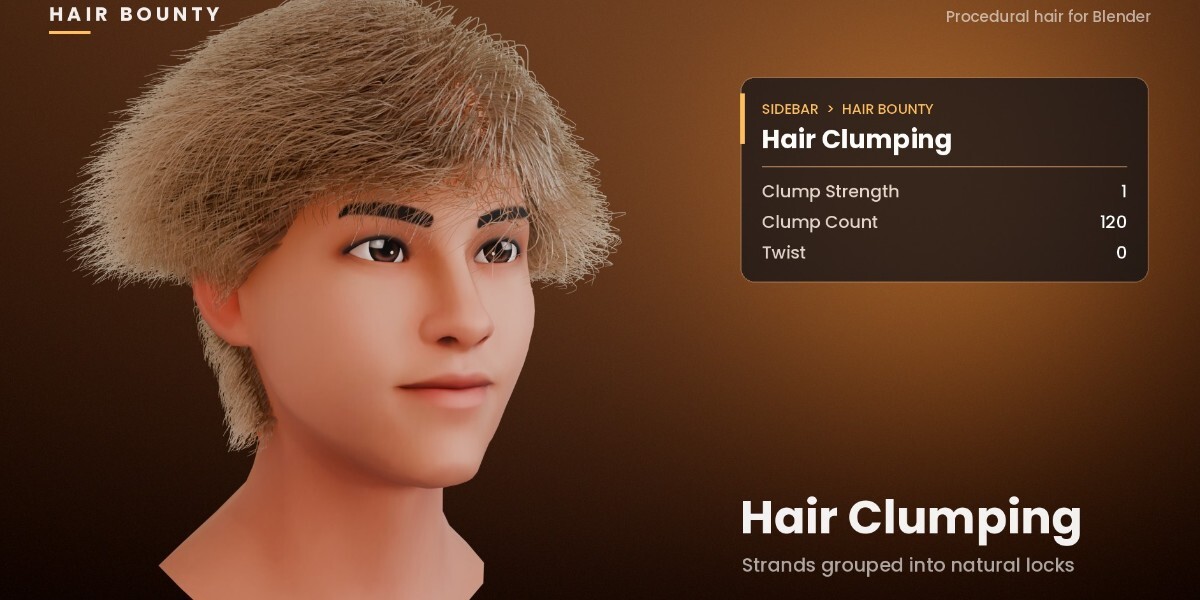
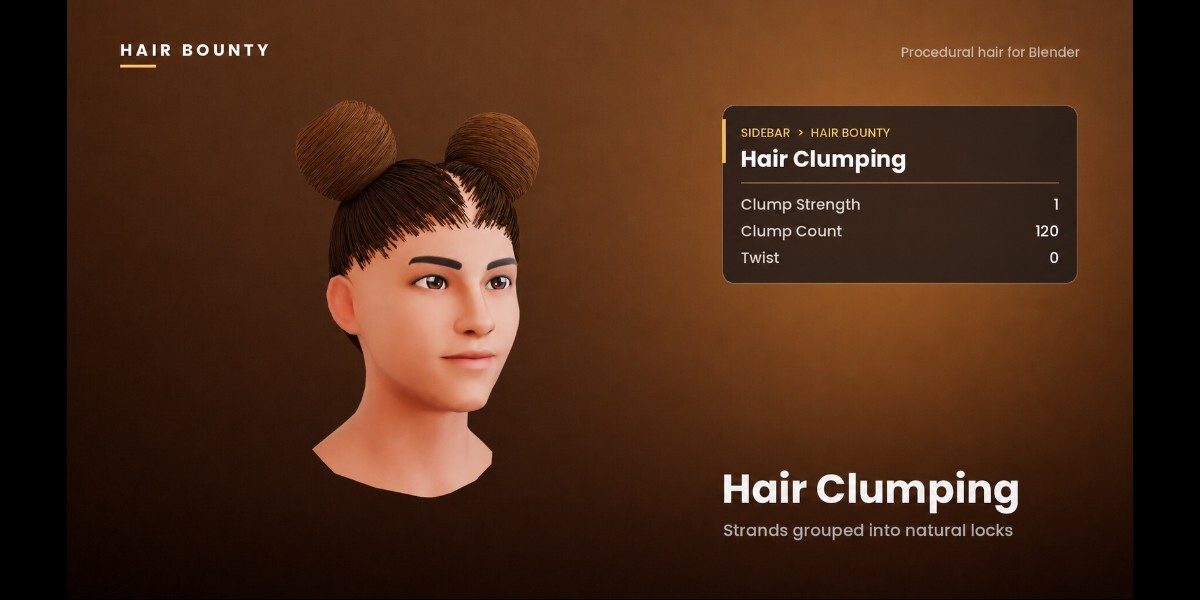
Clumping
Frizz
Volume
Taper
Flyaways
Baby Hairs
Bangs
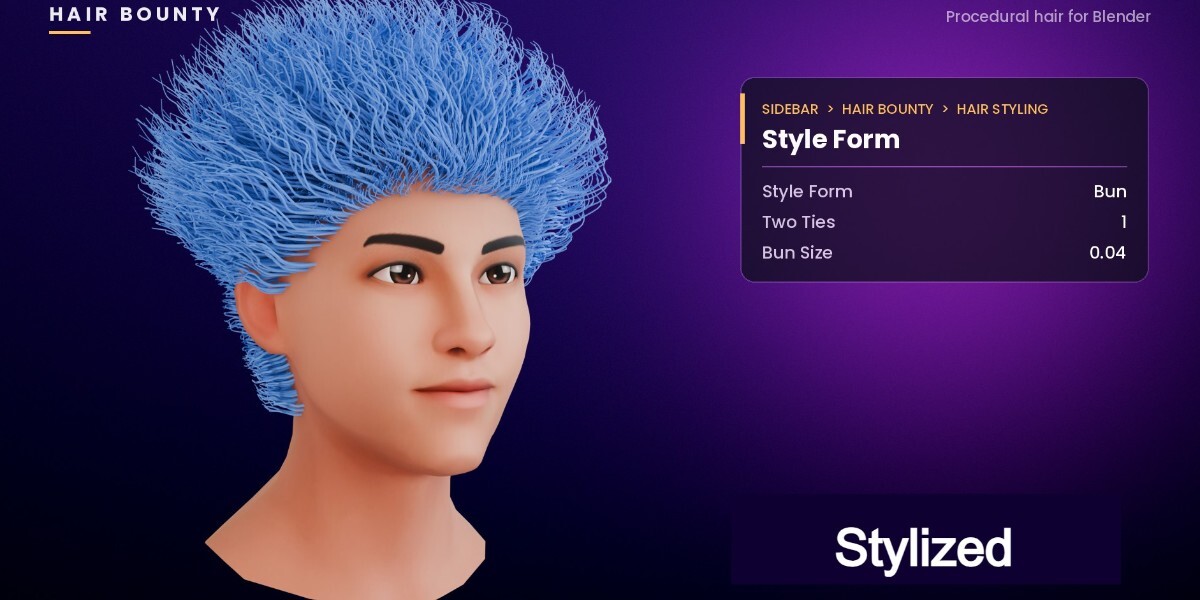
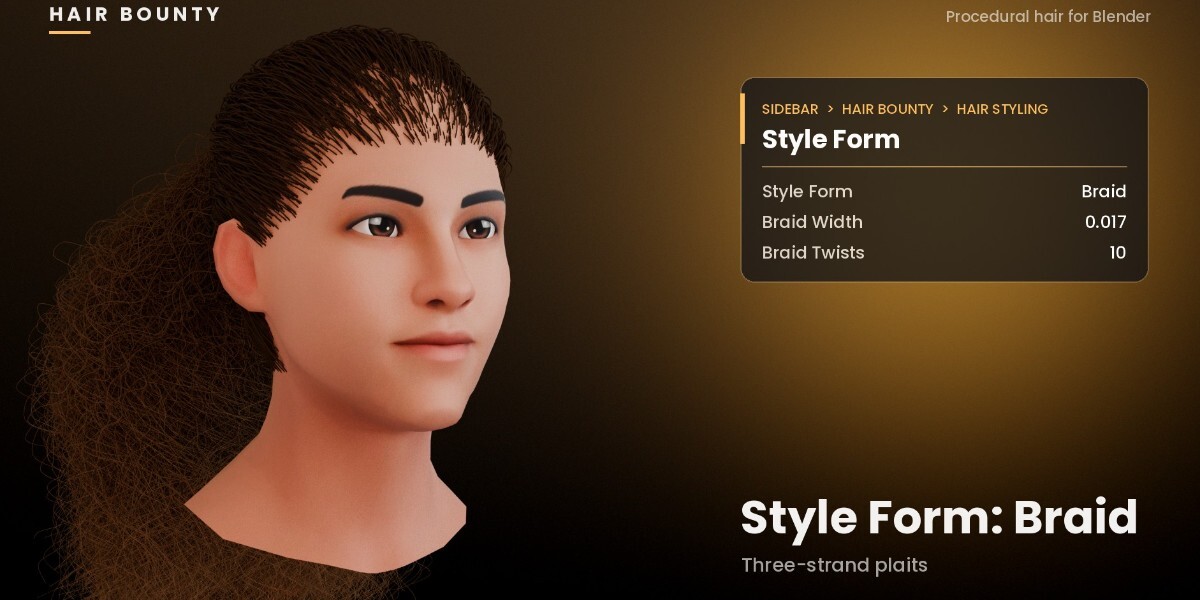
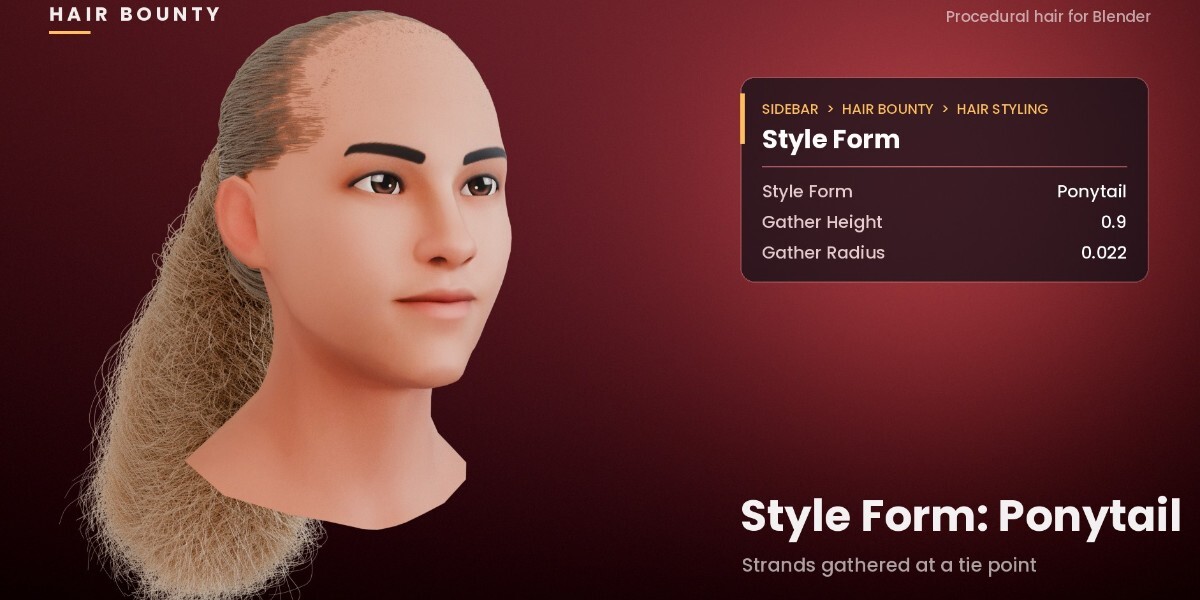
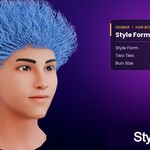
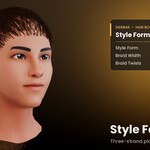
💇 Gathered Hairstyle Forms
Create different gathered hairstyles with procedural controls for:
Ponytails
Buns
Braids
Two Ties
Partial Gathering
🌀 Native Blender Hair Curves
Hair Bounty generates standard Blender Hair Curves, not a proprietary hair format.
This allows you to work with your generated hairstyles using Blender's native hair tools and workflows.
📦 Finalize & Export
Prepare your hairstyles for rendering or export with multiple output options, including:
Native Hair Curves
Hair Cards
Tubes
Edges
FBX
OBJ
Alembic
glTF
🐾 Demo Assets Included
Start experimenting immediately with the included:
Demo Head
Demo Sphere
Demo Animal
No need to prepare your own character just to test the addon!
🎬 5. Hair Animation – Detailed Features
Hair Bounty includes a procedural animation system designed to add movement and life to generated hairstyles.
Each animation preset combines multiple motion layers with adjustable strength, speed, and looping settings.
The animation is calculated from the current frame number, which means:
Timeline scrubbing produces consistent results.
Playback remains consistent.
Frames can be rendered in any order.
Looping animations are seamless.
Hair strand lengths remain fixed.
Hair roots remain fixed.
Important: Hair Bounty uses procedural animation rather than a physics simulation.
It provides convenient animated hair movement without requiring a physics-based workflow.
🎛️ 6. Complete Panel & UI Features
Hair Bounty provides a comprehensive collection of panels inside the 3D Viewport Sidebar (N Panel) under the Hair Bounty tab.
📚 Library Panel
Hair Type and Look preview tiles.
Add Demo Head.
Add Demo Sphere.
Auto Generate toggle.
Live Update toggle.
👨 Man Hair Styles
- 50 men's hairstyle presets.
👩 Woman Hair Styles
- 55 women's hairstyle presets.
🧔 Beards
- Dedicated beard presets.
👨🦱 Moustaches
- 25 moustache presets.
👁️ Eyebrows & Eyelashes
- Dedicated brow and eyelash presets.
✨ More Presets
Additional hairstyles.
Facial hair presets.
Fur sets.
⚙️ Hair Generator
Target selection.
Hair Type.
Look selection.
Hair name.
Generate.
Update.
Randomize.
Reset.
Delete.
📍 Hair Distribution
Region selection.
Hairline controls.
Hair count.
Density mode.
Random seed.
Even distribution.
🎯 Region Limits
Control and restrict the areas where hair grows.
📏 Hair Length & Thickness
Hair length.
Length variation.
Root thickness.
Tip thickness.
Segments.
Taper.
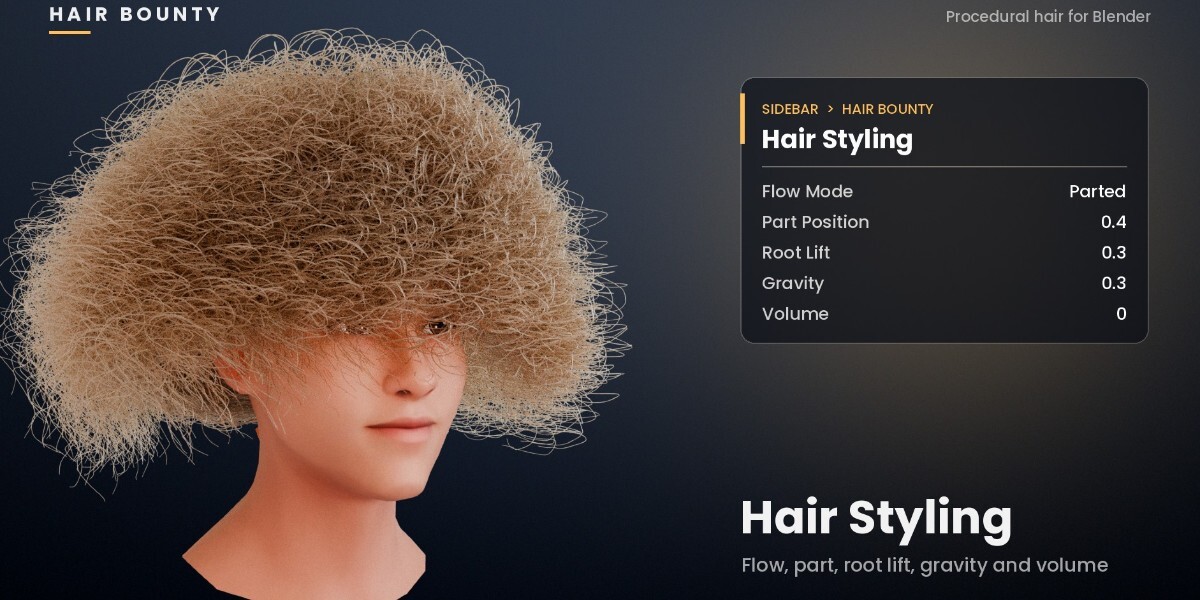
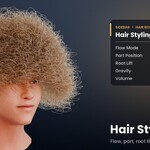
💇 Hair Styling
Flow direction.
Root lift.
Gravity.
Volume.
Part position.
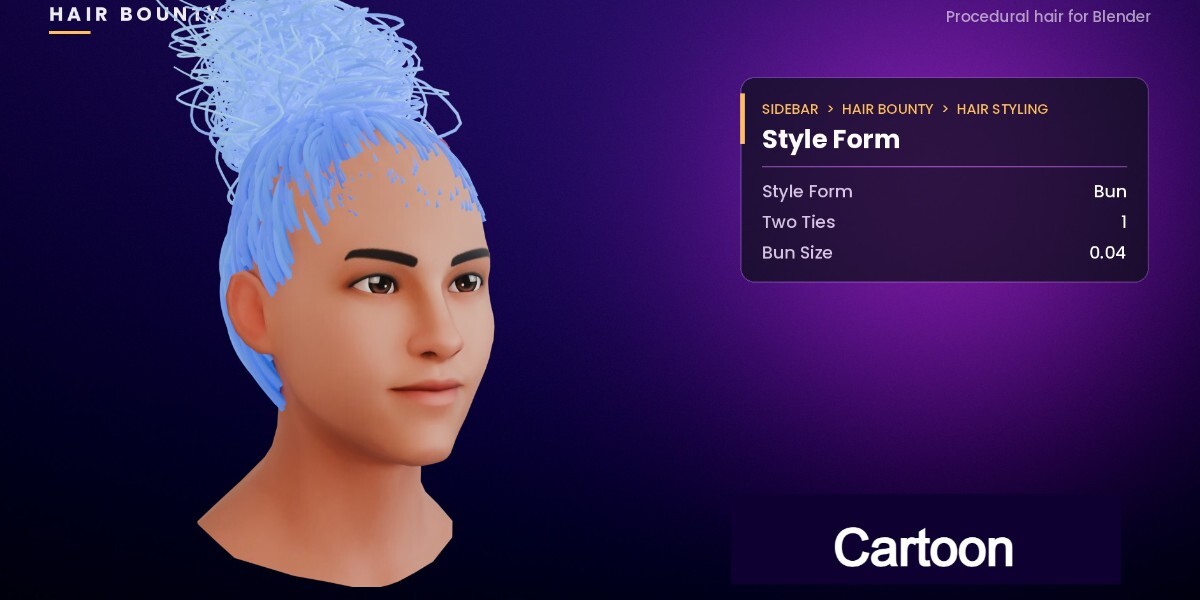
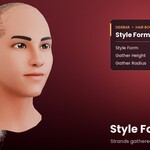
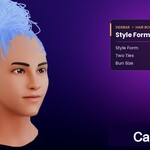
🎀 Style Form
Ponytail.
Bun.
Braid.
Two ties.
Partial gathering.
🖌️ Quick Tools
Comb.
Styling Tool.
Native sculpt brushes.
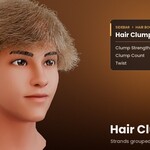
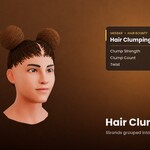
🌀 Hair Clumping
Clump strength.
Clump count.
Sub-clumps.
🌊 Curl & Wave Controls
Curl.
Wave.
Twist.
Frizz.
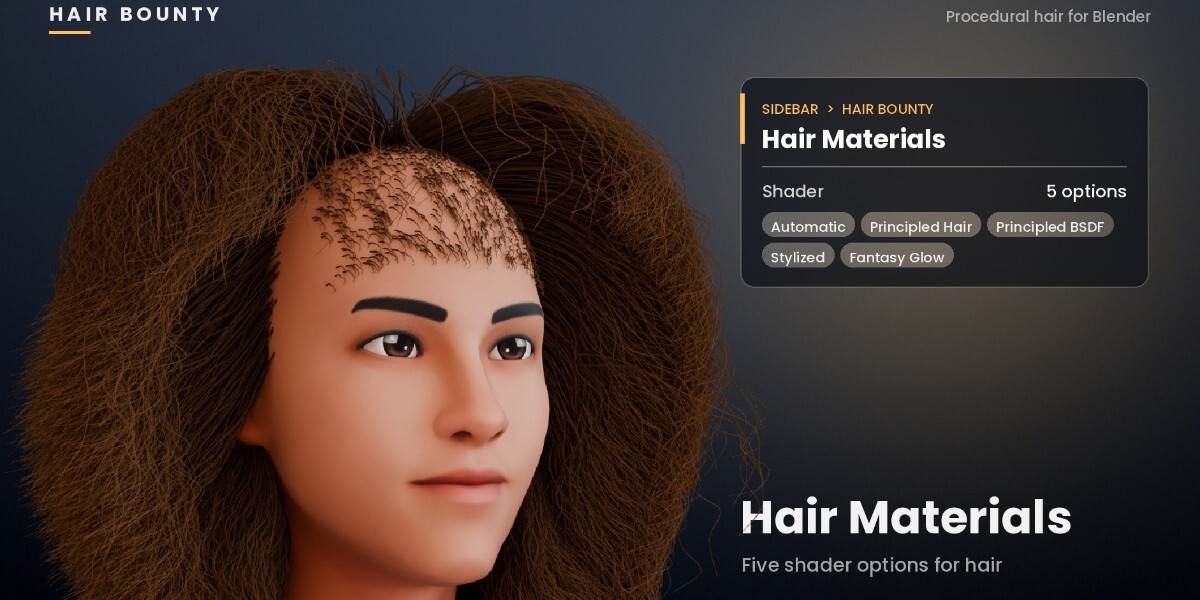
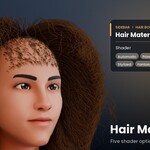
🎨 Hair Materials
Choose from multiple shader options:
Automatic
Principled Hair
Principled BSDF
Stylized
Fantasy Glow
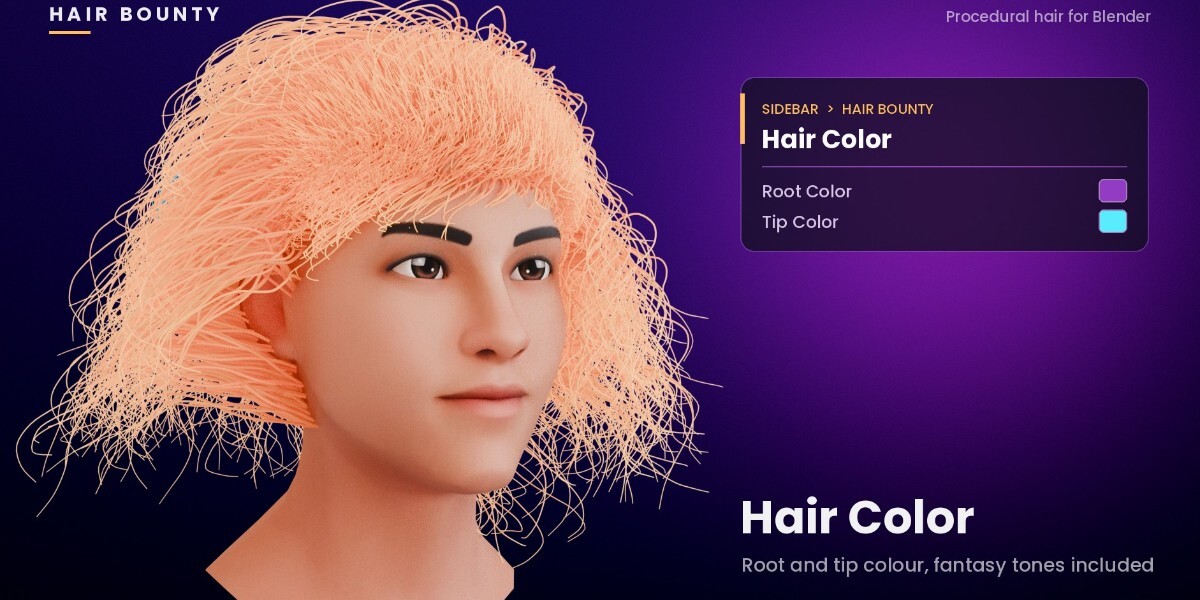
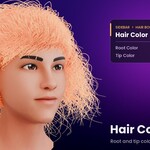
🌈 Hair Color
Root color.
Tip color.
Color variation.
Highlights.
🎀 Hair Accessories
Add decorative elements such as:
Ribbons.
Bands.
Clips.
Similar hair decorations.
📐 Hairline
Customize and shape the hairline of your generated hairstyles.
✨ Baby Hairs, Flyaways, Loose Strands & Bangs
Fine-tune the small details that help complete your hairstyle.
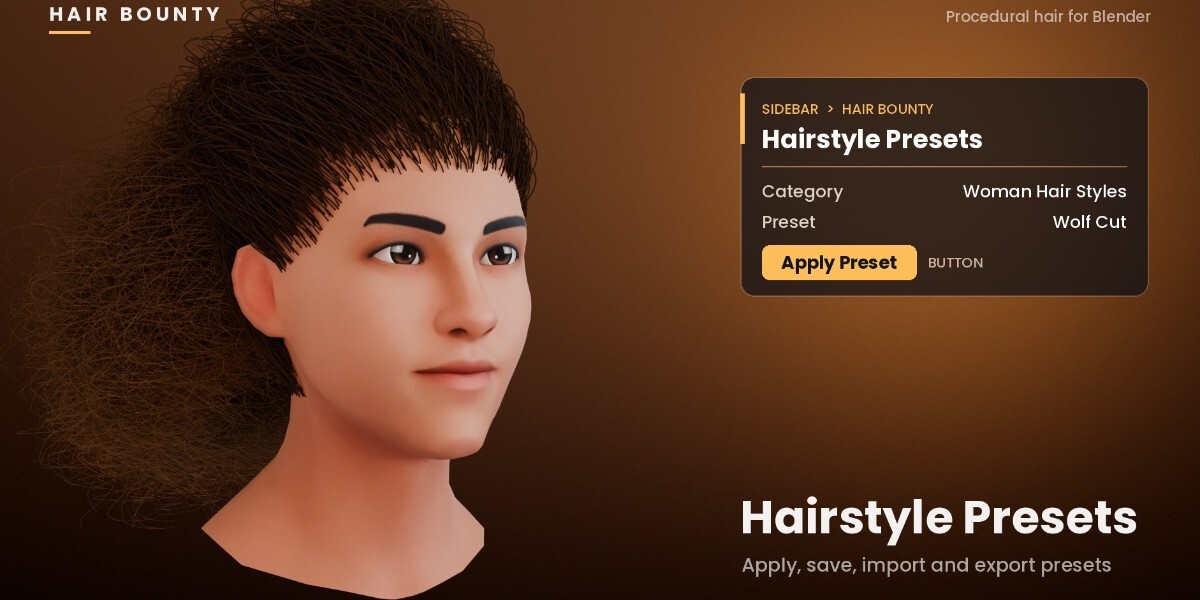
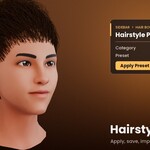
💾 Hairstyle Presets
Apply presets.
Save presets.
Load presets.
Import presets.
Export presets.
🌬️ Hair Animation
Wind.
Sway.
Bounce.
Swing.
Turn.
Nod.
Flutter.
Float.
Includes 40 men's and 40 women's animation presets.
🔧 Advanced Settings
Axes.
Scale.
Collision object.
UV attachment.
⚡ Performance & Optimization
Viewport quality.
Render quality.
Display percentage.
Optimization controls.
📤 Finalize & Export
Keep Hair Curves.
Convert to Hair Cards.
Convert to Tubes.
Convert to Edges.
Export FBX.
Export OBJ.
Export Alembic.
Export glTF.
🚀 7. Installation Guide
Installing Hair Bounty is simple and straightforward.
Step 1: Open Blender.
Step 2: Navigate to:
Edit → Preferences → Get Extensions
Step 3: Select Install from Disk.
Step 4: Choose the Hair Bounty .zip file.
Step 5: Enable the extension.
That's it! Hair Bounty is ready to use. 🎉
🎨 8. Quick Start Guide – Create Your First Hairstyle
Follow these simple steps to generate your first hairstyle.
Step 1 – Open Hair Bounty
Open the 3D Viewport Sidebar (N Panel) and navigate to the Hair Bounty tab.
Step 2 – Select Your Character
Add the included Demo Head or select your own character mesh.
Step 3 – Choose Hair Type
Browse the available Hair Type thumbnail tiles.
Step 4 – Select Your Look
Choose your preferred hairstyle from the visual Look library.
Step 5 – Customize Your Hair
Adjust the available sliders to control length, density, curl, wave, volume, and other styling properties.
Step 6 – Generate Your Hair
Generate the hairstyle and let Hair Bounty create native Blender Hair Curves on your selected mesh.
Step 7 – Add Animation
Open the Animation panel and select a men's or women's animation preset.
Step 8 – Finalize Your Hairstyle
When you're happy with the result, use the Finalize option before rendering or exporting.
🎉
⚙️ 9. Technical Requirements
Specification |
Details |
|---|---|
Software |
Blender |
Minimum Version |
Blender 4.2 LTS |
Compatibility |
Blender 4.2 and newer |
Technology |
Python + NumPy |
Hair System |
Native Blender Hair Curves |
Rendering |
Cycles & EEVEE |
Animation |
Procedural |
License |
GPL-3.0-or-later |
Author & Maintainer |
Mrs Eliza |
📦 10. What Is Included?
Your Hair Bounty package includes:
Hair Bounty Blender Extension (
.zip).Pre-rendered hairstyle library previews.
Demo Head.
Demo Sphere.
Demo Animal.
Documentation file.
🎥 Preview Media Included
The supplied listing media includes:
25 Preview Images (1920 × 1080).
Before-and-after comparison image.
Hero title image.
15 Animated GIFs.
Matching 1920 × 1080 MP4 animation files.
These previews are stylized renders produced using the addon's own engine. They are not Cycles renders, and the panel cards are text overlays rather than actual Blender screenshots.
⚠️ 11. Important Notes & Limitations
Please read the following before using Hair Bounty:
Hair Bounty is a procedural hair generator, not a physics simulator.
Hair animation does not include collision simulation or cloth-style physics.
Procedural animation works on native Hair Curves only.
Some hairstyle presets are approximations and may require additional customization.
Very long or voluminous hairstyles may cover parts of the character's face.
The included demo head is a single male base mesh.
Your own meshes can also be used for hair generation.
The demo head is used for library previews, with an additional head photo preview mode.
💎 12. Why Choose Hair Bounty?
Hair Bounty brings hairstyle creation, facial hair generation, customization, and procedural animation together in one Blender addon.
Instead of spending hours creating every hairstyle from scratch, you can start with a visual preset, customize its appearance, and generate native Blender Hair Curves directly on your character.
From simple hairstyles to detailed character grooming, Hair Bounty helps make your hair creation workflow faster, easier, and more flexible.
✨ Create. Style. Animate. Render.
Bring your characters to life with Hair Bounty! 💇🚀