 Orhan
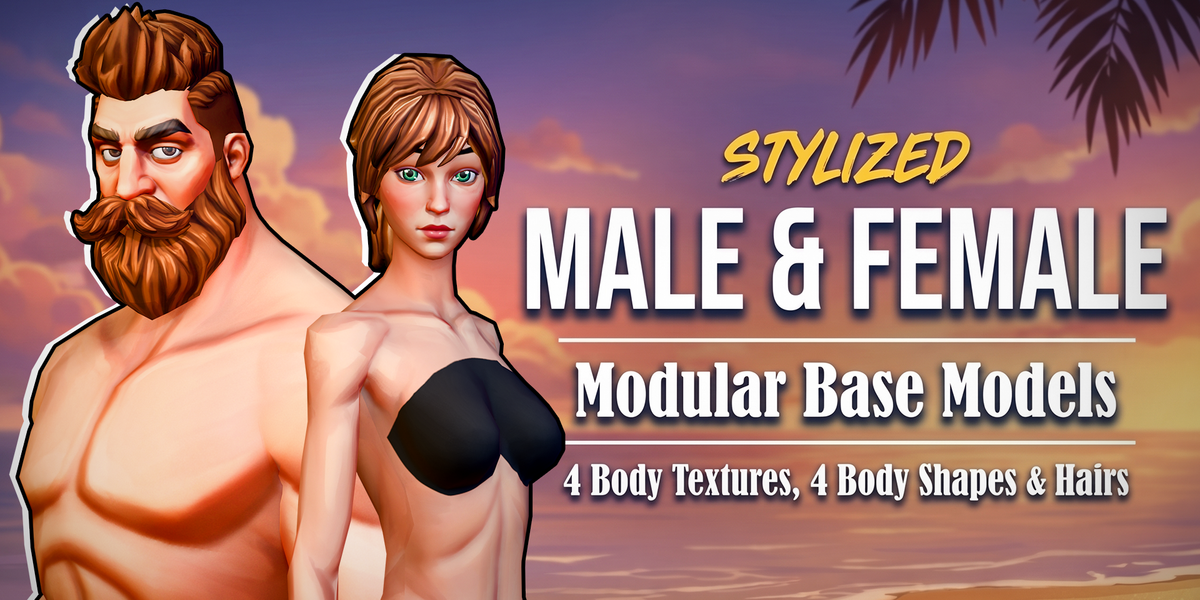
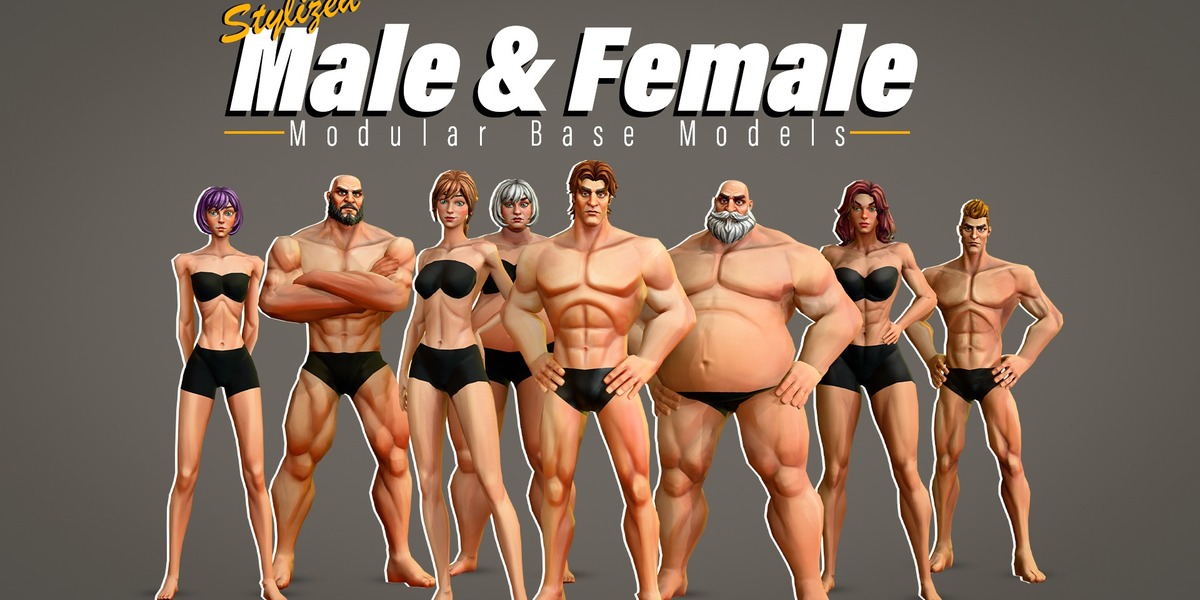
- Importing in Blender: open the .blend for full rig/material access, or import the OBJ/FBX/GLB for mesh-only or rigged-only use.
- Importing in a game engine: use the FBX for a rigged import, or GLB for a lightweight PBR-ready import. Re-link textures from the matching textures.zip if your engine does not auto-locate them.
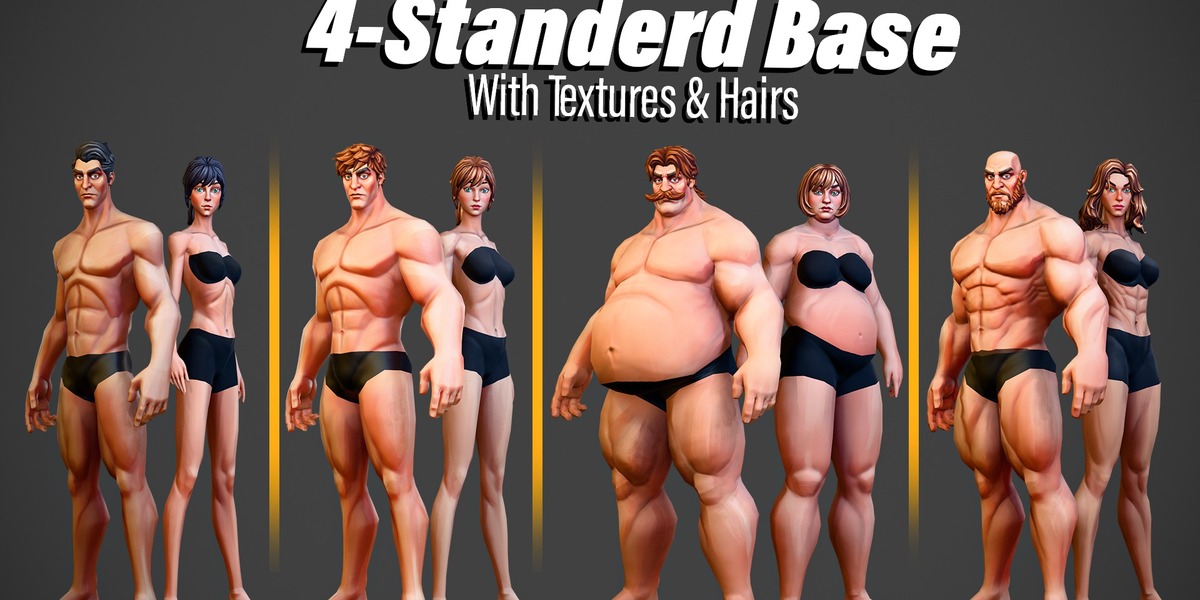
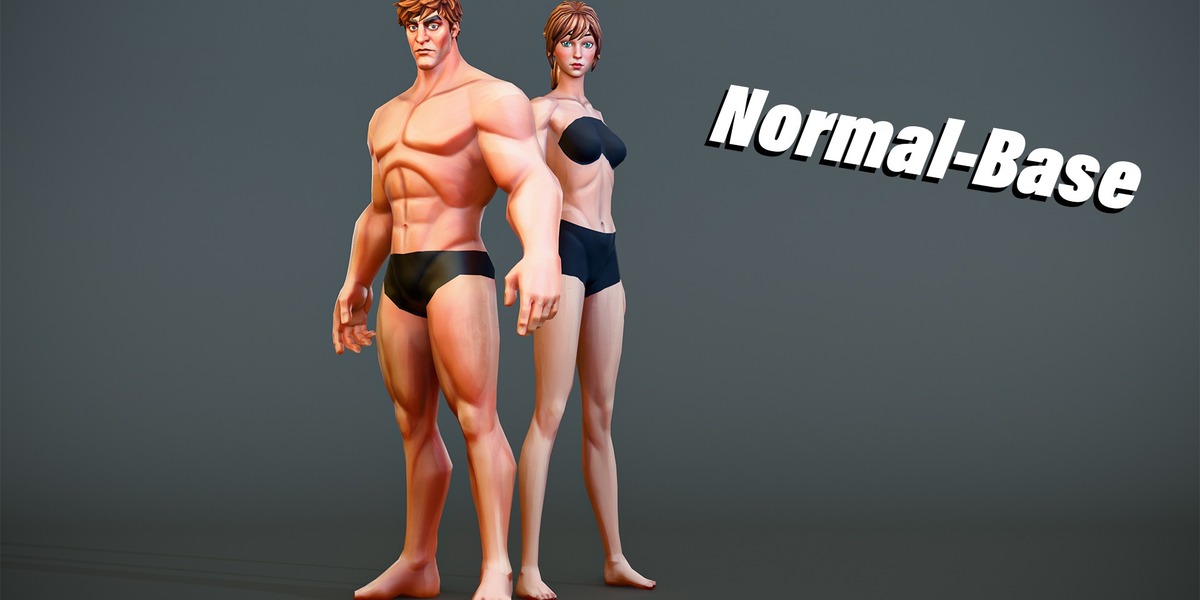
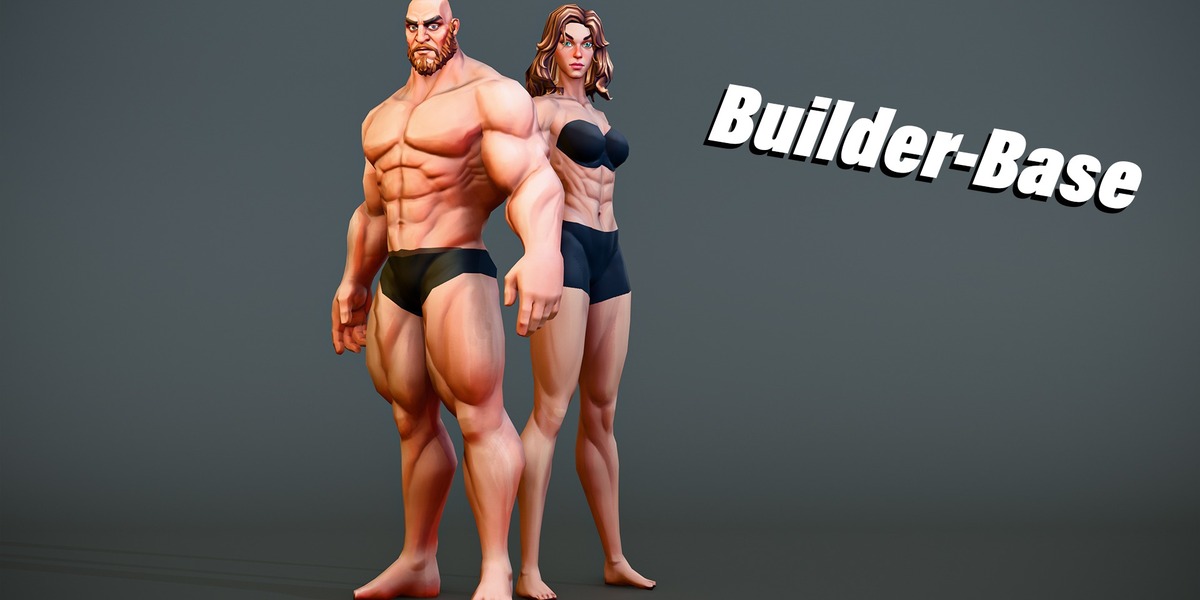
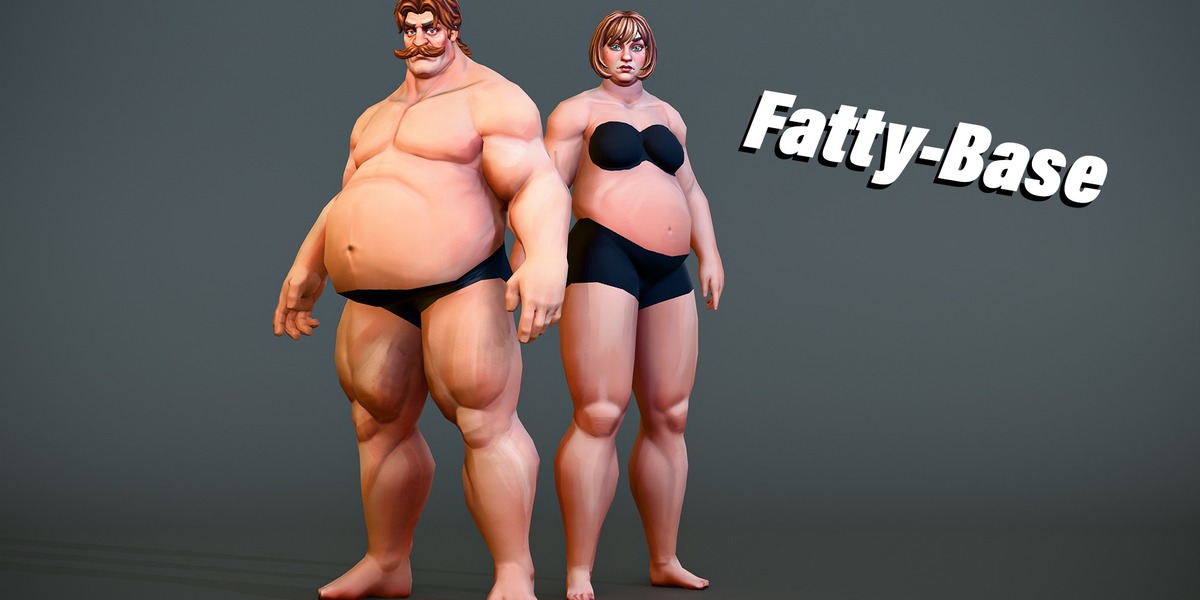
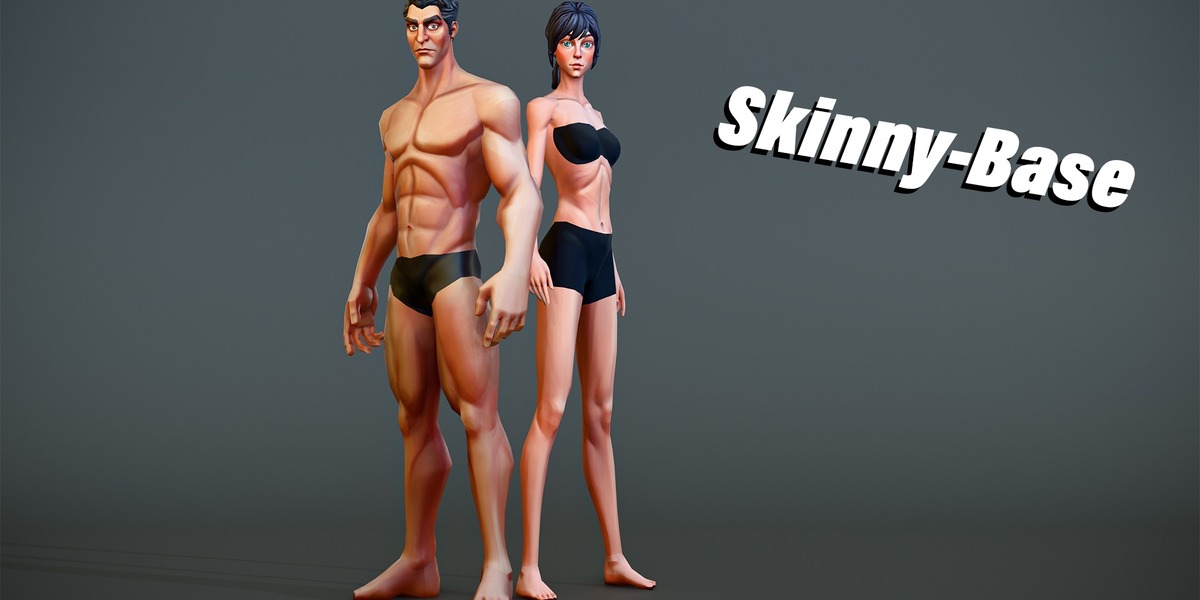
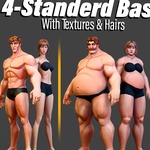
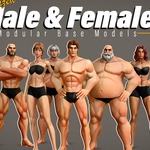
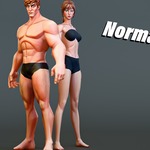
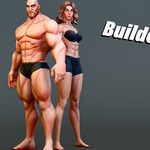
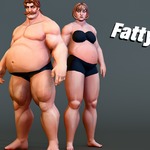
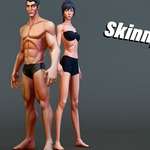
- Switching body shapes: each body shape is a different base-color/normal texture set in textures.zip (skinny body, builder body, fat body, plus -black skin-tone variants) applied to the same mesh and UVs. Swap the material's image texture to switch shape/tone.
- Using the rig: the FBX carries FK/IK controls (named with a c_ prefix, .l/.r for left/right). Use IK for foot planting and grounded poses, FK for free arm/leg motion.
- Scale note: always check the imported scale against your project's unit setup before animating or adding clothing.
- Troubleshooting - textures missing after import: re-point the material's image texture node (or your engine's material slot) to the matching file inside textures.zip, keeping folder structure if your app expects relative paths.
- Troubleshooting - model looks too small/large: apply scale on import (Blender's FBX/OBJ importer has an apply-transform option) or adjust your engine's import scale factor.
- Which file to open: use the .blend for sculpting/texturing work inside Blender; use the FBX for a rigged game-engine import; use OBJ for a static, rig-free reference; use GLB for the lightest-weight PBR import.
Have questions about this product?
Login to message
| Published | about 12 hours ago |
| Blender Version | 5.2 |
| Misc Data | Uvs-Unwrapped, Rigged, Normal-Mapped, Textured |
| License | Royalty Free |
