 AS Formworks
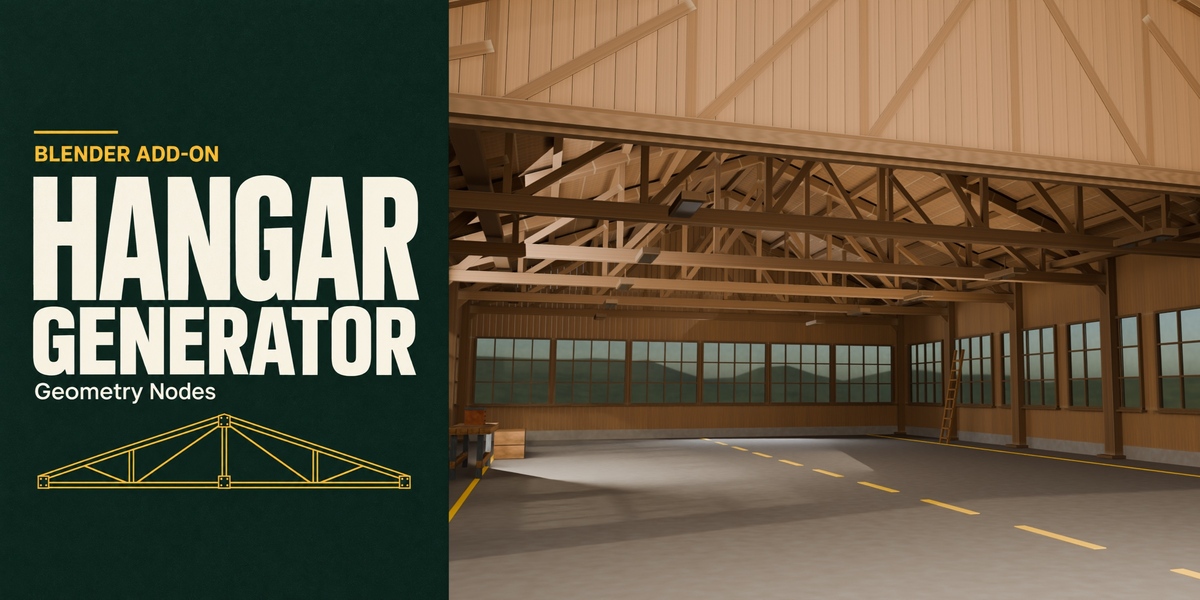
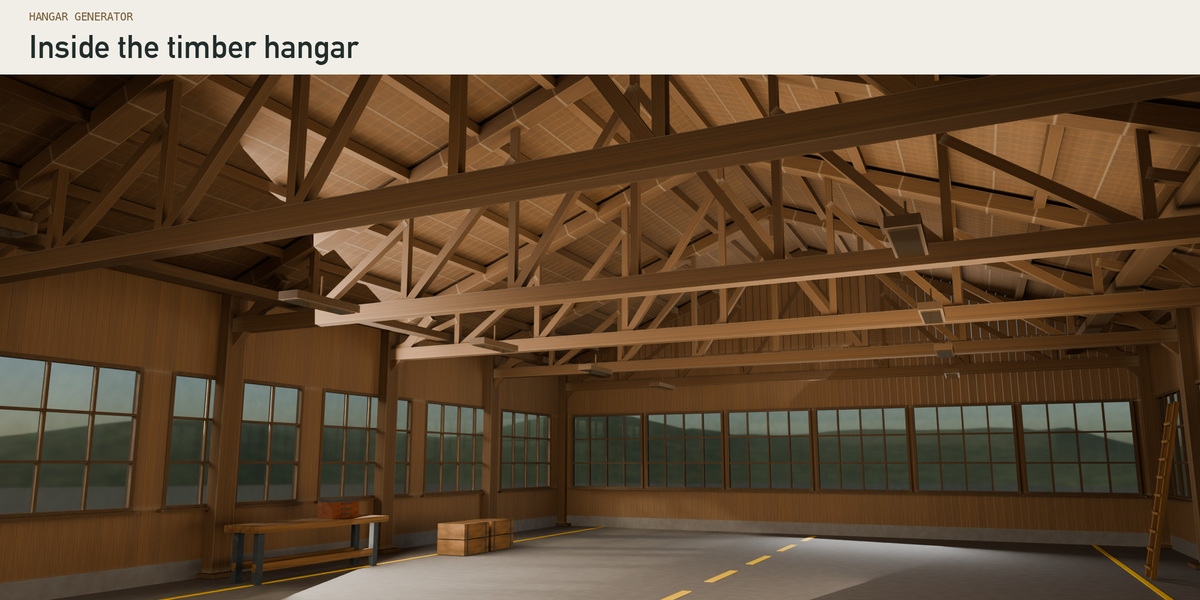
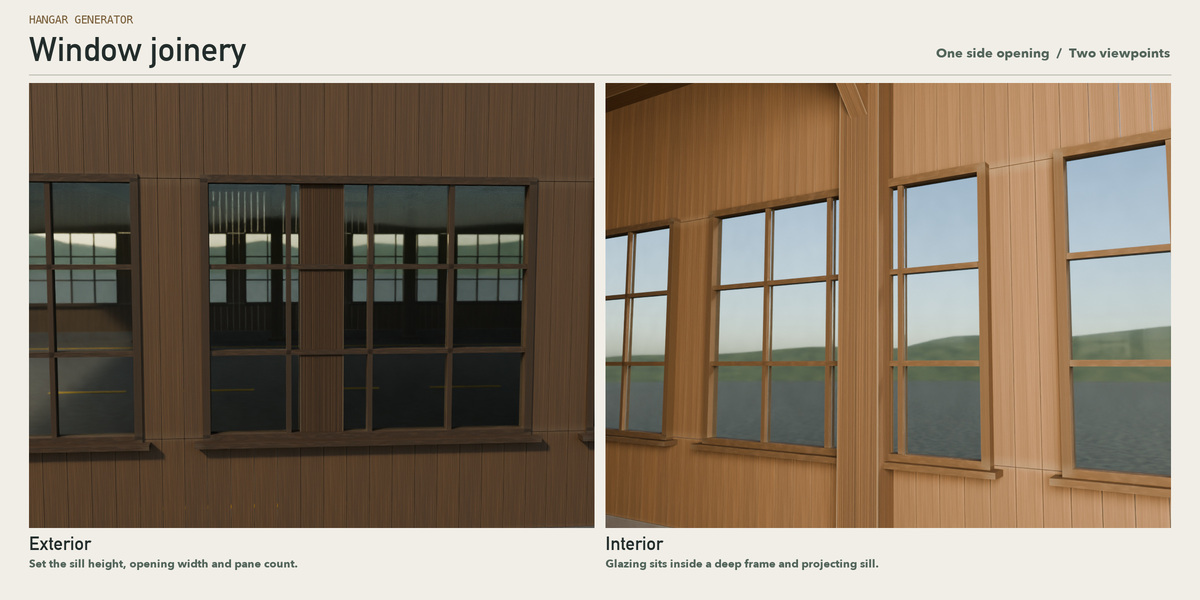
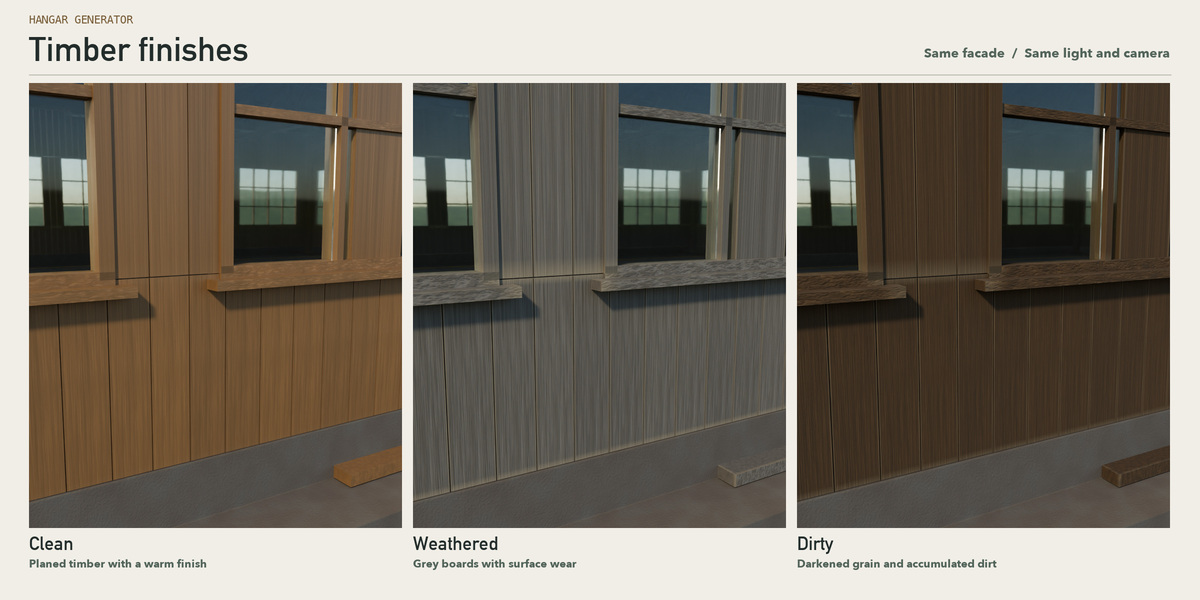
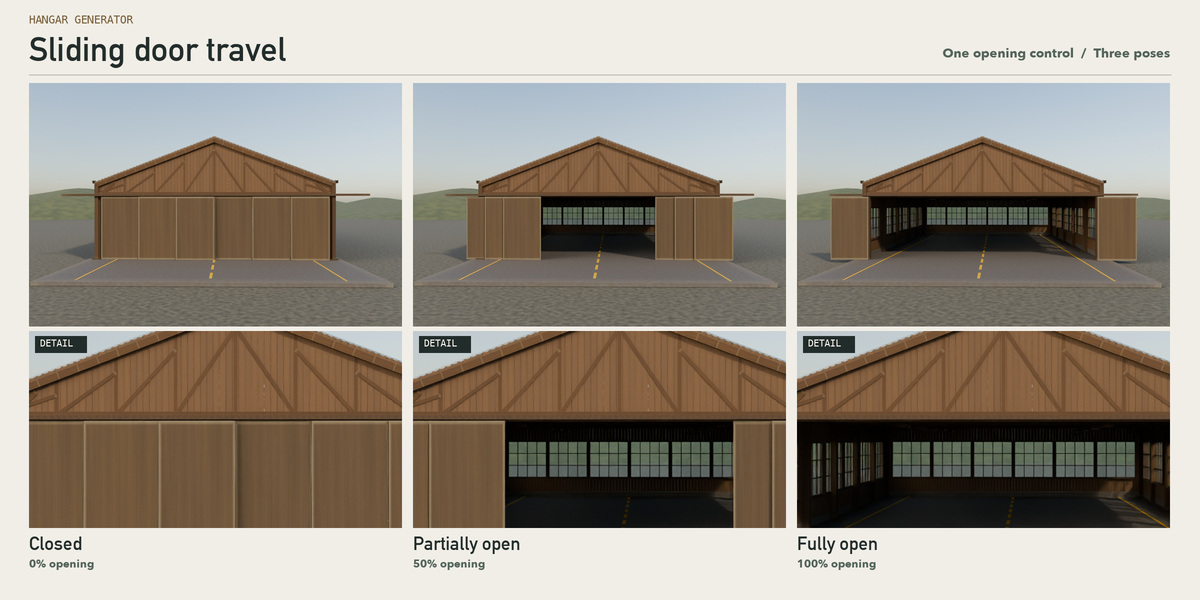
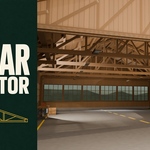
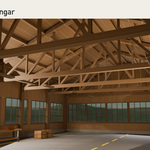
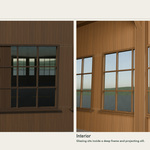
Start with the open timber workshop shown on the cover. Look through the doorway and you can see the roof trusses, side windows and plank siding. Change the timber finish, move the windows or open the doors without rebuilding the model.
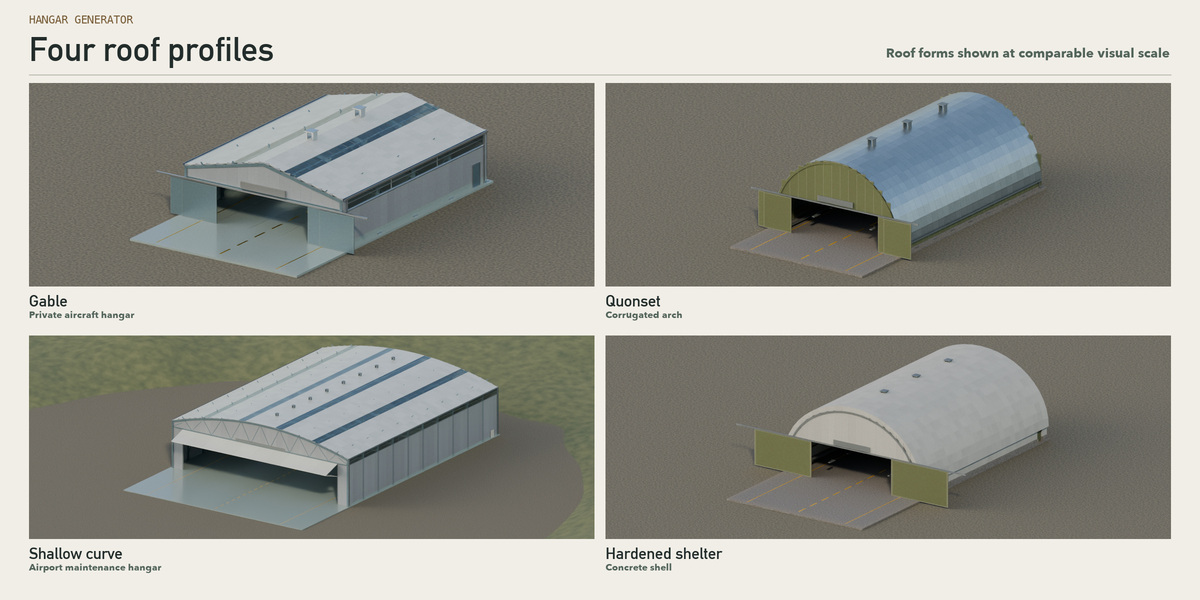
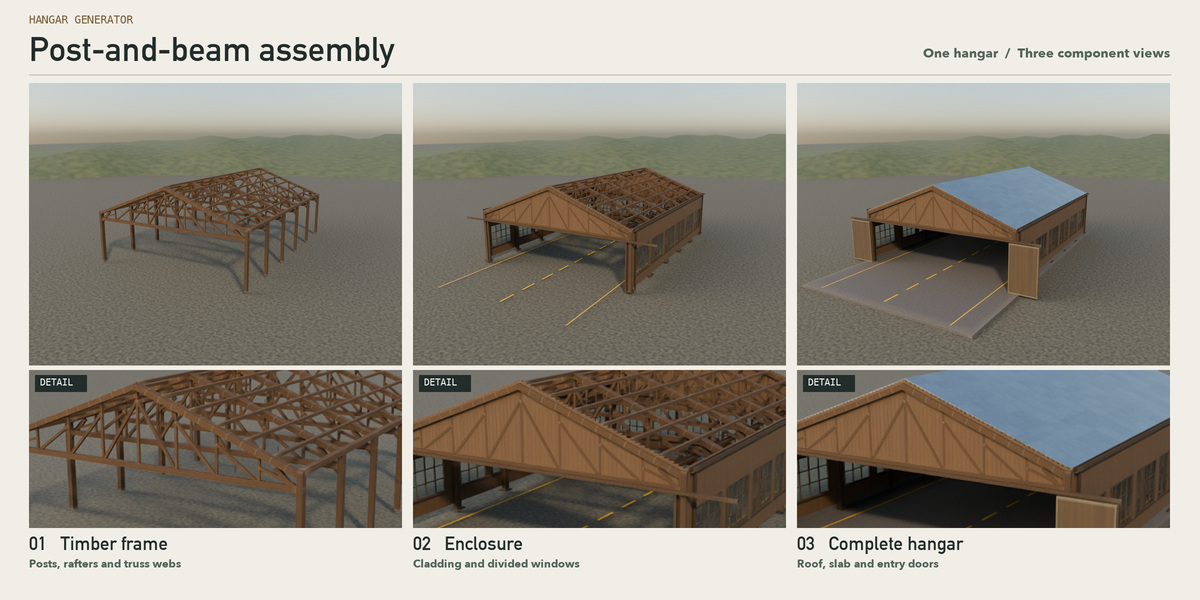
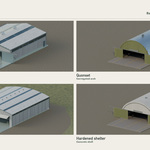
Four roof profiles: gable, Quonset arch, shallow curved roof and hardened aircraft shelter. Edit the span and length in metres; choose timber posts and beams or steel framing, adjust truss spacing, and add skylights, bracing and an apron.
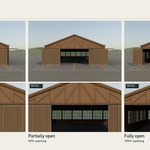
Windows and doors: set window position, sill, opening size, frames and pane divisions. Slide, fold or lift the main door; its opening percentage can be keyframed in Blender.
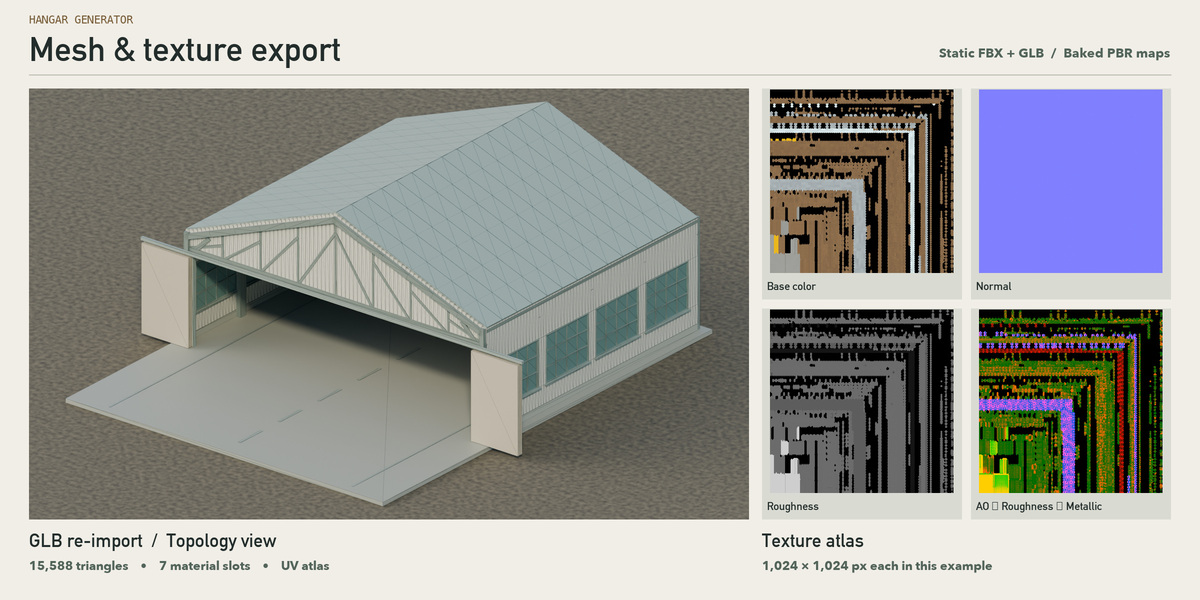
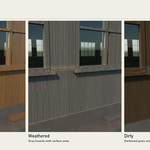
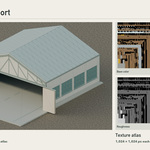
Materials: 25 procedural recipes across seven material slots. Start with clean, weathered or dirty timber; adjust wear, dust, stains and bump. Bake Base Color, Roughness, Metallic, Normal and AO for use outside Blender.
Included: the Blender 4.2+ extension, nine editable presets (including the cover hangar), a ready-to-edit starter scene, an English quick-start and an example FBX/GLB export with textures.
The Unity and Unreal Engine 5 export options produce static meshes at the current door pose. Engine materials, glass and collision are set up in the destination project. The sample files were re-imported into Blender to check UVs and all seven slots; engine-editor import has not been certified.
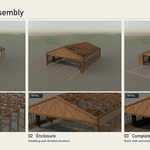
Tested in Blender 4.2.9 LTS. Building the full node tree from scratch can take several minutes. For a faster first session, open the included starter scene.