 ZEG
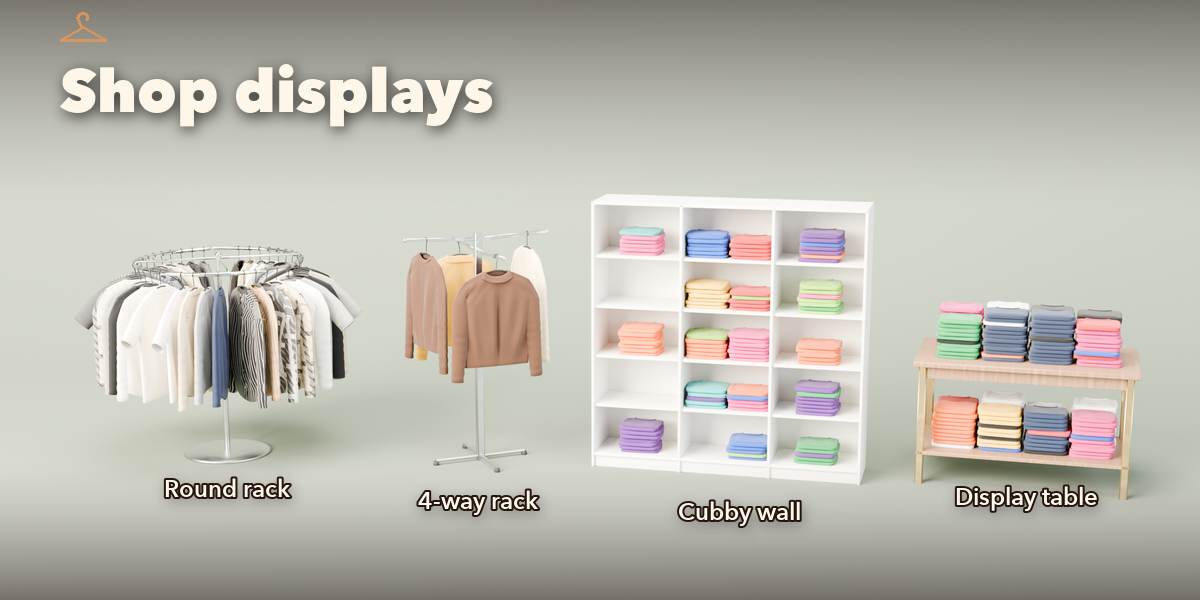
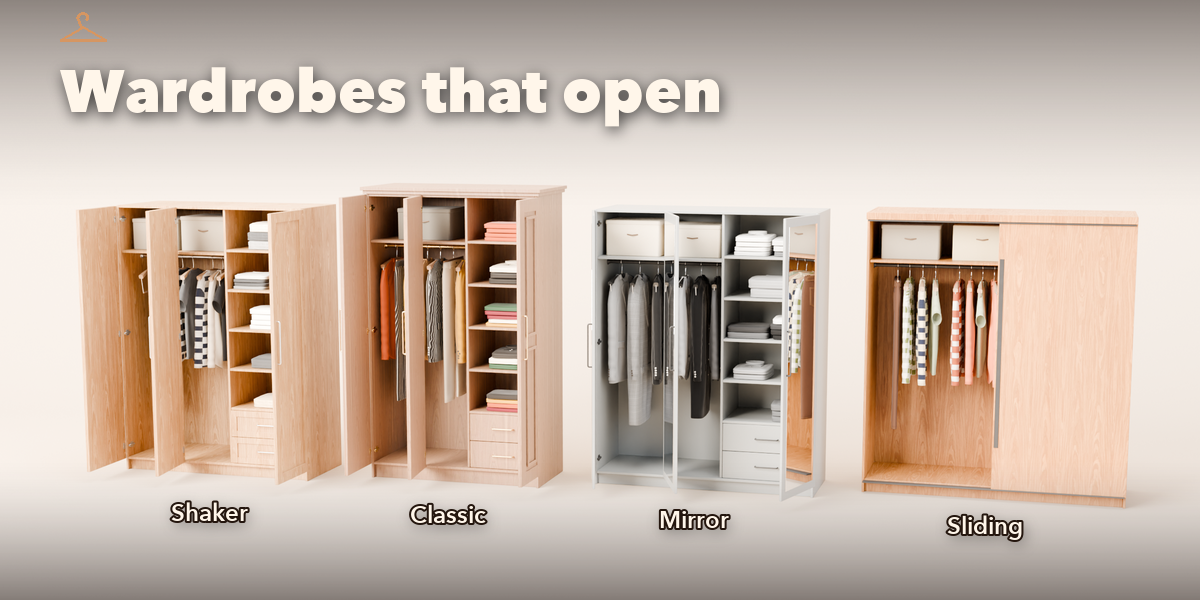
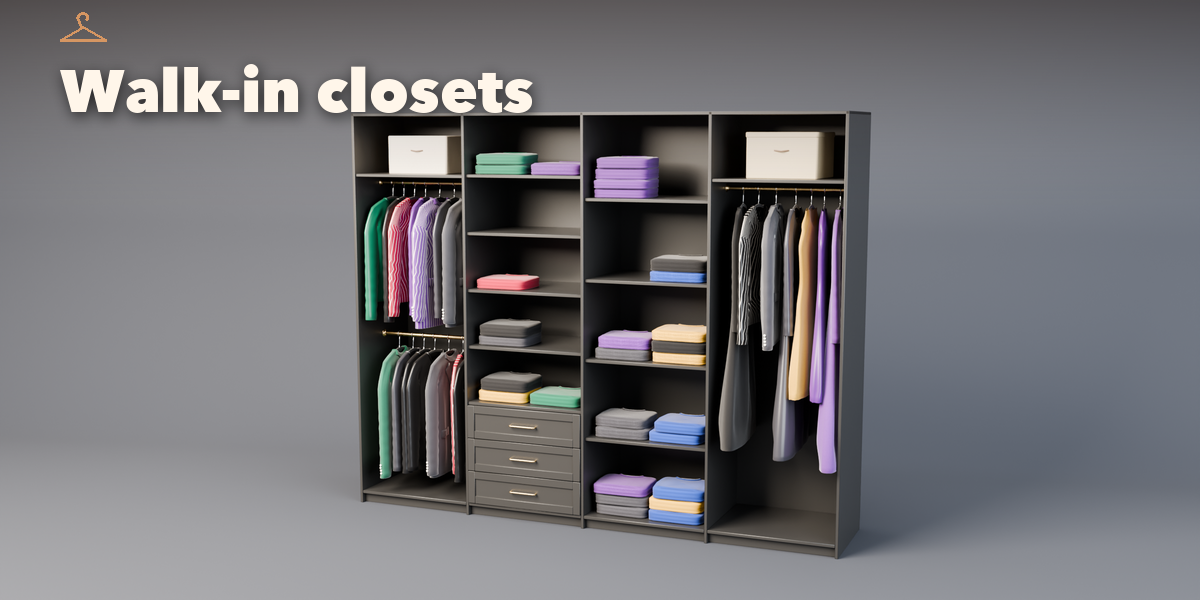
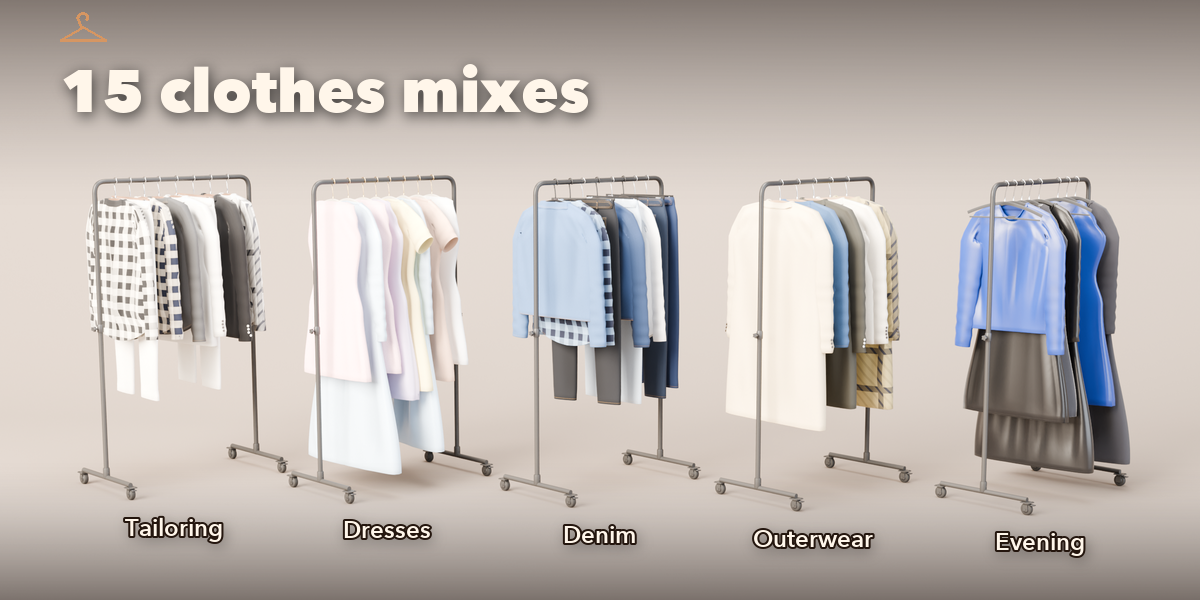
Installation
In Blender open Edit, Preferences, Get Extensions, then use Install from Disk and pick the wardrobe_clothes_generator zip.
Usage
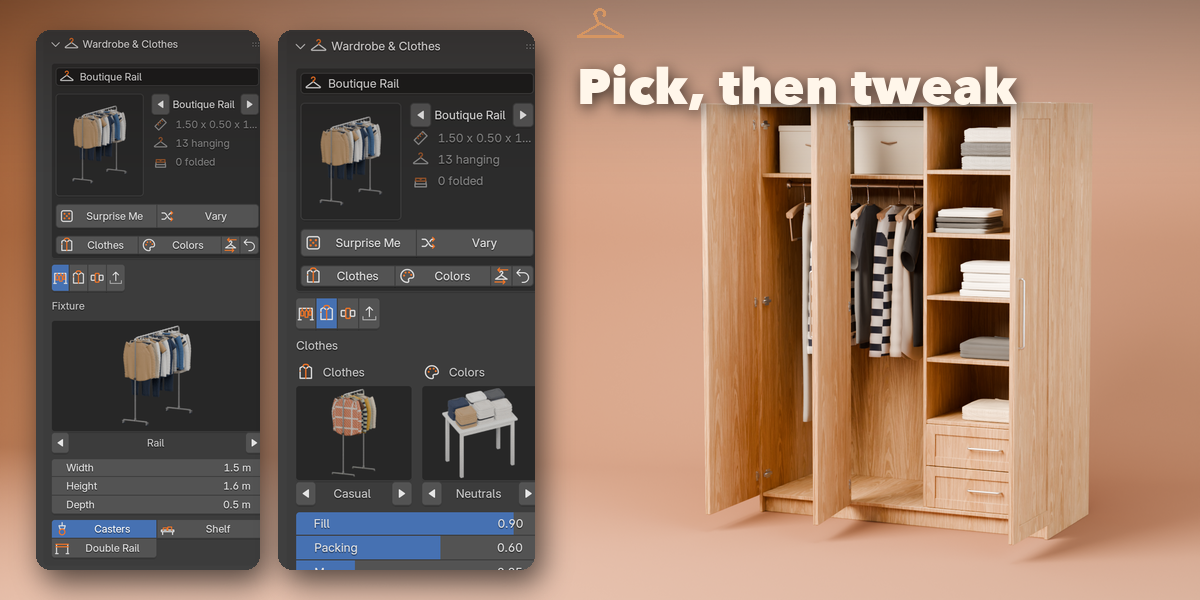
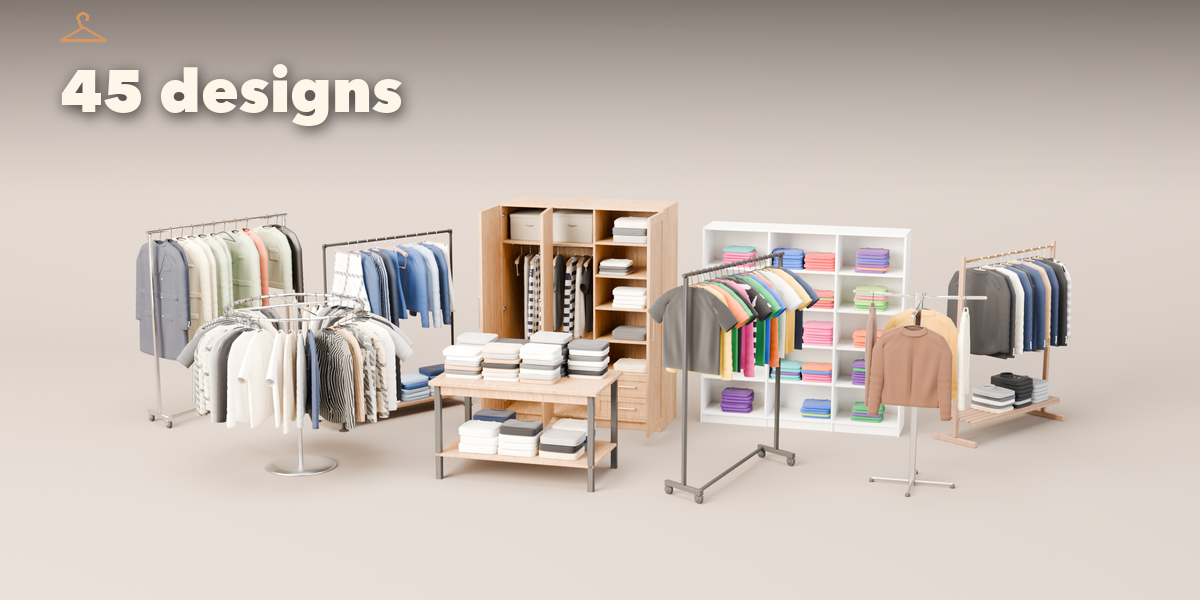
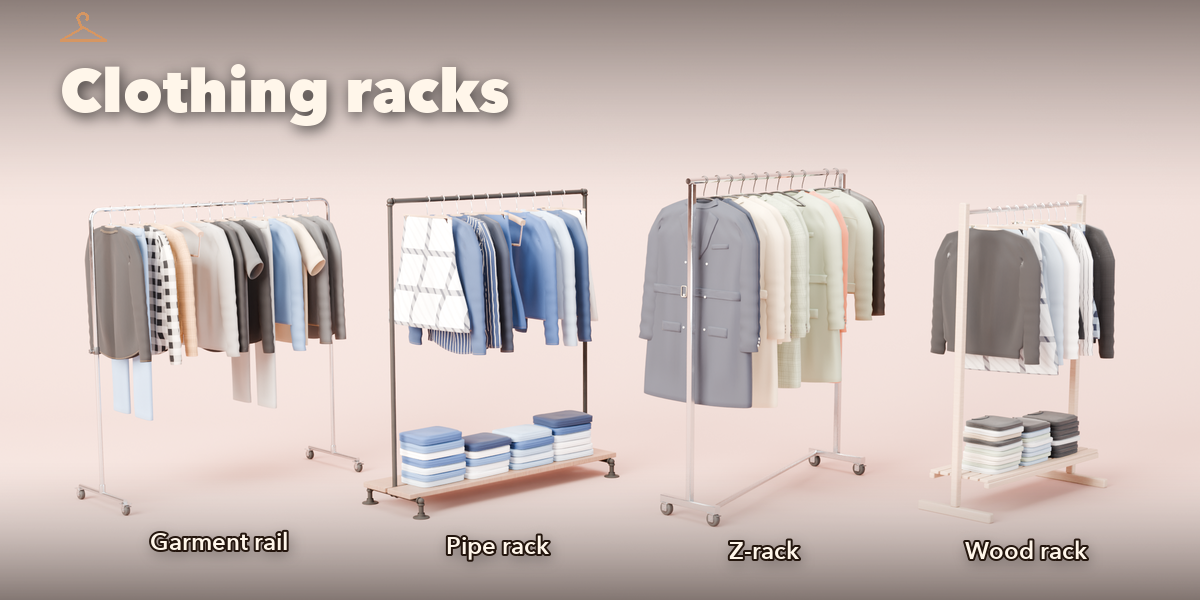
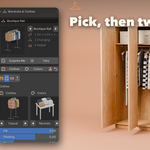
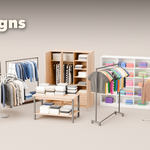
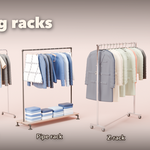
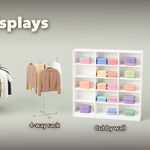
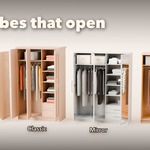
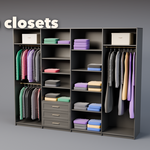
- Open the Wardrobe tab in the 3D viewport sidebar (N). With nothing selected, pick a family, click the picture to choose one of the 45 designs and press Add to Scene. You can also use Shift+A, Mesh, Wardrobe & Clothes.
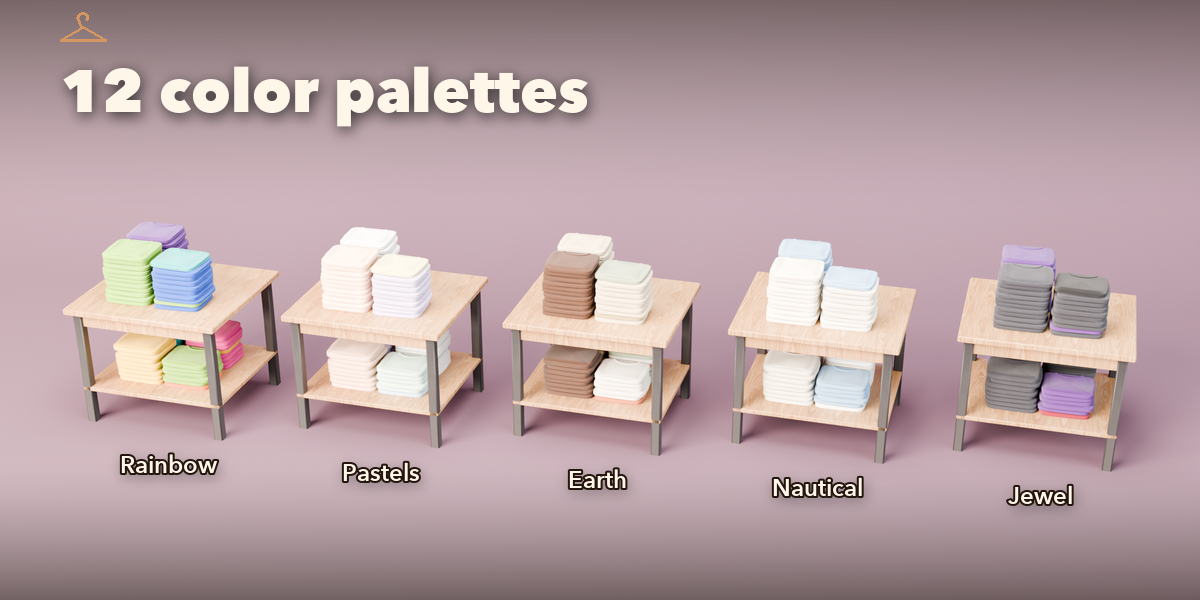
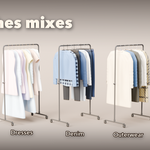
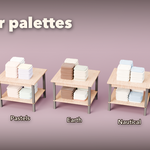
- The card at the top shows the design, its size and how many garments it holds. Surprise Me makes a random design, Vary changes the current one a little, Clothes picks another clothes mix, Colors another palette and Re-hang hangs other garments in another order. The arrow resets the design.
- The icon tabs hold every setting: Fixture (kind, size, casters, shelves, doors, drawers, closet layout), Clothes (clothes mix, colors, fill, packing, mess, order, hangers, patterns and stacks), Finish (metal and wood) and Output (detail, face count, Convert to Mesh, Delete).
- Every picture opens a gallery; the arrows under it step through the options.
Each design is one mesh object. Convert to Mesh makes a plain copy to edit or export to a game engine.
Have questions about this product?
Login to message
| Blender Extension Compatible | Yes |
| Published | about 3 hours ago |
| Blender Version | 4.2 - 5.2 |
| Extension Type | Add-on |
| Render Engine Used | Cycles, Eevee |
| License | GPL |
