 Skava
Skava


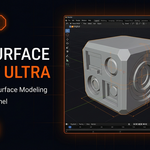
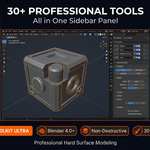
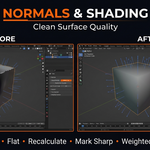
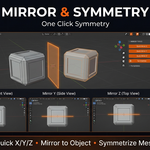
Download the .zip file and do not unpack it. In Blender open Edit > Preferences > Add-ons, click the drop-down arrow in the top-right corner and choose Install from Disk (in Blender 4.0 and 4.1 the button is called Install), then pick the downloaded file. Tick the checkbox next to Hard Surface Toolkit Ultra to enable it.
The product page lists Blender 4.0 – 5.0.
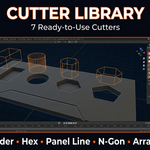
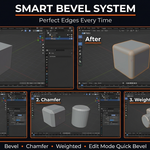
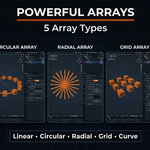
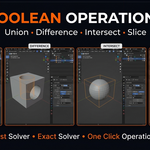
It collects hard-surface modeling tools in one sidebar panel: booleans (Union, Difference, Intersect, Slice with Fast and Exact solvers), bevel tools, a cutter library (Box, Cylinder, Hex, Panel Line, N-Gon), linear, circular, radial, grid and curve arrays, mirror tools with bisect and merge, and normals and shading tools.
The product page describes a modifier-based, non-destructive workflow, with a one-click option to apply all booleans when you are done.
The Documentation tab on this product page links to the full documentation.
The product page lists the license as MIT.
Have questions about this product?
Login to message
| Sales | 60+ |
| Published | 9 months ago |
| Blender Version | 4.0 - 5.0 |
| Extension Type | N/A |
| Render Engine Used | Cycles, Eevee |
| License | Mit |
Discover more products like this
modeling kitbash mechanical mirror non-destructive hard surface Cutters bevel array boolean sci fi mesh tools