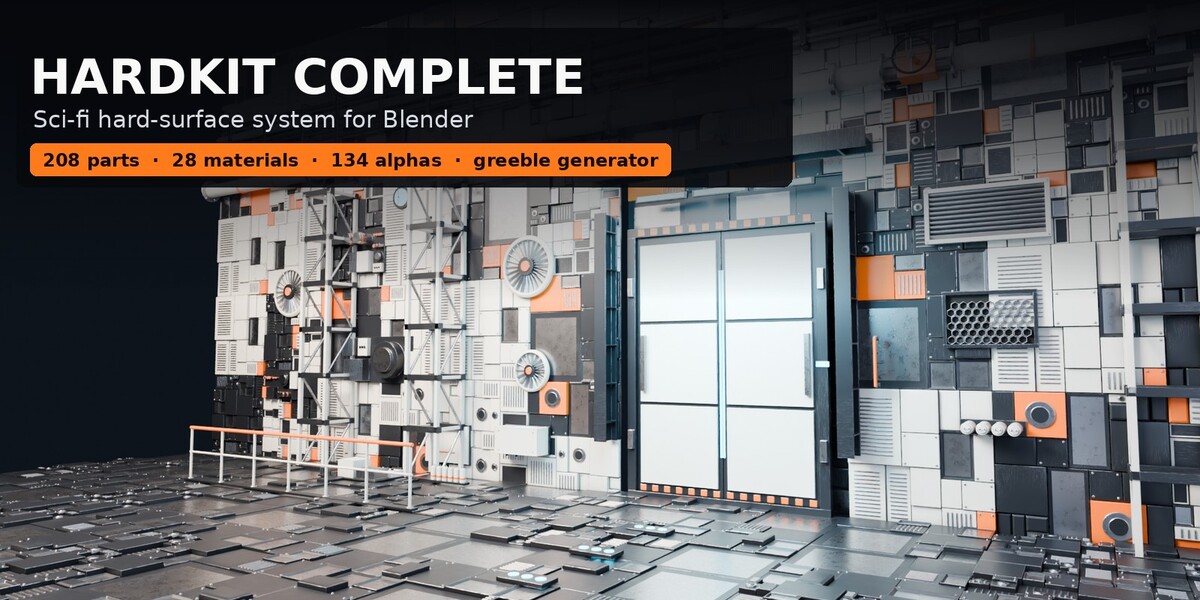
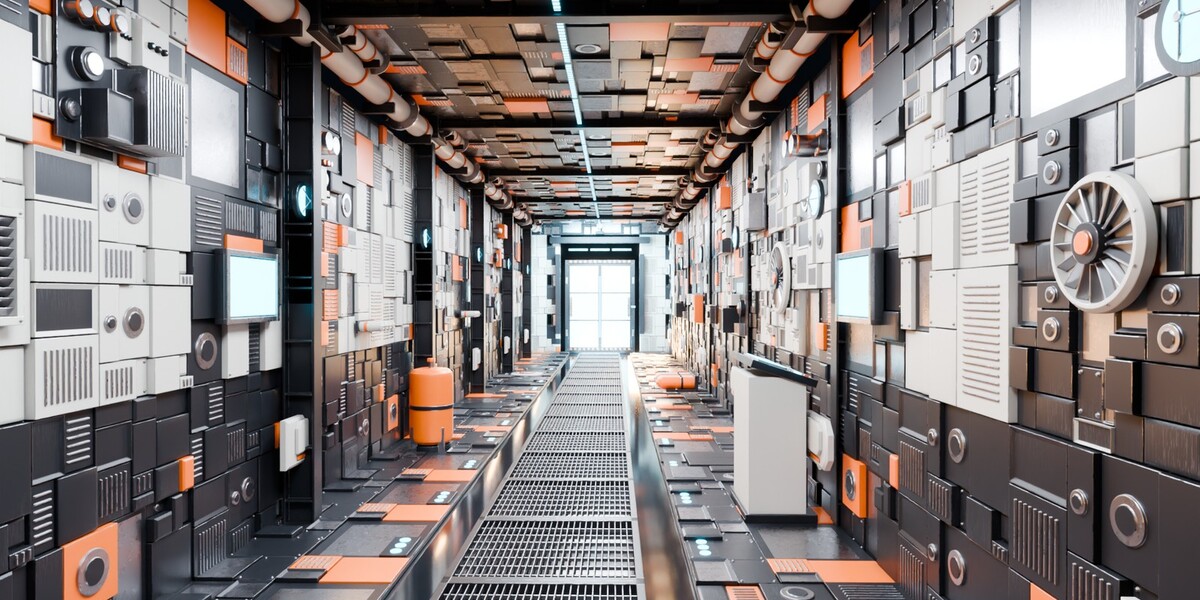
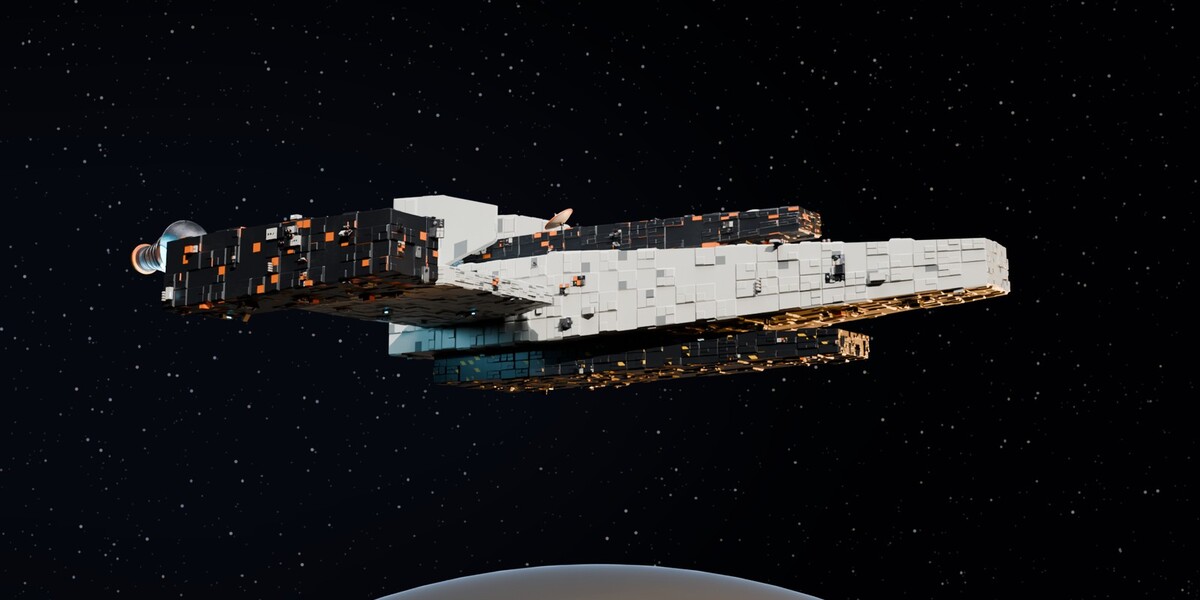
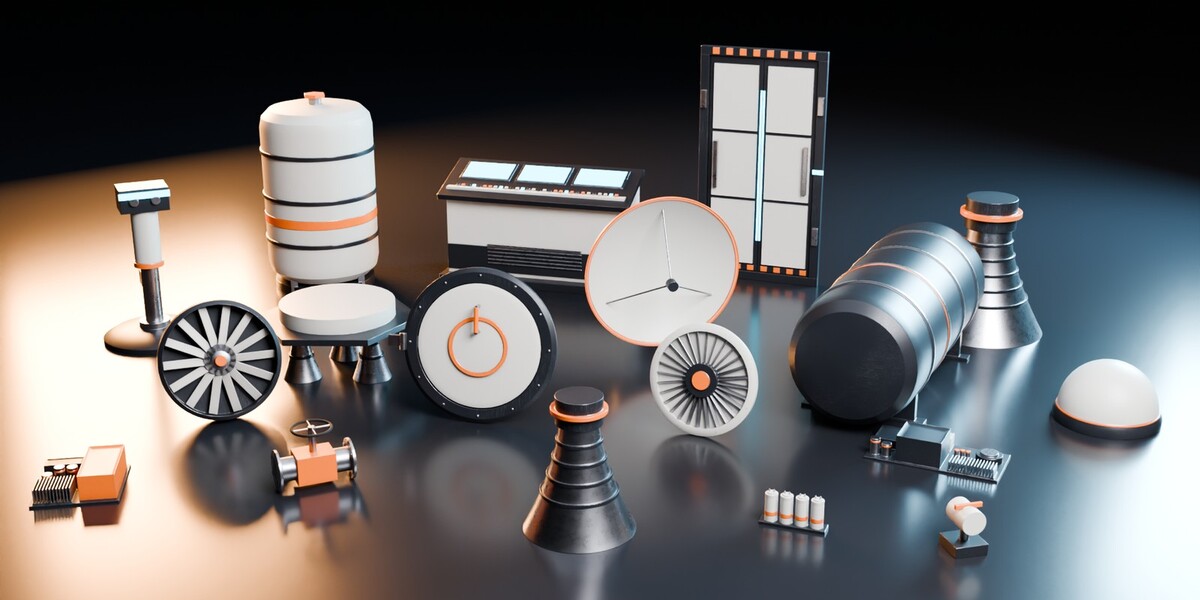
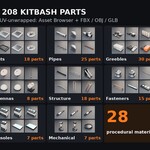
HardKit Complete - Sci-Fi Hard-Surface Kitbash System for Blender (208 Parts, 28 Materials, GN Generator)
 Sonneblom Digitaal
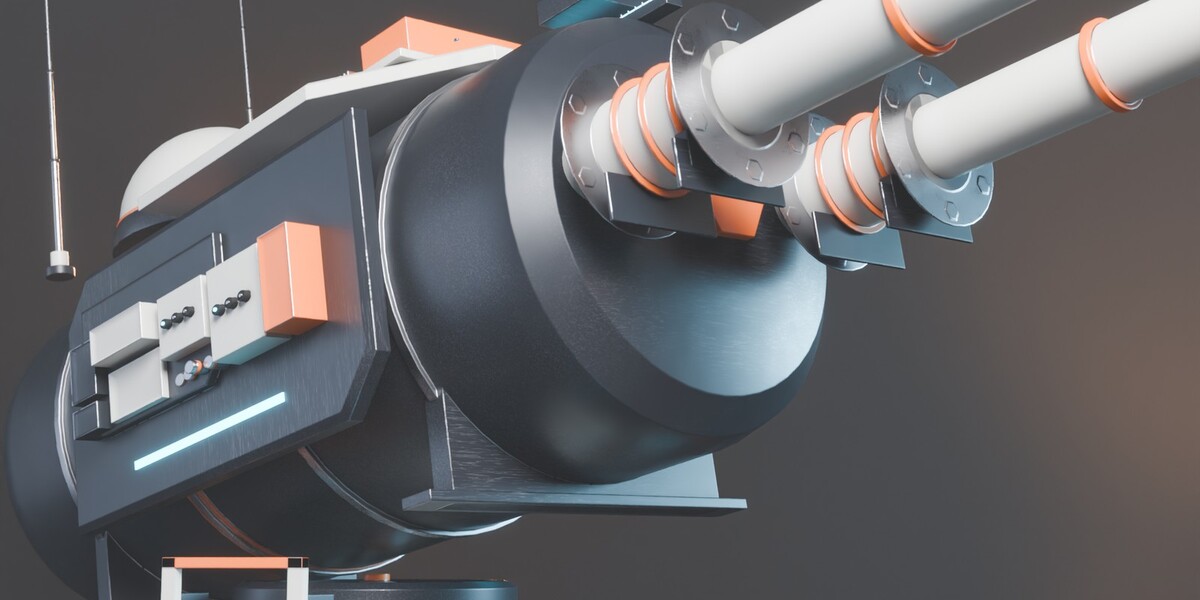
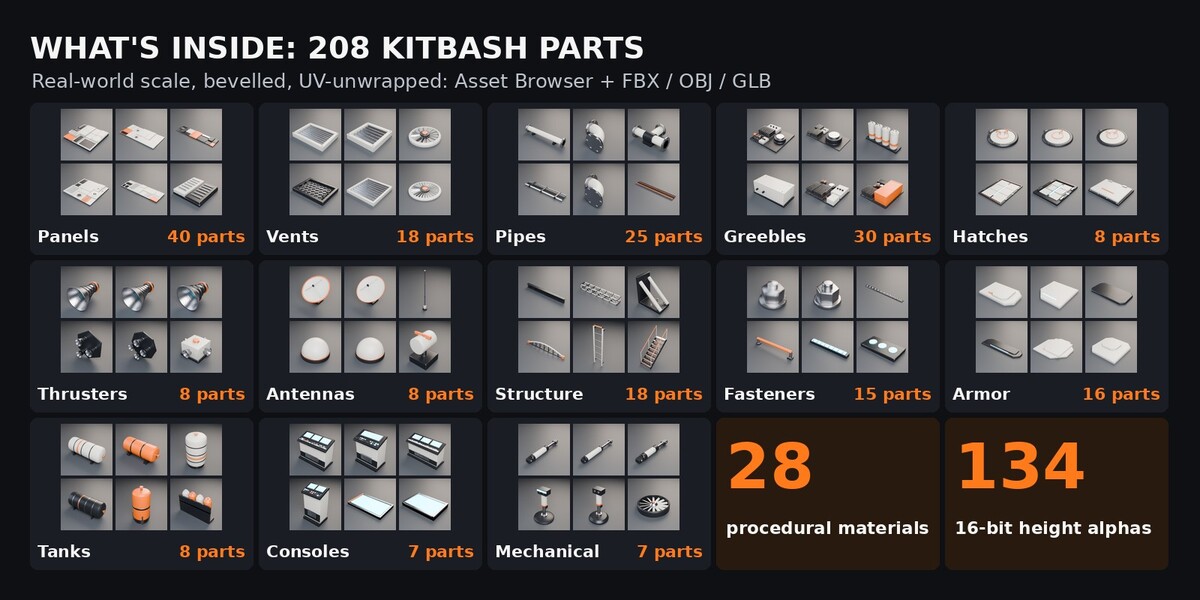





Install
- Unzip HardKit_Complete_v1.0.zip to a permanent folder.
- Edit > Preferences > File Paths > Asset Libraries > + and pick the Blender folder.
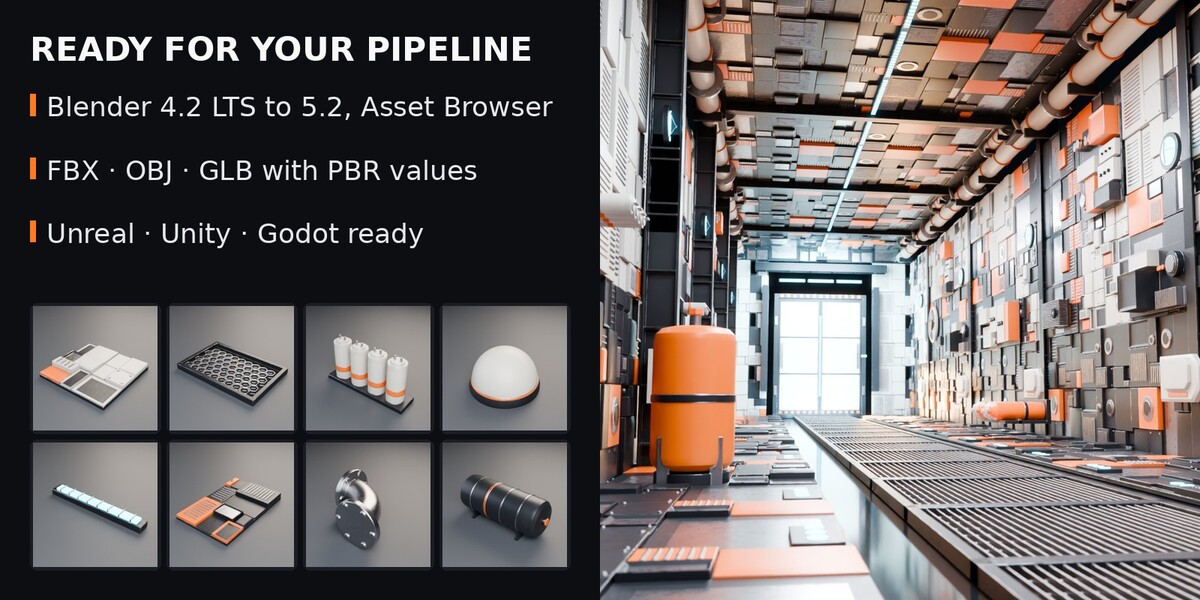
- Open an Asset Browser, choose the library: catalogues Panels, Greebles, ..., Materials, Generators.
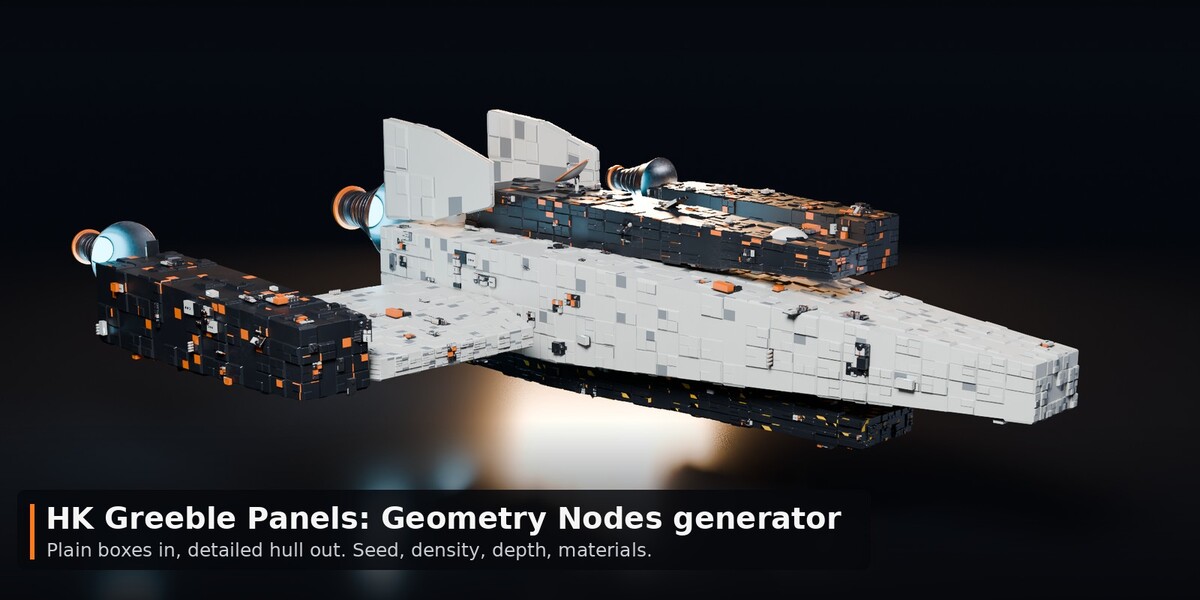
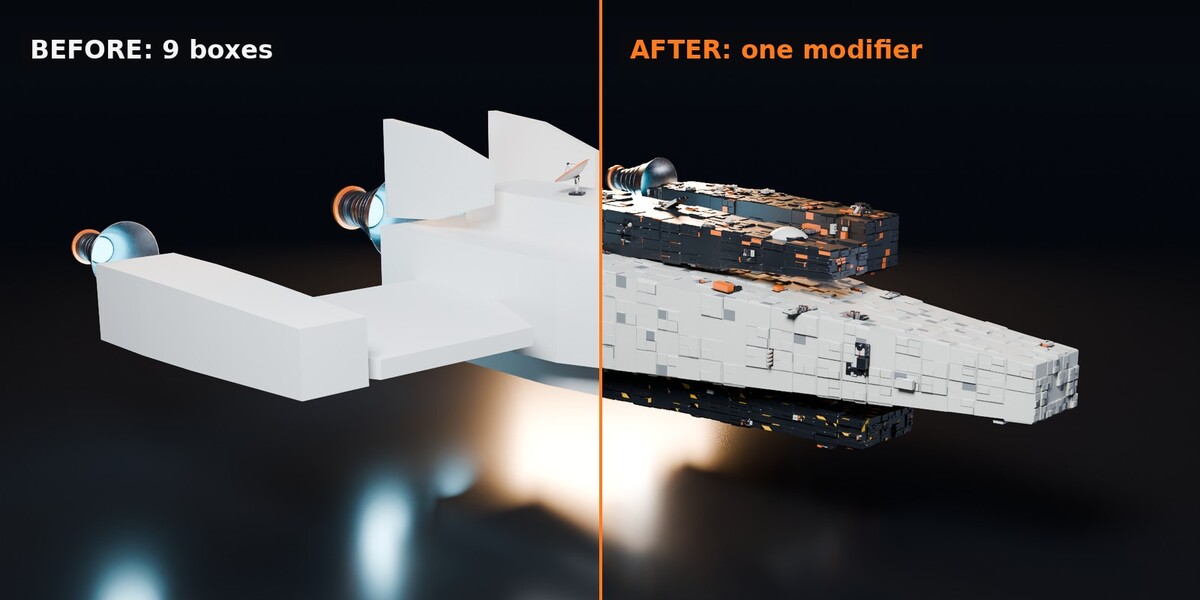
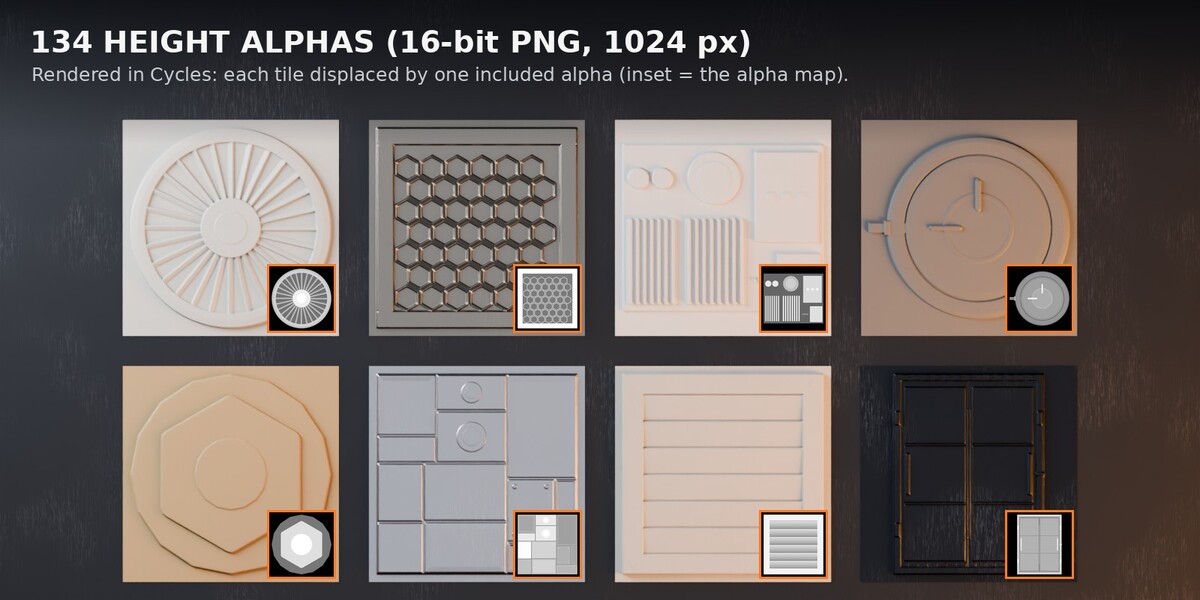
- Drag parts into the scene, drag materials onto objects, drag HK Greeble Panels onto a mesh.
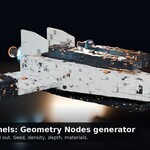
Generator
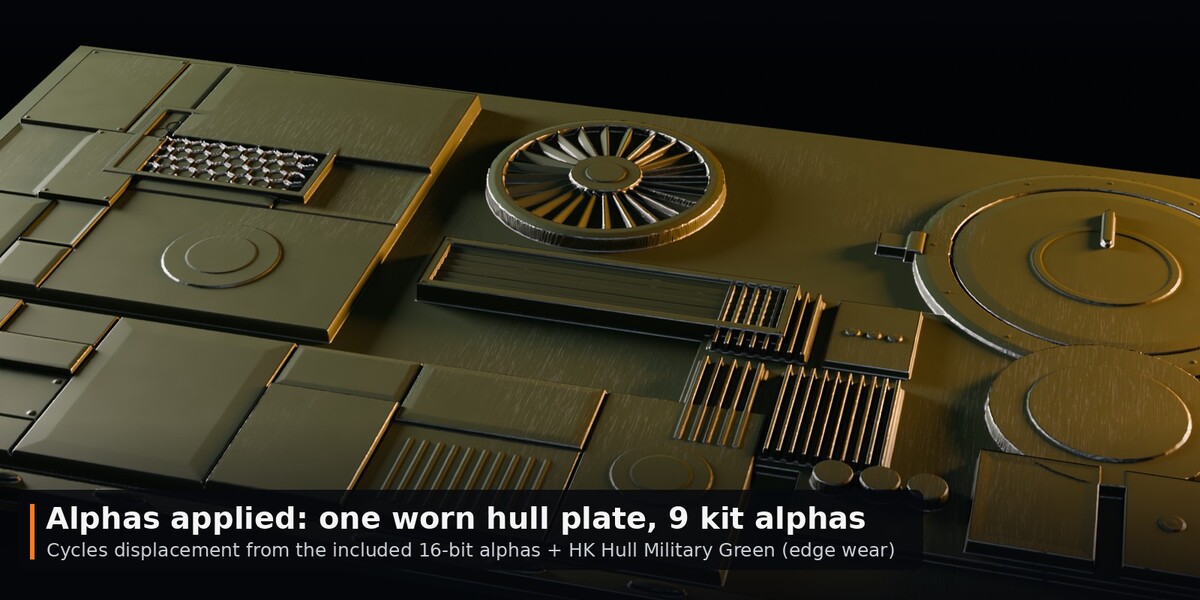
Follows your faces: model the base with roughly square faces. Panel Detail = subdivisions, Raised Panels / Sub-Panels = how many rise, Min/Max Depth in metres (negative = recessed), Greebles = any collection, Seed = new variation, Realize before export or Apply.
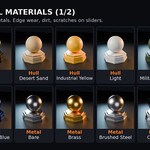
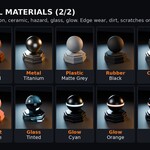
Materials
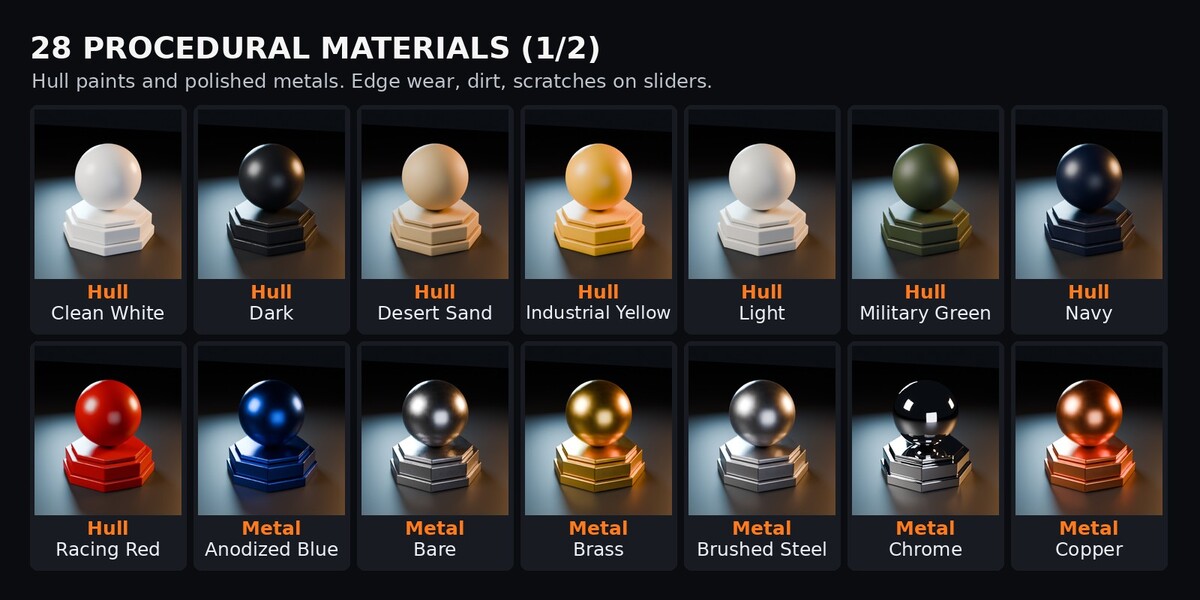
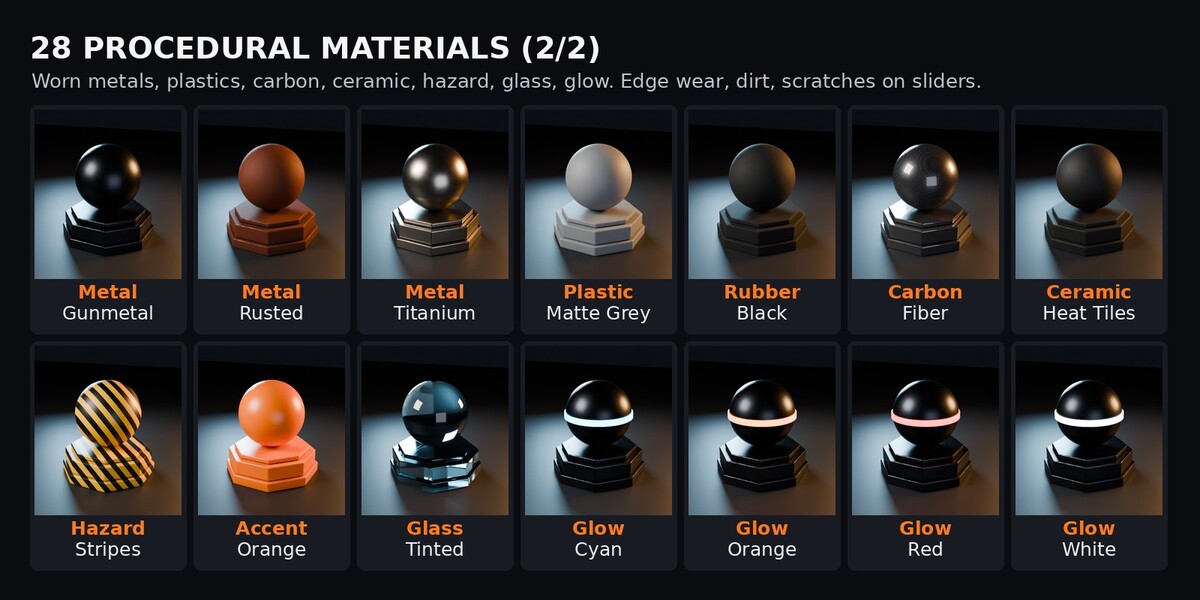
Open the "HardKit Surface FX" group node: Base Color, Wear Color, Metallic, Roughness, Edge Wear, Dirt, Scratches, Detail Scale. Wear and dirt show in Cycles.
Other apps
Second download HardKit_Complete_Exports_v1.0.zip: FBX/OBJ/GLB per category and per part (metres, Y up for engines).
Support
Message us through the store. Fixes and additions come as free updates.
Have questions about this product?
Login to message
| Published | about 6 hours ago |
| Blender Version | 4.2 - 5.2 |
| Render Engine Used | Cycles, Eevee |
| Misc Data | Uvs-Unwrapped |
| License | Royalty Free |