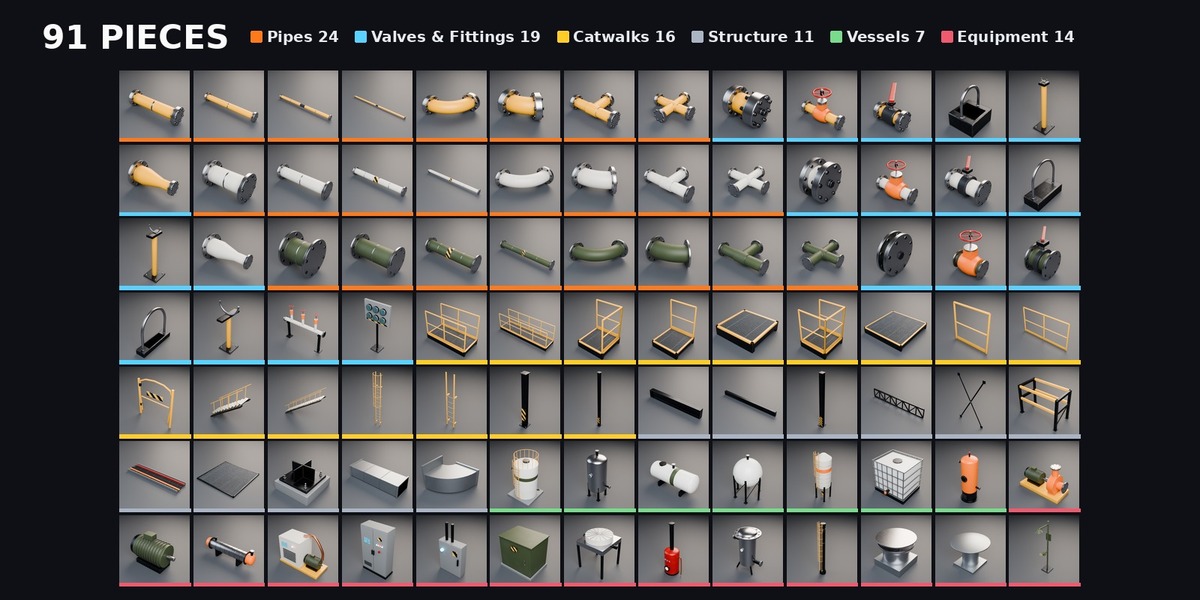
HardKit Industrial - Modular Pipes, Catwalks, Tanks & Plant Equipment for Blender (91 Pieces)
 Sonneblom Digitaal
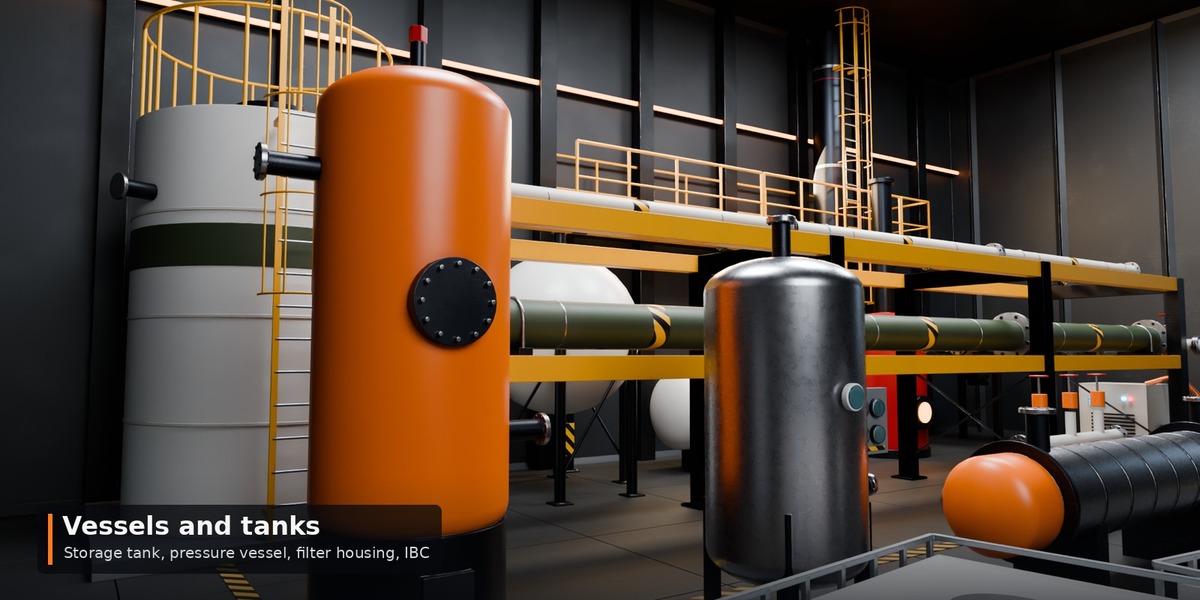
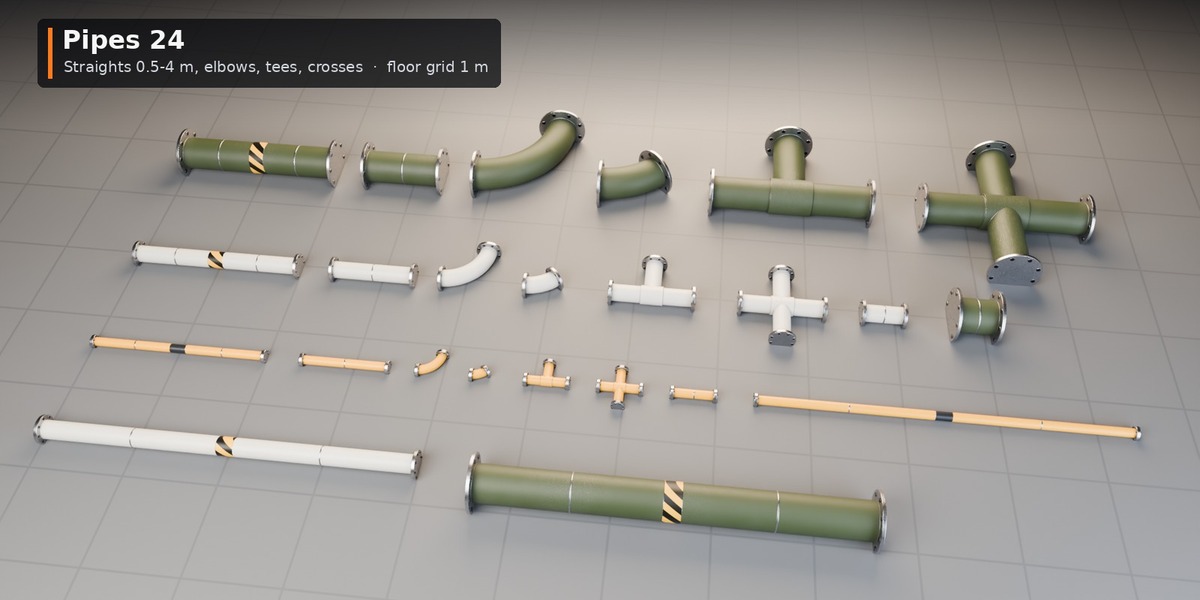
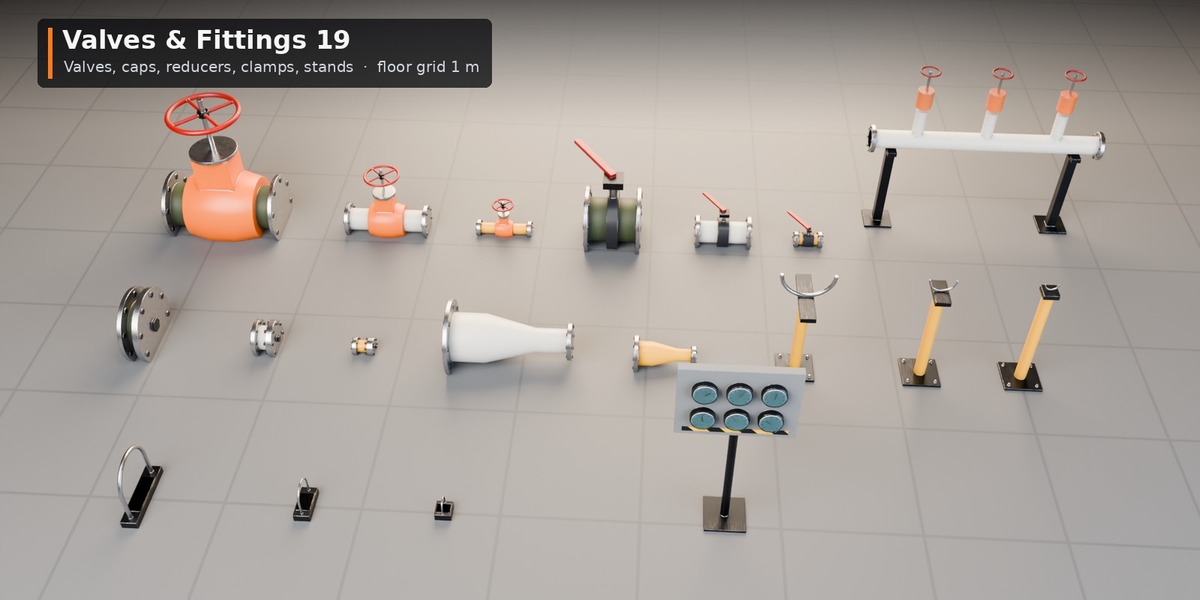
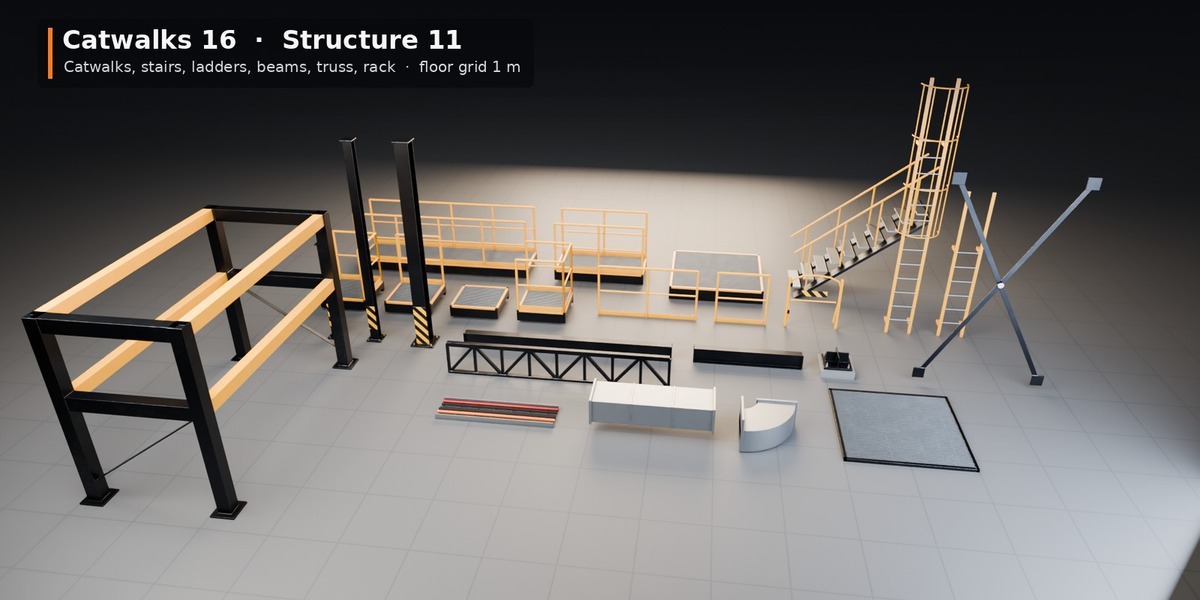

Install
- Unzip HardKit_Industrial_v1.0.zip to a permanent folder.
- Edit > Preferences > File Paths > Asset Libraries > + and pick the Blender folder.
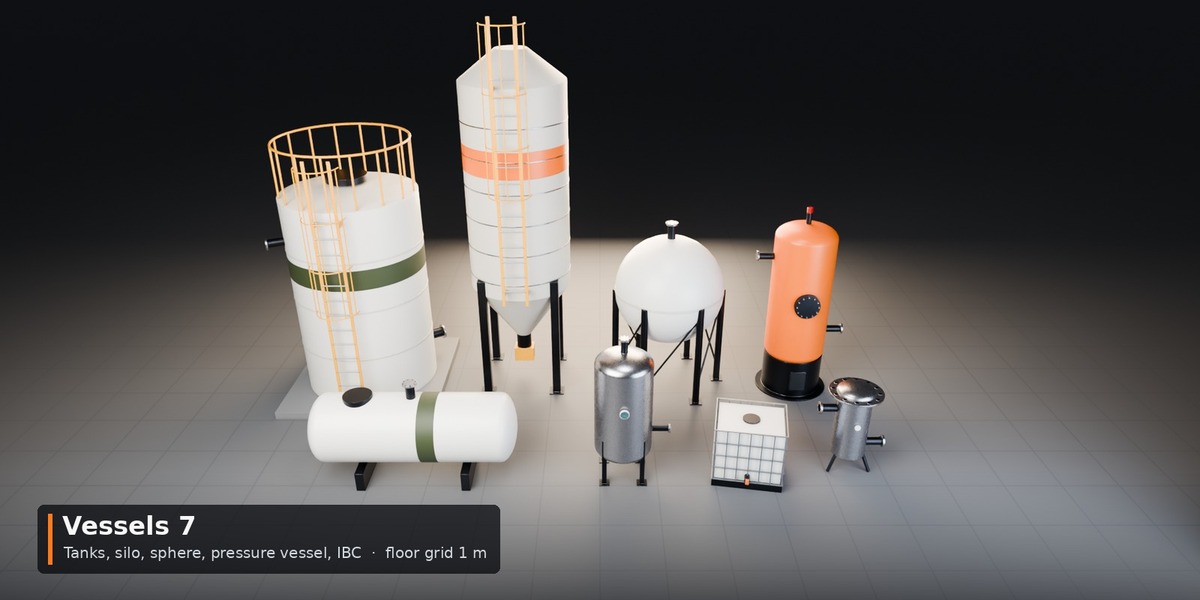
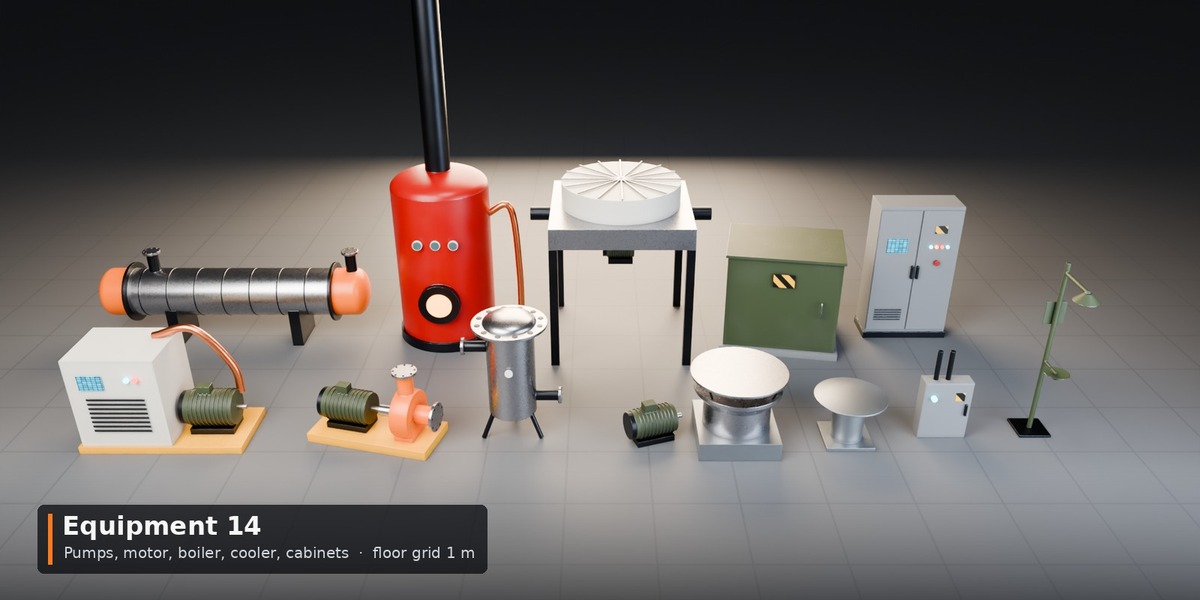
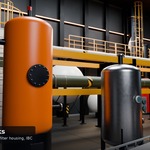
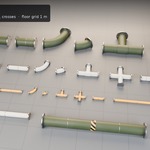
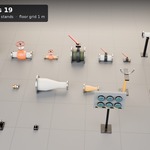
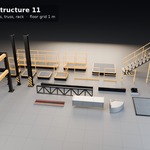
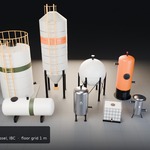
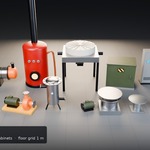
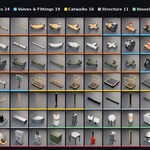
- Open an Asset Browser and choose the library: Pipes, Valves & Fittings, Catwalks, Structure, Vessels, Equipment, Materials.
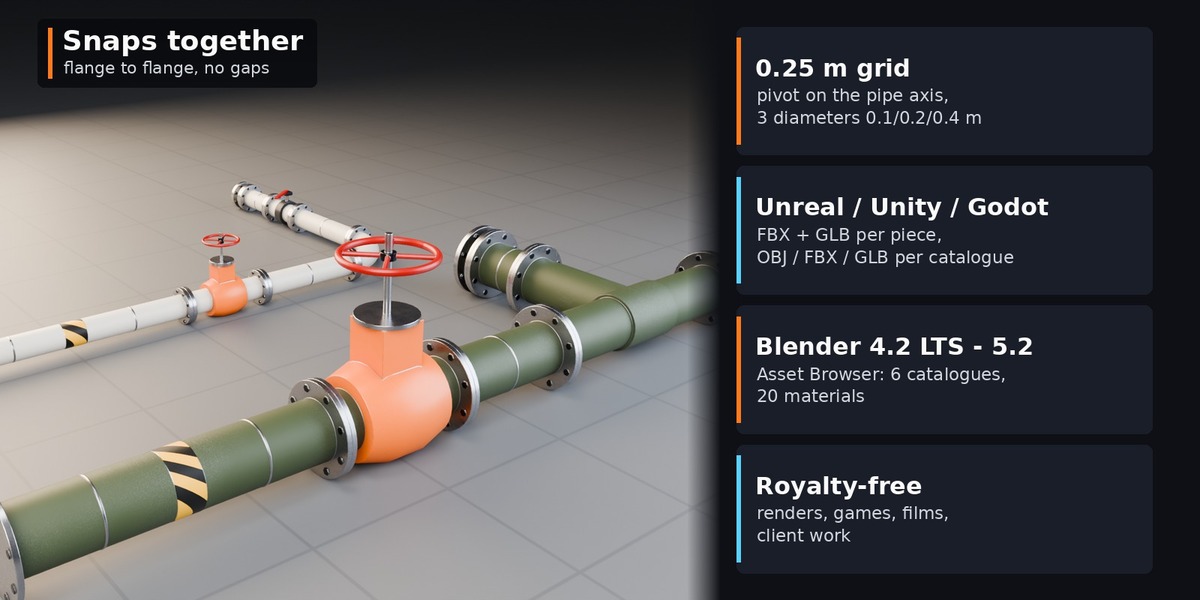
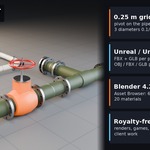
- Set Snap to Increment 0.25 m (Absolute Grid Snap) and drag pieces in.
Snapping
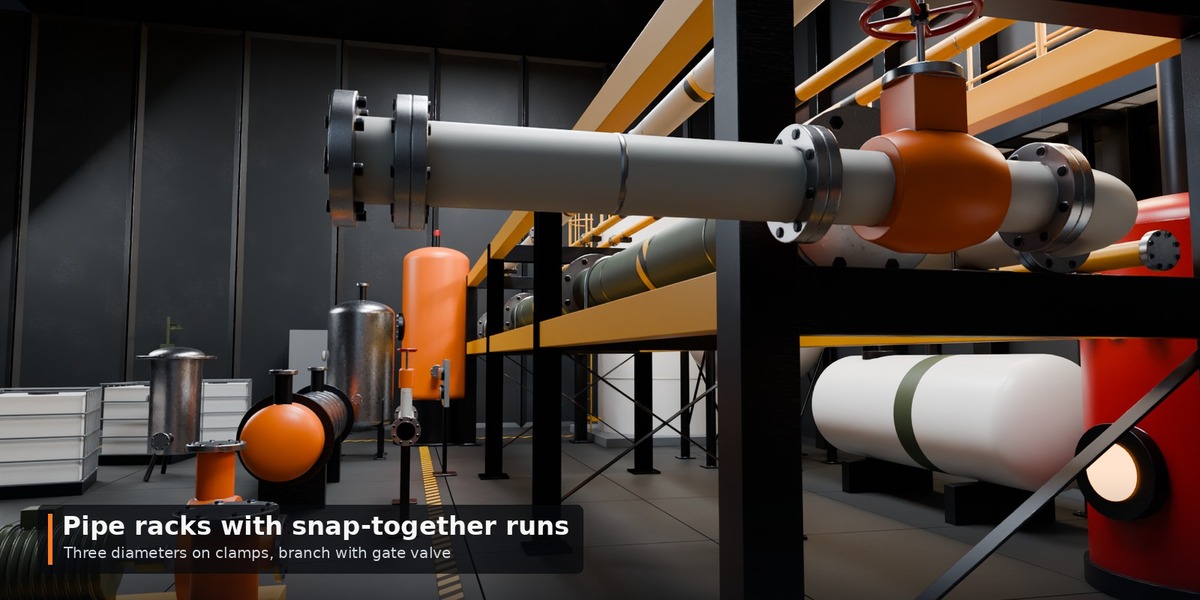
Pipes: pivot on the pipe axis at the inlet, flow +X; straights end at x = length, 90 degree elbows end at (R, R) with R = 0.25 / 0.5 / 1.0 m. Catwalks: pivot at a grid corner on the walking surface, footprint X 0..L, Y -1..0. Columns, I-beams, truss and ducts: top at z = 0 (they hang below the snap level). Stairs Stairs_2m / Stairs_4m rise 2 m / 4 m to the deck. Vessels and equipment: pivot on the floor.
Materials
Open the "HardKit Surface FX" group node: Base Color, Wear Color, Metallic, Roughness, Edge Wear, Dirt, Scratches, Detail Scale. Wear and dirt show in Cycles.
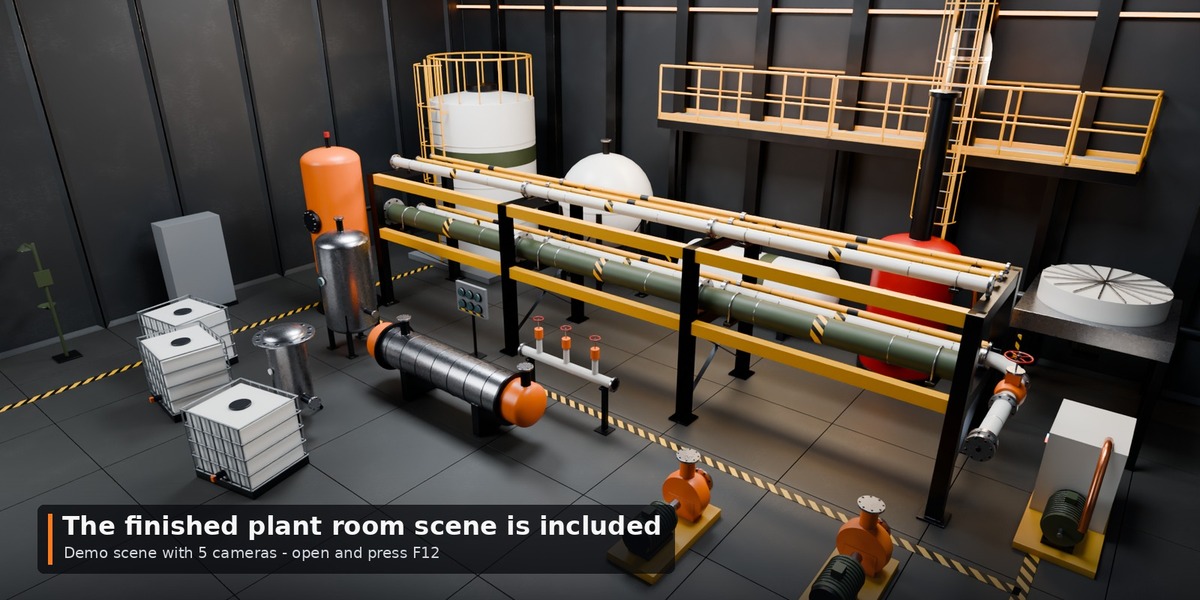
Demo scene
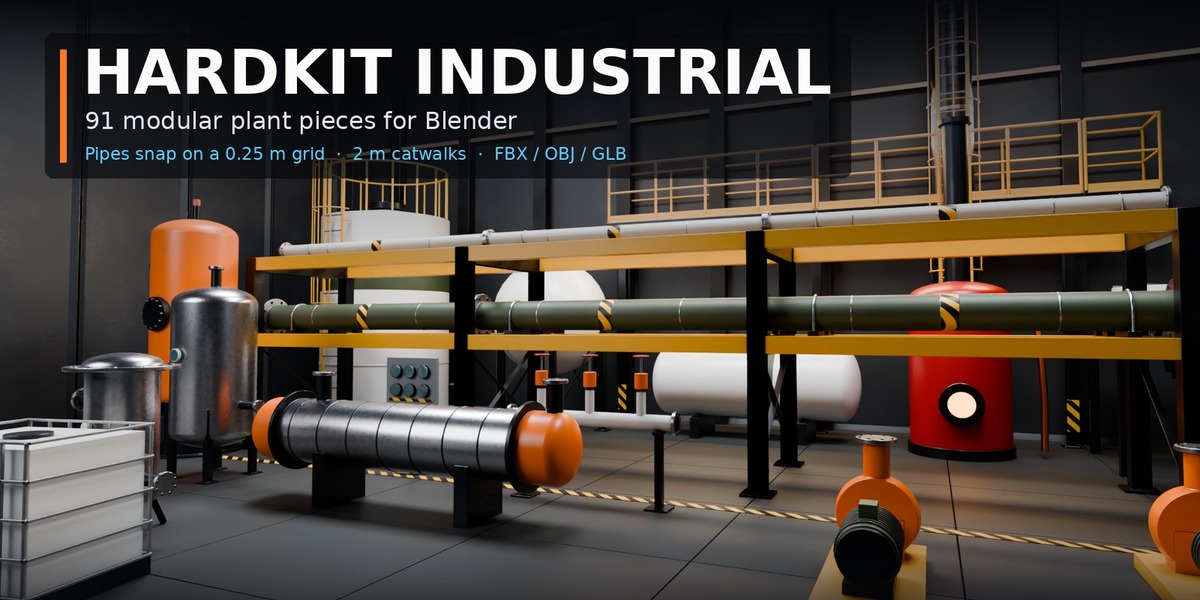
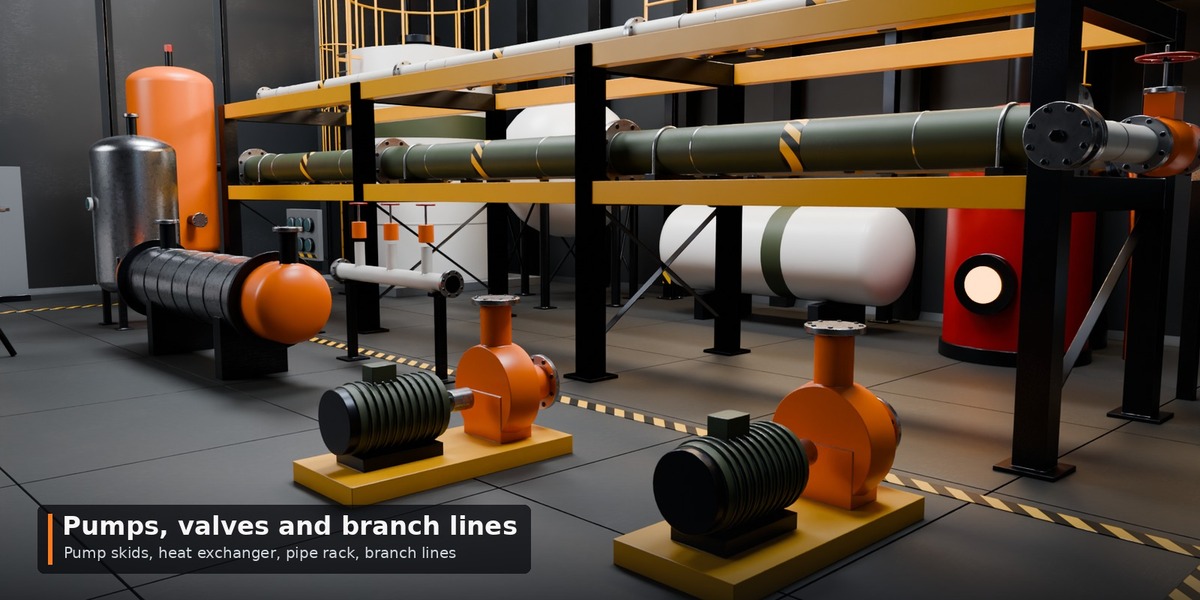
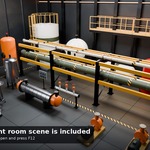
Demo_Scenes/HardKit_Industrial_Plant_Room.blend: open and press F12 (cameras hero, rack, pumps, tanks, high).
Other apps
Second download HardKit_Industrial_Exports_v1.0.zip: FBX/OBJ/GLB per catalogue and FBX/GLB per piece (metres, Y up for engines).
Support
Message us through the store. Fixes and additions come as free updates.
Have questions about this product?
Login to message
| Published | about 2 hours ago |
| Blender Version | 4.2 - 5.2 |
| Render Engine Used | Cycles, Eevee |
| License | Royalty Free |