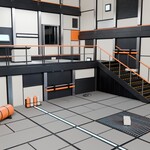
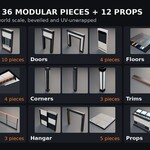
HardKit Modular - Sci-Fi Corridor & Hangar Kit for Blender (2 M Grid, 36 Pieces, Demo Level)
 Sonneblom Digitaal
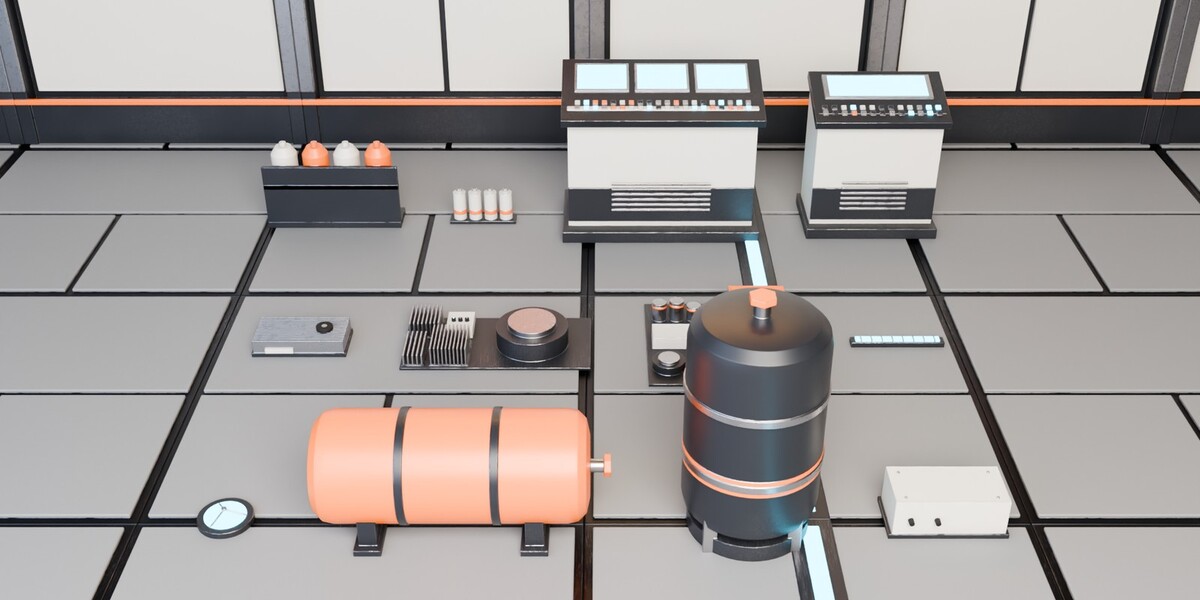
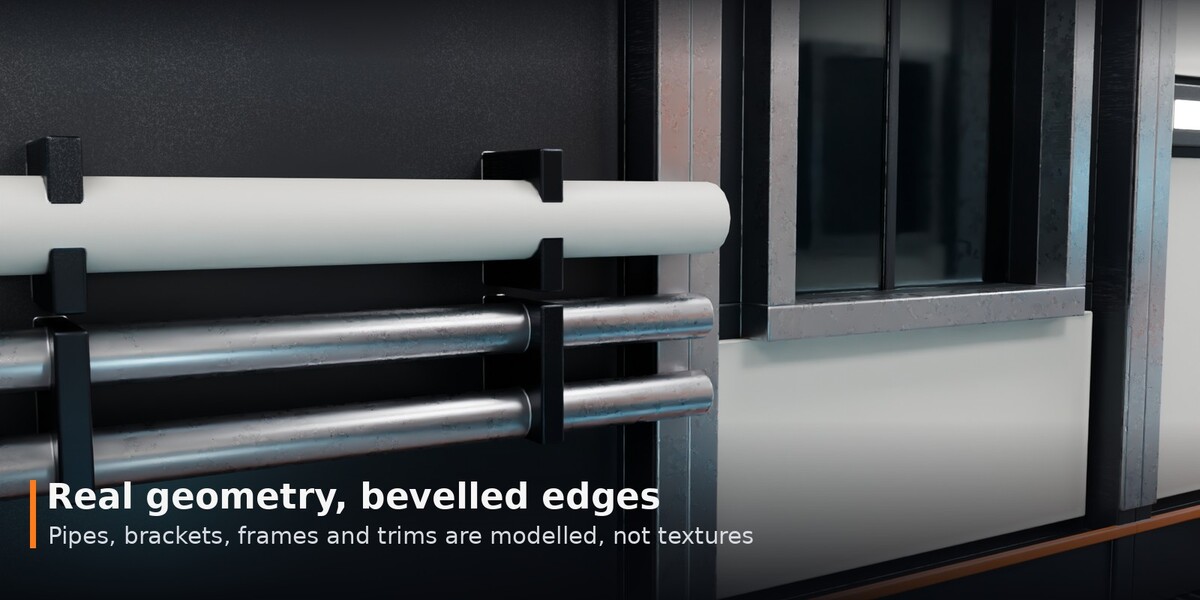
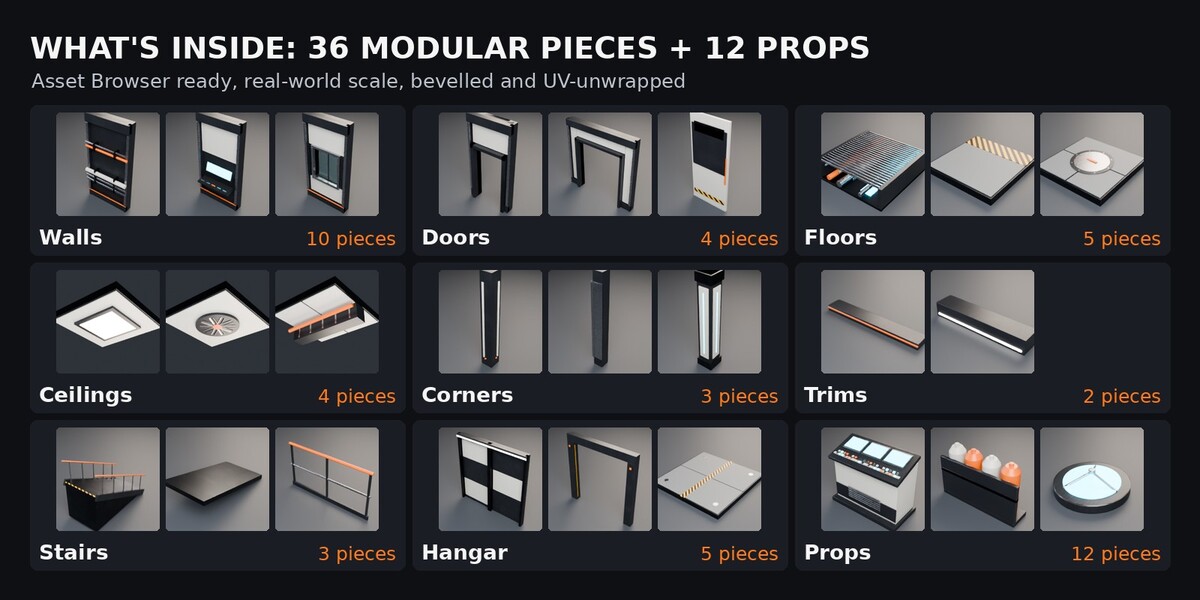
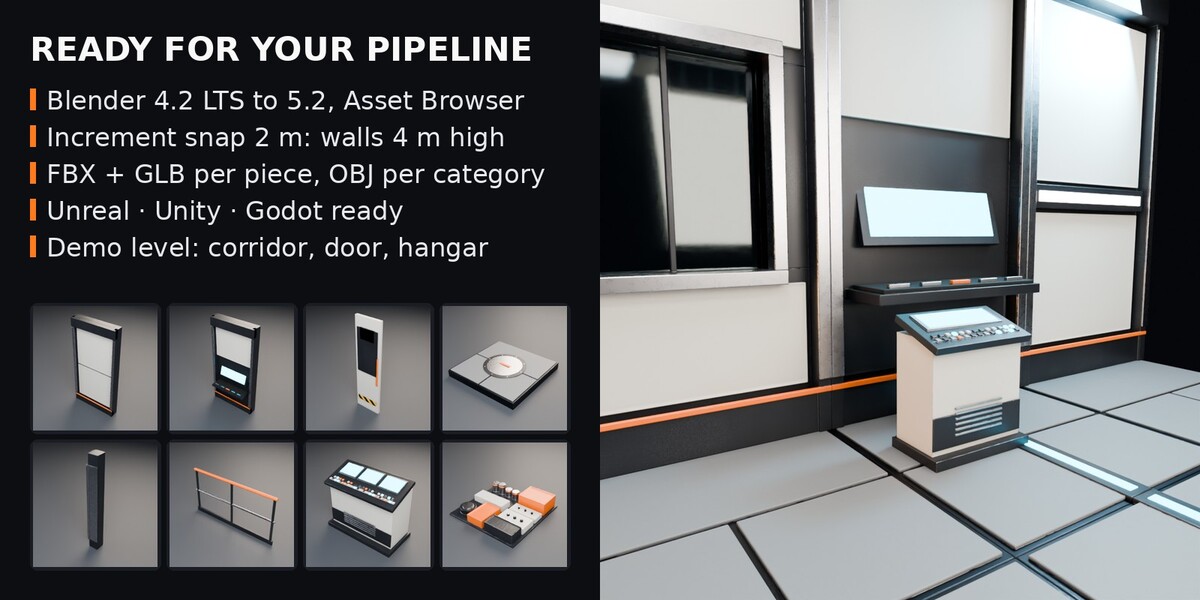




Install
- Unzip HardKit_Modular_v1.0.zip.
- Edit > Preferences > File Paths > Asset Libraries > + and pick the Blender folder.
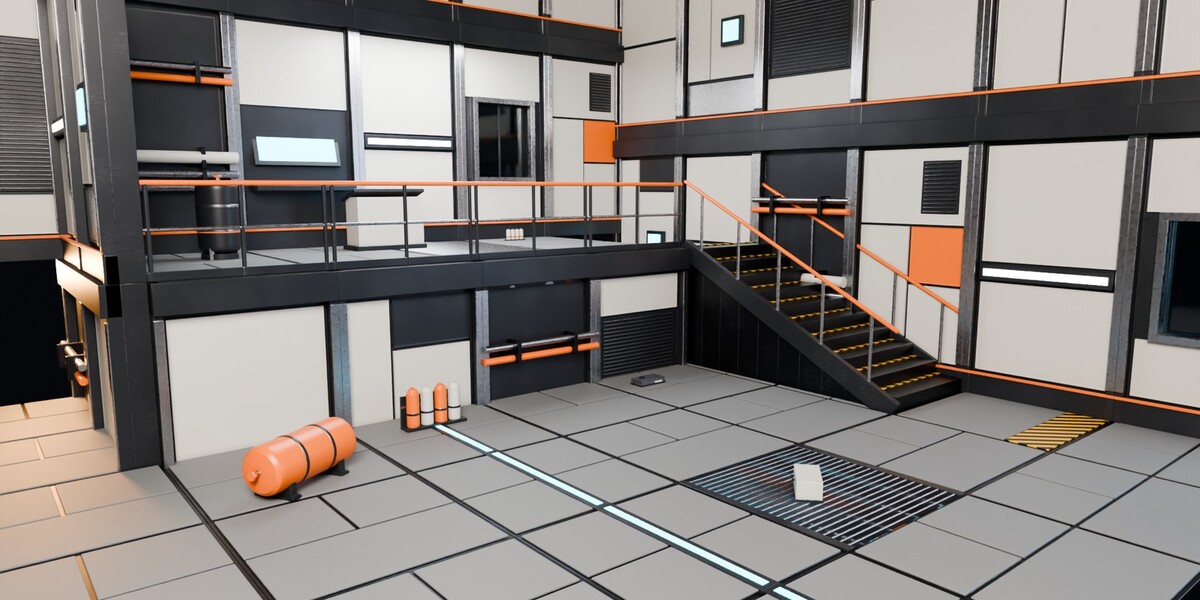
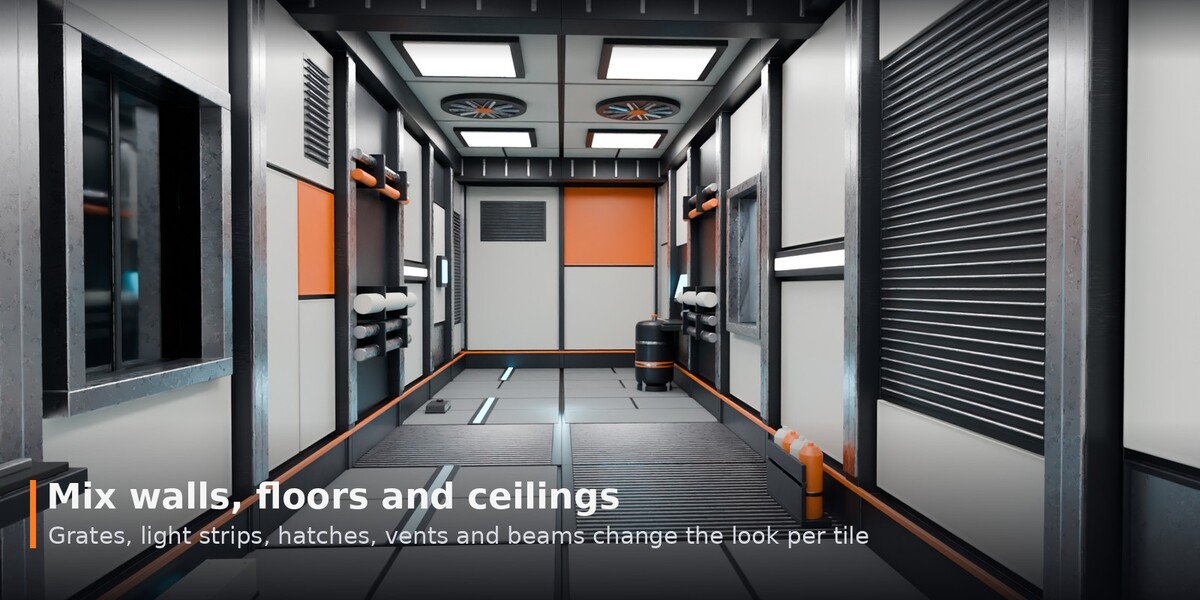
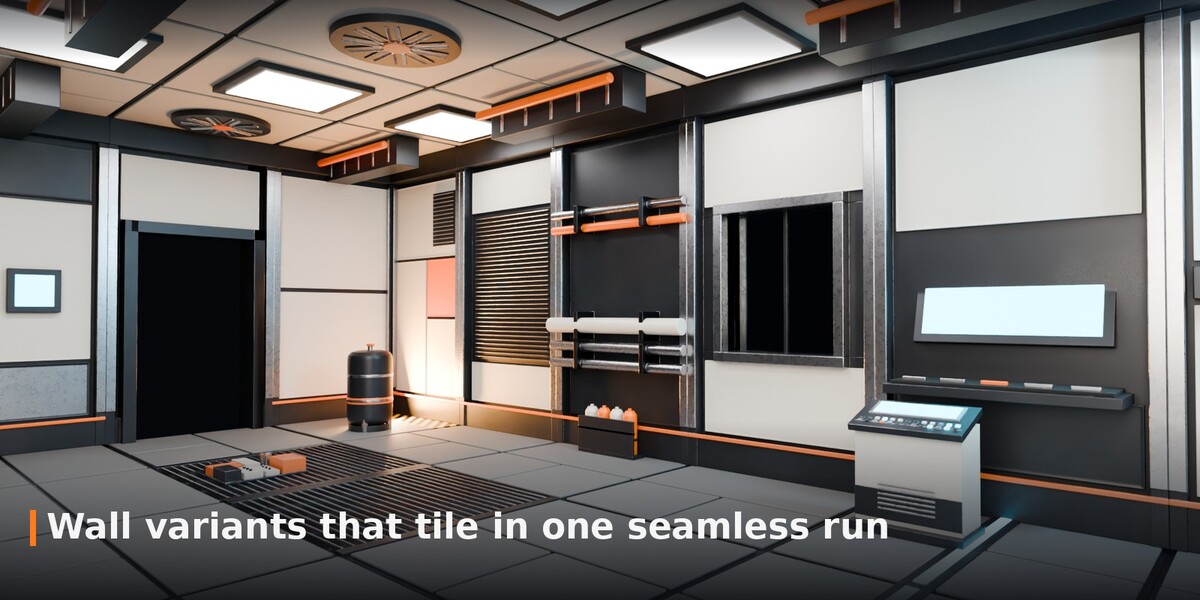
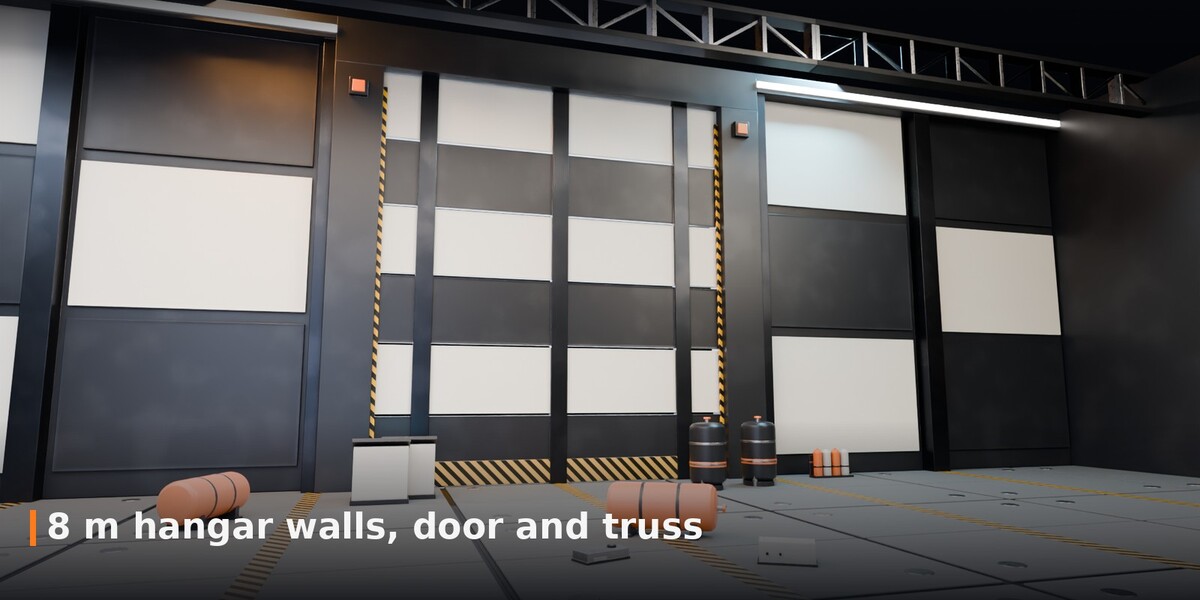
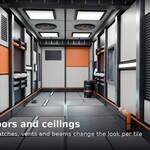
- Asset Browser > HardKit Modular: Walls, Doors, Floors, Ceilings, Corners, Trims, Stairs, Hangar, Props, Materials.
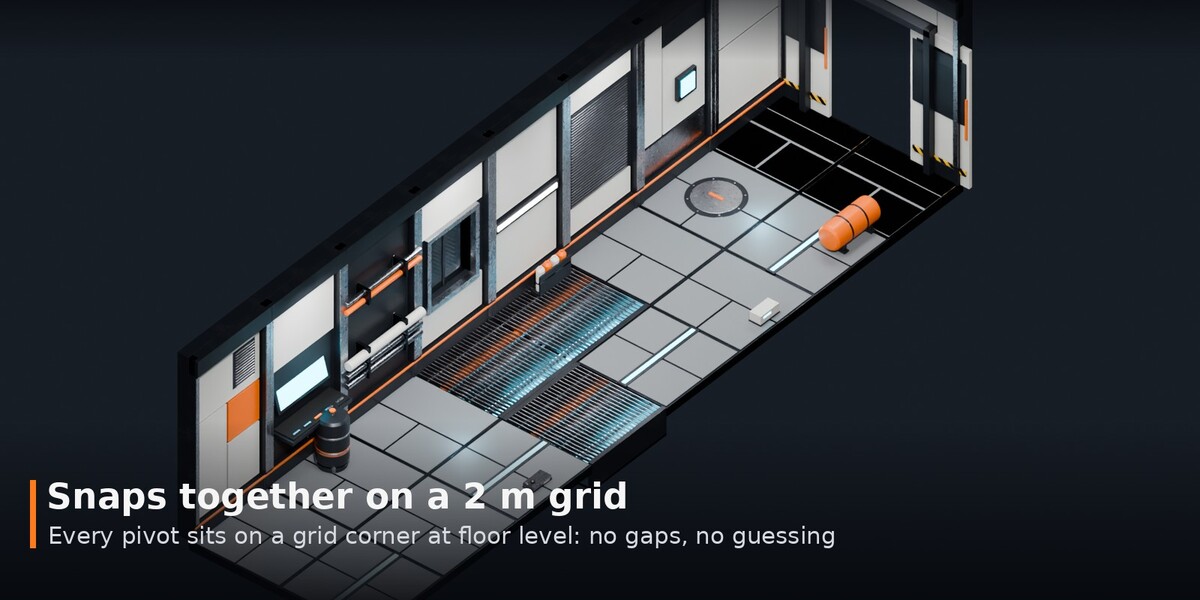
- Set Snap to Increment 2 m (Absolute Grid Snap) and drag pieces in.
Pivots
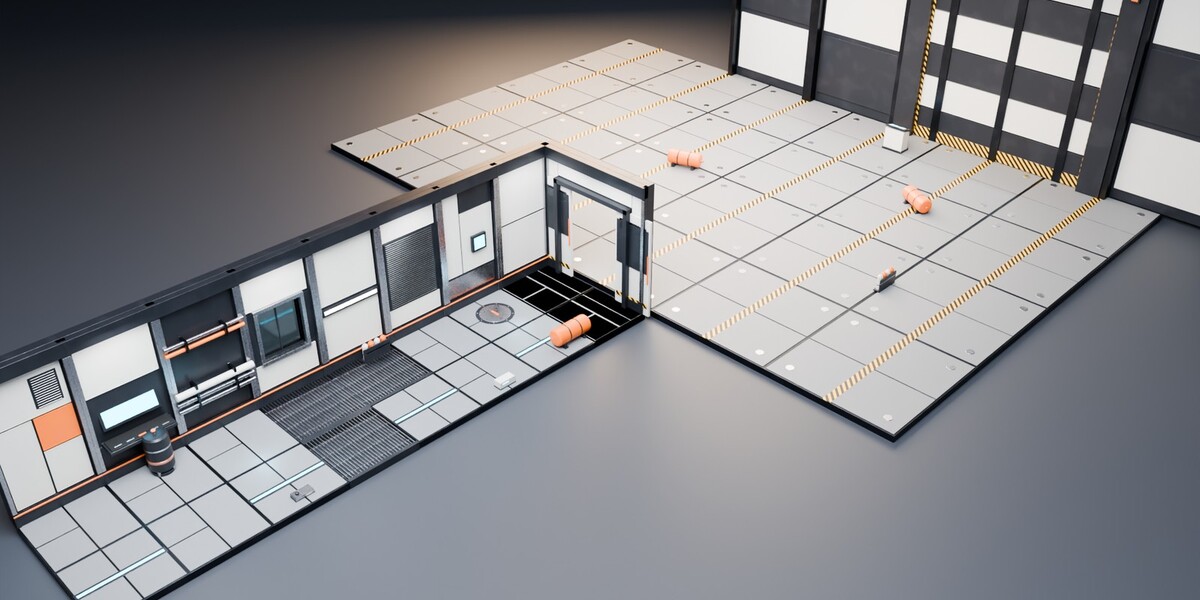
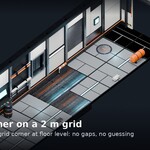
Every pivot is on a grid corner at floor level. Walls run along +X with the visible face toward -Y; floors and ceilings cover X 0..2, Y -2..0, so a floor at a wall's pivot sits in front of it.
Demo level
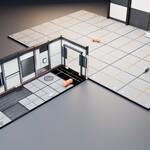
Demo_Scenes/HardKit_Modular_Demo_Level.blend: open and press F12.
Other apps
The game-engine exports come in two more downloads that unzip into the same HardKit_Modular_Exports folder: HardKit_Modular_Exports_v1.0_part1_CategoryFiles.zip (FBX/OBJ/GLB per catalogue) and HardKit_Modular_Exports_v1.0_part2_IndividualParts.zip (FBX/GLB per piece), in metres.
Support
Message us through the store. Fixes and new pieces come as free updates.
Have questions about this product?
Login to message
| Published | about 7 hours ago |
| Blender Version | 4.2 - 5.2 |
| Render Engine Used | Cycles |
| License | Royalty Free |