HardKit Props - Sci-Fi Set Dressing Kit for Blender (125 Props, FBX/OBJ/GLB)
 Sonneblom Digitaal
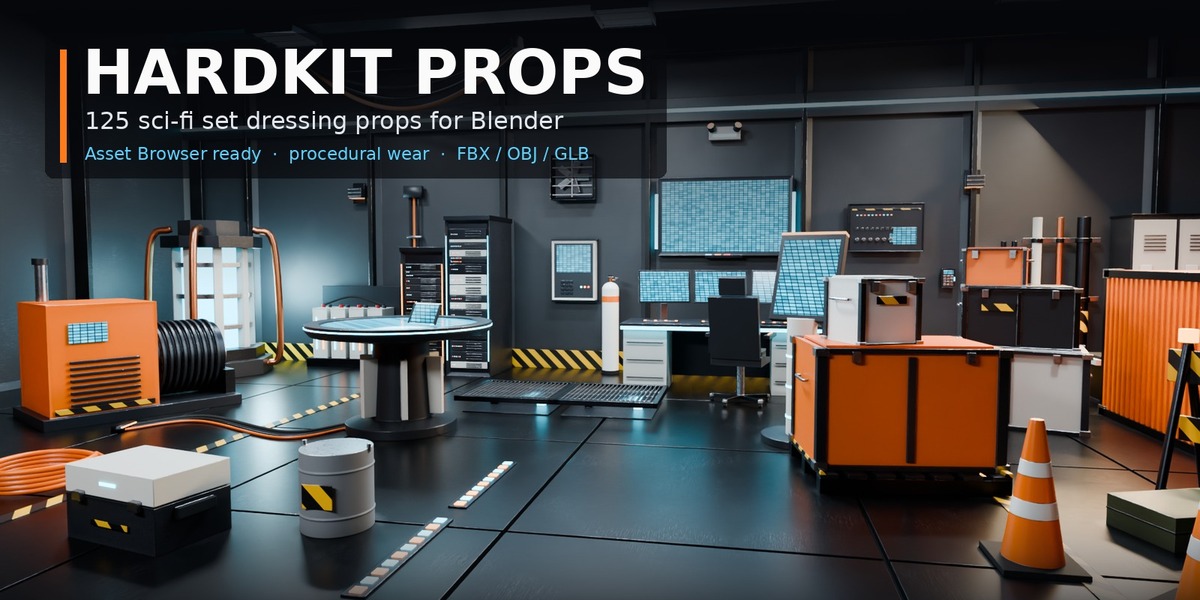



Install
- Unzip HardKit_Props_v1.0.zip to a permanent folder.
- Edit > Preferences > File Paths > Asset Libraries > + and pick the Blender folder.
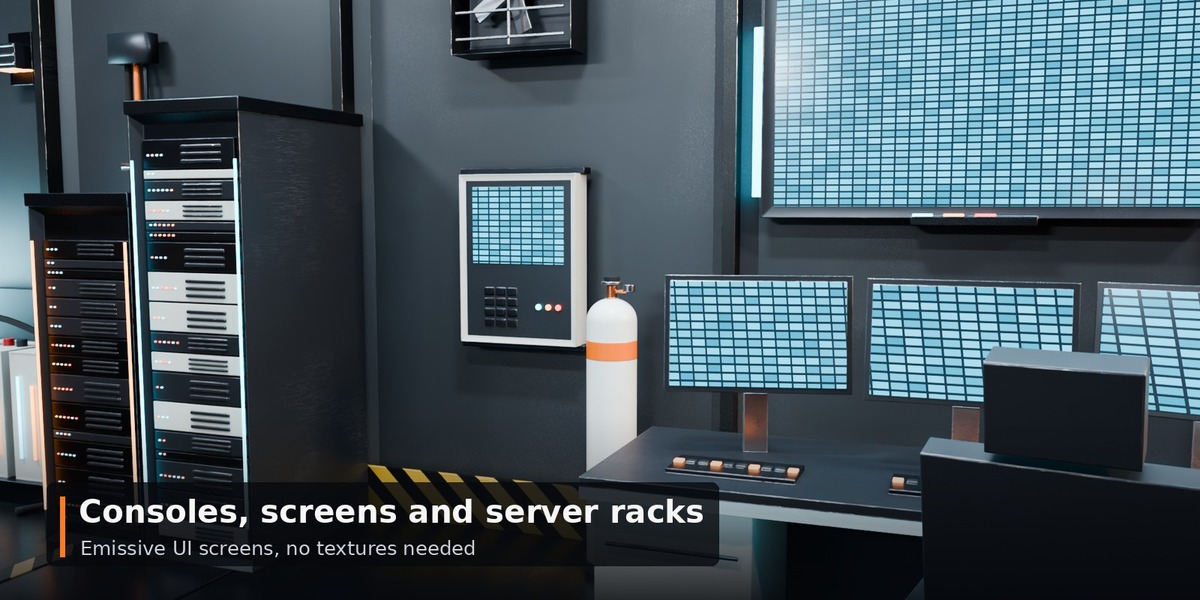
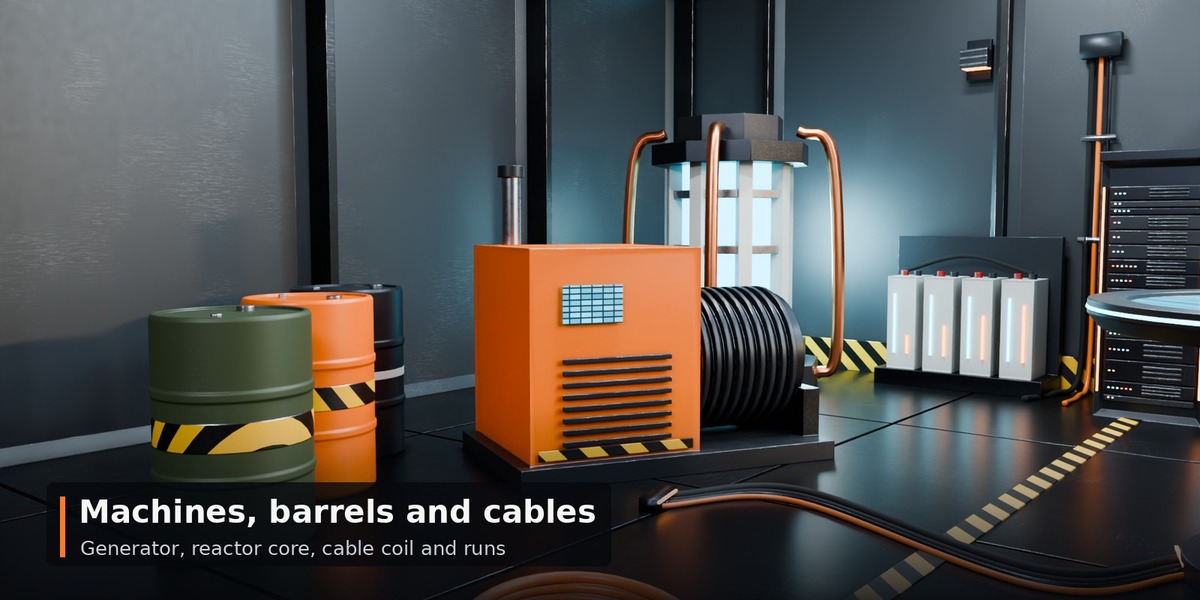
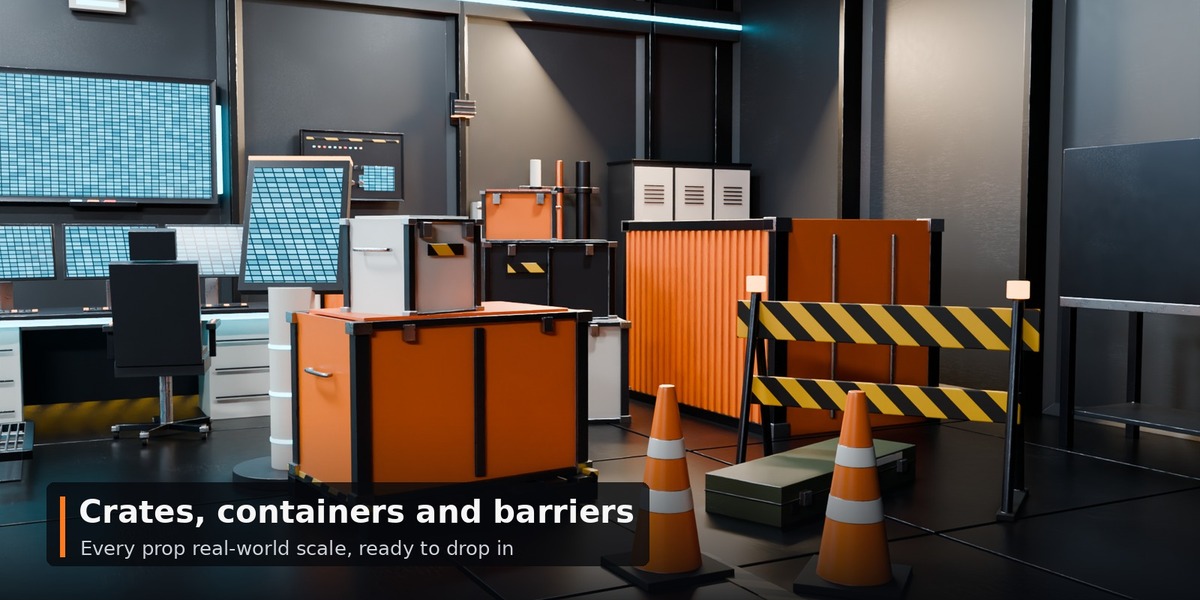
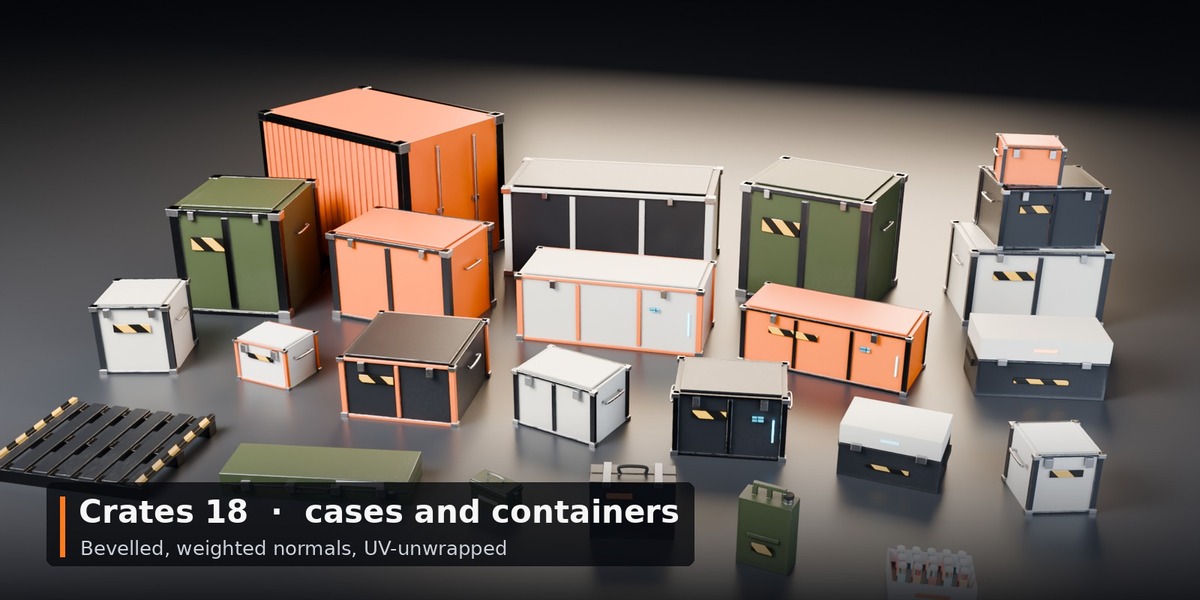
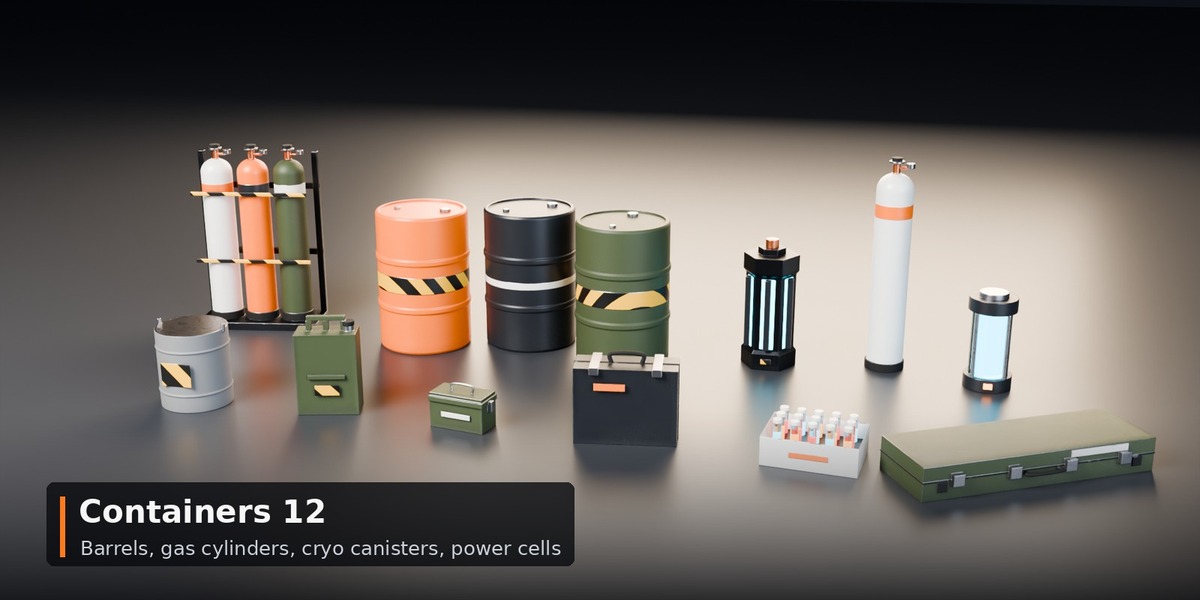
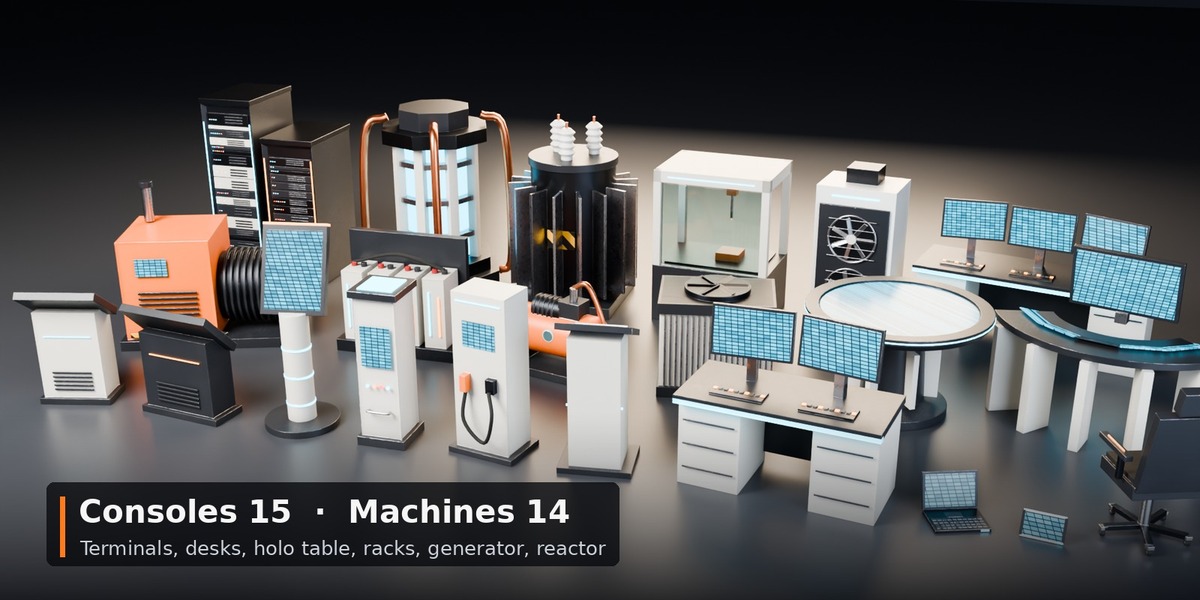
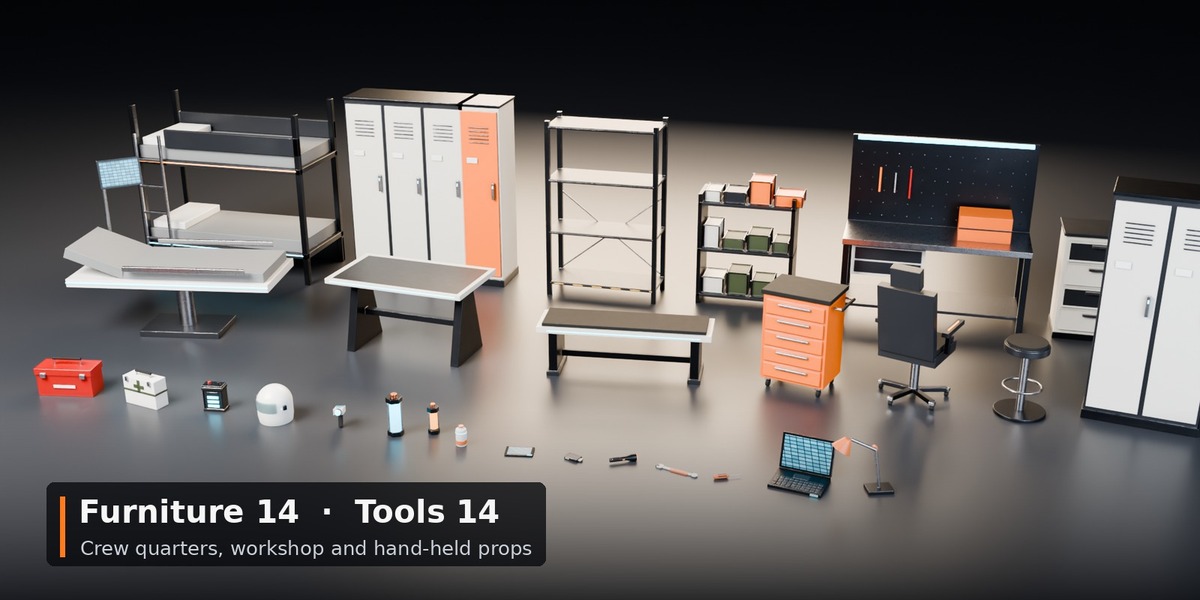
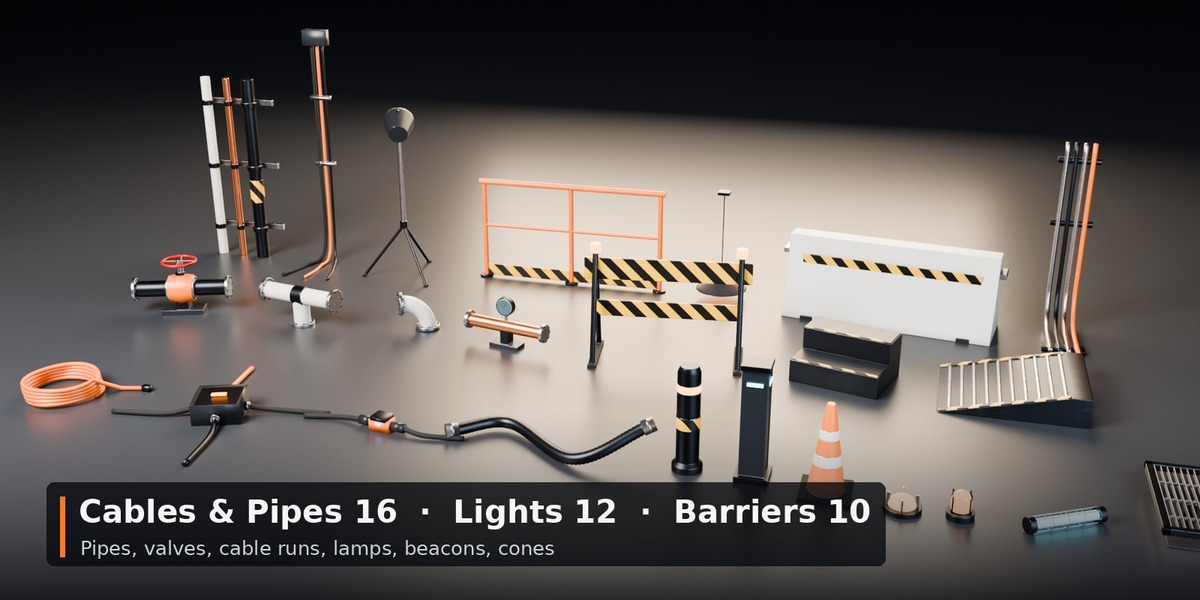
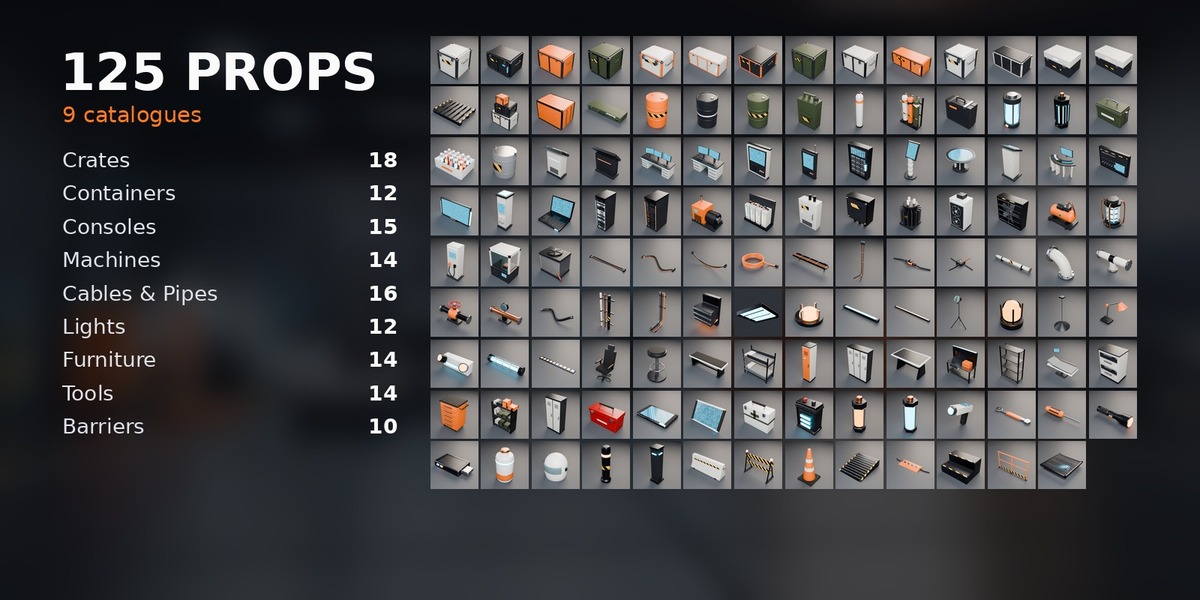
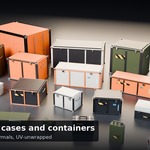
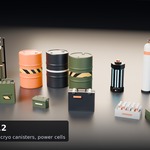
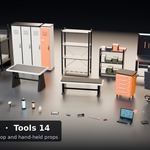
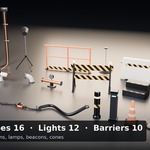
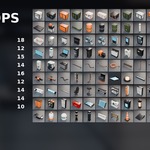
- Open an Asset Browser and choose the library: catalogues Crates, Containers, Consoles, Machines, Cables & Pipes, Lights, Furniture, Tools, Barriers, Materials.
- Drag props into your scene and materials onto your own objects.
Pivots
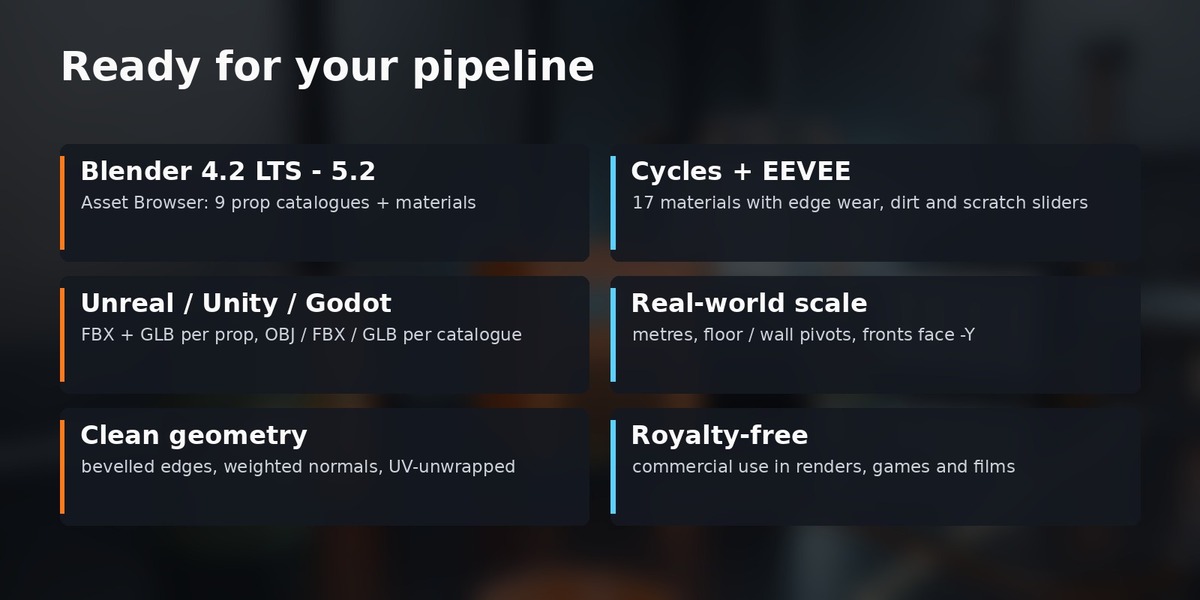
Floor props: origin at the footprint centre on the floor, fronts face -Y. Wall props: origin on the wall surface, body toward -Y. Ceiling light: origin at the ceiling contact.
Materials
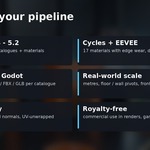
Open the "HardKit Surface FX" group node: Base Color, Wear Color, Metallic, Roughness, Edge Wear, Dirt, Scratches, Detail Scale. Wear and dirt show in Cycles.
Demo scene
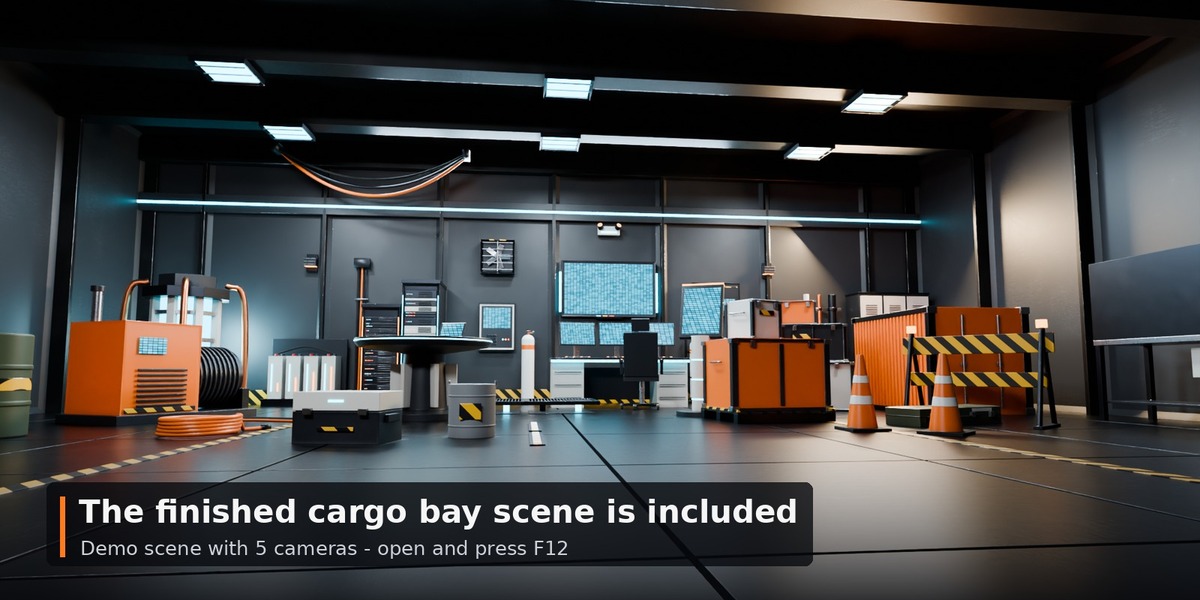
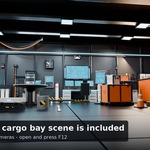
Demo_Scenes/HardKit_Props_Cargo_Bay.blend: open and press F12 (cameras hero, console, corner, cargo, wide_low).
Other apps
Second download HardKit_Props_Exports_v1.0.zip: FBX/OBJ/GLB per catalogue and FBX/GLB per prop (metres, Y up for engines).
Support
Message us through the store. Fixes and additions come as free updates.
Have questions about this product?
Login to message
| Published | about 2 hours ago |
| Blender Version | 4.2 - 5.2 |
| Render Engine Used | Cycles, Eevee |
| Misc Data | Uvs-Unwrapped |
| License | Royalty Free |