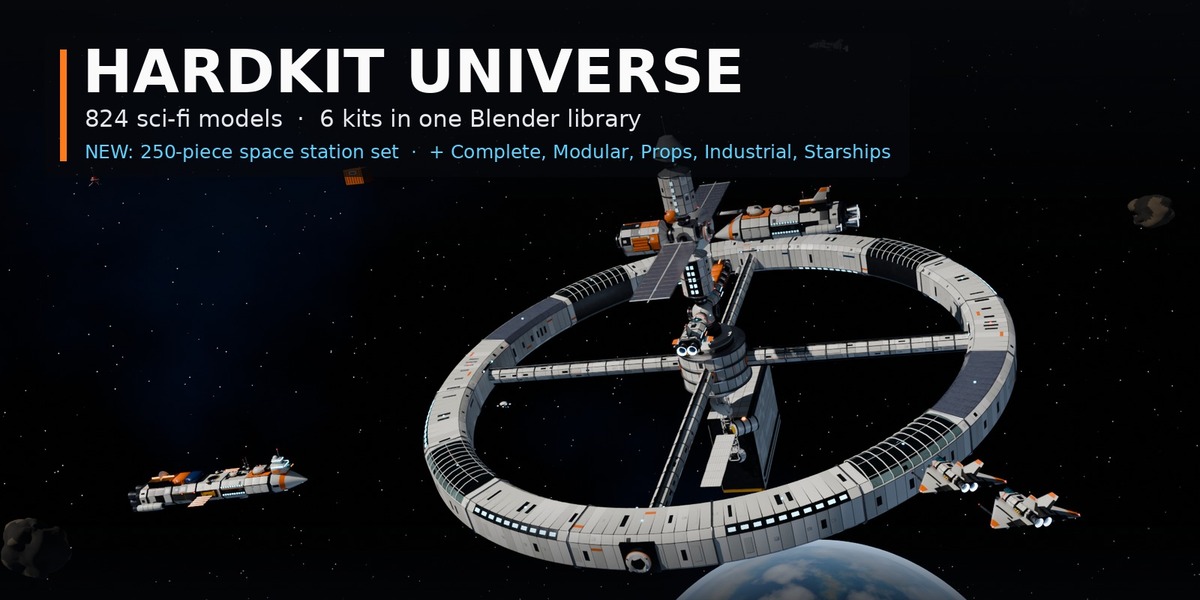
HardKit Universe - Sci-Fi Mega Library for Blender (824 Models, 6 Kits)
 Sonneblom Digitaal


Install
- Large library: downloads come in parts - download all parts of a set into one folder and unpack them (instructions in HOW_TO_UNZIP.txt, included). The Blender library is the HardKit_Universe_v1.0 parts; extract them all to one permanent folder.
- Edit > Preferences > File Paths > Asset Libraries > + and pick the Blender folder.
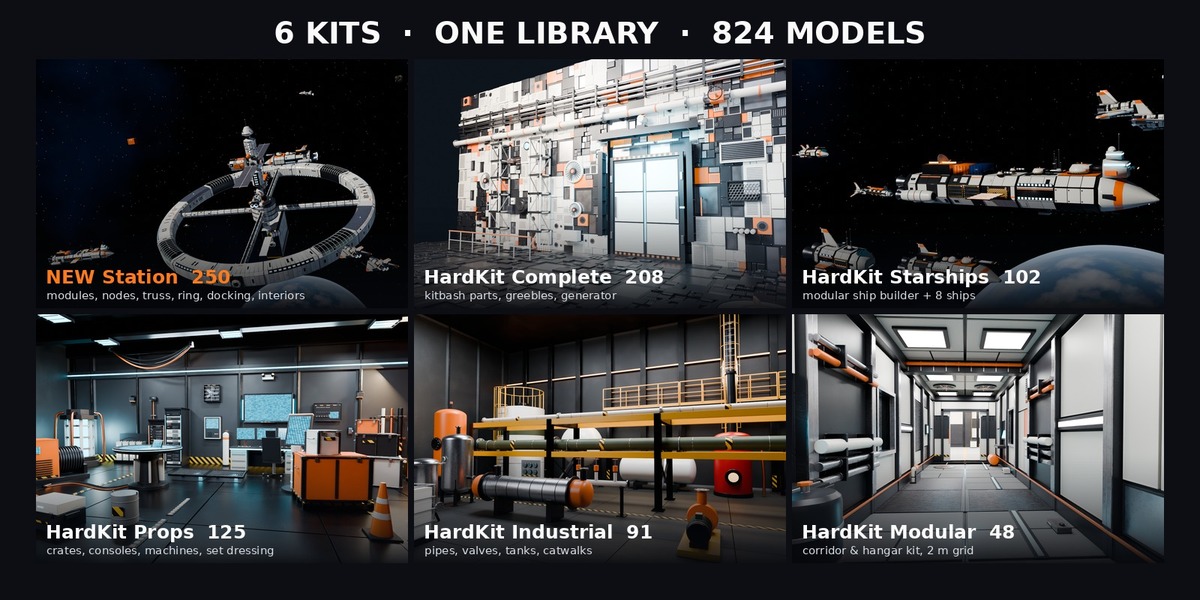
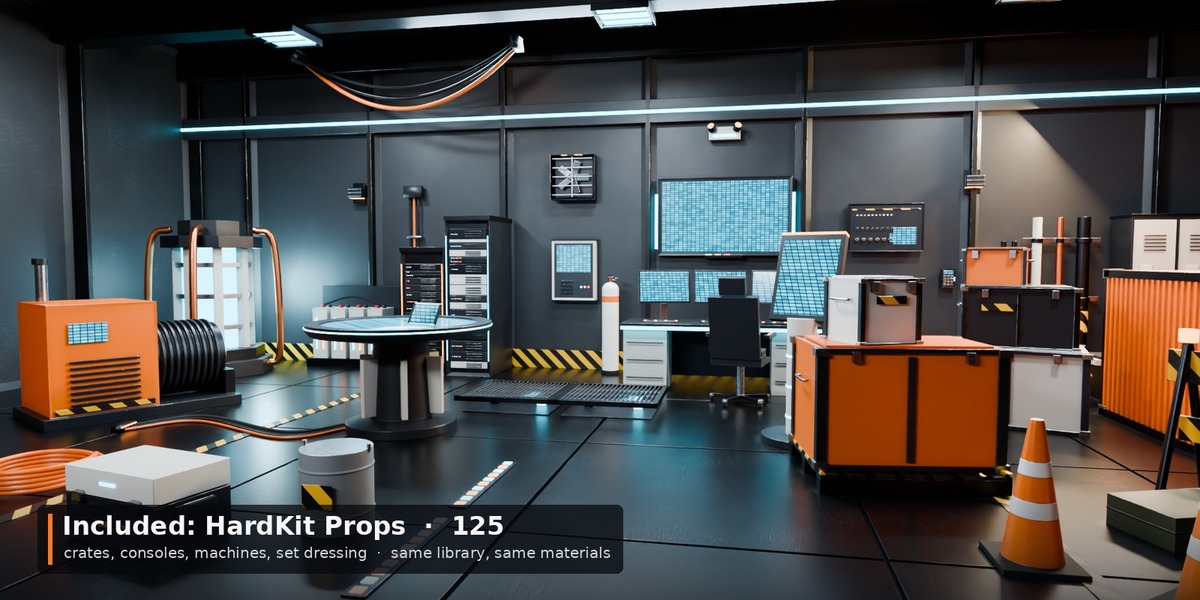
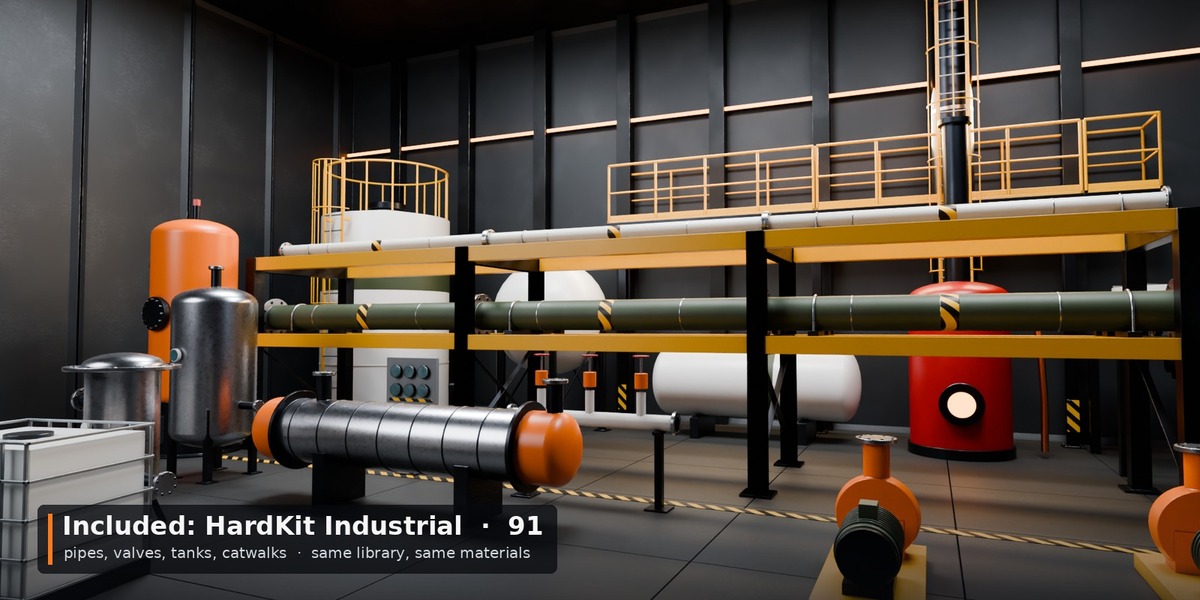
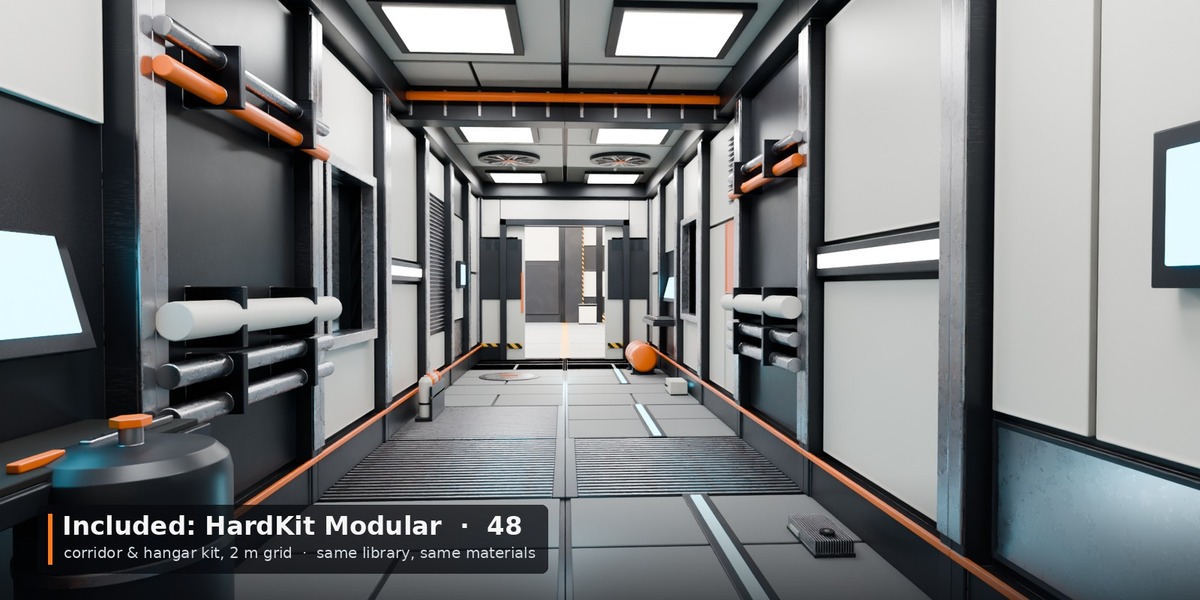
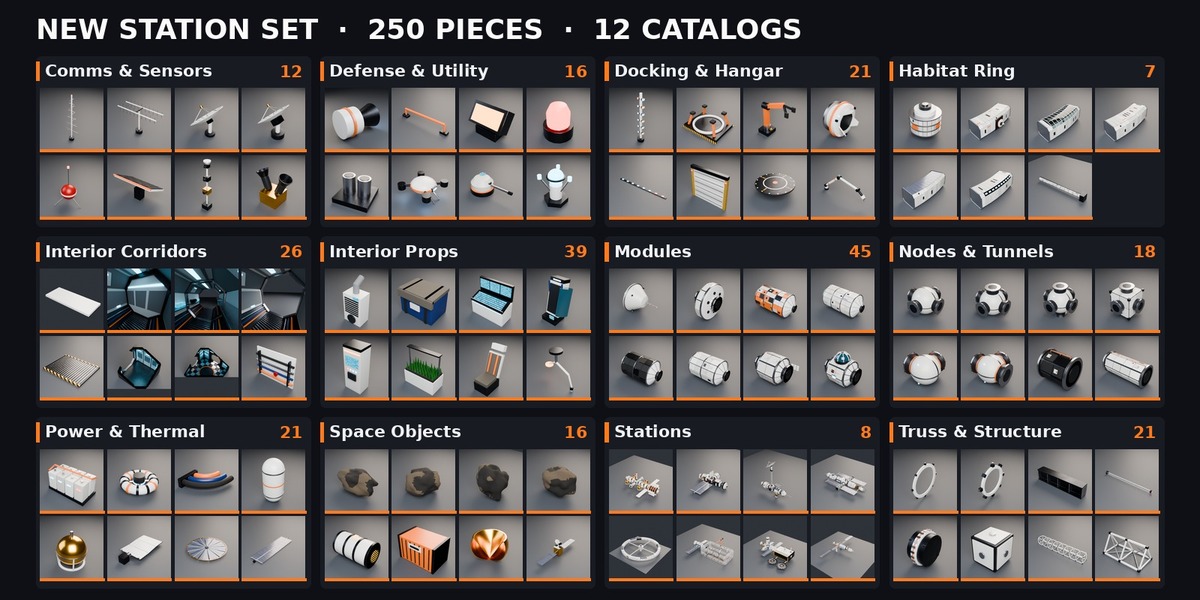
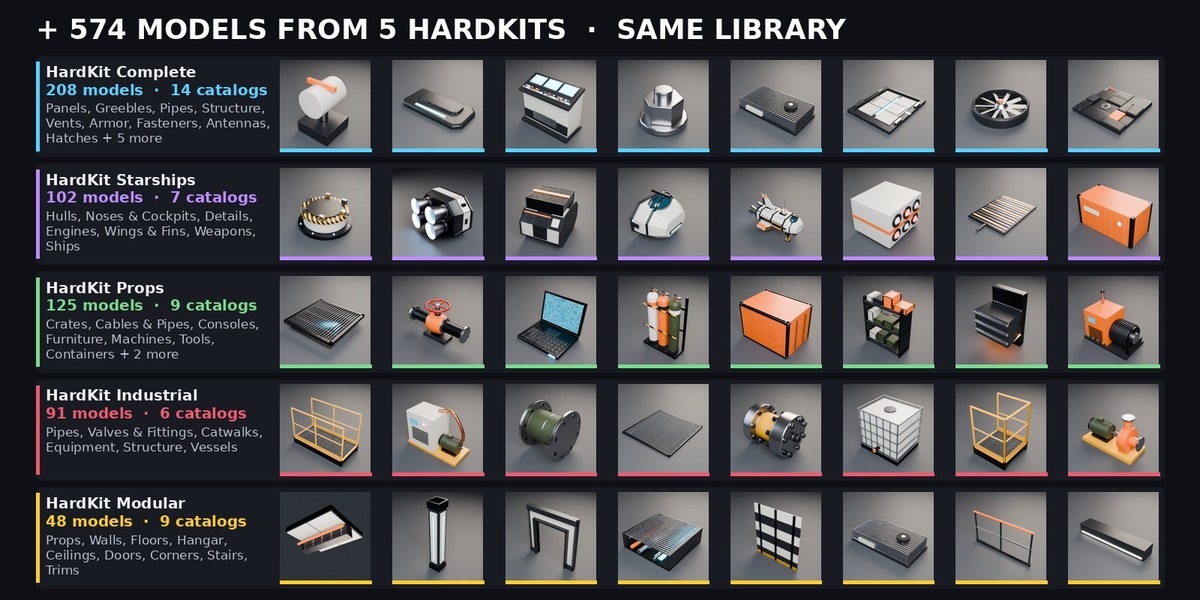
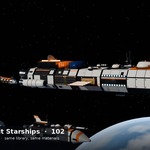
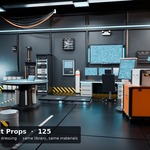
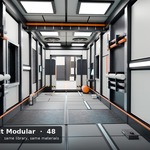
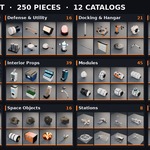
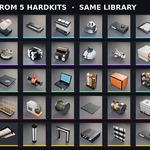
- Open an Asset Browser and choose the library: one tree HardKit Universe with Station, Complete, Starships, Props, Industrial and Modular.
- Drag models into your scene, materials onto your objects.
Station snapping
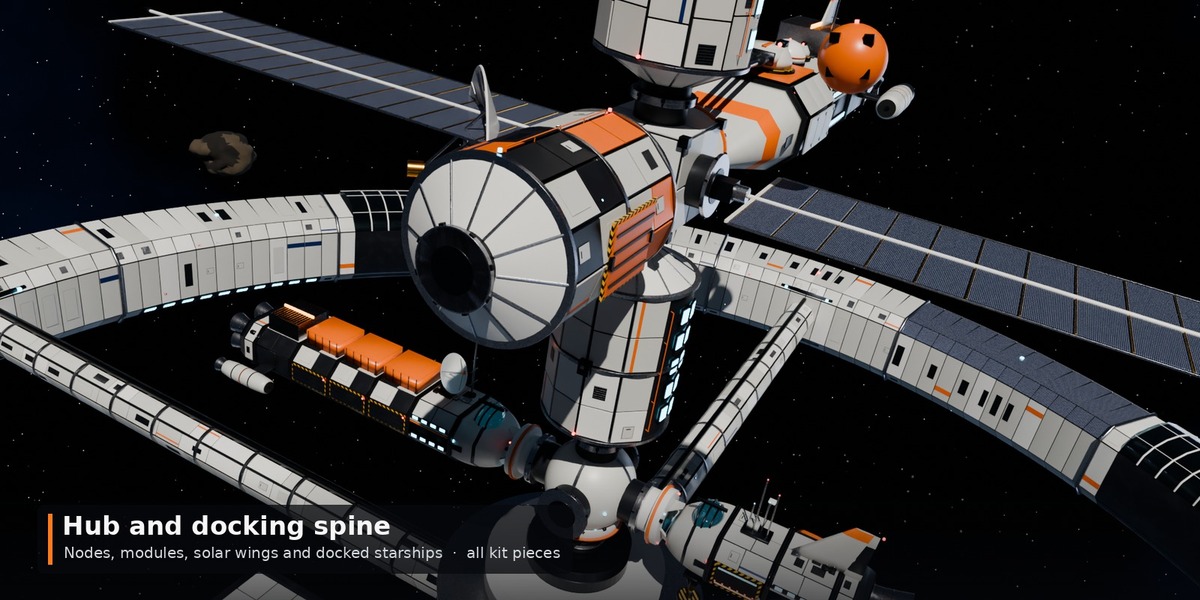
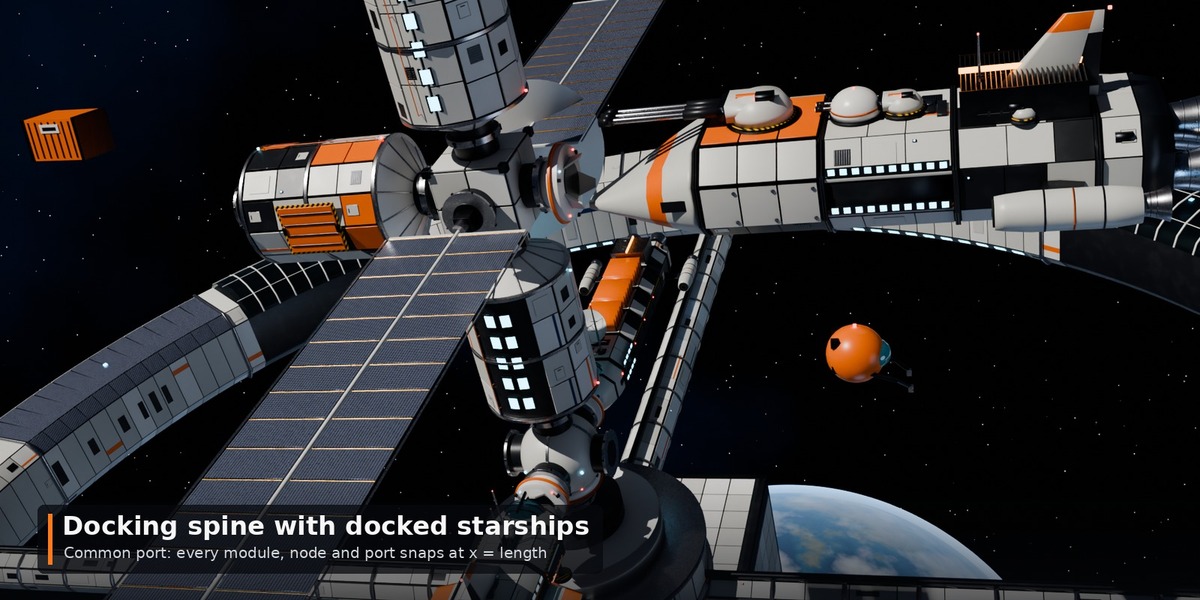
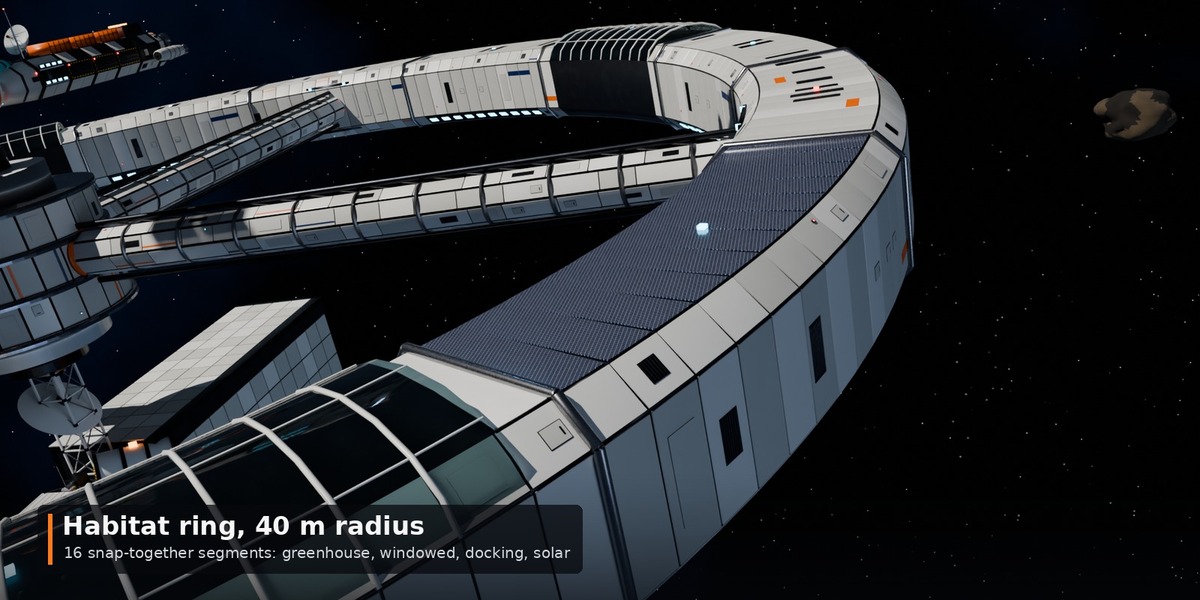
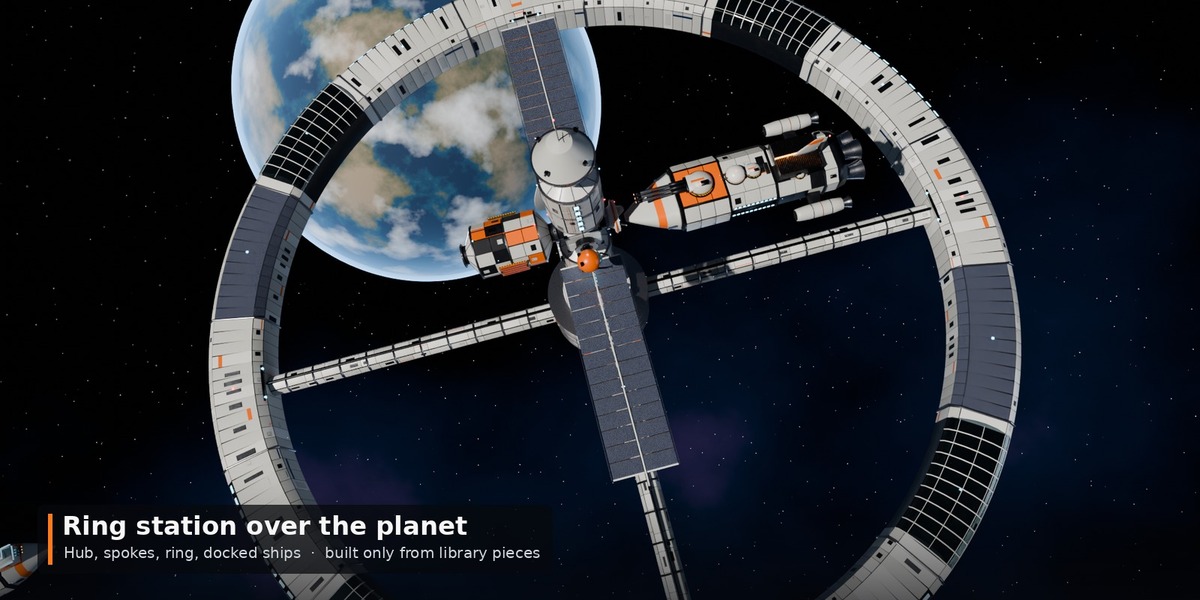
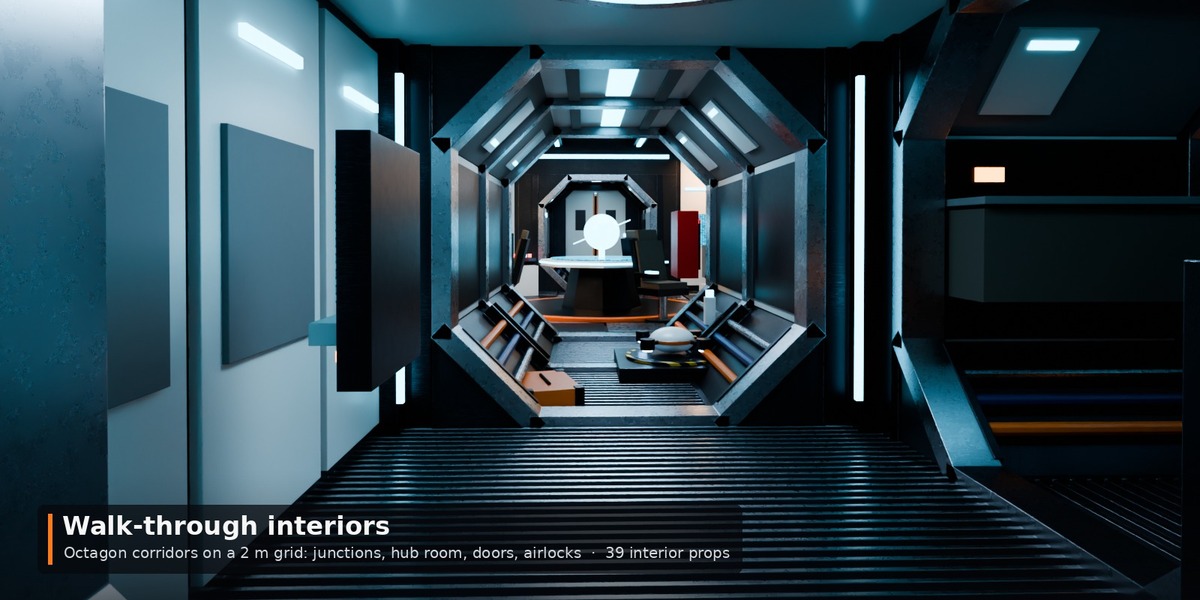
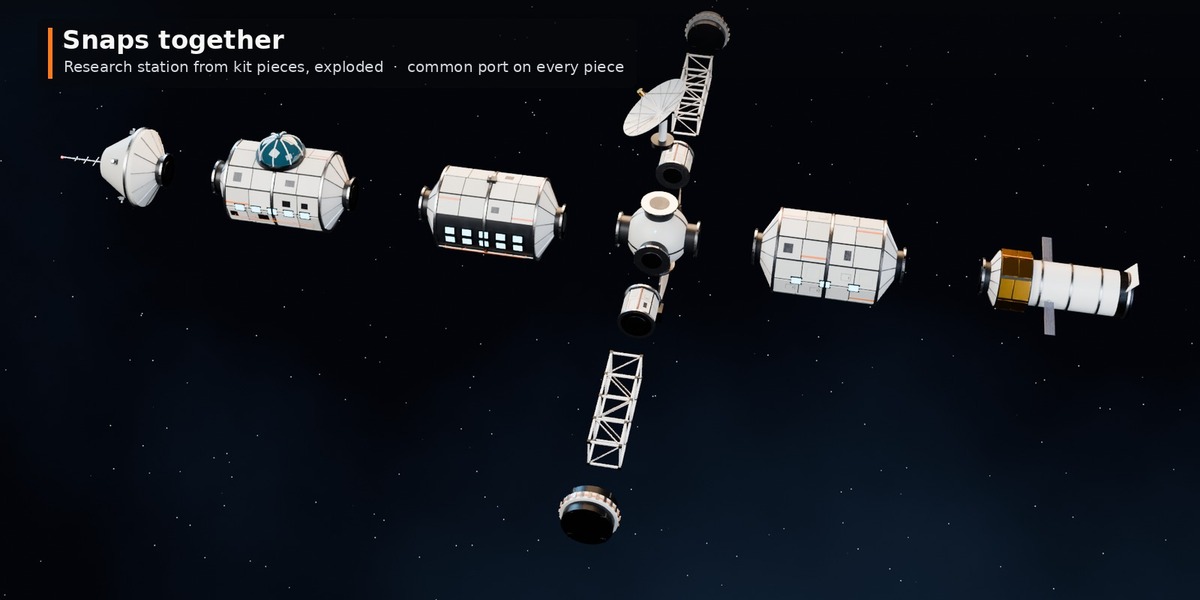
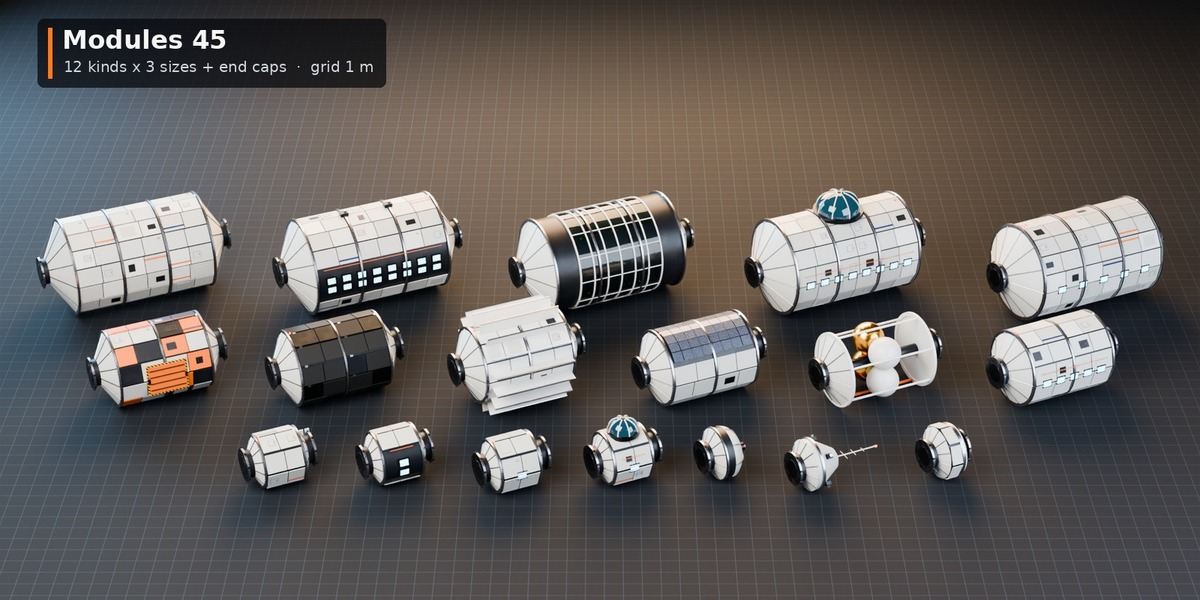
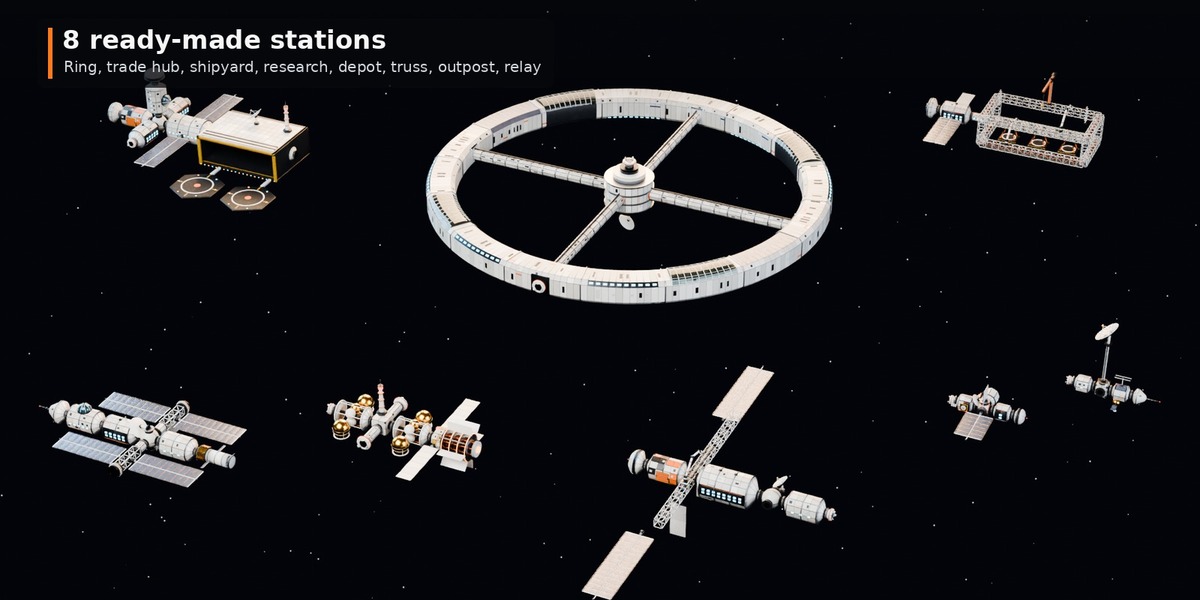
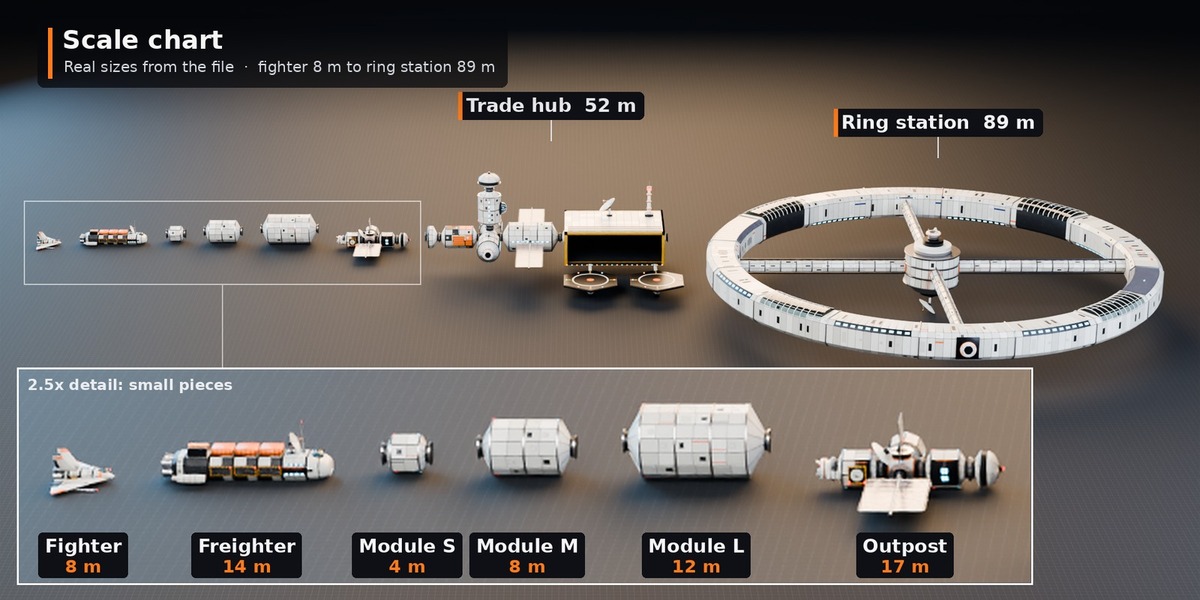
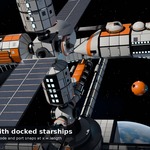
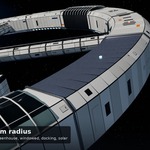
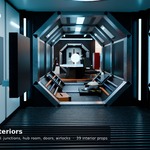
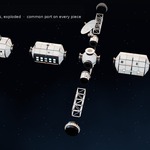
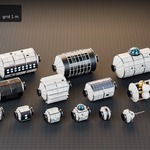
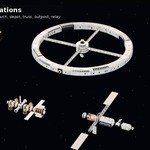
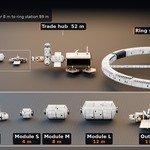
Modules, nodes, tunnels and docking ports share one common port: pivot at the -X port, the next piece goes at x = length (S 4 m, M 8 m, L 12 m). Node side ports sit 1.6 m (S) / 2.2 m (M) from the node centre. Truss: 1.5 m section, 3 / 6 / 12 m. Habitat ring: pivot at the ring centre, rotate copies 22.5 degrees (16 segments). Interiors: 2 m grid, floor at z = 0.
Other kits
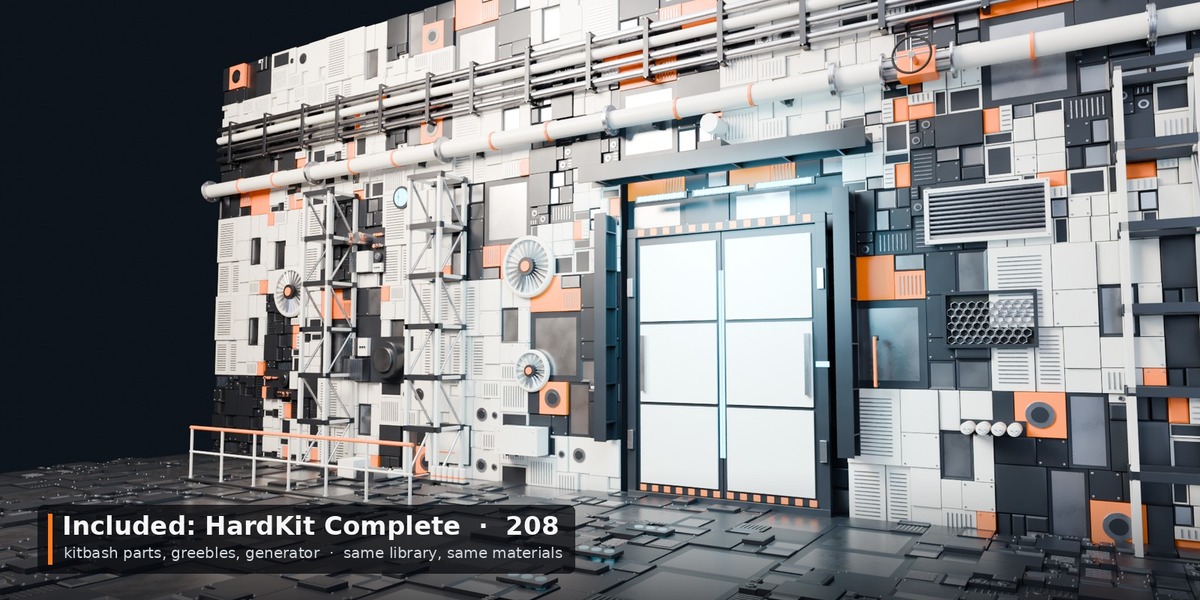
Each kit's snapping and scale guide is in Docs/Kit_Guides. Full asset list: CONTENTS.txt.
Game engines
Exports zips (one per kit): FBX/OBJ/GLB per catalogue, FBX/GLB per asset, metres, Y up.
Licence tiers
Personal: one person, personal + commercial work. Studio/Commercial: a company or team, unlimited seats and projects (games, film, TV, ads). See LICENSE.txt.
Support
Message us through the store. Fixes and additions come as free updates.
Have questions about this product?
Login to message
| Published | 28 minutes ago |
| Blender Version | 4.2 - 5.2 |
| Render Engine Used | Cycles, Eevee |
| License | Royalty Free |
Discover more products like this
game assets blender assets space station modular-kit sci fi kitbash