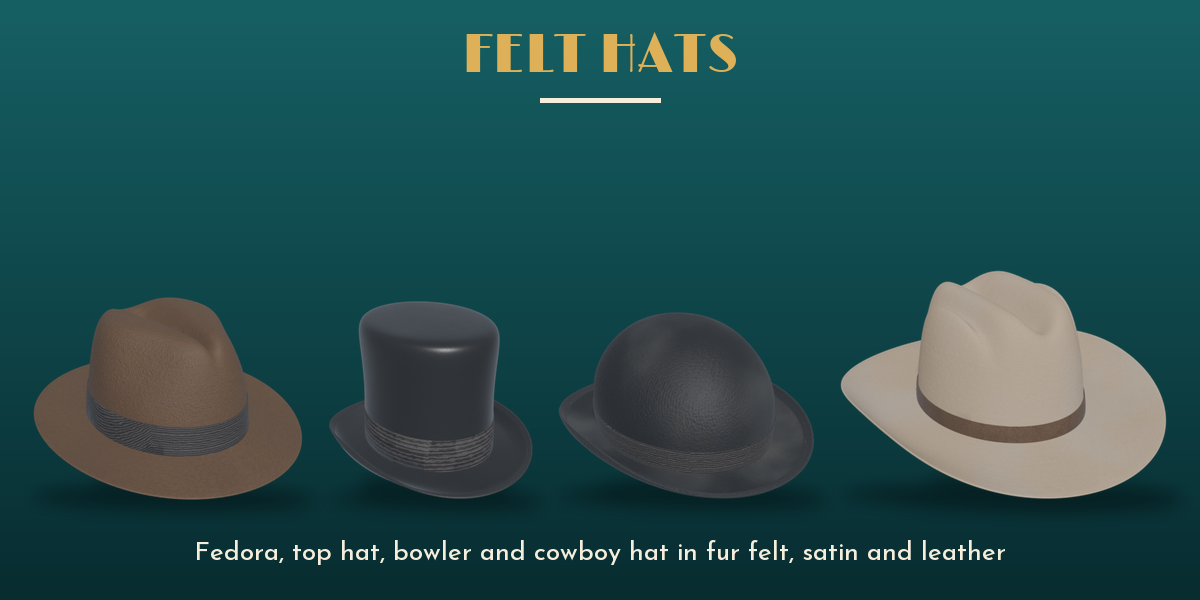
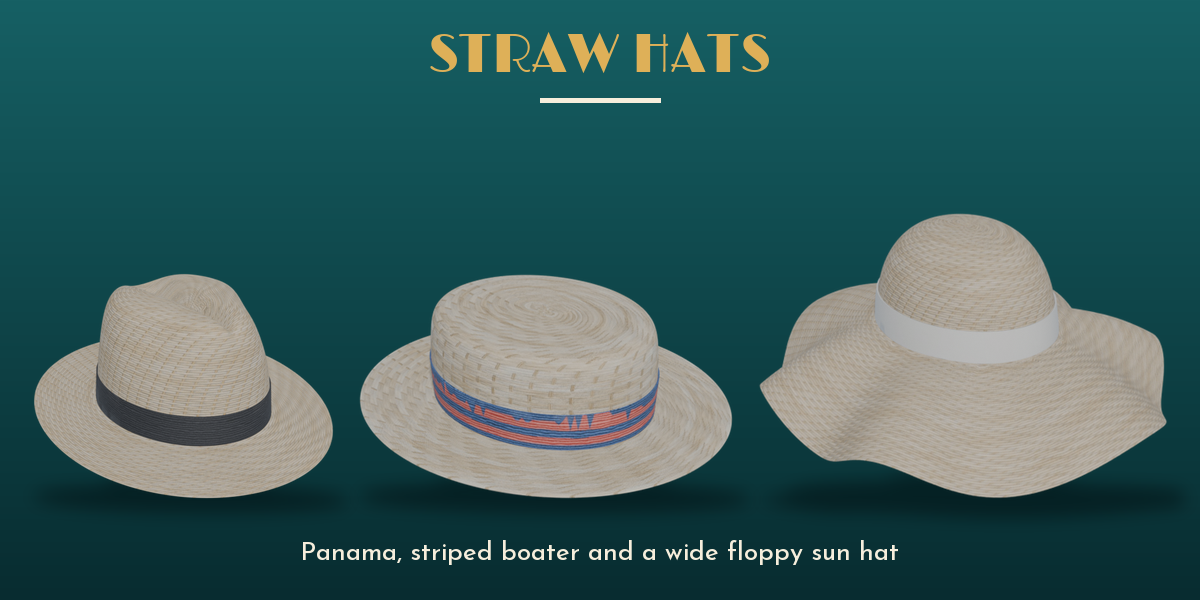
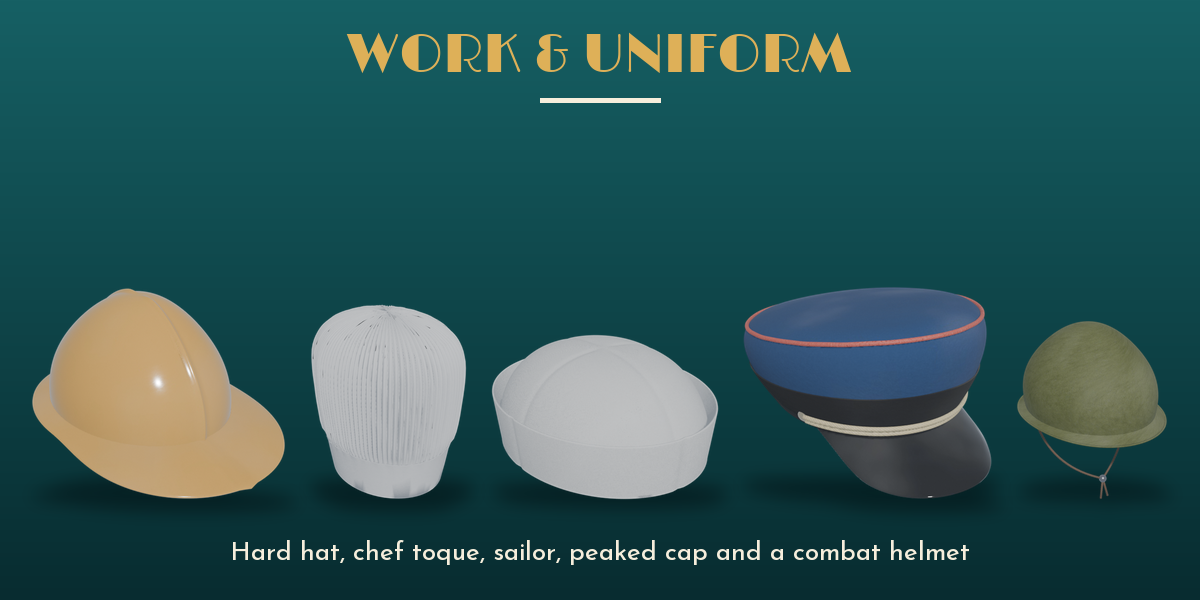
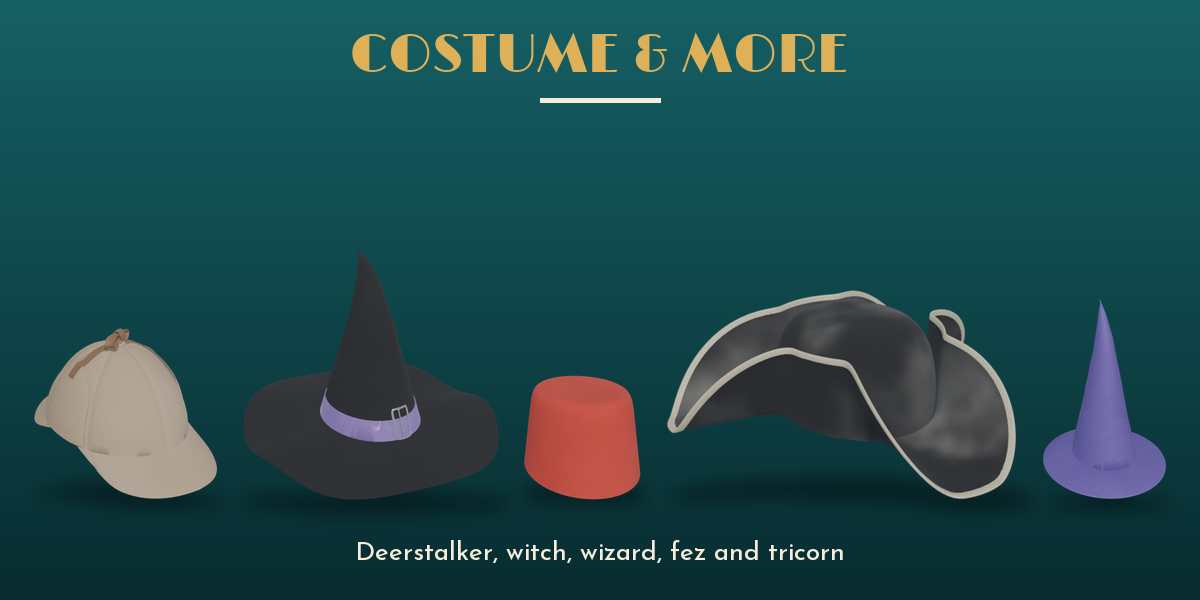
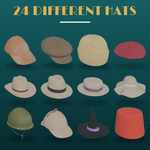
Hat Asset Pack – 24 Game-Ready PBR Hats
 ZEG
in Miscellaneous
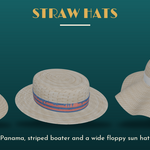
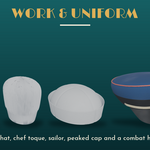
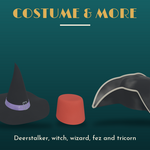
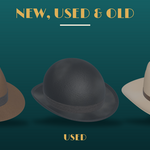
Downloads
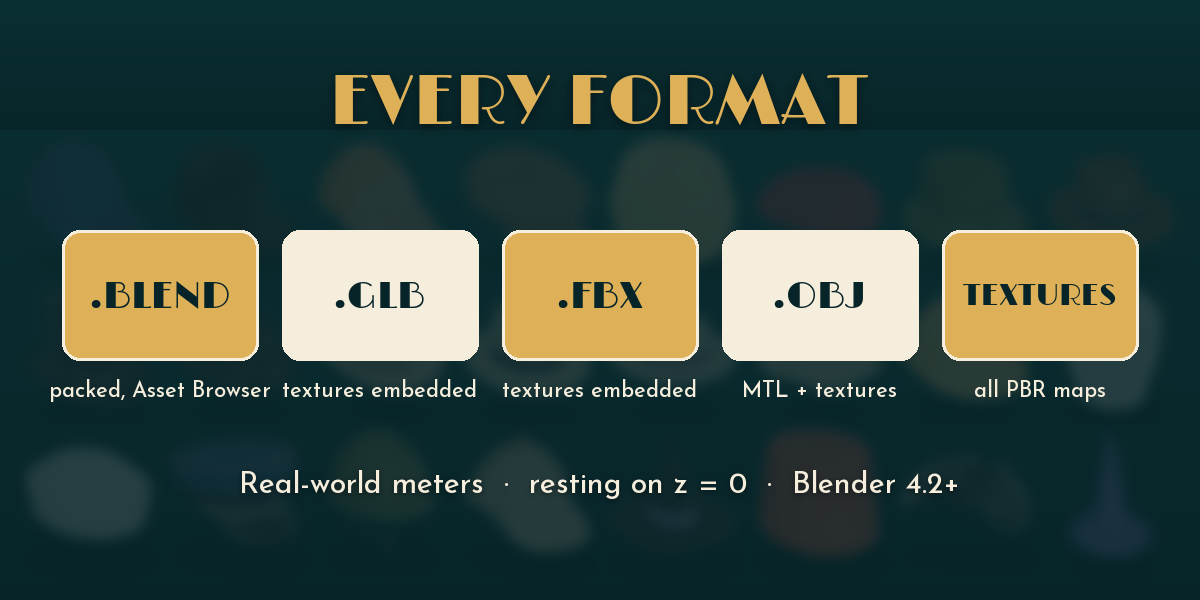
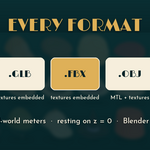
Every format is its own zip: blend (all hats, textures packed), glb, fbx (textures embedded), obj (with MTL and textures) and textures (all PBR maps). Download only the ones you need.
Blender
- Open Hat_Asset_Pack.blend to see the collections, or use File, Append, Hat_Asset_Pack.blend, Collection and pick a hat.
- To use it as an asset library: Edit, Preferences, File Paths, Asset Libraries, add the folder with the .blend. The hats show up in the Asset Browser under Hats; drag them into any scene.
Game engines
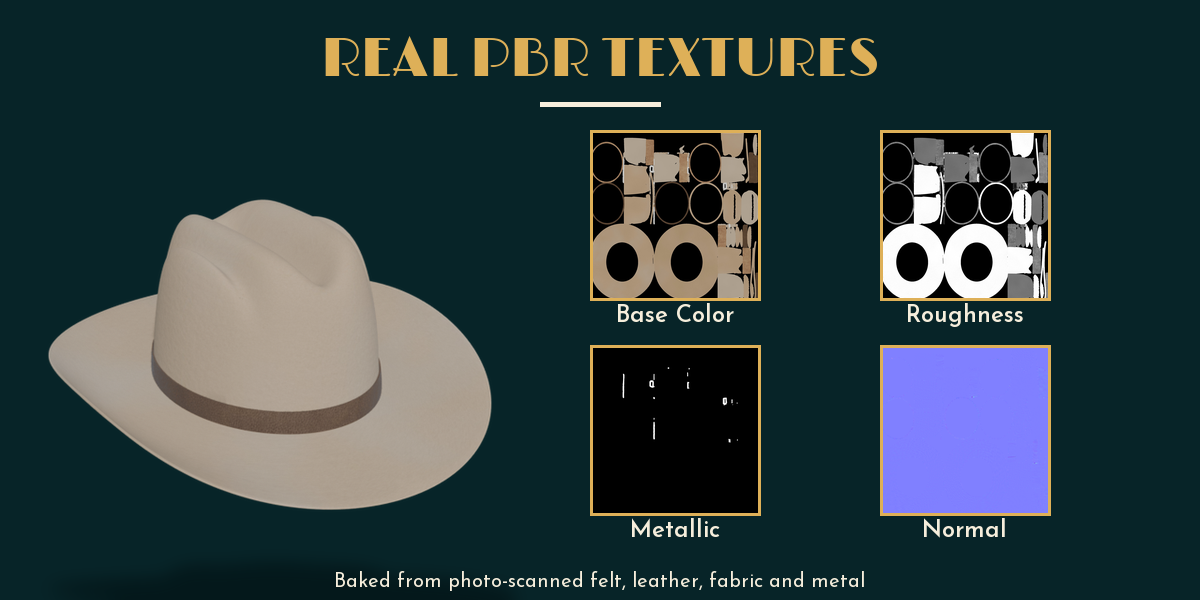
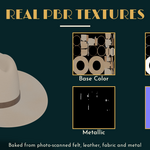
Import the GLB (or FBX) file. Each hat has one PBR material (Base Color, Roughness, Metallic, Normal). Normal maps are OpenGL (Y+); in Unreal flip the green channel or tick Flip Green Channel.
Scale and placement
Real-world meters, sized for a medium 57 cm head. The origin is centred on the head opening and the hat rests on its lowest point at height 0, front toward -Y. To put it on a head, move it up to the head and rotate it as needed.
Have questions about this product?
Login to message
| Published | about 1 hour ago |
| Blender Version | 4.2 - 5.2 |
| Render Engine Used | Cycles, Eevee |
| Misc Data | Uvs-Unwrapped, Normal-Mapped, Textured |
| License | Royalty Free |
