 ZEG
Installation
In Blender open Edit, Preferences, Get Extensions, then use Install from Disk and pick the egg_generator zip.
Usage
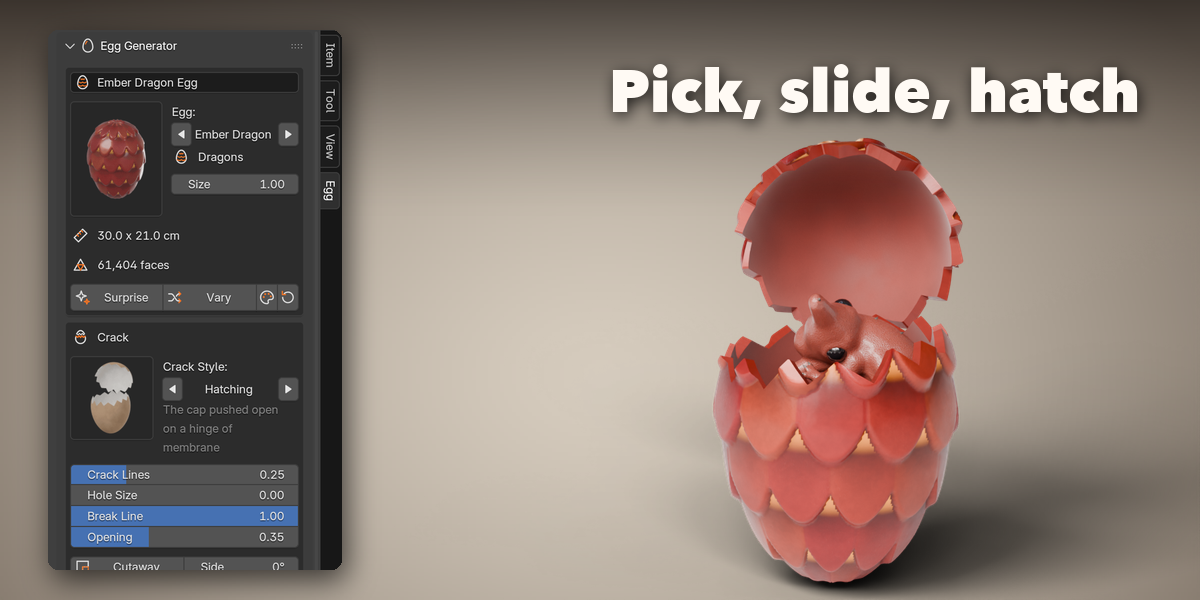
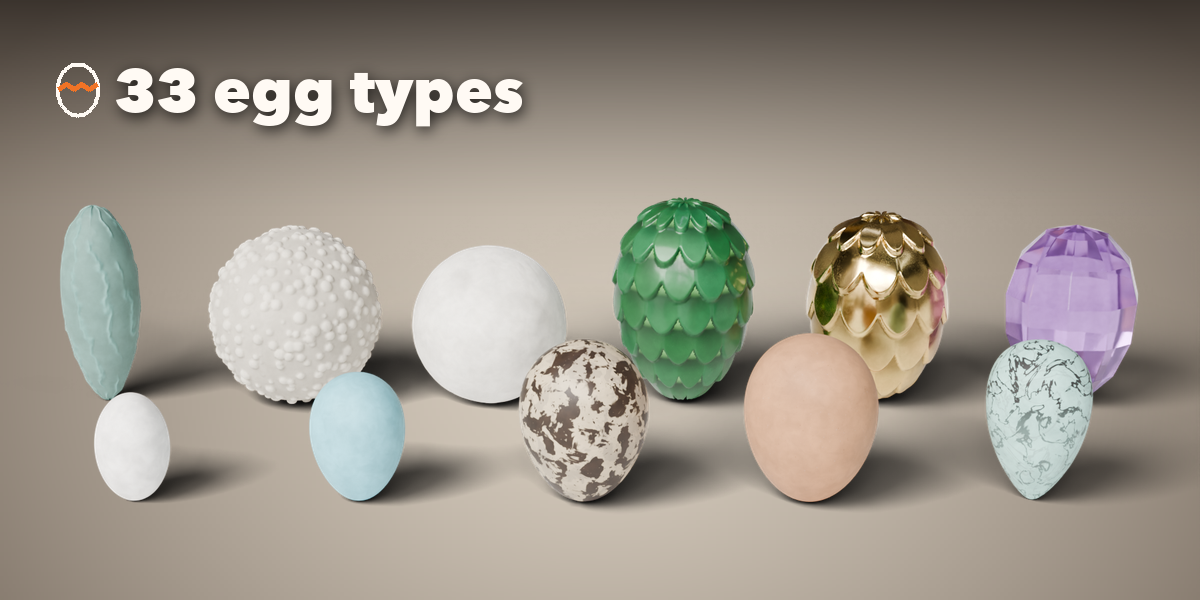
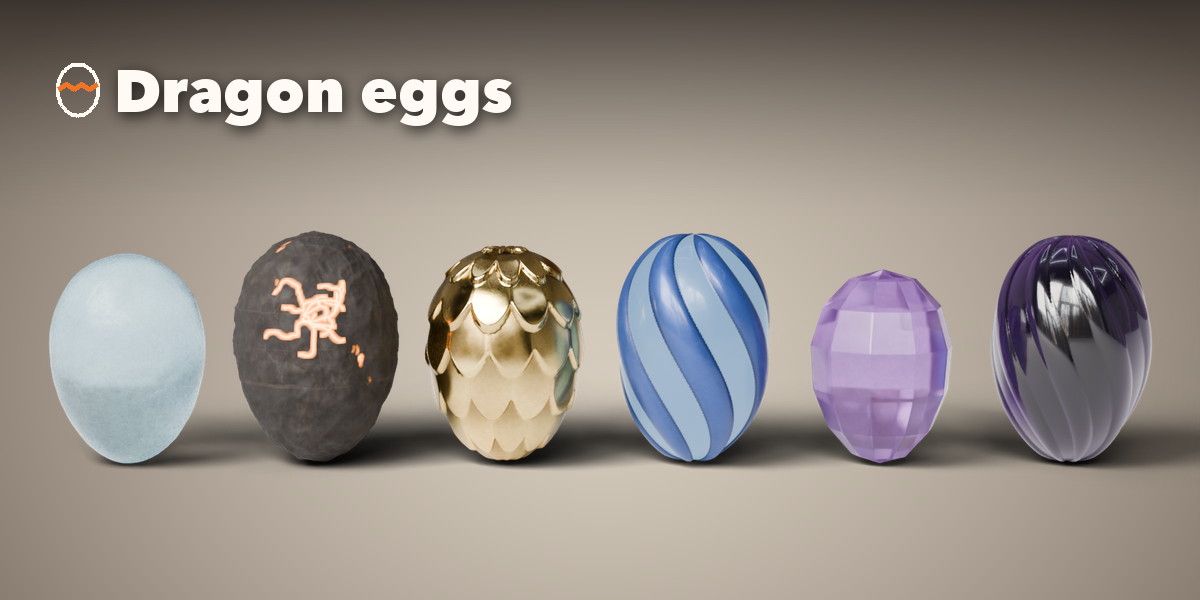
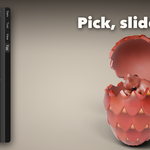
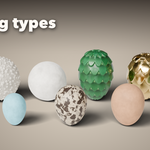
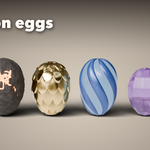
- Open the Egg tab in the 3D viewport sidebar (N). With nothing selected, click the picture to choose an egg type from the gallery and press Add Egg. You can also use Shift+A, Mesh, Egg.
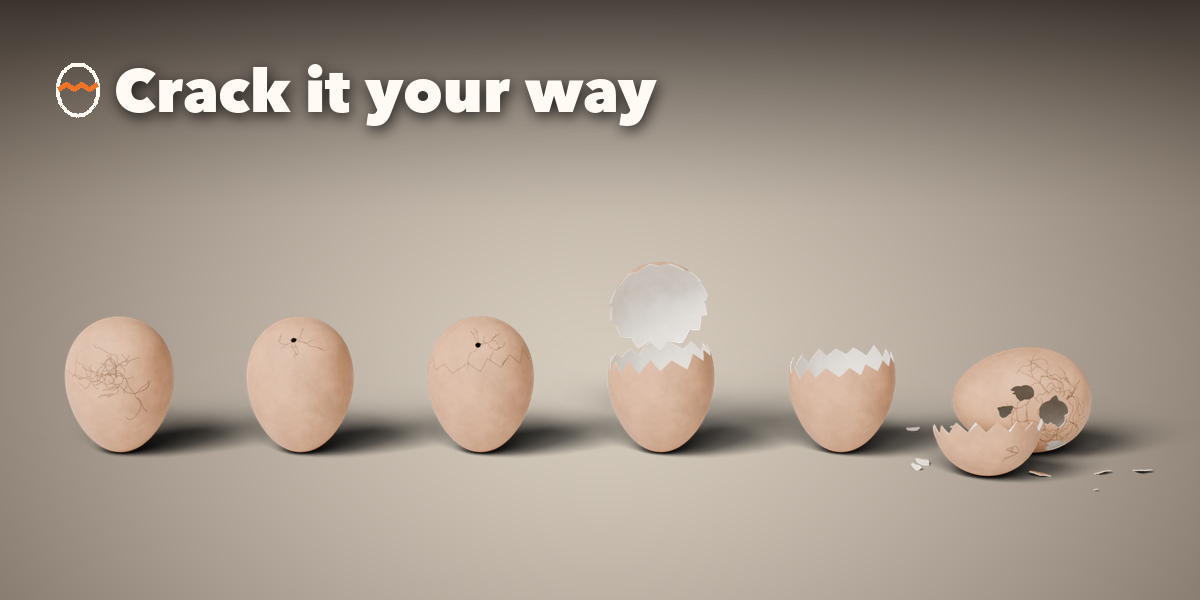
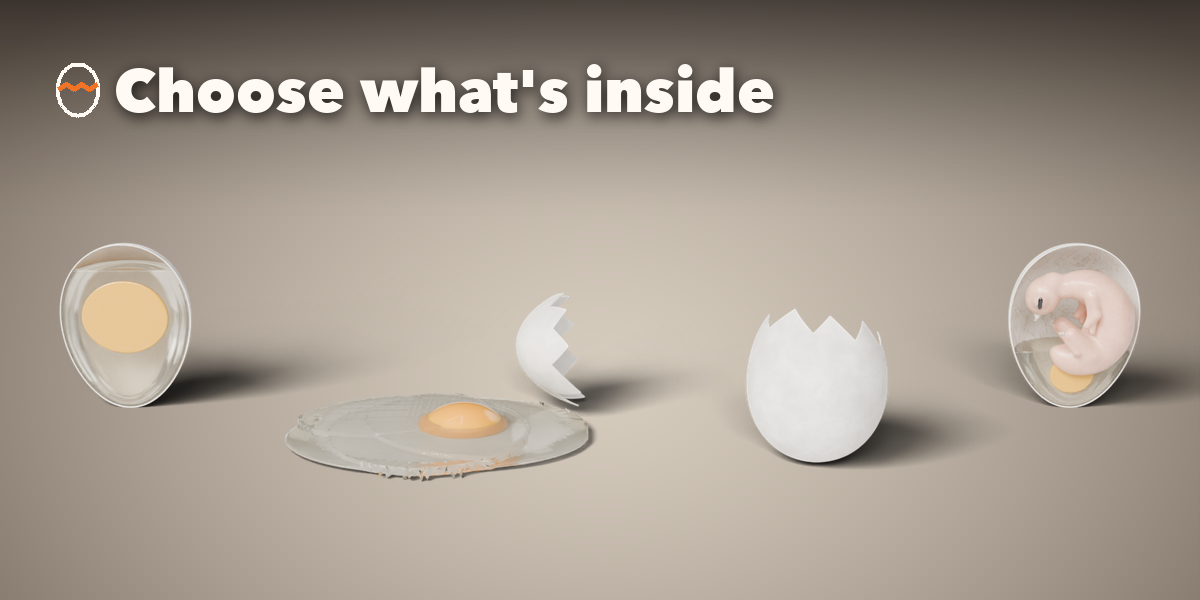
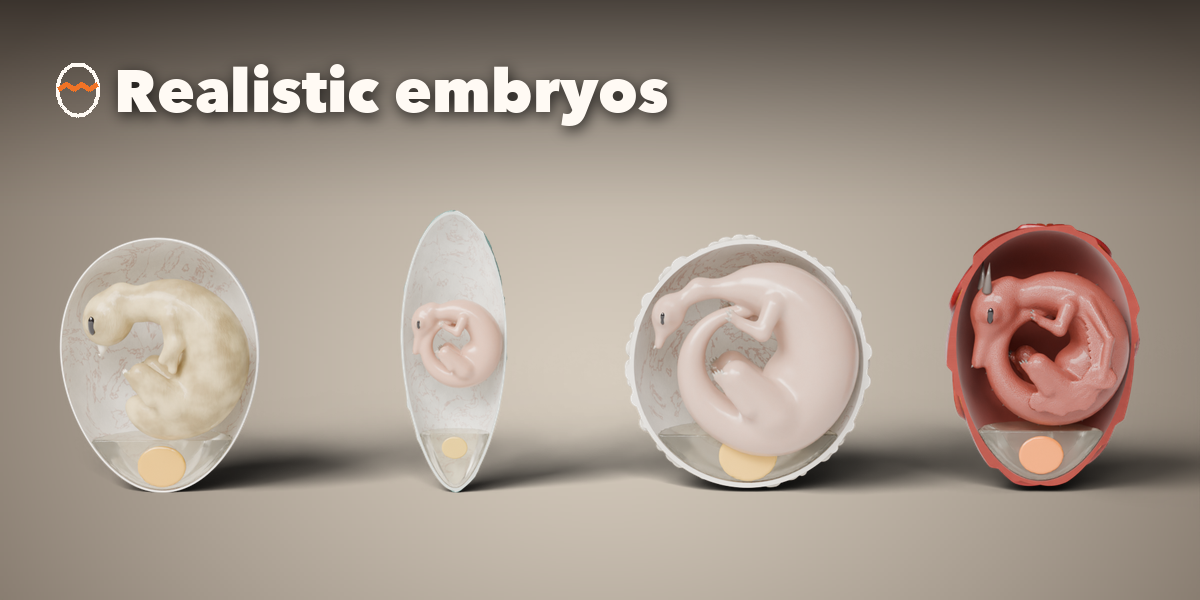
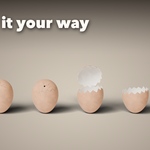
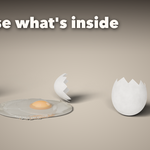
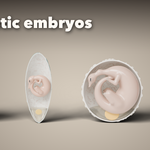
- The first page holds the main choices: the egg type and size, the crack style with its main sliders and the cutaway, and what is inside (empty, raw egg or embryo, its kind, stage and pose).
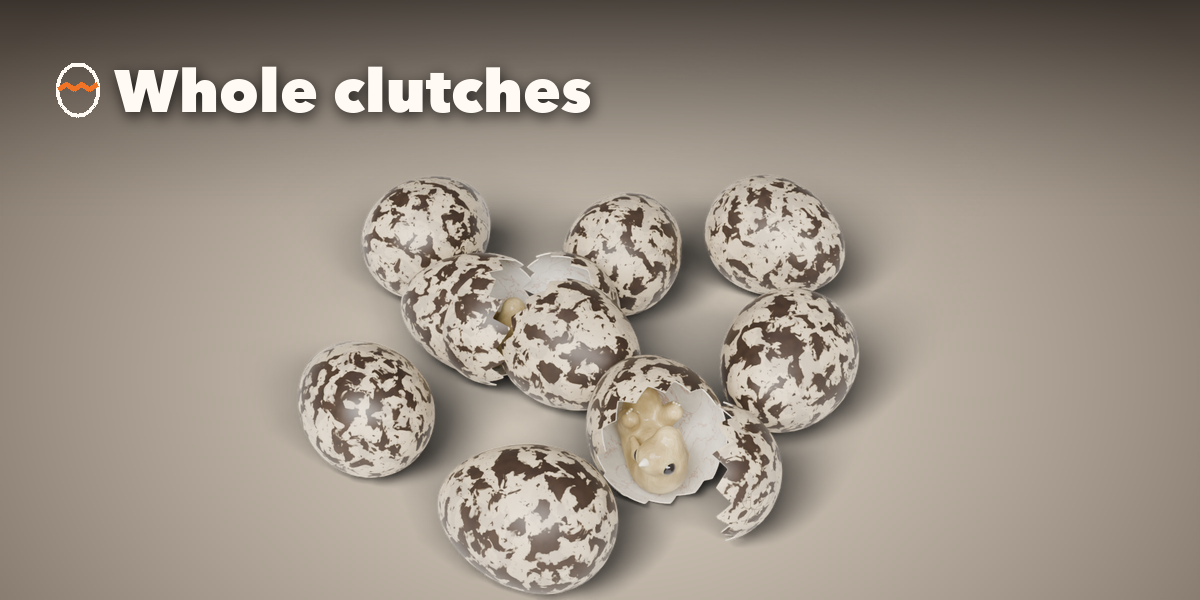
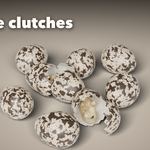
- The tab row below holds every setting: Shape (outline and relief), Shell (finish, colors, markings, glow), Crack (impact, break line, pieces), Inside, Clutch (orientation, number of eggs and their arrangement) and Output.
- Surprise makes a random egg, Vary changes the proportions and the crack, and the palette button gives new colors.
- Make Real keeps a plain mesh copy; the trash button deletes the egg.
Have questions about this product?
Login to message
| Blender Extension Compatible | Yes |
| Published | about 10 hours ago |
| Blender Version | 4.2 - 5.2 |
| Extension Type | Add-on |
| Render Engine Used | Cycles, Eevee |
| License | GPL |

Discover more products like this
eggshell bird embryo Cracked easter EGG procedural eggs dinosaur egg dragon egg Generator hatching