 Tri-vima Studio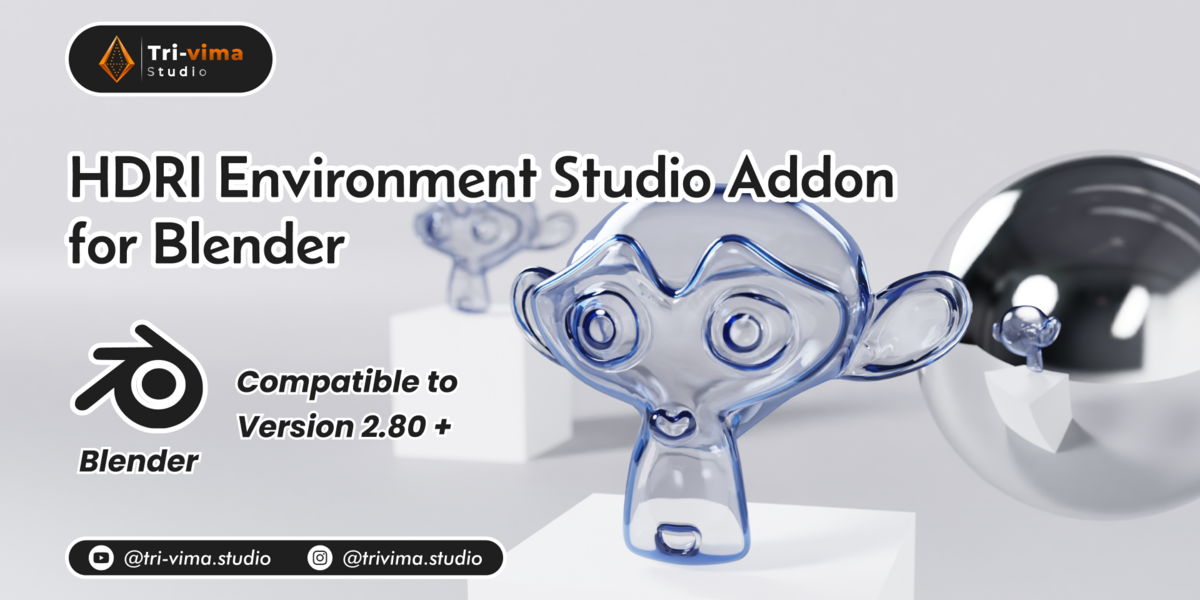
HDRI Environment Studio – Elevate Your Lighting Workflow in Blender!
Created by Tri-Vima Studio
HDRI Environment Studio is a powerful all-in-one HDRI lighting tool for Blender users. Easily load HDRIs, rotate them in degrees, control brightness, and add blur—all from a clean UI panel in the World Properties. Perfect for ArchViz, product renders, animations, or stylized scenes.
🎯 Key Features:
📂 HDRI Asset Browser with folder-based loading
🔄 Z Rotation control in degrees (0°–360°)
💡 Brightness controller for dynamic lighting
🎞️ Background Blur for subtle lighting without distraction
🎛️ Smart Node System built automatically
🧠 Zero node knowledge required!
📘 Installation:
Download the .zip or .py file of the add-on.
In Blender: Go to Edit > Preferences > Add-ons > Install, then select the file.
Enable the add-on: Check HDRI Environment Studio in the add-on list.
Save preferences if desired.
🚀 How to Use:
Set your HDRI Folder path (must contain .hdr or .exr files).
Select any HDRI from the Browse HDRIs dropdown.
Click Load HDRI – the node setup will be auto-generated.
Adjust:
🔄 Rotation Z (°) to spin the environment
💡 Brightness to tweak intensity
🌫️ Blur to soften the background
No manual node work, no scripting, just clean, flexible lighting control.
🛠️ Requirements:
Blender 2.80 or higher
Any .hdr or .exr environment image
🎓 Ideal For:
Beginners wanting quick HDRI control
Artists needing a fast lighting setup
Advanced users streamlining their workflow
