Head Set: HeadWrap + FaceKeys Full, Head Retopology and ARKit Shape Keys
 Meshwright
Install
- Download the 2 zips. Do not unzip them.
- In Blender 4.2 or later: Edit > Preferences > Get Extensions. Open the menu at the top right (the small arrow) and choose Install from Disk. Pick one zip.
- Repeat for the other zip. Each tool installs on its own.
Where each tool is
Both are in the 3D Viewport sidebar (press N): HeadWrap has the HeadWrap tab, FaceKeys has the FaceKeys tab.
Quick start: from a scan or a sculpt to face keys
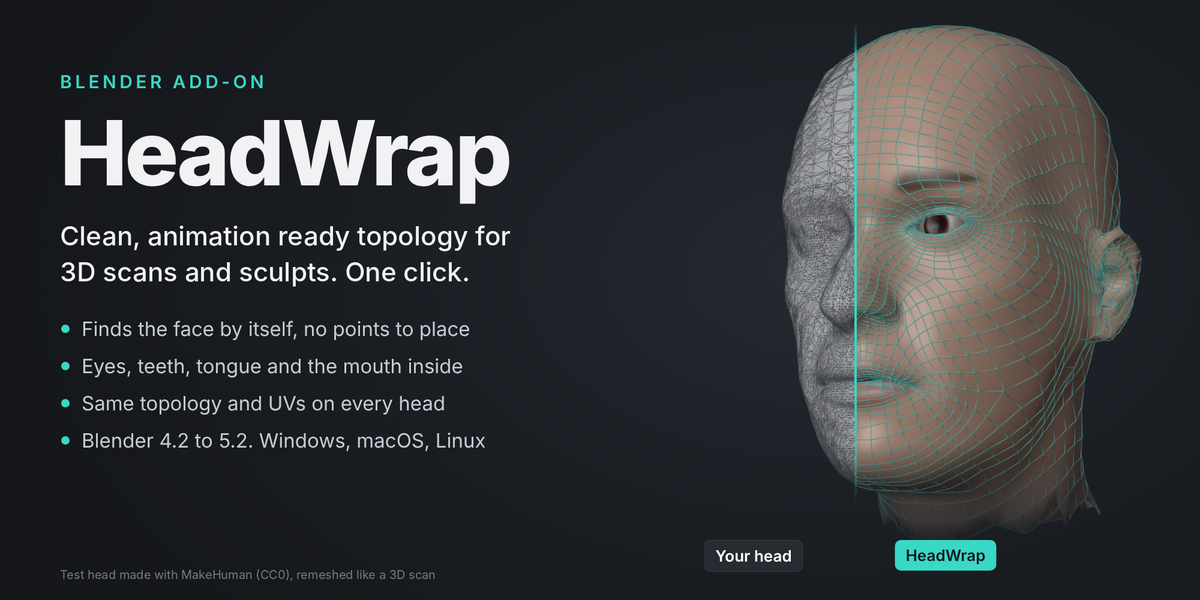
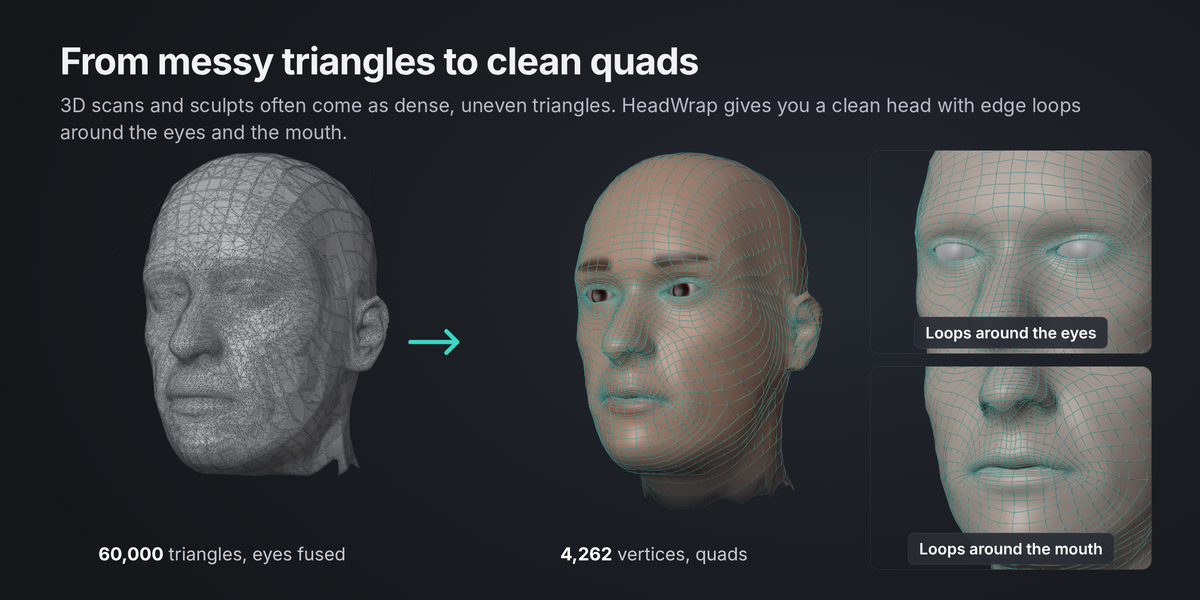
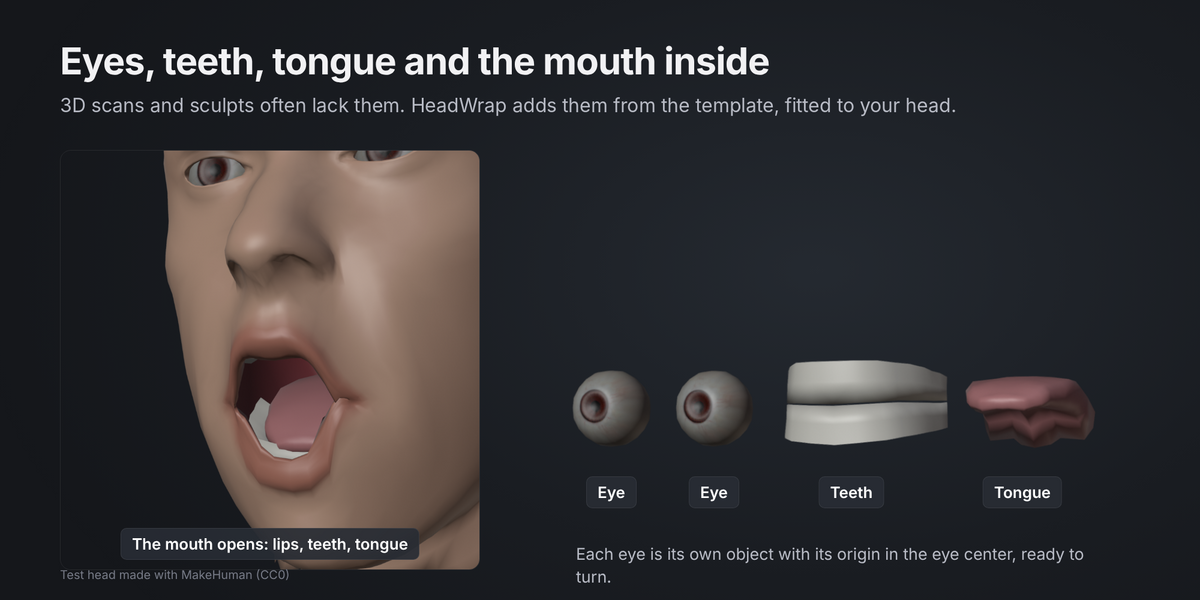
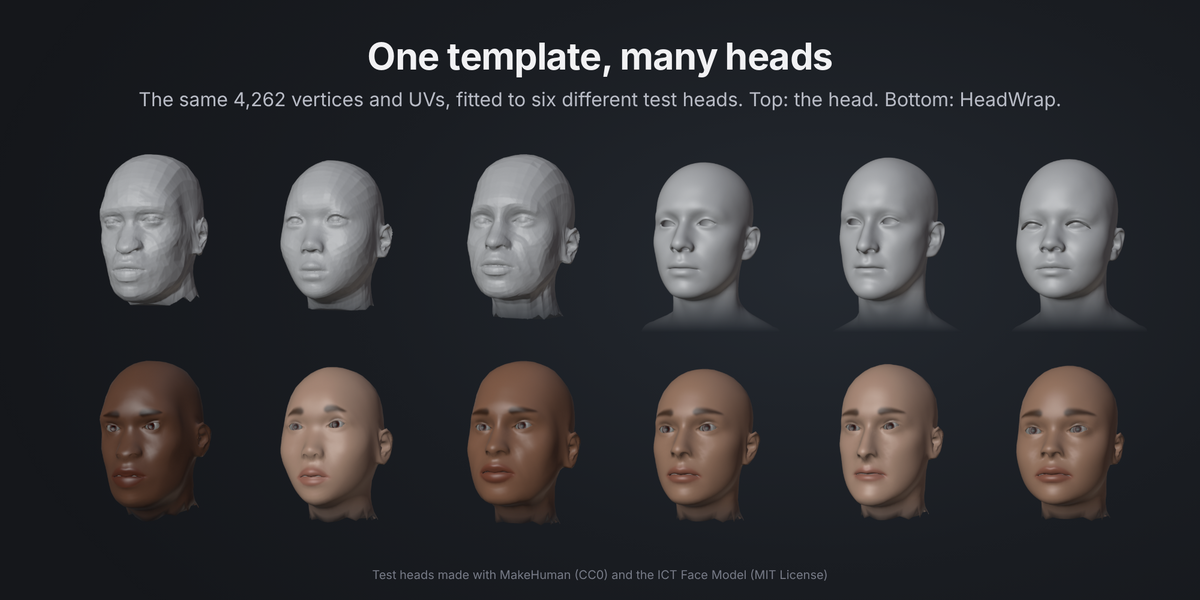
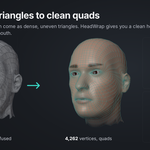
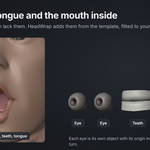
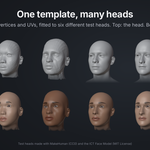
- Wrap. Select your head mesh and press Wrap Head in the HeadWrap tab. HeadWrap finds the face by itself and fits the template in about 10 to 20 seconds. A new collection holds the wrapped head, two eyes, the teeth and the tongue. Your own head is not changed.
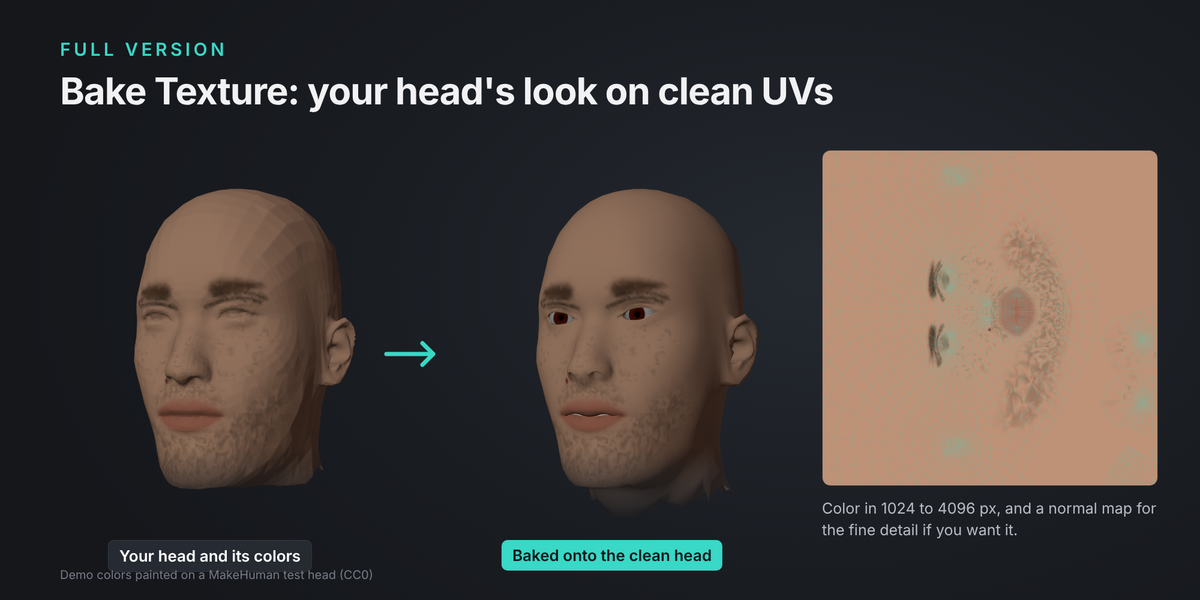
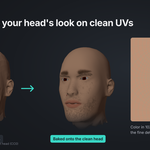
- Texture (optional). In the Texture panel pick a size and press Bake Texture. Your head's color moves onto the clean UVs.
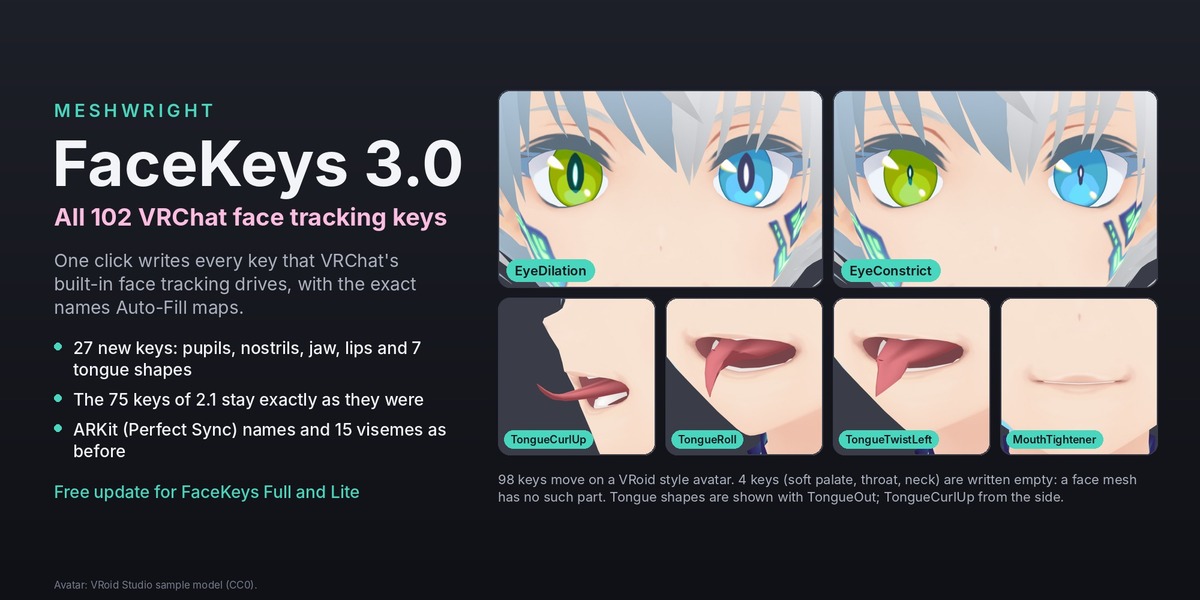
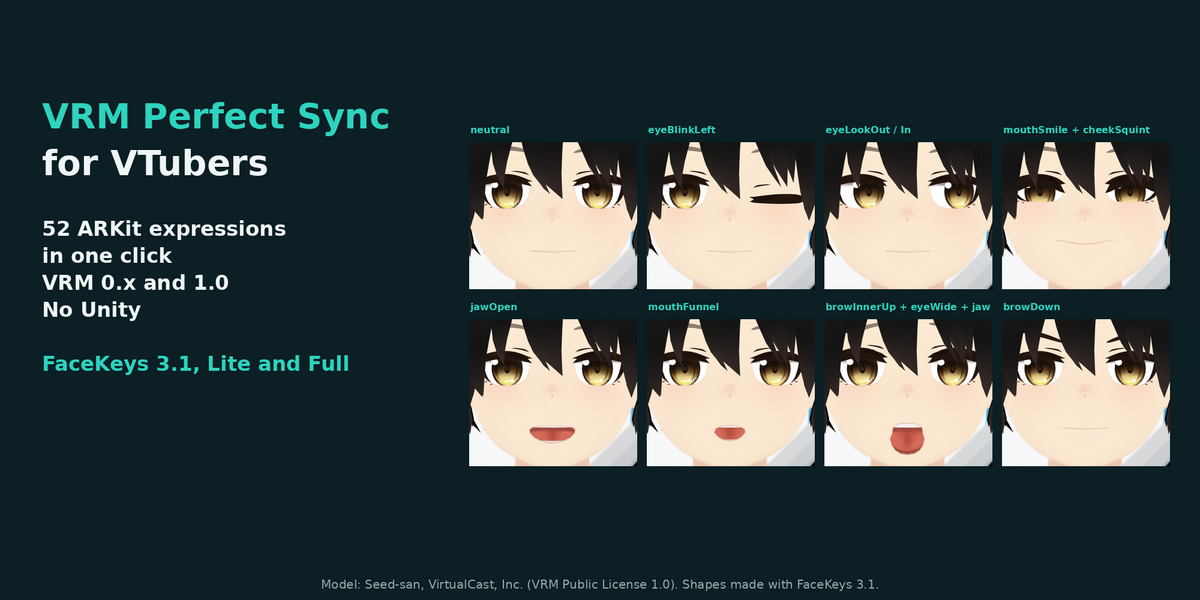
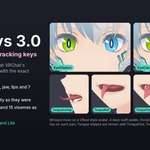
- Names (optional). For VRChat's built-in face tracking, first set Names to VRChat (Unified Expressions) in the FaceKeys tab. Leave it on ARKit for the 52 ARKit keys.
- Shape keys. Press Make Shape Keys with FaceKeys in the HeadWrap panel. FaceKeys makes the keys on the wrapped head, its eyes, teeth and tongue, with the face points from HeadWrap.
FaceKeys on its own
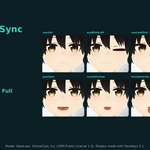
- Anime, VRoid and VRChat avatars: pick Anime under Landmarks, pick the names under Names and press Generate Shape Keys. No points to click.
- Realistic heads with eyes and a mouth: leave Landmarks on Automatic, press Find Landmarks, check the green lines, then press Generate Shape Keys.
- Make Visemes adds the 15 VRChat visemes after Generate Shape Keys.
Each product page has the full guide for its tool: HeadWrap, FaceKeys. Video tutorial: https://youtu.be/DO1mRyrmRbI
Have questions about this product?
Login to message
| Blender Extension Compatible | Yes |
| Published | about 12 hours ago |
| Blender Version | 4.2 - 5.2 |
| Extension Type | Add-on |
| Render Engine Used | Cycles |
| License | GPL |
Discover more products like this
blendshapes retopology ARKit Head face-tracking shape keys base mesh vrchat photogrammetry auto-retopology Facial Animation 3D Scan