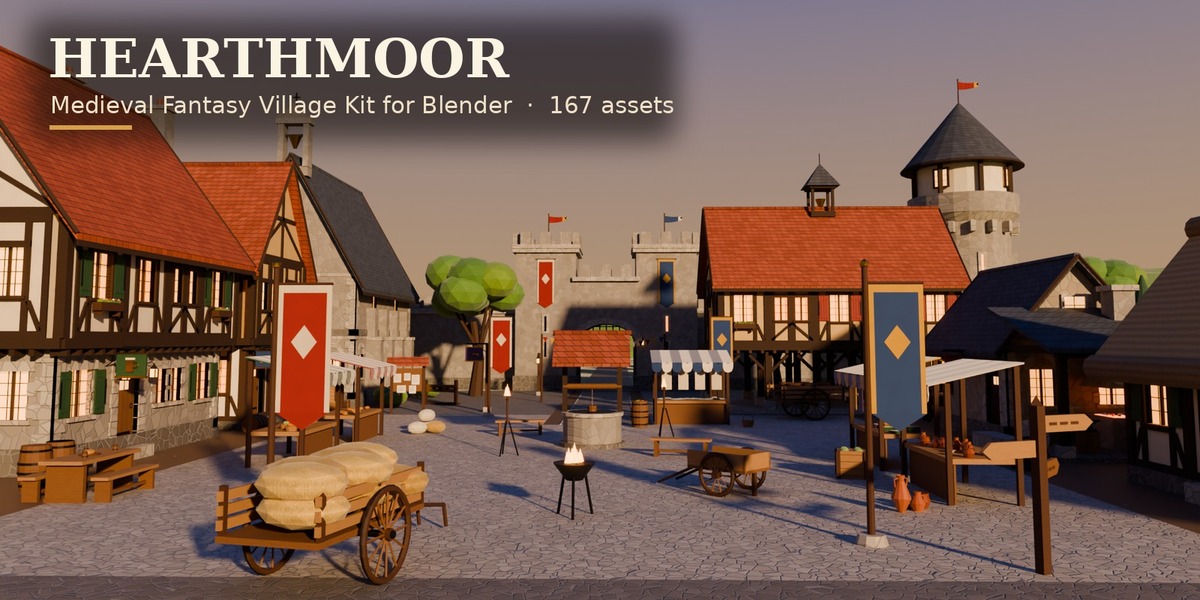
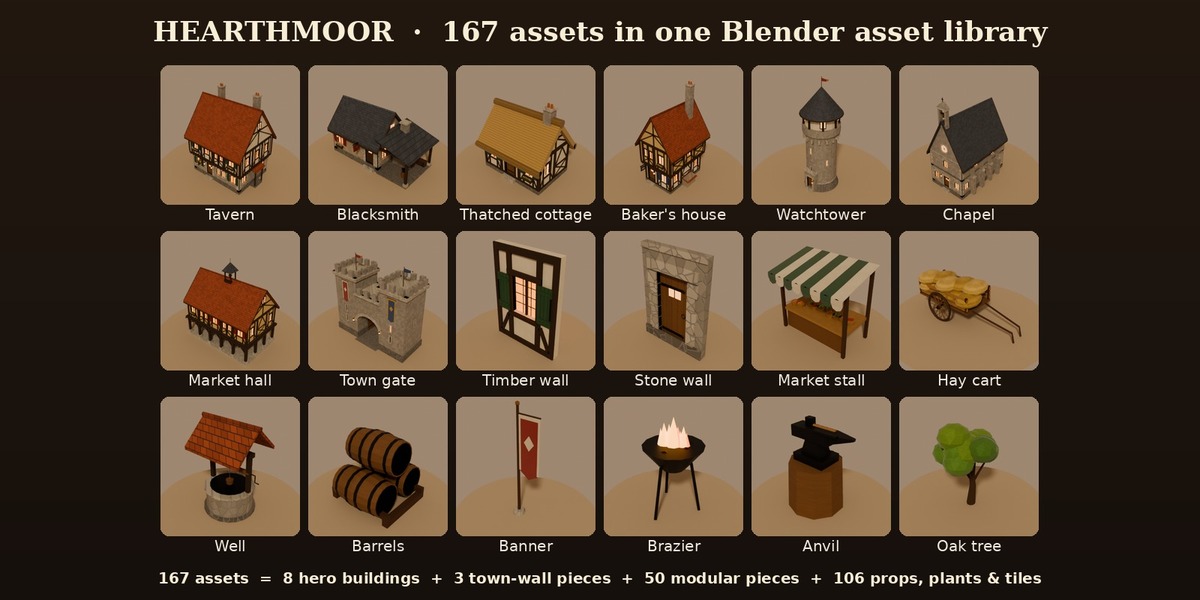
Hearthmoor - Medieval Fantasy Village Kit for Blender (167 Assets)
 Sonneblom Digitaal
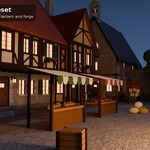
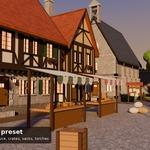
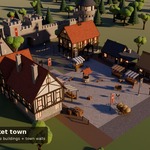
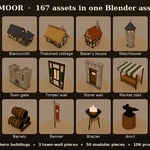
Install
- Unzip Hearthmoor_v1.0.zip to a permanent folder.
- Edit > Preferences > File Paths > Asset Libraries > + and pick the Blender folder.
- Open an Asset Browser and choose the library: Buildings, Modular Kit, Props, Nature, Ground Tiles, Materials.
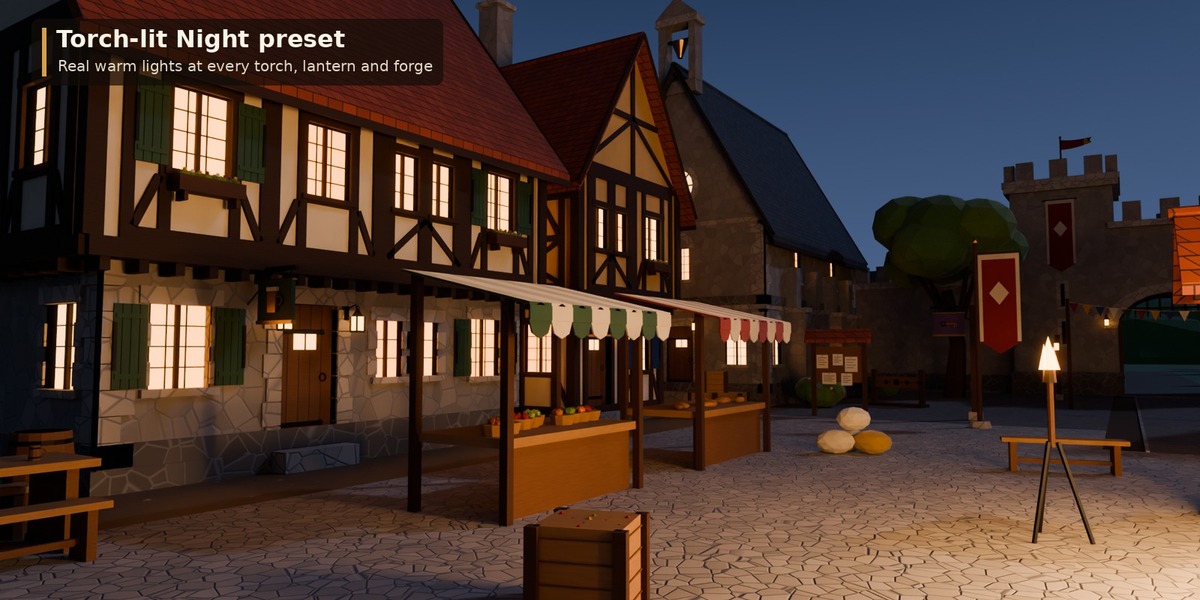
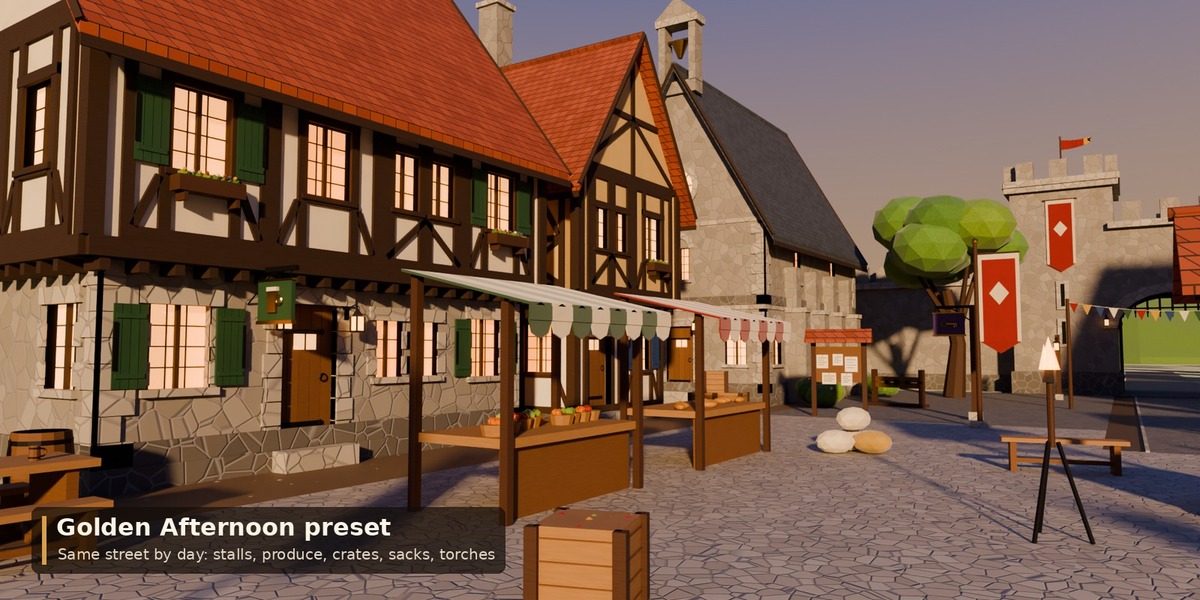
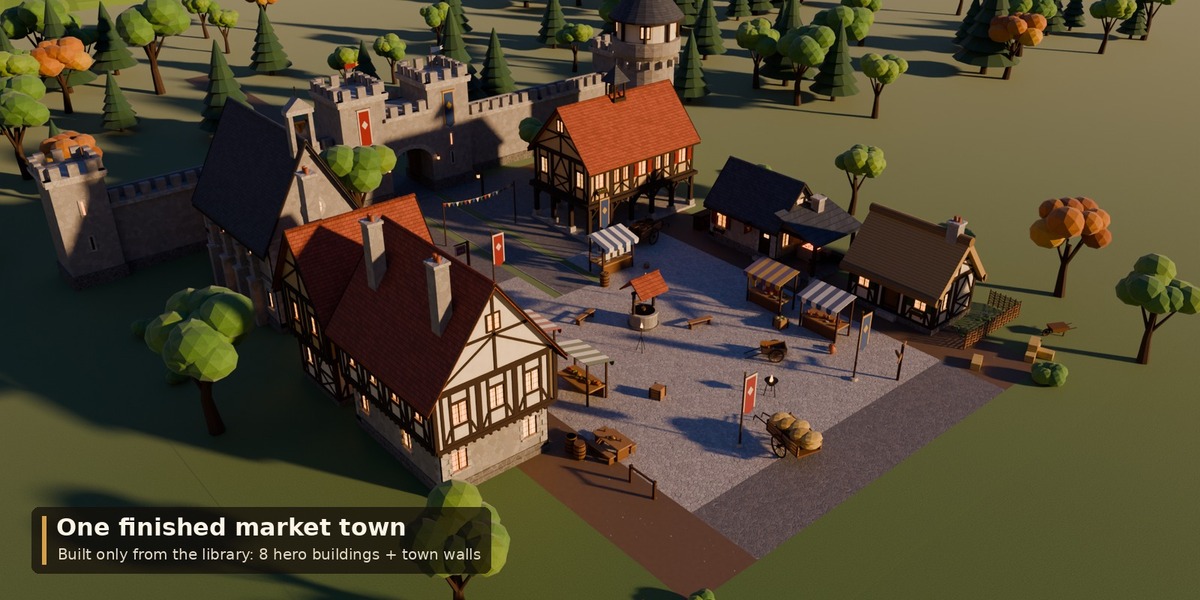
- Drag assets into your scene. Open Scene/Hearthmoor_MarketSquare.blend for the finished market square (2 scenes = 2 lighting presets).
Modular rules
Walls are 2 m wide and 2.8 m tall; origin at the bottom-left corner of the outer face (outer face on y = 0, facing -Y). Snap 2 m in X, 2.8 m per storey. Roof sections and gables fit 6 m deep buildings. Ground tiles are 4 x 4 m. Metres, real-world scale. Buildings, props and plants have their pivot at the ground contact point; roof sections and gables at the wall top, tiles at their centre (top at z = 0), wall-mounted pieces on the wall face.
Game engines
Exports zips: FBX/OBJ/GLB per catalog, FBX/GLB per asset, Y up, vertex colours. Use Vertex Color as Base Color (and as Emission on the Window_Glow / Flame slots). Full list: CATALOGUE.md.
Support
Message us through the store. Fixes and additions come as free v1.x updates.
Have questions about this product?
Login to message
| Published | about 1 hour ago |
| Blender Version | 4.2 - 5.2 |
| Render Engine Used | Cycles, Eevee |
| License | Royalty Free |