 ZEG


Installation
In Blender open Edit, Preferences, Get Extensions, then use Install from Disk and pick the helmet_generator zip.
Usage
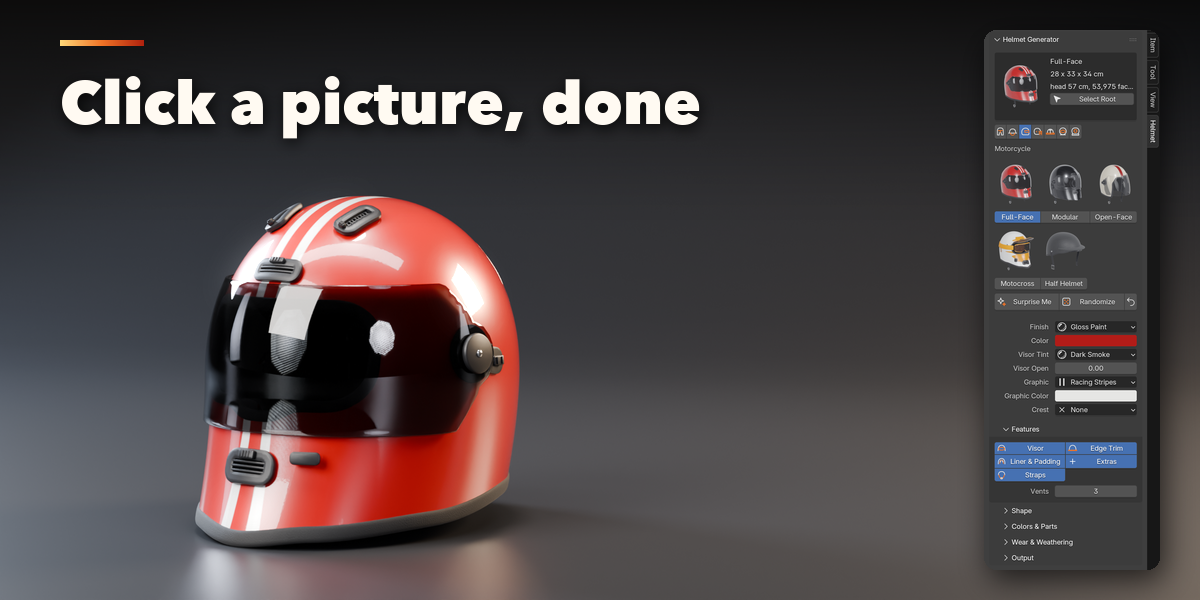
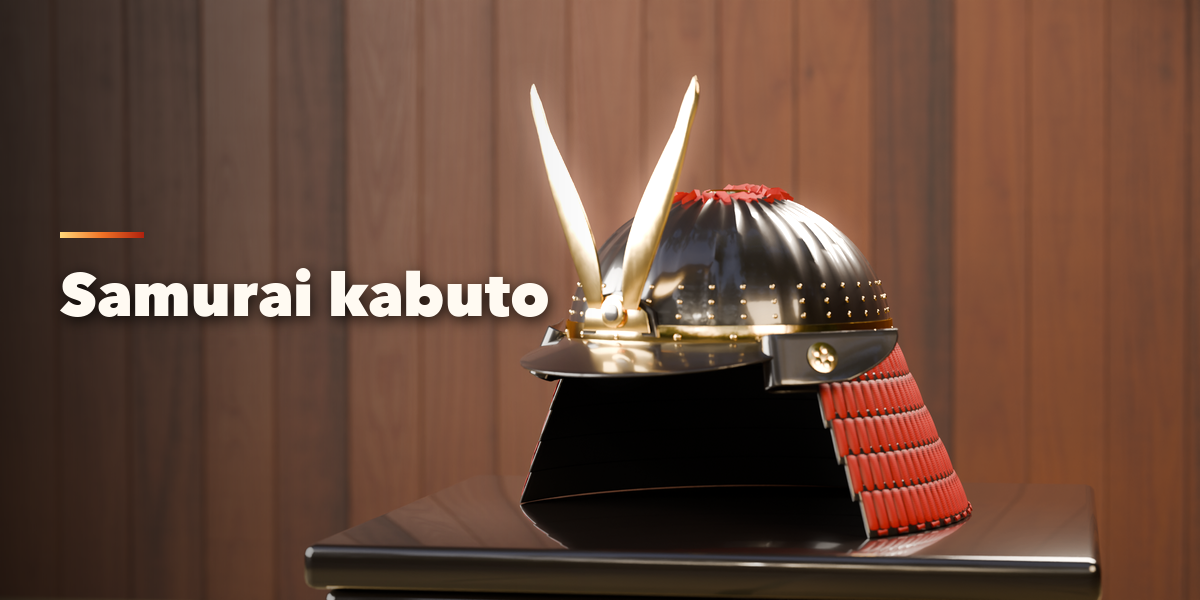
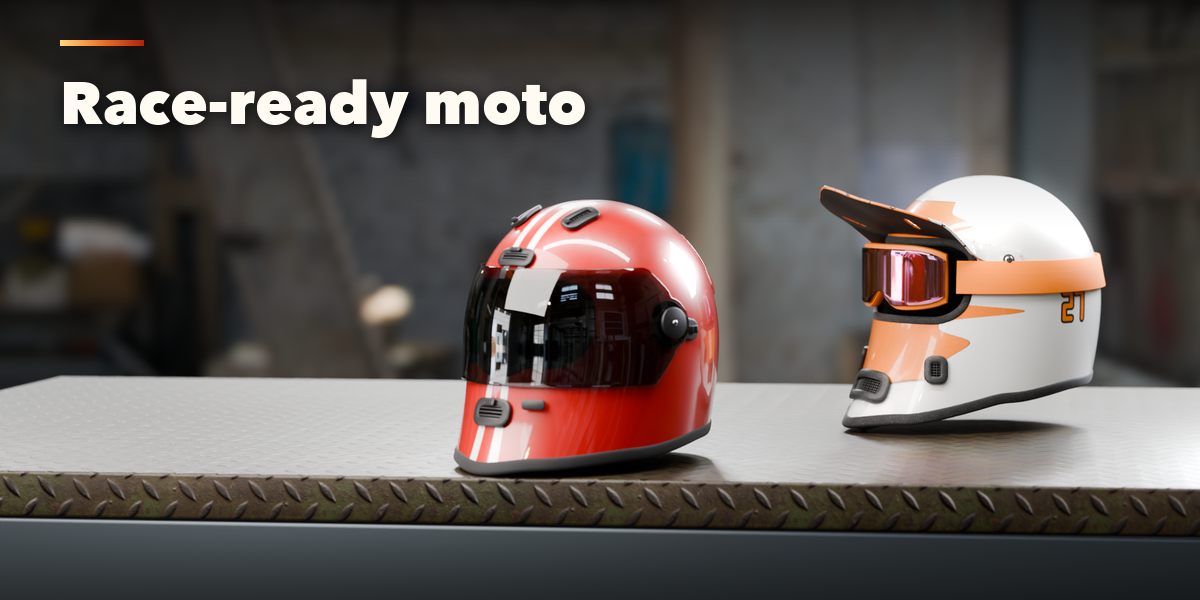
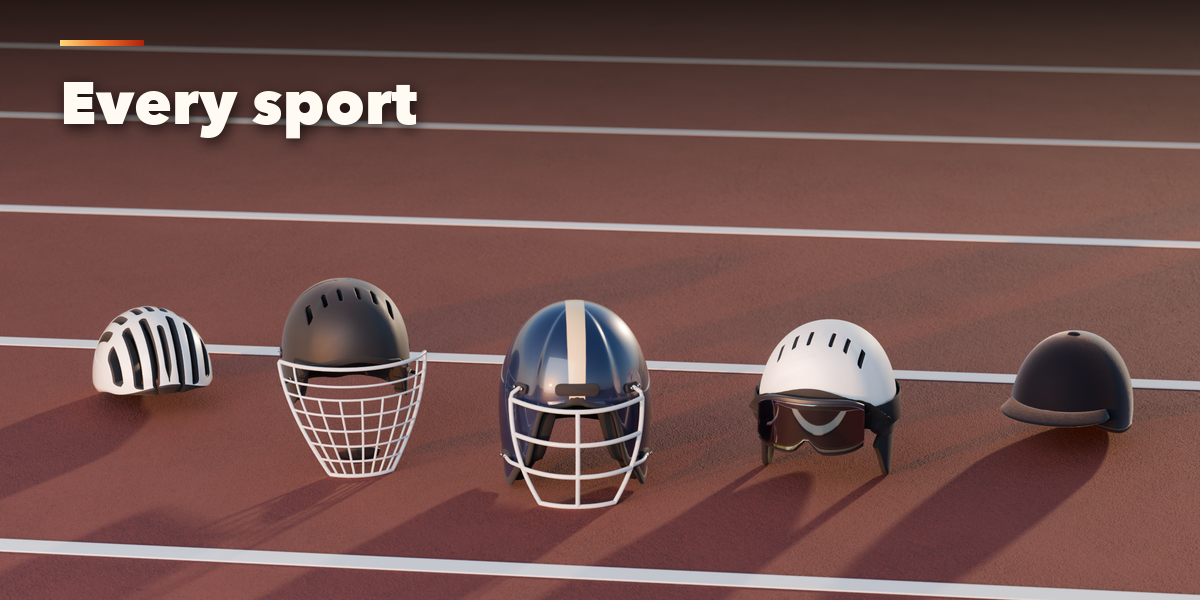
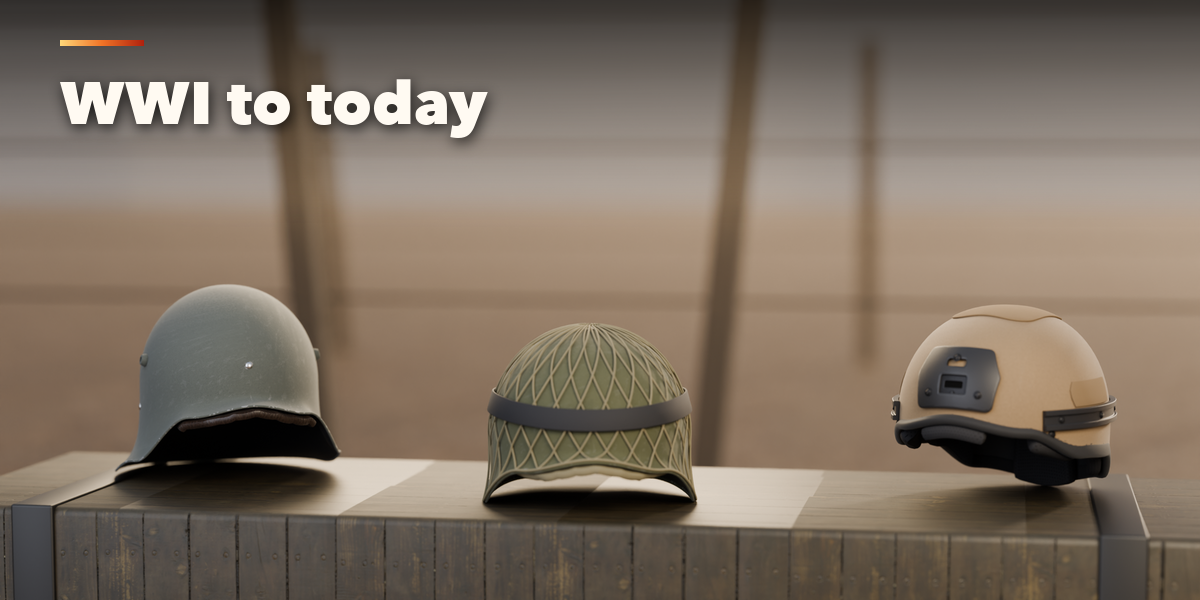
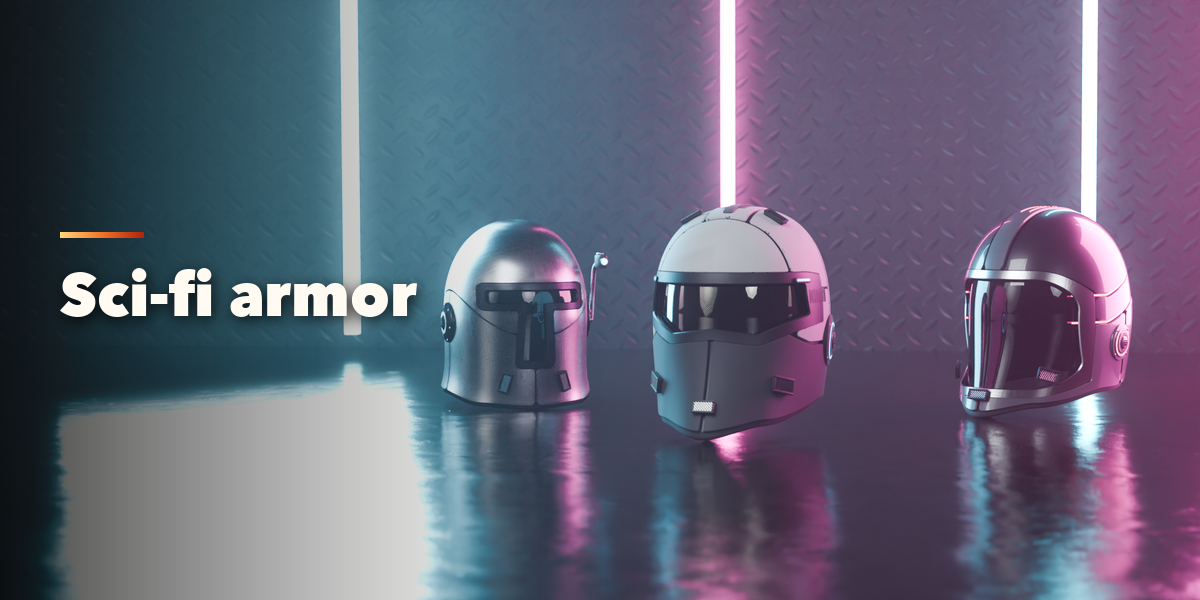
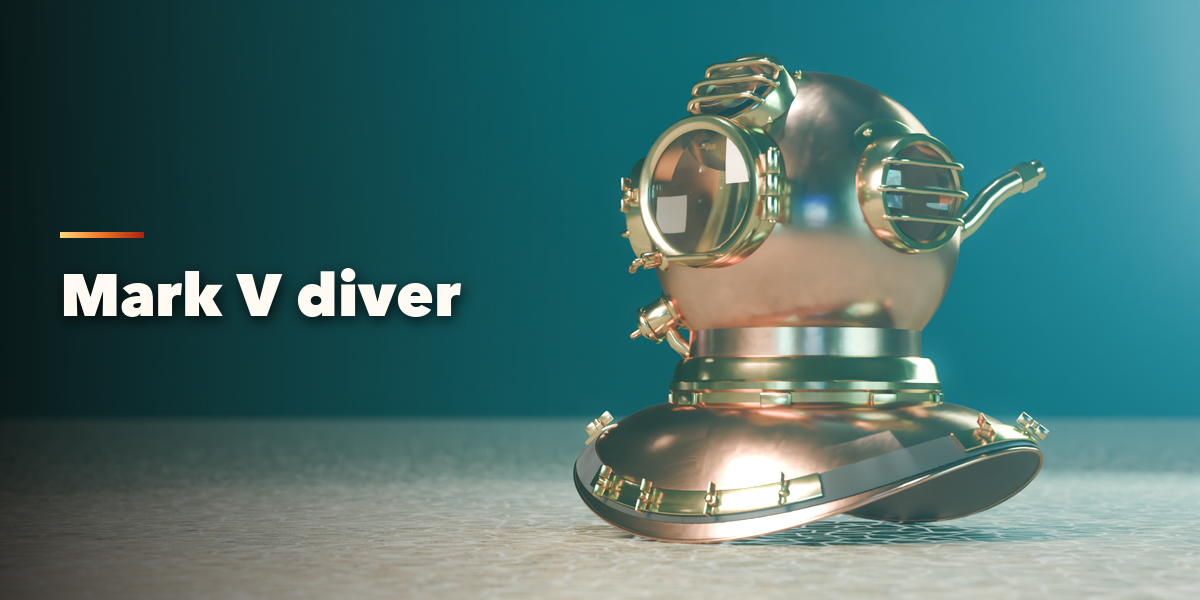
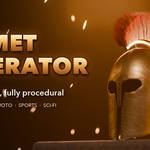
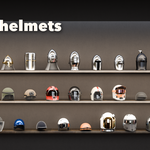
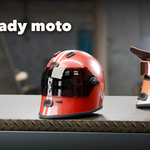
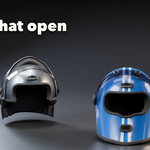
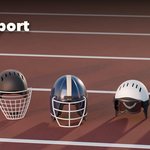
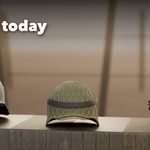
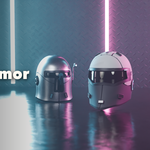
- Open the Helmet tab in the 3D viewport sidebar (N). Pick a family with the icon tabs, then click a picture to add that helmet at the 3D cursor. You can also use Shift+A, Mesh, Helmet.
- With a helmet selected, clicking another picture turns it into that type. Surprise adds a random helmet, Randomize varies the selected one and the arrow button resets it to its type.
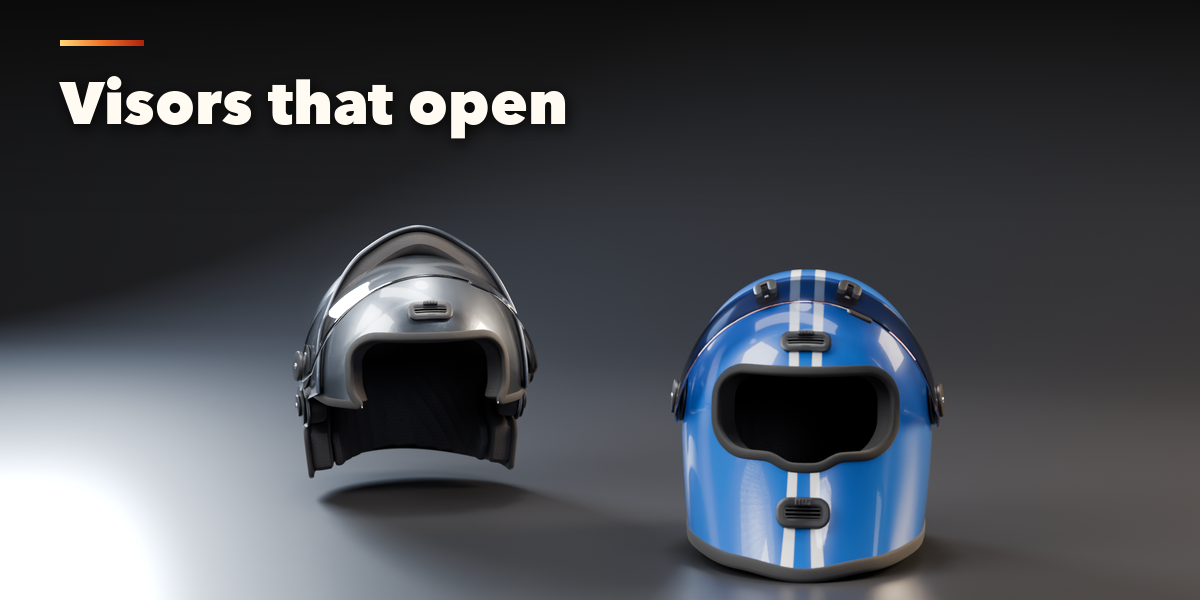
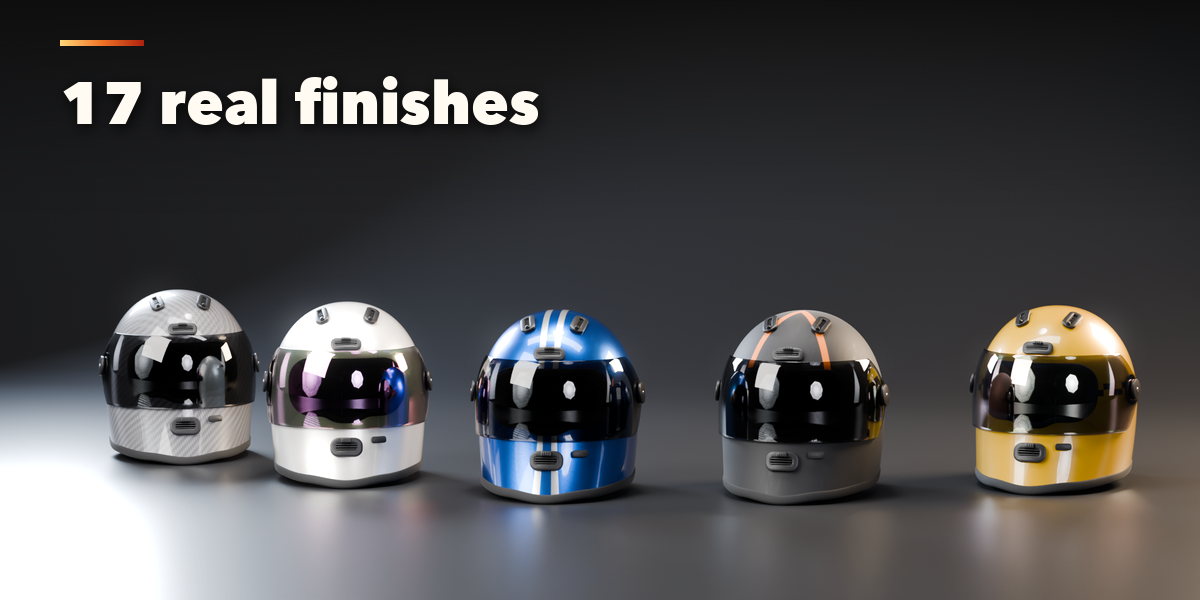
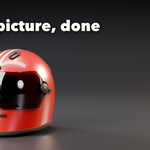
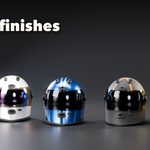
- Under the pictures you set the finish, color, graphic, visor tint and the open amount of the visor, chin bar, bevor or faceplate (these turn without a rebuild).
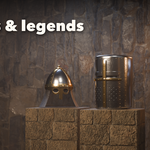
- Features switches visor, face guard, peak, goggles, lamp, mail, padding, straps, trims, rivets and extras; Shape holds head size and proportions; Finish, Condition and Output hold colors, wear, dirt, rust, mesh detail, the studio and Make Real.
- Make Real turns the helmet into plain mesh objects, joined or one per part, ready to edit or export.
Have questions about this product?
Login to message
| Blender Extension Compatible | Yes |
| Published | 1 day ago |
| Blender Version | 4.2 - 5.2 |
| Extension Type | Add-on |
| Render Engine Used | Cycles, Eevee |
| License | GPL |
