HeroForge — Your Blender Character as One Unity Prefab: Humanoid, Locomotion, Root Motion, Footsteps, Hits, Ragdoll and LODs, Measured
 Skava
HeroForge — documentation
What you get
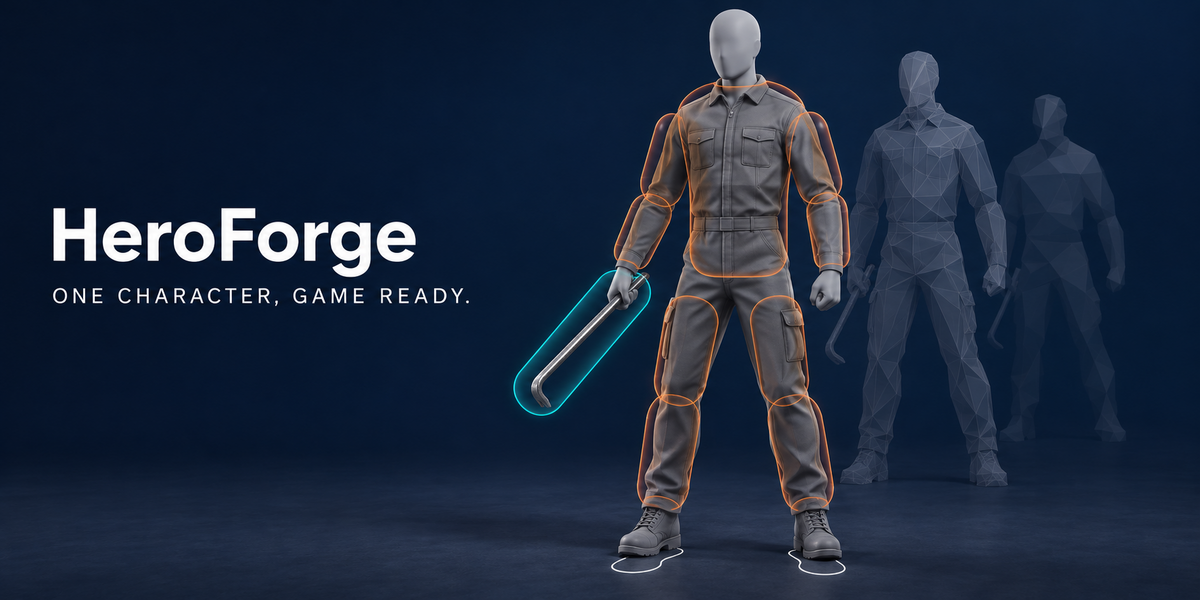
One button in Blender and one in Unity turn your character and its actions into a prefab a game can use: a Humanoid (or Generic) model, an Animator Controller with a walking blend and a state for every other clip, root motion, footstep events, strikers and hurtboxes switched on by the clips, a ragdoll, levels of detail, and, for Generic characters, animation compression held to a budget in millimetres. Every part reads the same rig and the same actions, and is set up in one order, so no part undoes another. Check plays the result in Unity and compares it with Blender, part by part, and says OK or FAIL for each.
Requirements
Blender 4.2 or newer. Unity 6, tested in the built-in render pipeline (the materials are Unity's own FBX import). No Unity packages needed.
Install
Edit > Preferences > Add-ons > Install from Disk, choose the zip, tick HeroForge. The tab is in the 3D View's sidebar (N). Blender's own FBX format add-on must be on (it is by default). To remove: the same list, arrow next to HeroForge, Remove.
How to use
- Blender, Object Mode: click the character's armature (or its mesh) so it is active, 3D View > Sidebar > HeroForge, Use Active (next to the Armature field).
- Choose Humanoid (people) or Generic (animals, creatures, robots). Humanoid fills its bone slots from the bone names; open Bone Slots and press Fill Bone Slots to see or change them.
- Tick the parts you want. Locomotion finds the walks, runs and the standing clip by itself; open Clips and press List Clips to say which action is which. Hits: Find Strikers adds every mesh parented to a bone (a sword in a hand), or the two hands.
- Press Check Character and read what each part will get. Nothing is written.
- Choose a folder (best: inside your Unity project's Assets) and press Build Hero.
- Unity: click the FBX, Tools > HeroForge > Set Up Hero. Drag NAME Hero into your scene, press Play.
- Tools > HeroForge > Check Hero writes NAME Hero.txt next to the model. Set Up runs Check at the end as well.
In a script: var hero = GetComponent<HeroForge.HeroCharacter>(); hero.velocity = new Vector3(0, 0, 1.4f); // world space, metres per second hero.Play("Attack01"); // a clip by its name hero.Ragdoll(true); // and Ragdoll(false) to stand up where it lies GetComponent<HeroForge.HeroHits>().Hit += h => Debug.Log(h.striker.strikerName + " hit " + h.collider.name); GetComponent<HeroForge.HeroSteps>().onFootstep.AddListener((foot, speed) => { });
Changed the character? Build and Set Up again: the prefab, the controller and the profiles are updated in place, and what you added to the prefab stays. Your own Animator Controller on the prefab is kept. The controller HeroForge writes is rebuilt every time: copy it if you want to change it. One Unity project needs one HeroForge scripts folder: export into Assets and HeroForge finds it. Two copies of the scripts in one project do not compile.
The parts
- Humanoid: the bone slots, Translation DoF when your actions move bones, and what Unity's Humanoid leaves out (twist bones, in-between spine bones, finger rotations) learned from your own clips and put back by HeroAvatarRig. A correction that makes any of your clips worse is left out.
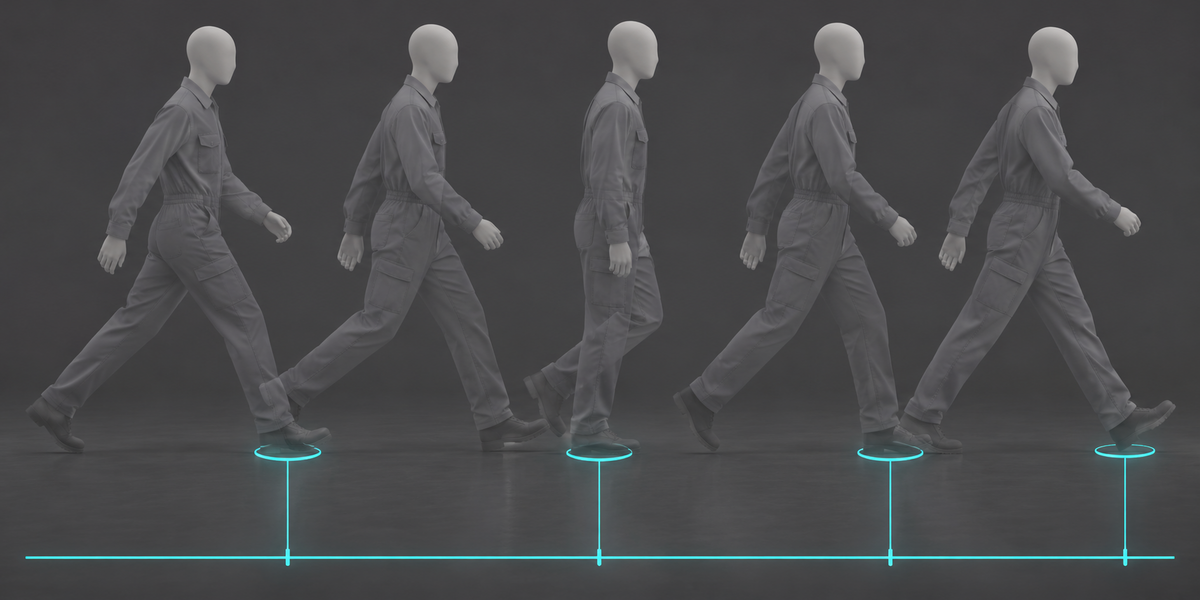
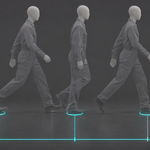
- Locomotion: one stride of each walk and run, starting on the same foot, in a blend at the speed its feet were measured to walk; the standing clip below the slowest stride; a strafe that goes one way only is mirrored; each stride's last frame is made its first again, what the cut left between them spread over the stride, so the loop has no jump. HeroCharacter moves the character at the speed the feet play, and Check measures how far a planted foot still drifts.
- Root motion: every other clip carries the character where Blender does. A root bone is added when the rig has none. Walks are moved by the locomotion, actions by their root motion, and a fade between them by both.
- Footsteps: an event on every step and landing (HeroStep, HeroLand) and a contact curve per foot; in a blend only the heaviest clip gives steps.
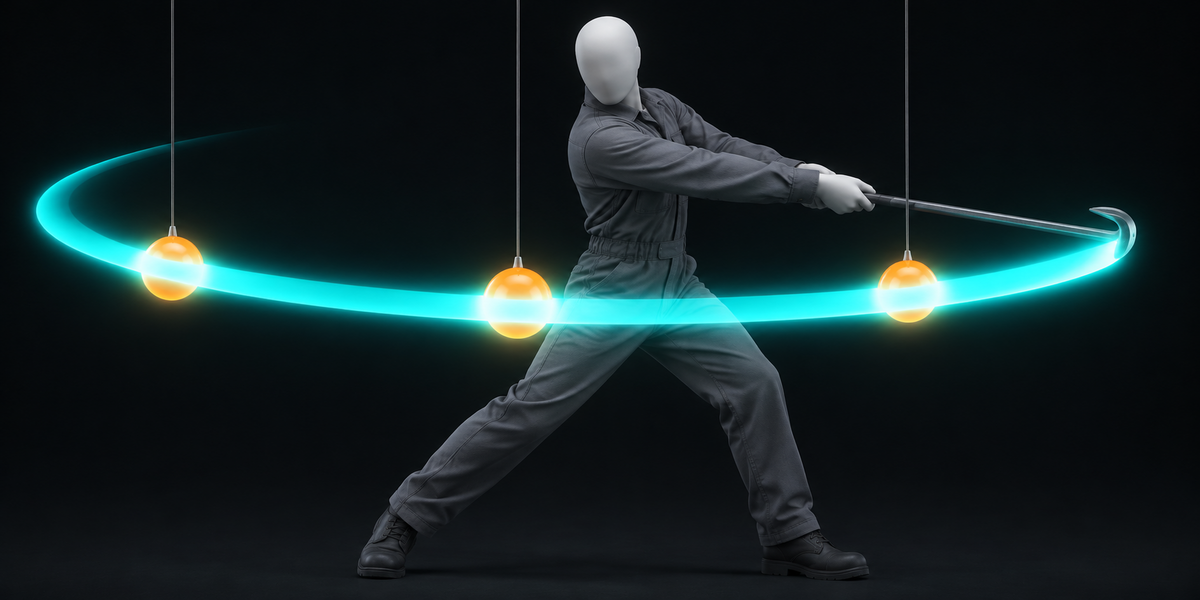
- Hits: strikers as capsules on their bones, switched on and off by events at each blow, that check the whole way the blow travelled between two frames; hurtboxes fitted to the moving skin. A walk or a run is never read as a blow.
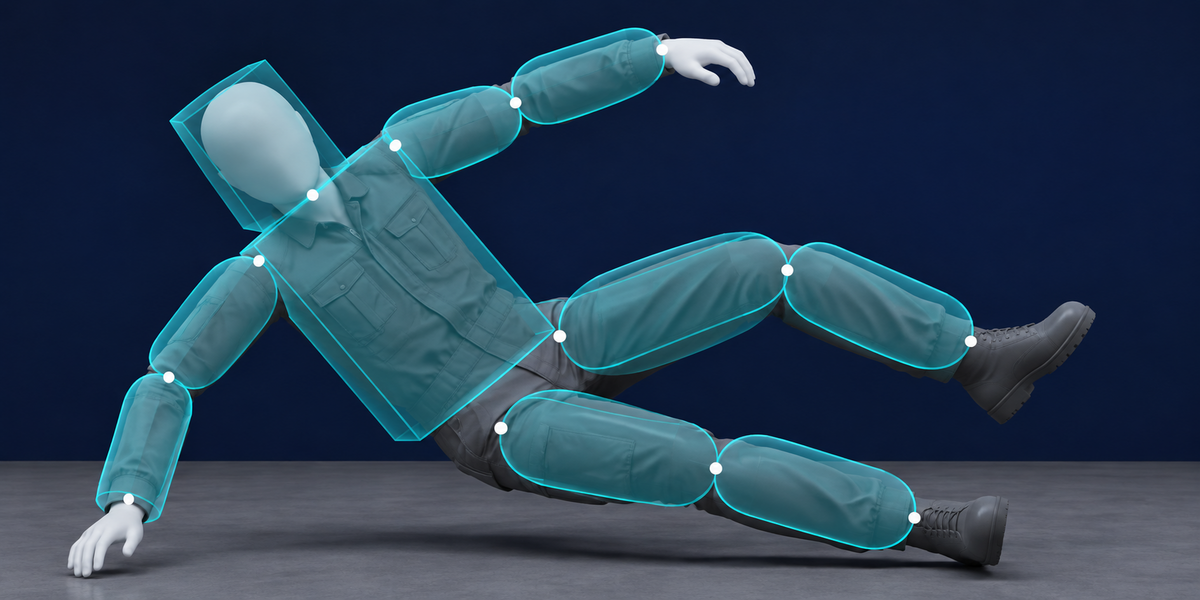
- Ragdoll: bodies fitted to the skin, joint limits from your actions. Its colliders are off while the character is animated, so the hurtboxes on the same bones keep working.
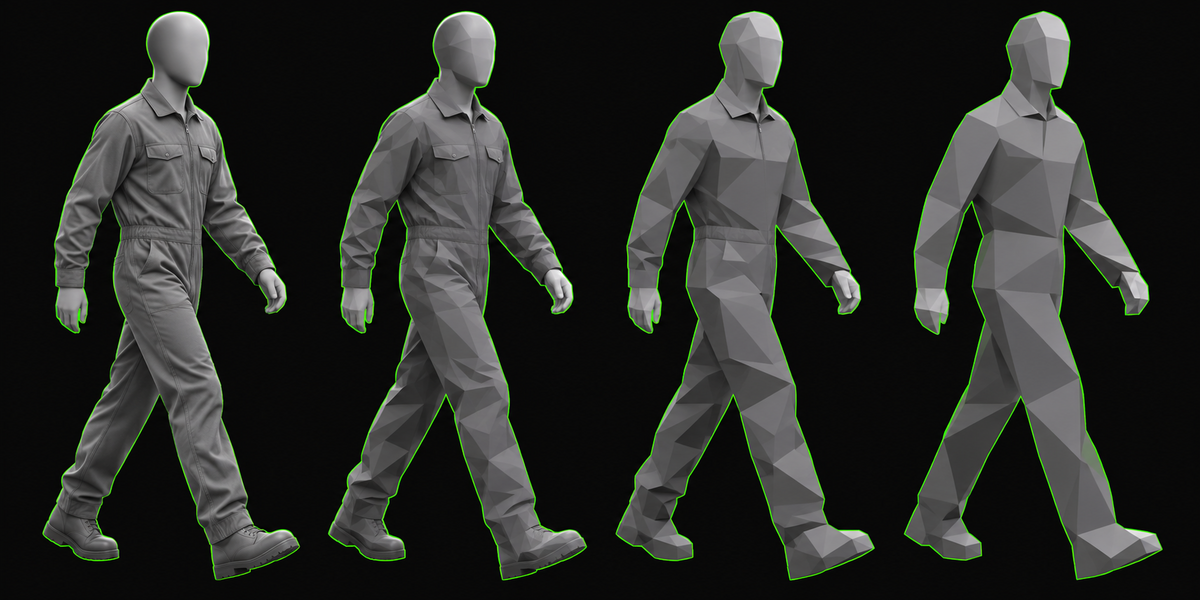
- LODs: levels with fewer triangles and bones, weights fitted to the full mesh's motion, switch heights from the error measured in motion. Levels you already have (Body_LOD1...) are replaced.
- Compression (Generic): the strongest animation compression that keeps the skin of every clip within the budget. A Humanoid keeps Unity's default: Unity rebuilds a Humanoid's clips at every import, and the same file with the same settings came out up to 119 mm apart on Unreal's Manny, so no budget in millimetres can be held to.
Settings
- Armature, Use Active: the character; its own actions become its clips. Unity Rig: Humanoid (people, retargeting) or Generic (any rig).
- Bone Slots (Humanoid): the bone in each of Unity's slots; Fill Bone Slots fills them from the bone names, Fingers shows the finger slots.
- Locomotion: one stride of each walk and run in a blend that moves at the speed the feet walk. Mirror Missing Directions: a strafe that goes only one way is mirrored to the other side (needs left and right in the bone names). Clips > List Clips > Use As: what each action is (Auto: decided from the feet; Walk / Run; Standing; Action: a clip of its own, not in the blend).
- Root Smoothing: how much of the hips' sway the root leaves out, in seconds of motion. Root Follows Turns: the root turns with the body; off, it keeps its heading and the body turns on it.
- Footsteps: an event on every footstep. Landings: also the moment the character lands. Landing After: a contact counts as a landing when every foot was off the ground at least this long.
- Hits: Find Strikers adds the weapons parented to bones (or the two hands); + adds one by hand. Each striker: Name (what the hit reports in Unity), Kind (Weapon: a mesh on a bone; Body Part: a fist or foot, the skin of a bone and the bones under it), Weapon, Bone, Extra Reach (grows the capsules by this many millimetres). Active Above: a blow is active while its speed is above this share of the action's top speed. Slowest Blow: an action whose striker never moves this fast has no blow. Hurtboxes: fit hurtboxes to the moving skin.
- Ragdoll: Bodies (how many), Mass (the whole character's weight, shared out by the volume each body fills).
- LODs > Levels: each level's Triangles (share of the full mesh kept), Bones per Vertex, and Fingers, Twist, Face (drop those bones at that level). Rounds: more rounds are slower and often give a closer level. Pixel Budget: Unity switches to a level once its error covers no more than this many pixels on a screen of Screen Height pixels. Cull Below: hide the character once it fills less than this share of the screen height.
- Clip Compression, Skin Budget: in Unity, the strongest animation compression that keeps the skin of every clip within the budget (Generic characters).
- Name: the files' name (empty: the armature's). Folder: where the Unity files go. Unity Scripts: also write the HeroForge scripts (a project needs them once).
What check measures
- Prefab: every part in place, connected and switched on.
- Skeleton: the bones of an uncompressed copy against Blender's, on frames of every clip.
- Humanoid (or Body): the skin as the game shows it against your animation, relative to the hips.
- Root motion: the body's path in Unity against Blender's, clip by clip, and that the character itself gets there with it.
- Locomotion: each stride's speed in Unity against Blender's, and how fast a planted foot drifts when the character moves by the speed map.
- Footsteps and blows: every event on its frame.
- Hits: the strikers posed by the clips against Blender's, and the blows played at 30 and 60 frames per second against targets in their way.
- Ragdoll: bodies, colliders, joints and limits against the file, and three falls: no joint may open more than 6 % of the character's height (about 11 cm on a 1.8 m one), the body must come to rest.
- LODs: each level against the full mesh in motion, and the switch heights.
- Compression (Generic): the skin against the same clips without compression.
What does not travel
- A character that follows a control rig through constraints: bake its actions onto the deforming armature first (Pose > Animation > Bake Action).
- Shapes that change without bones (cloth, lattice, geometry nodes), and shape key animation.
- Weapons held by a constraint rather than parented to the bone: parent them, or place them in Unity.
- Textures: copied next to the FBX when they are files (packed images are written out for the export); images that were never saved are named and left out.
- Lights, cameras and the rest of the scene. The model must be at scale 1 or 0.01 (an Unreal export).
- Between frames Unity draws straight lines between keys; Check measures whole frames.
License
The Blender add-on is GPL 3 (LICENSE.txt). The Unity scripts are MIT (unity/LICENSE-HeroForge-Unity.txt): you may ship them in your games, closed source or not.
Have questions about this product?
Login to message
| Published | about 4 hours ago |
| Blender Version | 4.2 - 5.2 |
| Extension Type | N/A |
| License | GPL |